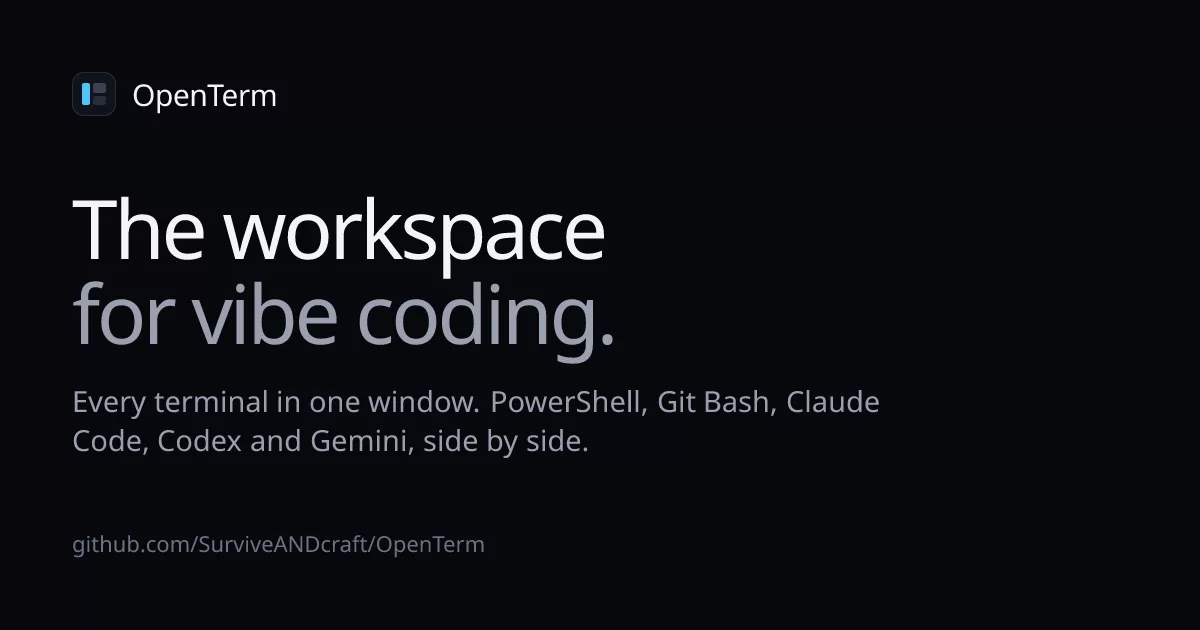
A vibe coding workspace for Windows.
Run several AI agents at once without losing track of any of them. OpenTerm keeps every project, terminal and agent session in one window — named workspaces in a sidebar, each one a grid of terminals you can split, fold and rearrange, driven entirely from the keyboard. Close the app, reopen it, and everything is exactly where you left it.
Windows · free · updates itself. Website and documentation: openterm.app.
⬇ Download the latest release
OpenTerm 1.0.0 is out — the first stable release, and the first with its source in the open. It is what I use all day. It is still young software under active development, so you may hit a rough edge; bug reports are very welcome: open an issue.
Why it exists
Vibe coding means living in terminals. Two or three agents per project, one more watching a dev server, another for git, and a separate window for every repo you touch. They scroll away, you lose track of which agent asked you a question twenty minutes ago, and every restart means setting the whole thing up again.
OpenTerm makes that pile into a workspace.
What you get
Sessions and panes. One named session per project, rooted in its folder.
Split any pane into rows or columns, drag panes around, zoom one to full screen,
fold the ones you're not watching. Type OpenTerm into any Explorer address bar
— or right-click a folder — and it opens as a session.
It tells you when an agent needs you. OpenTerm watches your terminals for approval prompts, errors and finished work, and collects them in an inbox with the taskbar blinking. You can look away from a long run without losing the moment it stops.
Usage and costs. Live token usage and spend per pane and per session for Claude Code, Codex and friends, with your plan's limits and how close you are to them.
Dictation, anywhere. Hold a shortcut, talk, and your words land in whatever is focused — a terminal, an agent prompt, any other app on your machine. Off until you turn it on, and it needs your own API key.
A browser that reports back. Open a browser pane next to your code. It captures console output and network requests, and hands them to an agent as context with one drag — no copying stack traces out of DevTools.
Files beside your terminals. A file tree for the session folder, plus file panes that dock into the grid: Markdown, code with syntax highlighting, PDFs, images, spreadsheets and Word documents.
A map of your repo. Branches, commits, contributors and what's changed, without leaving the window.
Tasks and delegation. A per-session task list, and a way to hand a task straight to an agent in a new pane with its files and notes attached.
Nothing is lost. Sessions, layouts and settings save continuously and are snapshotted on every change. Settings → Backups lets you browse those snapshots, see what each one holds and restore it — and that restore is itself undoable.
Yours, locally. Your sessions, layouts, settings and backups live on your machine and are never uploaded. Every request OpenTerm makes is listed under What leaves your machine.
What leaves your machine
Nothing about your code, terminals or files is collected, and there is no telemetry or analytics of any kind. These are all the requests OpenTerm makes:
- Update checks — on startup, OpenTerm fetches
latest.jsonfrom this repo's GitHub releases. Always on; nothing about you is sent. - Dictation and the AI helpers (naming notifications, enhancing a prompt, searching backups) — off until you enable them, and they need an OpenRouter API key you supply. Only the audio you dictate, or the short snippet the helper works on, is sent; the key is stored locally and sent nowhere else.
- Plan-limit pills — to show how much of your Claude or ChatGPT plan is
left, OpenTerm reads the session token the CLI you already signed into keeps
on disk (
~/.claude/.credentials.json,~/.codex/auth.json) and calls that vendor's own usage endpoint with it. The token is sent only to the vendor it belongs to, is never stored by OpenTerm, and the feature is inert if you are not signed in to that CLI. This is the one place OpenTerm reads another tool's credentials, so it is called out here rather than buried in the code — seesrc-tauri/src/usage.rs. - Agent CLI version checks — when a pane runs a known agent CLI, OpenTerm asks npm or PyPI for that package's latest version so it can tell you an update exists. Only the public package name is sent.
- Browser panes — a browser pane is a real webview and loads whatever page you point it at, exactly like a browser tab.
Building from source
Requires Rust (stable, MSVC toolchain), Node 20+, and the Visual Studio C++ build tools.
npm install
npm run tauri:dev      # run the dev build
npm run build          # typecheck + build the frontend
cd src-tauri && cargo test && cargo clippy --all-targets
A packaged installer is npm run tauri build; npm run release additionally
signs the updater artifacts and needs a signing key only the maintainer holds.
Updates
OpenTerm checks for new versions on startup and installs them for you. Every update is cryptographically signed and refused if the signature doesn't match, so only builds from this repo can reach an installed copy.
Shortcuts
Everything is keyboard-first and every shortcut is rebindable in Settings.
Ctrl+/ shows the full cheat sheet in the app.
| New session | Ctrl+Shift+T |
| Jump to session 1–9 | Alt+1…9 |
| Split right / down | Ctrl+Shift+E / Ctrl+Shift+O |
| Focus / resize pane | Ctrl+Arrows / Ctrl+Alt+Arrows |
| Zoom / fold pane | Ctrl+Shift+Z / Ctrl+Shift+D |
| Find in terminal | Ctrl+Shift+F |
| Cheat sheet · Settings | Ctrl+/ · Ctrl+, |
Links
- openterm.app — website
- Documentation — every feature, and every shortcut
- Releases — downloads and changelog
Requirements
Windows 10 or 11, 64-bit. Nothing else to install — the installer brings what it needs, and WebView2 is already part of Windows.
Feedback
Found a bug, or something felt wrong? Open an issue — that is the fastest way to get it fixed.
License
OpenTerm is source-available, not open source. You may read, build, modify and redistribute the code, but the Elastic License 2.0 sets limits — most notably you may not offer OpenTerm to third parties as a hosted or managed service, strip its notices, or tamper with license-key functionality.
Bundled third-party components keep their own permissive licenses; see NOTICE.md.