
ParserBee MCP server
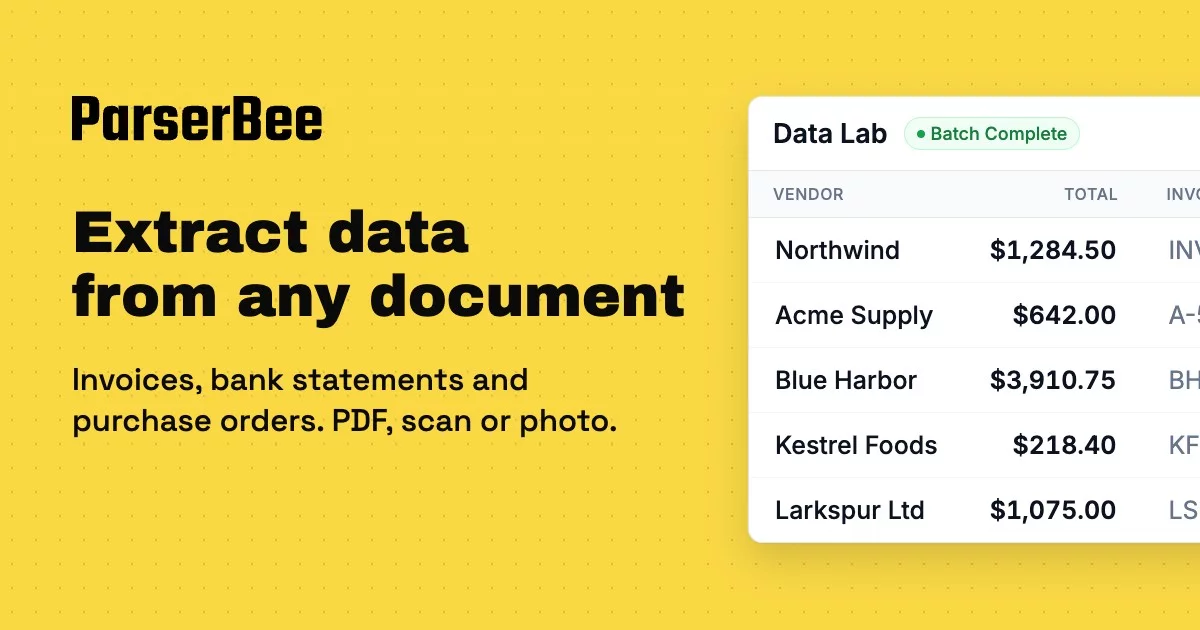
A Model Context Protocol server for ParserBee. It lets an AI assistant extract structured data from invoices, receipts, purchase orders, bank statements and other documents, using your Parser Templates.
Ask your assistant things like:
- "Extract the invoice in ~/Downloads/inv-2041.pdf with my Invoice template."
- "Read every receipt in this folder and give me a table of merchant, date and total."
- "How many ParserBee page credits do I have left?"
Tools
| Tool | What it does |
|---|---|
extract_document |
Extract data from a local file (file_path) or a public link (file_url) with a Parser Template. 1 page credit per page. |
list_templates |
List the Parser Templates in your account, with their fields |
get_template |
One Parser Template with all of its fields |
get_credits |
Page credit balance, plan and subscription status |
list_recent_extractions |
The last 10 extraction requests |
get_extraction |
One extraction request, with its extracted data |
Before you start
- Create a free account at app.parserbee.com. New accounts get 25 free pages, no credit card.
- Create a Parser Template: upload one sample document and the AI builds the fields for you, or pick a ready-made one from the template library.
- Copy your API key from Settings in the dashboard. It starts with
pk_.
You need Node.js 18 or later.
Set up
Claude Desktop
Open Settings > Developer > Edit Config and add:
{
  "mcpServers": {
    "parserbee": {
      "command": "npx",
      "args": ["-y", "parserbee-mcp"],
      "env": { "PARSERBEE_API_KEY": "pk_your_api_key" }
    }
  }
}
Restart Claude Desktop.
Claude Code
claude mcp add parserbee --scope user -e PARSERBEE_API_KEY=pk_your_api_key -- npx -y parserbee-mcp
--scope user makes ParserBee available in every folder. Without it, Claude Code adds the server only to the folder you run the command in. Start a new Claude Code session afterwards, then check it with claude mcp list.
Cursor
Add the same mcpServers block to ~/.cursor/mcp.json (all projects) or .cursor/mcp.json (one project).
VS Code
Add to .vscode/mcp.json:
{
  "servers": {
    "parserbee": {
      "command": "npx",
      "args": ["-y", "parserbee-mcp"],
      "env": { "PARSERBEE_API_KEY": "pk_your_api_key" }
    }
  }
}
From a local copy
git clone https://github.com/ParserBee/parserbee-mcp.git
cd parserbee-mcp
npm install
PARSERBEE_API_KEY=pk_your_api_key node dist/index.js
Point your client at node /path/to/parserbee-mcp/dist/index.js.
Settings
| Environment variable | Required | Use |
|---|---|---|
PARSERBEE_API_KEY |
Yes | Your API key from Settings |
PARSERBEE_BASE_URL |
No | Defaults to https://app.parserbee.com |
What comes back
extract_document returns the API response. The extracted fields are in data, shaped like your Parser Template:
{
  "success": true,
  "request_id": "req_abc123",
  "data": {
    "invoice_number": "INV-2026-001",
    "vendor_name": "Acme Corp",
    "total_amount": 1500
  },
  "credits_remaining": 449,
  "usage": { "pages_processed": 1, "credits_charged": 1 }
}
Files can be PDF, PNG, JPG, WebP or HEIC, up to 50 MB. Scans and phone photos work. API errors (an invalid key, no page credits left, an unknown template) come back as tool errors with the ParserBee error code, so the assistant can tell you what to fix.
Try it
The sample-invoices repository has 18 free test invoices with the correct value of every field, so you can check the results.
Related
- parserbee-python and parserbee-node: client libraries
- parserbee-n8n: n8n workflows
- parserbee-postman: Postman collection and OpenAPI file
- Free browser tools: invoice parser, bank statement converter, receipt scanner
- Comparing tools? See our test of invoice OCR software.
Development
npm install
npm test
npm run build
License
MIT