Posy is a link-in-bio page that looks hand-made.
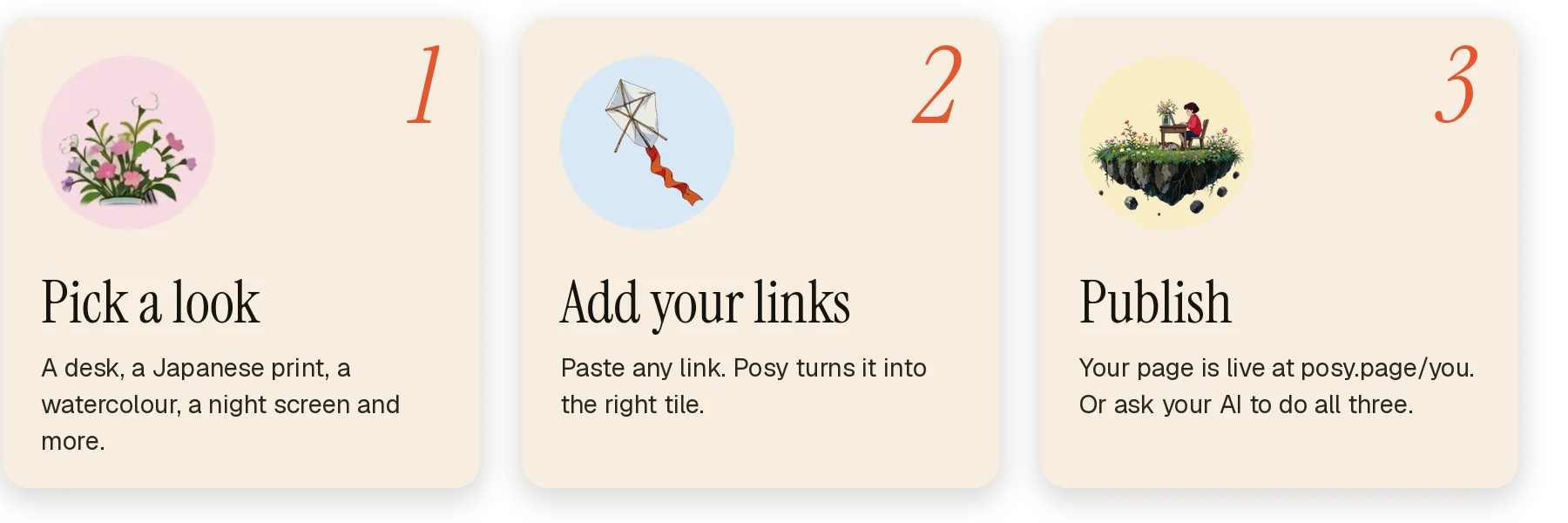
Pick a look, add your links, publish. Edit it yourself, or let your AI do it.
Free and open source. Use it at posy.page or run it yourself.


Website · Docs · Connect your AI · Self-host · Contributing







What is Posy
Posy is a link-in-bio page that looks hand-made. You pick a look, add your links, and publish. Edit it yourself in a calm studio, or ask your AI to do it for you. Your page is one small JSON file you can take anywhere.

The looks
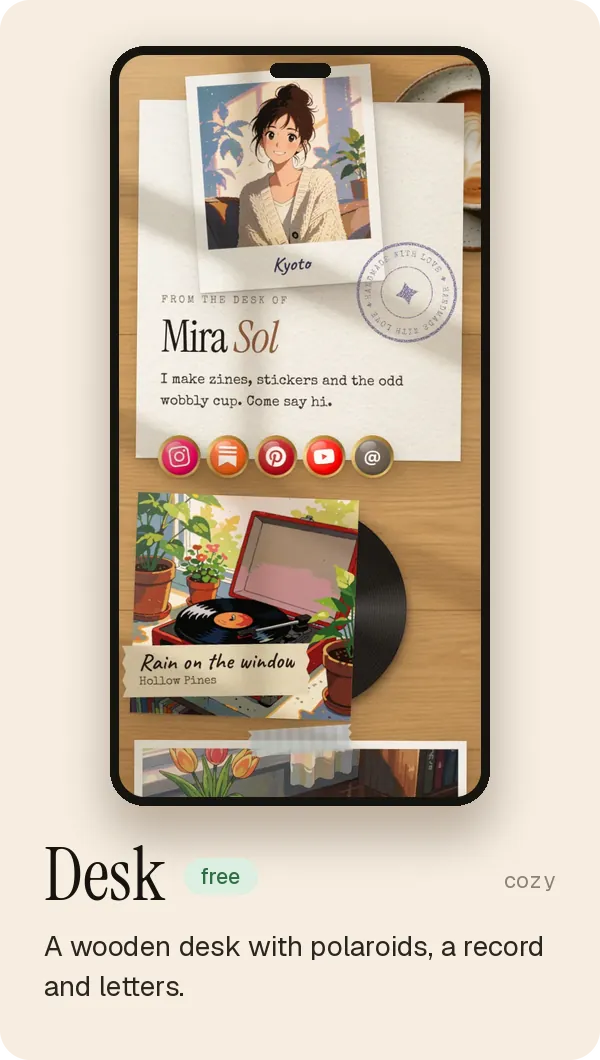
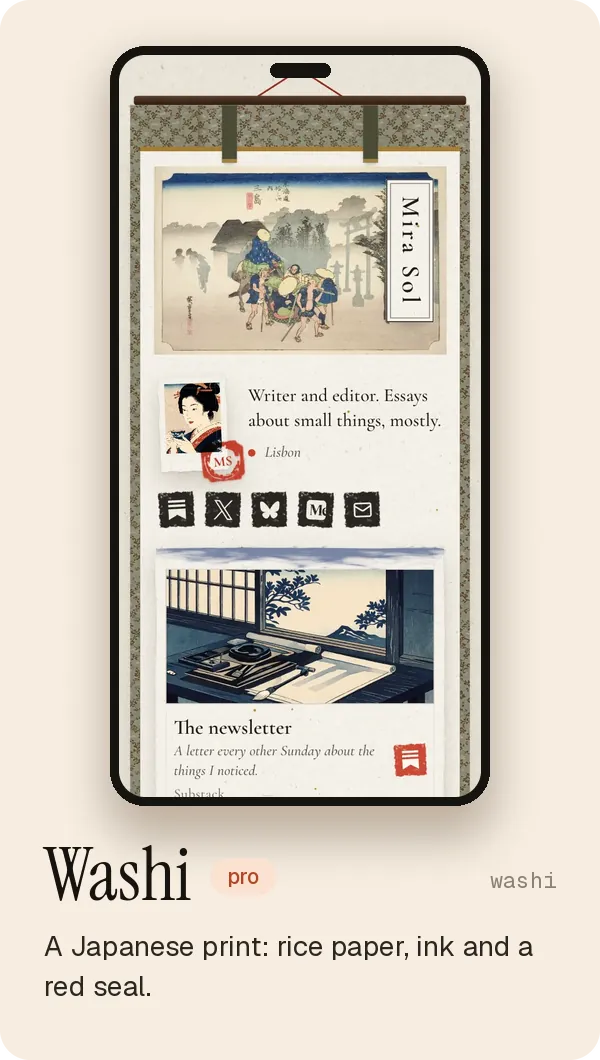
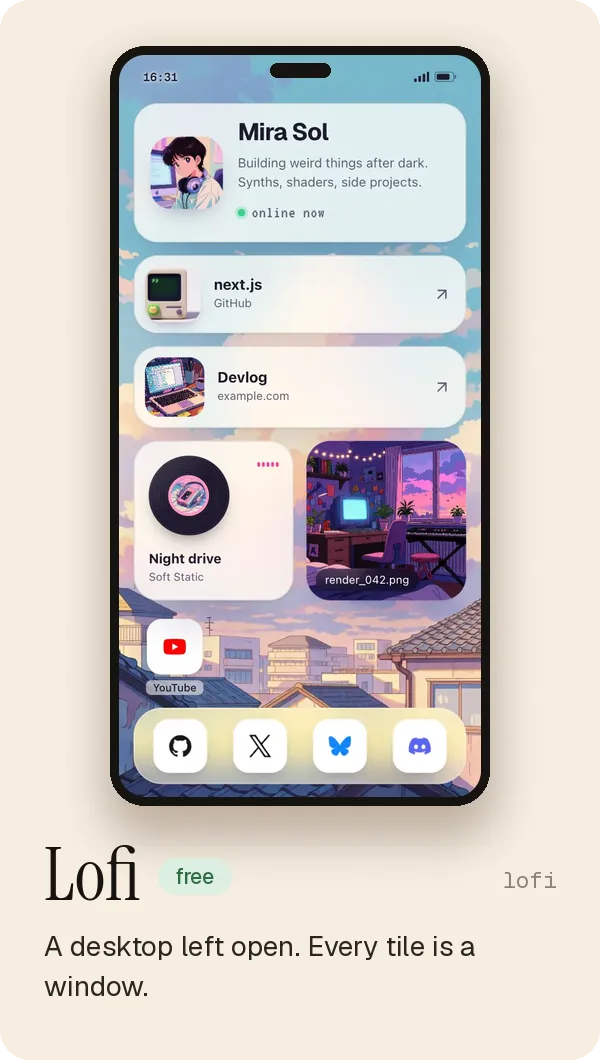
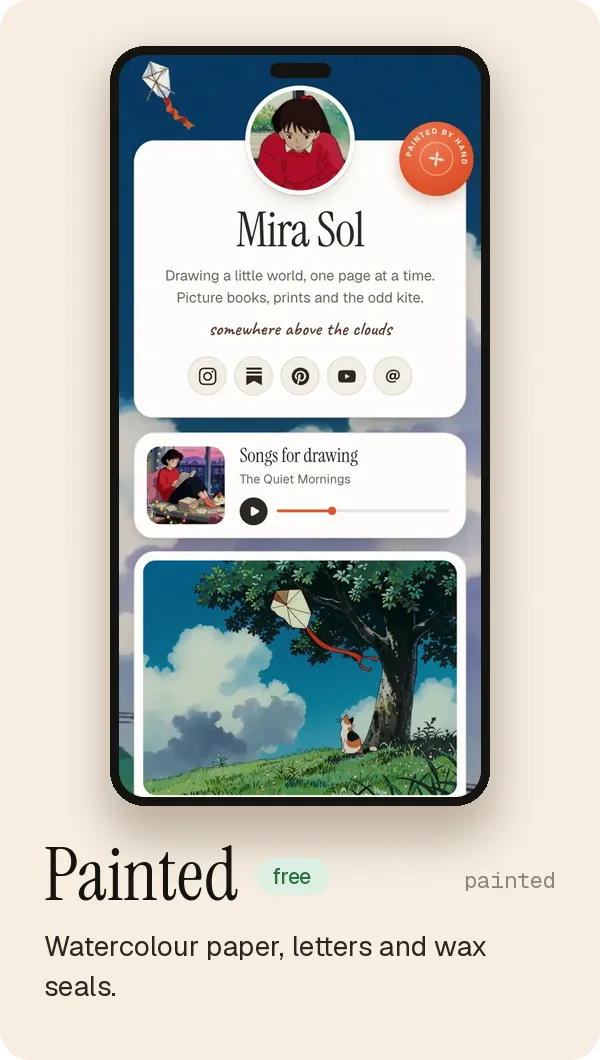
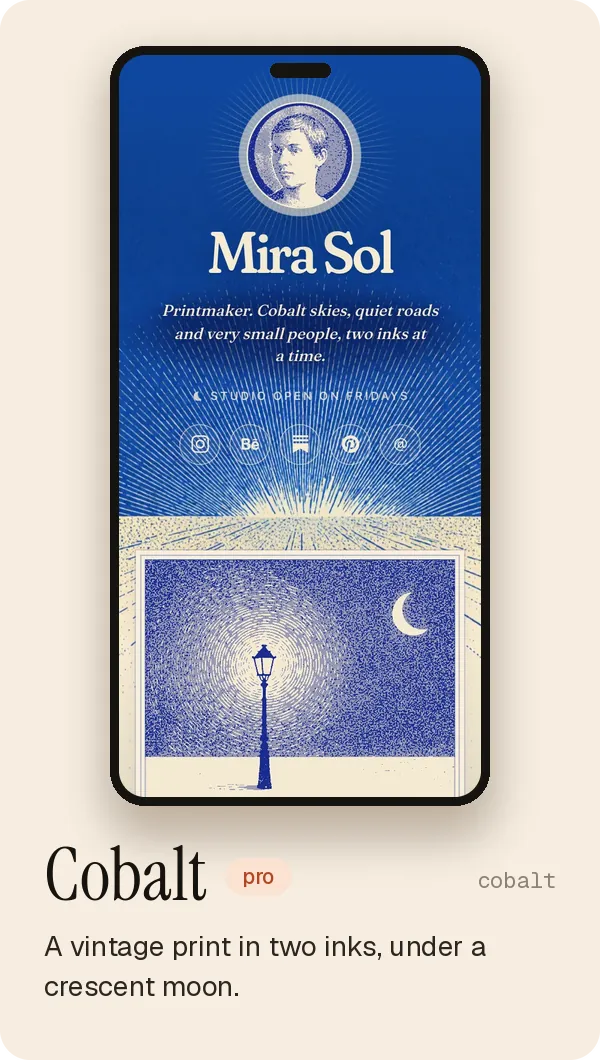
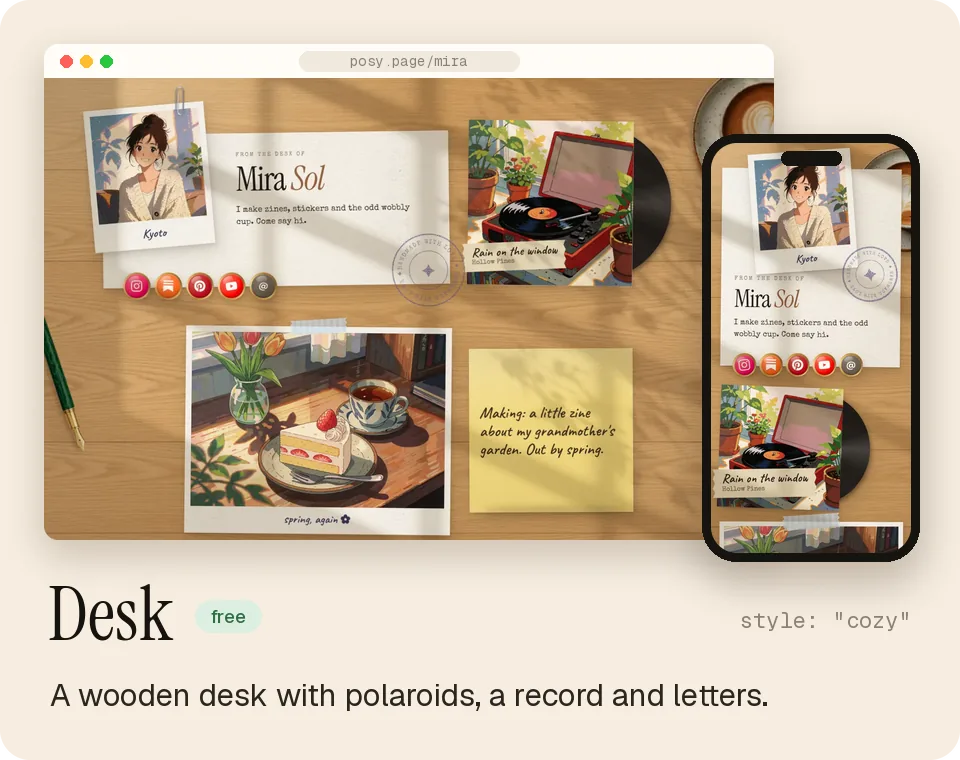
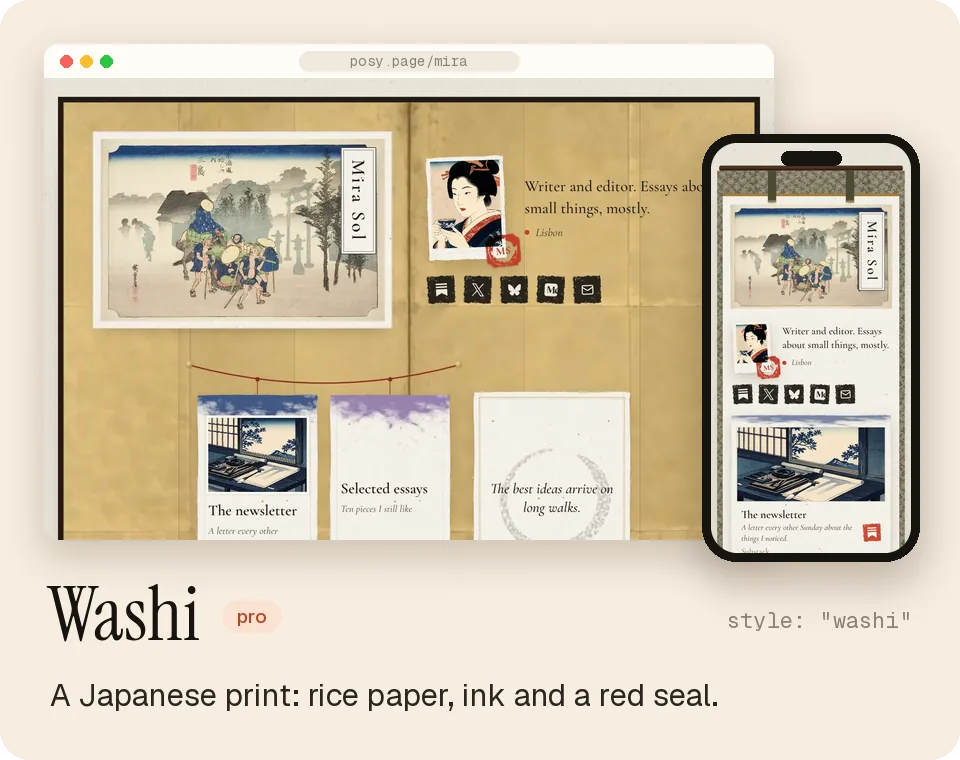
The same links, drawn as a wooden desk with polaroids, a Japanese print, a desktop left open, a watercolour, a two-ink print or a netrunner's screen. Each look has four palettes, and you can switch any time.
 |
 |
 |
 |
 |
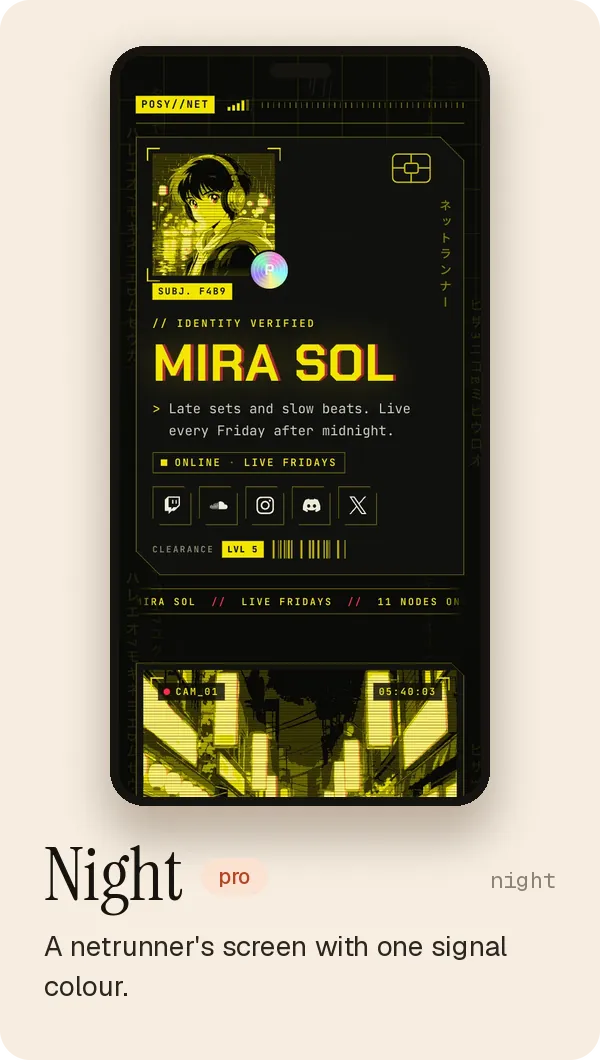 |
On posy.page, Painted, Desk and Lofi are free, and the others come with Pro. Self-hosted, every look is unlocked. See them live in the looks gallery.
See each look on a desktop
 |
 |
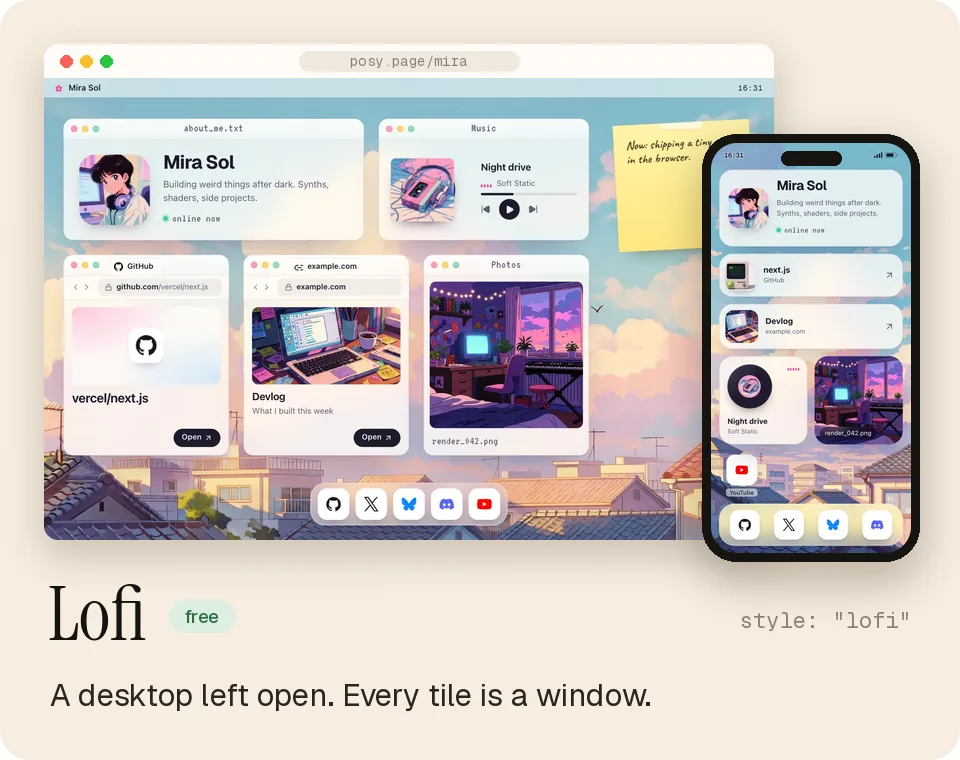 |
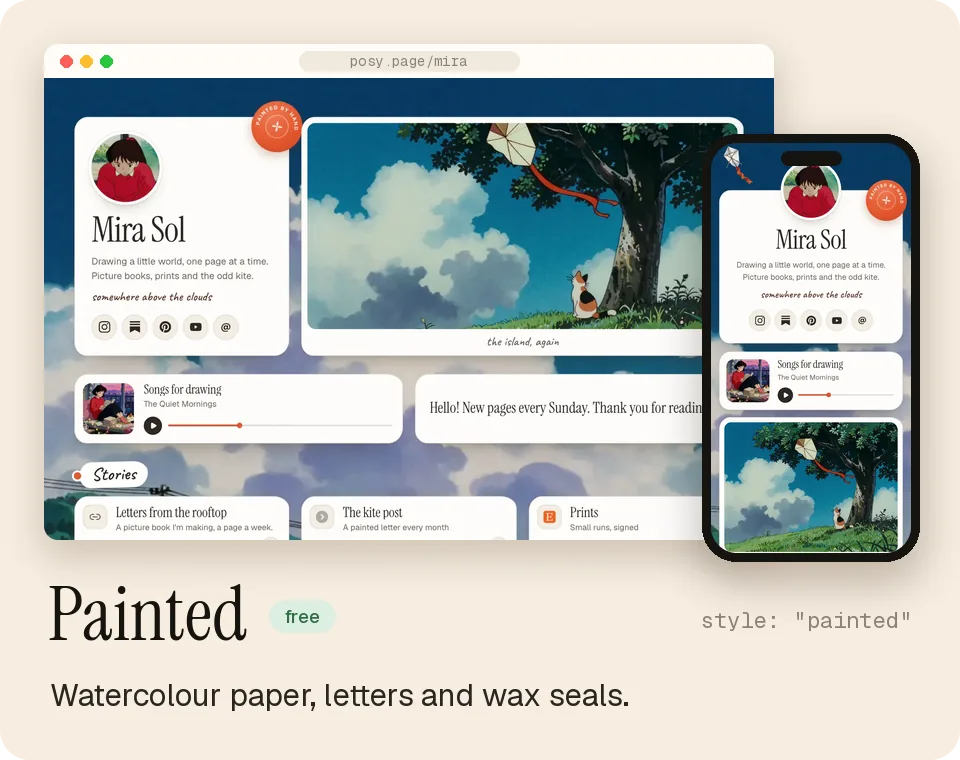 |
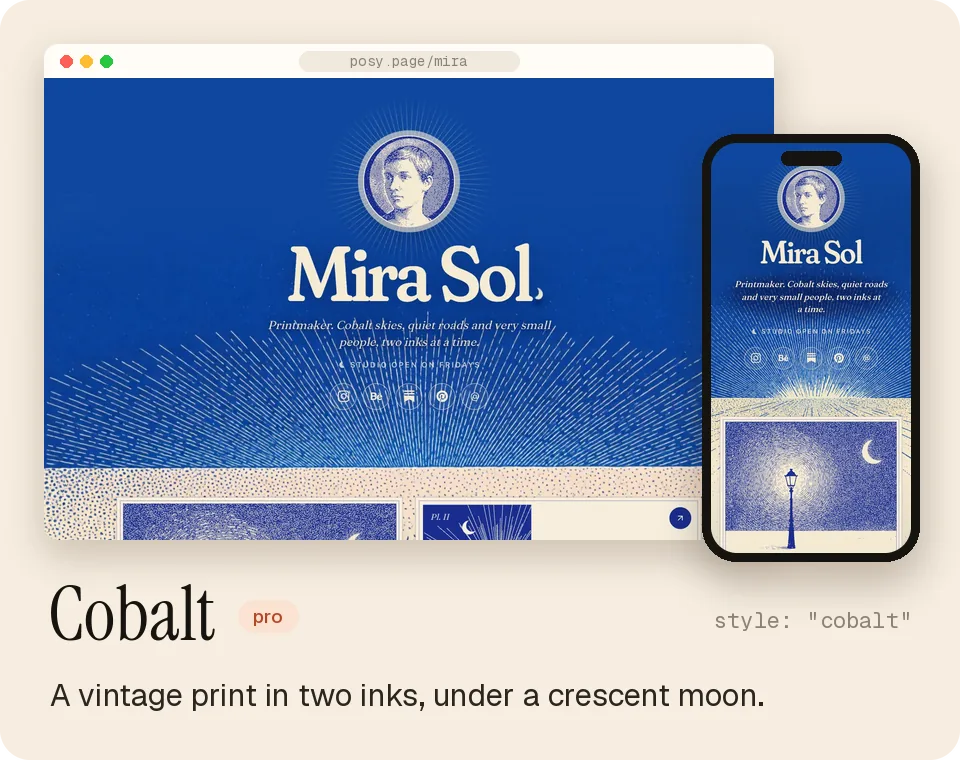 |
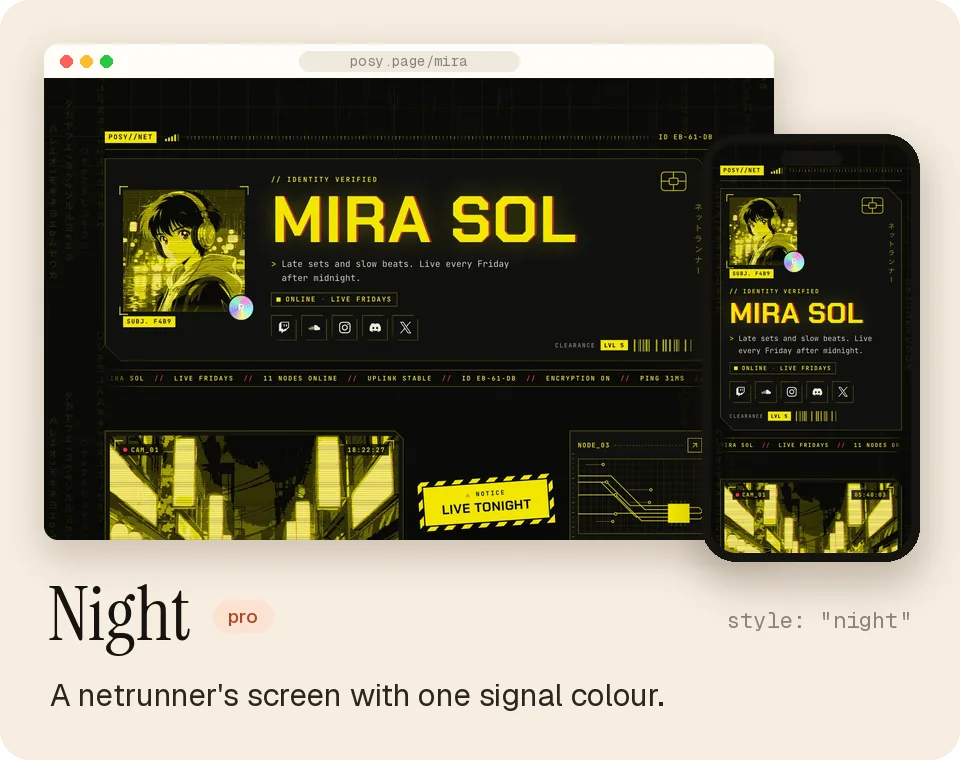 |
Tiles, palettes and layouts
| Tile | What it shows |
|---|---|
| Link | Favicon, title and an optional preview image |
| Social | 29 platforms (X, Instagram, GitHub, LinkedIn, YouTube, TikTok, Bluesky, Threads, Substack…) and email |
| Note | Short text with bold, italic and links |
| Section | A heading that starts a new group of tiles |
| Image | Your photo or artwork, with an optional caption and link |
| Video | YouTube, loads only when played |
| Music | Spotify embed |
| GitHub | A repo with live stars and language, refreshed daily |
Three layouts: bento (a grid), list (one column) and canvas (place tiles freely). Photos can be printed natural, mono, dither or ascii.
On top of each look's palettes: Cream, Lavender, Mint, Sky, Peach, Paper, Blush, Sage, Midnight, Mocha, Dusk and Ocean, any accent colour, and font pairs.

Make your page
Claim your name at posy.page. Paste a link anywhere to add a tile, drag to arrange, and press Publish. Your page is live in a minute.
Just looking? Open posy.page/new, paste a few links and see your page before you sign up.
Free, Pro and self-hosted
| posy.page Free | posy.page Pro | Self-hosted | |
|---|---|---|---|
| Tiles, editor, API, MCP, CLI | All | All | All |
| Looks | Painted, Desk, Lofi | All | All |
| Your own domain | No | Yes, HTTPS set up for you | Yes, point it at your server |
| Analytics | Basic | 12 months + CSV | 12 months + CSV |
| "Made with Posy" footer | Shown | Hide it | Hide it |
| Setup and upkeep | None | None | You |
Pro is $5 a month or $48 a year. Your page works the same everywhere: Settings → Download page.json on one, Import page.json on the other.
Connect your AI
Posy has a hosted MCP server, so your AI can make and edit your page. You sign in with your Posy account; there is no key to copy. Everything it does lands in your draft, and nothing goes live until you, or it, publish.
https://posy.page/api/mcp
One click
A few steps


claude mcp add --transport http posy https://posy.page/api/mcp   # Claude Code, then /mcp → Authenticate
codex mcp add posy --url https://posy.page/api/mcp               # Codex
In ChatGPT, open Plugins, press +, choose Add custom MCP server, paste the URL and pick OAuth.
On your own server, use https://YOUR-POSY/api/mcp. Posy is in the official MCP registry as io.github.Himanshu-Sangshetti/posy.
No connector? Hand it a page file
Any chat can write your page as one small JSON file. Paste it at posy.page/new and it becomes a page.
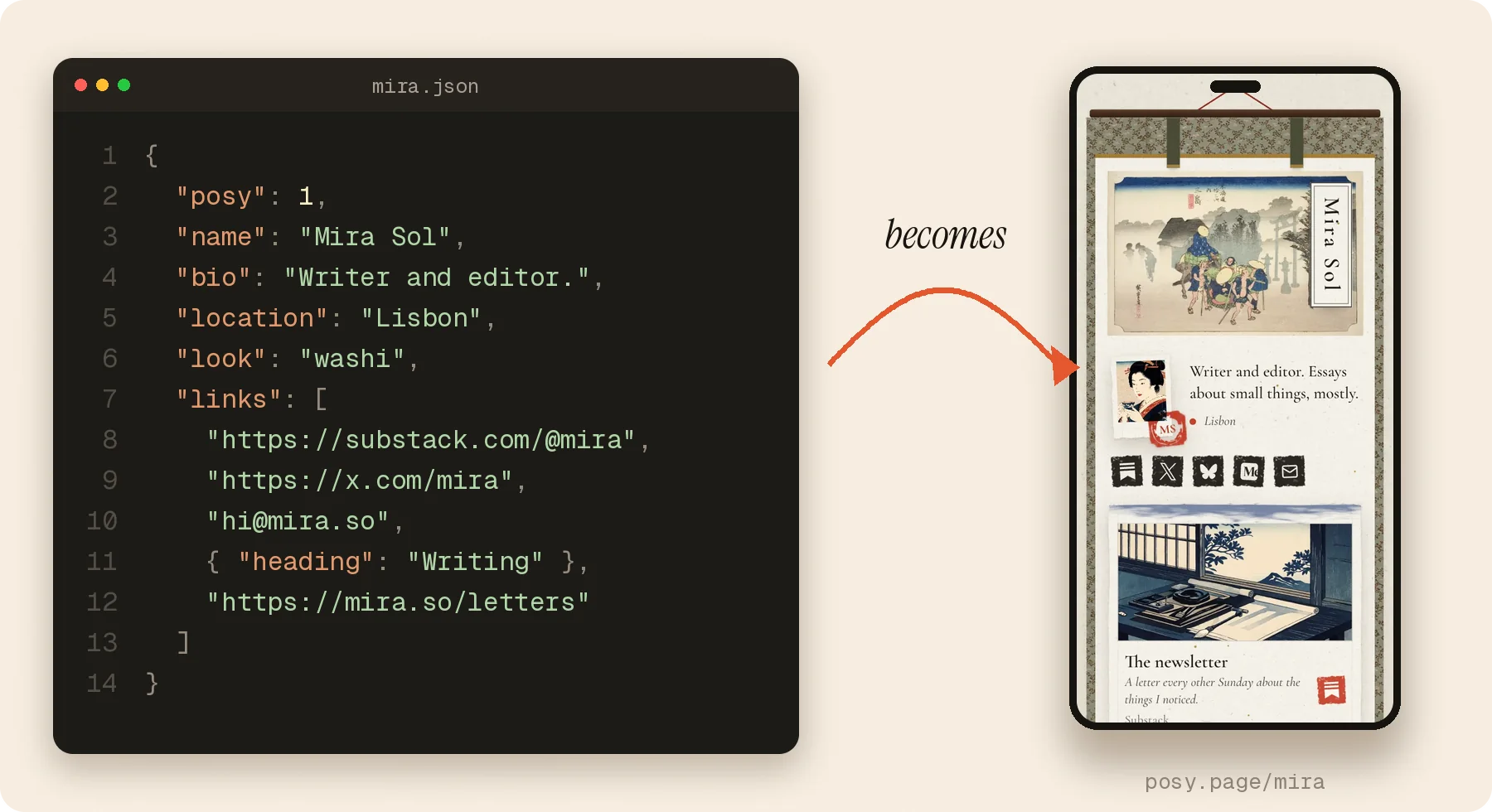
Or skip the file: an AI can hand you a link that opens a live preview, no sign-in needed.
https://posy.page/new?name=Mira%20Sol&look=washi&links=https://github.com/mira,hi@mira.so
The page file, MCP tools, REST, llms.txt and the CLI
{
  "posy": 1,
  "name": "Mira Sol",
  "bio": "Writer and editor.",
  "location": "Lisbon",
  "look": "washi",
  "links": [
    "https://substack.com/@mira",
    "https://x.com/mira",
    "hi@mira.so",
    { "heading": "Writing" },
    "https://mira.so/letters"
  ]
}
Every field: the page file.
| Tool | What it does |
|---|---|
get_page |
Your draft, public URL, and what to do next |
create_page |
Claim a username and create your page (once) |
import_page |
Load a whole page from a page file |
add_tile |
Add one link, or many at once. Posy picks the right tile |
update_tile, move_tile, remove_tile |
Change, reorder or delete a tile |
set_theme, set_profile |
Look, colours, fonts, name and bio |
publish |
Make the draft live |
list_options |
Allowed looks, palettes, fonts and sizes |
| Surface | Where |
|---|---|
| REST | /api/v1/page with a Bearer key from the Agents page. Spec: /openapi.json, guide: API reference |
| Public JSON | /api/v1/public/<username> for any publis |