

SpyWinAds MCP server
Check Facebook video ads from ChatGPT, Claude, Cursor or your own scripts: how old a video ad really is, and every store running the same video.
- Remote server:
https://spywinads.com/mcp(Streamable HTTP) - Auth: OAuth 2.1 (sign in with your SpyWinAds account), or an API key in the
Authorizationheader - Read-only. 5 tools. Free plan: 30 calls a day.
- Docs: spywinads.com/developers
This repository only documents the hosted server. There is nothing to install.
Tools
| Tool | Input | Returns |
|---|---|---|
spywin_lookup_video_ad |
Meta Ad Library link or ad ID | When the video file was first uploaded to Facebook (within 1–2 days), first ad date, live ads, stores running the same video now and ever, earliest stores in the library |
spywin_spy_store_ads |
Store domain | Live ads, new ads in 7 days, videos, products, Pages, top videos with real age and store count |
spywin_get_page_ads |
Facebook Page link or ID | Ads and live ads, videos, top videos, stores the Page sends traffic to |
spywin_export_shopify_product |
Shopify product URL | Title, prices, variants, images, a Shopify-import CSV link (24 hours), the product's video ads in the library |
spywin_get_video_reuse_research |
— | Headline numbers of the SpyWinAds Video Reuse Index, with method and data links. No sign-in needed |
All tools are annotated readOnlyHint: true, destructiveHint: false. Scopes: ads:read (look-ups) and product:export (CSV).
Connect
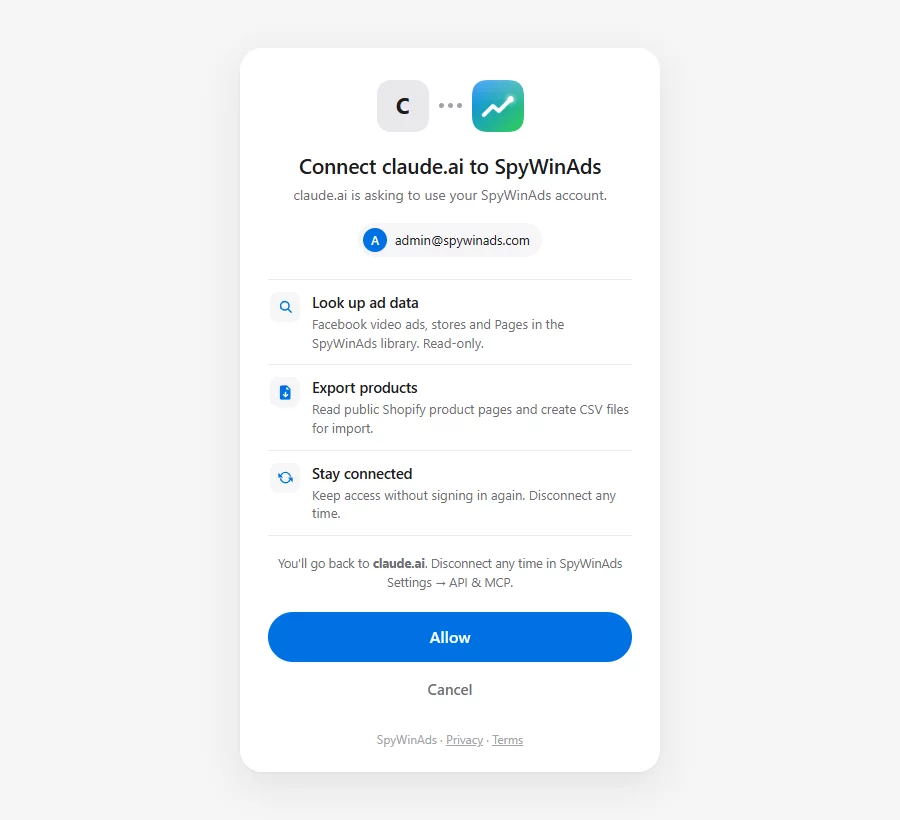
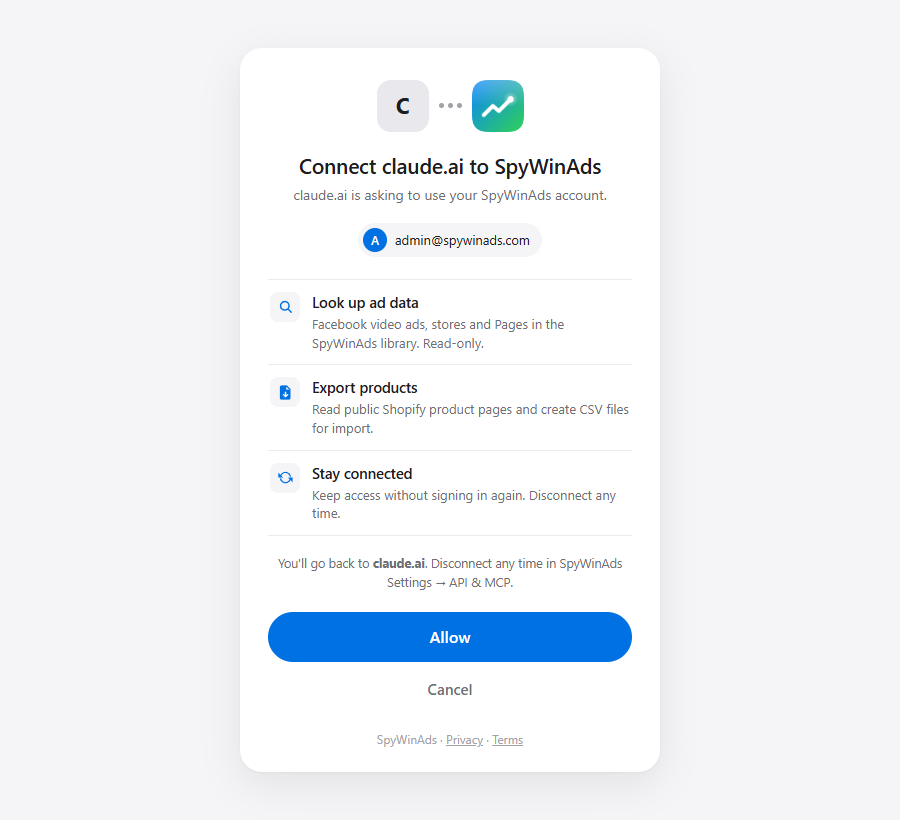
ChatGPT — open Plugins in the left sidebar → More (top right) → Add custom MCP server → paste https://spywinads.com/mcp. When a tool needs your account, ChatGPT asks you to sign in to SpyWinAds and click Allow.
Claude.ai / Claude Desktop — Customize → Connectors → Add custom connector → paste https://spywinads.com/mcp → choose Sign in when needed.
Claude Code
claude mcp add --transport http spywinads https://spywinads.com/mcp
# then run /mcp inside Claude Code to sign in
Cursor / VS Code / Windsurf (API key from SpyWinAds Settings → API & MCP)
{
  "mcpServers": {
    "spywinads": {
      "url": "https://spywinads.com/mcp",
      "headers": { "Authorization": "Bearer YOUR_KEY" }
    }
  }
}
Never put a key in a URL. Keys and connected apps can be revoked any time in SpyWinAds Settings → API & MCP.
Example prompts
- "Is this video ad new or an old video brought back? https://www.facebook.com/ads/library/?id=1014622548199238"
- "What Facebook video ads is zenblux.com running, and how many other stores use the same videos?"
- "Copy this Shopify product into a CSV I can import: https://www.allbirds.com/products/mens-tree-runners"
REST API
Same tools over HTTPS for scripts, n8n and GPT Actions:
curl -H "Authorization: Bearer YOUR_KEY" "https://spywinads.com/api/v1/store?domain=example.com"
Endpoints: /api/v1/video?ad= · /api/v1/store?domain= · /api/v1/page?page= · /api/v1/product?url= · /api/v1/research/video-reuse.
OpenAPI: https://spywinads.com/api/v1/openapi.json. Errors are application/problem+json (RFC 9457); limits come back in RateLimit / Retry-After headers.
Data and limits
- Meta (Facebook, Instagram) ads shown in the US, from the SpyWinAds library (ads scanned by SpyWinAds users).
- Counts are minimums of ads observed, not sales. No ad spend, reach, orders or revenue data.
- "Earliest store" means earliest in the library, not the verified owner of the video.
- Each call returns what the free SpyWinAds web tools show; there is no search across the whole library.
- Limits: free 30 calls a day (resets 00:00 UTC+7), 20 calls a minute.
Security and privacy
- OAuth 2.1 with PKCE (S256), protected resource metadata (RFC 9728) at
/.well-known/oauth-protected-resource/mcp, authorization server metadata (RFC 8414), dynamic client registration and client ID metadata documents. Access tokens last 1 hour; refresh tokens rotate. - Tokens and keys are stored only as SHA-256 hashes. Tokens are bound to
https://spywinads.com/mcp. - We log the tool name, success or error and the calling app, not your prompts. Privacy policy: spywinads.com/privacy.
Support
support@spywinads.com · ATT ECOMMERCE COMPANY LIMITED, Hanoi, Vietnam