
SwimStats - Swim Progress Tracker



A web application for competitive swimmers to track their times, view personal bests, and visualize their progress over time.
Note: This is a personal tracking tool. Swim times are entered manually - there is no automatic import from meet results systems, federation databases, or other external sources.
Features
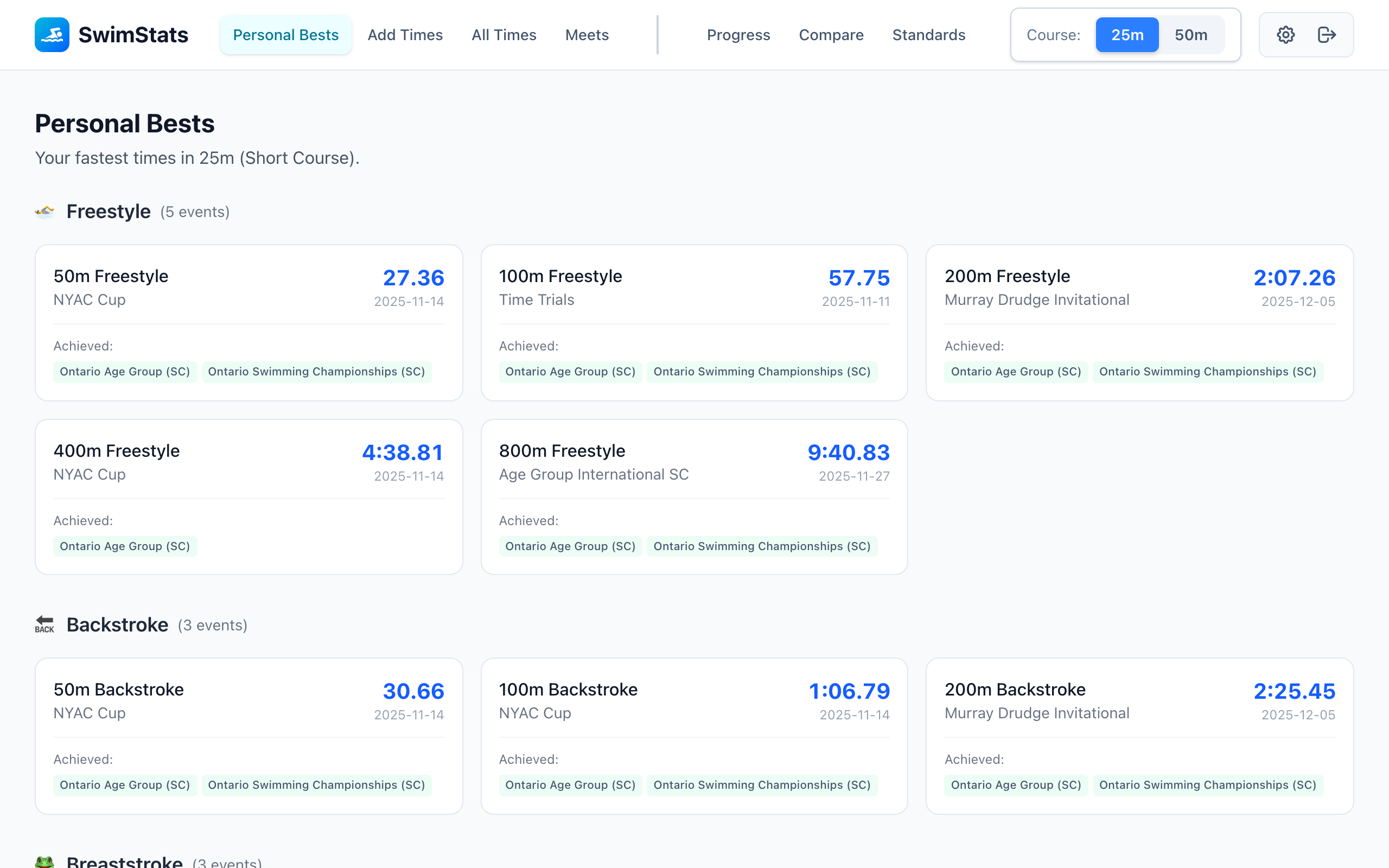
- 🏆 Personal Bests - Track fastest times across all events with achieved standards badges; click to view all times
- 🏊 Record Swim Times - Log race results with event, time, and meet details
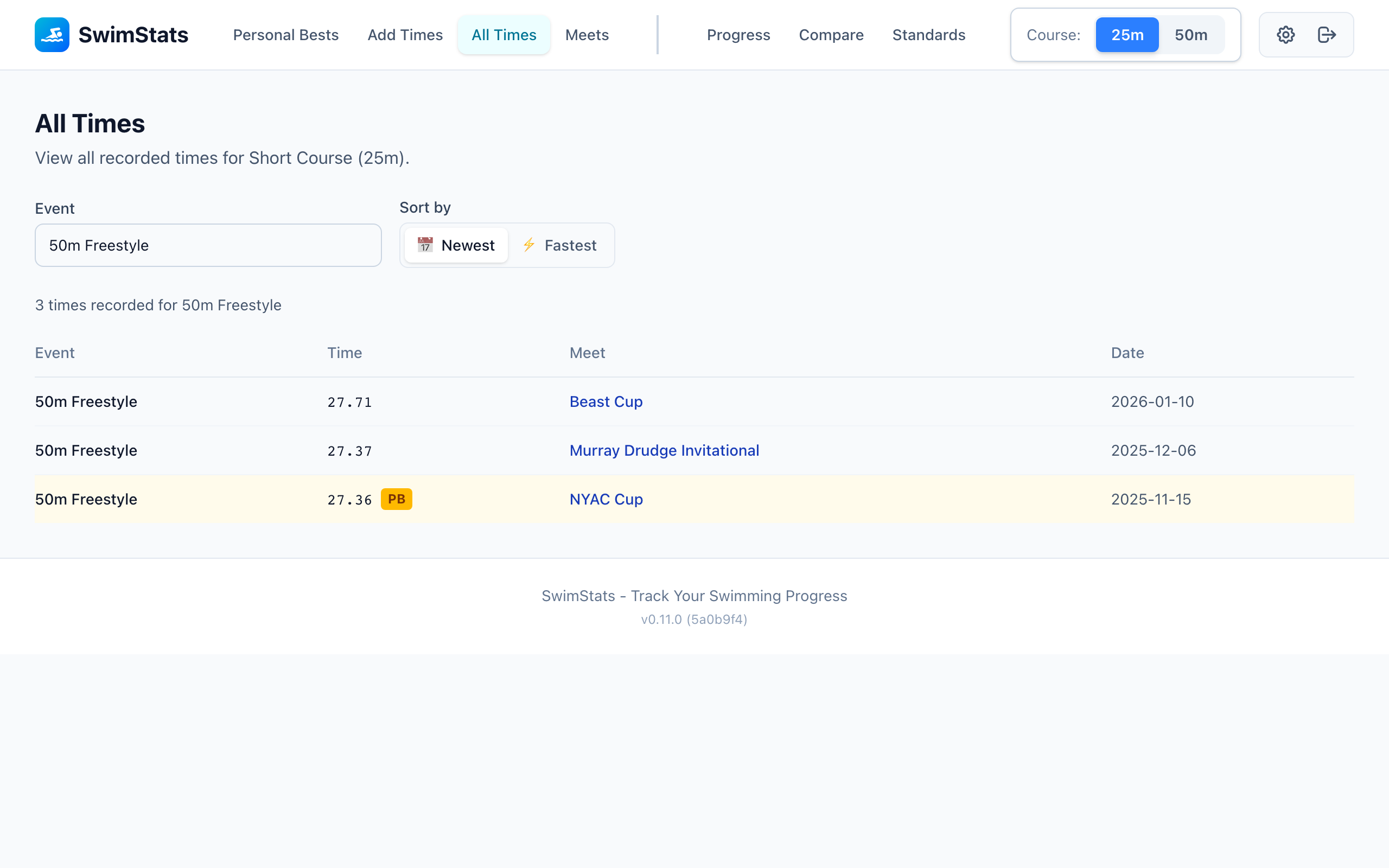
- ⏱️ All Times - Browse complete time history by event with PB indicators and ranking
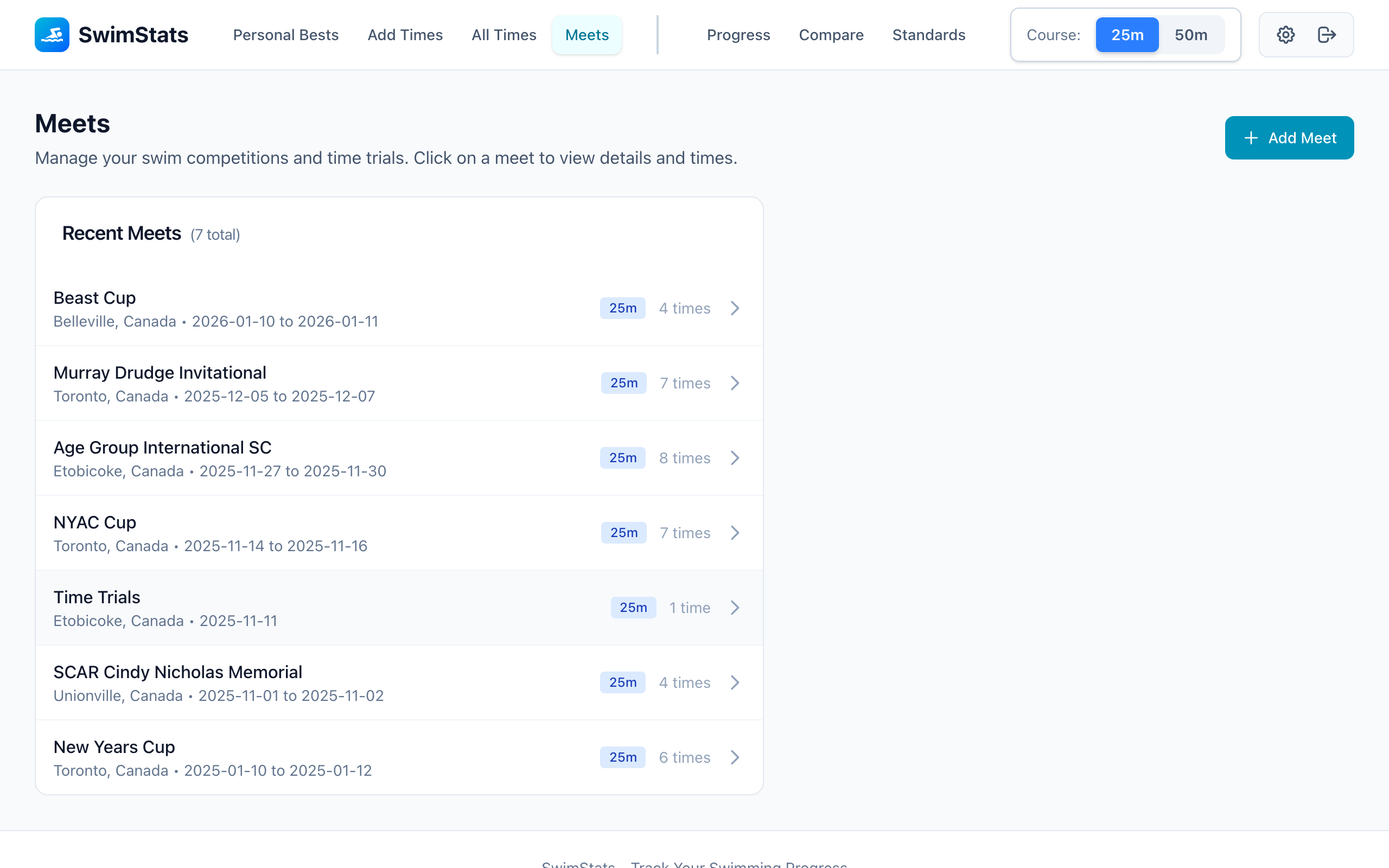
- 📅 Meets - Organize times by competition with inline quick-add during time entry
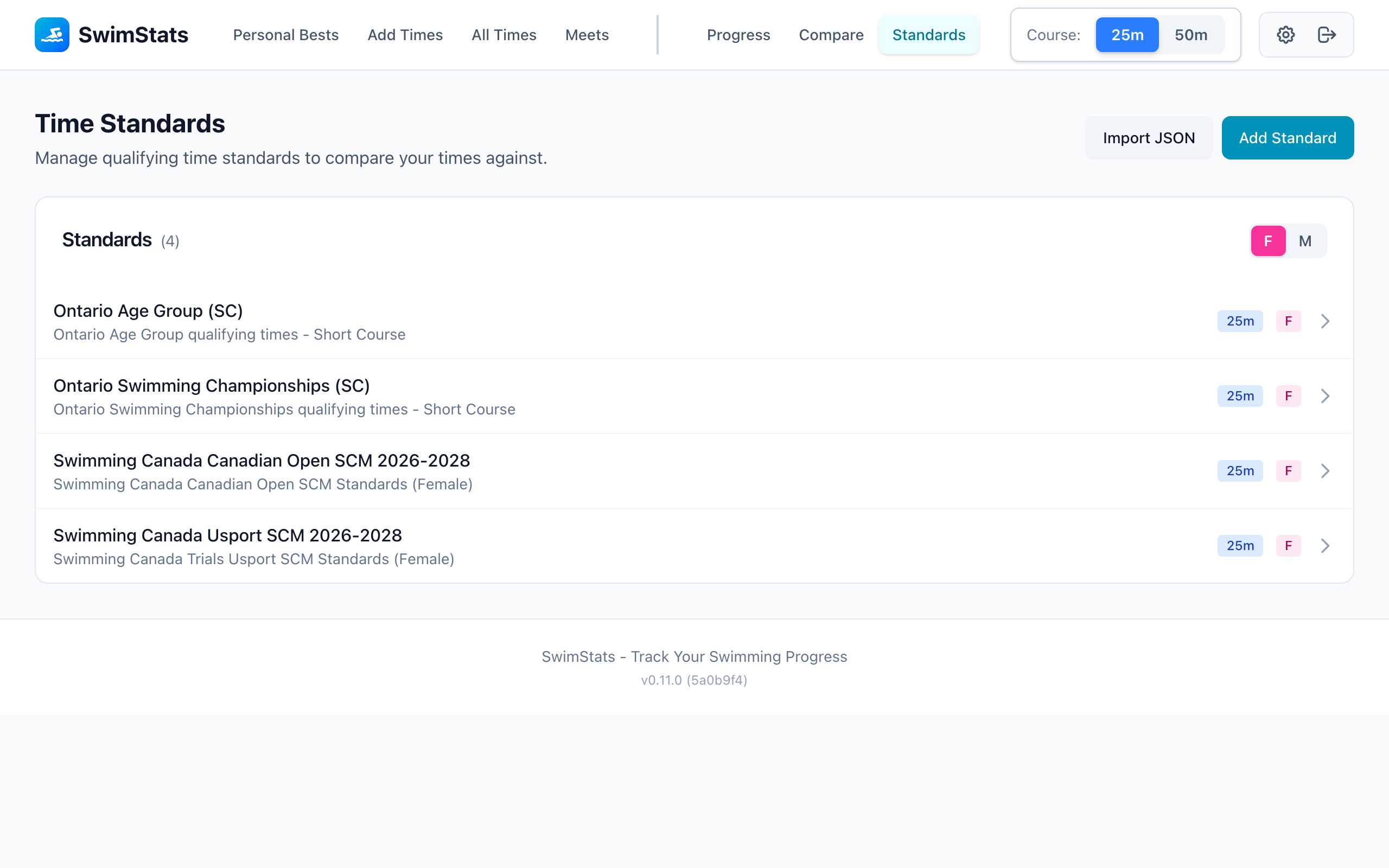
- 🎯 Time Standards - Manage time standards with JSON import (Swimming Canada, Swim Ontario), filtered by course and gender
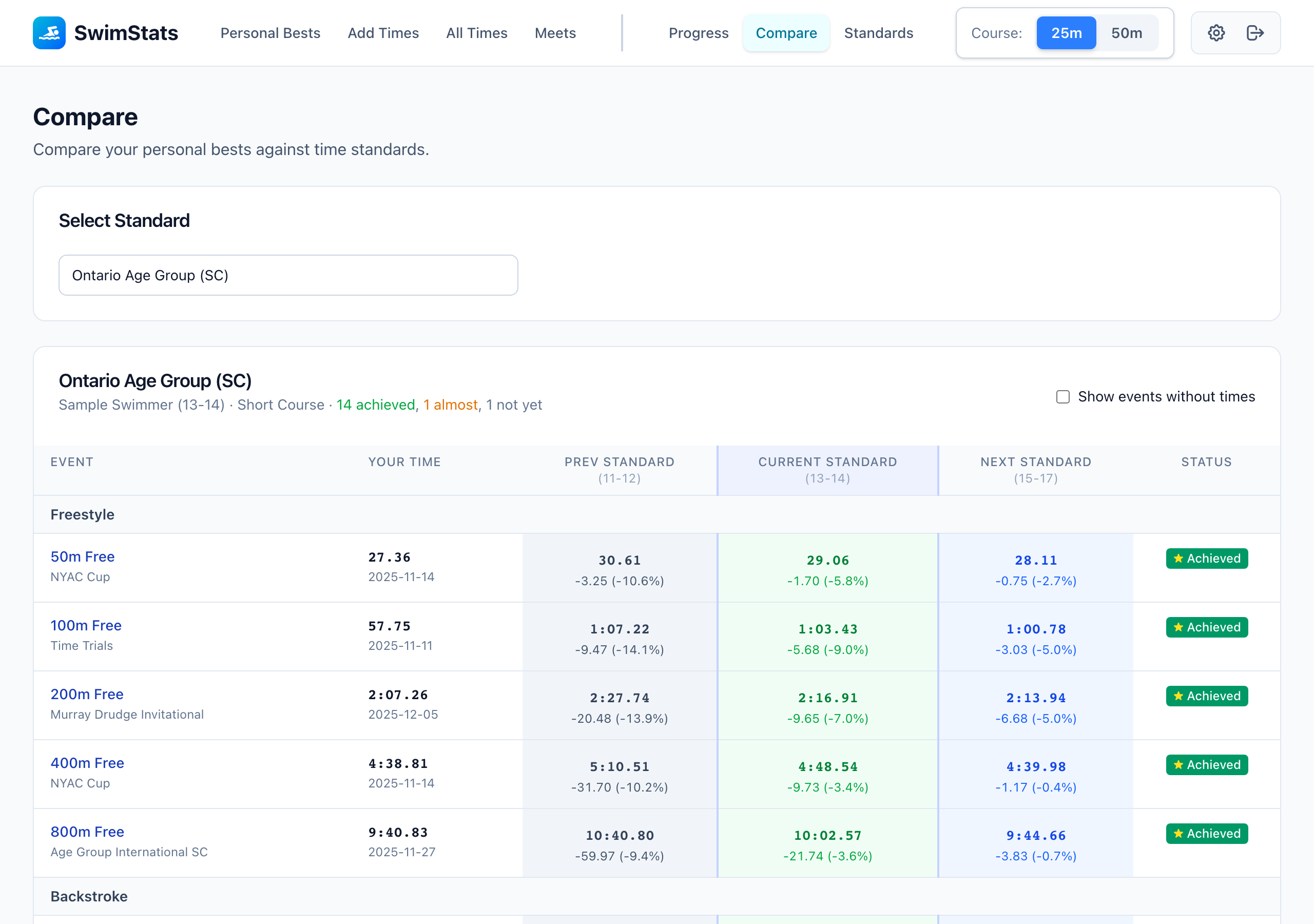
- 📊 Comparison - Compare PBs against standards with adjacent age groups and achievement status
- 🎯 Standing Dashboard - Quick overview showing achieved/almost/not-yet qualification counts
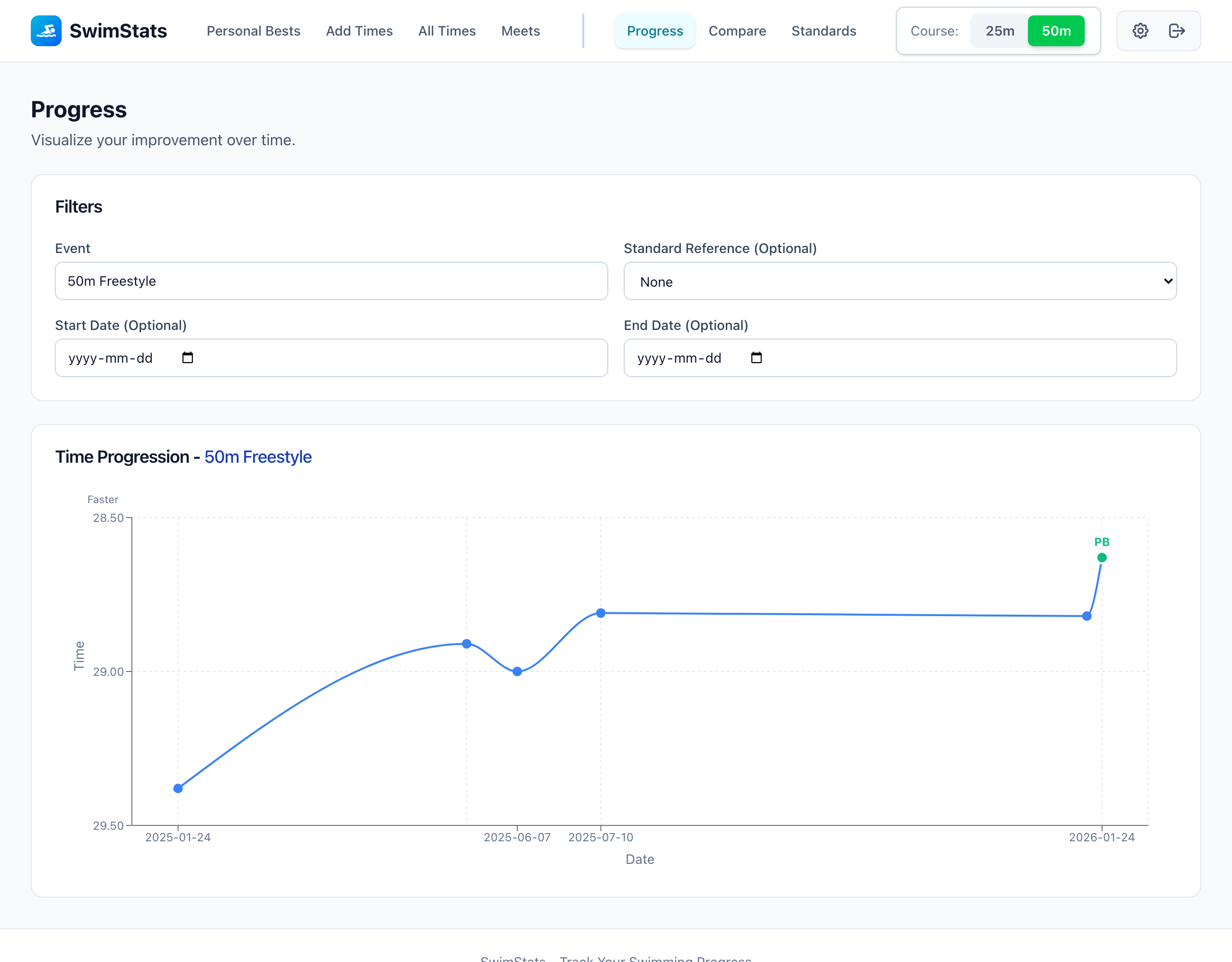
- 📈 Progress Charts - Visualize time progression with PB markers and standard reference lines
- 🔄 Course Filtering - Separate 25m (short course) and 50m (long course) data
- 📱 Responsive - Works on desktop and mobile
Screenshots
Personal Bests - Track your fastest times
Progress Charts - Visualize improvement over time
All Times - Browse time history by event
Meets - Organize times by competition
Compare - Check times against standards
Standards - Manage time standards
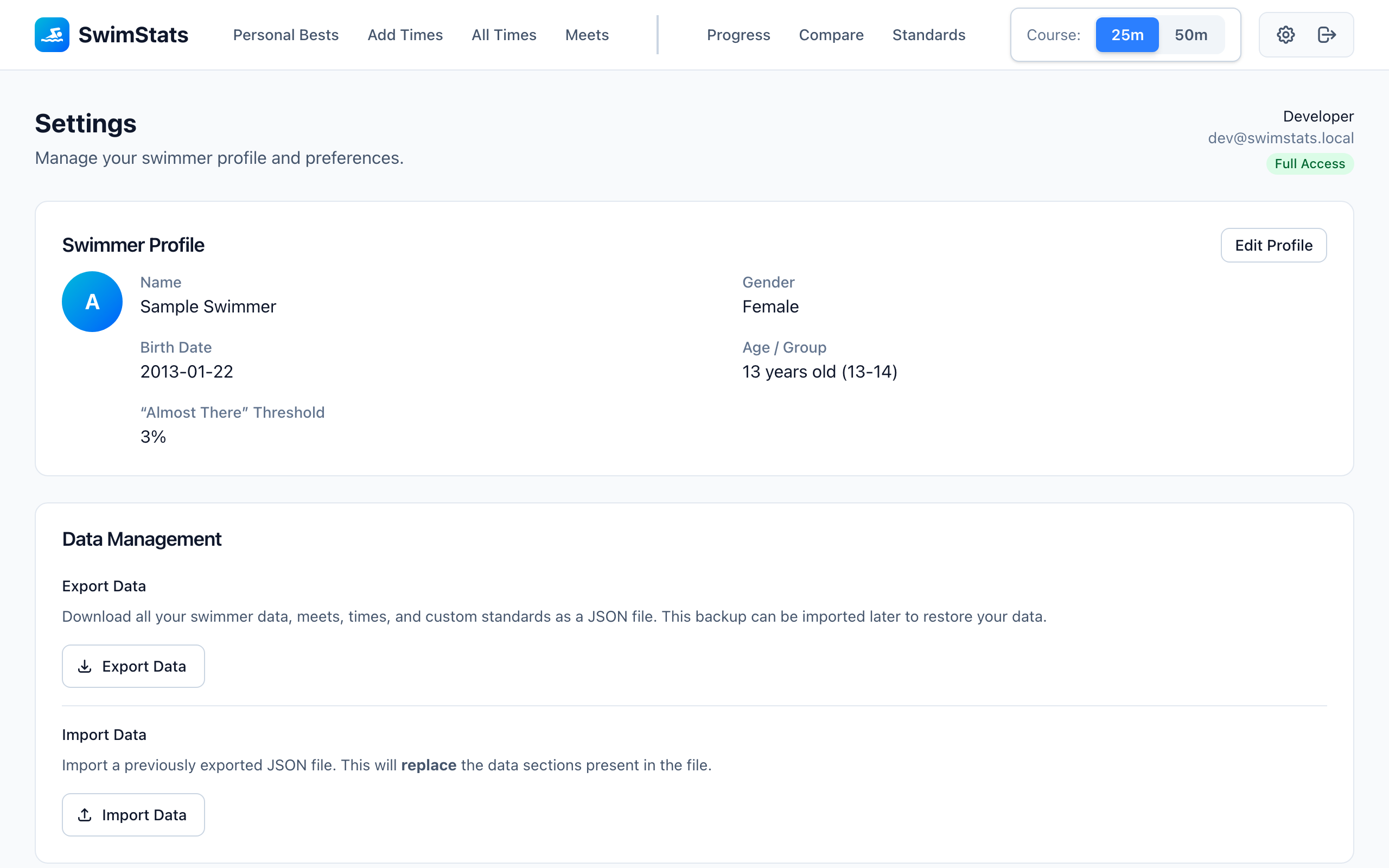
Settings - Profile and data management
Tech Stack
Backend:
- Go 1.25+
- Chi router
- PostgreSQL with SQLC
- OIDC authentication (Authentik/Keycloak compatible)
Frontend:
- React 18 with TypeScript
- Vite for build tooling
- TailwindCSS for styling
- React Query for server state
- Recharts for data visualization
Prerequisites
- Go 1.25+
- Node.js 20+
- Docker & Docker Compose
Quick Start (Development Mode)
1. Start PostgreSQL
# Start the database
docker-compose up -d postgres

# Wait for it to be healthy
docker-compose ps
2. Run Database Migrations
Migrations are embedded in the backend binary and can be run without external tools.
# Option A: Using Docker Compose (recommended)
docker-compose --profile migrate up migrate

# Option B: Using the backend binary directly
cd backend && go run ./cmd/server migrate
3. Start the Backend
cd backend

# Install dependencies
go mod download

# Run the server in development mode
ENV=development go run ./cmd/server
The backend will start on http://localhost:8080.
4. Start the Frontend
cd frontend

# Install dependencies
npm install

# Start the development server
npm run dev
The frontend will start on http://localhost:5173.
5. Access the Application
Open http://localhost:5173 in your browser.
Note: In development mode (no OIDC configured), the app uses mock authentication. Click "Continue to App" on the login page to enter as a dev user with full access.
Environment Variables
Backend
| Variable | Default | Description |
|---|---|---|
PORT |
8080 |
Server port |
ENV |
development |
Environment (development or production) |
DATABASE_URL |
postgres://swimstats:swimstats@localhost:5432/swimstats?sslmode=disable |
PostgreSQL connection string |
OIDC_ISSUER |
- | OIDC provider URL (required in production) |
OIDC_CLIENT_ID |
- | OAuth2 client ID |
OIDC_CLIENT_SECRET |
- | OAuth2 client secret |
OIDC_REDIRECT_URL |
http://localhost:5173/auth/callback |
OAuth2 redirect URL |
OIDC_FULL_ACCESS_CLAIM |
swimstats_admin |
Claim/group for full access |
Frontend
Create a .env file in the frontend/ directory:
# Only needed for production OIDC authentication
VITE_OIDC_AUTHORITY=https://auth.example.com/application/o/swimstats/
VITE_OIDC_CLIENT_ID=your-client-id
VITE_OIDC_REDIRECT_URI=http://localhost:5173/auth/callback
VITE_OIDC_POST_LOGOUT_REDIRECT_URI=http://localhost:5173/
Tip: Leave these unset in development to use mock authentication.
Running Tests
Backend Tests
cd backend

# Create test database
createdb swimstats_test

# Run migrations on test database using the embedded migrate command
DATABASE_URL="postgres://swimstats:swimstats@localhost:5432/swimstats_test?sslmode=disable" \
  go run ./cmd/server migrate

# Run all tests
go test ./...

# Run tests with verbose output
go test -v ./...

# Run integration tests only
go test -v ./tests/integration/...
Frontend Tests
cd frontend

# Run tests
npm test

# Run tests in watch mode
npm test -- --watch

# Run tests with UI
npm run test:ui

# Run tests with coverage
npm run test:coverage
Project Structure
swimstats/
├── backend/
│   ├── cmd/server/          # Application entrypoint
│   ├── internal/
│   │   ├── api/             # HTTP handlers and routes
│   │   │   ├── handlers/    # Request handlers
│   │   │   └── middleware/  # HTTP middleware
│   │   ├── auth/            # OIDC authentication
│   │   ├── domain/          # Business logic (services)
│   │   │   ├── comparison/  # Personal bests service
│   │   │   ├── meet/        # Meet service
│   │   │   ├── standard/    # Time standards service
│   │   │   ├── swimmer/     # Swimmer service
│   │   │   └── time/        # Time service
│   │   └── store/           # Data access layer
│   │       ├── db/          # SQLC generated code
│   │       ├── postgres/    # Repository implementations
│   │       └── queries/     # SQL query definitions
│   ├── migrations/          # Database migrations
│   └── tests/               # Integration tests
├── data/                    # Time standards JSON files for import
├── frontend/
│   ├── src/
│   │   ├── components/      # React components
│   │   ├── hooks/           # Custom React hooks
│   │   ├── pages/           # Page components
│   │   ├── services/        # API client services
│   │   ├── stores/          # Zustand state stores
│   │   ├── types/           # TypeScript types
│   │   └── utils/           # Utility functions
│   └── tests/               # Frontend tests
├── specs/                   # Project specifications
└── docker-compose.yaml      # Docker Compose config
Common Commands
# Regenerate SQLC types after modifying SQL queries
cd backend && sqlc generate

# Format Go code
cd backend && go fmt ./...

# Format frontend code
cd frontend && npm run format

# Lint frontend
cd frontend && npm run lint

# Build frontend for production
cd frontend && npm run build

# Reset database
docker-compose down -v
docker-compose up -d postgres
# Then run migrations again
API Documentation
The API follows RESTful conventions:
| Endpoint | Methods | Description |
|---|---|---|
/api/v1/swimmer |
GET, PUT | Get/update swimmer profile |
/api/v1/meets |
GET, POST | List/create meets |
/api/v1/meets/:id |
GET, PUT, DELETE | Get/update/delete meet |
/api/v1/times |
GET, POST | List/create times |
/api/v1/times/batch |
POST | Create multiple times |
/api/v1/times/:id |
GET, PUT, DELETE | Get/update/delete time |
/api/v1/personal-bests |
GET | Get personal bests |
/api/v1/progress/:event |
GET | Get time progression for an event (query: course_type, start_date, end_date) |
/api/v1/standards |
GET, POST | List/create time standards |
/api/v1/standards/import |
POST | Import single standard with times |
/api/v1/standards/import/json |
POST | Bulk import from JSON file |
/api/v1/standards/:id |
GET, PUT, DELETE | Get/update/delete standard |
/api/v1/standards/:id/times |
PUT | Set all times for a standard |
/api/v1/comparisons |
GET | Compare PBs against a standard (query: standard_id, course_type) |
/api/v1/data/export |
GET | Export all data as JSON backup |
/api/v1/data/import |
POST | Import data (with replace mode) |
/api/v1/data/import/preview |
POST | Preview import showing what will be deleted |
All endpoints require authentication. In development mode, the backend accepts requests with a mock Authorization: Bearer dev-token header or no auth at all (thanks to ENV=development).
For complete API documentation, see specs/001-swim-progress-tracker/contracts/api.yaml.
Troubleshooting
Database connection refused
Make sure PostgreSQL is running:
docker-compose ps
docker-compose logs postgres
Migration errors
Reset the database and try again:
docker-compose down -v
docker-compose up -d postgres
# Wait a few seconds, then run migrations
Frontend proxy errors
Ensure the backend is running on port 8080 before starting the frontend.
"Invalid header value char" error: This can occur when the mock authentication header contains special characters. The codebase now base64 encodes the X-Mock-User header to prevent this issue. If you see this error, make sure both frontend and backend have the latest code.
Hot Module Replacement (HMR) not working
If changes to files don't trigger hot reload:
- File changes made by external tools (like AI assistants) may not trigger macOS FSEvents
- Solution: Restart the frontend dev server with
Ctrl+Cthennpm run dev
OIDC errors in production
Verify all OIDC environment variables are correctly set and the OIDC provider is accessible.
How This Was Built
This project was built entirely using Claude Opus 4.5 and spec-kit, with a healthy dose of vibe coding along the way. No hand-written code here - just conversations with an AI, iterating on specs, and watching the codebase come together.
It started as a fun experiment to see what frontier LLM models with agentic tool chains can actually do when given a real-world project. Turns out, quite a lot! From database schema design to React components to CI/CD pipelines - Claude handled it all.
Was it perfect? Nope. Were there moments of "wait, that's not what I meant"? Absolutely. But that's part of the adventure. (Fun fact: the original 200+ commit history had to be squashed before open-sourcing because Claude cheerfully committed test data with real names. Lesson learned about PII and AI assistants!)