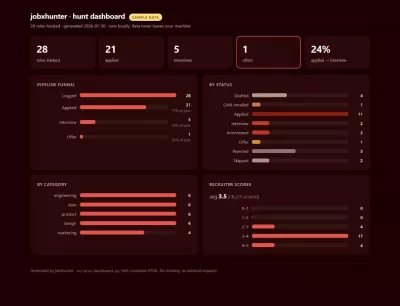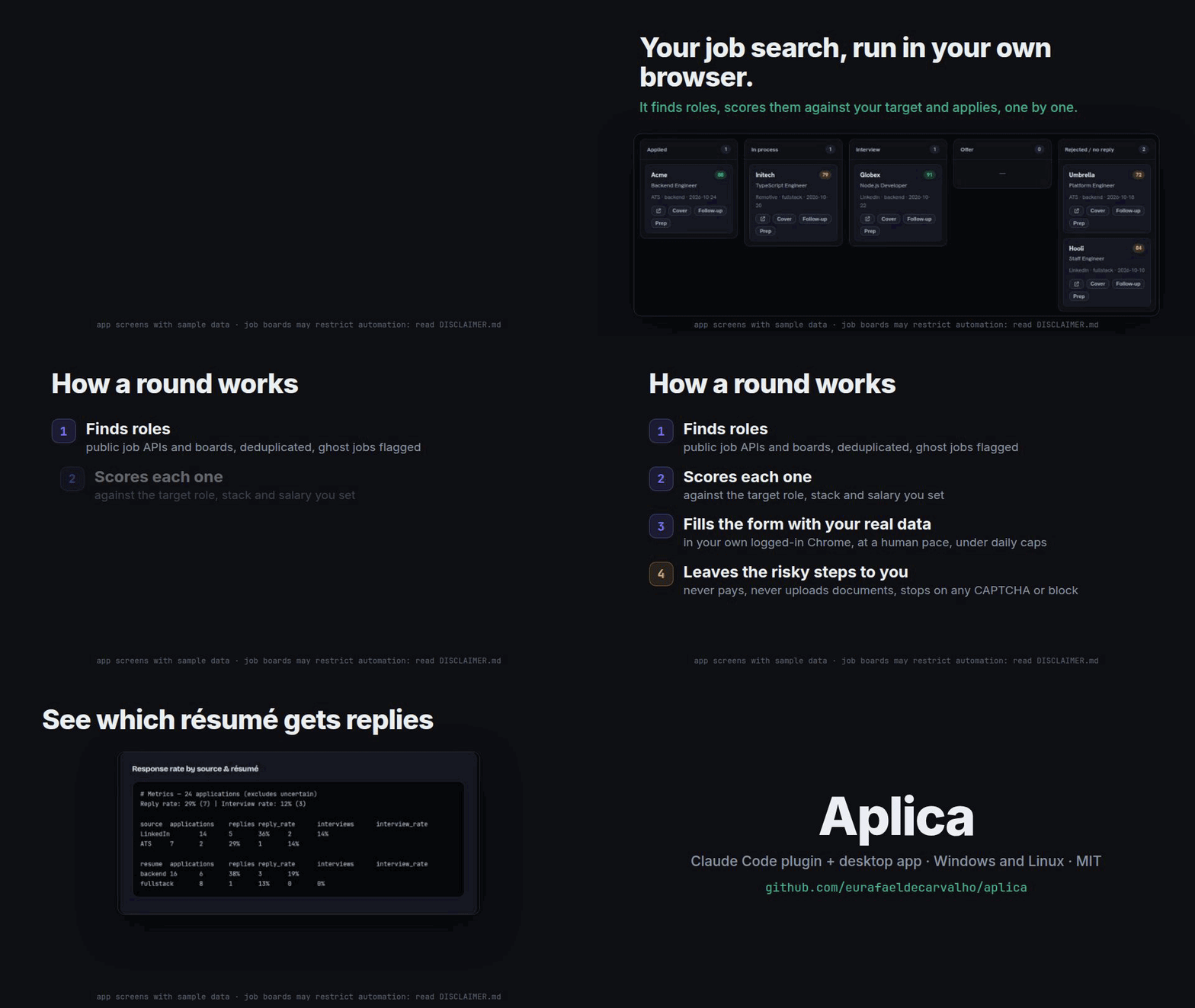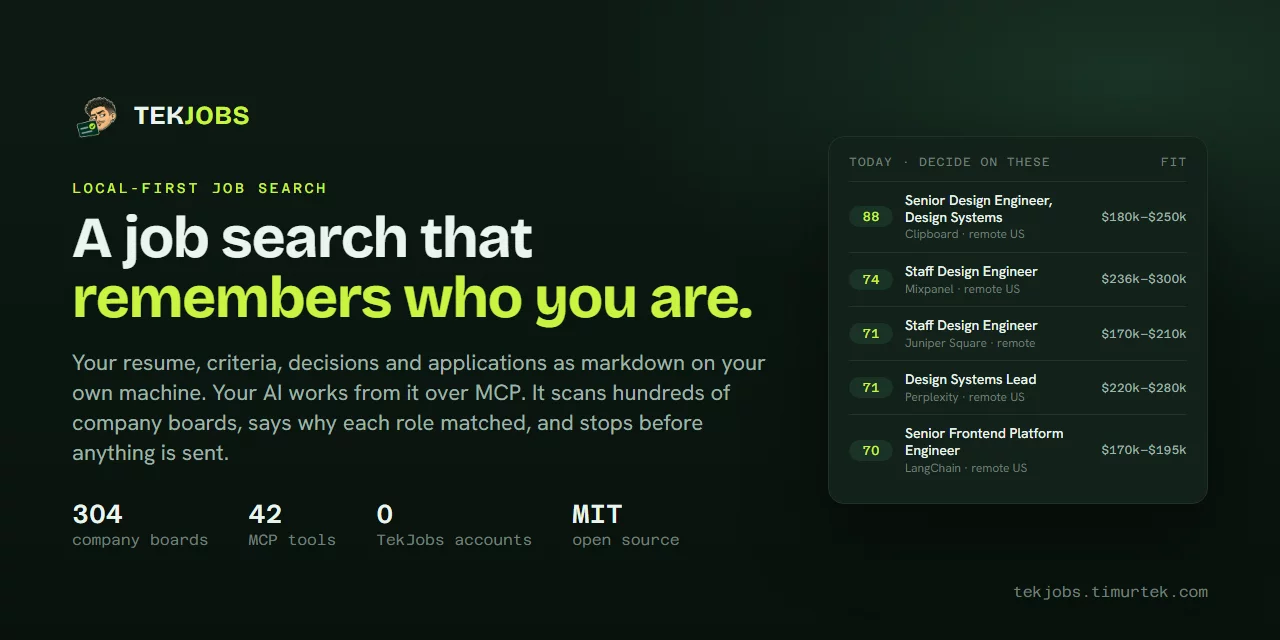


A local career memory for you and your AI. TekJobs scans hundreds of public company job boards every morning, scores each posting against criteria you control, and saves the results as readable markdown files on your machine. Connect it to Claude Code, Codex, Cursor or Claude Desktop over MCP and your agent can weigh roles, prepare truthful application material and track the search, without ever making the final submission.
Website · Getting started · Connect your AI client · npm · Releases · Ideas and questions

What it does, in forty-five seconds. Watch the showreel (mp4, vertical and square cuts). For one real, unedited run on the fictional sample resume (install, interview, first scan, first Today), watch the 57-second demo.
Why it exists
Most job-search products keep what they learn about your search inside their platform. TekJobs keeps it with you. Your resume, preferences, decisions, job notes, application history and drafts form a record on your own disk that gets more useful the longer you search, and you can change models, editors and AI clients without rebuilding it from zero.
Who it is for
It fits if you apply across more than one kind of role and want criteria you can read and change; if you want to know why a job was recommended, point by point; if you already use Claude Code, Codex, Cursor or another MCP client and want it working from your notes; if you keep career notes in Markdown or Obsidian, or would like to; and if you want help with applications without anything being submitted for you.
It does not fit if you want a hosted service with nothing to install (TekJobs is a command and a folder), if you want one-click applications sent on your behalf (it stops before send, on purpose), or if you do not want any AI provider to see your resume (the scan and the notes never leave your machine, but the interview and the drafting send what you choose to the model you connect).
What it does
- A profile folder (default
~/.tekjobs/profile): your profile, your resume as text, the scoring criteria, the board watchlist, one note per matched job, your application history, and scan logs. Plain markdown, readable in Obsidian or anything else. - A daily scan over Greenhouse, Lever, Ashby, Workday, Rippling, SmartRecruiters, Workable, BambooHR, Breezy, Personio, Teamtailor and Eightfold boards, the Atlassian, GitHub, Spotify and Amazon career APIs, the Google and Apple career pages (keyword-searched; they have no API), and eleven aggregator feeds. All public; the company-board scan needs no API key. Two of the feeds, Wellfound and Built In, read listing pages rather than an API and are off until you turn them on in the criteria, since both sites' terms discourage automated reading. Two optional feeds need a free key of their own: Adzuna, which reaches listings that never make it to a company board, and USAJOBS, which is every federal posting in the United States. Job alert emails saved into
Inbox/are read too, which is how LinkedIn and Indeed listings get in without anything contacting those sites. Tens of thousands of postings a run, deduplicated, scored with every point written down as a reason, and cut to the ones that fit you. - An app (Zengin UI): a Today queue, a filterable jobs table with a detail sheet, a drag-and-drop pipeline from reviewing to offer, a Sources page with each board's health and a retry for the failed ones, a criteria editor with a live preview of what a change would do, a calendar of interviews, follow-ups and deadlines read from the notes (with an .ics feed for your calendar app and a read-only Google Calendar check), scan history with a run button, a daily journal of what happened, the profile pages, and the agent setup page.
- Application material written from your resume of record and checked against it: a tailored resume, a cover letter in your voice, and a copy panel for the answers forms keep asking for. Nothing is ever submitted; you review and click.
- An MCP server with 47 tools, so Claude Code, Codex, Cursor or Claude Desktop can run the whole search: onboard you, find matches, move them through the pipeline, pull your profile and a posting together to tailor an application, save the draft into the note, add boards, start scans, read the mailbox and the calendar.
Quick start
-
Create your search. The folder can be anywhere; inside an Obsidian vault is the nicest place.
npx @timurtekb/tekjobs init ~/Obsidian/JobSearch --resume ~/Downloads/resume.pdf -
Install the command, so the morning task has a home that lasts (npx's cache does not).
npm install -g @timurtekb/tekjobs -
Connect your AI client. Claude Code is one line; Codex, Cursor and Claude Desktop each take the same command,
tekjobs mcp.claude mcp add tekjobs -- tekjobs mcpThen say:
Use the tekjobs MCP server. Call onboarding_status, then onboarding_materials, and follow its script: interview me, write my profile, set the criteria, run a dry scan, and show me the top matches.
The interview reads your resume, asks the few things a resume cannot say (target titles, seniority, work mode, pay floor, hard exclusions, links), writes
Profile/Profile.mdand the criteria, and runs the first scan. LinkedIn: give it your LinkedIn data export, not a URL; it will not scrape profile pages. -
Run the app, and schedule the mornings.
tekjobs up           # the app on http://127.0.0.1:8787, detached: it stays up until `tekjobs down`
tekjobs schedule     # the scan, then the read-only mail and calendar passes, daily at 07:30 (--time to change it)
About twenty-five minutes end to end on a fresh machine, most of it the interview. To change the code, or to run the app from source, clone instead: git clone https://github.com/Timurtek/tekjobs && cd tekjobs && npm install, then npm run init -- --resume <file>; the app is cd app && npm install && npm run dev with npm run server beside it. The clone's app/.mcp.json connects the server for Claude Code on its own.
Try it without your own data
samples/vault is a complete, fictional profile folder: Jordan Example, a design engineer three weeks into a search, with fourteen postings at companies that do not exist, one application in interview, a rejection, two passes, a closed listing, three people on the threads, two scan logs and the dashboard. Every note in it was written by the product's own code (npm run sample rebuilds it with today's dates), so it is always in the shape the app expects.
npx @timurtekb/tekjobs init --sample    # copies it to ~/.tekjobs/sample and points the app there
tekjobs up
The app shows a search in progress instead of an empty folder. tekjobs init afterwards starts your own profile and leaves the sample where it is. From a clone, TEKJOBS_PROFILE=$PWD/samples/vault npm run serve reads it in place. Nothing in it is a real person, company or posting.
Bring your LinkedIn history
LinkedIn will give you everything it holds about you as a zip. Request the larger archive at linkedin.com/mypreferences/d/download-my-data (the smaller one has no connections or messages); a partial arrives by email in about ten minutes and the complete one within a day. Then:
tekjobs import linkedin ~/Downloads/Complete_LinkedInDataExport_2026-09-24.zip
The archive is read in place and never copied. Into your profile folder, and nowhere else, go: an index of who you know at which company, so every job note and the Jobs sheet show your connections there, recruiters first; People notes for the recruiters and hiring managers who wrote to you since a date (90 days by default, --since to change), with the thread as their log and a link to any open job note at that company. Applications and saved jobs are indexed for what comes next. Ads, reactions, searches, phone numbers and birth date are never opened. Re-running is safe. --preview shows the numbers first; over MCP the same is import_linkedin and connections_at. The docs page has the walk-through.
What local-first means
TekJobs keeps your profile, criteria, job notes, decisions and application history in files on your machine. It has no account and keeps no hosted copy of those records. There is no telemetry.
Two kinds of request do leave: the scan's reads of public job boards, and whatever context you choose to send to the AI provider you connect, which processes it under that provider's terms. Optional sources (Adzuna, USAJOBS) call their APIs with your key. The app's page also loads its typefaces from Google Fonts, which sees your browser ask for the fonts (its address and user agent) and nothing from your files. Your files remain the durable record whichever model you use.
Reach it from your phone
With Tailscale, the same app opens on your phone at https://tekjobs.<your-tailnet>.ts.net: your own machine, on your own private network, never on the public internet. A request through Tailscale gets in only with a login you name in ~/.tekjobs/config.json ("allowedLogins": ["you@example.com"]); the list starts empty.
The short way is tailscale serve --bg 8787 on the machine. With Docker Desktop, deploy/tailscale runs a small Tailscale container that gives TekJobs its own name and starts with Docker, while TekJobs keeps running on the machine, where your AI command line and profile folder are. The full guide covers both, keeping the server up, and checking it.
Run it in Docker
On a machine that stays on, such as a NAS, a home server or a small VPS, TekJobs can run in a container, so the daily scan and your phone do not depend on your laptop being awake. deploy/docker has a compose file with two containers: TekJobs, and Tailscale as its only way in. No port is opened, your profile folder is mounted from the host, and the image ghcr.io/timurtek/tekjobs is published for amd64 and arm64 with every release. Scanning and the app work out of the box. Cover letters, tailored resumes, mail and calendar need the Claude CLI in the image signed in with a token. The guide walks through it.
Requirements
- Node 20 or newer. The scan has one dependency (PDF reading); the app ships built.
- A folder for your profile. Plain markdown. Obsidian is the nicest way to read it, and not required.
- An AI client that speaks MCP, signed in on this machine. Claude Code by default; Codex, Cursor and Claude Desktop work the same way. The interview and everything an agent does over MCP run there. The app's "Write cover letter" and "Tailor resume" buttons run a CLI with the prompt as an argument and read its output; the default is
claude -p --output-format text, and another command goes under"llm"in~/.tekjobs/config.jsonor on the Settings page. No separate model API key: TekJobs adds no per-call AI billing, and usage follows the client you already have. - "Check mail" and "Check Google Calendar" need Claude Code specifically, with its Gmail and Google Calendar connectors enabled. The run allows exactly three Gmail read tools by name and denies every write and shell tool, which is what makes it safe to run unattended; another CLI would need a Gmail MCP with matching tool names. Everything else works without it.
- Optional: free Adzuna and USAJOBS keys for those two feeds, and
"contact"in~/.tekjobs/config.jsonso the user agent on scan requests names a way to reach you.
Nothing personal lives in this repository. Your profile folder (profile, resume, criteria, watchlist, job notes, logs, mail state) and ~/.tekjobs/config.json are outside it; the repository is the code and the starter notes a new profile folder begins with.
Known limitations
- LinkedIn and Indeed are not scanned. Their listings arrive through job-alert emails saved into
Inbox/, or through a link you paste. Indeed blocks signed-out reads, so paste the company's own link instead. - Check mail and the calendar check are Claude Code only, because they depend on that client's Gmail and Google Calendar connectors and on denying their write tools by name.
- Boards go quiet. Company boards move platforms, rename slugs and rate-limit. The Sources page shows each board's health and retries the failed ones, and the registry is a table anyone can fix.
- The app has no login. It serves on 127.0.0.1 and is meant for one person on one machine. Do not expose the port to a network.
- Pay parsing reads posted ranges. A posting that hides its pay scores lower rather than being guessed at, which is the point, and also means some good roles rank below a candid one.
- One person has run it in anger so far. The onboarding has been rehearsed on the fictional sample resume and on a clean clone; the first report from another machine is welcome as an issue.
Roadmap
- Now: the npm package, employer postings that enter the same scan, board health on the Sources page, a live preview when criteria change, the profile summary.
- Next: a short recorded demo of install, interview and the first Today; a LinkedIn data-export import into People; criteria presets per role that ship with the repository.
- Later: a command palette in the app, a desktop shell, and mail for clients other than Claude Code once they carry a Gmail connector with read-only tools.
Cover letters
Each job has a Cover letter tab. "Write cover letter" runs a local LLM CLI you are already signed in to (Claude Code by default; set another under "llm" in ~/.tekjobs/config.json), so there is no API key and nothing metered. It writes from the live posting and your resume, and your resume is the only source of facts. How it sounds comes from Profile/Voice.md in your profile folder: your voice rules, the shape of a letter you would send, the patterns you never use, and samples of your own prose. Edit that note to change every letter after it; there is a generic fallback for a profile without one. The prompt makes the model draft and then edit against the same checklist (portability test, repeated shapes, self-adjectives, quote count). The result is saved under ## Cover letter in the job note and checked: a figure that is not on your resume, your profile or the posting is flagged, along with dashes, placeholders, stock phrases, a letter that never names the company, and the tells of a generated letter: a "decade" opener, "You ask for X" stanzas, tag lines, "not X but Y" contrasts, colon reveals, applicant boilerplate, adjectives about yourself. An agent connected over MCP can do the same with cover_letter_materials and save_cover_letter. If the CLI is signed out or out of date the tab says so and what to run.
Tailored resumes
Each job also has a Resume tab. "Tailor my resume to this posting" produces a version of your resume of record with the summary rewritten for the posting and the bullets, capabilities and products reordered and pruned to what it asks for. It may not add anything: the check traces every bullet back to a line of your real resume and flags any bullet, figure, date range or job header that is not there. The result is saved under ## Tailored resume in the job note (headings nested, restored on read) and the print view at /api/jobs/<id>/resume.html is where the PDF you upload comes from: print, save as PDF, margins and page size are set. Over MCP: tailored_resume_materials and save_tailored_resume.
Adding a job you found yourself
The scan watches boards. For the posting you saw on LinkedIn, in a newsletter, or in a friend's message, paste the link: the "Add by link" button in the Jobs view, tekjobs add <url> [<url>...] on the command line, or the add_job MCP tool. Each link is read once, turned into the same job shape the scan produces, scored with your criteria, and written as a note unless the scan already has it, a note already points at that link, or an existing note has the same company and title. A Greenhouse, Lever or Ashby link is read through the board's API, so the note is as full as a scanned one; a Google or Apple job page is read by the same parsers the scan uses on those sites; any other page is read through its JSON-LD posting data when it has some, and its best title (not a "Job details" label), site name and text when it does not. A LinkedIn job link is opened once as a signed-out visitor, the way a browser would open it, and when the posting names the company's own apply page on one of those boards, that page is imported instead and the LinkedIn link is kept as where it was seen. Nothing searches or crawls: one link in, one request or two out. Indeed blocks signed-out reads; paste the company's own link instead. A note that has no posting (created from an email, say) takes one later through the job sheet's Attach posting: Attach reads the posting and replaces the note's facts and score, Link only records just the link, for a page that cannot be read or when the note is already right; either way Open posting then goes somewhere real.
What the mailbox says
Applications come back as email: a confirmation, a rejection, an interview request. "Check mail" on Today reads those through the same local CLI that writes the letters, using the Gmail connector already attached to it, and with the run boxed: only the Gmail read tools are allowed and every write tool is denied by name, so a run can read and nothing else. A recruiter or hiring manager writing about a specific role, including through LinkedIn's InMail relay, is reported too, as outreach: confirming it makes a note at reviewing, or records it on the note that exists, and adds the person to People. The model only extracts (company, role, kind, date, one-line gist, message id); matching each email to a note and everything that changes a note is ordinary code, and nothing changes until you confirm an item. A confirmation on a note you had not marked applied marks it applied as of the mail's date; a rejection marks it rejected; an interview request marks it interviewing; an email about a job with no note offers to create one. Every confirmed item writes a dated line with the gist and a link to the message into the note, and fills the packet's Applied on when it is empty, which is what makes the response numbers on Overview real. Also tekjobs mail [--days N], and mail_check / mail_items over MCP (read and start only; confirming is yours). The daily task runs the read right after the morning scan (run.cmd), and the envelope in the top bar show