
The Machine
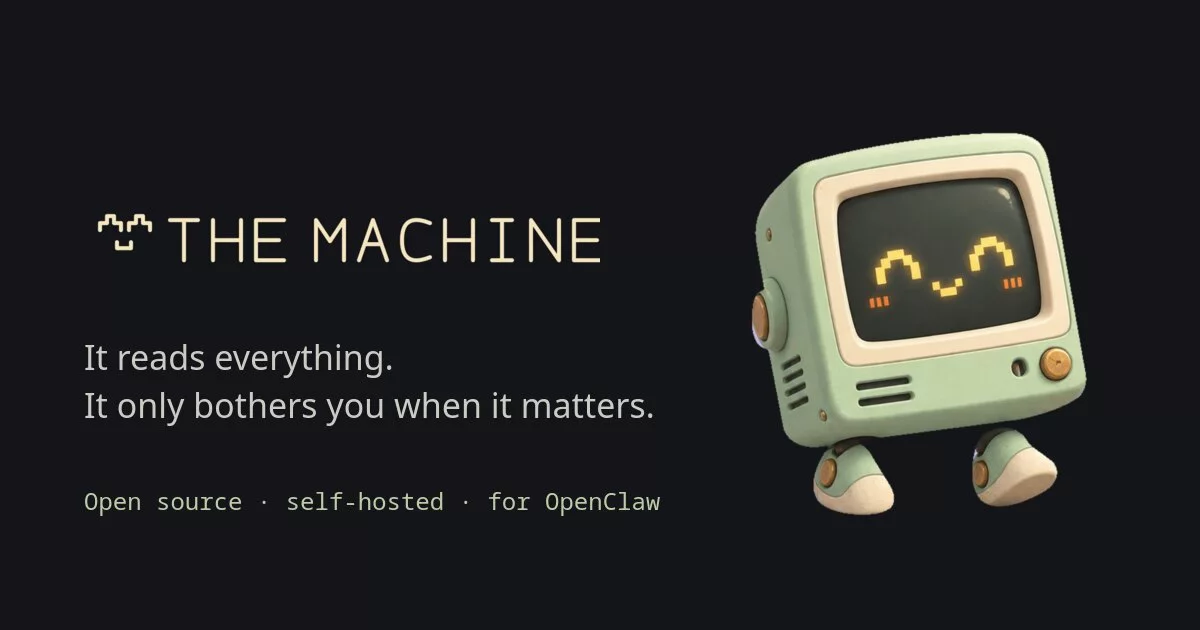
A private assistant inbox for OpenClaw. It collects your email, calendar, chats and phone notifications, and lets your own agent find useful next steps. To-dos reach the dashboard app and, optionally, Telegram. Tap Do it and the agent carries out the offered task.
Website: themachine.computer. Rather not run it yourself? The same Machine is also hosted for you on a private server in the EU (beta); export and import move everything between the two.
Early release. One owner per installation. Runs on Linux; macOS and Windows are in beta. Your core assistant needs no cloud account; the optional Fleet and Friends connections use The Machine Network.
Quick start
Linux and macOS (beta):
git clone https://github.com/Salesflare/TheMachine.git ~/.openclaw/workspace/tools/personal-assistant
cd ~/.openclaw/workspace/tools/personal-assistant
./install.sh
Windows (beta), in PowerShell. It sets up WSL2 and runs the same installer inside it:
irm https://raw.githubusercontent.com/Salesflare/TheMachine/main/install.ps1 | iex
./install.sh --dry-run checks the prerequisites and shows what it would write, without changing anything.
Follow Getting started. The installer can help set up OpenClaw, connect sources and publish the owner-authenticated dashboard. Start with a preview; enable recurring reviews when ready. assistant doctor checks the installation without syncing your accounts.
Documentation
| Topic | Guide |
|---|---|
| First installation, sources, phone and preview | Getting started |
| Install flags, upgrades, backups, import and recovery | Operations |
| Settings and defaults | Configuration, example JSON |
| Sources, collection windows and limitations | Sources |
| Storage, review selection and recovery | Architecture |
| To-dos, Change, snooze, work hours, sends and CLI | Usage |
| Facts, people, projects, embeddings and enrichment | Intelligence |
| Model/provider setup | Models |
| Work Fleets, Friends and the Network | Fleet |
| Family Fleets: free times, to-dos and plans | Family |
| Skills: write, approve and share them | Skills |
| Hand a to-do to Claude Code or Codex | Coding agents |
| Optional GBrain agent memory | GBrain |
| Voice input: the mic in message boxes, on the Machine or with OpenAI | Voice input |
| Encryption, reliability and roadmap of the Network | Network |
| Add a connector | Adding a source |
| Sandbox, screenshots and layout checks | Development |
| Agent instructions | AGENTS.md, PREPARATION.md |
| Contribute or report a vulnerability | CONTRIBUTING.md, SECURITY.md |
| Historical repair notes | History |
What it does
- Collects sources independently of OpenClaw into one persistent SQLite database.
- Reviews pending signals in isolated sessions of your existing main agent; no separate reasoning model or agent.
- Remembers your decisions, written feedback, facts, people, projects and promises.
- Prepares likely useful work ahead, without committing its consequential last step.
- Carries out owner-requested work, with useful task-specific Send, Submit or Merge actions where appropriate.
- Shows health, review history and the same tasks on the dashboard and Telegram.
- Hands a to-do to Claude Code or Codex when you ask; the job shows in their apps and never sends anything itself.
- Lets you talk instead of type: voice input writes what you say into the box, turned into text on your own Machine, and never sends it.
- Follows your skills: plain OpenClaw skills you write, approve or get from your Fleet or a friend; instructions only, never more permissions.
The Machine and OpenClaw
The Machine is its own app, not a wrapper. It runs on OpenClaw as its agent runtime: OpenClaw's agent does the reading and thinking with the model you pick, and its Gateway carries Telegram and the Android node. The Machine adds the rest: the dashboard, the Graph, to-dos, connections, Fleet and the Network.
Requirements
| Linux | macOS (beta) | Windows (beta) | |
|---|---|---|---|
| Runs as | systemd user service | launchd agent | systemd user service inside WSL2 (Ubuntu 24.04) |
| Install | ./install.sh |
./install.sh (Homebrew: brew install python@3.12 node@24) |
install.ps1 (above) |
| Logs | journald | ~/Library/Logs/TheMachine |
journald inside WSL |
| Not there yet | Browser viewer, Gateway log source | Browser viewer |
assistant service status|restart|stop|start|logs works the same everywhere. assistant support-bundle saves versions, checks and recent logs in one file, without keys or tokens, to send when you need help. Beta means it is tested in CI but not yet run for long on a real computer.
- Your own user account, not root.
- Python 3.12+ (standard library only; Telegram chats adds pinned pure-Python libraries of its own, below).
- Node.js 24.22.1+ within the 24.x series, or 26.12.1+ (
>=24.22.1 <25 || >=26.12.1, OpenClaw's engine range since 2026.10.6). With an older OpenClaw already set up, The Machine still runs on Node 24.16+ or 26.1+; update Node.js before you update OpenClaw. Node 22 and 25 are unsupported. The installer resolves mise/asdf shims and the installed npm package. - OpenClaw 2026.10.7 or later, with the Gateway running. Its Telegram channel (your bot) is optional: without it, to-dos reach you through the dashboard app. Without it,
./install.shin a terminal offers to install and set it up (below). CI tests 2026.10.7 and the latest release every week; see Known limitations. - Optional, per feature:
gog(Google Workspace CLI) for Gmail and Calendar (OAuth per account, file keyring on every OS, so the background service never waits on a Keychain prompt;assistant connect gmailsigns you in).- Your own Microsoft Entra app registration for Outlook mail and calendar (
assistant connect outlooksigns you in with a device code). - Tailscale for dashboard access (the dashboard only serves your Tailscale identity).
- Caddy only if you want the dashboard on your own domain (
deploy/Caddyfile). Not needed:tailscale servegives it an HTTPS address on your tailnet. waclifor WhatsApp; for Telegram chats, a Telegram app ID of your own from my.telegram.org (hosted Machines get The Machine's), andassistant connect telegramunpacks the pinned Telethon (telegram-pin.json, checked against its sha256s); a Maton connection for Slack (allowed to post as you, to send Slack messages); a Salesflare API key.- The
ghCLI logged in as you for GitHub; a restricted read-only key (or a Maton connection) for Stripe. - For LinkedIn and X: your accounts signed in to the OpenClaw browser (profile
openclaw). To use another browser profile setLINKEDIN_INBOX_BROWSER_PROFILE/X_INBOX_BROWSER_PROFILE; to read through a browser's DevTools address directly instead of OpenClaw's browser commands (faster and steadier on a small, busy server) setLINKEDIN_INBOX_BROWSER_CDP/X_INBOX_BROWSER_CDP, e.g.http://127.0.0.1:9222. When a read finds the browser signed out, the Connections tab says "Signed out of LinkedIn" with what to do (on a hosted install: a Sign in again link to the server's browser). - The OpenClaw Android app paired as a node for phone notifications (pairing it, also from outside your network).
Install
Installation steps, flags and unattended setup, your own instructions.
Configuration
All documented settings. Restart after manual edits; dashboard Work hours apply immediately.
Architecture
Components, data and account boundaries.
Sources
Supported sources. Collection is read-only by default, with an opt-in CRM account-join exception.
Reviews
Review batching and recovery. Threshold 40 does not mean only 40 signals are eligible: each run can claim up to 120. Smaller quiet backlogs are reviewed after an hour. Deferred versions stay searchable; two deferrals set one aside until it changes.
Promises
Telegram and the dashboard
Usage. Telegram is optional; install the dashboard as a phone app for notifications.
Work hours
Do it
Do it authorizes the offered task end to end; verified written instructions authorize the exact requested action. Normal app actions do not need extra per-tool approvals. Message drafts use the supported Send route, or send_now where supported when explicitly requested. WhatsApp retains a to-do confirmation. Prepared-ahead work stops before its consequential last step. Full rules.
Prepared ahead is not accepted work; see the different authority above.
The Machine fixes itself
Self-repair and tested merges.
People and projects
Related signals (optional, local embeddings)
Organization data (optional, enrichment)
Company enrichment, and work contacts.
Security model
In plain words: themachine.computer/security. The details:
- Keep the local API on loopback and the dashboard behind the owner identity check; authenticated cloud hosting uses its own gate (Google or Microsoft plus an authenticator code, or a passkey). A self-hosted dashboard has no sign-in of its own: your tailnet login is the identity, so a passkey goes on that account (Tailscale's identity provider).
- The CLI/agent key cannot invent owner decisions. Telegram/dashboard owner controls share one store.
- Reviews only read. Do it permits broad task execution; plugin guards are not an OS sandbox and differ by runtime.
- Credentials must not enter model context; the owner's dashboard sign-in facility handles them separately.
- Private evidence reaches your chosen reasoning provider; local embeddings do not make cloud model calls local.
- Message contents are encrypted in the database by default, with a key next to it (
message-content.key). Back it up with the database: without it the messages are lost (configuration). - Unknown sends/remote writes are reconciled, not blindly repeated. Cancellation cannot recall an already-admitted send.
Read SECURITY.md, PREPARATION.md and architecture before enabling accepted work. No new approval tiers are implied by this documentation.
Command line
CLI examples, or assistant --help. Owner decisions cannot be made through the CLI.
Operations
Moving to another computer
Catch-up and search guarantees
Checkpoint and version guarantees.
Adding a source
Known limitations
Sources and model judgment are not complete or infallible. Phone notifications can be lost during gaps, Slack can take hours, browser query IDs can change, and a bounded successful sync is not complete catch-up. Latest OpenClaw compatibility is tested, not guaranteed for future releases. Detailed limits.
Tests
python3 scripts/test.py
The suites live in tests/. The runner isolates HOME/config and uses synthetic providers and disposable databases/browser contexts. Offline tests do not prove real delivery, billing or reboot recovery. Development prerequisites.
Contributing and security
Contributing, private security reports. Never publish real accounts, messages, customer records, credentials, raw logs or operational backups. A successful secret scan alone does not prove prose or images are public-safe.
Report ordinary bugs through the dashboard's GitHub issue link, leaving out personal data. Keep sensitive reports private.
License
Copyright (C) 2026 Salesflare. Open source under the GNU Affero General Public License v3.0 only (AGPL-3.0-only): LICENSE.
OpenClaw and optional components: THIRD_PARTY_NOTICES.md. Names, branding and the hosted service have separate terms: TRADEMARKS.md. Website: themachine.computer.
Outlook reliability
Microsoft access and folder caches are isolated by account, connection and credential revision. Reconnecting invalidates old cache entries. Attachment lists follow every Graph page; responses over 40 MB fail clearly rather than creating partial files. Graph throttling preserves the requested retry wait. Signatures keep ordinary HTML after removed void tags. These are reliability checks, not new owner approvals.
Google sign-in recovery
After an expired Google sign-in, use the exact reconnect command shown on Connections, on the computer that runs this collector. It pins the account/client and the same gog file keyring used by the service. The collector watches the renewed token every 15 seconds during authentication backoff; it does not sleep through the retry hour first. Ordinary throttling/network backoff remains unchanged. A successful committed sync clears the current warning, while the historical failure stays in Recent syncs/Details. Returning to the dashboard or regaining connectivity refreshes it immediately, without replacing an open form or overlapping its periodic status requests.
Automatic browser recovery
An unresponsive managed browser is restarted only while The Machine holds its exclusive browser lease. If another job is using it, recovery waits for the next sync without consuming its fifteen-minute cooldown. It uses the configured lease helper and leaves the Gateway, attached CDP browsers and real-Chrome extension profiles alone. This adds no owner-approval step.