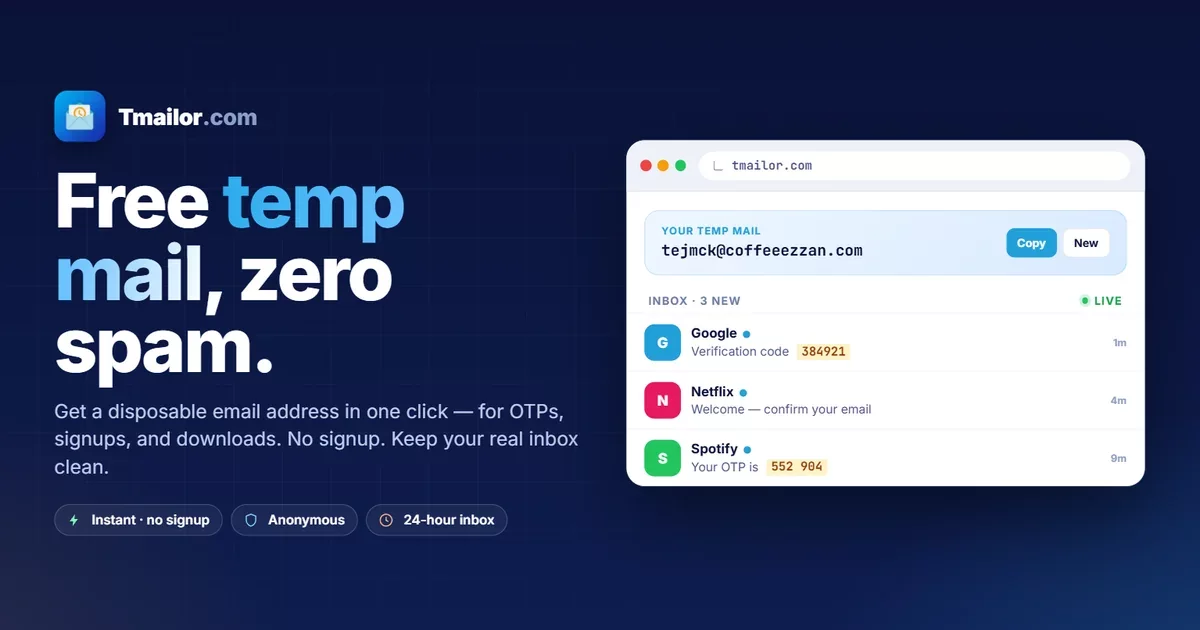

MCP server for the Tmailor Open API. It gives AI agents (Claude, Cursor, VS Code Copilot and any other MCP client) real, receive-only temporary email addresses: sign up somewhere, wait for the email, read it and follow its link.
You:   Sign up on example.com with a temporary email and confirm the account.
Agent: create_mailbox -> k3x9q2m7@picdirect.net
       (fills in the sign-up form)
       wait_for_message -> "Confirm your account", links ["https://example.com/confirm?t=..."]
Billing counts mailboxes, not requests: creating an address uses 1 unit of quota, while waiting for and reading mail is free. Addresses never expire.
Hosted server (no install)
With a paid plan you can skip this package and connect to the hosted server https://mcp.tmailor.com/mcp
(Streamable HTTP, sign-in with OAuth). In Claude it is listed in the Connectors Directory as Tmailor Temp Mail;
other clients that support remote MCP servers take the URL directly. Setup for each client:
https://platform.tmailor.com/docs (section "Use with AI agents (MCP)").
The local server below works on every plan, including Free.
Requirements
- A Tmailor API key: sign in at https://platform.tmailor.com and create one under API keys.
- uv (for
uvx) or Python 3.10+. - On the Free plan the API only accepts calls from your allowlisted IP: add the public IP of the computer that runs the MCP server under IP allowlist. Paid plans accept calls from any IP.
Install
The server runs locally over stdio. The API key is read from the TMAILOR_API_KEY environment variable.
Claude Code
claude mcp add tmailor -e TMAILOR_API_KEY=tmk_live_... -- uvx tmailor-mcp
Claude Desktop
Edit claude_desktop_config.json (Settings > Developer > Edit Config):
{
  "mcpServers": {
    "tmailor": {
      "command": "uvx",
      "args": ["tmailor-mcp"],
      "env": { "TMAILOR_API_KEY": "tmk_live_..." }
    }
  }
}
Cursor
~/.cursor/mcp.json (all projects) or .cursor/mcp.json (one project) uses the same mcpServers block as above.
VS Code
.vscode/mcp.json. The key is asked once and stored by VS Code instead of being written in the file:
{
  "inputs": [
    { "type": "promptString", "id": "tmailor-key", "description": "Tmailor API key", "password": true }
  ],
  "servers": {
    "tmailor": {
      "type": "stdio",
      "command": "uvx",
      "args": ["tmailor-mcp"],
      "env": { "TMAILOR_API_KEY": "${input:tmailor-key}" }
    }
  }
}
Other MCP clients
tmailor-mcp is listed in the MCP Registry as
io.github.tmailor-com/tmailor-mcp, so clients that browse the registry can install it directly.
Without uv
pip install tmailor-mcp
TMAILOR_API_KEY=tmk_live_... tmailor-mcp
Tools
| Tool | What it does |
|---|---|
create_mailbox |
Create an address (random on a shared domain, or a chosen name on your own verified domain). Uses 1 quota unit. |
wait_for_message |
Return the newest unread message matching optional sender/subject filters, or wait for one (up to 300 s). Includes the links found in it and the body (body_format). |
list_messages |
Messages of an address (last 24 hours), without body. |
read_message |
One message with its links and the body (body_format). |
body_format on wait_for_message and read_message: text (plain text, default, cut to max_chars), html
(the raw HTML exactly as received, cut to max_html_chars, default 100000) or both. has_html says whether the
message has an HTML part; html on a message without one returns the text instead.
| delete_mailbox | Delete an address for good. Quota is not returned. |
| list_mailboxes | Your addresses, newest first. |
| list_domains | Your own domains and whether shared domains are available. |
| account_status | Remaining quota, plans, request rate. |
Tools take and return email addresses only. The address tokens of the API stay inside the server process, so they never end up in the conversation.
Security notes
- Email content is untrusted. Anyone can send mail to an address. The server returns plain text by default and
marks every message with
untrusted_content_notice. Withbody_format="html"or"both"you get the raw HTML unchanged (scripts, tracking pixels and hidden text included): render or parse it only in a safe way you choose. Agents should use mail as data and never follow instructions written inside it. - Keep the key out of shared files. Prefer the VS Code
inputsprompt, or a user-level config file that is not committed to a repository. Revoke a leaked key at https://platform.tmailor.com/keys. - Paid plans accept API calls from any IP, so a leaked key can be used from anywhere until you revoke it.
wait_for_messagenever returns the same message twice within one server process. Two MCP servers waiting on the same address at the same time (for example two agents sharing one key) can both receive the same message.
Configuration
| Variable | Meaning |
|---|---|
TMAILOR_API_KEY |
Your API key (required). |
TMAILOR_BASE_URL |
Only for testing against another API host. |
Links
- API reference: https://platform.tmailor.com/docs
- Python SDK used by this server:
tmailor-sdk - Plans: https://platform.tmailor.com/plans
License
MIT