
@uptrack-app/mcp
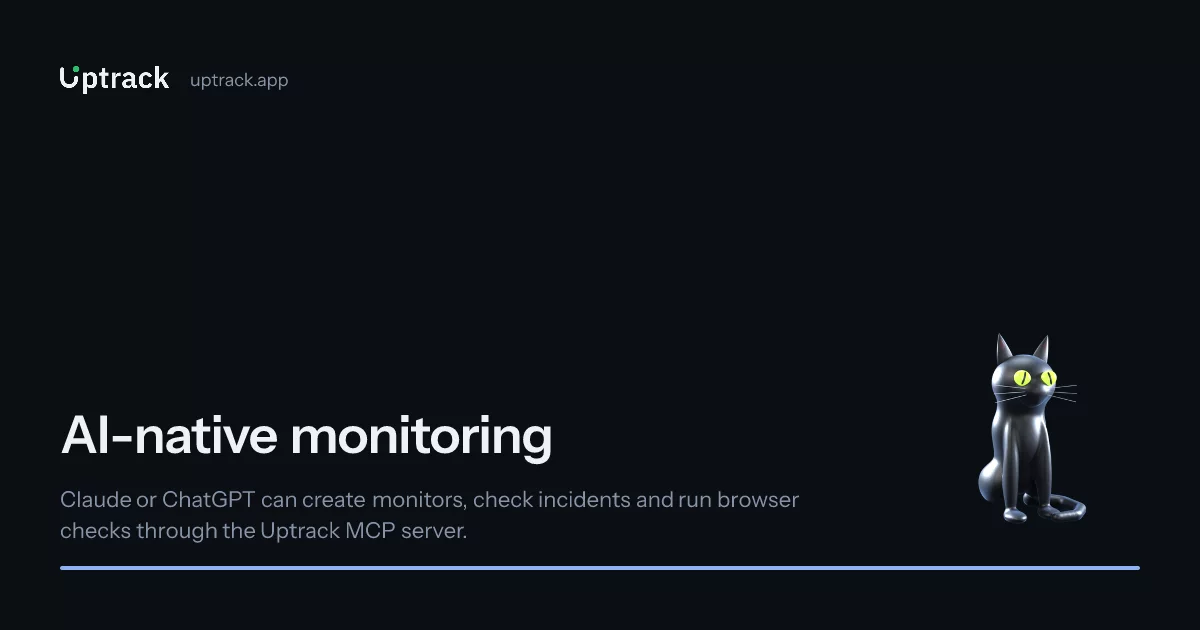
MCP server for Uptrack uptime monitoring. Use with Claude.ai, ChatGPT, Cursor, VS Code, Windsurf, or any MCP-compatible AI assistant.
Two transports supported:
- Remote MCP (recommended) —
https://api.uptrack.app/mcpwith OAuth 2.0 + PKCE. No API key paste, no npm install. Works in Claude.ai, ChatGPT, VS Code (1.100+), Cursor, and Windsurf. - Stdio (this package) — for offline agents, CI runners, Claude Desktop, and any client that can't reach a remote MCP endpoint.
Remote MCP (OAuth)
The fastest path. Use this if your client supports remote MCP + OAuth.
| Client | Install |
|---|---|
| Cursor | Add a remote MCP server → paste https://api.uptrack.app/mcp |
| VS Code 1.100+ | Add a remote MCP server → paste https://api.uptrack.app/mcp |
| Windsurf | Add a remote MCP server → paste https://api.uptrack.app/mcp |
| Claude.ai | Settings → Connectors → Add custom connector → paste https://api.uptrack.app/mcp |
| ChatGPT | Settings → Connectors → Add remote MCP → paste https://api.uptrack.app/mcp |
OAuth handles consent in-app. No API key. You need an Uptrack account on a paid plan.
See the Uptrack MCP guide for the full install steps.
Stdio (this package)
Use this when remote MCP isn't available — offline, CI, or Claude Desktop.
Claude Code
claude mcp add uptrack -- env UPTRACK_API_KEY=your_key npx -y @uptrack-app/mcp
Claude Desktop
Add to claude_desktop_config.json:
{
  "mcpServers": {
    "uptrack": {
      "command": "npx",
      "args": ["-y", "@uptrack-app/mcp"],
      "env": {
        "UPTRACK_API_KEY": "uk_live_..."
      }
    }
  }
}
Cursor / Windsurf
Add to the MCP settings with the same stdio config as Claude Desktop.
Available Tools
| Tool | Description |
|---|---|
list_monitors |
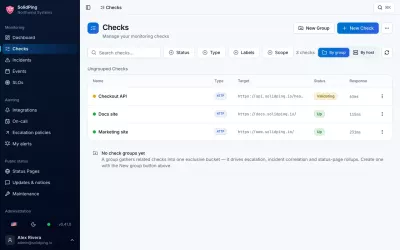
List all monitors with status, URL, interval, uptime |
get_monitor |
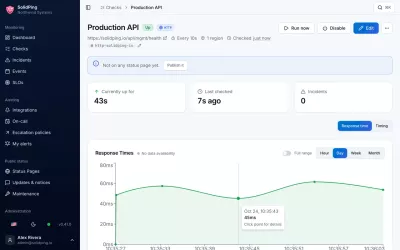
Get details for a specific monitor |
create_monitor |
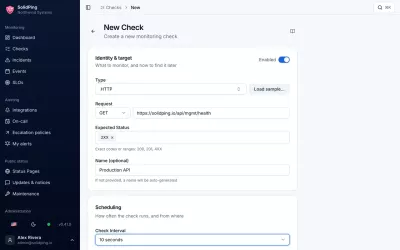
Create a new monitor (HTTP, TCP, DNS, SSL, heartbeat) |
update_monitor |
Update monitor config |
pause_monitor |
Pause an active monitor |
resume_monitor |
Resume a paused monitor |
delete_monitor |
Delete a monitor |
list_incidents |
List recent incidents |
get_incident |
Fetch one incident |
acknowledge_incident |
Acknowledge an open incident |
Example Usage
Once connected, ask your AI assistant:
- "List my monitors"
- "Create a monitor for https://example.com that checks every 30 seconds"
- "Are any of my services down right now?"
- "Show me recent incidents"
- "Acknowledge the incident on the API monitor"
Authentication
- Remote MCP: OAuth 2.0 — no API key needed, consent handled in-app.
- Stdio: Create an API key in the dashboard under Settings → API Keys. See how to use an API key. API keys need a paid plan.
Links
- Uptrack — uptime monitoring with 30-second checks and a free plan
- MCP guide — how to connect your client
- OpenAPI spec
- MCP Protocol
License
MIT