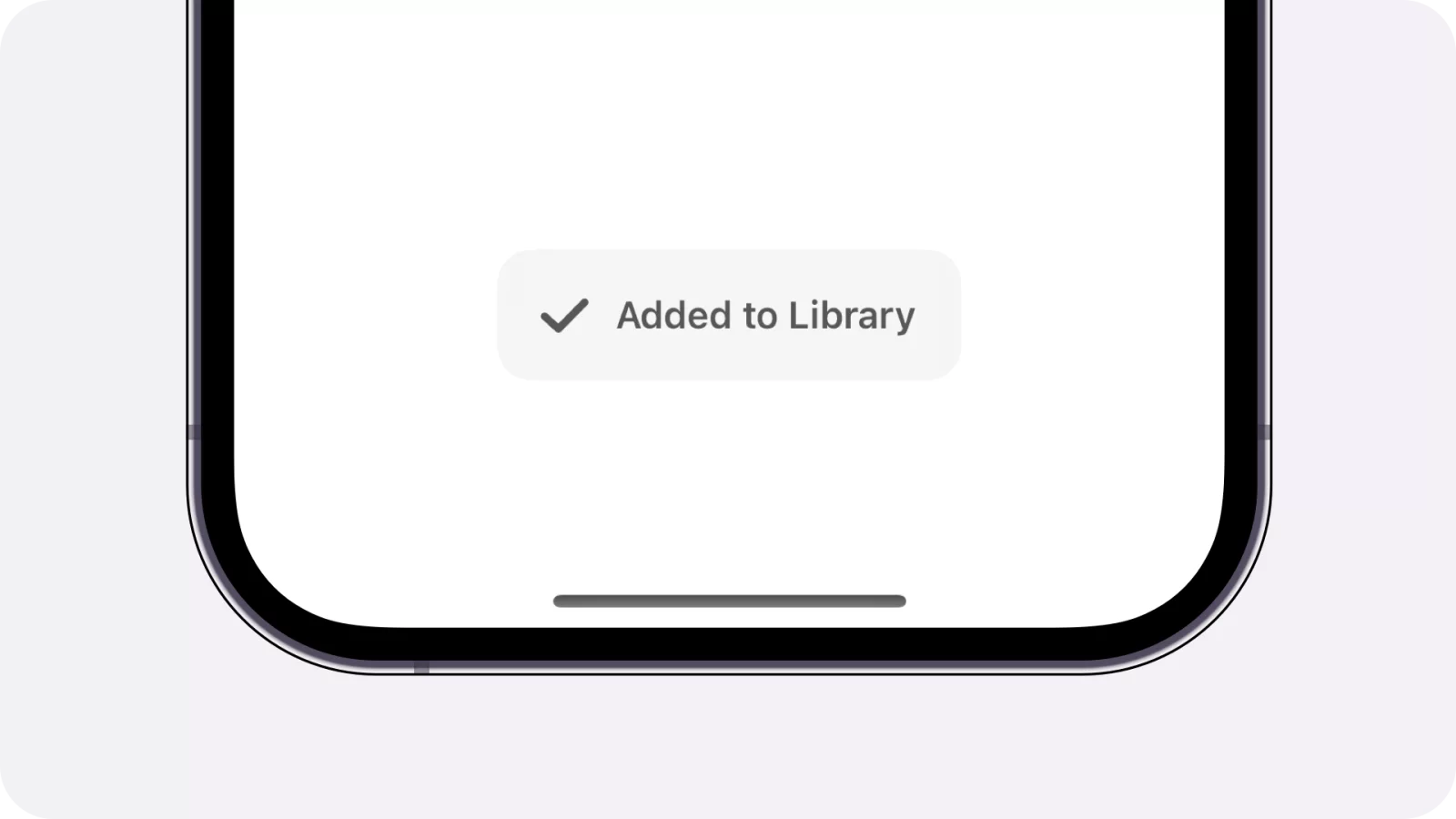
Popup from Apple Music & Feedback in AppStore. Contains Done, Heart, Error and other. Supports Dark Mode.
I tried to recreate Apple's alerts as much as possible. You can find these alerts in the AppStore after feedback and after you add a song to your library in Apple Music.
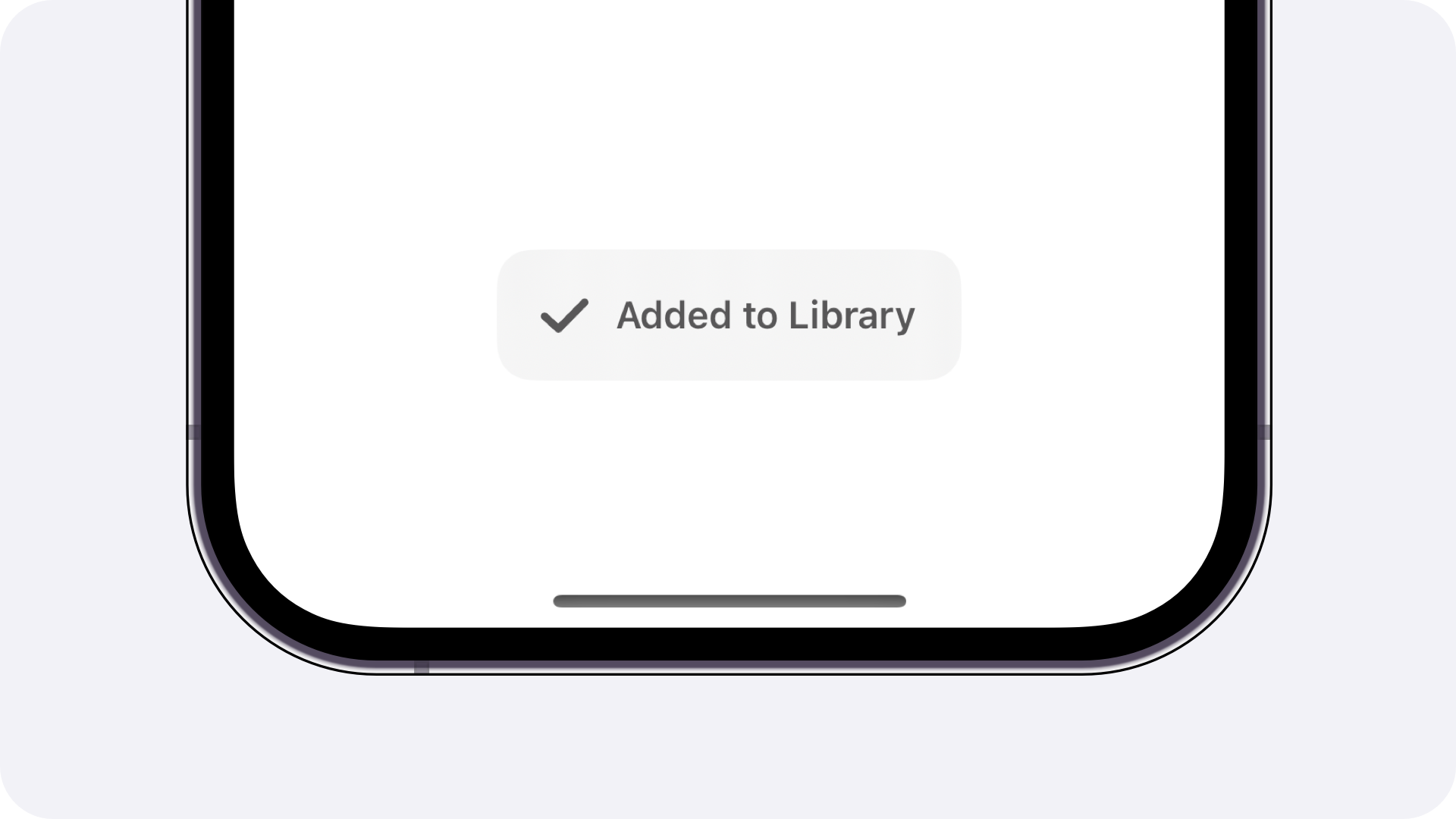
For UIKit & SwiftUI call this:
AlertKitAPI.present(
    title: "Added to Library",
    icon: .done,
    style: .iOS17AppleMusic,
    haptic: .success
)
Available 2 styles:
public enum AlertViewStyle {

    case iOS16AppleMusic
    case iOS17AppleMusic
}
iOS Dev Community


Navigate
Installation
Ready to use on iOS 13+. Supports iOS and visionOS. Working with UIKit and SwiftUI.
Swift Package Manager
In Xcode go to Project -> Your Project Name -> Package Dependencies -> Tap Plus. Insert url:
https://github.com/sparrowcode/AlertKit
or adding it to the dependencies of your Package.swift:
dependencies: [
    .package(url: "https://github.com/sparrowcode/AlertKit", .upToNextMajor(from: "5.1.8"))
]
CocoaPods:
This is an outdated way of doing things. I advise you to use SPM. However, I will continue to support Cocoapods for some time.
Cocoapods Installation
CocoaPods is a dependency manager. For usage and installation instructions, visit their website. To integrate using CocoaPods, specify it in your Podfile:
pod 'SPAlert'
Manually
If you prefer not to use any of dependency managers, you can integrate manually. Put Sources/AlertKit folder in your Xcode project. Make sure to enable Copy items if needed and Create groups.
SwiftUI
You can use basic way via AlertKitAPI or call via modifier:
let alertView = AlertAppleMusic17View(title: "Hello", subtitle: nil, icon: .done)

VStack {}
    .alert(isPresent: $alertPresented, view: alertView)
Customisation
If you need customisation fonts, icon, colors or any other, make view:
let alertView = AlertAppleMusic17View(title: "Added to Library", subtitle: nil, icon: .done)

// change font
alertView.titleLabel.font = UIFont.systemFont(ofSize: 21)
// change color
alertView.titleLabel.textColor = .white
Present & Dismiss
You can present and dismiss alerts manually via view.
let alertView = AlertAppleMusic17View(title: "Added to Library", subtitle: nil, icon: .done)

// present
alertView.present(on: self)
// and dismiss
alertView.dismiss()
For dismiss all alerts that was presented:
AlertKitAPI.dismissAllAlerts()
Apps Using


If you use a AlertKit, add your app via Pull Request.