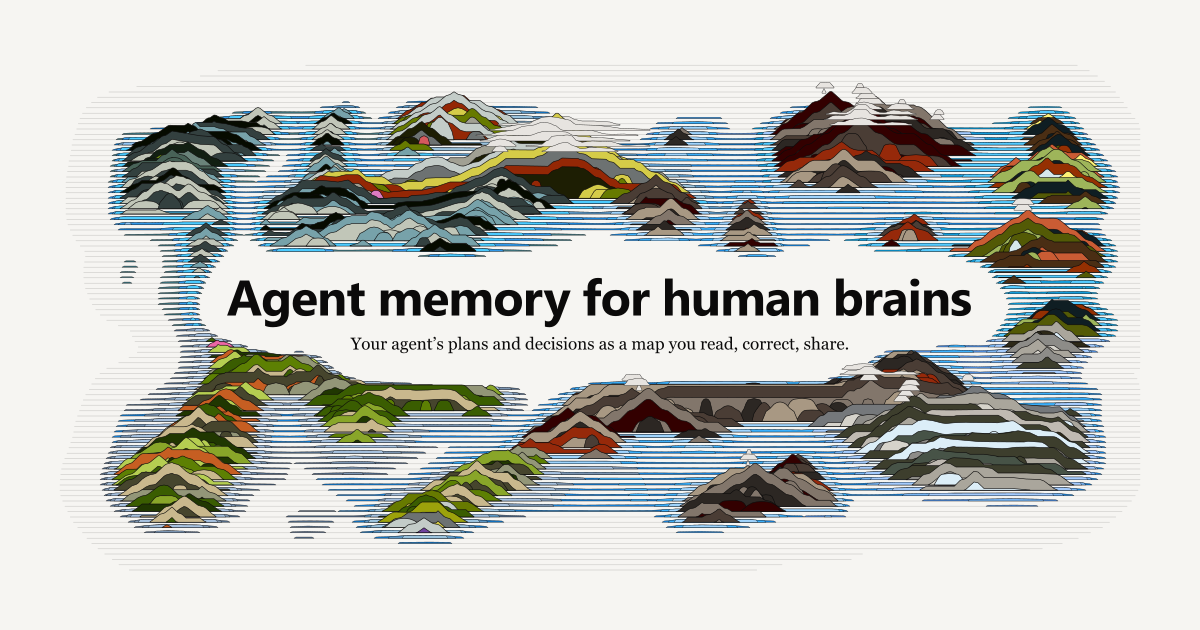
A living map of all your work. From a chat to a structured model that keeps you, your team, and your agents on the same page.
Early: built and used daily by its author; expect rough edges.
AI is speeding up lots of tasks, but more speed is only helpful if you're moving in the right direction. Making a map before you execute helps identify risks and dependencies, and makes it easy to keep track as people and agents work.
One shared map means anyone can pick up the work at any time, from anywhere. Detailed history makes it possible to analyze how projects actually developed, what was missed, and how to improve.
The site is archipelago.tools.
How it works
Archipelago is a small unopinionated core, the rest is yours to shape.
People stay in control. Agents do much of the work, and you decide what needs your approval. Every change records the source of authority, and what is applied can be undone. You stay in charge
The log is the truth. Every change is added to one log and never rewritten. Undo, history, live updates and backups all read the same record. docs/log.md
Everything is an item, every item has a type. Every type extends one of seven kinds. Because Archipelago is built around those kinds, what works on the types we ship works just as well on a type you add.
Plugin architecture. Packs are where opinion enters the system. Create a pack with the item types, link types, view styles, and features you need. A type, view or rule of yours works like the ones that ship. Write a pack
One surface for people and agents. You and your agents use the map through the same tools. What an agent is told is kept on the map, where you can read and change it. The agent tools
One way to read. A query is a filter, a walk and a limit, and a view is a query with its layout. You and your agents read the same query.
Host it yourself
Archipelago is one Node 24 server and a persistent disk, MIT licensed, with everything included. The database is embedded; for a team, keep the maps on a Postgres server instead. If you'd rather not run a server, the Quickstart has it running for you in about five minutes.
git clone https://github.com/AlexReiner98/archipelago.git
cd archipelago
npm install
npm start
Open http://127.0.0.1:3100, go to Workspace and type your name under
Owner. To look around first, npm run demo opens a map of Archipelago itself
on port 3200, its data kept apart.
Connect Claude Code
In the folder of a project you work on, with the server running:
node -e "fetch('http://127.0.0.1:3100/connect/setup.mjs').then(r=>r.text()).then(t=>import('data:text/javascript,'+encodeURIComponent(t)))"
It lists the files it will write (.mcp.json, a few hooks, working rules in
CLAUDE.md) and asks first. Add -- --dry-run to only see the list, or
-- --remove to take it out. Then reopen Claude Code in that folder and say:
Put this project in Archipelago, with the three things I am working on as tasks, and tell me what you would do first.
Your tasks appear on the map right away. To take anything back, open
Changes and choose Undo. Any other MCP client works the map at
http://127.0.0.1:3100/mcp.
Read on
- Host it yourself and Hosting: every setting and limit.
- Reference: every screen, tool, view, setting and limit.
- Agents held to the map: how an agent is told, checked and reconciled.
- Packs: the manifest, key by key, and docs/layouts.md: layouts and the sandbox.
- The log: what is stored, and how everything else is read from it.
- Glossary: the one word for each idea.
- CONTRIBUTING.md to work on Archipelago itself. It is published as it is, with no promise of answers or fixes.
- SECURITY.md to report a security problem in private.
Copyright 2026 Aperture Design Tools Inc. MIT License.