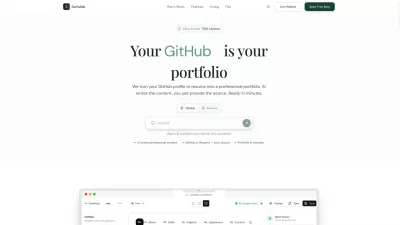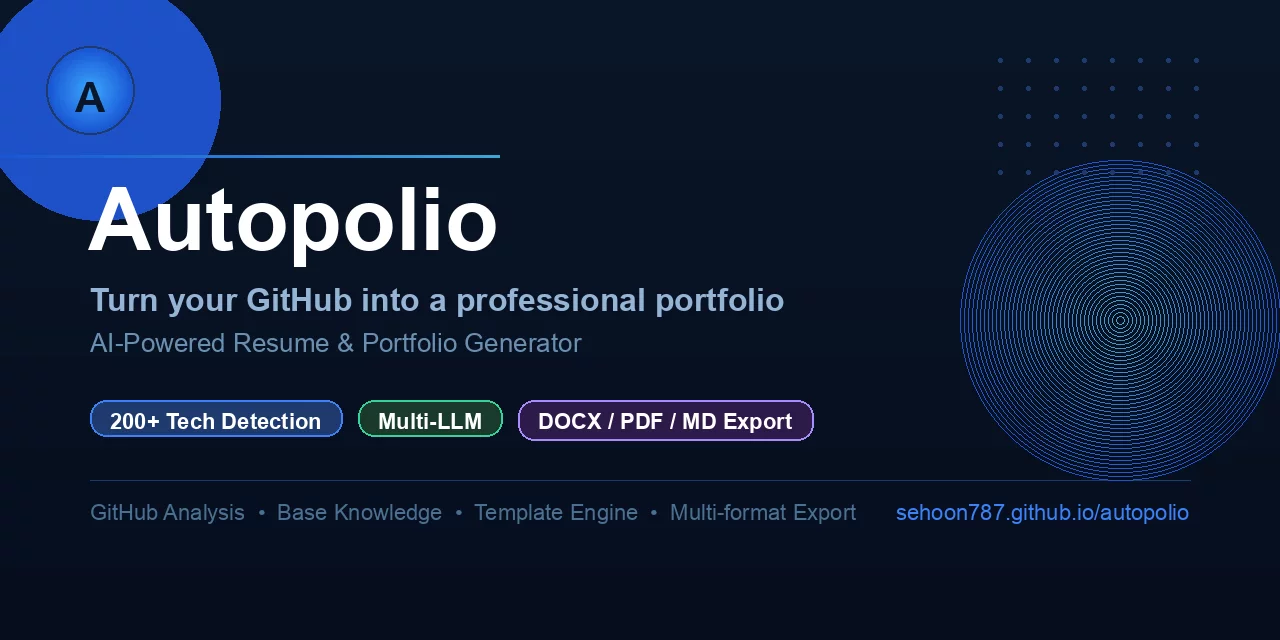

Turn your GitHub into a professional portfolio — powered by AI
Autopolio is an open-source, AI-powered portfolio and resume automation platform. It analyzes your GitHub repositories, builds a structured career knowledge base, and generates tailored resumes for major job platforms — all without manually writing every line.
Screenshots
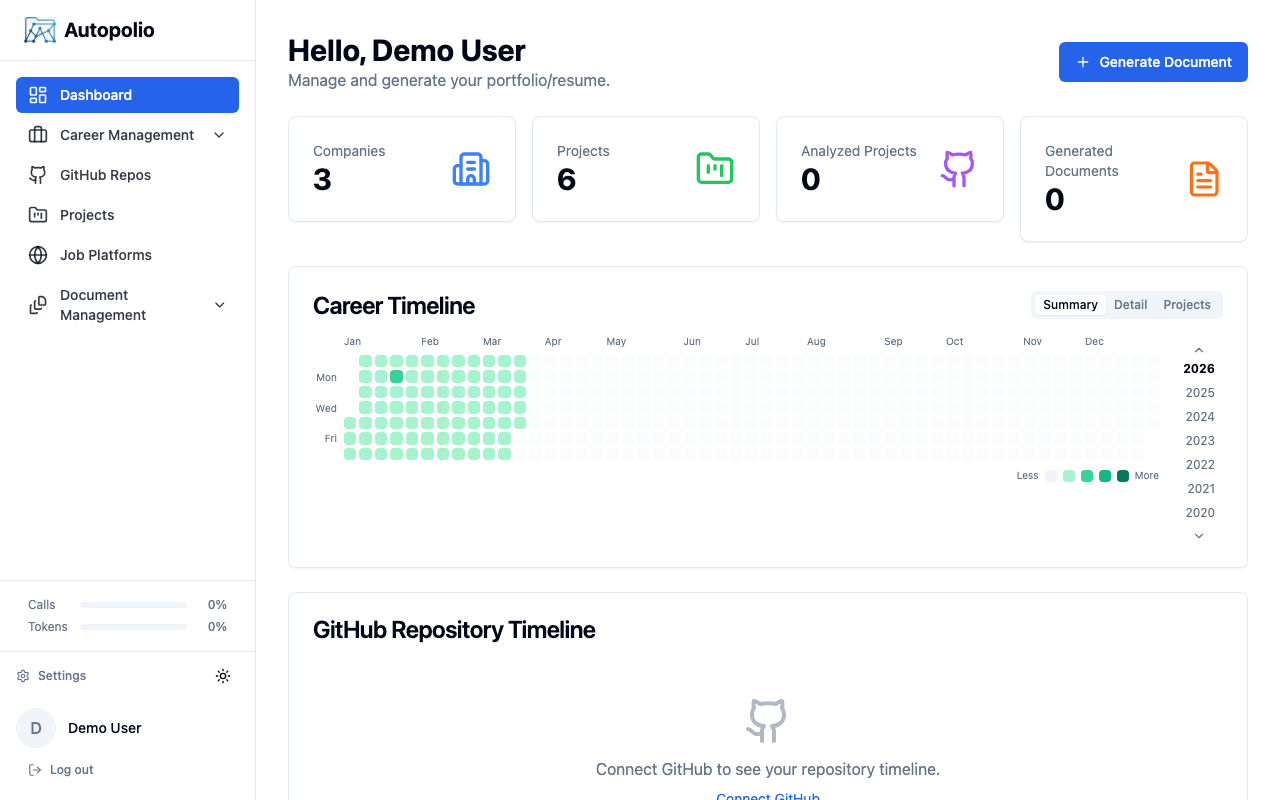 Dashboard & Career Timeline |
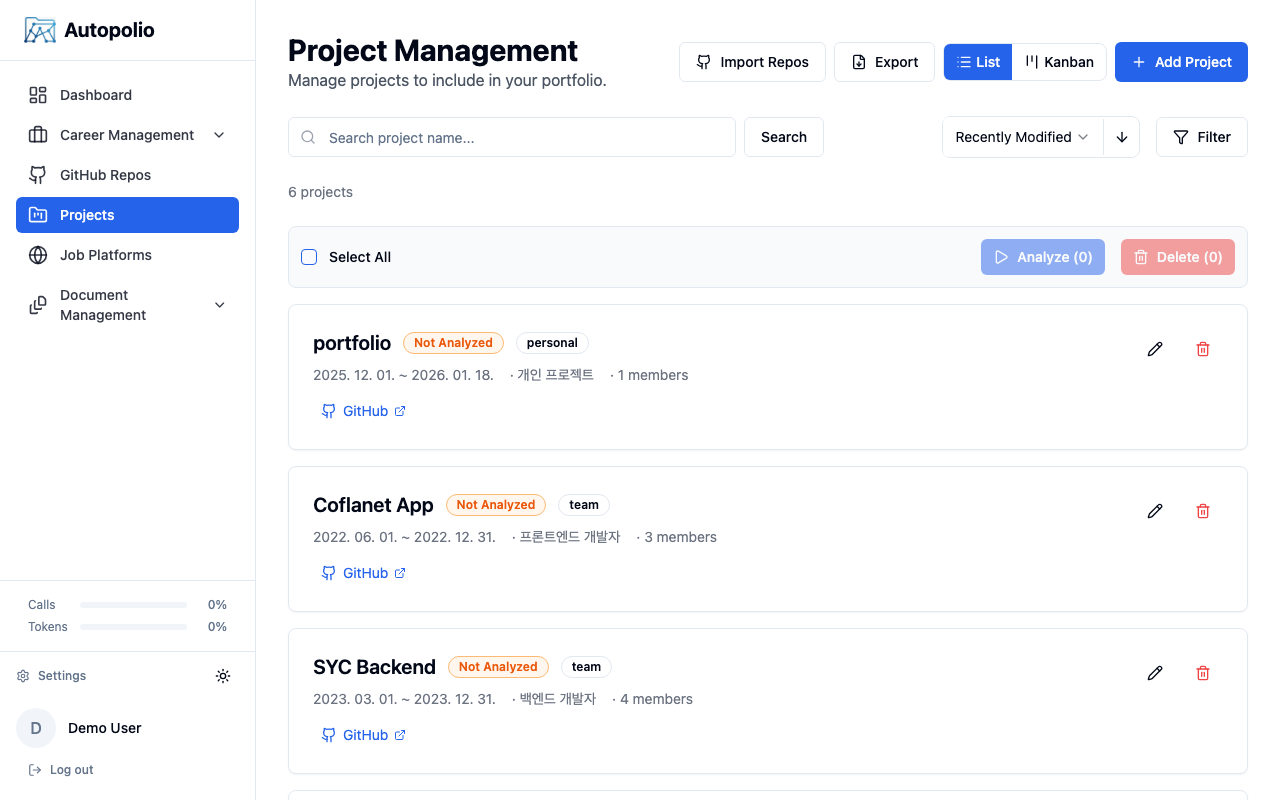 Project Management |
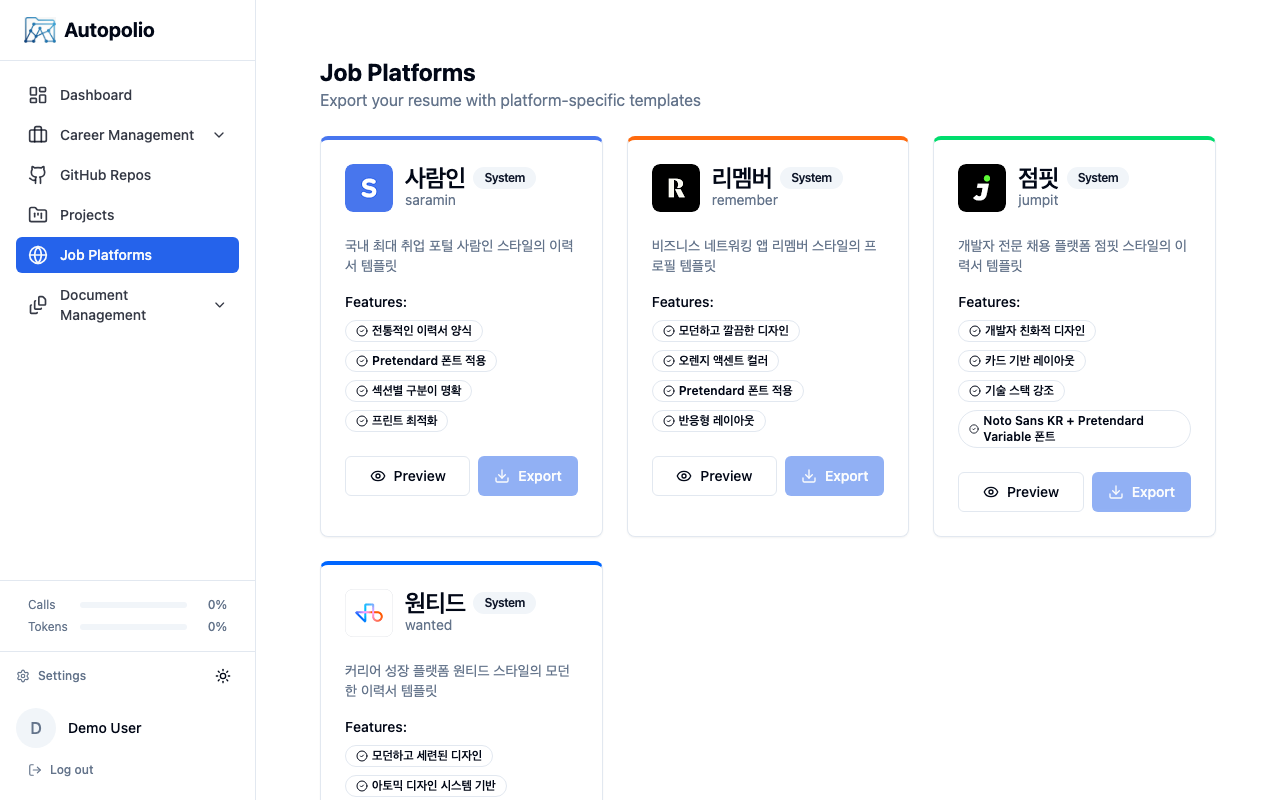 Job Platform Templates |
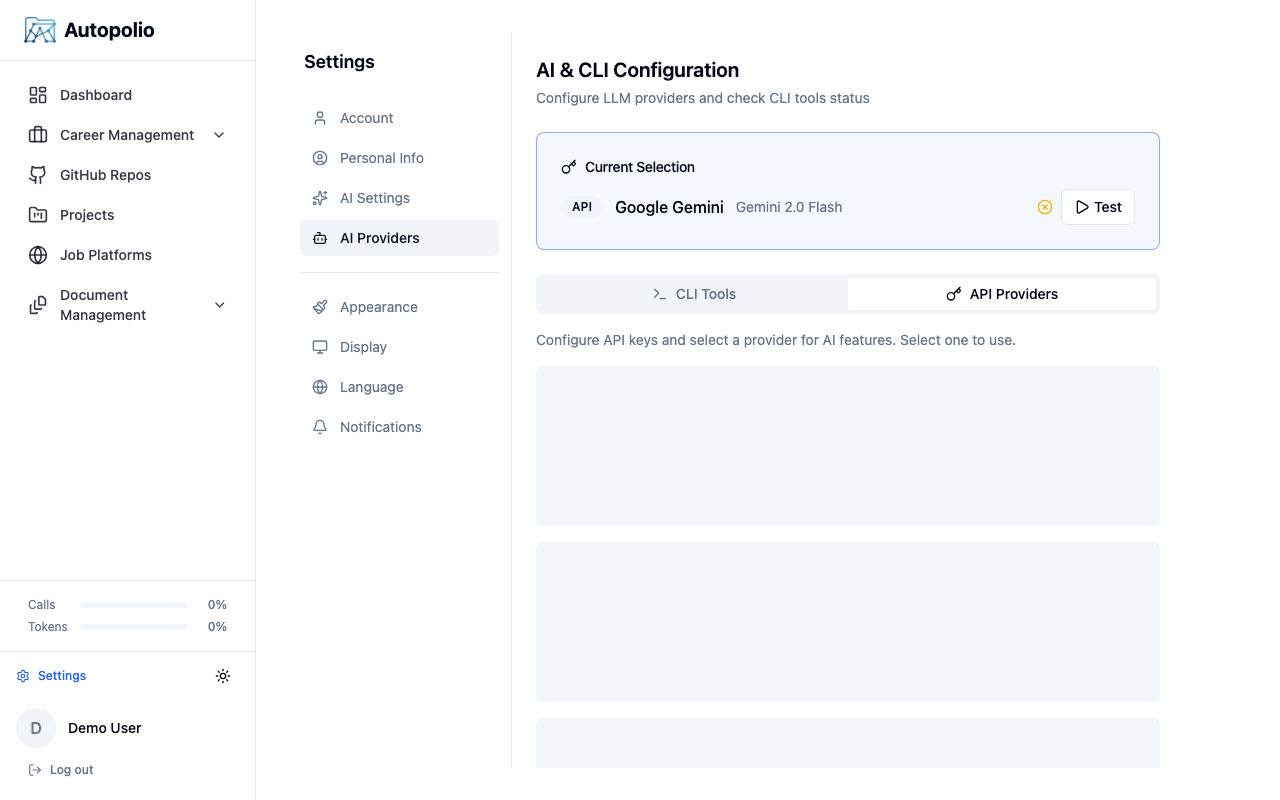 AI Provider Settings |
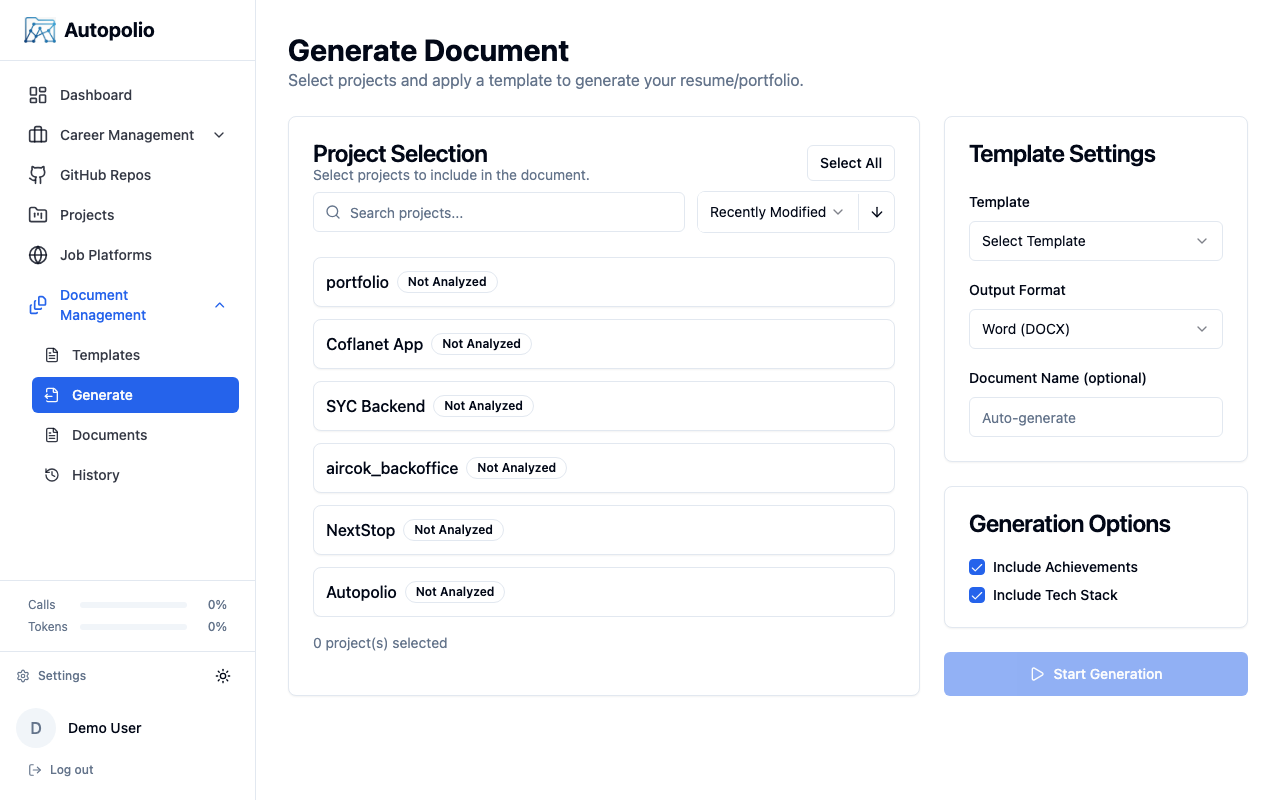
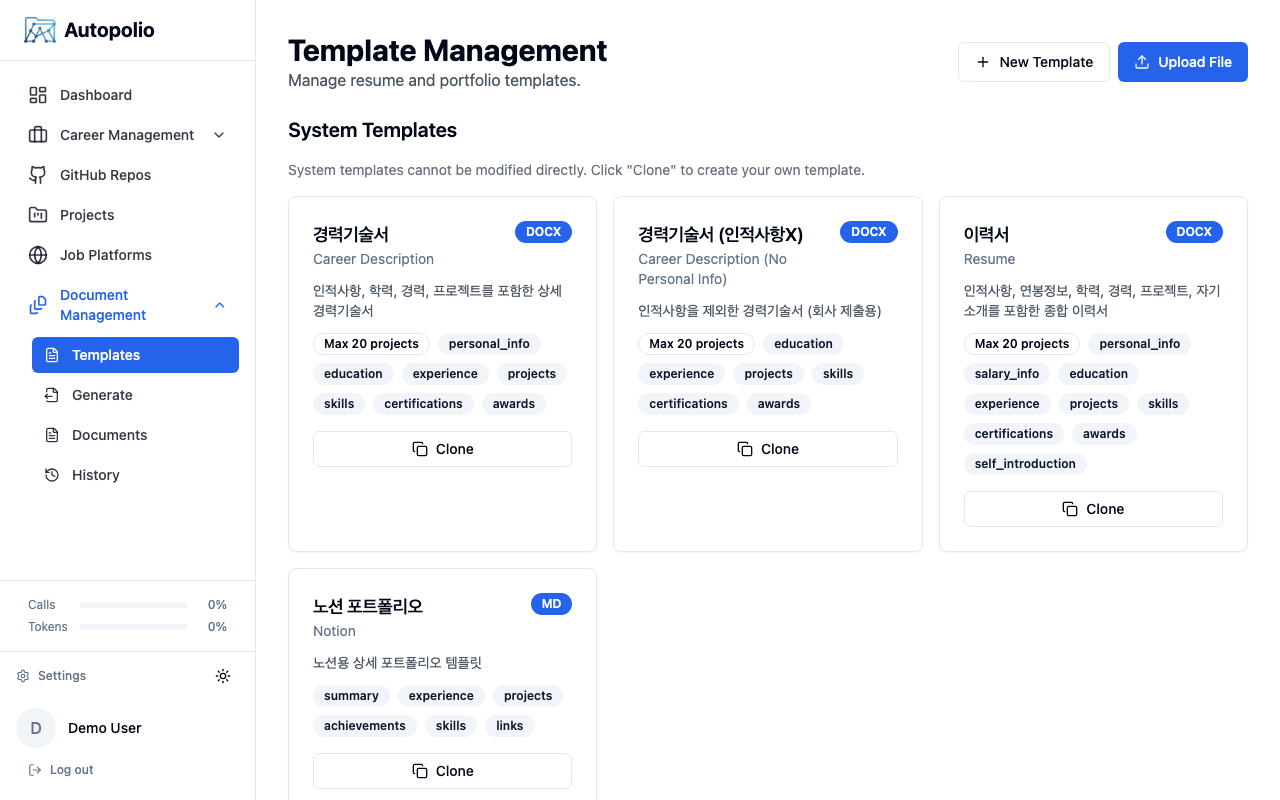
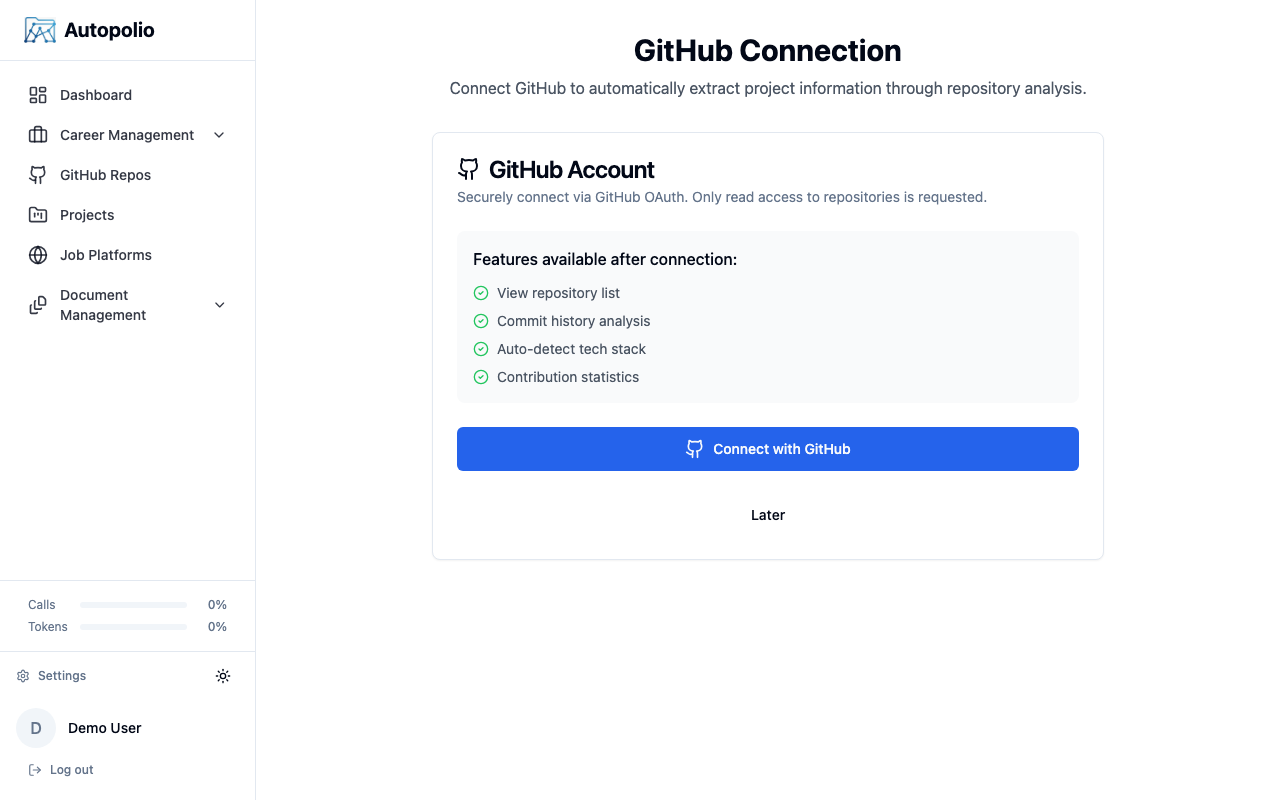
Additional screenshots: Document Generation · Template Management · GitHub Setup
Why Autopolio
Most developers have rich GitHub histories but blank resume pages. Writing a tailored resume for each job platform (Saramin, Remember, Jumpit) takes hours of repetitive effort. Autopolio closes that gap: connect your GitHub, define your career history once, and let the AI pipeline do the rest.
Key Features
- GitHub Repository Analysis — Parses commit history and auto-detects 200+ technologies across JavaScript, Python, Java, Kotlin, Dart, PHP, and more — no LLM required for detection
- Per-Contributor Breakdown — Isolates your commits from team repos; Conventional Commit parsing, work area detection, and code quality metrics
- Career Knowledge Base — Structured management of companies, projects, achievements, certifications, education, and awards
- Platform Resume Templates — Pre-built HTML templates for Saramin, Remember, and Jumpit; Mustache syntax for fully custom templates
- Multi-LLM AI Summarization — OpenAI GPT-4, Anthropic Claude, and Google Gemini all supported; switchable per request
- Multiple Export Formats — DOCX, PDF, and Markdown output from a single source
- Electron Desktop App — Cross-platform installer for Windows (exe), macOS (dmg), and Linux (AppImage) with local CLI tool support
- Internationalization — Full UI in Korean and English via react-i18next
- CI/CD Pipeline — GitHub Actions with pytest, Playwright, ruff, tsc, Bandit security scanning, and Gemini Code Assist review
How It Works
Step 1 — GitHub Analysis       Fetch commits and extract statistics (parallel)
Step 2 — Code Extraction       Detect code patterns and project architecture
Step 3 — Tech Detection        Auto-detect tech stack from dependency files (fast, no LLM)
Step 4 — Achievement Detection Extract quantitative achievements from commit messages
Step 5 — LLM Summarization     Generate AI-powered project summaries (parallel)
Step 6 — Template Mapping      Map structured data to platform-specific template fields
Step 7 — Document Generation   Produce DOCX / PDF / Markdown output
Quick Start
Option A: Docker (recommended)
git clone https://github.com/sehoon787/autopolio.git
cd Autopolio

cp .env.example .env
# Edit .env — set ENCRYPTION_KEY, GITHUB_CLIENT_ID/SECRET, and one LLM API key

docker-compose up -d
Open http://localhost:3035 in your browser.
Option B: Dev script
git clone https://github.com/sehoon787/autopolio.git
cd Autopolio
cp .env.example .env

# Windows
start-dev.bat

# Linux / macOS
./start-dev.sh
Option C: Manual
# Backend
uv sync
uv run uvicorn api.main:app --reload --port 8085

# Frontend (separate terminal)
cd frontend
npm install
npm run dev
| Service | URL |
|---|---|
| Frontend | http://localhost:3035 |
| API Docs (Swagger) | http://localhost:8085/docs |
| API Docs (ReDoc) | http://localhost:8085/redoc |
Ports are configured in
config/runtime.yaml.
Electron Desktop App
Run Autopolio as a standalone desktop application with built-in backend:
Development
# 1. Start the backend
uv sync
uv run uvicorn api.main:app --reload --port 8085

# 2. Start Electron (separate terminal)
cd frontend
npm install
npm run electron:dev
Build Installers
cd frontend

npm run electron:build:win      # Windows exe (NSIS)
npm run electron:build:mac      # macOS dmg
npm run electron:build:linux    # Linux AppImage
The desktop app auto-detects CLI tools (Claude Code, Gemini CLI) and manages API keys locally.
Testing
# Full suite: Docker → pytest → Playwright
tests/scripts/run-all.sh          # Linux / macOS
tests/scripts/run-all.bat         # Windows

# API tests only
tests/scripts/run-api-tests.sh

# E2E tests only
tests/scripts/run-e2e-tests.sh
Seed Data
Populate a local environment with realistic sample data:
python tests/seed_sample_data.py            # Insert sample data
python tests/seed_sample_data.py --clean    # Wipe first, then insert
python tests/seed_sample_data.py --create-user  # Create user + insert
Inserts 3 companies, 6 projects, 2 education records, 4 training records, 3 certifications, 2 awards, 3 publications, 2 patents, and 2 activities.
Tech Stack
| Layer | Technologies |
|---|---|
| Backend | FastAPI, SQLAlchemy, SQLite |
| Frontend | React 19, TypeScript, Vite, Tailwind CSS, Shadcn/ui |
| Desktop | Electron, electron-builder, electron-serve |
| State Management | Zustand, TanStack Query |
| Internationalization | react-i18next, i18next |
| LLM | OpenAI GPT-4 / Anthropic Claude / Google Gemini |
| Document Generation | python-docx, reportlab, chevron (Mustache) |
| Package Managers | uv (Python), npm (Frontend) |
| CI/CD | GitHub Actions + Gemini Code Assist |
| Testing | pytest, Playwright |
Project Structure
Autopolio/
├── api/                     # FastAPI backend
│   ├── constants/           # Centralized enums and config constants
│   ├── models/              # SQLAlchemy ORM models
│   ├── schemas/             # Pydantic request/response schemas
│   ├── routers/             # API route handlers (modularized)
│   └── services/            # Business logic (modularized)
├── frontend/                # React frontend + Electron
│   ├── electron/            # Electron main process and services
│   └── src/
│       ├── api/             # API client functions
│       ├── components/      # Reusable UI components
│       ├── locales/         # i18n translation files (ko, en)
│       ├── pages/           # Page components
│       └── stores/          # Zustand state stores
├── .github/workflows/       # CI/CD pipeline definitions
├── tests/                   # Test scripts and E2E tests
├── config/                  # YAML configuration files
├── data/                    # SQLite database and platform HTML templates
├── docs/                    # Project documentation and screenshots
├── result/                  # Generated output documents
├── pyproject.toml           # Python dependencies (uv)
└── docker-compose.yml
Key API Endpoints
| Method | Path | Description |
|---|---|---|
POST |
/api/users |
Create a user |
GET |
/api/github/repos |
List connected repositories |
POST |
/api/github/analyze |
Start repository analysis |
GET |
/api/github/contributor-analysis/{id} |
Per-user detailed analysis |
GET |
/api/knowledge/projects |
List projects |
GET |
/api/platforms |
List platform resume templates |
POST |
/api/platforms/{id}/render |
Render a template with user data |
POST |
/api/pipeline/run |
Run the full generation pipeline |
GET |
/api/documents |
List generated documents |
Full interactive documentation is at http://localhost:8085/docs when the server is running.
Environment Variables
| Variable | Description | Required |
|---|---|---|
ENCRYPTION_KEY |
Fernet encryption key for stored tokens | Yes |
LLM_PROVIDER |
Default LLM provider (openai / anthropic / gemini) |
Yes |
OPENAI_API_KEY |
OpenAI API key | One of the three |
ANTHROPIC_API_KEY |
Anthropic API key | One of the three |
GEMINI_API_KEY |
Google Gemini API key | One of the three |
GITHUB_CLIENT_ID |
GitHub OAuth App client ID | Yes |
GITHUB_CLIENT_SECRET |
GitHub OAuth App client secret | Yes |
DATABASE_URL |
SQLite database path (default: data/autopolio.db) |
No |
Contributing
Contributions are welcome. See CONTRIBUTING.md for guidelines on reporting bugs, proposing features, and submitting pull requests.
This project follows the Contributor Covenant Code of Conduct.
License
Apache License 2.0 — see the LICENSE file for details.