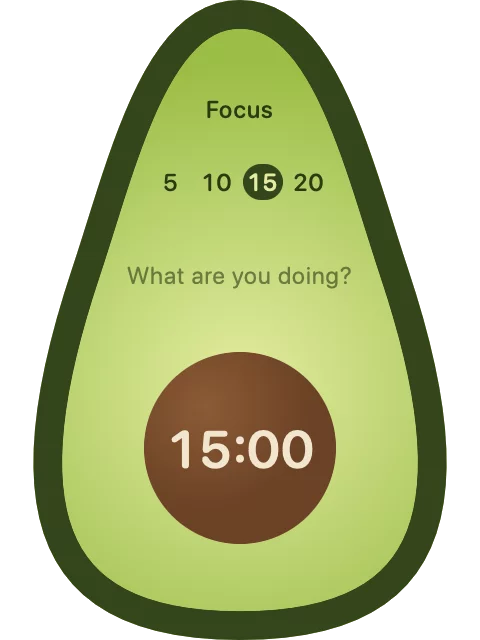
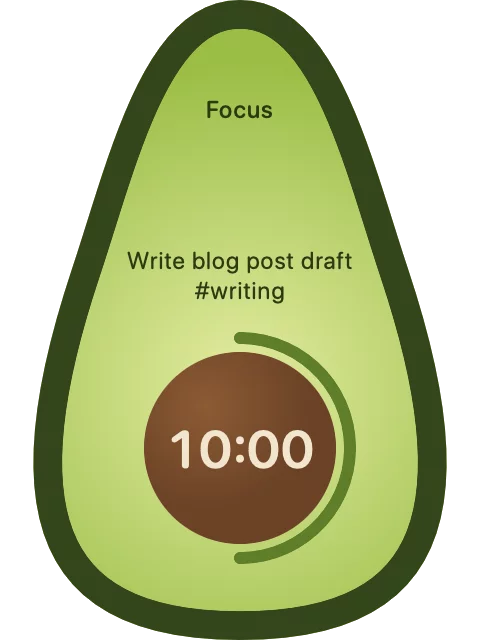

A small macOS pomodoro timer shaped like a halved avocado. It floats above your other windows and lets you type what you're working on. When a session ends, it appends one line to a daily Markdown log, which can live inside an Obsidian vault.
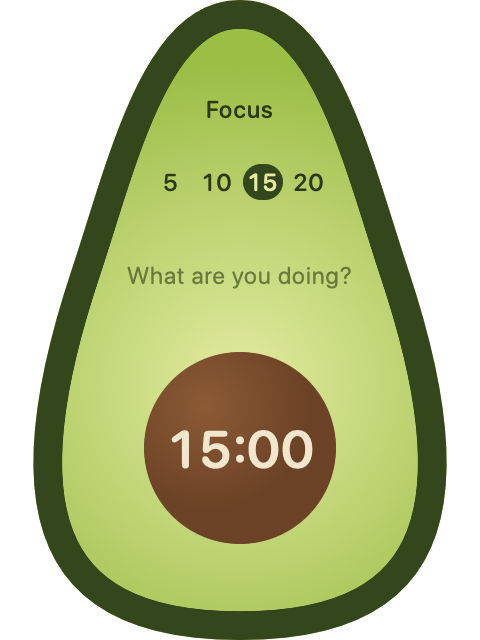
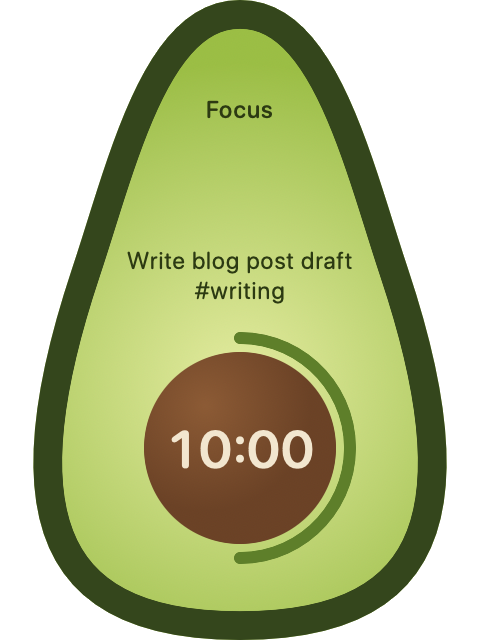
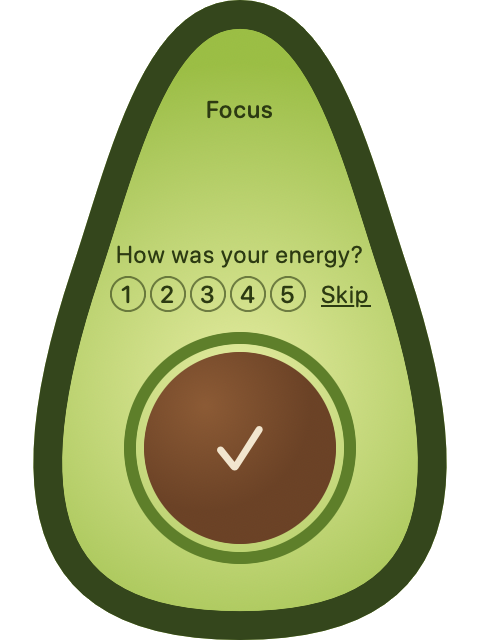
The log is the real product: it is plain text, stable and machine-parseable, so you (or a script) can later look for patterns in your focus, energy and breaks.
Status: a personal tool, version 0.1. It works on my Mac. Some parts are not yet tested by hand (see "Current status" in CLAUDE.md). There are no prebuilt releases; you build it from source.
Features
- A floating, always-on-top avocado that stays visible over full-screen apps and on every Space. Drag it by its dark skin.
- You type the task in the avocado while the app you're using stays frontmost.
- Focus and break sessions with editable presets (default 5, 10, 15 and 20 minutes).
- Click the pit to start, pause and resume. Right-click for a menu.
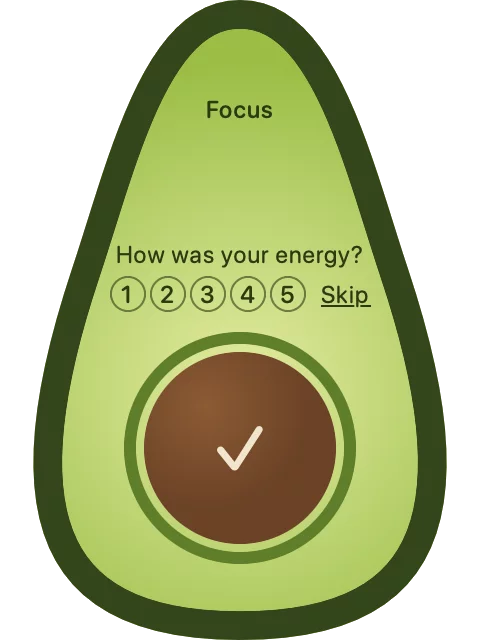
⌘.stops a session. - After a focus session, an optional 1 to 5 energy rating.
- An end-of-session sound, notification and small bounce (a fade with Reduce Motion).
- Pauses when the Mac sleeps or the screen locks. It never resumes on its own.
- Crash recovery: an unfinished session is offered for logging at the next launch.
- Menu bar item with the remaining time.
- No network access, analytics or telemetry. The app writes only to your log folder and
~/Library/Application Support/Avodoro.
The log
One file per day, <log folder>/YYYY-MM-DD.md, starting with frontmatter:
---
type: pomodoro-log
date: 2026-10-15
tz: Europe/Rome
schema: 1
---

- 09:02-09:27 Write blog post draft #writing [type:: focus] [planned:: 25] [actual:: 25] [status:: completed] [energy:: 4]
- 09:27-09:32 Break [type:: break] [planned:: 5] [actual:: 5] [status:: completed]
- 10:40-10:52 Refactor parser #code [type:: focus] [planned:: 20] [actual:: 9] [status:: stopped] [paused:: 3] [energy:: 2]
- The fields use Dataview inline syntax, so you can query them in Obsidian. Dataview is optional.
- Tags in the task text stay normal Obsidian tags.
- Lines are only ever appended; anything you write by hand in these files is left alone.
- If the folder isn't reachable, lines wait in a queue, a red dot appears on the avocado, and they're written later. A line is never dropped silently.
The full format, including the reference regex for parsers, is in the "The log format (schema 1)" section of CLAUDE.md.
Requirements
- macOS 14 or newer
- Xcode 16 or newer (the full app, not only the Command Line Tools)
- XcodeGen:
brew install xcodegen
Build and run
git clone https://github.com/mkaihara/avodoro.git
cd avodoro
make run
On first launch, the avocado says "Choose a log folder". Click it and pick a folder, for example one inside your Obsidian vault.
Other targets:
| Command | What it does |
|---|---|
make gen |
Generates the Xcode project from project.yml |
make build |
Builds into build/ |
make test |
Runs the unit and snapshot tests |
make snapshot |
Renders the avocado in every state to snapshots/*.png |
make clean |
Removes the build output and the generated project |
Notes:
- The app is signed ad hoc and runs from
build/Build/Products/Debug/Avodoro.app. Launch at login registers that path, so it stops working aftermake cleanuntil you build again. - The bundle id is the placeholder
com.example.avodoro. Change it inproject.ymlif you like; settings are stored under that id. - Diagnostics go to the unified log:
log show --info --predicate 'subsystem == "com.example.avodoro"' --last 10m
Project layout
Sources/Avodoro/
  App/       entry point, menu bar, app delegate, sound and notification
  Window/    the floating NSPanel, placement and dragging
  Timer/     TimerEngine (the state machine) and the Clock protocol
  Log/       log format, writer and pending queue
  Views/     the avocado and the Settings window
  Support/   settings, vault detection, sleep/lock events, crash recovery
Tests/AvodoroTests/
Behavior lives in TimerEngine, LogFormat and LogWriter and is tested without any UI. The engine takes a Clock, so tests never wait in real time.
CLAUDE.md is the full spec and design record. The app was built with Claude Code from that file, milestone by milestone.
License
Copyright 2026 Marcelo Kaihara.
Licensed under the Apache License, Version 2.0.