
CaptchaNo MCP server
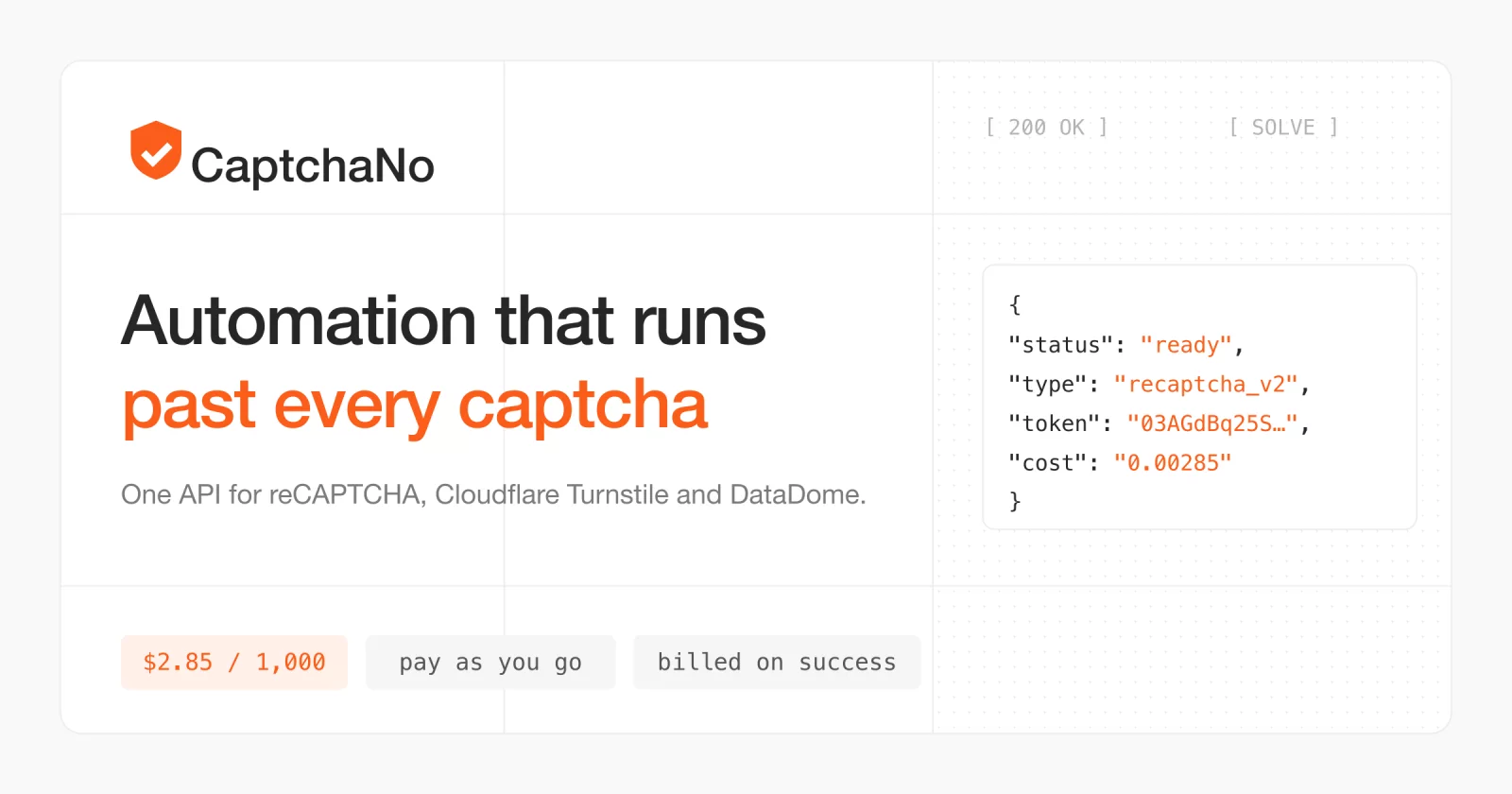
The official Model Context Protocol server for CaptchaNo. It lets AI agents (Claude, Cursor, VS Code Copilot and any other MCP client) solve reCAPTCHA v2 / v3 / Enterprise, Cloudflare Turnstile, DataDome and image captchas while running a browser or HTTP automation.
Solves run on CaptchaNo's own solving infrastructure and are billed to your CaptchaNo balance. Failed solves are never billed.
Use it only for authorised automation. Solve captchas only on sites you own, sites you have permission to automate, or sites whose terms allow it (QA of your own forms, accessibility, monitoring your own properties, research with permission). You are responsible for how you use it.
- Website: https://captchano.com
- API docs: https://captchano.com/captcha-solver-api
- Agent guide: https://captchano.com/agents/mcp
- Support: support@captchano.com
Quick start
- Create an API key at https://captchano.com/dashboard. Keys start with
cn-. - Add the server to your MCP client (snippets below). It runs with
npx -y captchano-mcp. Node.js 20.3 or newer is required. - Ask your agent something like "Open the signup page, solve the captcha and submit the form."
Claude Code
claude mcp add captchano -e CAPTCHANO_API_KEY=cn-... -- npx -y captchano-mcp
Add --scope user to make it available in every project.
Claude Desktop
Edit claude_desktop_config.json (Settings → Developer → Edit Config):
{
  "mcpServers": {
    "captchano": {
      "command": "npx",
      "args": ["-y", "captchano-mcp"],
      "env": {
        "CAPTCHANO_API_KEY": "cn-...",
        "CAPTCHANO_MAX_SPEND_USD": "1.00"
      }
    }
  }
}
Cursor
~/.cursor/mcp.json (global) or .cursor/mcp.json (project):
{
  "mcpServers": {
    "captchano": {
      "command": "npx",
      "args": ["-y", "captchano-mcp"],
      "env": { "CAPTCHANO_API_KEY": "cn-..." }
    }
  }
}
VS Code (GitHub Copilot agent mode)
.vscode/mcp.json. VS Code asks for the key the first time and stores it securely:
{
  "inputs": [
    {
      "type": "promptString",
      "id": "captchano-api-key",
      "description": "CaptchaNo API key (cn-...)",
      "password": true
    }
  ],
  "servers": {
    "captchano": {
      "type": "stdio",
      "command": "npx",
      "args": ["-y", "captchano-mcp"],
      "env": { "CAPTCHANO_API_KEY": "${input:captchano-api-key}" }
    }
  }
}
Windsurf, Cline, Zed and other clients
Use the same command / args / env as above: command npx, args ["-y", "captchano-mcp"],
env CAPTCHANO_API_KEY.
Docker
docker build -t captchano-mcp .
docker run -i --rm -e CAPTCHANO_API_KEY=cn-... captchano-mcp
Configuration
All configuration is read from environment variables. The API key is never accepted as a tool argument.
| Variable | Required | Default | Description |
|---|---|---|---|
CAPTCHANO_API_KEY |
yes | – | Your API key (cn-...). |
CAPTCHANO_MAX_SPEND_USD |
no | unlimited | Spend ceiling for this server process, in USD. See Budget. |
CAPTCHANO_WAIT |
no | 45 |
Seconds the API blocks on each solve request (?wait=N, max 120) before the server switches to polling. |
CAPTCHANO_TOOL_TIMEOUT |
no | 50 |
Max seconds one solve_captcha call takes before returning a resumable solving result. Many MCP clients cancel tool calls at 60 s; raise this only if yours allows longer. |
CAPTCHANO_API_BASE |
no | https://api.captchano.com |
API base URL. |
CAPTCHANO_MCP_HTTP_TOKEN |
no | – | In --http mode, require Authorization: Bearer <token> on /mcp. |
CAPTCHANO_LOG_LEVEL |
no | info |
debug, info, warn, error or silent. Logs go to stderr only. |
Tools
solve_captcha
Solves a captcha and returns the value the page needs. Billed per successful solve.
| Argument | Types | Notes |
|---|---|---|
type |
all | recaptcha_v2, recaptcha_v3, recaptcha_enterprise, turnstile, datadome, image |
url |
all except image |
Full URL of the page that shows the captcha |
sitekey |
recaptcha_*, turnstile | From data-sitekey, the k= iframe parameter or the render= script parameter |
action |
recaptcha_v3, recaptcha_enterprise, turnstile | The action name the page uses |
minScore |
recaptcha_v3 | 0.1–0.9 |
invisible |
recaptcha_v2, recaptcha_enterprise | true for invisible widgets |
cData, pageData |
turnstile | data-cdata; pageData for Cloudflare challenge pages |
challengeUrl |
datadome (required) | Full captcha URL from the blocked response |
proxy |
datadome (required), optional for token types | "http://user:pass@host:port" (http, socks4, socks5) or { scheme, host, port, username, password } |
body |
image (required) | Base64 image. A data:image/...;base64, prefix is accepted |
userAgent |
all except image | The User-Agent of the client that will use the solution |
How a call runs: the server sends POST /v1/solve?wait=N. If the API answers 202 (still
solving), the server polls GET /v1/task/{id} every 5 seconds, for up to 50 seconds in total by default (CAPTCHANO_TOOL_TIMEOUT).
If the task is still solving after that, the result has status: "solving" and the task id, and
the agent should call get_task with that id rather than solving again.
The result comes back as text (token, cookie or text, userAgent, cost, solveTime and the next step)
and as structuredContent:
{
  "id": "…",
  "type": "recaptcha_v2",
  "status": "ready",
  "token": "03AFcWeA…",
  "cost": "…",
  "solveTime": "…",
  "sessionSpend": { "spentUsd": "…", "limitUsd": "1.0000", "remainingUsd": "…" }
}
get_task
{ id } → the same object. Use it to resume a solve that is still solving, or to read a result
again. Solutions are kept for 10 minutes. Read-only and free.
get_balance
Returns { balance, currency, sessionSpend }. Read-only and free.
list_captcha_types
A static list of every supported type: its required and optional fields, which solution field it returns, and a one-line hint on where to find the sitekey (or other inputs) on the page. It makes no network call.
Errors
API errors come back as tool results with isError: true. Each one includes the error code, the
API's message and a hint for what to do next. For example:
Error insufficient_balance: Insufficient balance
Hint: The CaptchaNo account has no balance left. Ask the user to top up at https://captchano.com/dashboard/topup, then retry. Failed solves are never billed.
API codes: invalid_api_key, insufficient_balance, unsupported_type, invalid_sitekey,
proxy_required, proxy_unreachable, score_not_met, unsolvable, capacity_unavailable,
rate_limited, task_not_found, upstream_error.
Codes from this server: invalid_arguments (caught before any request is sent),
budget_exhausted, network_error, timeout, cancelled, http_error.
Budget
Set CAPTCHANO_MAX_SPEND_USD to cap what one server process can spend. The server adds up the
cost the API returns for every task it submitted, counting each task once. Once the total reaches
the limit, solve_captcha returns budget_exhausted without contacting the API. get_task,
get_balance and list_captcha_types keep working.
Notes:
- The cap applies to each process. Restarting the server or the MCP client resets it. For a hard account-wide cap, keep only a small balance on the key.
- The cap is checked before each solve. A solve that starts just under the limit can finish slightly over it, by at most the cost of the solves already in flight.
HTTP mode
CAPTCHANO_API_KEY=cn-... CAPTCHANO_MCP_HTTP_TOKEN=$(openssl rand -hex 24) \
  npx -y captchano-mcp --http --port 8080            # serves http://127.0.0.1:8080/mcp
- Stateless Streamable HTTP at
/mcp, plusGET /healthz. - Binds to
127.0.0.1by default. Use--host 0.0.0.0only behind TLS and withCAPTCHANO_MCP_HTTP_TOKENset: anyone who can reach the endpoint can spend your balance. - The key always comes from the server's environment, never from callers.
Security
- Keys:
CAPTCHANO_API_KEYis read from the environment only. It is never a tool argument, never included in tool results, and never logged. Log lines are also scrubbed of anything that looks like acn-key, a bearer token or proxy credentials. - stdout is the protocol channel. All logging goes to stderr.
- Spending: every successful
solve_captchais billed. UseCAPTCHANO_MAX_SPEND_USDand a dedicated key with a small balance for autonomous agents. The tool is annotated as a non-read-only, open-world tool, so clients that ask for confirmation will ask before it runs. - Proxies: proxy credentials are sent to the CaptchaNo API only, over HTTPS, and are never repeated in results or logs.
- Prompt injection: a page an agent visits can try to make it solve captchas on other sites. Keep a human in the loop for solve calls you did not expect, and use the spend cap.
- Report vulnerabilities to support@captchano.com.
Development
npm install
npm test          # unit tests (node:test, mocked fetch)
npm run e2e       # builds, then drives dist/ over stdio and HTTP with the official MCP client
npm run check     # typecheck + tests + build
npm run e2e calls get_balance against the real API with a dummy key and expects a clean
invalid_api_key result. If CAPTCHANO_TEST_API_KEY is set, it also runs one live solve of the
public reCAPTCHA v2 demo, with a $0.05 cap.
License
MIT © DishIs Technologies LLC