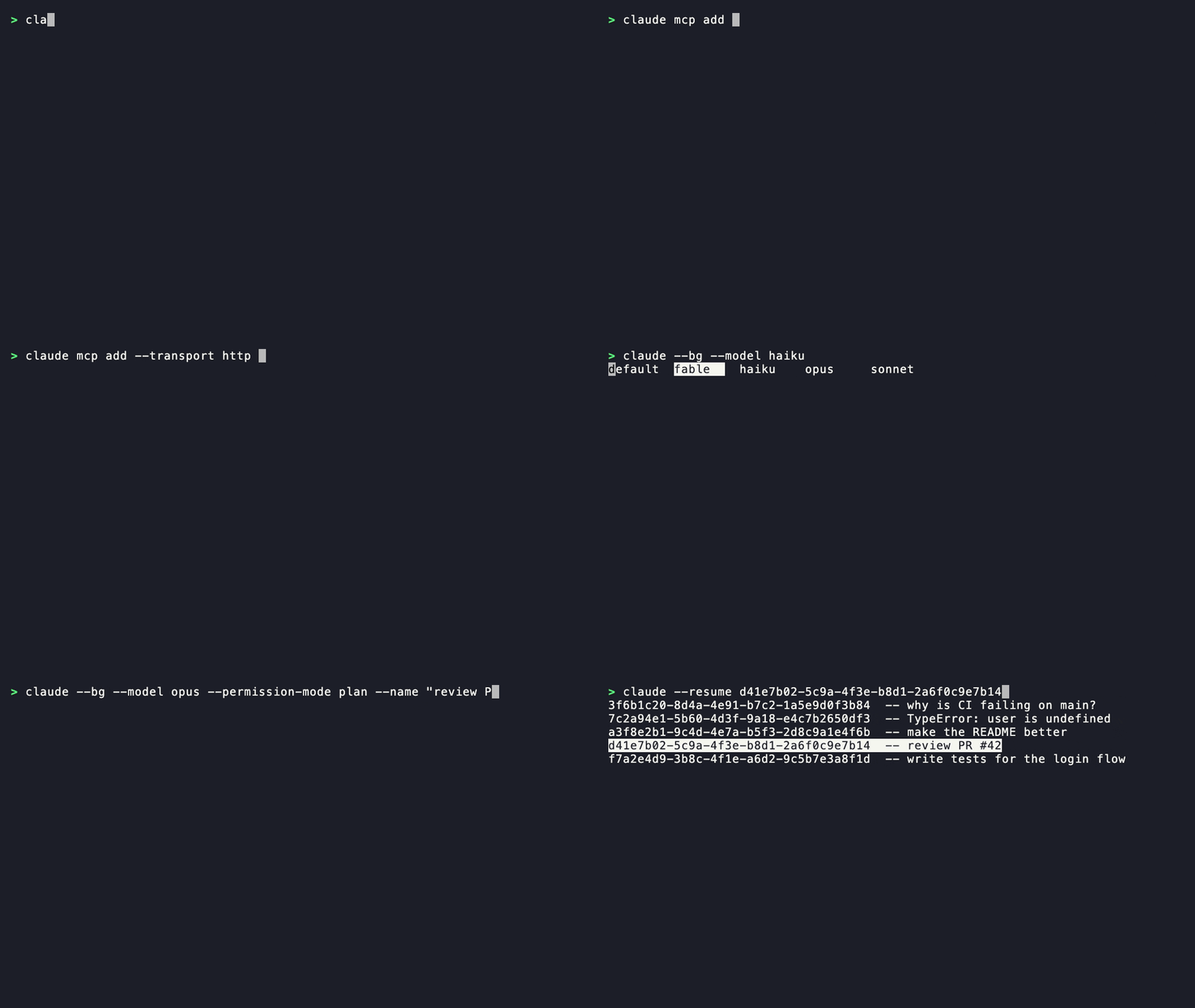


Zsh completion for the Claude Code CLI. Press TAB after claude and every
command, subcommand and option shows up with what it does, so you can build a
command without opening --help.
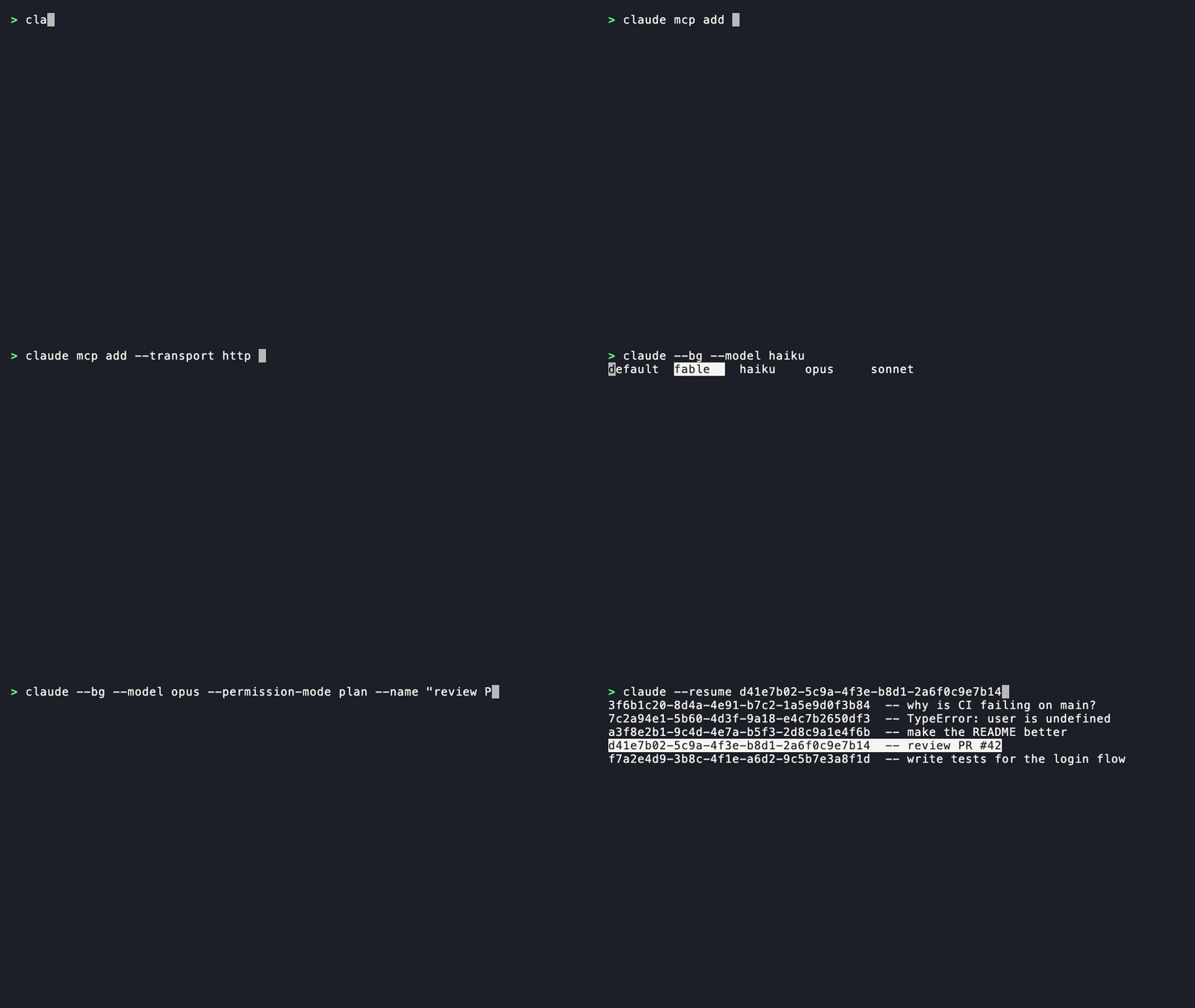
Names from your own setup complete too: sessions (by their name or first prompt), MCP servers, agents, models, plugins and background sessions. In 120 languages and regional variants.
Install
brew tap 1160054/claude https://github.com/1160054/claude-code-zsh-completion
brew trust 1160054/claude
brew install claude-code-zsh-completion
No ~/.zshrc changes needed.
Without Homebrew
mkdir -p ~/.zsh/completions
curl -o ~/.zsh/completions/_claude \
  https://raw.githubusercontent.com/1160054/claude-code-zsh-completion/main/completions/_claude
Then in ~/.zshrc, before compinit:
fpath=(~/.zsh/completions $fpath)
Plugin managers load it as a plugin: zinit light 1160054/claude-code-zsh-completion,
antigen bundle 1160054/claude-code-zsh-completion, or for Oh My Zsh clone it into
$ZSH_CUSTOM/plugins/claude-code and add claude-code to plugins=(...).
Other languages
Every file in completions/ is the same completion in another
language (_claude.ja, _claude.de, _claude.zh-CN, …). Use one in place of
_claude; with Homebrew:
ln -sf "$(brew --prefix)/share/claude-code-zsh-completion/completions/_claude.ja" \
  "$(brew --prefix)/share/zsh/site-functions/_claude"
Not completing after an install or a switch? Run rm -f ~/.zcompdump && exec zsh.

License
MIT