
 clip'M
Your clipboard, finally easy to use.
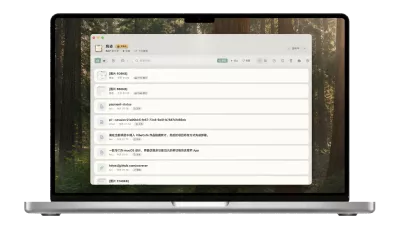
A full-featured copy & paste manager built for Apple silicon M‑chip Macs — search history, preview clips, and paste the right thing in a flash.
https://github.com/user-attachments/assets/a3fcba1e-ff3d-429c-b1cf-18425b03aacb
Installation
- Homebrew (Apple silicon):
brew install --cask frazer/clipm/clipm - Direct download: clipM-1.0.6.dmg from GitHub
Requires macOS 14 (Sonoma) or later.
The Mac App Store version requires a manual ⌘V after you select an item. The direct download uses Accessibility to press ⌘V for you. The App Store does not allow Accessibility features except when they are strictly required for accessibility needs (Guideline 2.4.5).
Open the DMG and drag clip'M into Applications.
1.0.6 stays quiet in the menu bar instead of using a processor core while you are not using it.
Features
Paste
Press ⌥⌘V and paste anything you've copied. Copy 10 things from one document, jump over to the destination, and paste all 10. Find something you know you copied days ago.
Snippets
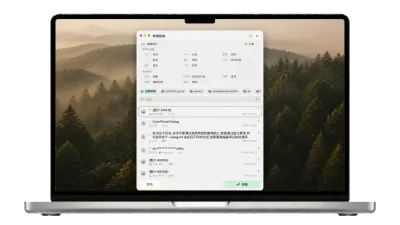
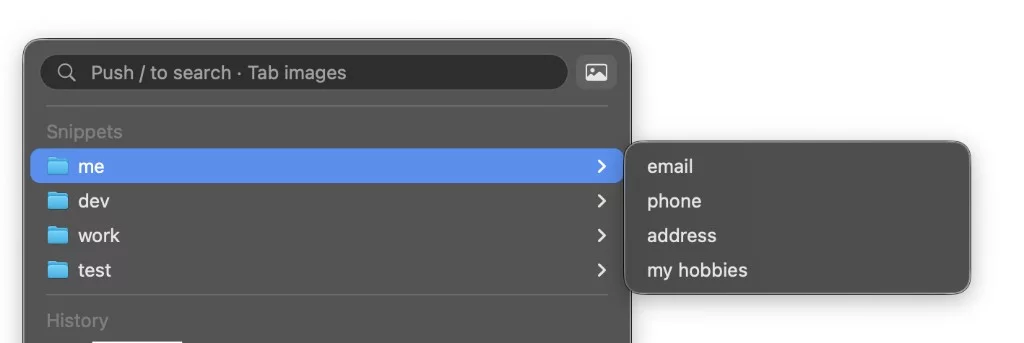
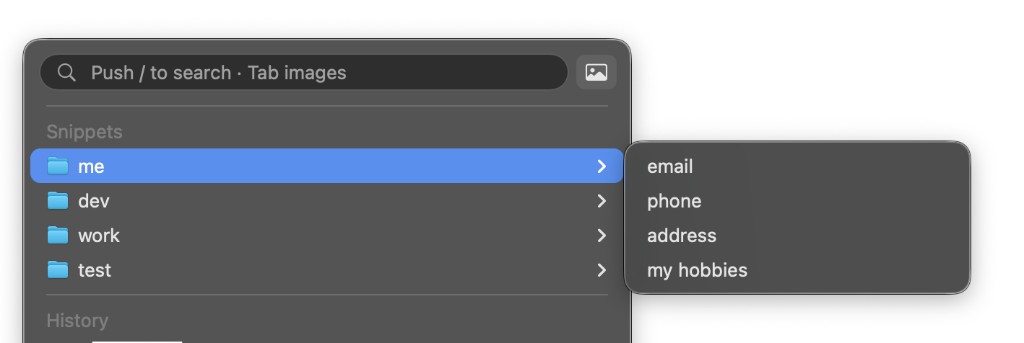
Organize reusable text into folders (email, phone, addresses, boilerplate) and open them from the same menu as clipboard history.
Search
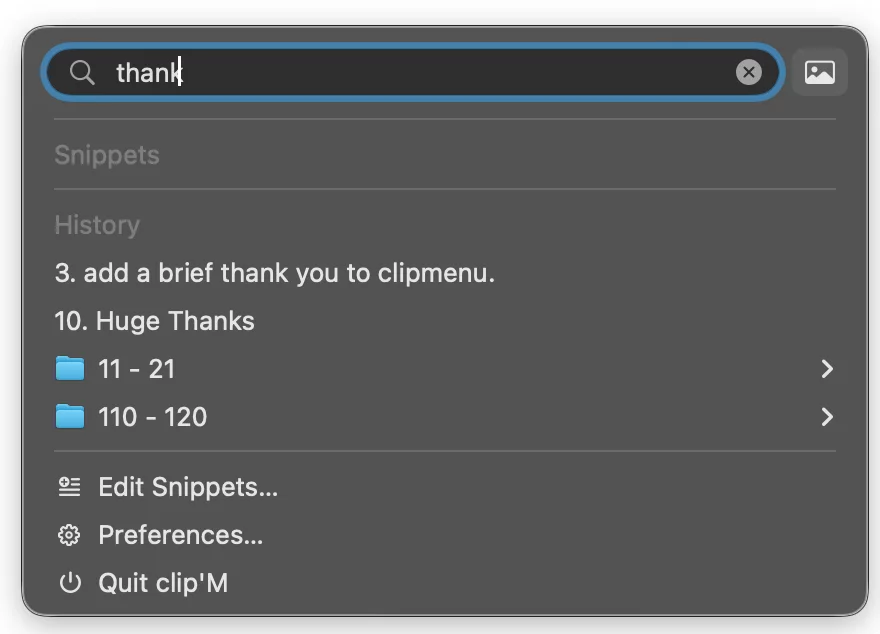
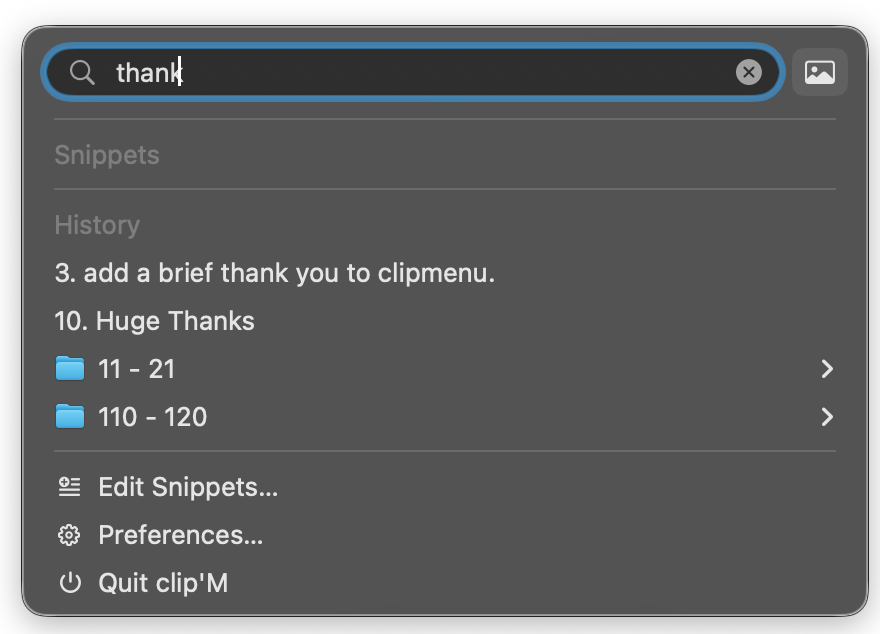
Press / and start typing. clip'M filters your history instantly so you can find the clip you need without scrolling.
Need screenshots only? Press / then Tab, or click the image button, for image-only search.
Previews
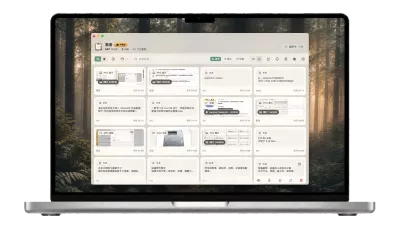
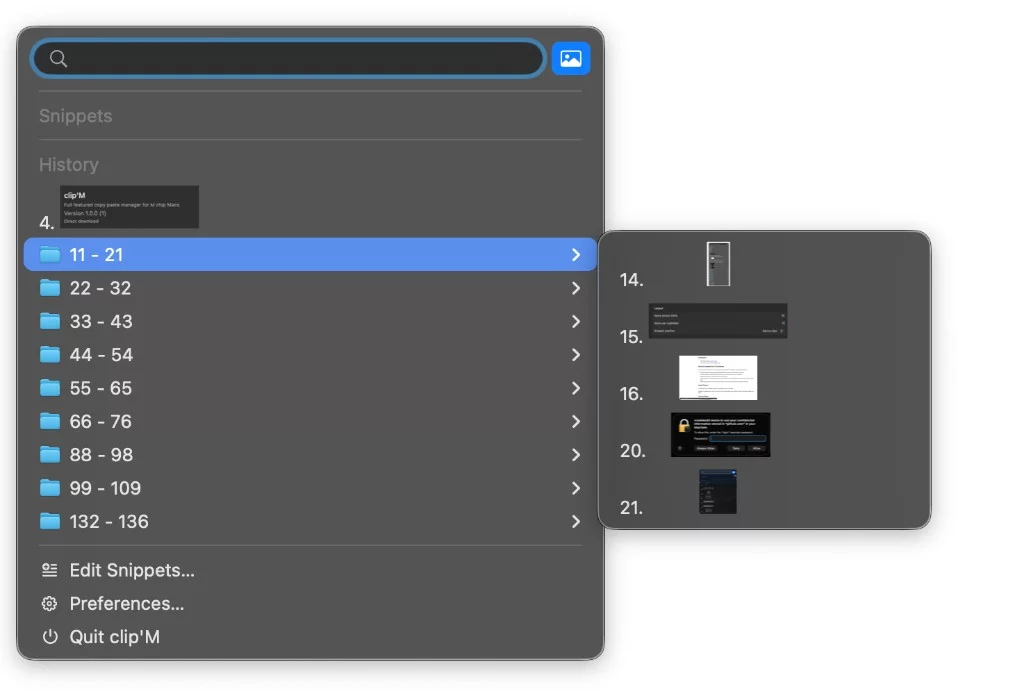
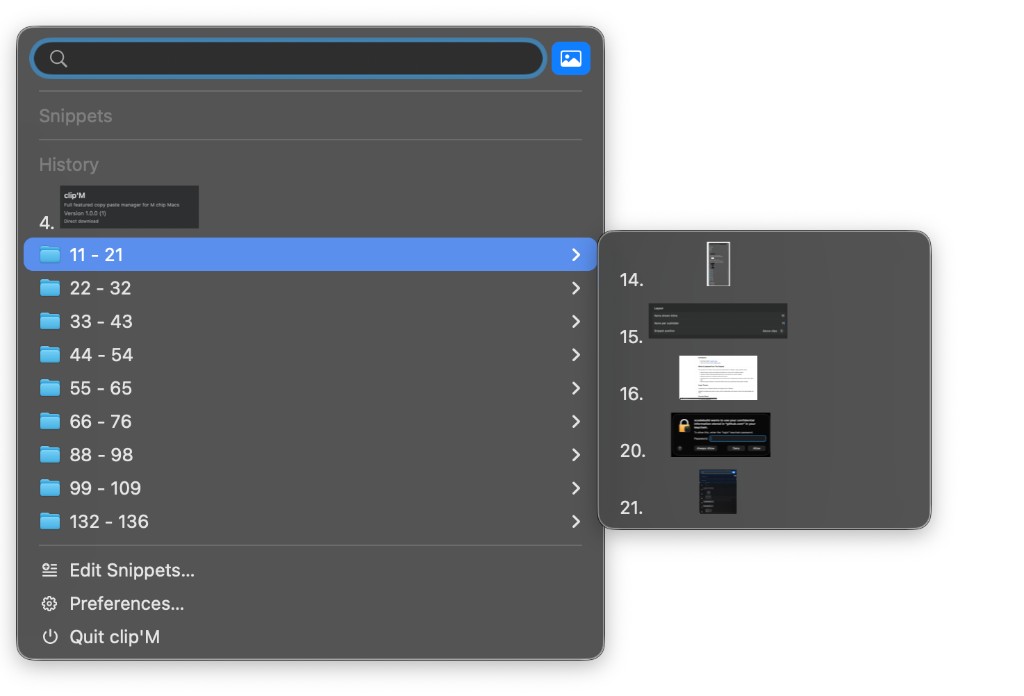
Hover a clip or open a history group and a live preview appears beside the menu — so you see text, screenshots, and documents before you paste.
Actions
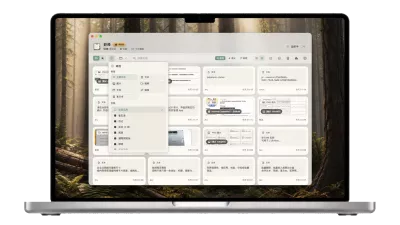
Transform a clip before you paste it. Built-in actions cover everyday jobs like uppercase / lowercase and URL decoding. You can also add user-programmed actions and plug them into the same menu.
Built for M‑series Macs
The original ClipMenu was a favourite for a decade: simple, fast, and always there when you needed it. Here it is ported to run natively on Apple silicon, with great new features like search, image-only filtering, and live previews layered on top of what made ClipMenu great.
A complete migration from the old architecture thanks to Juan Cavallotti.
Huge Thanks
A huge thank you to Naotaka Morimoto, the original author of ClipMenu.
ClipMenu has helped many users for years, and this modernization work stands on top of that original design and effort.
Thanks also to Juan Cavallotti for the Mac M‑chip port that this work builds on.
From United Visions
clip'M was developed by team members from United Visions — all about empowering you to copy the best ways of being, and paste that awesomeness all over the world.
Please enjoy the software. And remember to be careful with the thoughts and feelings you practice every day.
Distribution Note
If you distribute derived work:
- Do not use
ClipMorClipMenuas your product name. - Follow the MIT license terms.
License
clip'M is available under the MIT license. See LICENSE for details.