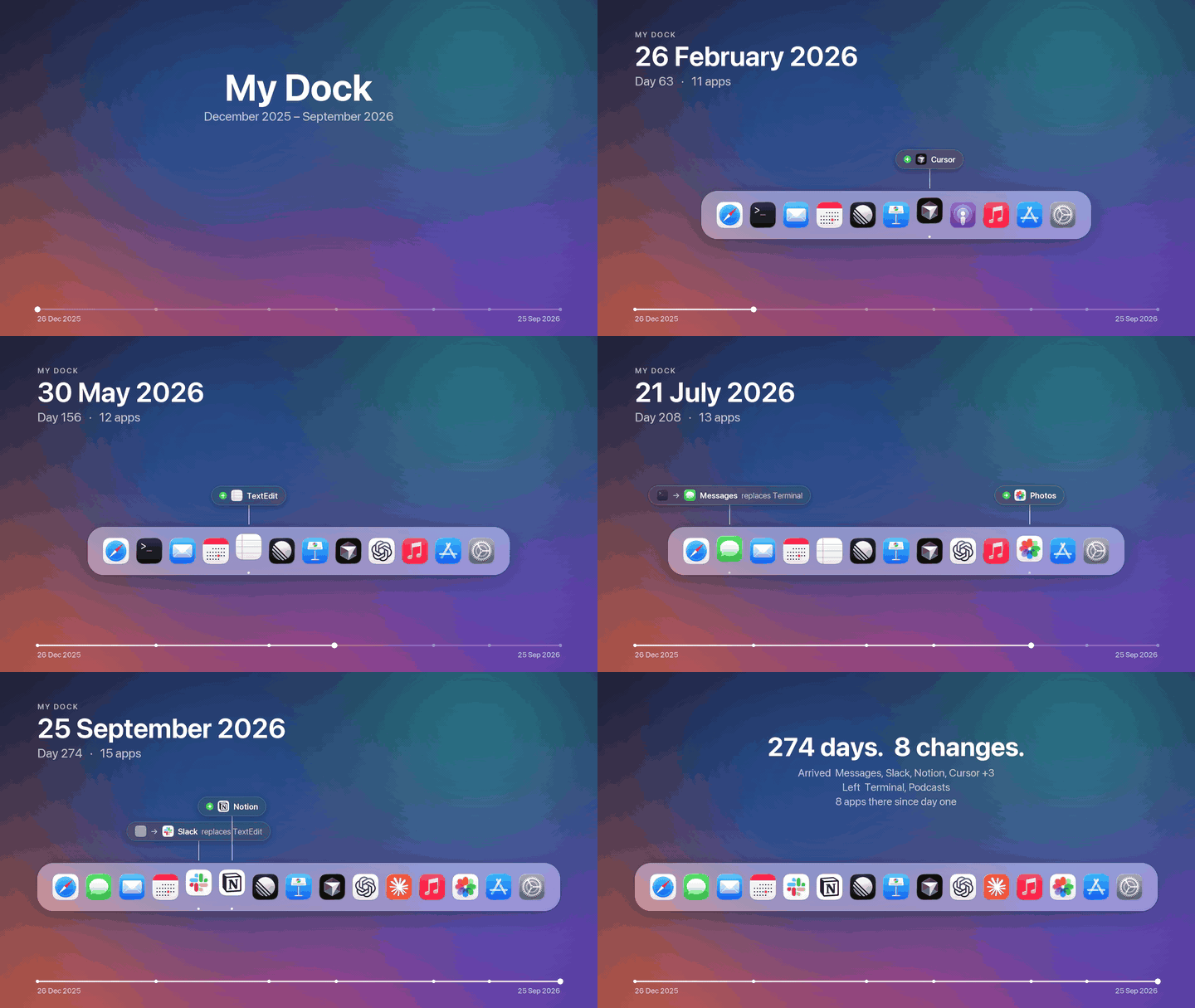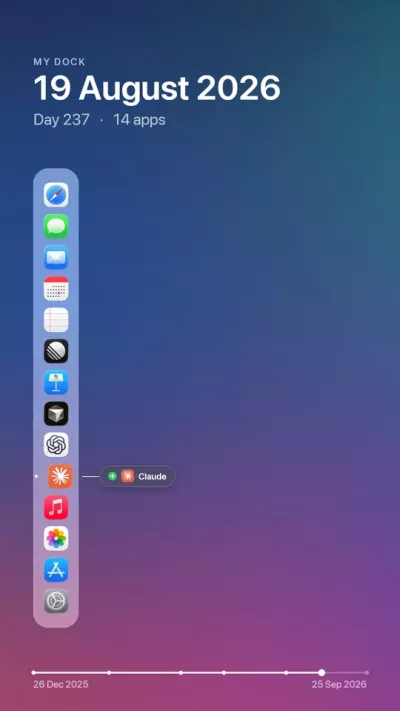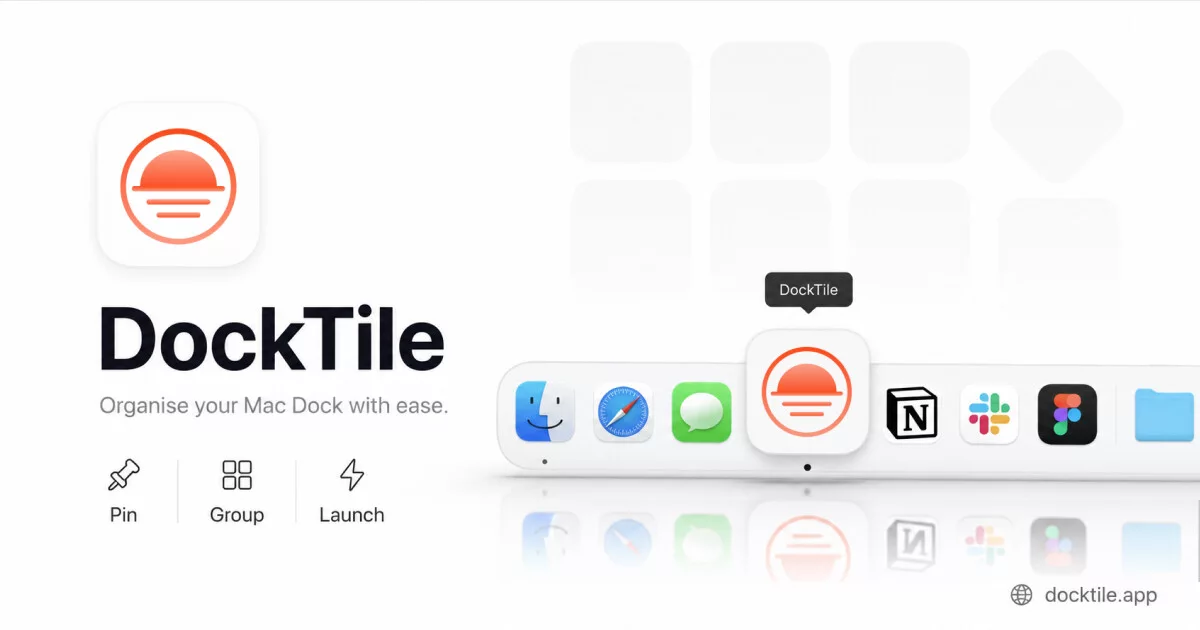

A native macOS utility that lets you create custom Dock tiles to organise and launch your favourite apps with a single click.
Overview
Dock Tile brings the power of custom app launchers to your macOS Dock. Create multiple tiles, each with its own curated list of apps, custom icon, and colour scheme. Click a tile to reveal a beautiful popover with your apps ready to launch.
Think of it as customisable Dock folders - with native vibrancy effects, SF Symbols, emoji icons, and the polish you'd expect from a first-party macOS app.
Features
- Multiple Tiles - Create as many dock tiles as you need, each completely independent
- Custom Icons - Choose from hundreds of SF Symbols or use any emoji as your tile icon
- Colour Themes - Pick from 8 preset gradient colours or create your own custom colour
- Adjustable Icon Size - Fine-tune the icon size with the built-in scale control
- Flexible Layouts - Display apps in a grid or list view
- Native Experience - Built with SwiftUI and AppKit for an authentic macOS look and feel
- Dock Integration - Tiles appear in the Dock just like regular apps
- App Switcher Support - Optionally show tiles in Cmd+Tab
Screenshots
Coming soon
Requirements
- macOS 15.0 (Sequoia) or later
- Apple Silicon or Intel Mac
Installation
From Source
-
Clone the repository:
git clone https://github.com/k97/dock-tile.git cd dock-tile -
Open in Xcode and build, or use the command line:
xcodebuild -project DockTile.xcodeproj -scheme DockTile -configuration Release build -
Copy the built app to Applications:
cp -r ~/Library/Developer/Xcode/DerivedData/DockTile-*/Build/Products/Release/DockTile.app /Applications/
Getting Started
- Launch Dock Tile - Open the app from your Applications folder
- Create a Tile - Click the "+" button in the sidebar to create a new tile
- Customise - Click "Customise" to choose an icon and colour
- Add Apps - Click "+" in the Selected Items section to add apps
- Add to Dock - Click "Add to Dock" to pin the tile
- Use It - Click your new tile in the Dock to see your apps!
How It Works
Dock Tile creates lightweight helper applications for each tile you configure. These helpers appear as independent apps in the Dock and show a native popover when clicked.
Tile Settings
| Setting | Description |
|---|---|
| Tile Name | Display name shown below the Dock icon |
| Show Tile | Toggle visibility in the Dock |
| Layout | Choose between Grid or List view |
| Show in App Switcher | Include tile in Cmd+Tab |
Keyboard Shortcuts
| Shortcut | Action |
|---|---|
| Click tile | Open popover |
| Arrow keys | Navigate apps in popover |
| Return | Launch selected app |
| Escape | Close popover |
Troubleshooting
Tile doesn't appear in the Dock
- Ensure "Show Tile" is toggled on
- Click "Add to Dock" to apply changes
- Try toggling "Show Tile" off and on again
Icon not updating
If a tile's icon doesn't update after customisation, toggle "Show Tile" off and on to regenerate the helper bundle.
Translations
Dock Tile ships in English, 简体中文, 日本語, Deutsch, Русский and Français. The non-English translations are machine-first and reviewed by native speakers. Spotted a mistake? Fixing it takes five minutes in the browser — see docs/l10n/README.md.
Development
See CLAUDE.md for detailed development documentation.
# Build
xcodebuild -project DockTile.xcodeproj -scheme DockTile build

# Clean
xcodebuild -project DockTile.xcodeproj -scheme DockTile clean
Testing
Run the test suite to verify everything works:
# Run all unit tests
xcodebuild test -project DockTile.xcodeproj -scheme DockTile \
  -destination 'platform=macOS' -only-testing:DockTileTests

# Run with code coverage
xcodebuild test -project DockTile.xcodeproj -scheme DockTile \
  -destination 'platform=macOS' -enableCodeCoverage YES
Or in Xcode: Press Cmd+U to run all tests.
Tests are automatically run on every push via GitHub Actions CI.
License
Dock Tile's source code is released under the MIT License. The Dock Tile name, logo
and app icon are not licensed for use by other software — see TRADEMARKS.md. The
vendored icon compiler under Vendor/actool/ declares MIT in its Cargo.toml (upstream ships no
LICENSE file; see Vendor/actool/DOCKTILE-README.md).
Made with care for macOS