
Test harnesses for components and pages: like page objects, but for components too. One API that runs under every major JavaScript test runner: Testing Library, Playwright, Ember, Cypress, WebdriverIO, Vitest browser mode, Puppeteer and TestCafe, with Gherkin on top, and inside Storybook's play functions.
Website: joegaudet.com/harnessed
A harness is a class that lets a test drive a component the way a person would, through methods named for what the component does. Tests state intent; the harness owns the DOM wiring. Write the harness once and it works in a fast jsdom unit test and in a real browser.
@Harness({ host: testId('login-form') })
class LoginFormHarness extends ComponentHarness {
  @ByLabel('Email') private accessor email!: Query
  @ByLabel('Password') private accessor password!: Query
  @ByRole('button', { name: /sign in/i }) private accessor submit!: Query
  @ByTestId('login-error') private accessor errorLine!: Query

  async signInAs(email: string, password: string): Promise<void> {
    await this.email.fill(email)
    await this.password.fill(password)
    await this.submit.click()
  }

  async error(): Promise<string | null> {
    if (await this.errorLine.isAbsent()) return null
    return this.errorLine.text()
  }
}
// jsdom, via Testing Library
render(<LoginForm />)
const form = new LoginFormHarness(dom({ user: userEvent.setup() }))
await form.signInAs('ada@example.com', 'hunter2')
expect(await form.error()).toBeNull()

// a real browser, via Playwright — the same harness class
const form = new LoginFormHarness(pw(page))
await form.signInAs('ada@example.com', 'hunter2')
await expect(form).toBeAbsent()
Inspired by Angular CDK Component Harnesses, ember-test-fixture, and Playwright Page Object Models.
Why
- Tests stop knowing about DOM structure, CSS classes, and internal state.
- Tests read as a list of things the component can do.
- One harness serves every level of the pyramid — no second set of selectors for the browser suite that drifts out of step with the first.
Support matrix
| Runner | Package | Component harnesses | Pages and goto() |
Assertions | Gherkin | Frames | Conformance in CI |
|---|---|---|---|---|---|---|---|
| Testing Library (jsdom) | dom |
✓ | constructs; no navigation | expect matchers |
— | same-origin | ✓ React, Vue, Solid, Svelte |
| Playwright | playwright |
✓ | ✓ | expect matchers |
playwright-bdd, cucumber-js | cross-origin | ✓ React, Ember, Vue, Solid, Svelte, Angular |
| Ember: ember-qunit, ember-exam | ember |
✓ rendering tests | ✓ application tests | assert.harness |
ember-cli-yadda | same-origin | ✓ |
| Ember: Vitest browser | ember |
✓ | ✓ application tests | Chai | — | same-origin | ✓ |
| Cypress e2e | cypress |
✓ through cy.harness |
✓ cy.visitPage |
Chai | Cypress cucumber | same-origin | ✓ React and Ember |
| Cypress component | cypress |
✓ through cy.harness |
constructs; no navigation | Chai | — | same-origin | ✓ React, Vue, Svelte |
| Angular: Vitest, Vitest browser | angular |
✓ TestBed or a bootstrapped app | ✓ with a provided router | expect matchers |
— | same-origin | ✓ |
| WebdriverIO | webdriverio |
✓ | ✓ | expect matchers, Chai |
— | cross-origin | ✓ BiDi and Classic |
| Vitest browser mode | vitest-browser |
✓ | constructs; no navigation | expect matchers |
— | same-origin, Playwright provider | ✓ React, Vue, Solid, Svelte |
| Nightwatch | nightwatch |
✓ | ✓ | Chai | Nightwatch cucumber | cross-origin | ✓ Chrome and Firefox, two runners; component (React, Vue) |
| node:test | dom |
✓ | constructs; no navigation | Chai | — | same-origin | ✓ |
| Bun test | dom |
✓ | constructs; no navigation | expect matchers |
— | same-origin | ✓ happy-dom |
| Puppeteer | puppeteer |
✓ | ✓ | expect matchers |
— | cross-origin | ✓ |
| TestCafe | testcafe |
✓ | ✓ | t.expect, Chai |
— | same-origin | ✓ |
| Storybook | storybook |
✓ in play() |
✓ StoryPage, from any runner that navigates |
storybook/test expect |
— | same-origin | ✓ React and Ember |
Every package is @harnessed-ts/<name>. "Conformance" means the shared catalog in
packages/conformance runs, unchanged, under that runner on every pull request —
see Cross-driver guarantees. Where a cell names
frameworks, the catalog runs once per fixture: the React original and its ports,
each held to the same markup (see UI frameworks). Playwright
and Cypress e2e drive each port built by Vite and served as an app in a real
browser. "Constructs; no
navigation": a page builds and reads under that runner, but goto() and the URL
members are refused, since there is no address bar (urlFor() still works).
HarnessedWorld, the cucumber-js adapter, takes any env; CI runs it with
Playwright. Storybook runs it three ways, for React and again for Ember: as
portable stories, through StoryPage under Playwright, and the stories' own play
functions through its Vitest addon.
UI frameworks
A harness queries the DOM, not a framework, so nothing in one is tied to React or Ember. What earns a ✓ here is a fixture written in that framework and a conformance run against it.
| Framework | Status | Covered by |
|---|---|---|
| React | ✓ | The conformance fixture, packages/conformance/fixture, is a React app. Every runner above except Ember's drives it. |
| Ember | ✓ | A Glimmer copy of that fixture in test-apps/ember-vite and test-apps/ember-classic, held to the React fixture's markup by a fixture-parity test. ember-qunit, ember-exam and Vitest browser run the catalog against it, Playwright and Cypress e2e run it against the built app (test-apps/playwright-ember, test-apps/cypress-ember), and Storybook runs it as stories (test-apps/storybook-ember). |
| Vue | ✓ | A Vue 3.5 port in test-apps/vue, held to the React fixture by the same parity test. Testing Library (@testing-library/vue), Vitest browser mode, Cypress component and Playwright (test-apps/playwright-frameworks) run the catalog against it. See Using with Vue. |
| Solid | ✓ | A Solid port in test-apps/solid: Testing Library (@solidjs/testing-library), Vitest browser mode and Playwright. Cypress has no official Solid mount, so no component run. See Using with Solid. |
| Svelte | ✓ | A Svelte 5 port in test-apps/svelte: Testing Library (@testing-library/svelte), Vitest browser mode, Cypress component and Playwright. See Using with Svelte. |
| Angular | ✓ | A zoneless, standalone Angular port in test-apps/angular, built with the Analog Vite plugin. The angular driver runs the catalog under Vitest on jsdom and in Vitest browser mode, Playwright runs it against the built app, and Cypress component testing mounts it. |
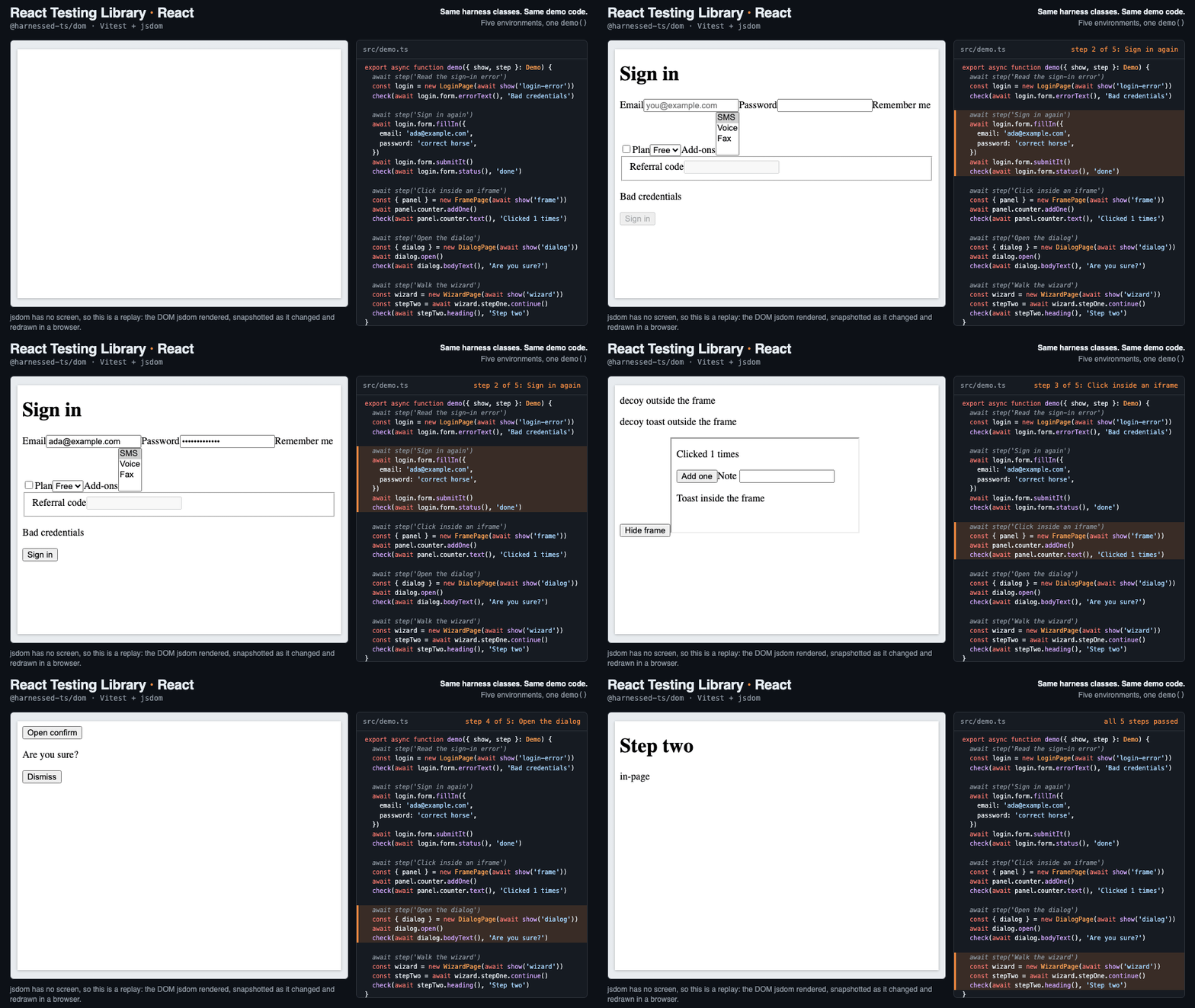
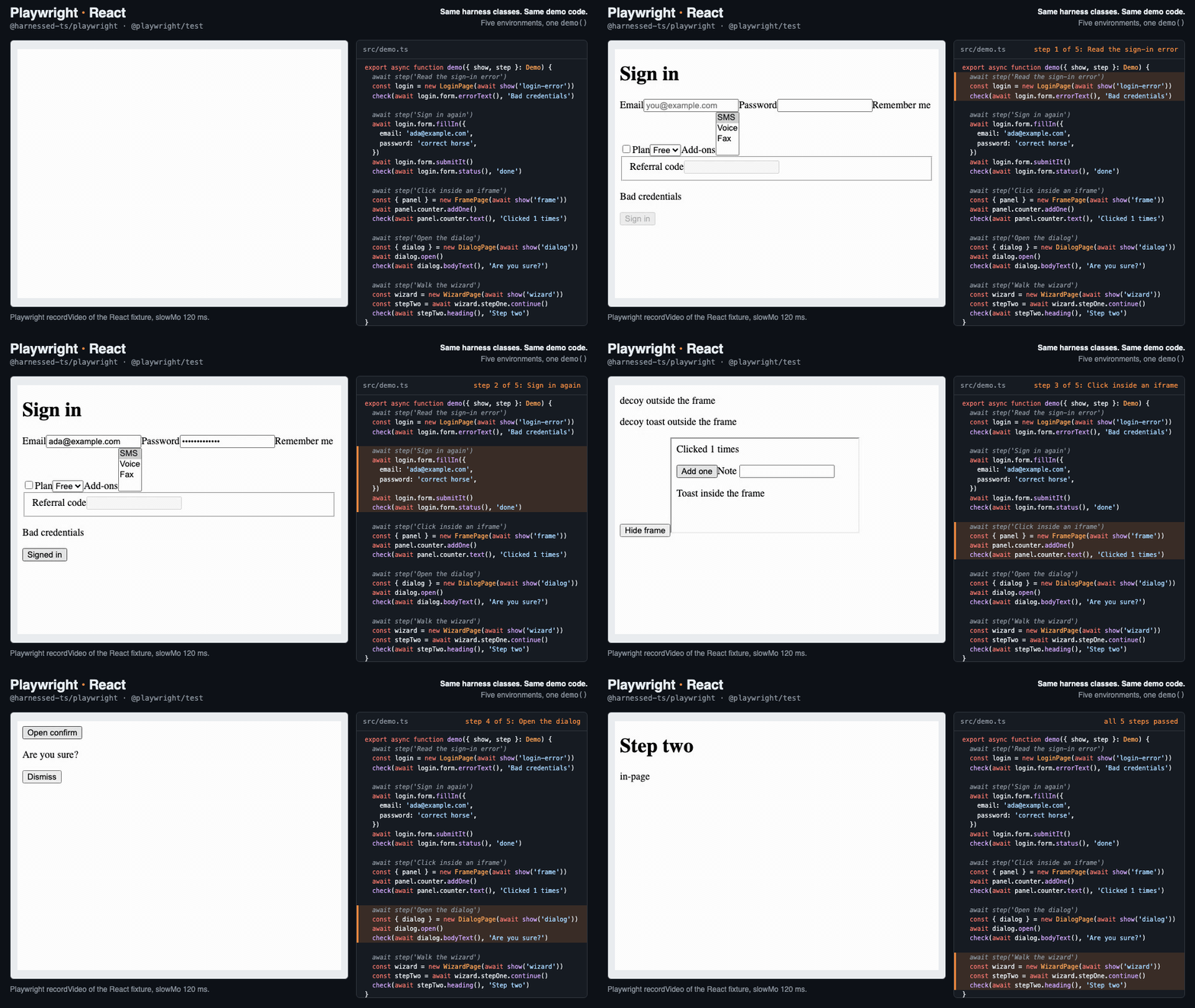
See it run
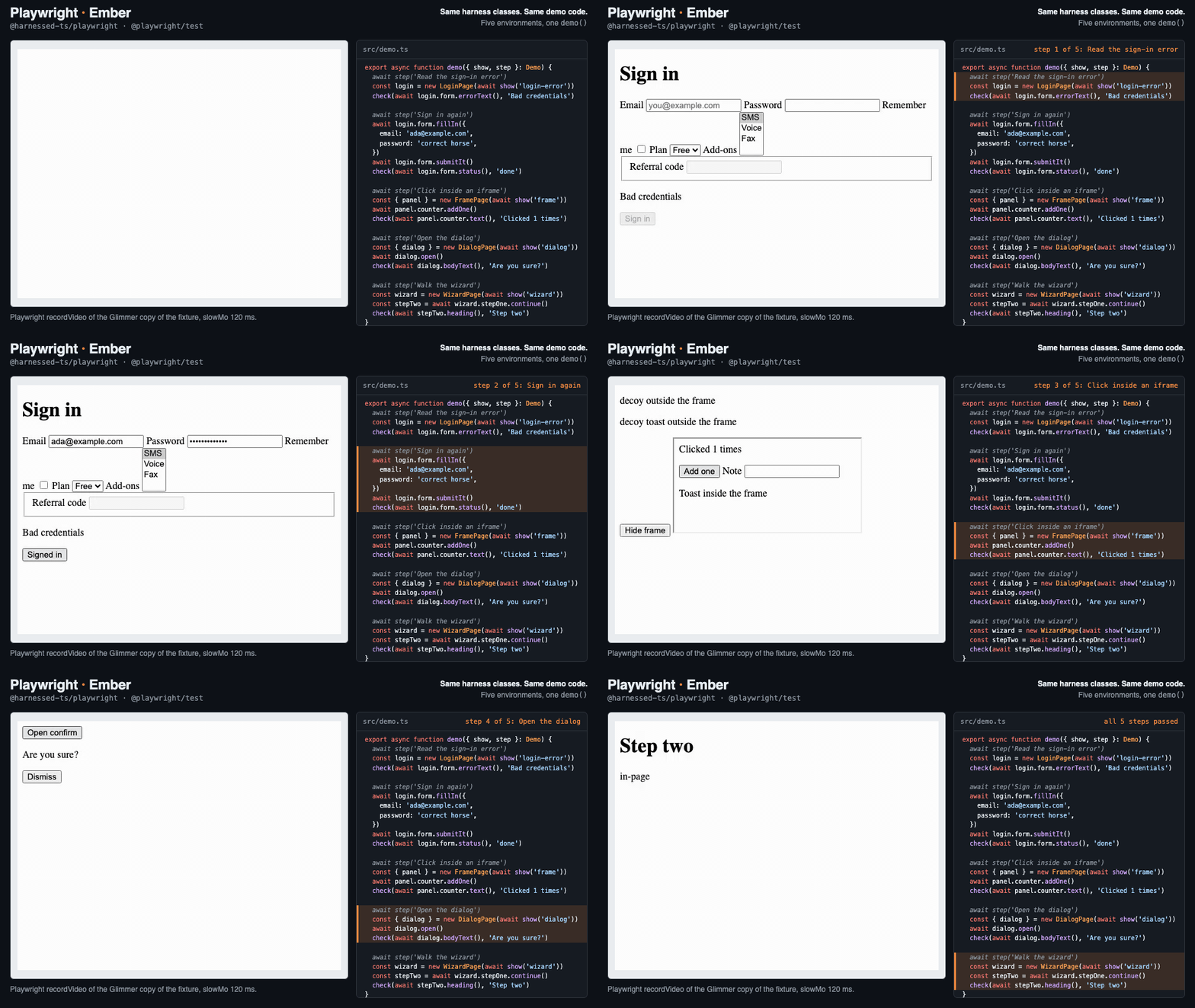
One demo flow, test-apps/demos/src/demo.ts,
written once against the conformance fixture's harnesses and pages, run under
five environments. Every recording drives the same harness classes with the same
demo() function, shown beside the footage with the running step lit.
React Testing Library · React — @harnessed-ts/dom under Vitest. jsdom has
no screen, so this one is a replay of the DOM jsdom rendered, snapshotted as it
changed and redrawn in a browser.
Playwright · React — @harnessed-ts/playwright, recorded with Playwright's
recordVideo.
Playwright · Ember — the same run against the Glimmer copy of the fixture.
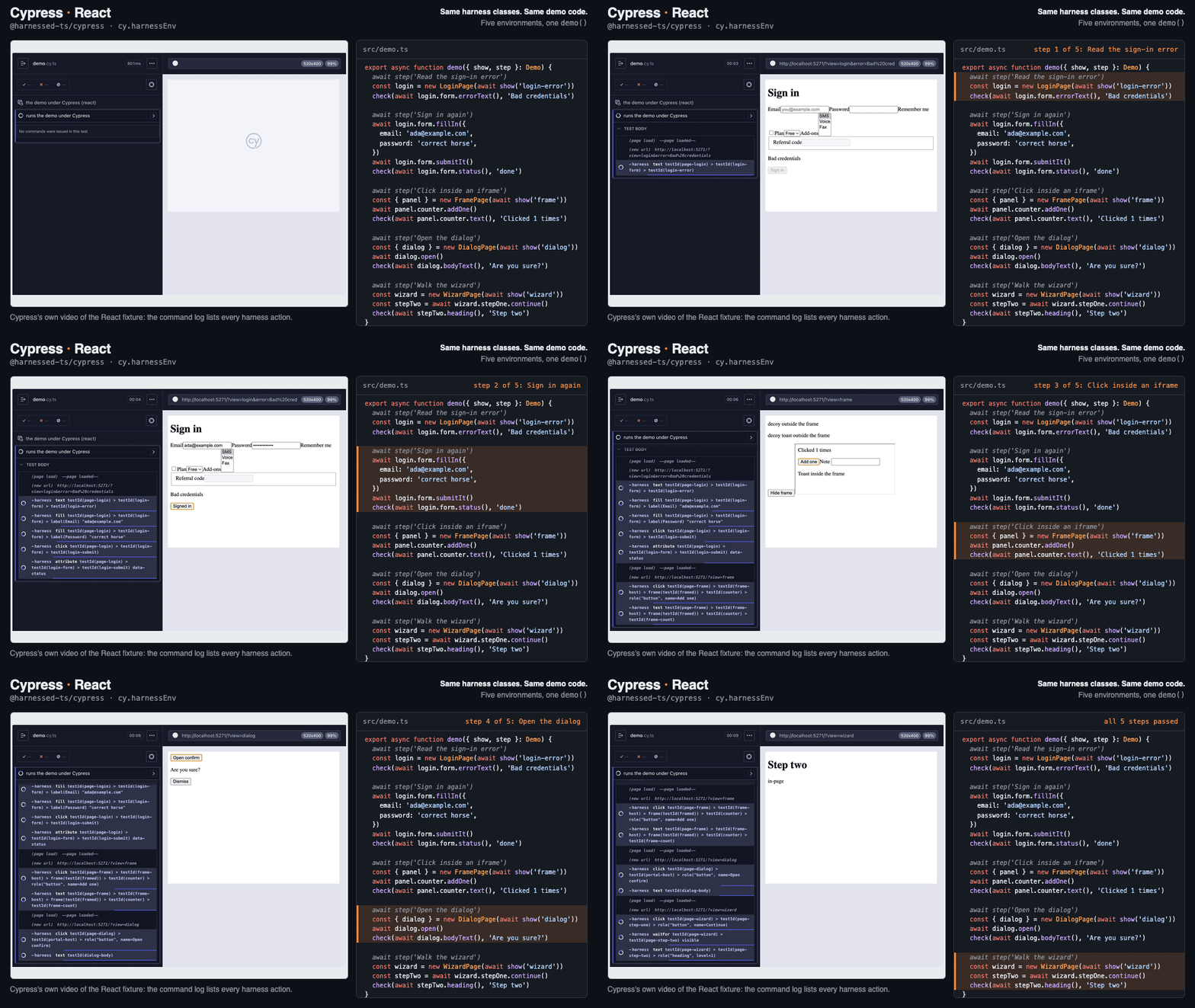
Cypress · React — @harnessed-ts/cypress inside cy.harnessEnv, from
Cypress's own video. The command log lists each harness action.
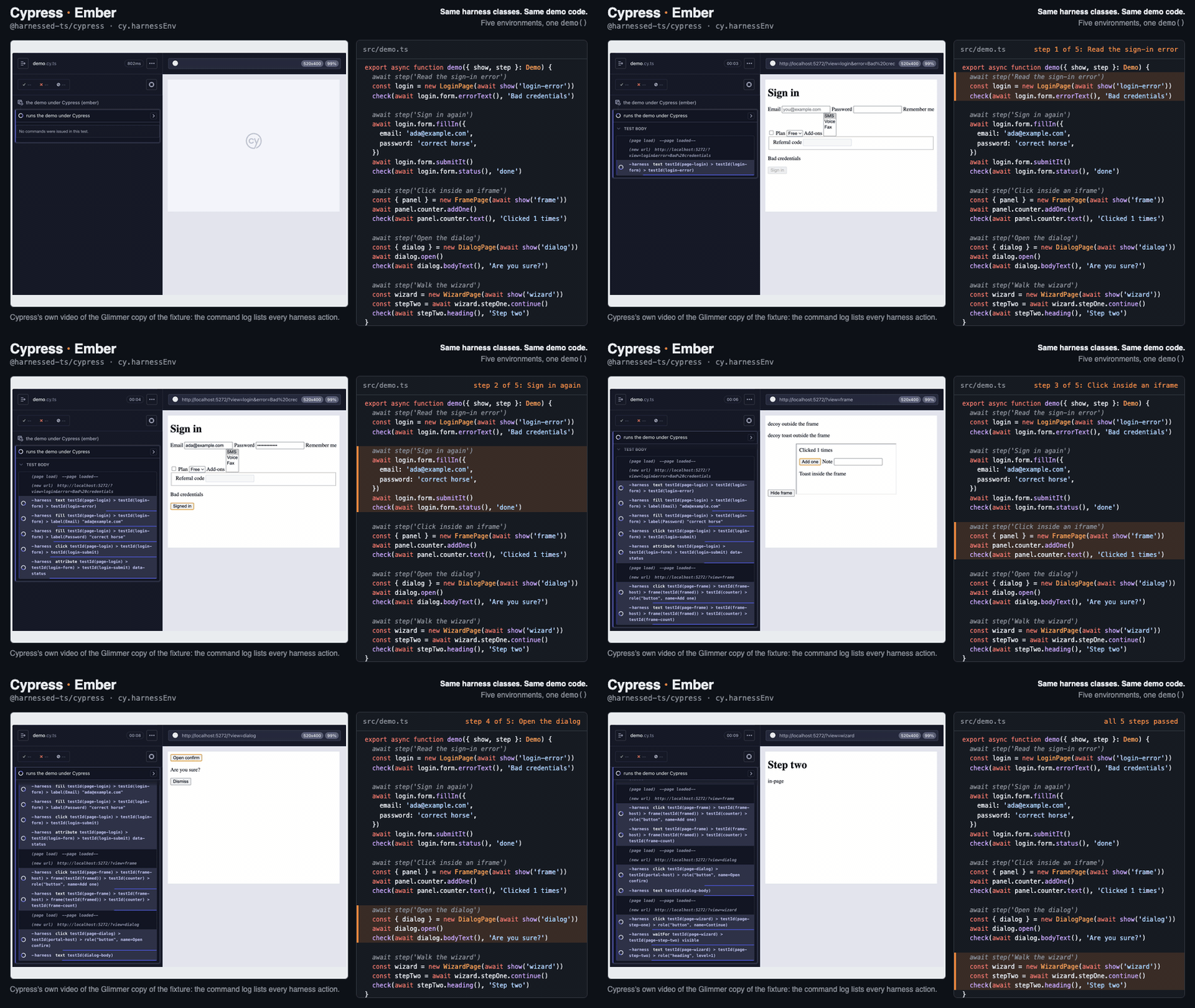
Cypress · Ember — the same run against the Glimmer copy of the fixture.
To regenerate the GIFs, run pnpm --filter test-app-demos record. It needs:
ffmpegandffprobeonPATH;- Playwright's Chromium:
pnpm --filter test-app-demos exec playwright install chromium; - the Cypress binary:
pnpm --filter test-app-demos exec cypress install; - the packages built:
pnpm buildat the repo root.
CI runs the same demo under all five environments, without recording, so the
demo keeps passing against the harnesses it shows. record also writes the hash
of the demo.ts it recorded to docs/media/demo.sha256, and CI fails when
demo.ts no longer matches it, so the code beside the footage is the code in
the repo. A change to a harness or the fixture that leaves demo.ts alone still
passes; re-record then if it changes what the footage shows.
Install
npm i -D @harnessed-ts/core

# plus the driver(s) you use
npm i -D @harnessed-ts/dom             # Testing Library / jsdom
npm i -D @harnessed-ts/playwright      # Playwright
npm i -D @harnessed-ts/ember           # Ember: ember-qunit, ember-exam, Vitest
npm i -D @harnessed-ts/cypress         # Cypress: e2e and component tests
npm i -D @harnessed-ts/webdriverio     # WebdriverIO 10
npm i -D @harnessed-ts/vitest-browser  # Vitest browser mode
npm i -D @harnessed-ts/puppeteer       # Puppeteer
npm i -D @harnessed-ts/testcafe        # TestCafe
npm i -D @harnessed-ts/nightwatch      # Nightwatch 3: e2e and component tests
npm i -D @harnessed-ts/angular         # Angular 21+, zoneless: TestBed or a bootstrapped app
npm i -D @harnessed-ts/page            # page objects: screens composed of harnesses
npm i -D @harnessed-ts/gherkin         # Gherkin: world, page registry, {page}

# plus the assertion style your runner uses, if it is not `expect.extend`-based
npm i -D @harnessed-ts/qunit        # assert.harness(x) — ember-qunit, QUnit
npm i -D @harnessed-ts/chai         # expect(x).to.be.absent — Mocha, Cypress
@harnessed-ts/core depends on no driver. A jsdom-only project never resolves
Playwright, and a Cypress project never resolves Puppeteer. Each runner's section
below lists exactly what it needs.
Required setup
Standard decorators and accessor fields are the authoring surface, and they need
two things.
1. Three compiler options. Extend the shipped config to get them:
// tsconfig.json
{
  "extends": "@harnessed-ts/core/tsconfig.json",
  // → target: ES2022, useDefineForClassFields: true, lib includes ESNext.Decorators
}
2. A transform that lowers them. No JavaScript runtime can parse accessor
yet, and Vite's default transform passes it through untouched. Add the plugin
first in the list:
import { harnessedDecorators } from '@harnessed-ts/core/vite'

export default defineConfig({
  plugins: [harnessedDecorators(), react()],
})
Both your Vite config and your Vitest config need it. Playwright's own transform
handles decorators already, so its config does not. Without Vite, the same
lowering comes as a loader: node --import @harnessed-ts/core/register for
node:test, and the @harnessed-ts/core/bun preload for bun test (see
Using with node:test and Using with Bun).
Omitting either step fails at runtime, not at typecheck: every decorated field becomes a syntax error or silently loses its getter.
Ember, and any app compiled by Babel with legacy decorators. Your app's
@tracked, @service and @action only work with the legacy transform, so it
cannot switch wholesale. @harnessed-ts/core/babel claims harness files only —
*.harness.* and *.page.* files, and anything under a harness/ or
harnesses/ directory, matched against the path relative to the Babel root —
and compiles them with the standard transform before the app's own decorator
plugins see them. Everything else is left alone. List it first:
// babel.config.cjs — Embroider + Vite (the Ember 6+ blueprint)
module.exports = {
  plugins: [
    require.resolve('@harnessed-ts/core/babel'),
    // …the blueprint's plugins, decorator-transforms among them
  ],
}

// ember-cli-build.js — classic builds
const app = new EmberApp(defaults, {
  babel: { plugins: [require.resolve('@harnessed-ts/core/babel')] },
})
npm i -D @babel/plugin-proposal-decorators @babel/plugin-transform-typescript @babel/plugin-transform-class-static-block
Babel 7.24 or later. If your harnesses live elsewhere, or your app's own
legacy-decorated files happen to use one of those names, pass
[require.resolve('@harnessed-ts/core/babel'), { include: ['tests/pages/'] }] —
strings match as substrings of the root-relative path; RegExps work too.
Type-checking needs the same split: an Ember tsconfig.json sets
experimentalDecorators, under which accessor fields cannot be decorated. Give
the harness directory a project of its own and reference it from the app's, then
check with ember-tsc --build (or tsc --build):
// tests/harness/tsconfig.json
{
  "extends": "@harnessed-ts/core/tsconfig.json",
  "compilerOptions": { "composite": true, "emitDeclarationOnly": true, "outDir": "../../tmp/harness-types" },
  "include": ["**/*.ts"],
}

// tsconfig.json — the app's
{ "exclude": ["tests/harness"], "references": [{ "path": "./tests/harness" }] }
Cross-driver guarantees
Every item below is backed by a spec in packages/conformance that runs, unchanged,
under each driver. A driver that disagrees with another fails the build — that
agreement is the whole reason the abstraction