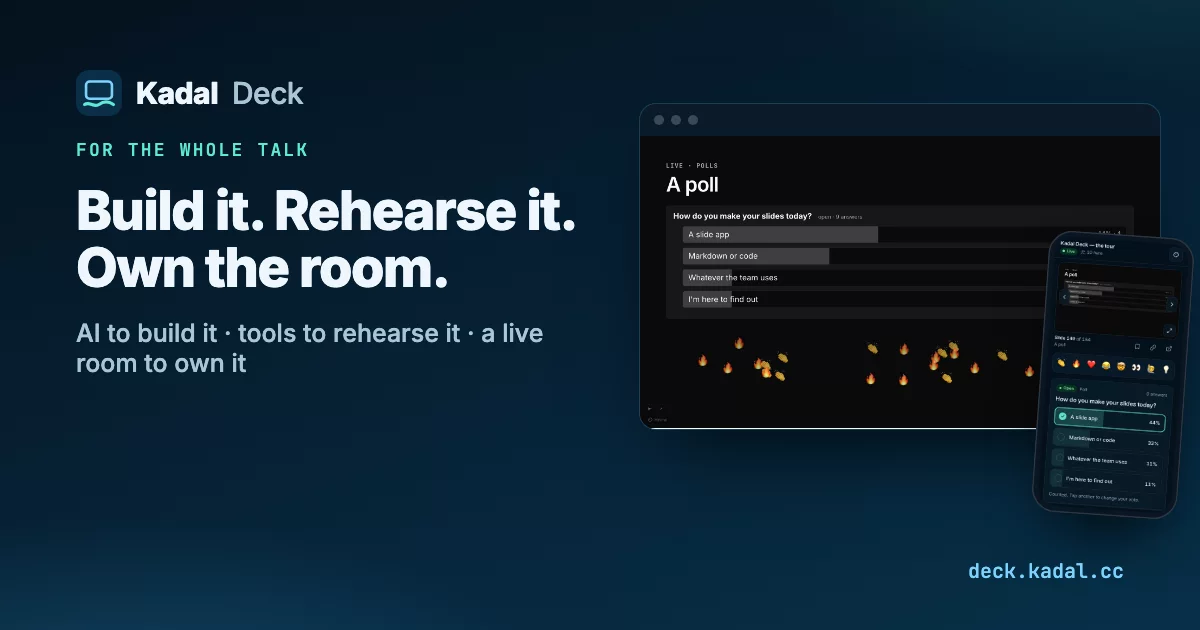

Kadal Deck
Build it. Rehearse it. Own the room.
Kadal Deck has your back from the first idea to the last applause: AI that drafts with you, rehearsal with a voice and a timeline, a teleprompter and your phone as the clicker, and a live room that keeps every seat in it — polls, quizzes, Q&A and reactions.


A talk is more than its slides. You need an outline that holds, slides that look the part, a few
run-throughs out loud, the right notes in front of you on the day, and a room that stays with you
to the end. Kadal Deck is built for all of it. You write the deck in one deck.mdx file, with AI
beside you if you want it; you rehearse it with the deck reading your notes and keeping time; you
present it with your phone in your hand; and the audience joins from theirs to vote, ask and react.
The engine is open source, and hosting is free for public decks.
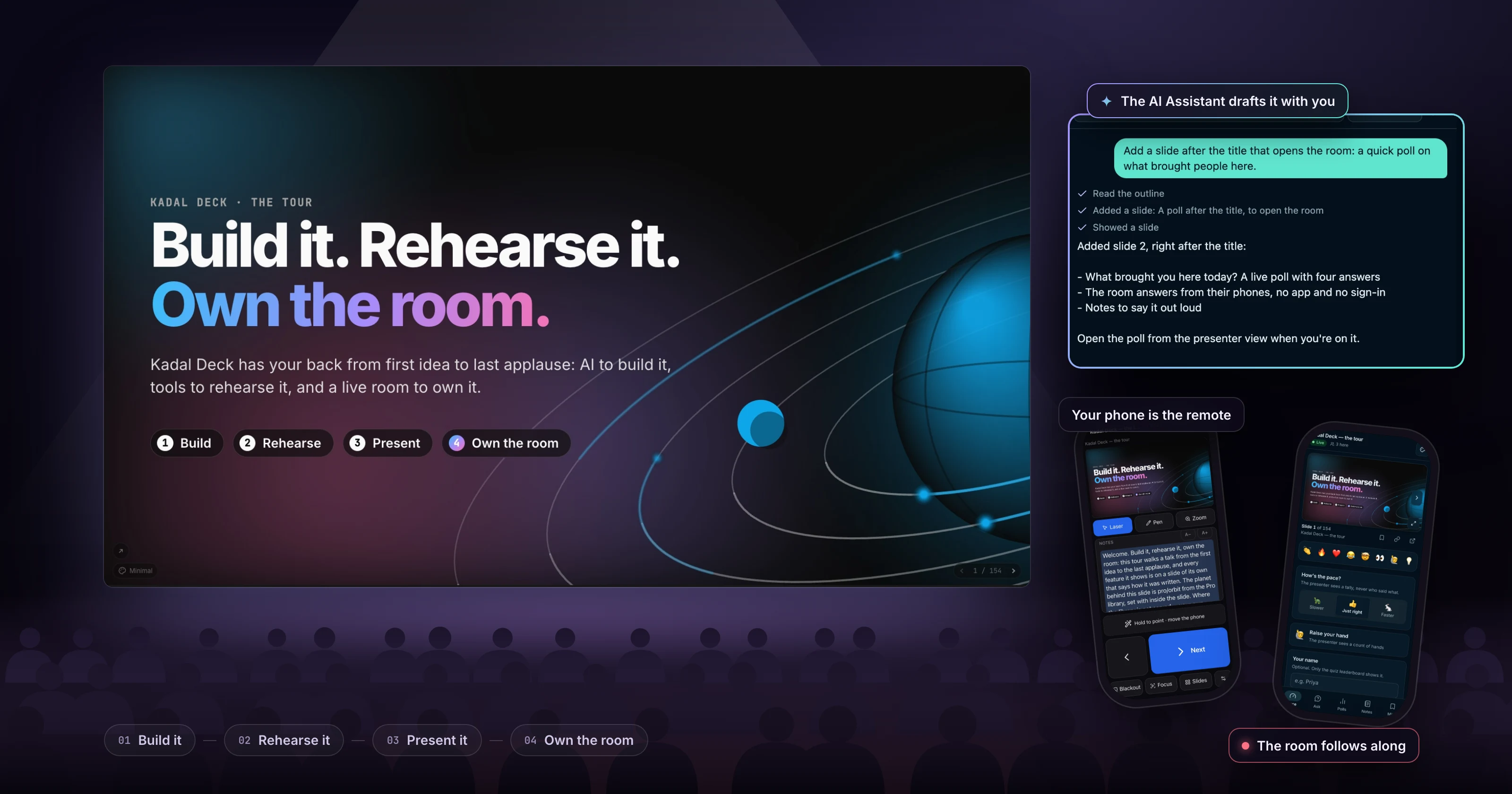
Take the tour →
A deck that shows every feature, built with Kadal Deck. Open it and press ?.
Get started · Docs · Themes · Pro library · Hosting · Changelog
Build it
Start from an idea, not a blank slide.
- ✦ An AI assistant that drafts with you. In the builder on deck.kadal.cc, tell it about the talk ("turn my notes into eight slides", "add a poll after the intro") and it writes and revises the deck slide by slide, checks its work against the compiler, and answers the comments on your draft. Every change is a revision you can undo. It runs on your own key from OpenAI, Anthropic, Google or OpenRouter.
- ✦ Your own agent, too. The Agent Skill and the MCP server teach Claude Code, Cursor, VS Code or any MCP client the format, then let it outline, write slides, lint them, render them to look at its own work, and fix what it sees. The hosted MCP server brings your published decks to Claude, ChatGPT and Cursor.
- Write where you like. Markdown and MDX in your editor, with the VS Code extension
and the
kadal-deckCLI, or in the browser builder: edit right on the slide, and drop in emoji, icons, stickers, shapes, free photos, GIFs and memes from the media panel. - Look the part. 17 themes in light and dark, 28 built-in backgrounds, and the Pro library of 95 backgrounds and layouts.
Rehearse it
Practise out loud until it's yours.
- The deck reads your notes aloud and turns its own pages as it goes, in the browser's voice or the Kokoro AI voice running in your browser. Narration shows every chapter and slide on a timeline, so you hear how long the talk really runs.
- A plan for every slide. Give each slide a time; the timer's bar marks where you should be, and a pacing badge says how far ahead or behind you are, so you find the long parts before the day.
- A teleprompter and the presenter view. Your notes, big, on the screen you read from, following each click; and beside the slide, the notes, the next slide and the timer.
- ✦ Copilot can quiz you on your notes while you rehearse a hosted deck.
- Glossary cards. The first mention of a term links to its definition, so you, and later the room, never lose the thread.
Present it
Walk on stage with everything at your fingertips.
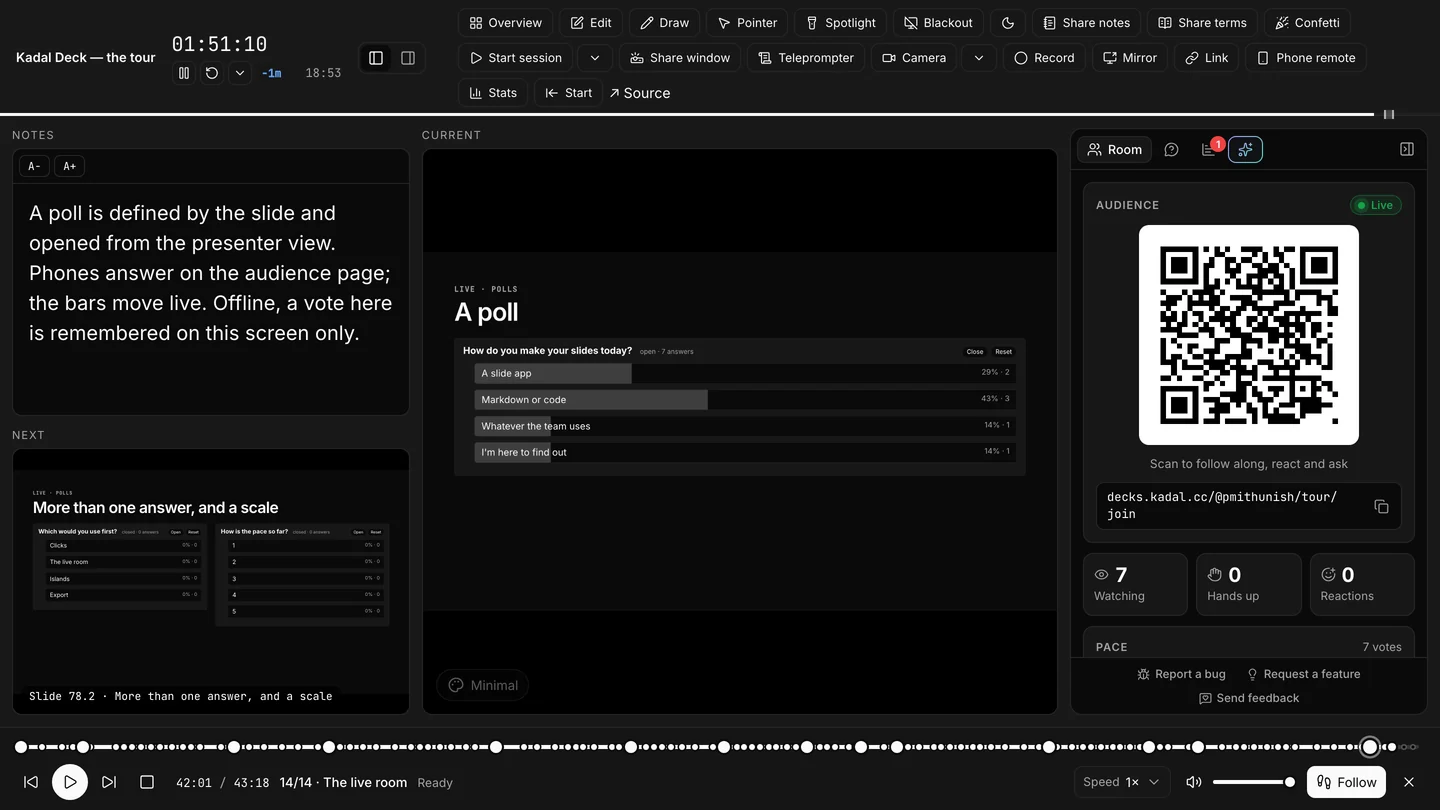
The presenter view: your notes, the next slide, a timer with pacing, the room beside you and every tool on one screen. Press S in any deck.
- The presenter view: notes, timer, next slide, drawing, camera and recording, and a share window for video calls.
- Your phone is the remote. A live copy of the slide, your notes, the timer, a laser and a pen, and an air pointer you aim by moving the phone, paired by a QR code. It works from a static host too. Phone remote
- ✦ Copilot in the presenter view of a hosted deck. Ask it to go to the results slide, black out the screen, circle the total on this slide, or tell you what's in your notes here.
- Laser, spotlight, pen, zoom, blackout. A built deck presents offline, and exports to PDF, PNG and PPTX.
Own the room
Keep every seat with you.
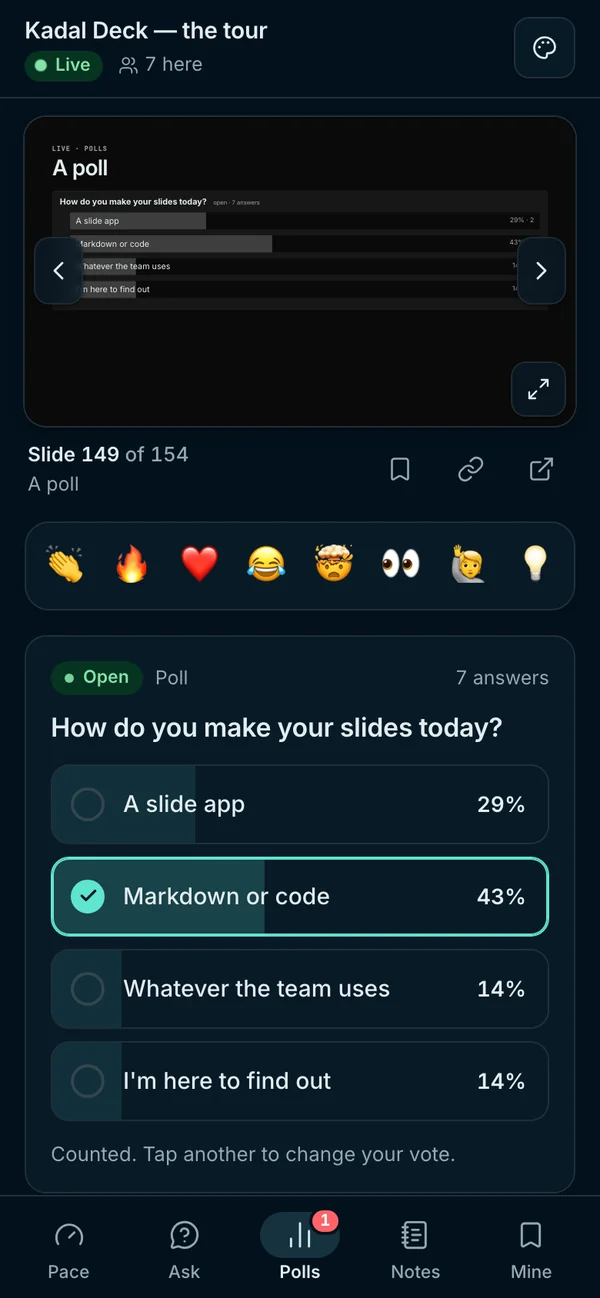
The audience page, on the same poll as the presenter view above: scan the QR code, no app, no account. The slide stays in step with you, or roams ahead and catches up.
- The audience joins from their phones, from a link or the QR code on your slide, with no app and no sign-in, and follows along. The room runs on deck.kadal.cc or on your own server. The live room
- Live polls, quizzes, word clouds, Q&A with upvotes, reactions, a pace check and a raised hand, all written as components in your deck.
- Afterwards, see how it went. Every hosted deck counts its views; paid plans add the time spent on each slide, and Pro and Team keep the sessions and their peak audience, the questions, reactions and poll results. Analytics
Open source, on your side. The engine is AGPL. One deck.mdx, in git, published with one command. AI on your own
key: nothing sold, no lock-in. Hosting is free for public decks,
with paid plans from $4 a month.
Start in 30 seconds
You need Node 20.19 or later.
npm create @kadal/deck@latest my-talk
cd my-talk && npm install
npm run dev        # http://localhost:5173: edit deck.mdx and the slide you're on updates in place
A deck is one deck.mdx file: Markdown, split into slides at ---, with components when you need
them.
---
title: Hello, room
theme: ocean
---

# Hello, room

---

## One point at a time

<Clicks>

- Slides split at `---`; a slide below this one starts at `----`
- Code steps line by line, and the notes follow your clicks

</Clicks>

---

<Poll id="lunch" question="Lunch?" options={["Dosa", "Biryani", "Both"]} />
When it's ready:
npx kadal-deck build      # dist/: a static site for any host, works offline
npx kadal-deck export     # PDF in export/ (add --png or --pptx)
npx kadal-deck publish    # a URL on deck.kadal.cc with a live room (free plan)
Rather not install anything? Write it in the builder on
deck.kadal.cc. Already have a Slidev or reveal.js deck? npx kadal-deck import slidev slides.md or
npx kadal-deck import reveal index.html converts it and writes a report of anything that didn't
carry over.
Everything in the engine
| Writing (docs) | MDX slides, 19 layouts with named slots, frontmatter per slide, src: includes, glossary terms the compiler links on first mention |
| Clicks and motion (docs) | <Click>, <Clicks>, at="+2", notes that follow your clicks, 7 transitions (a different one in and out if you like), auto-animate, <Motion> |
| Code (docs) | Shiki highlighting stepped line by line, magic move, Monaco editors, runnable JS/TS/Python, TwoSlash hovers, code groups, snippet imports |
| Maths, diagrams, sketches (docs) | KaTeX at build time, Mermaid in the deck's colours, Excalidraw drawings revealed region by region |
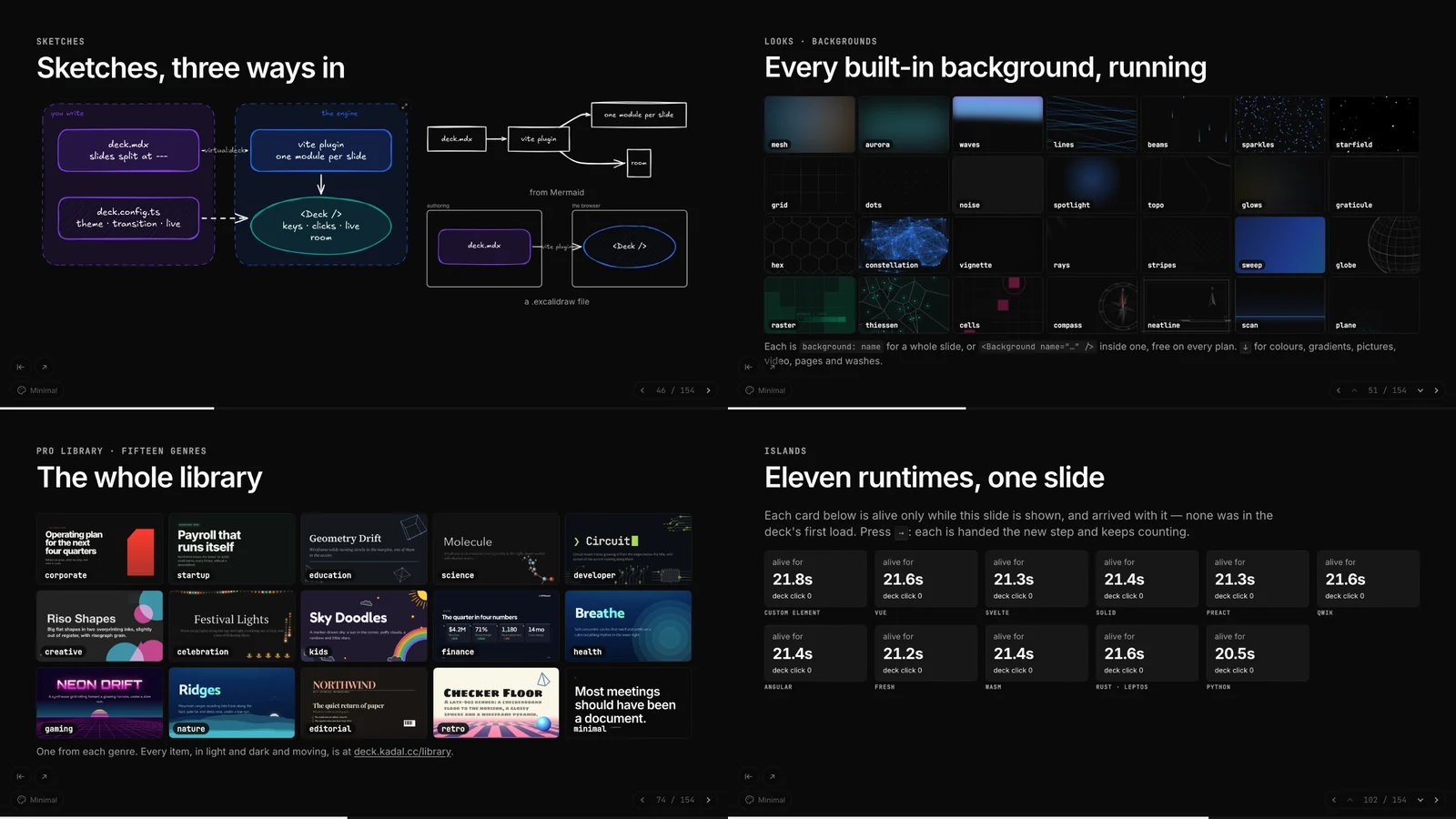
| Looks (docs) | 17 themes in light and dark, 28 built-in backgrounds (most of them animated), the Pro library of 95 backgrounds and layouts on deck.kadal.cc, 200,000 icons through Iconify, Tailwind |
| Any framework (docs) | React and web components built in; Vue, Svelte, Solid, Preact, Qwik, Angular, Fresh, Rust/WebAssembly and Python as islands, each loaded only when its slide appears |
| Rehearsing (docs) | Narration that reads the notes and turns the pages, per-slide timings with a pacing badge, a teleprompter window, glossary cards |
| Presenting (docs) | Presenter view with notes, timer and next slide; drawing, laser, spotlight, blackout, camera, recording; a share window for video calls; a phone remote; vim keys |
| The live room (docs) | The audience follows on their phones: reactions, questions with upvotes, polls, word clouds, timed quizzes, a pace dial and a raised hand |
| Export (docs) | PDF, PNG and PPTX, with or without each click step; a static build that works offline |
Backgrounds and layouts
The Pro library. 95 backgrounds and layouts in 15 genres — board-pack covers, KPI boards, magazine spreads, terminal covers, lecture outlines, synthwave grids, wedding invitations — each in light and dark, each wearing your deck's theme. One line of frontmatter picks one:
---
layout: pro/kpi-board
background: pro/neon-drift
---
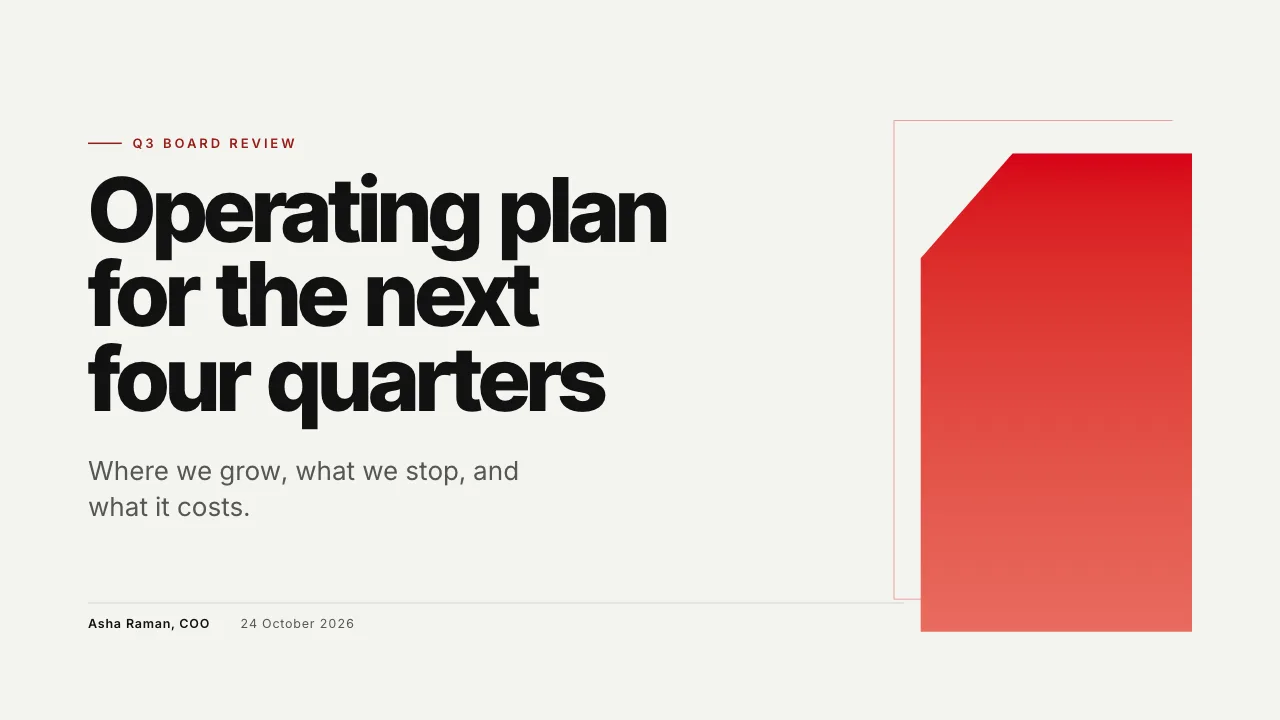 layout: pro/exec-cover |
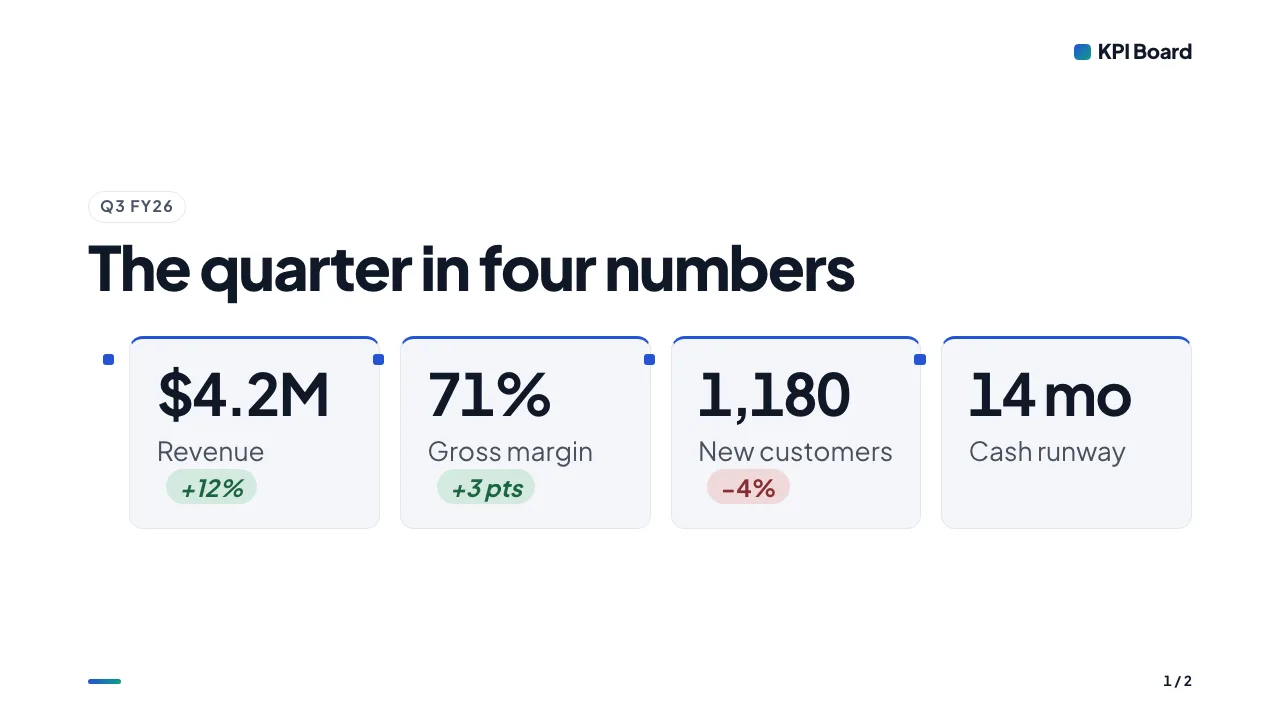 layout: pro/kpi-board |
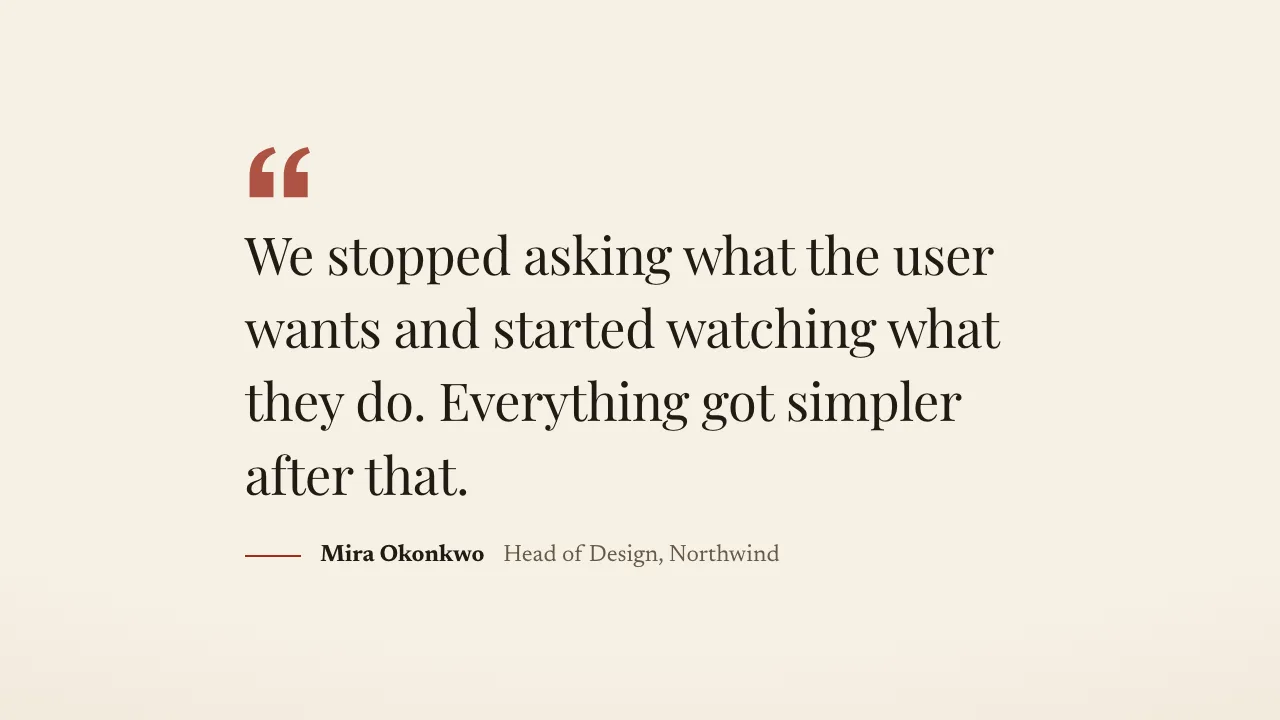 layout: pro/pull-quote |
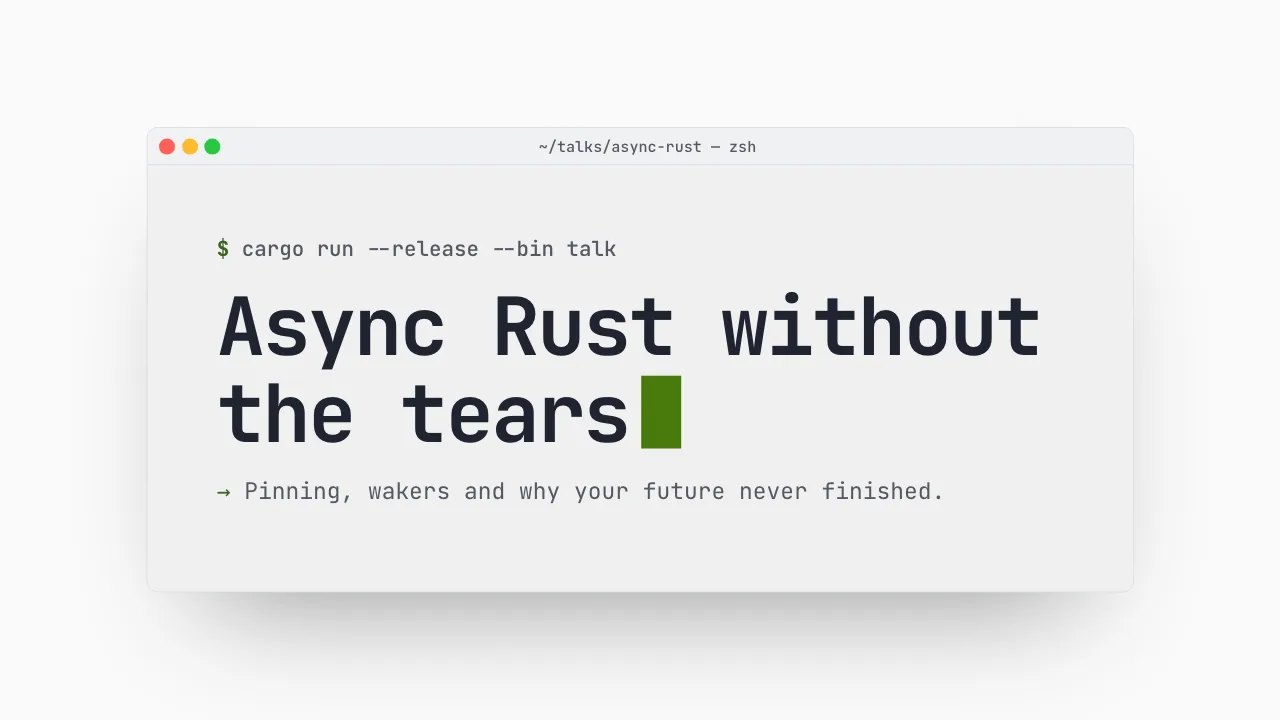 layout: pro/terminal-cover |
 background: pro/neon-drift |
 background: pro/ridges |
 background: pro/riso-shapes |
 background: pro/breathe |
The library renders on decks published to deck.kadal.cc from a
Pro or Team workspace. Anywhere else — a static build on your own host, or the free plan — a
pro/ name falls back to the theme's own background and the default layout, so the slide still
reads; only the dev server says why, in a small chip. Every item, moving, in light and dark:
deck.kadal.cc/library.
Built in, free everywhere. 28 backgrounds ship with the engine — background: aurora, or
<Background name="aurora" /> inside a slide — most of them animated, all paused off-slide and
still under reduced motion. A few of them:
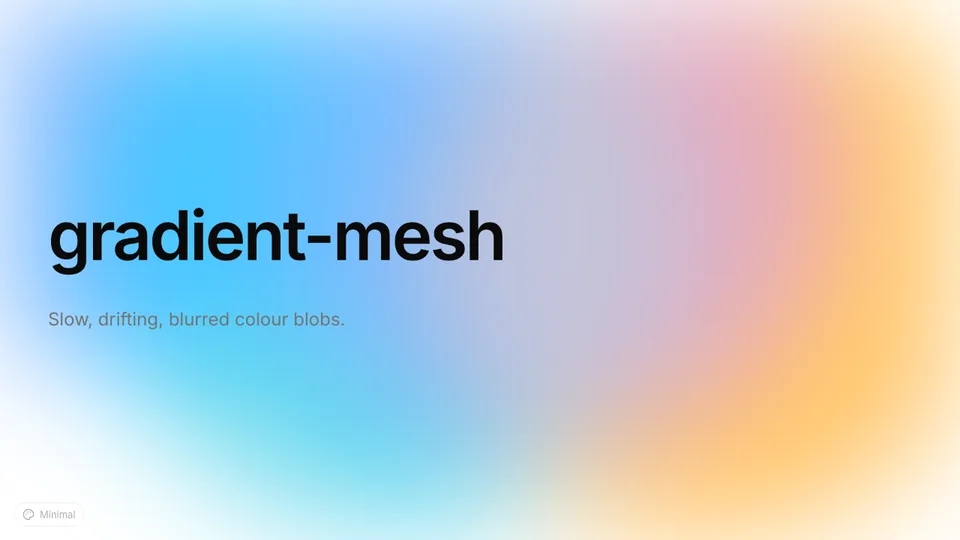 background: gradient-mesh |
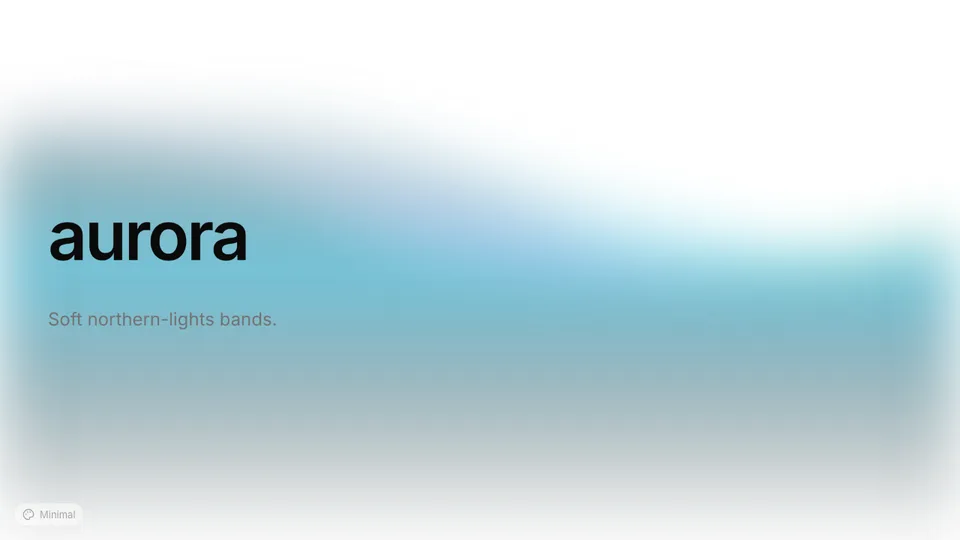 background: aurora |
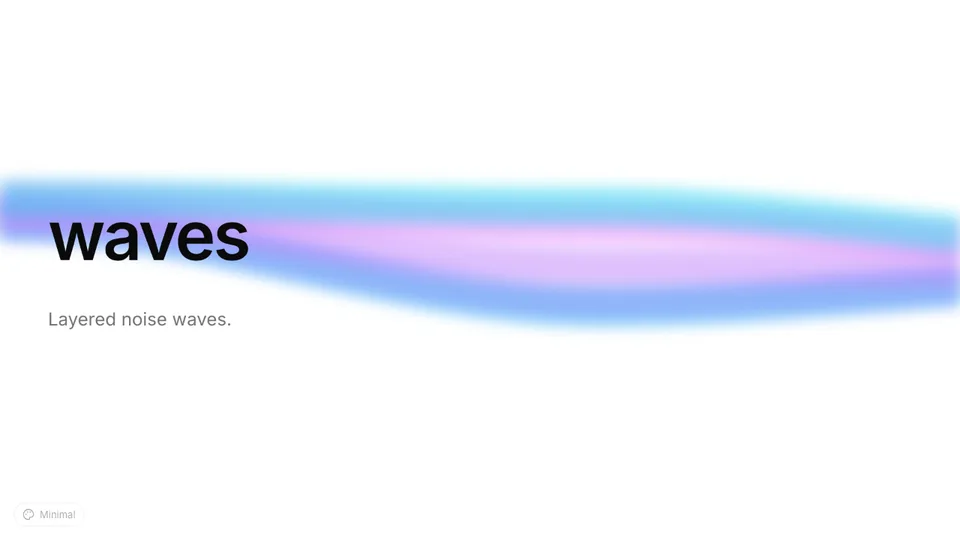 background: waves |
 background: glows |
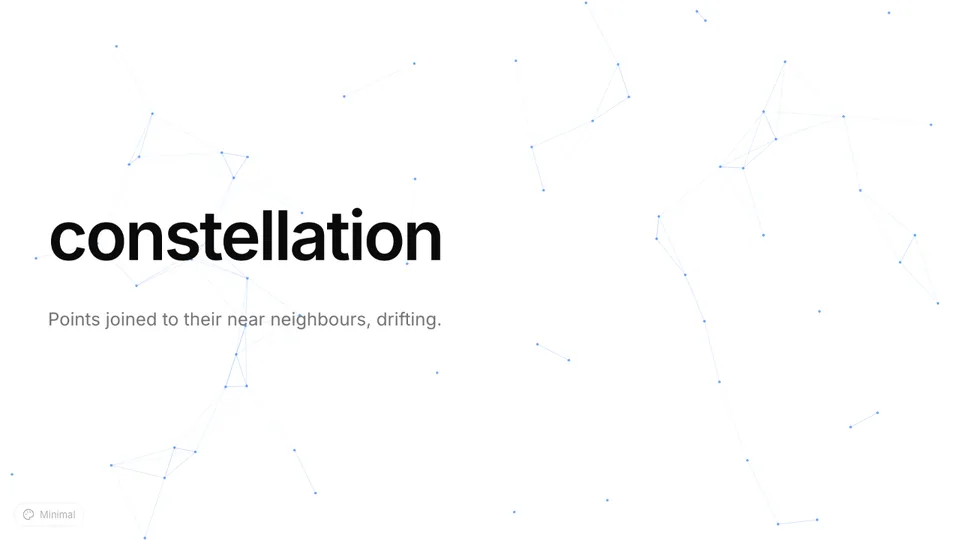 background: constellation |
 background: globe |
Themes
Sixteen themes, each in light and dark where it makes sense. Three are built in; the rest are
packages you install and name in the headmatter (theme: ocean). Browse them all at
deck.kadal.cc/themes.
 minimal · built in |
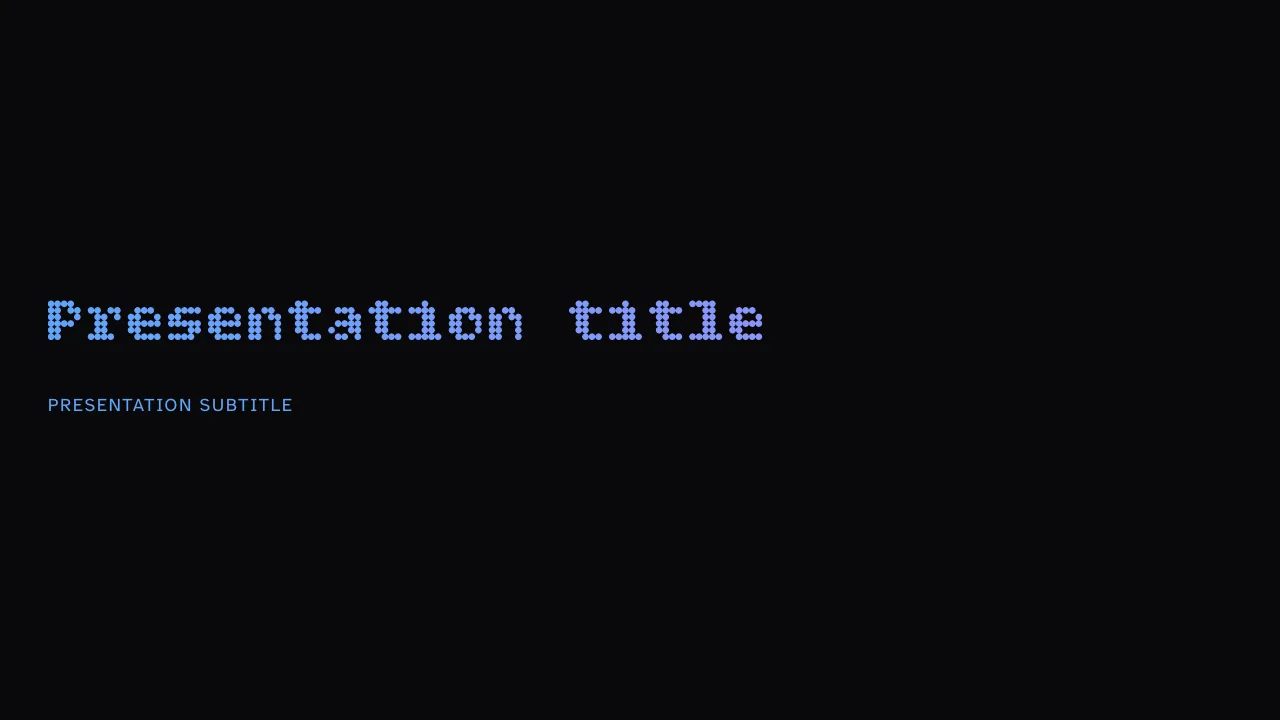 rla · built in |
 stack · built in |
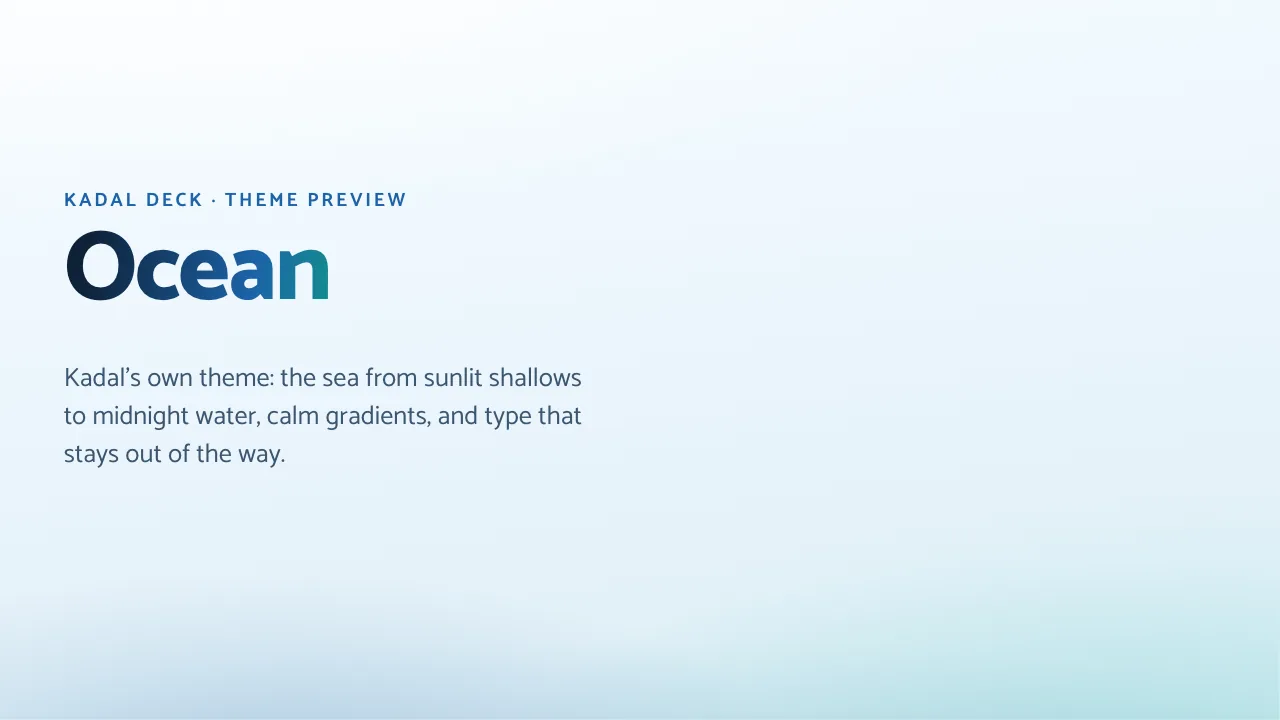 ocean |
 |