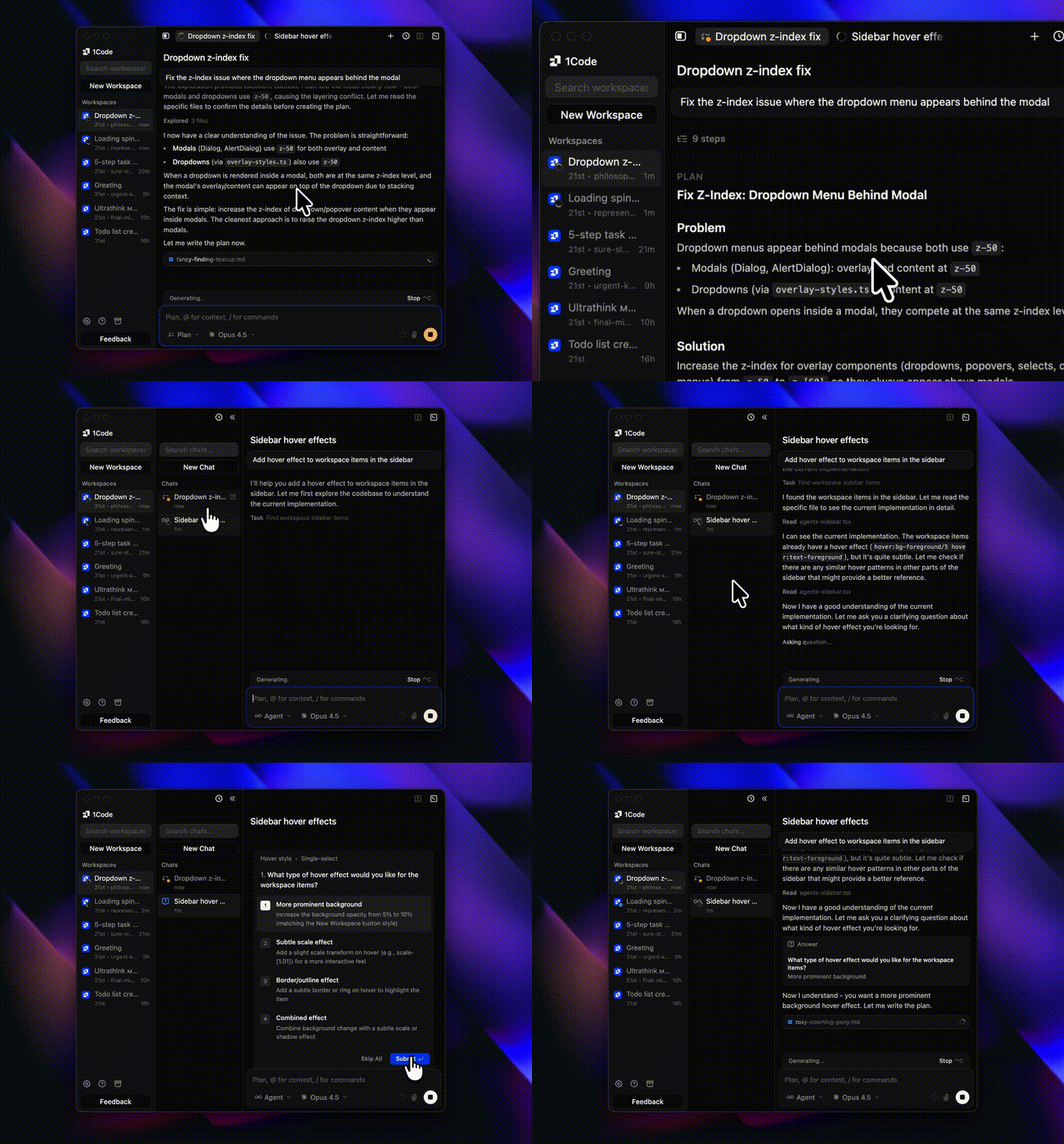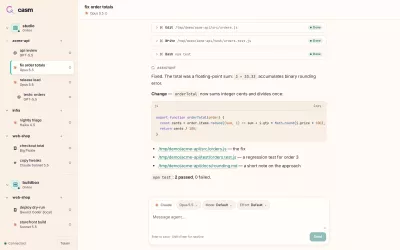

Plan it, build it, review it, and check it.
LLM Orchestrator is a plugin for Claude Code, with a smaller part for Codex. It helps the assistant turn an idea into a saved plan, build it task by task, have the change reviewed by independent reviewers, and run the tests before it says the work is done.
New in 0.18.0: agents open as many branches as the work needs, branches can build on each other, pull requests open early as drafts and merge on their own once checks pass, and agents never stop to wait for you. In 0.17.1: the commit hook and the CI audit compare the lock manifest as a whole, so adding an entry to it needs a ruling too. In 0.17.0: every plan task names its review path (Simple, Standard or Full) and the signal behind it; the cadence skill lists in plain words what forces Full, and one signal is enough; a security, privacy or data-integrity finding is deferred only when the person says so, because a failed reproduction does not disprove it. All changes.
Is it right for you?
It spends more tokens to get a result you can trust: plans, fresh reviewers and real test runs cost more than a single prompt. Use it for multi-step features, refactors across files, debugging that needs investigation first, and work you want to hand off. For one-line fixes, it adds little.
Claude Code already has plan mode, /code-review, worktrees and memory. The plugin uses them where they do the job and adds the rules around them: when a step is required, what counts as proof, and in what order steps run. The full comparison: What Claude Code does and what this adds.
Quick Start
Requirements: Claude Code or Codex, plus Bash, Git and Python 3. Node.js is needed only for the visual brainstorming panel. Optional: with both the claude and codex command-line tools installed, a change written by one is reviewed by the other.
Install on Claude Code
Run these one at a time inside Claude Code:
/plugin marketplace add felipemelendez/llm-orchestrator
/plugin install llm-orchestrator@llm-orchestrator
Restart Claude Code, then run /plugin: it is installed when llm-orchestrator is listed. More options and settings: Install and settings.
Install on Codex
In your terminal, clone the repository into a folder you will keep, then:
git clone https://github.com/felipemelendez/llm-orchestrator.git
cd llm-orchestrator
codex plugin marketplace add "$PWD"
codex plugin add llm-orchestrator@llm-orchestrator
./scripts/install.sh --codex
Open a new Codex session, run /hooks, and trust the plugin's hooks. Details: Codex.
First use
- On an existing project, run
/llm-orchestrator:onboardonce. The assistant studies the code and, with your approval, writes the project's main decisions and conventions intoCLAUDE.md. (/llm-orchestrator:initis different: it only adds empty starter files and folders, and most projects do not need it.) - Ask for what you want, in plain words. For a feature, the assistant asks a few questions, saves a spec, turns it into a plan (
/llm-orchestrator:plan), builds it, has it reviewed (/llm-orchestrator:review) and runs the tests (/llm-orchestrator:verify). - To work from a plan you already have, say so: "Implement the plan in
docs/feature-plan.mdand report the review and test results."
Every command: commands guide. A worked example: walkthrough.
What happens by default
Out of the box the plugin stays quiet and adds these things:
- Skills load when a task needs them. Planning, debugging, test-first work and review each have a skill. Questions and small edits need none.
- Landing rules for long projects. One page,
skills/finishing-a-branch/references/landing-rules.md, says that a passing review is landed in the same session, that a branch builds on main or on the open branch it depends on, and that a branch gets one whole-branch review, then fix-and-check rounds while each finds real defects, before it lands or is split. The session opens with a landing board: which branches are waiting and for how long. Learned on a project that ran 370 reviews in four days and merged nothing. - A completion check. When the assistant finishes work it ends with a
Verification:line:PASS(checks ran and passed),PENDING,BLOCKEDorNOT APPLICABLE. If a reply saysVerification: PASSand no test ran and passed in that turn, a hook sends the assistant a note saying so. You see nothing, and it never blocks. - Two guards. In your main working folder (not a separate worktree the plugin created), git commands that would throw away uncommitted work, such as
git reset --hardorgit stash, are refused. So is skipping git's own hooks or commit signing (--no-verifyand similar). - Reviews cannot fill the disk. The reviewers the plugin starts get a third guard, which refuses commands that could fill the disk; your own sessions do not. Reviews also stop when the disk runs low, and remove their copies when they finish.
- Two short reminders, only when they apply. Asking about a library, version or security topic while designing something reminds the assistant to check current docs first. On a very long conversation, the assistant is reminded once to write a handoff note (when).
- Nothing leaves your machine. Usage telemetry is off unless you turn it on.
Every hook and switch: Settings.
The cadence (optional, per project)
The cadence is a set of project rules that matches the amount of checking to the risk of a change. You turn it on per project with /llm-orchestrator:cadence-init; projects that do not are unaffected.
Before changing code or tests, the assistant reads the project's rulebook (docs/llm-orchestrator/LAWS.md) and picks a path:
- Simple — a small change that is easy to undo. Make it, read the diff, run the tests.
- Standard — a change in behaviour with real edge cases. Adds one independent review.
- Full — a change that touches several systems, is hard to undo, or changes how checks or security work. Adds a reviewed spec, two independent reviews, fixes, and a final check by someone other than the writer.
The rulebook and config are protected by a lock with two layers: Claude Code deny rules stop the assistant editing them, and a git hook refuses a commit that changes them without a ruling (a numbered change you approve, written into the rulebook). Setup, changing the rules and what the lock cannot stop: The cadence. What the design rests on, with sources: docs/cadence-evidence.md.
Where to go next
- Project policy, role settings, shared capacity and test commands — opt-in capabilities that do not require Cadence.
- Install and settings · The cadence · Codex · Running a review by hand
- Commands · What Claude Code does and what this adds
- Measurements — what has been measured, including what did not help.
- For contributors: Architecture, Contributing, skills guide, manual testing.
License
MIT. See LICENSE.