Low Poly Earth
The whole Earth in 3D, built from open map and elevation data. Pan and zoom from orbit to street level, fly over any place on the planet, and photograph it at any date, time and weather.
Download
Download Low Poly Earth for Mac (free, about 640 MB)
- Requires a Mac with Apple silicon and macOS 13 or later.
- Open the disk image and drag Low Poly Earth to Applications. The app is signed and notarized by Apple.
- An internet connection is needed for full detail. Buildings, roads, water and fine terrain stream from online map and elevation sources.
Release notes and checksums are on the releases page.
Screenshots
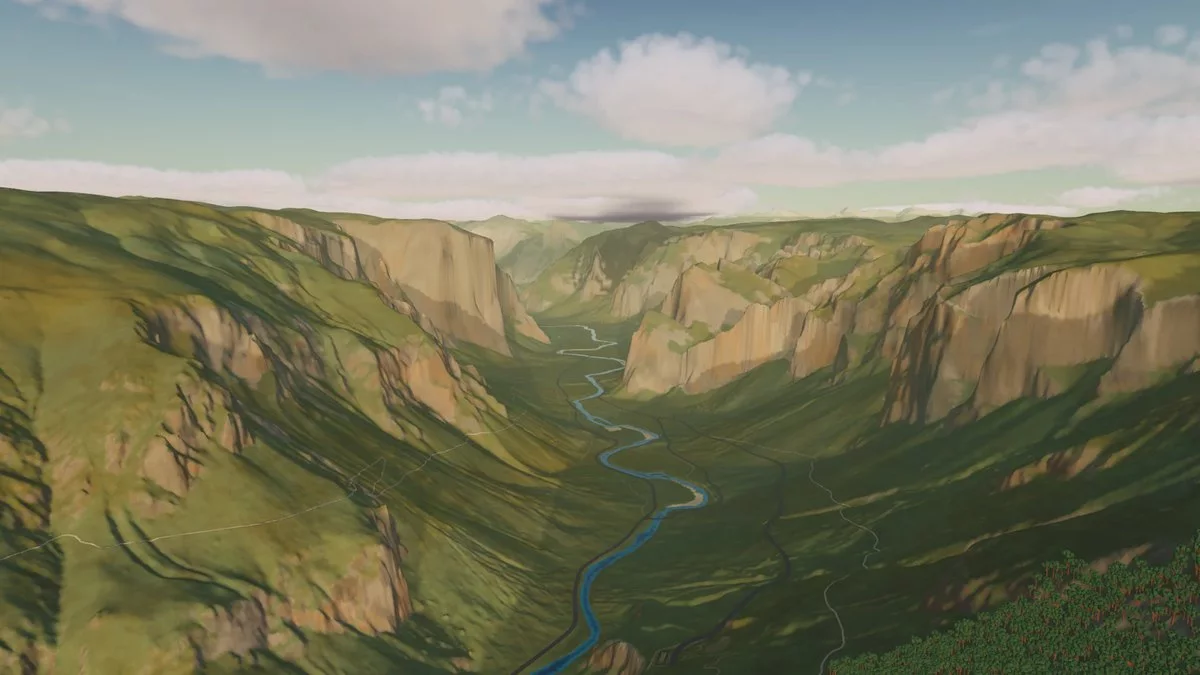
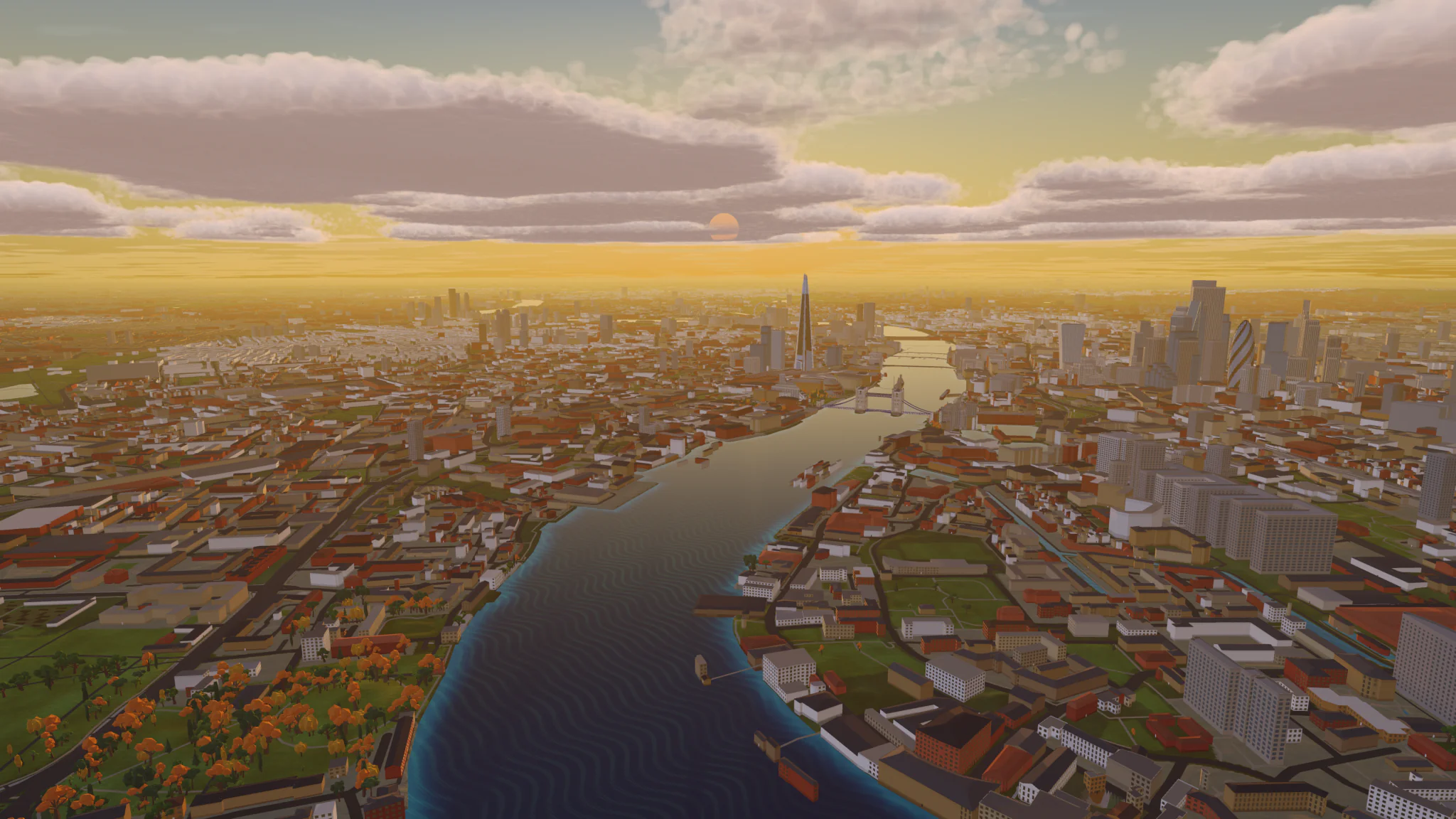
Every image is an unedited capture from the app.
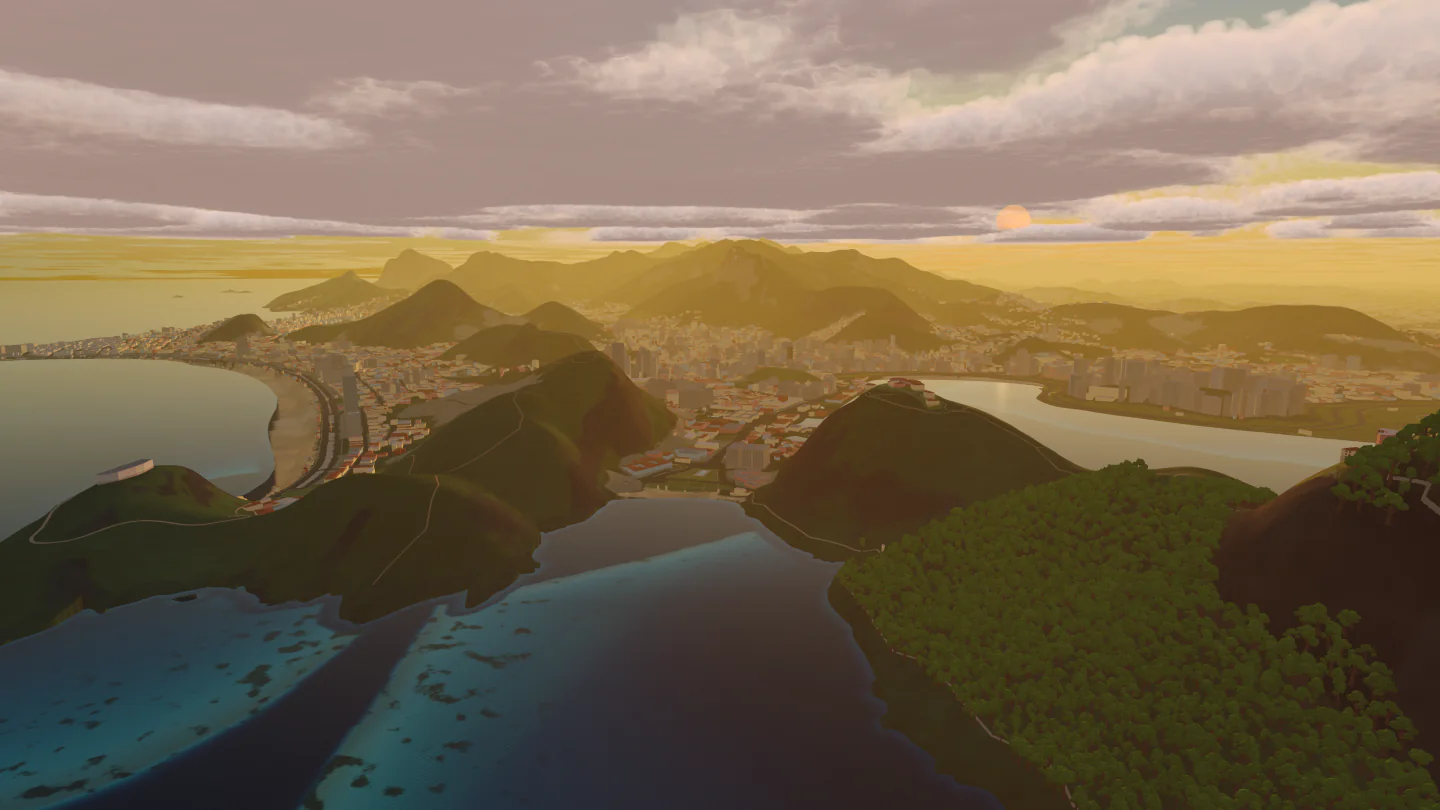 Rio de Janeiro, Brazil |
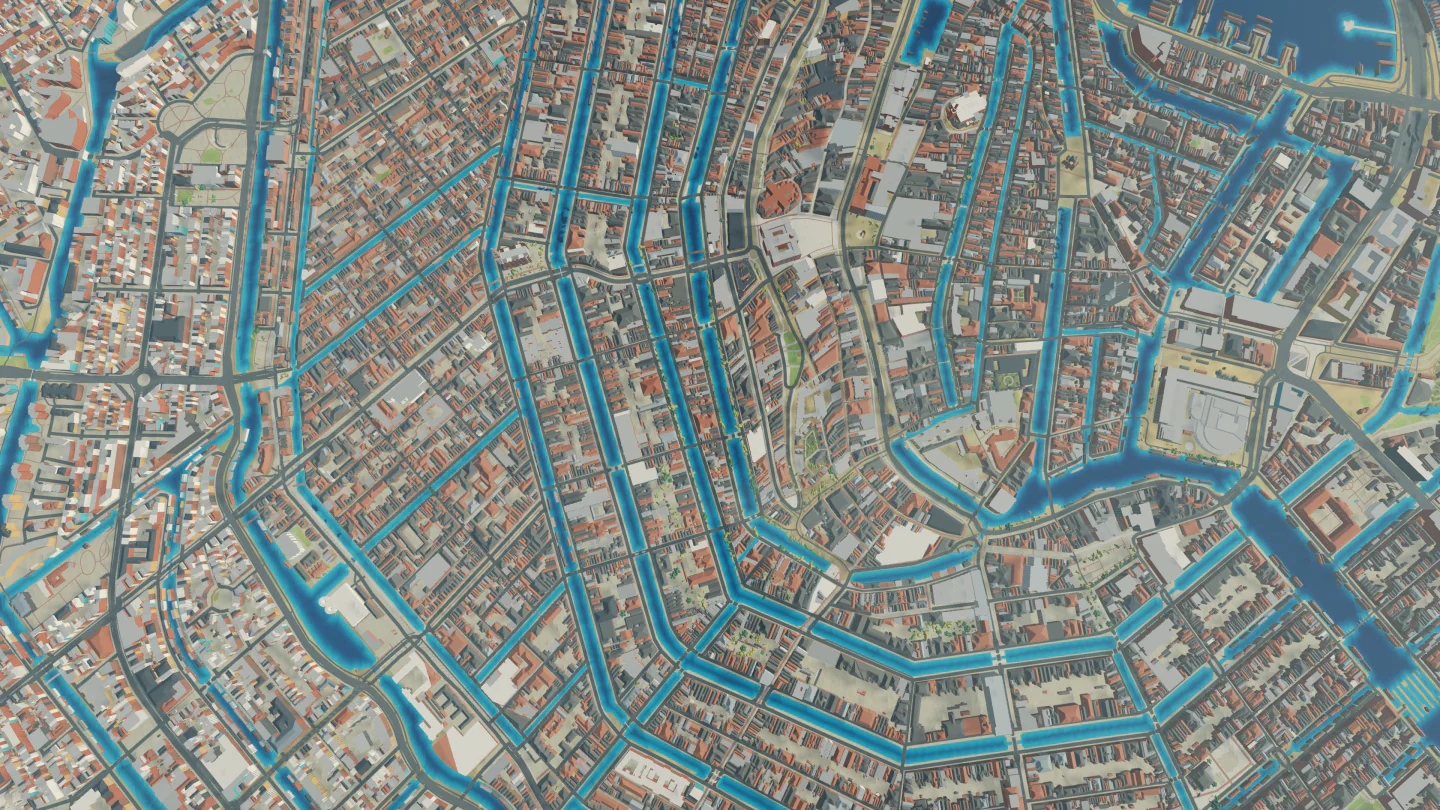 Amsterdam, the Netherlands |
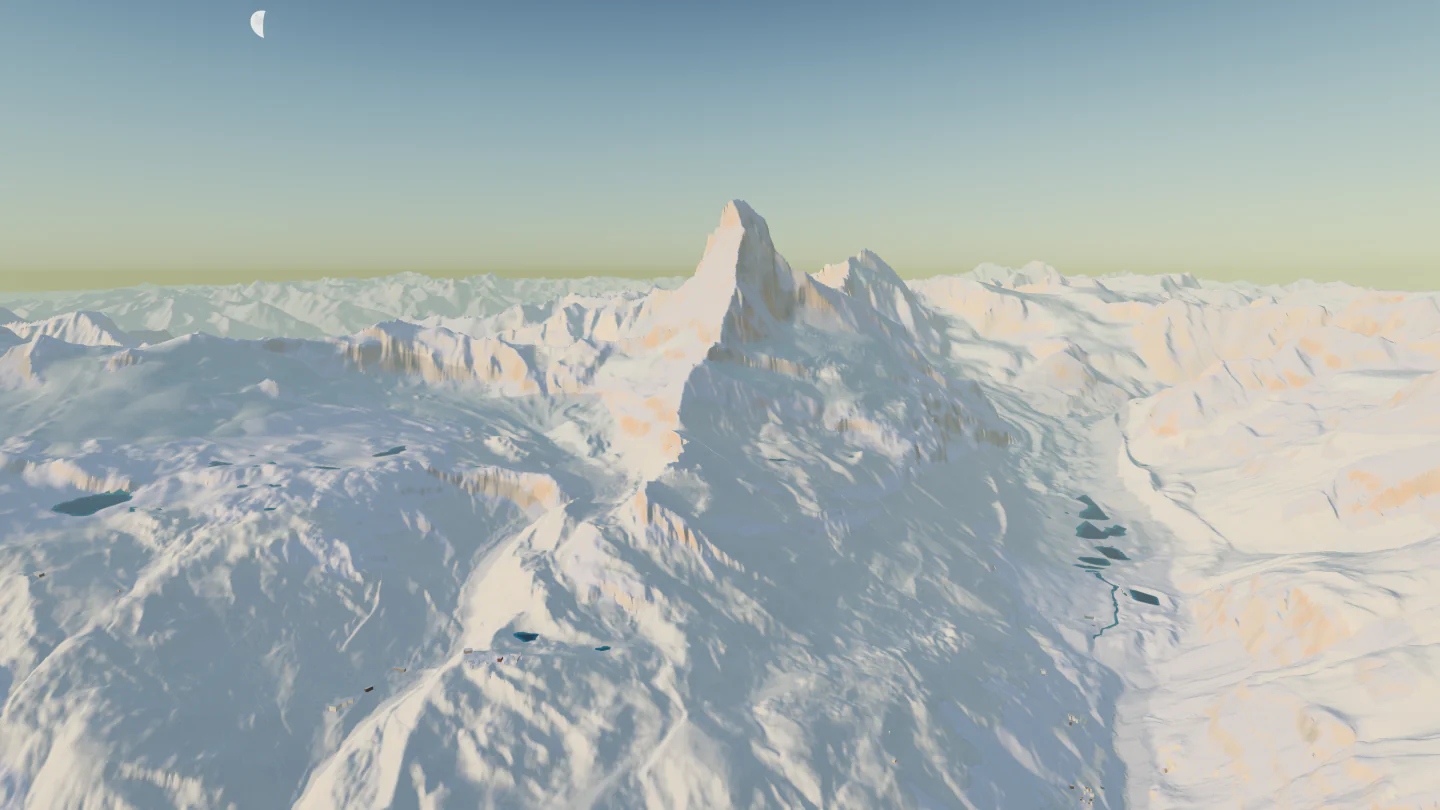 Matterhorn, Switzerland |
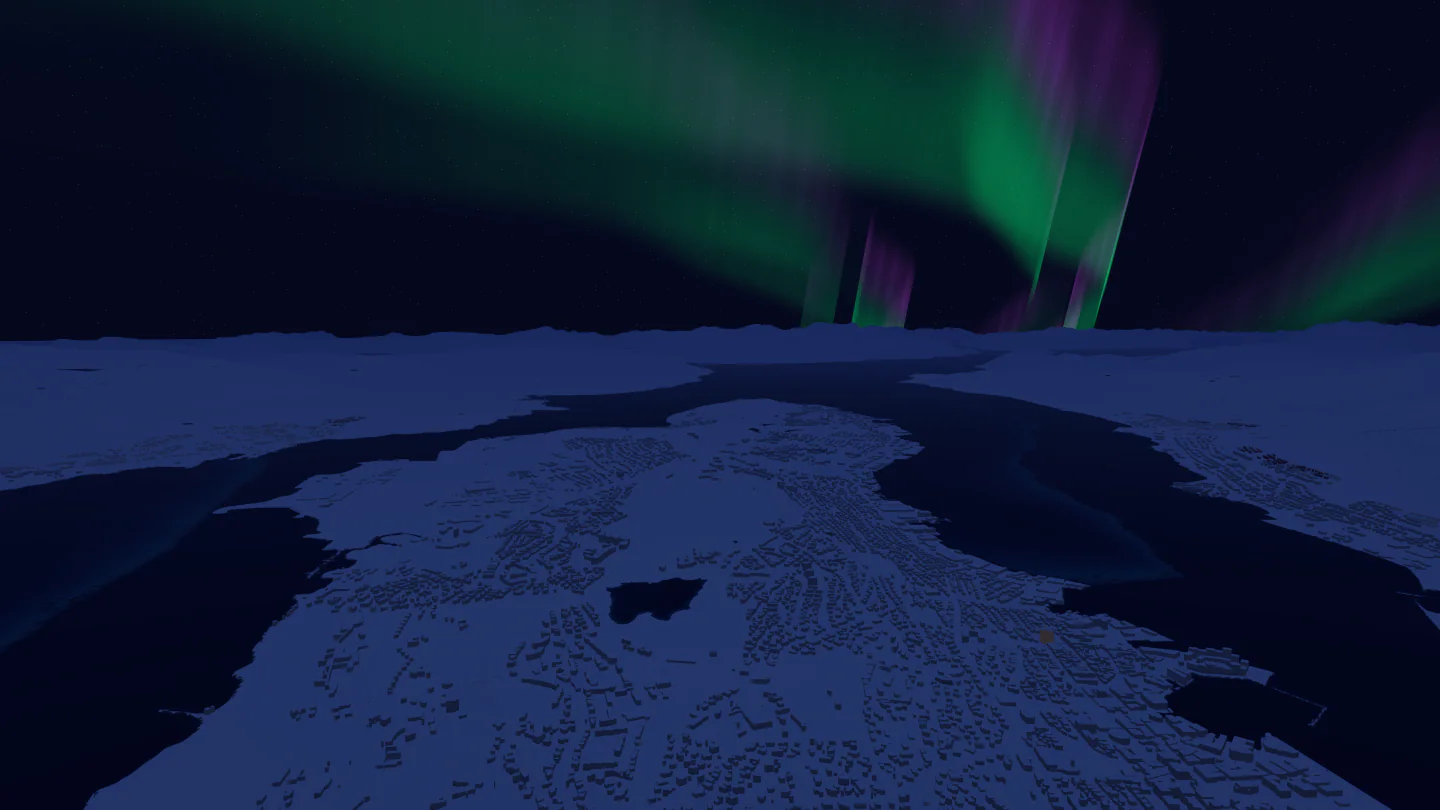 Tromsø, Norway |
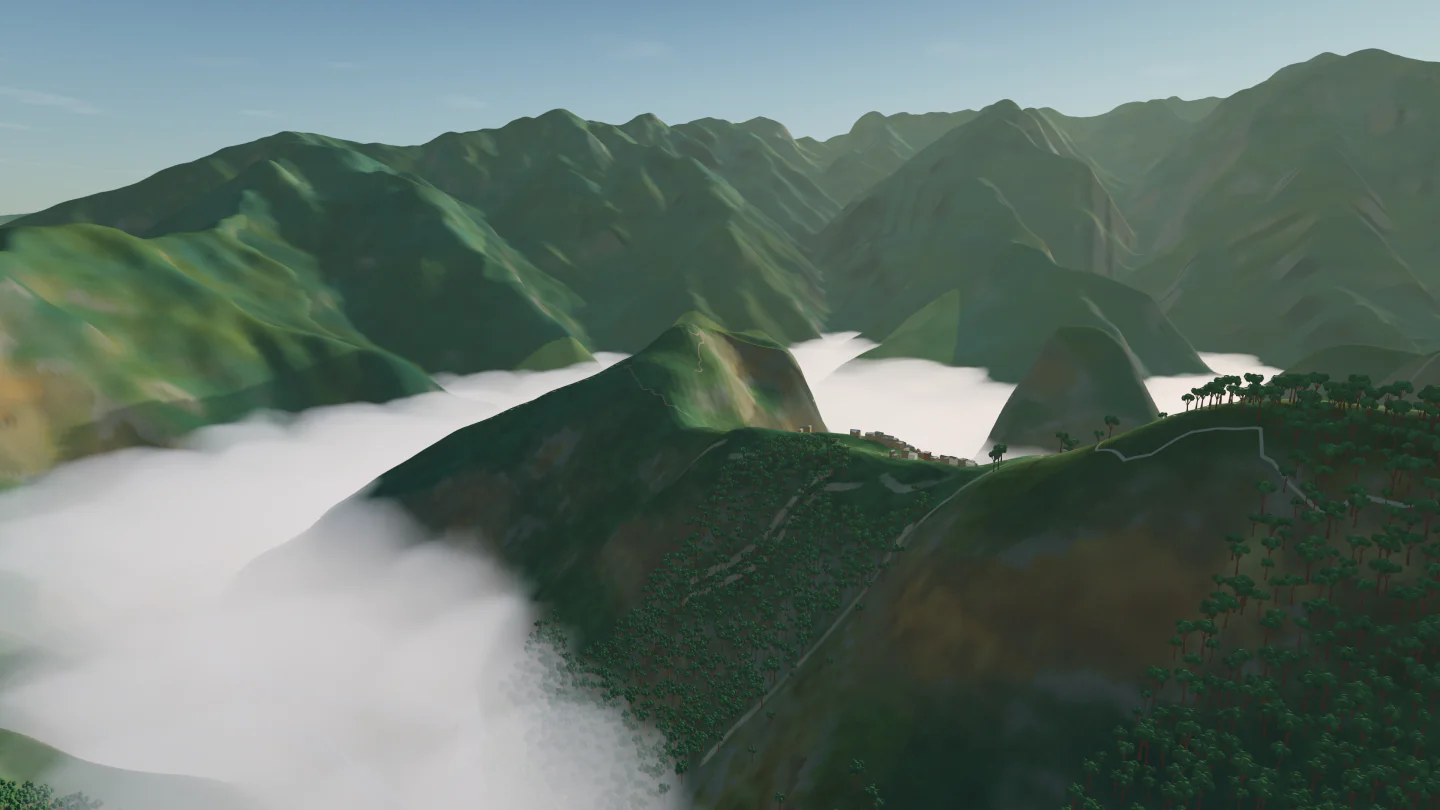 Machu Picchu, Peru |
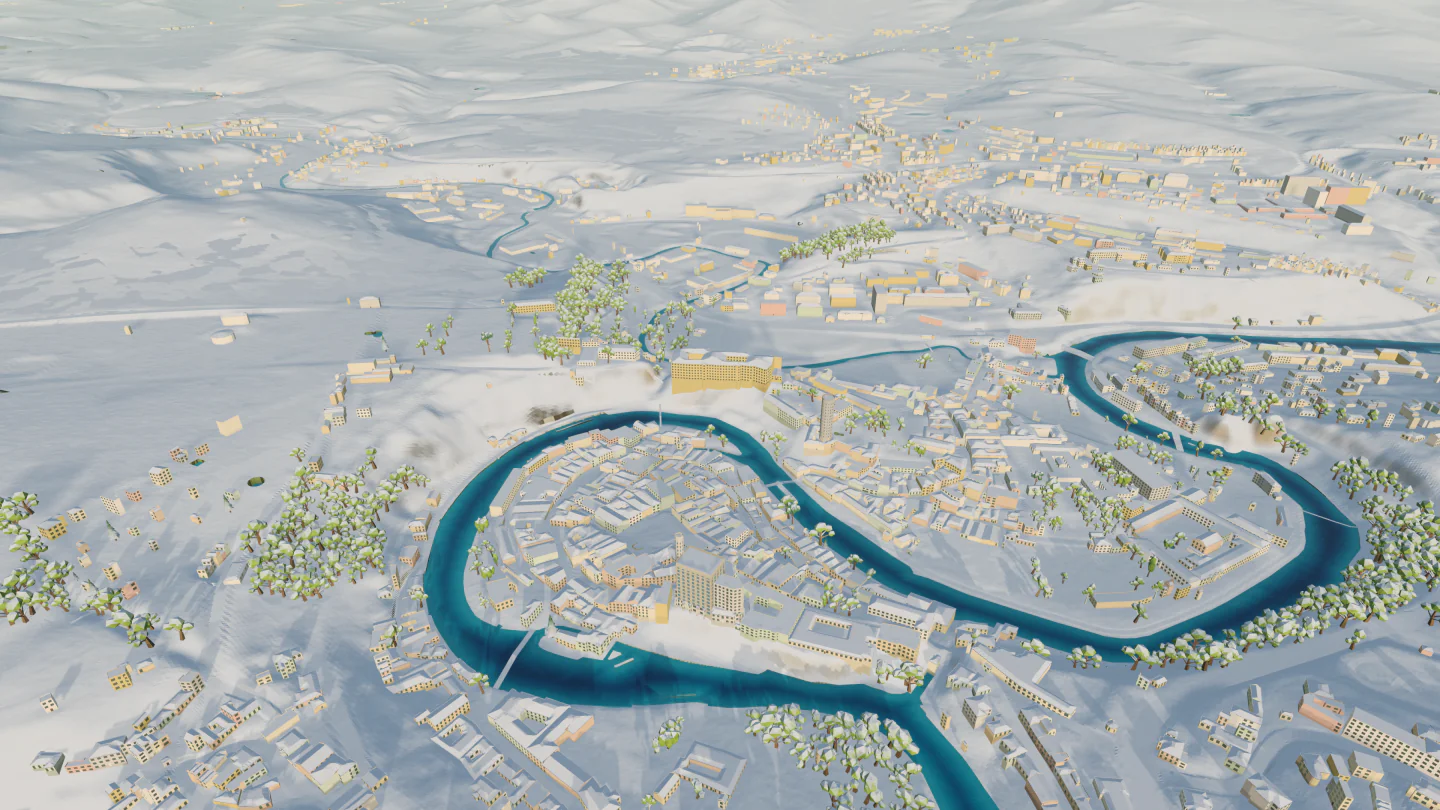 Český Krumlov, Czechia |
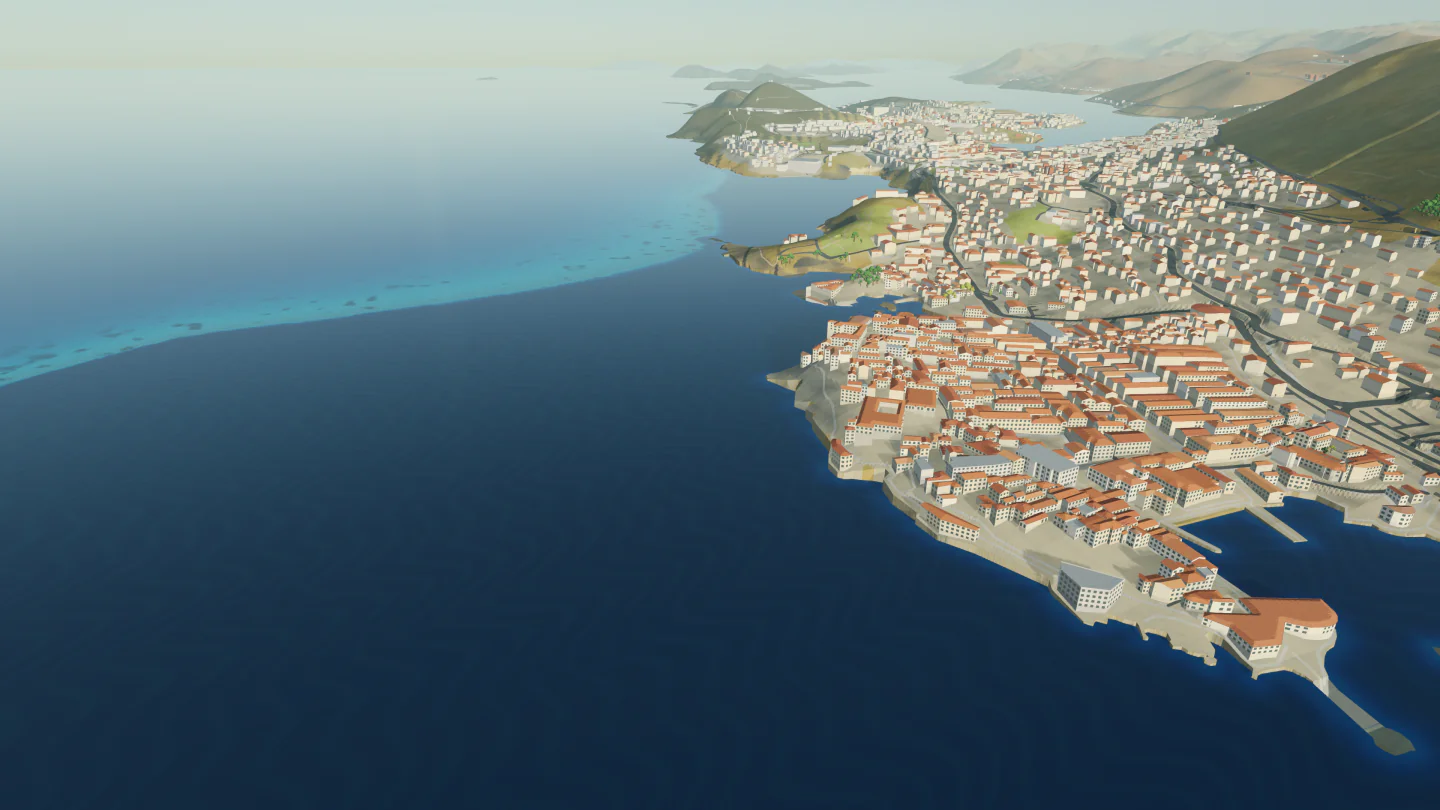 Dubrovnik, Croatia |
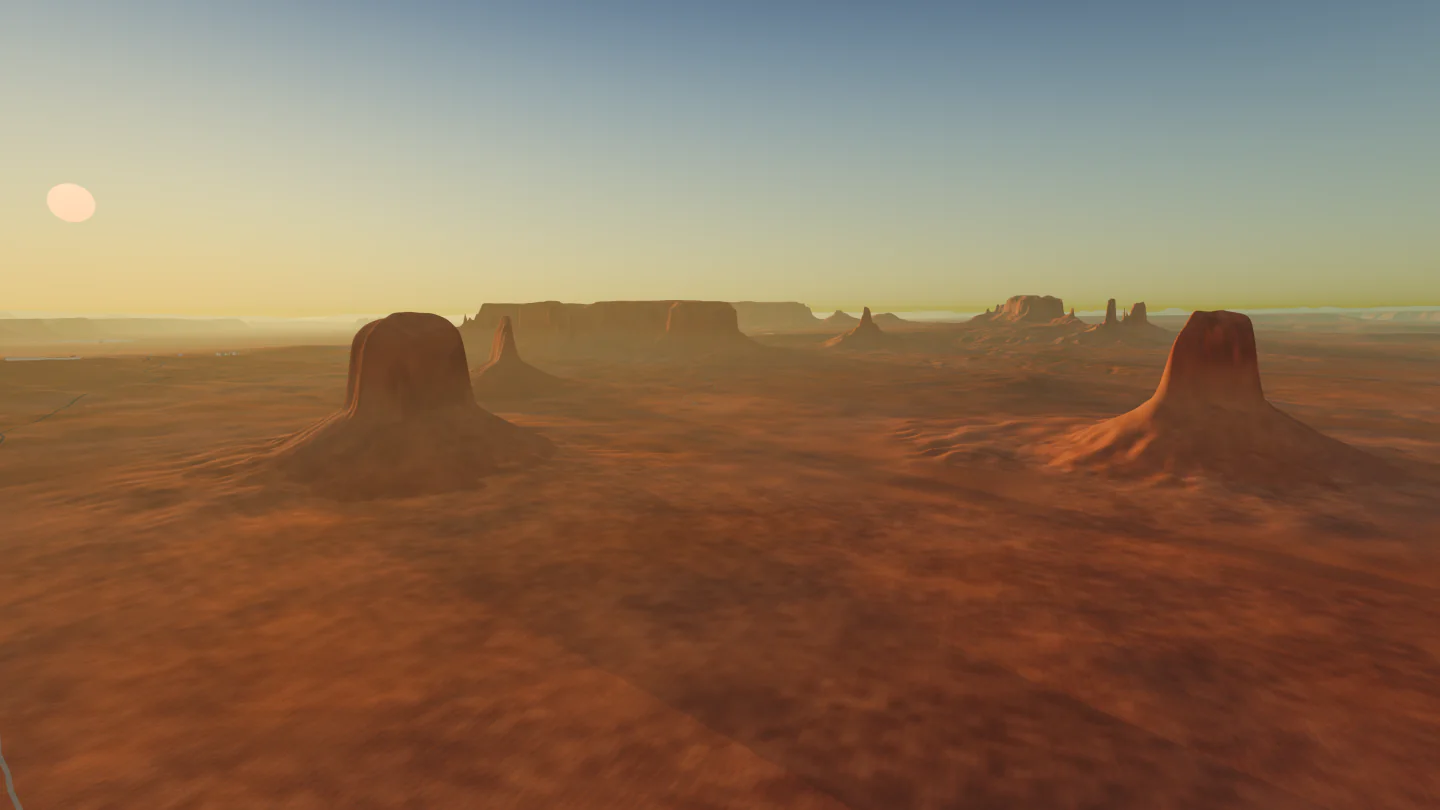 Monument Valley, United States |
More photographs are on the website.
What it does
- Explore: search for any place by name or pick it on the world map, and the camera flies there.
- Fly: press P to take off in one of the flyable vehicles.
- Photograph: set the date, time and weather, and save the view as a 4K image.
- Light and weather: the sun, moon, stars and aurora follow the real date, time and location, with simulated clouds, rain, snow and fog.
- Landmarks: 231 landmarks are modelled individually.
Feedback
Found a bug or a place that looks wrong? Open an issue with the location and, if you can, a screenshot. You can also write to contact.urbanphilosophy@gmail.com.
Data sources
Elevation: Mapterhorn (Copernicus GLO-30 and national elevation models), USGS 3DEP, Environment Agency LiDAR (Open Government Licence v3). Map data © OpenStreetMap contributors (ODbL), via Protomaps. Imagery: NASA Blue Marble, NSW Spatial Services (CC BY 4.0). Also GeoNames, Wikidata, Natural Earth, WorldClim, JRC GHS-SMOD, Timezone Boundary Builder, ESA Hipparcos (CC BY-NC 3.0 IGO) and ESO/S. Brunier.
The app lists every source and licence in its attribution window, and ships full third-party notices inside the app bundle.
Low Poly Earth is free, and its source code is in this repository.
Source code
Low Poly Earth is a native Rust application for exploring a streamed,
multiresolution surface planet. It combines geospatial elevation, imagery, and
map features with deterministic procedural generation, then renders the result
with wgpu from globe scale to ground level.
The application includes place search and map navigation, an astronomical day/night cycle, procedural weather, still-image capture, and three playable vehicles. Global terrain and surface colour have bundled fallbacks; network providers supply streamed terrain and map features.
Build and run
The workspace uses Rust 2024 and requires Rust 1.95 or newer. From the
repository root, first provide the generated offline place index at
crates/vearth-data/assets/place-search-v1.bin. The file is intentionally
ignored because of its size; its source manifest records the canonical hash
and rebuild inputs. See Development
for the clean-checkout bootstrap.
Then build and run:
cargo build --workspace
cargo run --release -p vearth-app
The native viewer requires a graphics adapter supported by wgpu. Cargo needs
network access when dependencies are not already cached, and the running app
uses network sources where available.
Run the standard validation suite with:
cargo fmt --all -- --check
cargo check --workspace --all-targets --all-features
cargo test --workspace --all-features
See Development for capture, replay, data-preparation, and packaging workflows.
Controls
- Drag to pan, scroll to zoom, and hold Command or Control while dragging to orbit and tilt.
- Use WASD or the arrow keys to pan,
+/-to zoom,Q/Eto rotate, andR/Fto tilt. - Press
/to search, Enter to open or close the map, andTto show the current location title in explore or play mode.[and]move simulation time by one hour. - Press
Pto enter or leave play mode. In play mode, use WASD to move, Shift to boost,Vto cycle vehicles, or1through3to select one directly. Space andCcontrol vertical movement where the vehicle permits it.
The in-app settings and HUD expose weather, visual, data-source, storage, and photo controls.
Documentation
Dataset-level provenance is kept beside the assets it describes:
- Application assets: fonts, map, and sky
- Data assets: administrative regions, climate, place search, monthly surface imagery, terrain, and timezones
- Generated landmarks: source manifest
License
The project-authored code, documentation, and assets are released under the MIT License. Included datasets and third-party assets keep their own terms, recorded in Data and attribution and the source manifests beside each asset.