
mac4DSTEM
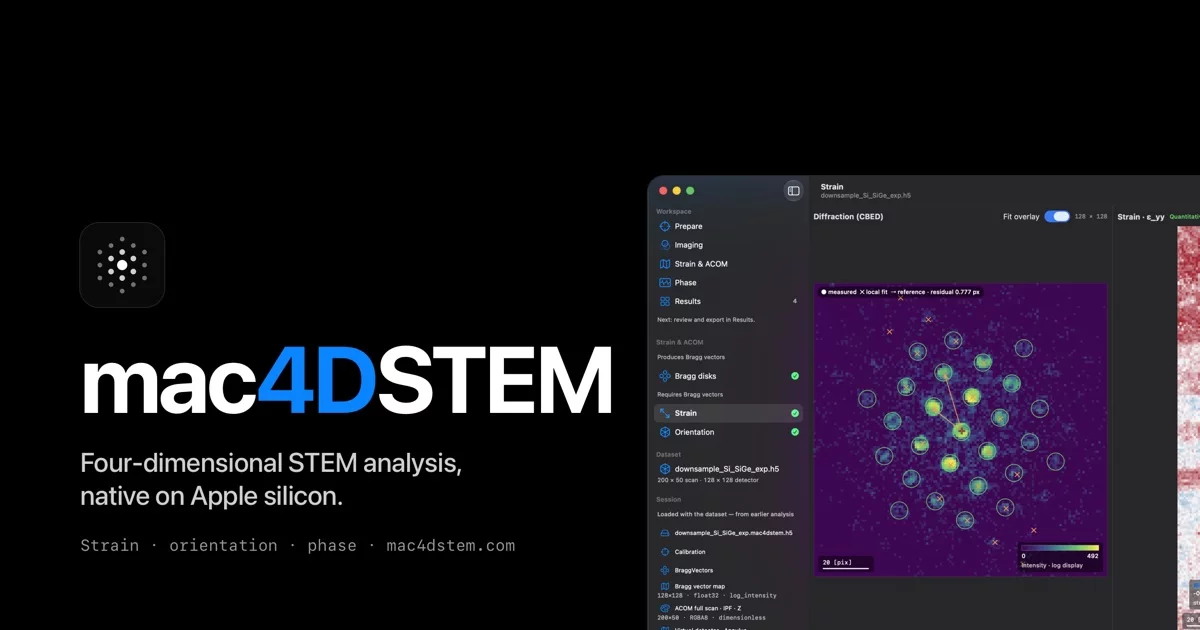
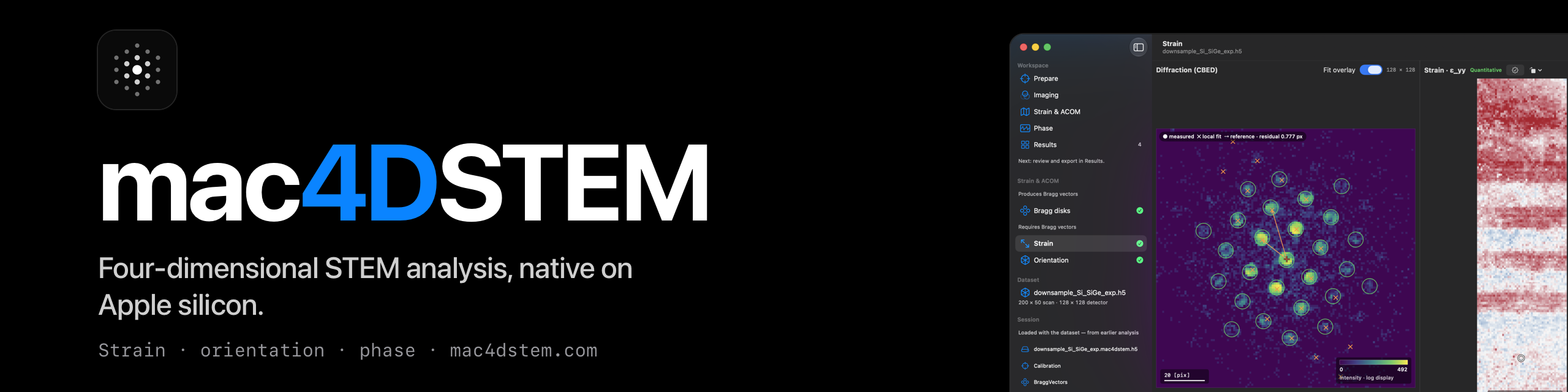
4D-STEM analysis on the Mac: virtual images, calibration, strain, orientation, phase and EDS spectrum images, worked on interactively instead of in scripts.
mac4DSTEM is the companion to macTEM. Both are free, open source and built for Apple silicon.
Download
Get the signed and notarised DMG: mac4DSTEM.dmg (all versions are on the releases page). It needs macOS 26 or later on an Apple silicon Mac. Everything it needs is inside the app.
What it does
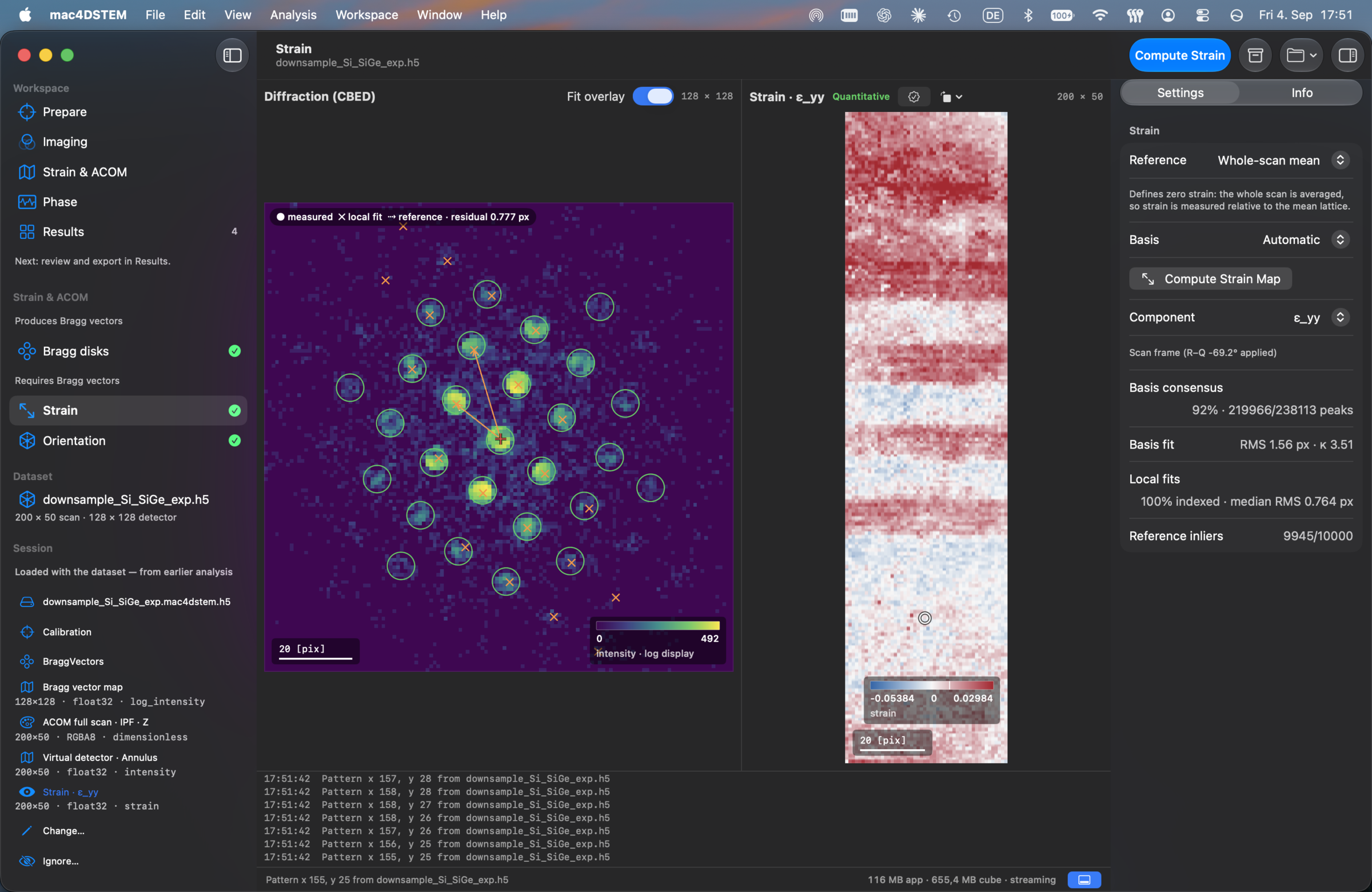
Open a 4D-STEM dataset (py4DSTEM and other EMD/HDF5 files, Gatan DM3/DM4, and, less tested, Merlin MIB and EMPAD RAW) and work through the workspaces in the sidebar. Detector, calibration and fit settings change against a live view, so you see what a choice does while you make it.
- Prepare: inspect the dataset, crop, bin or filter hot pixels without touching the source file, and calibrate: probe and origin, elliptical distortion, the rotation between real and reciprocal space, and the reciprocal pixel size from a known crystal.
- Imaging: bright field, ADF and HAADF, and annular, rectangular or point detectors you place by hand.
- Bragg Disks: find the disks by cross-correlation with subpixel refinement, with diagnostics to judge the result. A learned disk detector runs on the Neural Engine.
- Crystal Maps: strain from a local lattice fit, orientation by template matching (ACOM) against your own CIF or a Materials Project structure, phase maps, and precipitate objects with their sizes, variants and number density.
- Reconstruction: DPC, iDPC, parallax and single-slice ptychography.
- Spectroscopy: EDS spectrum images, on their own or with the 4D scan. Auto ID suggests the elements, element maps and regions show where they are, and quantification gives wt% and at% with an uncertainty on every number.
- Results: review, save and export. Bragg vectors, datacubes and maps are written as EMD files that py4DSTEM reads.
Every quantity keeps its calibration and where it came from through display, export and reopening.
Where the numbers come from
The 4D-STEM methods are ported from py4DSTEM and checked against it, pinned at
commit f050d207 (version 0.14.19). Where the app departs from py4DSTEM the source says so in a DEVIATION note with
the reason. The rest is computed by the suite's Swift packages, each checked against the Python package it ports:
CuboKit (the 4D-STEM core),
DiffractoKit (crystallography and orientation),
SpectroKit (EDS),
FormatoKit (file readers),
ImagoKit (FFT and image maths) and
MacEMUI (the window and controls both apps share). A result that has not yet
been compared with a dataset of known truth says validation: none next to it.
Which function is checked against what, and to which tolerance, is in docs/parity.md; speed
measurements are in docs/performance.md.
Building it yourself
You need Xcode 26.6 or later on an Apple silicon Mac. Open mac4DSTEM.xcodeproj, pick the mac4DSTEM scheme and press ⌘R. The
first build fetches the kits and MacEMUI from GitHub at the exact tags in Package.swift. The tests run with
tools/run-tests.sh unit. How the code is organised is in docs/architecture.md, and how a
release is built and notarised is in tools/release/README.md.
Problems and ideas
Please open an issue. Reports with the file format, the dataset shape and what you expected help most, and a
difference from py4DSTEM with numbers attached is the most useful of all. CONTRIBUTING.md has
more, and SECURITY.md says how to report a security problem. What changed in each version is in
CHANGELOG.md.
Citing
If you use mac4DSTEM in published work, please cite it and py4DSTEM, where the methods come from. Both are in
CITATION.cff.
Licence
GPL-3.0-or-later (LICENSE). Third-party notices are in NOTICE.
Contact: mail@mac4dstem.com