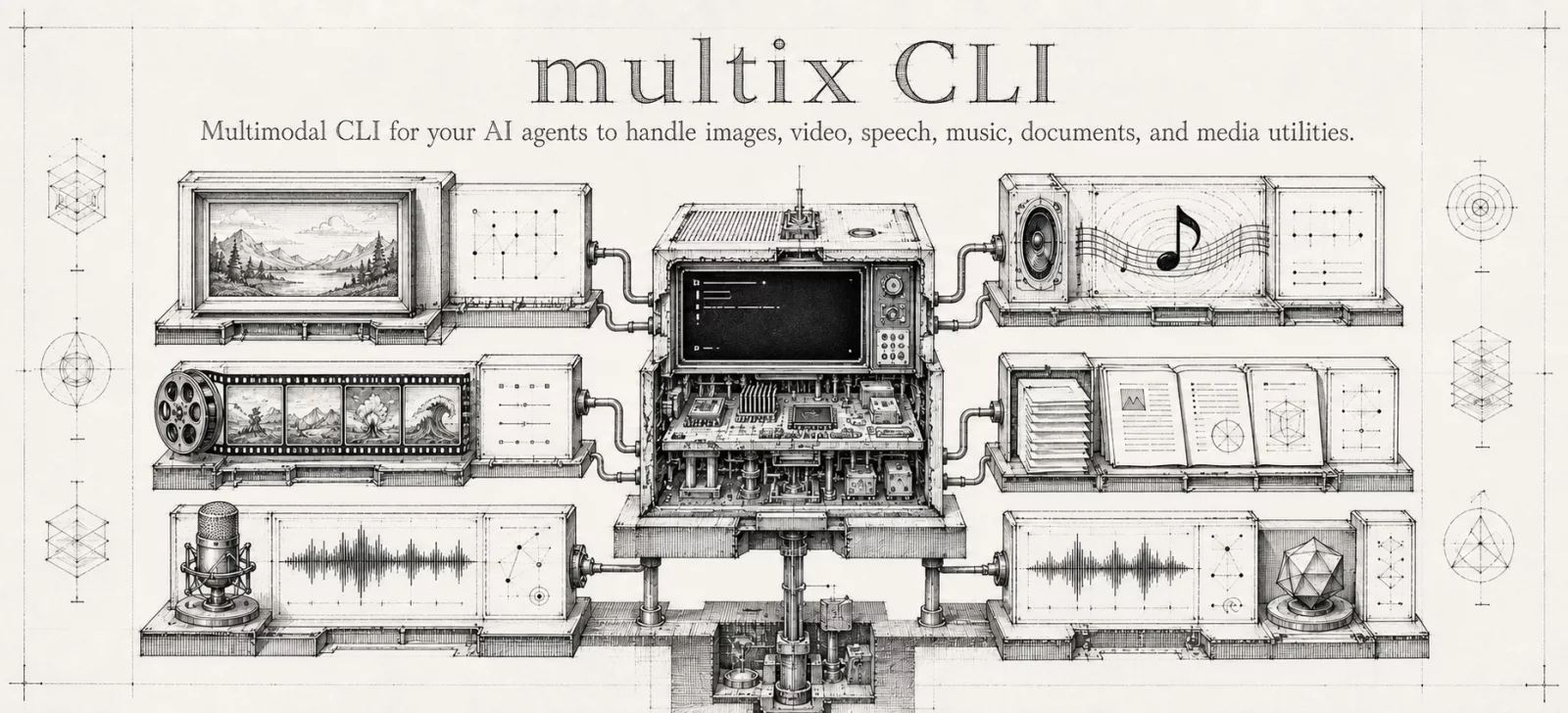

multix
AI multimodal CLI — generate images/video/speech/music, analyze and transcribe media files, convert documents to Markdown, and optimize media with ffmpeg/ImageMagick.
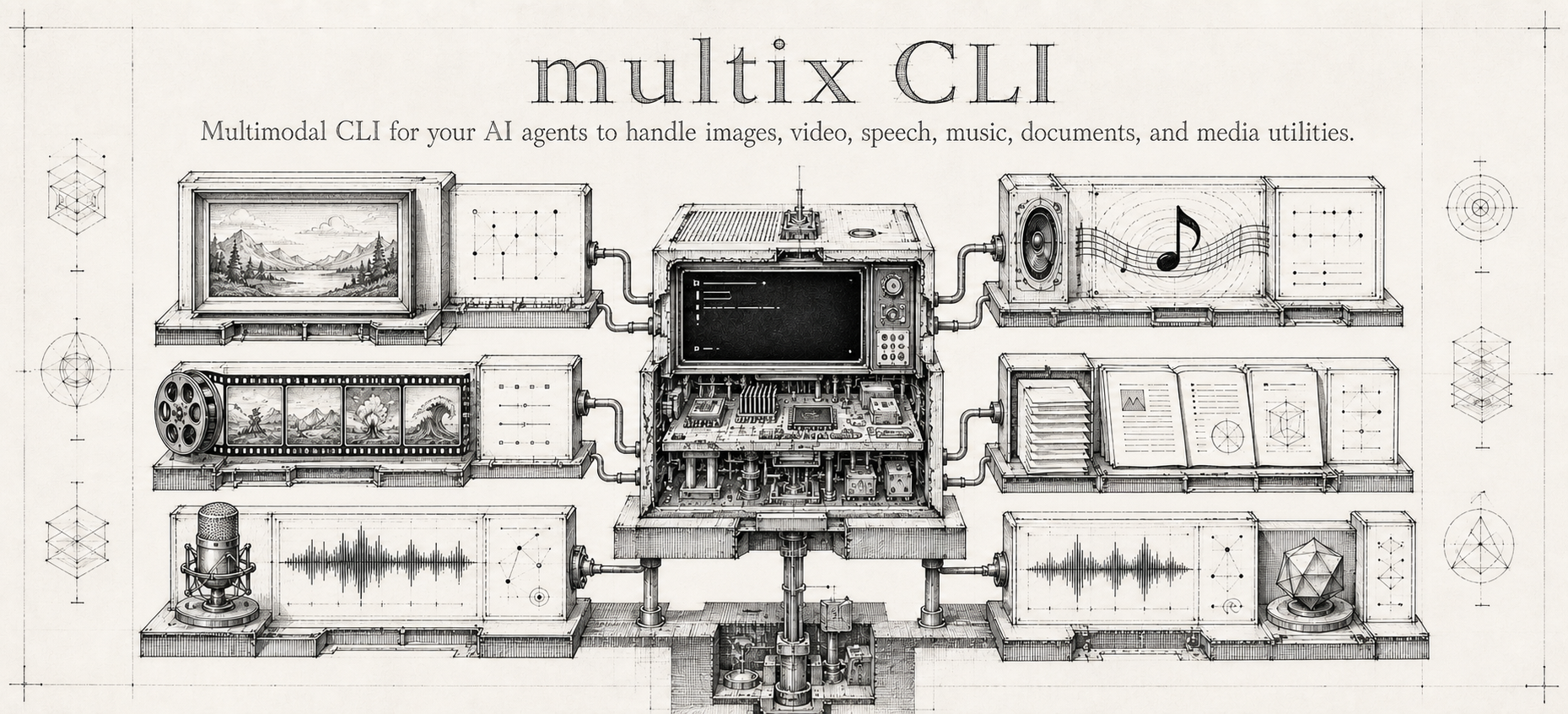
Supports OpenAI (image, image edits, TTS, STT, optional Codex image driver), Gemini (analyze, transcribe, generate, Omni Flash video generation and editing, Flash TTS, Lyria music), MiniMax (image, video, speech, music), OpenRouter (image generation, image-to-video, TTS, STT), Leonardo.Ai (image, video, upscale), BytePlus (Seedream image, Seedance video, Hyper3D / Hitem3d 3D), Cloudflare (Workers AI image and speech; AI Gateway-routed Replicate video), ElevenLabs (TTS, voice cloning, STT, voice changer, SFX, music, dubbing, isolation, alignment), Fish Audio (native Drama 3 TTS, multi-speaker turns, pronunciation dictionaries, voice design, voice cloning, voice models), fal.ai (generic model runner, image, video, text-to-speech via the fal queue API), and Atlas Cloud (any model: image, image edit, video, audio, 3D, with resumable async predictions), Replicate (generic model runner, image, video, async prediction status/cancel via the direct Replicate API), Runway (Gen-4.5 and Gen-4 Turbo video, Gen-4 images, resumable task status/cancel), HeyGen (v3 Video Agent prompt-to-video, scripted avatar videos, video translation, lipsync, TTS), Sume (any image or video model in Sume's catalog, including lip-sync and captions, on one key, with resumable or cancellable jobs), TopView (Legacy API product marketing videos, talking and product avatars, product shots; API Platform models such as Seedance, Wan and GPT Image 2).
Documentation
Read the full command reference at multix.zuey.me.
Every page also has a same-path .md representation for AI agents; start with
llms.txt.
Install
npm install -g @mrgoonie/multix
# or run without installing:
npx -p @mrgoonie/multix multix --help
Requirements: Node >= 20. For media commands: ffmpeg and magick (ImageMagick 7+) on PATH.
Release channels
mainuses Release Please for stable releases. On a main push it creates and validates a release PR from conventional commits, merges it, tagsvX.Y.Z, and publishes npm with dist-taglatest.devuses Release Please for beta releases. It creates prerelease PRs likevX.Y.Z-beta.Nfrom conventional commits and publishes npm with dist-tagbeta.
Quick start
# Check your setup
multix check

# Generate an image with Gemini
multix gemini generate --prompt "A sunset over mountains" --aspect-ratio 16:9

# Generate an image with OpenAI
multix openai generate --prompt "A clean product photo of a glass espresso cup"

# Analyze an image
multix gemini analyze --files photo.jpg --prompt "Describe this"

# Convert a PDF to Markdown
multix doc convert --input report.pdf

# Optimize a video to 100MB
multix media optimize --input video.mp4 --output out.mp4 --target-size 100

# Check a render offline (no upload, no key) and keep the receipt
multix media verify out.mp4 --profile motion-graphics --receipt-out out.receipt.json
For AI agents
Every command takes --json and --dry-run, and errors exit with a class code,
so an agent can find a model, validate a call for free, check its own result and
recover without trial and error:
multix guide                                  # the agent protocol in one screen
multix models --task video --ready            # which command and model serve a task, key set or not
multix models --model google/gemini-3.8-flash-tts  # a verified model's inputs, voices, formats, how to run it
multix models --task speech --live            # plus what fal and OpenRouter catalogs list now (cached)
multix fal image "a red fox" --dry-run --json # validate; show the request instead of sending it
multix fal image "a red fox" --json           # one-line multix.result/v1 envelope on stdout
multix elevenlabs tts --text "Hi" --estimate  # price range, units, rate and source; nothing is sent
multix elevenlabs tts --text "Hi" --max-cost 0.01  # refuse before sending unless the cost fits
multix history stats --by model               # runs, success rate, p50/p90 time, cost, credits, tokens
multix catalog compare -t video --resolution 720p --duration 10 --audio on --aspect-ratio 16:9  # rank prices for one exact request
multix rerun last                             # repeat a recorded run
The envelope lists outputs (path, bytes, MIME, SHA-256, dimensions, duration),
warnings, usage as the provider reports it (tokens, cost_usd, credits,
metrics, and sources naming the header or body field each money number came
from), error (code, retryable, retry_after_s, hint) and next
commands, plus a cost receipt (multix.cost/v1: estimate, provider-reported
and actual cost, variance; unknown stays null, never $0). Only
gemini generate-speech, gemini generate-music, elevenlabs tts, fish tts, openrouter tts,
openrouter transcribe (local files, measured with ffprobe) and
speech generate on its Gemini, ElevenLabs and Fish routes (a --fallback plan at
its most expensive route) are priced so far; --max-cost
refuses anything it cannot price. With --json, exit codes are 2 usage or
input (including a refused --max-cost), 3 key or setup, 4 temporary
(retry), 5 rejected (quota, safety, model), 6 timed out (job may still run),
129/130/143 cancelled by a signal (CANCELLED, also in plain runs; a
second signal skips cleanup and prints no result), 1 unknown; plain runs exit 1 (or the command's own status) and print the code and hint on
stderr. Each run is recorded in ~/.multix/history.jsonl without keys or signed
URLs (MULTIX_HISTORY=0 turns it off). Details:
For AI agents.
multix models reads a capability registry (multix.capabilities/v1): each
command states its tasks and outputs, and generic runners (fal run,
replicate run, OpenRouter, Atlas) are marked as passing any provider model id
through unverified. Only models checked against the provider's own schema are
verified and inspectable with --model; fal run warns (without failing)
when its --input has fields such a model does not take, misses a required
one, or uses a value outside its listed choices. --live (with --task) marks
each catalog model verified or not, and a verified model the catalog no longer
lists with status missing (unless the catalog was too long to read in full,
truncated, when it stays unknown). Catalogs are cached for a day in ~/.multix/cache/models
(--refresh refetches); offline, a stale copy up to 7 days old is used, or the
catalog is reported unavailable and nothing is claimed available.
multix catalog compares offerings (provider + model) before a run. Prices are
per configuration (resolution, audio, variant), each with its source URL and
check date; a price that is missing, unverified, checked more than 120 days ago
or outside its window shows as unknown with the reason, never $0. compare
ranks only rows whose price confirms every setting you pinned (others are
not_comparable or unknown, with the reason) and says nothing about quality.
usage counts only runs that went through multix on this machine, rate,
review and note keep your own verdicts in a private or project store (text
is scrubbed and returned as untrusted data), and recommend scores offerings
from that evidence. Details: Catalogue.
Environment variables
Set at least one provider key. Add to .env in your project root or ~/.multix/.env.
| Variable | Required | Purpose |
|---|---|---|
GEMINI_API_KEY |
For Gemini | AI Studio |
GEMINI_API_KEY_2, GEMINI_API_KEY_3, … |
No | Extra Gemini keys for quota rotation (see below) |
OPENAI_API_KEY |
For OpenAI API | OpenAI |
OPENROUTER_API_KEY |
For OpenRouter | OpenRouter |
MINIMAX_API_KEY |
For MiniMax | MiniMax |
LEONARDO_API_KEY |
For Leonardo | Leonardo |
LEONARDO_BASE_URL |
No | Override Leonardo API base (default https://cloud.leonardo.ai/api/rest/v1) |
LEONARDO_DEFAULT_MODEL |
No | Default Leonardo image model UUID |
LEONARDO_VIDEO_MODEL |
No | Default Leonardo video model (default MOTION2) |
BYTEPLUS_API_KEY |
For BytePlus | BytePlus |
ELEVENLABS_API_KEY |
For ElevenLabs | ElevenLabs |
FISH_API_KEY |
For Fish Audio | Fish Audio (native API; separate from OpenRouter's fish-audio/* models) |
FISH_TTS_MODEL |
No | Default multix fish tts / speech generate --provider fish model, sent as the exact model header: drama-3 (default), s2.1-pro, s2.1-pro-free, s2-pro, s1 |
FAL_KEY |
For fal.ai | fal.ai |
FAL_BASE_URL |
No | Override fal queue base (default https://queue.fal.run) |
FAL_IMAGE_MODEL |
No | Default fal image model (default fal-ai/flux/schnell) |
FAL_VIDEO_MODEL |
No | Default fal text-to-video model (default fal-ai/kling-video/v1.6/standard/text-to-video) |
HEYGEN_API_KEY |
For HeyGen | HeyGen API settings. API usage is billed separately from HeyGen web plans |
HEYGEN_BASE_URL |
No | Override the HeyGen API base (default https://api.heygen.com; proxies/tests). Must be https://, except http:// on localhost/127.0.0.1/[::1] |
FAL_TTS_MODEL |
No | Default fal text-to-speech model (default google/gemini-3.8-flash-tts) |
FAL_VIDEO_IMAGE_MODEL |
No | Default fal image-to-video model, used when --image-url is passed without -m (default fal-ai/kling-video/v1.6/standard/image-to-video) |
ATLASCLOUD_API_KEY |
For Atlas Cloud | Atlas Cloud |
ATLASCLOUD_BASE_URL |
No | Override Atlas Cloud media API base (default https://api.atlascloud.ai/api/v1; https:// required, http:// only for localhost) |
ATLASCLOUD_IMAGE_MODEL / ATLASCLOUD_IMAGE_EDIT_MODEL |
No | Atlas image defaults (black-forest-labs/flux-schnell, openai/gpt-image-1-mini/edit) |
ATLASCLOUD_VIDEO_MODEL / ATLASCLOUD_IMAGE_TO_VIDEO_MODEL |
No | Atlas video defaults (bytedance/seedance-v1-pro-fast/text-to-video, .../image-to-video) |
ATLASCLOUD_TTS_MODEL / ATLASCLOUD_STT_MODEL |
No | Atlas audio defaults (xai/tts-v1, bytedance/seed-asr-2.0) |
ATLASCLOUD_TEXT_TO_3D_MODEL / ATLASCLOUD_IMAGE_TO_3D_MODEL |
No | Atlas 3D defaults (tencent/hunyuan3d-rapid/text-to-3d, .../image-to-3d) |
FAL_MAX_UPLOAD_MB |
No | Size limit for local files uploaded by fal upload / fal run --file (default 1024) |
ATLASCLOUD_MAX_UPLOAD_MB |
No | Size limit for local files uploaded to Atlas Cloud (default 200) |
ARK_API_KEY |
No | Fallback for BYTEPLUS_API_KEY (Volcengine ARK shared name) |
BYTEPLUS_BASE_URL |
No | Override BytePlus base (default https://ark.ap-southeast.bytepluses.com/api/v3) |
BYTEPLUS_IMAGE_MODEL |
No | Default Seedream model (default seedream-4-0-250828) |
BYTEPLUS_VIDEO_MODEL |
No | Default Seedance model (default seedance-2.0) |
BYTEPLUS_VIDEO_PARAMS_MODE |
No | flags (default) or structured — how video params are encoded |
BYTEPLUS_3D_MODEL |
No | Default 3D model (default hyper3d-gen2-260112) |
CLOUDFLARE_ACCOUNT_ID |
For Cloudflare media | Cloudflare account ID for Workers AI and AI Gateway |
CLOUDFLARE_API_TOKEN |
For Cloudflare media | Cloudflare API token for Workers AI and AI Gateway |
CLOUDFLARE_AI_GATEWAY_ID |
Video only | AI Gateway ID; optional for Workers AI image/speech, required for video |
CLOUDFLARE_AI_GATEWAY_COLLECT_LOG_PAYLOAD |
No | Set to true to explicitly opt in to AI Gateway request-payload collection; defaults to false |
REPLICATE_API_TOKEN |
For Replicate / Cloudflare video | Replicate token for multix replicate; also used by Cloudflare AI Gateway video |
REPLICATE_API_KEY |
No | Fallback for REPLICATE_API_TOKEN (direct multix replicate only) |
REPLICATE_BASE_URL |
No | Override Replicate API root (default https://api.replicate.com/v1) |
REPLICATE_IMAGE_MODEL |
No | Default multix replicate image model (default black-forest-labs/flux-schnell) |
REPLICATE_VIDEO_MODEL |
No | Default multix replicate video model (default prunaai/p-video) |
RUNWAYML_API_SECRET |
For Runway | Runway API secret for multix runway |
RUNWAY_BASE_URL |
No | Override Runway API root (default https://api.dev.runwayml.com) |
RUNWAY_VIDEO_MODEL |
No | Default multix runway video model (default gen4.5) |
RUNWAY_IMAGE_MODEL |
No | Default multix runway image model (default gen4_image) |
SUME_API_KEY |
For Sume | Sume app (API keys, USD balance) |
SUME_BASE_URL |
No | Override Sume API root (default https://api.sume.com) |
SUME_IMAGE_MODEL / SUME_VIDEO_MODEL |
No | Default multix sume image / video model. No built-in default: pass -m or set these (multix sume models lists IDs) |
TOPVIEW_API_KEY / TOPVIEW_UID |
For TopView Legacy API | Both from TopView API Settings; billed in plan credits |
TOPVIEW_PLATFORM_API_KEY |
For TopView API Platform | TopView API Platform; separate USD balance, not interchangeable with the Legacy key |
TOPVIEW_BASE_URL / TOPVIEW_PLATFORM_BASE_URL |
No | Override the Legacy API root (default https://api.topview.ai) / API Platform root (default https://platform-backend.topview.ai) |
CLOUDFLARE_AI_IMAGE_MODEL |
No | Image model setting; only @cf/black-forest-labs/flux-1-schnell is accepted |
CLOUDFLARE_AI_TTS_MODEL |
No | Speech model setting; only @cf/myshell-ai/melotts is accepted |
MULTIX_OUTPUT_DIR |
No | Override default output dir (./multix-output) |
MULTIX_MAX_DOWNLOAD_MB |
No | Size limit per downloaded Replicate, Runway, Atlas Cloud, Sume or TopView output file (default 2048) |
MULTIX_UPLOAD_MIN_KBPS |
No | Slowest upload speed to allow for (Gemini Files API, Runway requests with inline images), in KB/s (default 1000); lower it on slow links |
MULTIX_IMAGE_FORMAT |
No | webp (default) or original to keep provider image format/quality |
MULTIX_OUTPUT |
No | json prints one multix.result/v1 envelope per run, as --json does |
MULTIX_HISTORY |
No | 0 stops recording runs in ~/.multix/history.jsonl |
MULTIX_HISTORY_FILE |
No | Run ledger path (shell or ~/.multix/.env only) |
MULTIX_CATALOG_FILE |
No | Private multix catalog ratings, reviews and notes (default ~/.multix/catalog-notes.json; shell or ~/.multix/.env only) |
MULTIX_CACHE_DIR |
No | Cache root for multix models --live catalogs (default ~/.multix/cache; shell or ~/.multix/.env only) |
MULTIX_MODELS_TTL |
No | Seconds a cached catalog stays fresh (default 86400, at most 604800) |
OPENROUTER_IMAGE_MODEL |
No | Default OpenRouter model |
OPENROUTER_FALLBACK_MODELS |
No | Comma-separated fallback model ids |
OPENROUTER_TTS_MODEL |
No | Default multix openrouter tts model (default google/gemini-3.8-flash-tts) |
OPENROUTER_STT_MODEL |
No | Default multix openrouter transcribe model (default openai/whisper-large-v3-turbo) |
OPENAI_IMAGE_MODEL |
No | Default OpenAI image model (default gpt-image-2) |
OPENAI_TTS_MODEL |
No | Default OpenAI TTS model (default gpt-4o-mini-tts) |
OPENAI_STT_MODEL |
No | Default OpenAI STT model (default gpt-4o-transcribe) |
IMAGE_GEN_MODEL |
No | Override Gemini image generation model |
VIDEO_GEN_MODEL |
No | Override Gemini video generation model (default gemini-omni-1.1-flash; veo-* selects the legacy Veo path) |
GEMINI_MODEL / MULTIMODAL_MODEL |
No | Override Gemini analyze/transcribe/extract model (doc convert uses --model; default gemini-3.6-flash) |
GEMINI_TTS_MODEL / TTS_MODEL |
No | Override Gemini TTS model (default gemini-3.8-flash-lite-tts) |
Gemini key rotation
Set extra keys as GEMINI_API_KEY_2, GEMINI_API_KEY_3, … (any numeric suffix; numbered keys alone are enough). multix tries GEMINI_API_KEY first, then the numbered keys in ascending order, skipping duplicates. When a key returns HTTP 429 (or 400/403 with RESOURCE_EXHAUSTED), it cools down for the server's Retry-After/retryDelay (default 60s) and the same request is retried with the next ready key; other errors are not rotated. A Files API upload is repeated on the new key if the following generate call is rate-limited. Video generation (Omni and Veo) rotates on submit only, so a rate limit while polling or downloading never starts a second billed job; the key that accepted the request is kept for polling and download, edit-video/extend-video/video-status use the key whose project holds the interaction, and a network failure on submit is not retried because the request may already be billed. doc convert stops its own retries on a rate limit. Cooldowns last for the current process only, and logs name the env var, never the key. multix check lists the keys in rotation and pings each one. Quotas are per Google Cloud project: keys from the same project share one quota, so rotation only helps across projects.
Priority: process.env > cwd/.env > ~/.multix/.env. A blank or whitespace-only value in a .env file does not count as set, so a project .env copied from .env.example does not hide ~/.multix/.env; a shell variable wins even when blank. Set MULTIX_LEGACY_CLAUDE_ENV=1 (shell or ~/.multix/.env) to also read legacy AgentKit files (.claude/skills/{ai-multimodal,ak-ai-multimodal}/.env, .claude/skills/.env, .claude/.env, project first, then home) with the lowest priority (credential names only, never endpoint/proxy settings); multix check -v lists the env files that were loaded.
A project .env may only set variables multix reads: provider keys, the provider settings in .env.example (*_BASE_URL, model overrides, Cloudflare IDs), the documented MULTIX_* settings (MULTIX_OUTPUT_DIR, so a project can choose where outputs go, MULTIX_IMAGE_FORMAT, MULTIX_MAX_DOWNLOAD_MB, MULTIX_UPLOAD_MIN_KBPS, MULTIX_OUTPUT, MULTIX_HISTORY, MULTIX_MODELS_TTL) and NO_COLOR. The opt-ins MULTIX_ALLOW_PROJECT_BASE_URL and MULTIX_LEGACY_CLAUDE_ENV, and MULTIX_HISTORY_FILE, MULTIX_CACHE_DIR and MULTIX_CATALOG_FILE, are refused there; set them in the shell or ~/.multix/.env. Other names, such as NODE_OPTIONS, npm_config_registry, LD_PRELOAD or HTTPS_PROXY, are not loaded, so they never reach multix or the tools it starts (npm in multix update, ffmpeg, ImageMagick, cwebp); one warning on stderr lists the ignored names, never their values. The shell and ~/.multix/.env are not filtered.
*_BASE_URL, CLOUDFLARE_ACCOUNT_ID and CLOUDFLARE_AI_GATEWAY_ID decide where your API key is sent. Values from the shell or ~/.multix/.env are always used. A value from the project .env (or a legacy .claude file under it) is used only when every key the provider sends with it comes from that same project file (the repository's own key). That protects your key, not your data: a project .env