Oyla
Open-source live polls, word clouds and open questions for talks, classes and meetings.
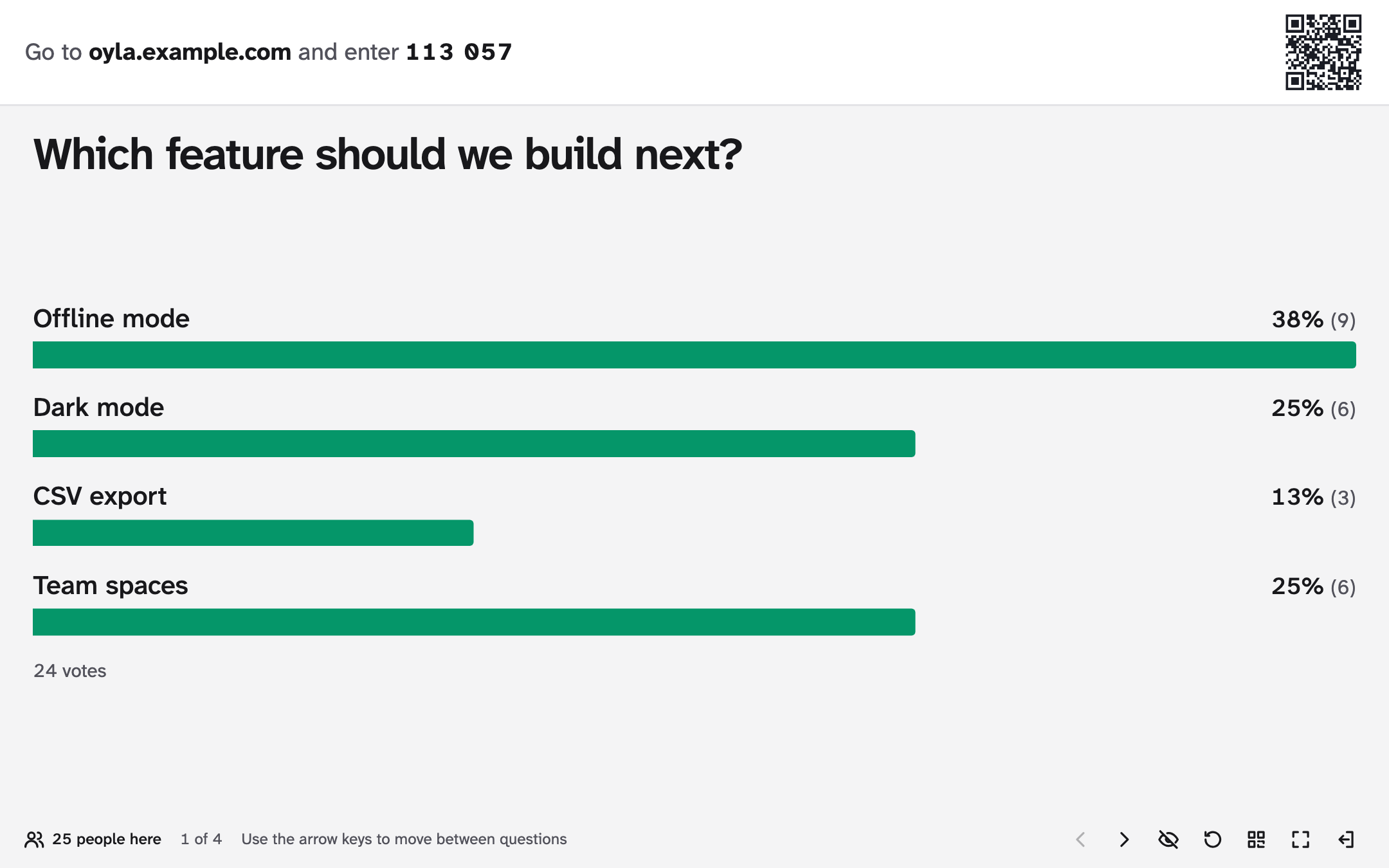
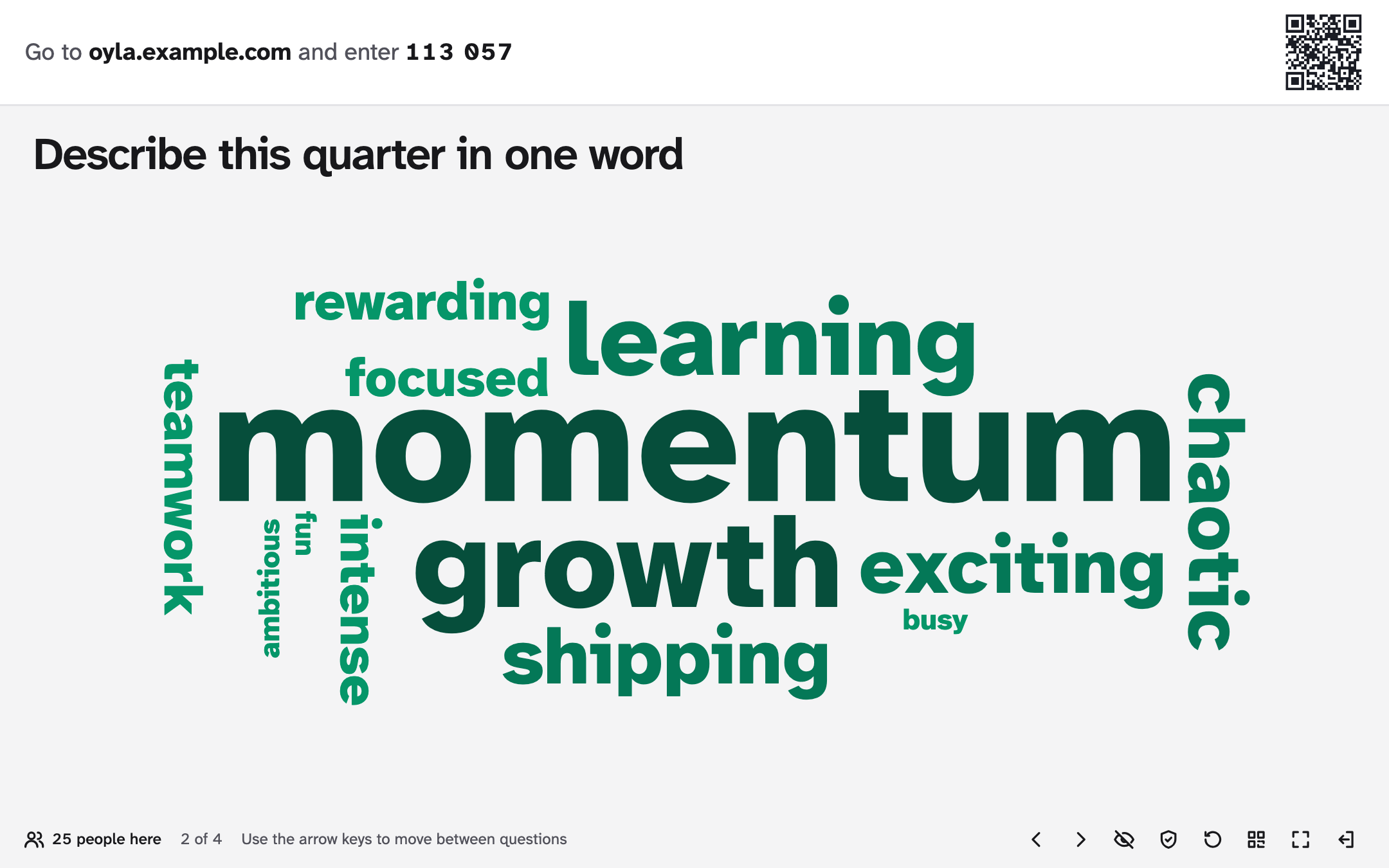
Your audience joins from their phones with a 6-digit code. Results update live on your screen.
Documentation · Self-host · Türkçe
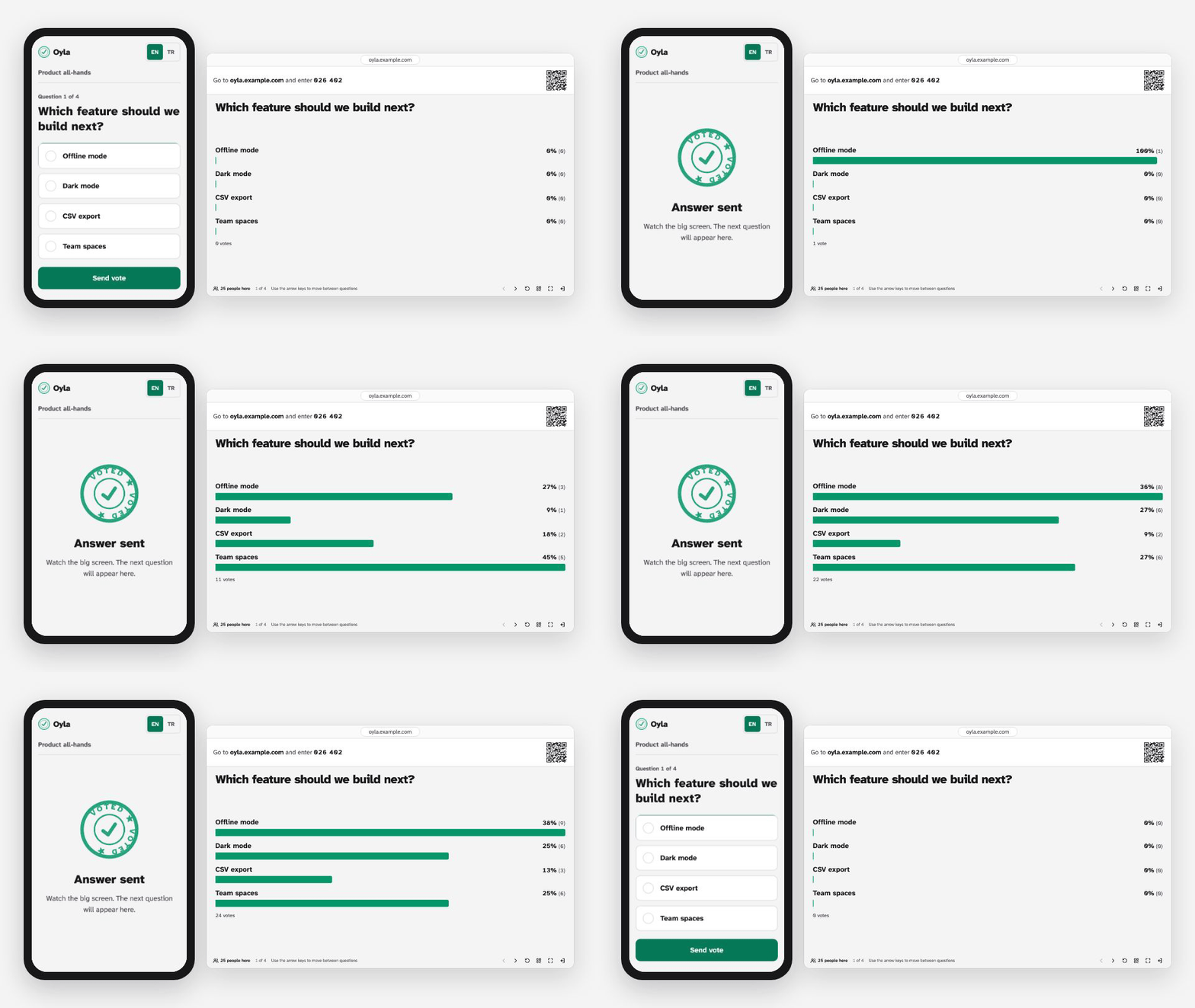
Watch the demo on the documentation site.
"Oyla" means "vote!" in Turkish. It does what you would use Mentimeter or Slido for in a small room, without accounts, apps or a subscription.
Oyla is self-hosted: there is no hosted Oyla service to sign up for. You run it on your own computer or server as one Docker container, and your presentations and answers stay there.
Features
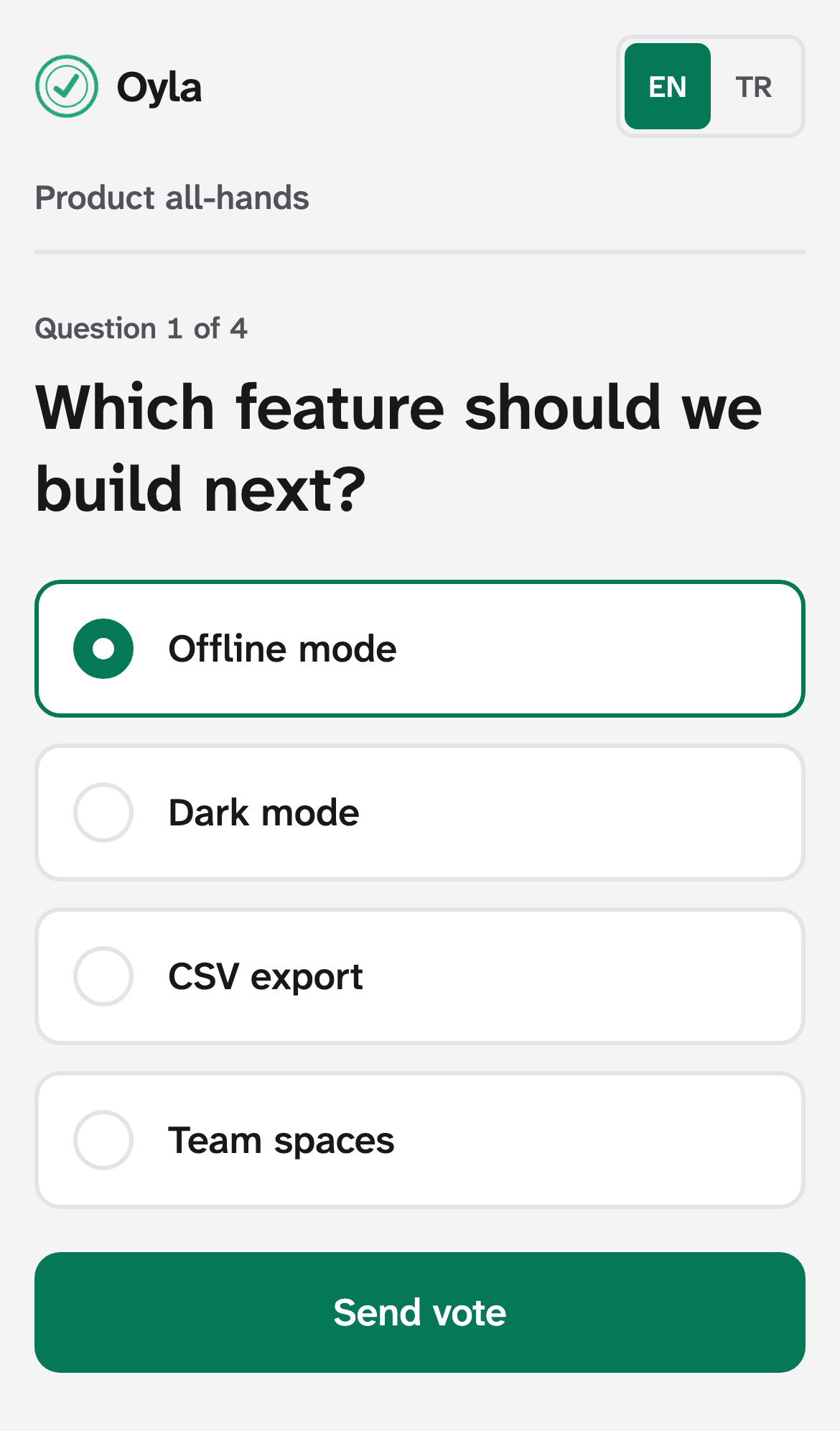
- Four question types: multiple choice, word cloud, open question and scale.
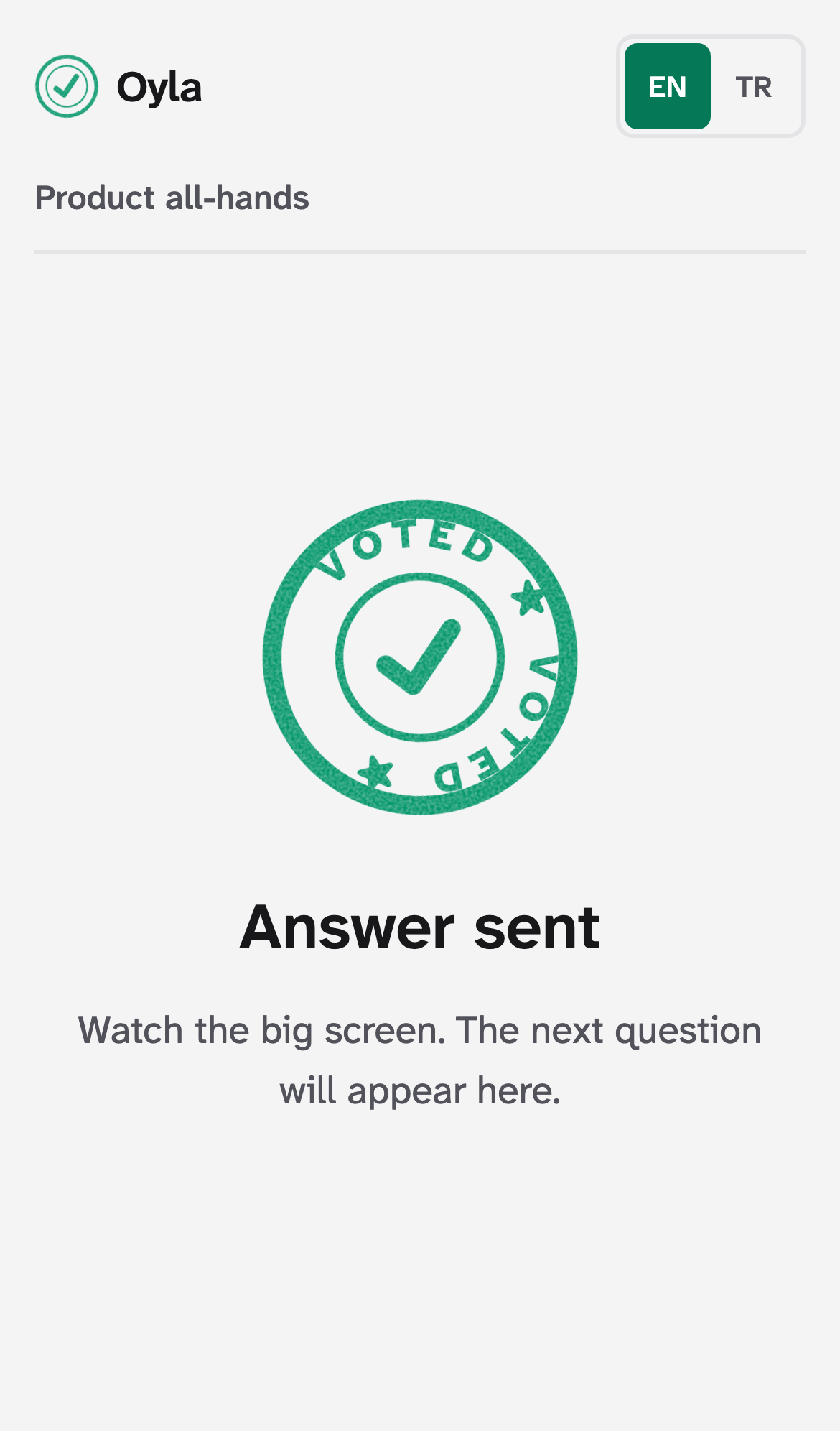
- Join in seconds: participants open the site, type the code or scan the QR code. No sign-up.
- Live results on the presenter screen, built for projectors: large type, high contrast, keyboard navigation (← →), full screen.
- Presentation themes: give each presentation one of four colour themes (Emerald, Indigo, Navy & orange, Classic blue). The presenter screen and every phone use it, and phones switch right away when you change it during a session.
- No accounts: creating a presentation gives you a private admin link. Optionally, the server owner can require a password to create presentations.
- English and Turkish interface, light and dark mode.
- Small and self-contained: one Node.js process, one SQLite file, no external services.
- Easy to extend: a question type is one shared definition plus three React components.
| Presenter screen | Phone |
|---|---|
 |
 |
 |
 |
Run it yourself
With Docker
docker build -t oyla .
docker run -d --name oyla -p 3000:3000 -v oyla-data:/data oyla
Open http://localhost:3000. Everything is stored in the oyla-data volume
(/data/oyla.db). A docker-compose.yml example is included.
To let people join over the internet, put it behind HTTPS. The Docker guide covers reverse proxies, and the Railway guide walks through a deployment with a custom domain; any host with WebSockets and a persistent disk works.
From source
Requires Node.js 24.
npm install
npm run build
npm start            # http://localhost:3000
Configuration
| Variable | Default | What it does |
|---|---|---|
PORT |
3000 |
HTTP port |
HOST |
0.0.0.0 |
Address to listen on |
OYLA_DB_PATH |
./data/oyla.db |
SQLite file (/data/oyla.db in Docker) |
OYLA_CREATE_PASSWORD |
unset | When set, creating a presentation requires this password |
OYLA_RETENTION_DAYS |
30 |
Delete presentations nobody used for this many days; 0 keeps them |
OYLA_TRUST_PROXY |
false |
Behind a reverse proxy: true (one proxy) or the number of proxies |
OYLA_LOG_LEVEL |
info |
fatal, error, warn, info, debug, trace or silent |
OYLA_RATE_LIMIT_API_PER_MINUTE |
600 |
API requests per minute per IP |
OYLA_RATE_LIMIT_CREATE_PER_HOUR |
10 |
New presentations per hour per IP |
OYLA_MAX_DB_MB |
1024 |
Largest database file in MB; 0 means no limit |
More in the configuration docs.
How it works
 Phones ──────────┐
 Presenter view ──┼── HTTP + Socket.IO ──►  Node.js (Fastify)  ──►  SQLite
 Editor ──────────┘                          serves the web app too
packages/shared: zod schemas, the typed Socket.IO protocol and the question-type registry, used by both sides.packages/server: Fastify REST API for editing, Socket.IO for live sessions, SQLite through Drizzle ORM.packages/web: React app with the home page, editor, presenter view and the participant screen.
The architecture page explains the data model and the live protocol.
Development
npm install
npm run dev          # server on :3000 and the web app on http://localhost:5173
npm test             # unit and integration tests (Vitest)
npm run typecheck
npm run lint         # Biome
npm run build && npm run e2e   # end-to-end test (Playwright)
Contributing
Contributions are welcome, from typo fixes to new question types. Start with CONTRIBUTING.md; the roadmap lists bigger features that are open for help, such as quizzes, audience Q&A and scaling to several servers.
Found a security problem? Please report it privately, see SECURITY.md.
License
Türkçe
Oyla, sunumlar, dersler ve toplantılar için açık kaynaklı bir canlı oylama aracı. Katılımcılar telefonlarından 6 haneli bir kodla katılır ve sonuçlar ekranınızda canlı olarak güncellenir. Hesap, uygulama ya da abonelik gerekmez.
Oyla'yı kendi sunucunuzda çalıştırırsınız; üye olabileceğiniz hazır bir Oyla servisi yok. Sunumlarınız ve cevaplar sizin makinenizde kalır.
- Dört soru tipi var: çoktan seçmeli, kelime bulutu, açık uçlu soru ve ölçek.
- Sunum temaları: Her sunuma dört renk temasından birini verebilirsiniz (Zümrüt, İndigo, Lacivert ve turuncu, Klasik mavi). Sunum ekranı da telefonlar da bu temayı kullanır.
- Hesap gerekmez: Sunumu oluşturduğunuzda size özel bir yönetici linki verilir.
- Arayüz Türkçe ve İngilizce, açık ve koyu modla kullanılabilir.
- Kurulumu kolay: Tek bir Docker konteyneri ve tek bir SQLite dosyası yeterli.
Hızlı başlangıç:
docker build -t oyla .
docker run -d --name oyla -p 3000:3000 -v oyla-data:/data oyla
Ardından http://localhost:3000 adresini açın. Tanıtım videosu ve ayrıntılı Türkçe rehber dokümantasyon sitesinde.