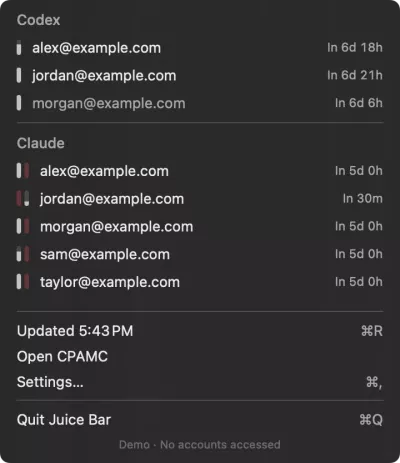
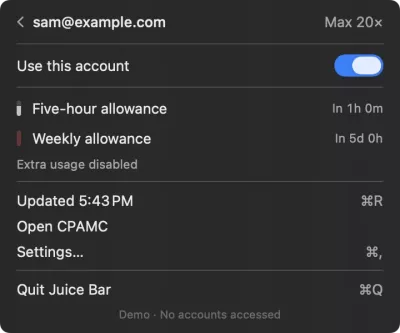
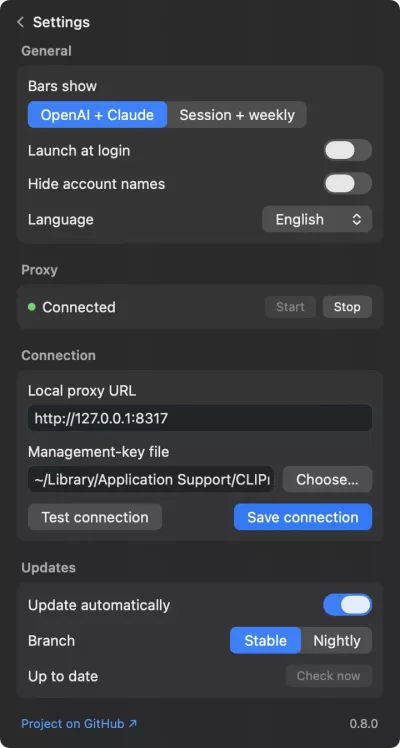
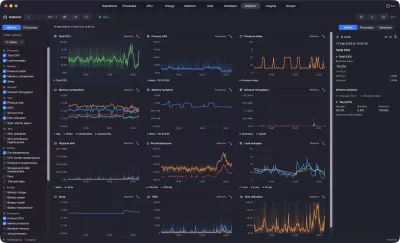
A minimal, beautiful macOS system monitor widget for Notification Center.
Pulse shows CPU, memory, disk, battery, and network at a glance — as Apple Watch–style activity rings in your Notification Center, plus a live menu bar readout.
Features
-
Activity ring design — Apple Watch–inspired circular indicators, one per metric:
Metric Color Shows CPU 🟢 Green Processor usage RAM 🔵 Blue Memory usage Disk 🟠 Amber Storage usage -
Smart battery indicator — color-coded by level: green (≥50%), amber (21–49%), red (≤20%).
-
Network monitor — live upload/download speeds, auto-scaled between KB/s and MB/s.
-
Three widget sizes — Small, Medium, and Large for Notification Center.
-
Live menu bar companion — CPU/RAM at a glance, with refresh, settings, and quit.
-
Configurable — refresh interval (1–60s), units, and which metrics are visible.
-
Launch at Login — keeps the shared widget cache warm across reboots.
Refresh rates: the menu bar and app update as often as your chosen interval (default 1s). The Notification Center widget refreshes about every 15 seconds — the fastest rate macOS reliably allows for widgets.
Requirements
- macOS 14.0 Sonoma or later
(Building from source additionally needs Xcode 15.0+.)
Installation
Download a release
- Grab the latest
.zip(or.dmg) from Releases. - Unzip and drag
Pulse.appto/Applications. - Launch Pulse.
Add the widget to Notification Center
- Click the date/time in your menu bar.
- Scroll down and click Edit Widgets.
- Search for Pulse.
- Drag your preferred size into the sidebar.
Build from Source
git clone https://github.com/felmonon/Pulse.git
cd Pulse
open Pulse.xcodeproj   # then press ⌘R
Run the unit tests (pure metric math — CPU/network deltas, counter resets):
swift test
Scripted local build & install
./scripts/build-install-release.sh
Builds the release app, signs the app and widget extension with the shared app-group
entitlement, installs to /Applications/Pulse.app, verifies the signature, and relaunches.
Override SIGNING_IDENTITY, DEVELOPMENT_TEAM, INSTALL_PATH, or LAUNCH_AFTER_INSTALL
as needed. Hardened runtime and timestamping turn on automatically for any identity that
starts with Developer ID Application:. Set STAGING_INSTALL=1 to install to a staging
path without touching the active app and widget.
Tech Stack
- SwiftUI + WidgetKit — app, settings, and the three widget sizes
- IOKit / Mach — CPU, memory, disk, battery, and network metrics
- AppKit — running-app detection and menu bar integration
- App Group — shared cache so the widget reads stats the app collects
Architecture
| File | Responsibility |
|---|---|
Sources/SystemStats.swift |
Metric collection, history, and pure, testable SystemStatsMath |
Sources/MacMonitorApp.swift |
App entry, stats and notch controllers, menu bar label, Launch at Login |
Sources/DashboardView.swift |
Main window dashboard: rings, live charts, and metric cards |
Sources/MenuBarPanel.swift |
Control Center–style menu bar panel |
Sources/SettingsView.swift |
Settings window panes |
Sources/DynamicIslandView.swift / DynamicIslandPanel.swift |
Notch island view and its panel |
Sources/PulseDesign.swift |
Shared palette, activity rings, and status components |
Sources/MacMonitorWidget.swift |
WidgetKit timeline provider & configuration |
Sources/WidgetViews.swift |
Small/medium/large widget layouts |
Tests/ |
Unit tests for the metric and notch geometry math |
Releasing (maintainers)
Packaging, notarization, and screenshot staging are documented separately in
RELEASE_NOTES.md and the scripts/ directory:
scripts/package-release.sh— produces signed.zip/.dmg+ SHA256SUMSscripts/stage-screenshot-assets.sh— stages screenshots for a releasescripts/build-install-release.sh— local build, sign, and install
Public releases require a Developer ID Application identity and Apple notarization
credentials.
License
MIT — see LICENSE.
Built with Claude Code