
Screencap
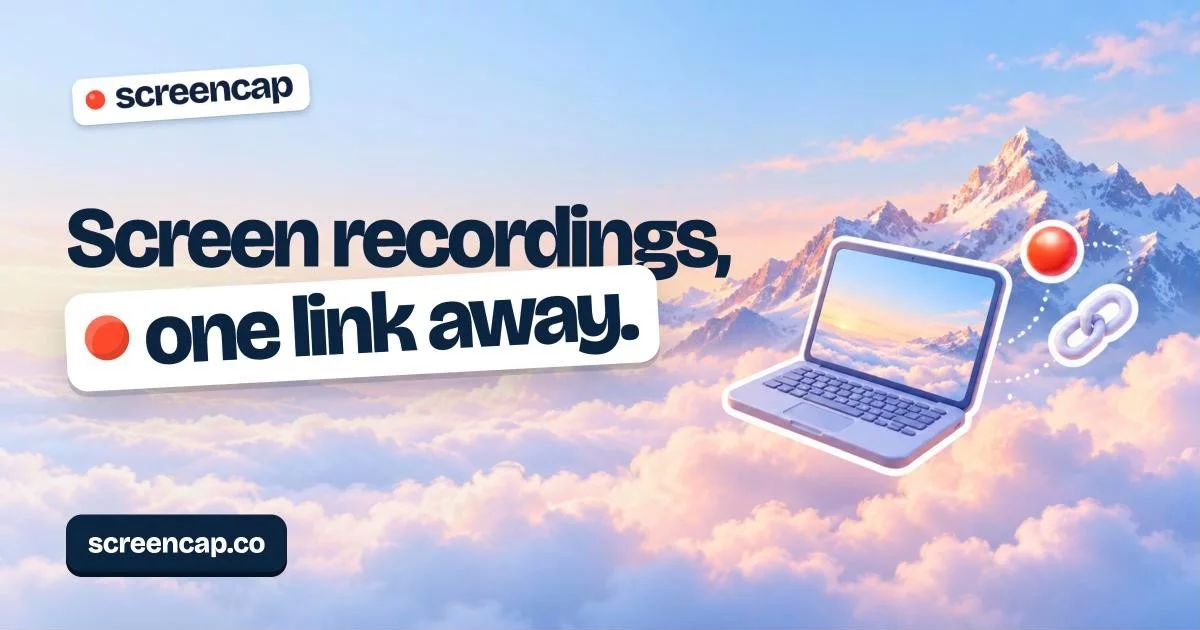
Screen recordings, one link away. Record your screen, stop, and send the link. It plays in any browser.
Website | Download for Mac | Build it yourself | What we changed
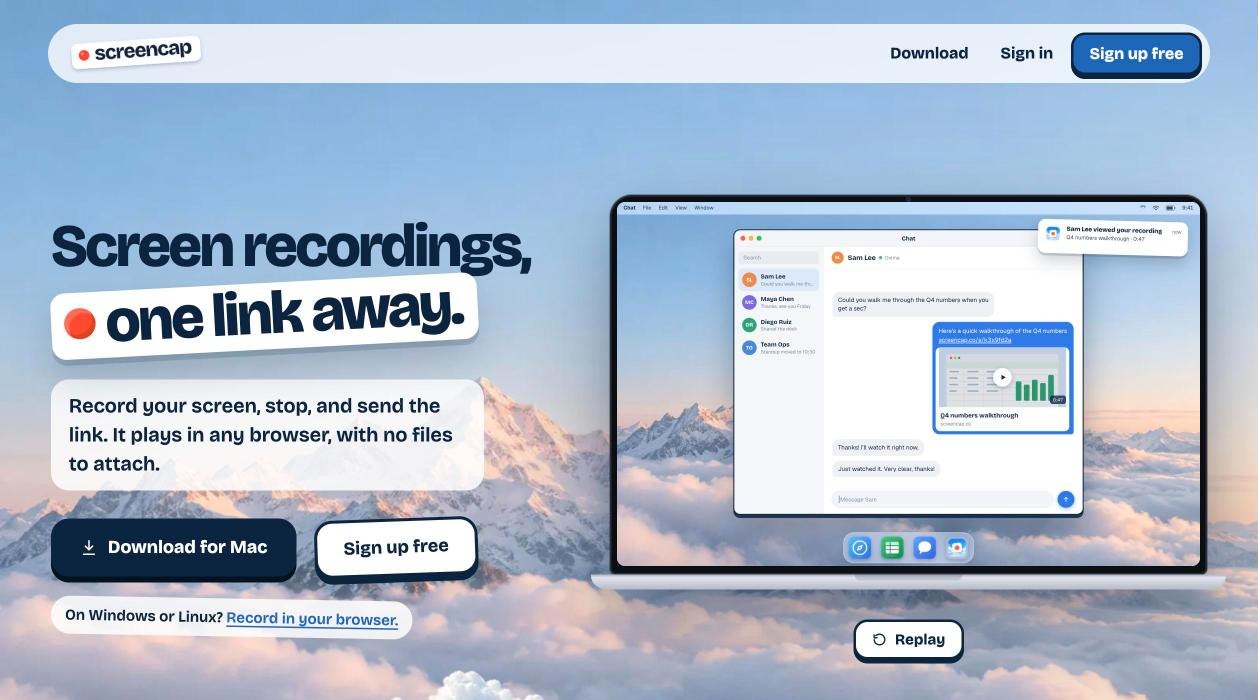
Screencap is a free screen recorder with instant share links, run at screencap.co by Dharma Loop LLC. It is an open-source fork of Cap, and this repository is the exact code behind the hosted service and the Mac app.
Features
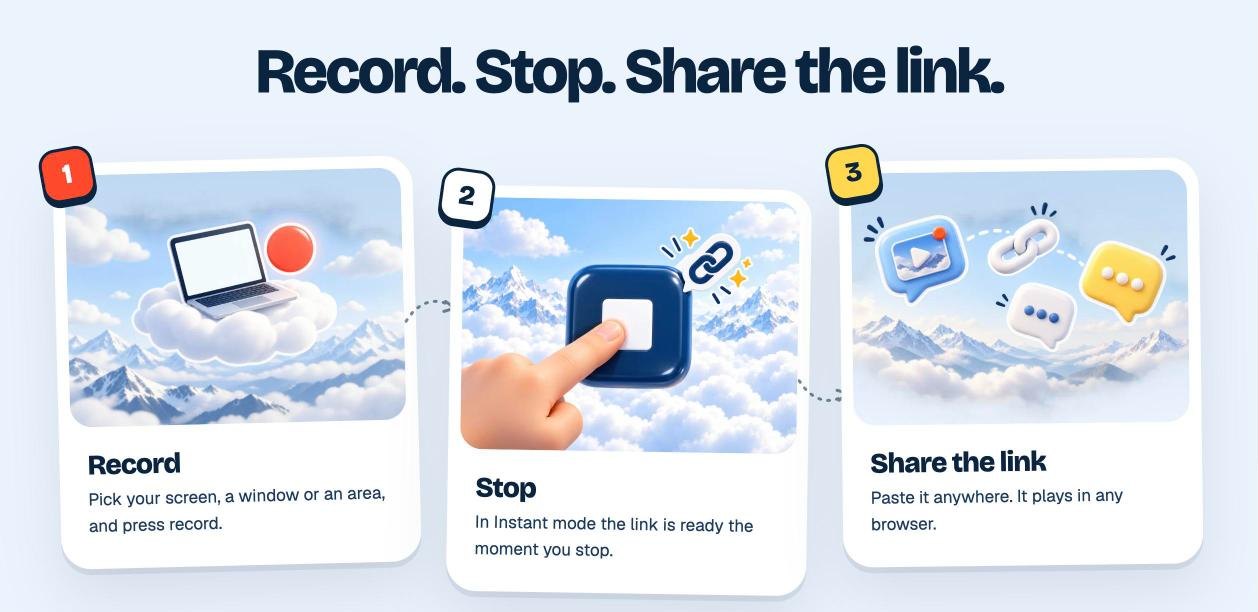
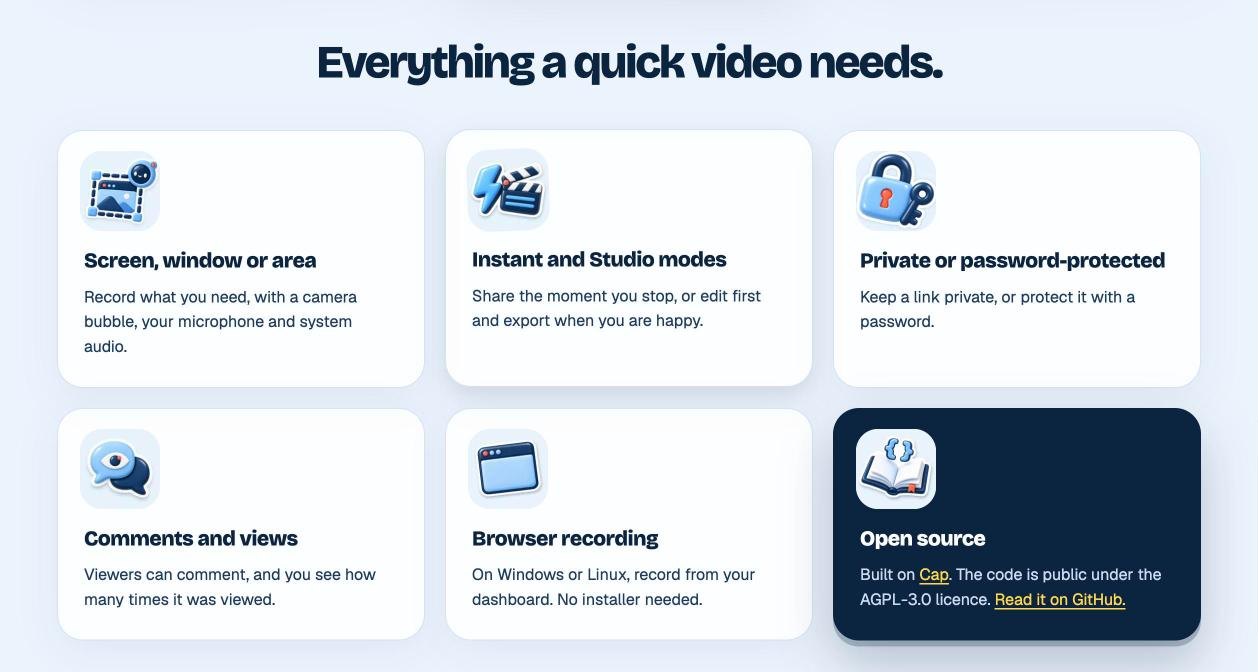
- Record, stop, share. Capture a screen, a window or an area, with a camera bubble, your microphone and system audio.
- Instant Mode. The recording uploads while you record, so the link is ready the moment you stop.
- Studio Mode. Record locally, edit with backgrounds, zooms and trims, then export or share.
- Transcripts, titles and summaries. Bring your own OpenRouter key and pick the models; prices are shown per hour of video. Titles are drafted while you are still recording.
- Comments and views. Viewers can comment and react, and you see how many times a recording was watched.
- Private or password-protected links.
- Browser recording on Windows and Linux, straight from the dashboard.
- Free. No plans, no seats, no upgrade prompts.
Get started
- Download the Mac app from screencap.co/download (Apple Silicon or Intel), or record in your browser on Windows and Linux.
- Sign up at screencap.co.
- Record, stop, and paste the link anywhere.
Prefer not to trust our download? Build the Mac app yourself from this repository; it still signs in to screencap.co.
Local Development
Screencap is a Turborepo monorepo with Rust, TypeScript, Tauri, SolidStart, Next.js, Drizzle, MySQL, Tailwind CSS, and shared media crates.
Requirements:
- Node.js 20 or newer
- Bun 1.4.0
- Rust 1.88 or newer
- Docker for MySQL, MinIO, and local services
Install and set up the repo:
bun install
bun run env-setup
bun run cap-setup
Common commands:
| Command | Purpose |
|---|---|
bun run dev |
Start the full local development stack |
bun run dev:web |
Start the web app without the desktop app |
bun run dev:desktop |
Start the desktop app |
bun run build |
Build the workspace |
bun run tauri:build |
Build the desktop release |
bun run lint |
Run Biome linting |
bun run format |
Format with Biome |
bun run typecheck |
Run TypeScript project references |
cargo test -p <crate> |
Run Rust tests for a crate |
Database commands:
| Command | Purpose |
|---|---|
bun run db:generate |
Generate database artifacts |
bun run db:push |
Push schema changes |
bun run db:studio |
Open Drizzle Studio |
Repository Map
| Path | What lives there |
|---|---|
apps/desktop |
Tauri v2 desktop app with SolidStart UI and Rust backend |
apps/web |
Next.js web app for marketing, docs, dashboard, sharing, API routes, and auth |
apps/cli |
Rust CLI |
apps/media-server |
Media processing service used by the web app |
packages/database |
Drizzle schema and database access |
packages/ui |
Shared React UI |
packages/ui-solid |
Shared Solid UI |
packages/web-backend |
Backend service layer |
packages/web-domain |
Web domain models and types |
packages/env |
Environment validation |
packages/sdk-embed |
Embed SDK |
packages/sdk-recorder |
Recorder SDK |
crates/* |
Recording, capture, camera, audio, encoding, rendering, muxing, export, and test crates |
scripts/* |
Setup, analytics, build, and maintenance tooling |
infra/* |
Infrastructure configuration |
The web API uses Effect and @effect/platform HTTP APIs. Desktop capture and export paths are backed by Rust crates for fast recording, rendering, and platform-specific media access.
License
- Code in the
cap-camera*andscap-*crate families is licensed under the MIT License. See licenses/LICENSE-MIT. - Fonts are under the SIL Open Font License; see licenses/fonts. Other bundled assets are listed in ASSETS.md.
- Third-party components are licensed under the original license provided by their owner.
- Everything else is available under the AGPLv3 license as defined in LICENSE.
Credits
Screencap is built on Cap by Cap Software and its contributors. The changes we made are listed in SCREENCAP.md.