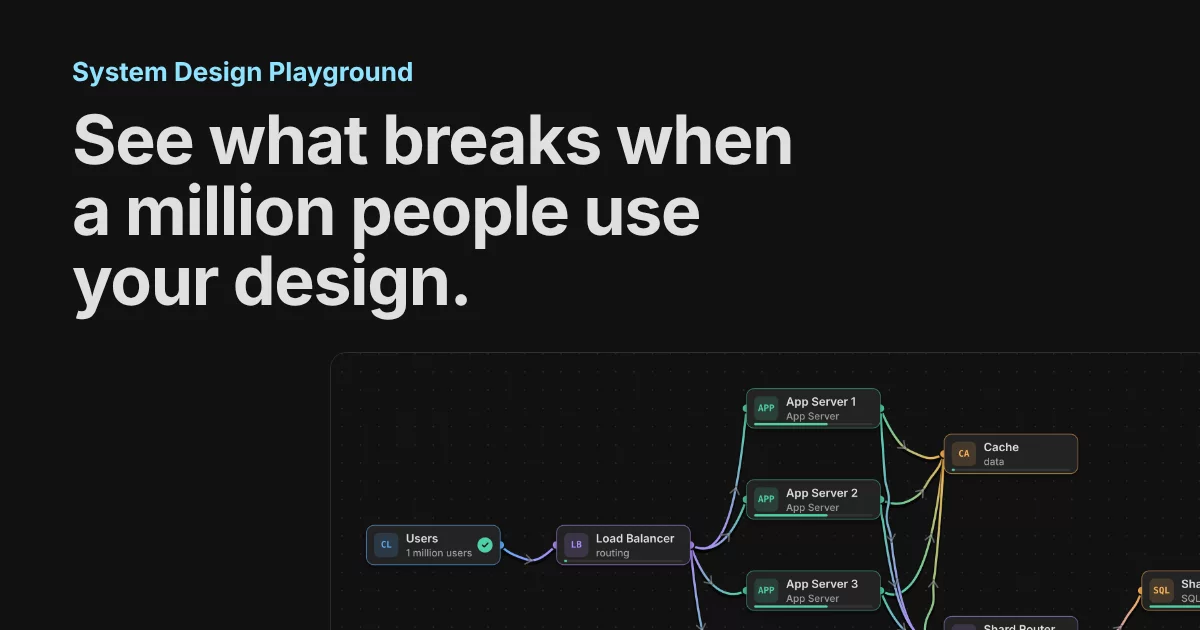

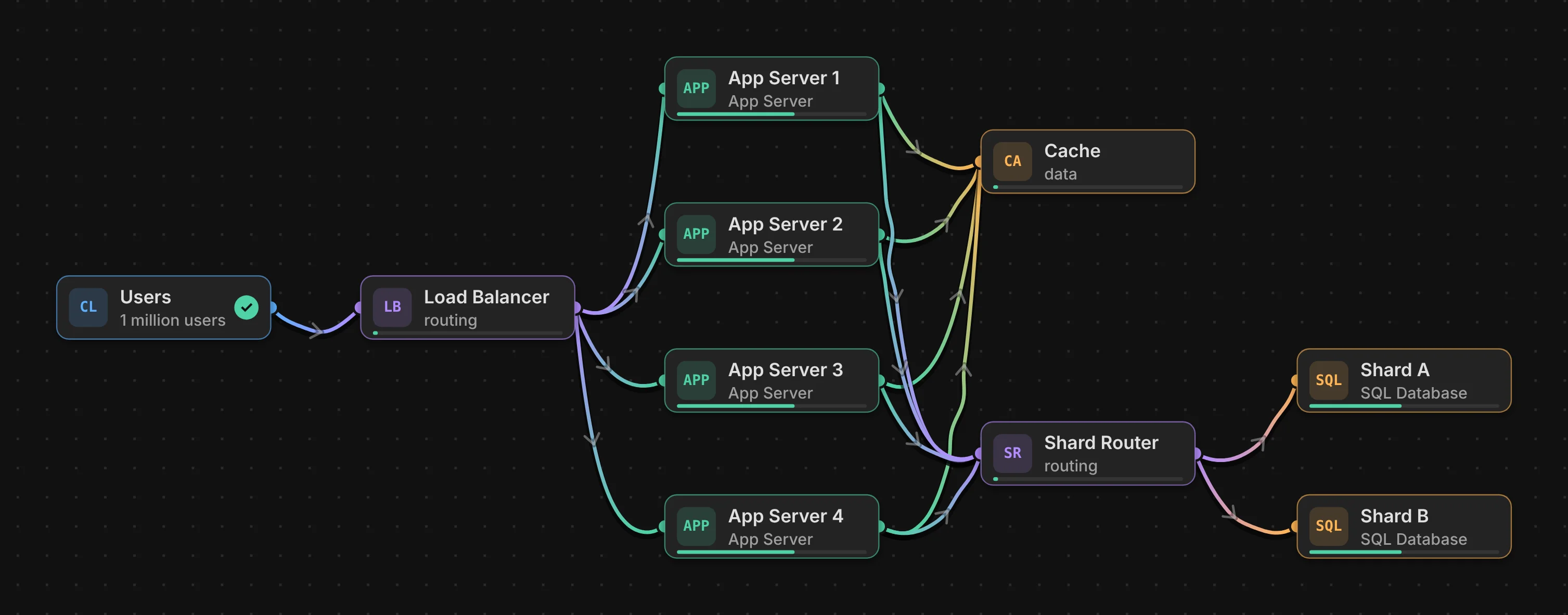
Build a system design on a board, send up to 10 million daily users through it, and see which part breaks first and how to fix it.
Live: https://joaogeraldes.github.io/system-design-playground/
Quick start
Needs Node 22.18 or newer.
npm install
npm run dev       # http://localhost:5173: landing page; the board is at /app/
npm run check     # types, formatting and tests: run before pushing
npm run build makes the site in dist/; npm run preview serves it.
I want to…
| I want to… | Do this |
|---|---|
| Add or change a component | Edit src/content/components/<category>/<id>.json; list new ones in index.ts there |
| Add a board | Build it in the app, press Copy board as JSON, save it in src/content/templates/, link it on index.html |
| Change which connections get a warning | Edit src/content/connectionRules.json |
| Change what Terraform is made for a component | Edit src/content/terraform/aws.json or railway.json (add a new platform the same way) |
| Change what Fix suggests | Edit src/content/fixes.json |
| Change the In a nutshell page | Edit src/content/nutshell.json |
| Change how busy things get | capacity in a component's JSON, or the rules in src/simulation/load.ts |
| Change the landing page | index.html and src/landing/ |
| Publish | Push to main |
Where things live
| Path | What |
|---|---|
index.html |
Landing page (styles in src/landing/) |
app/index.html |
The playground; src/main.ts wires it up |
src/content/ |
Everything editable without code |
src/model/ |
The design: components, cables, undo |
src/simulation/ |
How busy things get, and what to try |
src/board/ |
The canvas: drawing, camera, snapping |
src/ui/ |
Panels, menus and drawers |
tests/ |
One test file per source file |
Imports run one way: content and model ← simulation ← board and UI. Board and UI never import each other.
Export, import and the command line
The sidebar exports the board as JSON, a PNG image or Terraform
(AWS or Railway), and imports JSON or .tf files. Tidy up on the board
rearranges components so cables cross less. Terraform output is a starting
point to review, not something to apply untouched; components with no
equivalent are left as comments.
The same code runs from a terminal (Node 22.18 or newer, run from the repo):
npm run sdp -- check board.json [--worst-day]   # exits 1 if the design doesn't work
npm run sdp -- layout board.json
npm run sdp -- export-terraform board.json --target aws
npm run sdp -- import-terraform ./infra
With Docker: docker build -t system-design . && docker run -p 8080:80 system-design
serves the app; docker build --target cli -t sdp . makes the command-line tool.
How the simulation works
Deliberately simple, so every number can be explained:
- A client's users are daily users, each making about 50 requests a day: 1 million users send about 580 requests a second.
- Requests follow cables from caller to callee (the direction a cable was
drawn). Each component can take
capacityrequests a second: Busy from 75%, Too busy above 100%. - Load balancers, gateways, shard routers, DNS and queues split requests evenly; everything else passes each request on to each kind of thing it calls, shared among copies of the same kind.
- 80% of traffic is reads. A cache answers 90% of them, a CDN 95% of requests.
- A cable between two databases makes the second a replica: writes go to the primary, reads to its replicas.
- Only actions (20% of requests) go into a queue, stream or pub/sub. Work behind them can make users wait (Delayed) but never gives them errors.
- Worst day means 3× the traffic and 4 database queries per request.
Content formats
A component (src/content/components/data/cache.json, shortened):
{
  "id": "cache",
  "label": "Cache",
  "badge": "CA",
  "category": "data",
  "capacity": 100000,
  "info": {
    "what": "…",
    "why": "…",
    "analogy": "…",
    "examples": ["Redis", "Memcached", "Valkey"]
  }
}
A board (src/content/templates/01-hello-world.json, shortened):
{
  "id": "hello-world",
  "title": "Hello World",
  "summary": "A client talks to a single server.",
  "lesson": { "problem": "…", "why": ["…"], "takeaways": ["…"] },
  "nodes": [
    { "id": "client", "kind": "client", "users": 100000, "x": 0, "y": 0 },
    { "id": "server", "kind": "app-server", "x": 250, "y": 0 }
  ],
  "cables": [{ "from": "client.right", "to": "server.left", "label": "HTTP" }]
}
The file name sets a board's place in the list. Foundations live in
templates/foundations/. You don't need to learn every rule: npm test
checks each file and names anything missing or wrong.
Tests
tests/<name>.test.ts covers src/**/<name>.ts; for example,
tests/load.test.ts covers src/simulation/load.ts. On top of that,
components, templates and landing tests check every content file.
The UI in src/ui/ and src/board/render.ts has no unit tests: check it in
the browser.
npm test                           # all
node --test tests/load.test.ts     # one file
Publishing
Every push to main runs npm run check, builds and deploys to GitHub Pages
(.github/workflows/deploy.yml). Pull requests get the same checks from
.github/workflows/check.yml. One-time setup: Settings → Pages →
Source: GitHub Actions. For a custom domain, set base to '/' in
vite.config.ts and add the domain to public/CNAME.