

Teampass
Self-hosted password management your whole team can trust
Folder-level access control · authenticated AES-256-GCM encryption · compliance evidence
Your secrets never leave your infrastructure.
🌐 teampass.net · 📖 Documentation · 💬 Discussions · 🐳 Docker Hub


Contents
- About
- Who it's for
- Security
- Features
- Get started
- Documentation
- Languages
- Community
- Support Teampass
- License
About
Teampass is an open-source credential vault you run yourself. No account to create, no company behind the curtain holding your data — just a PHP/MySQL application on your own server, with folder-level access control, per-user encryption keys and a full audit trail.
It has been built and maintained since 2009, driven by what real teams actually run into: who should see which credential, how to prove it to an auditor, and how to stop passwords living in chat threads and spreadsheets.
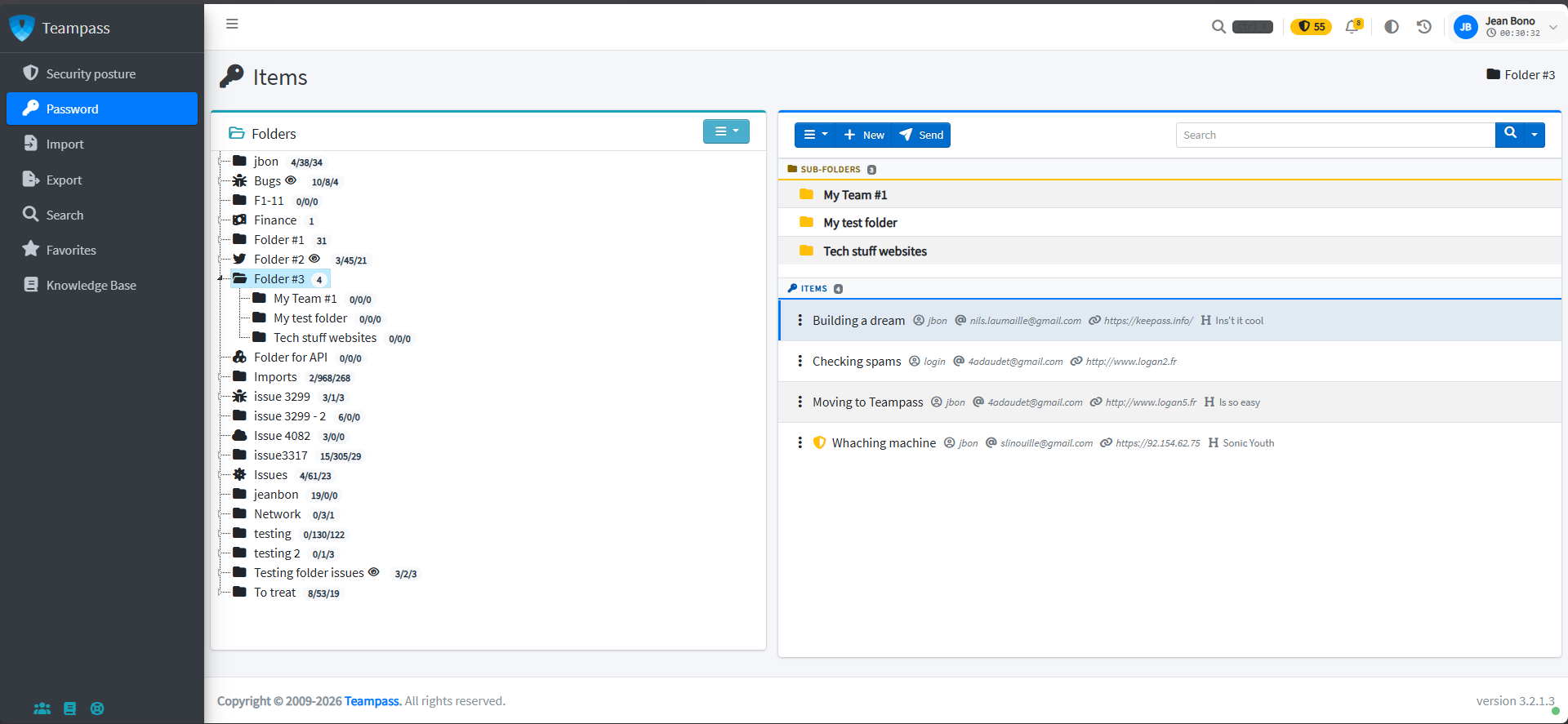
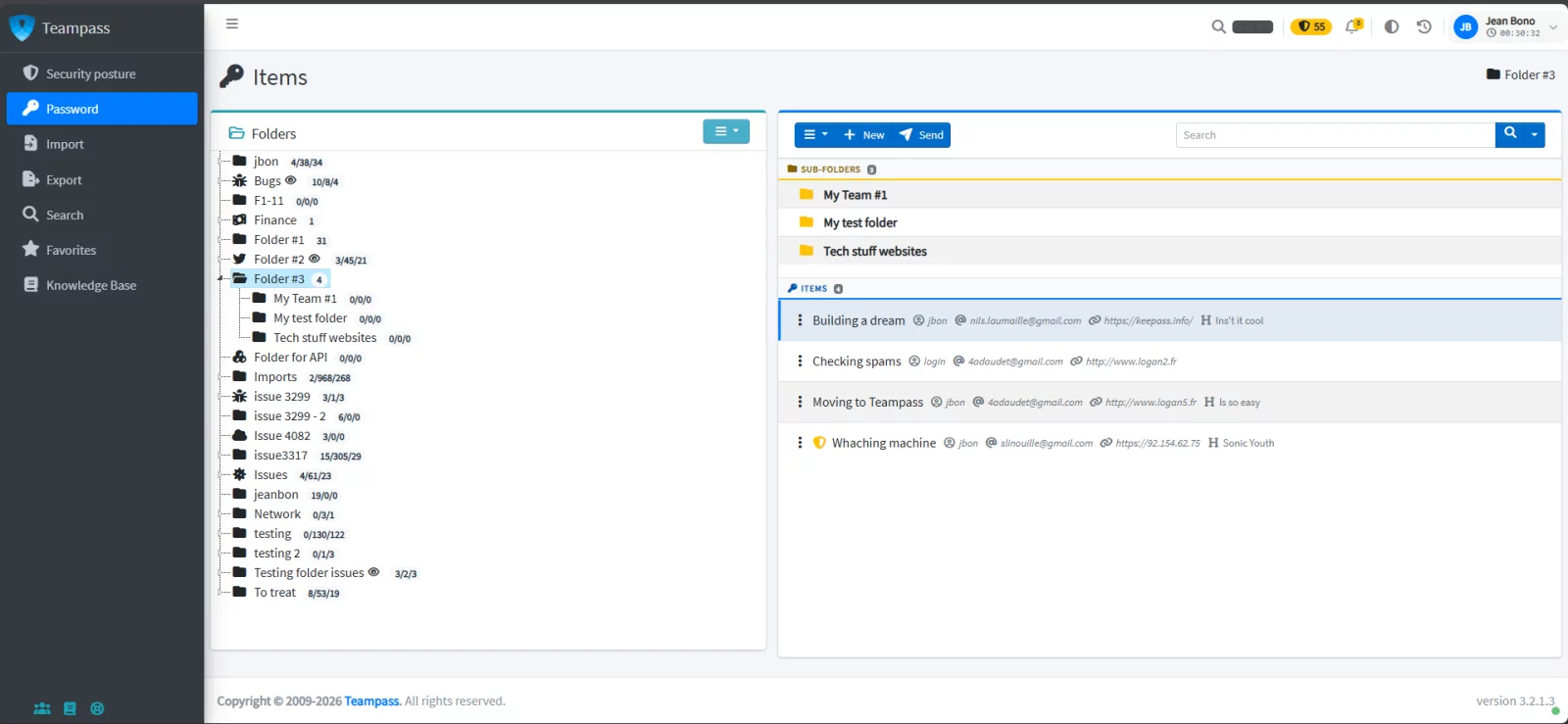
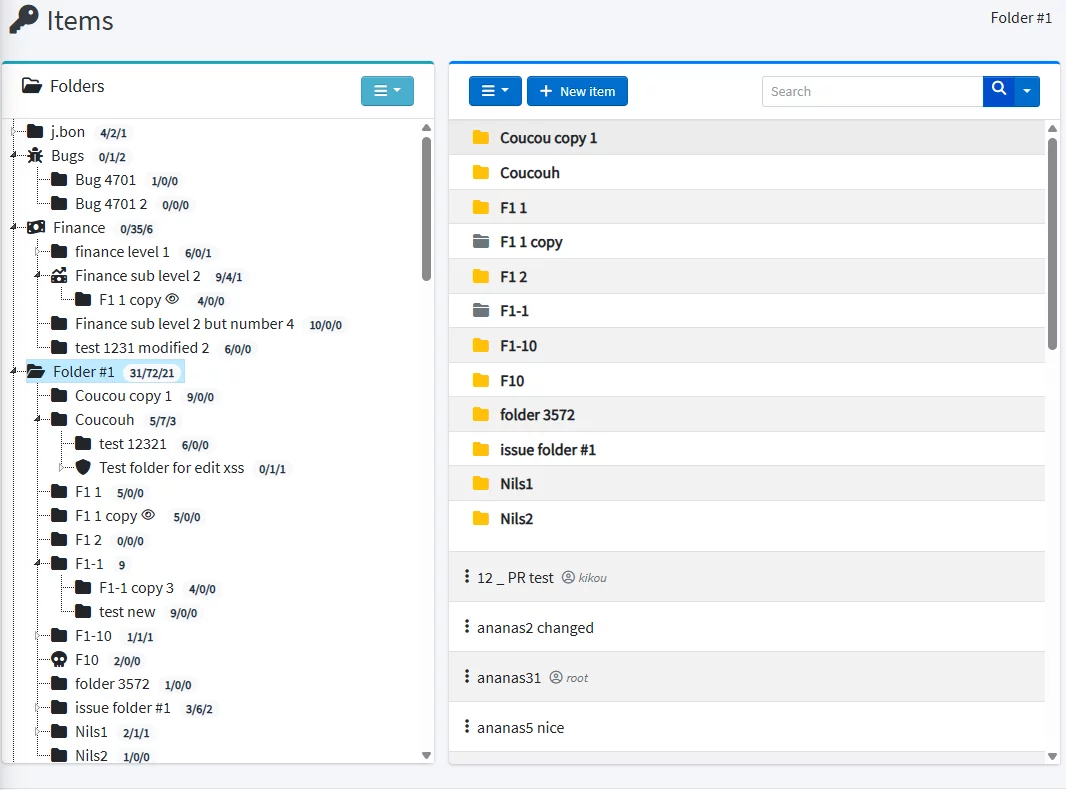
📸 More screenshots
Items and secrets


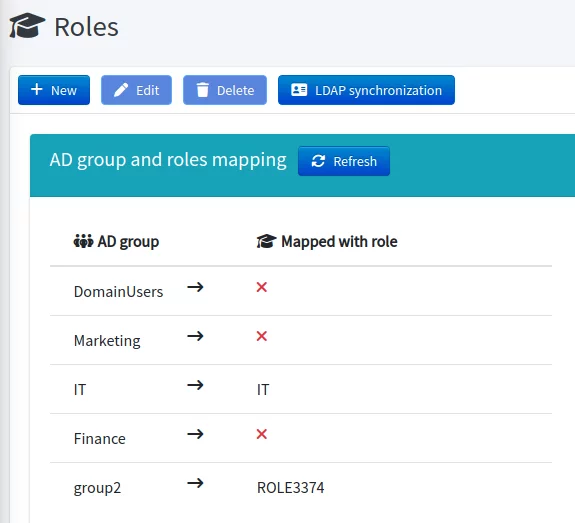
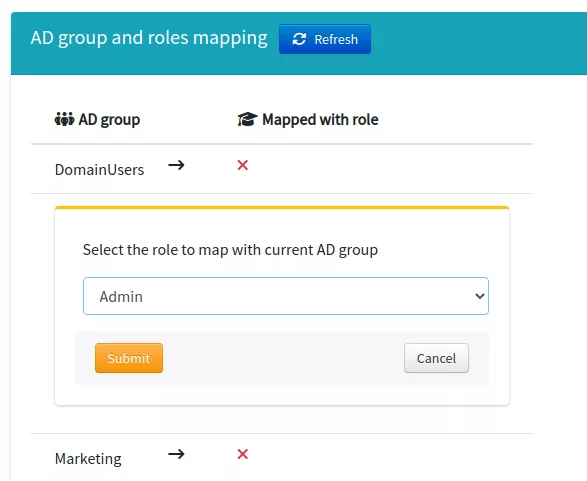
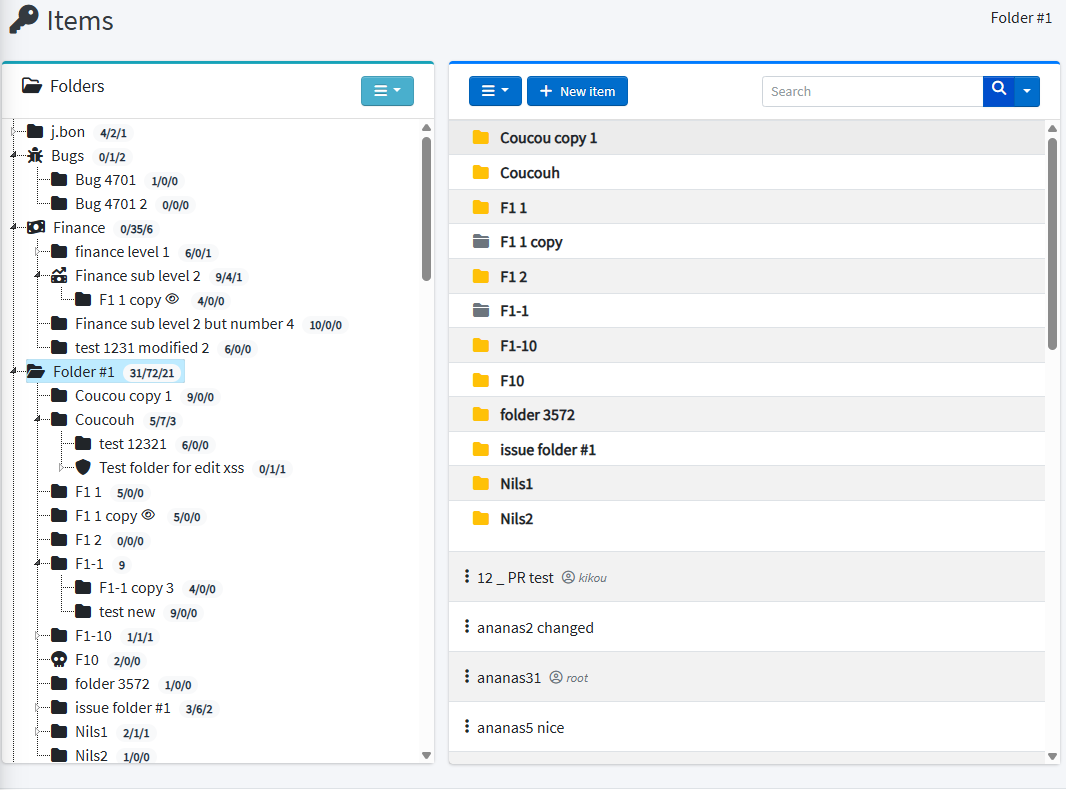
Folders and roles


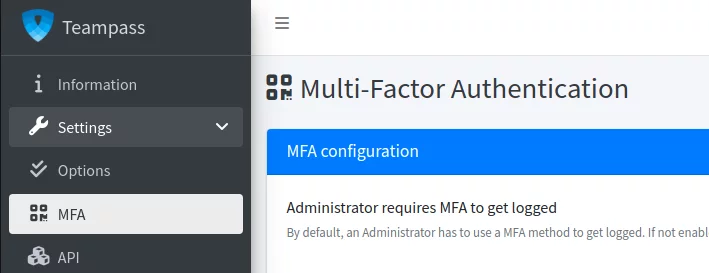
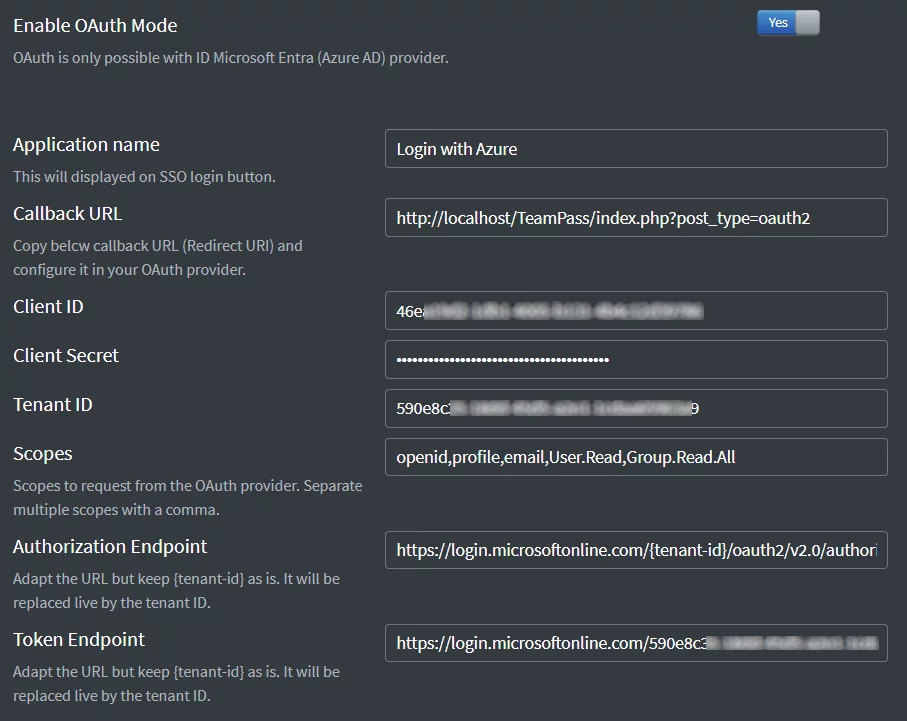
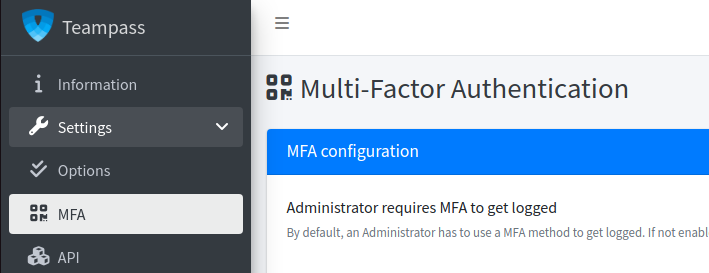
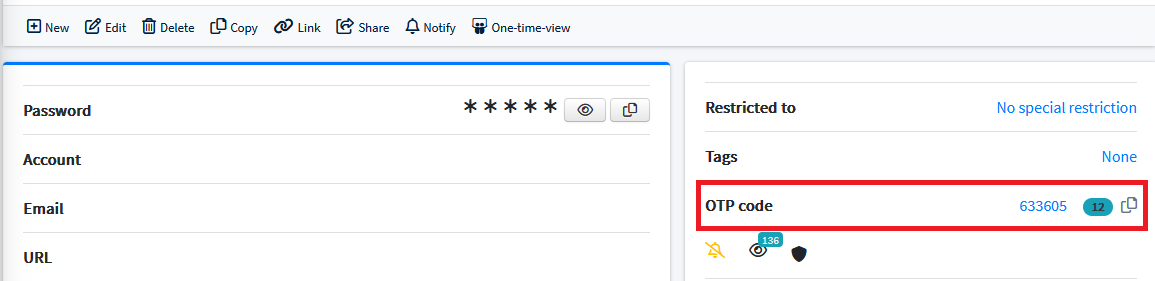
Authentication and MFA
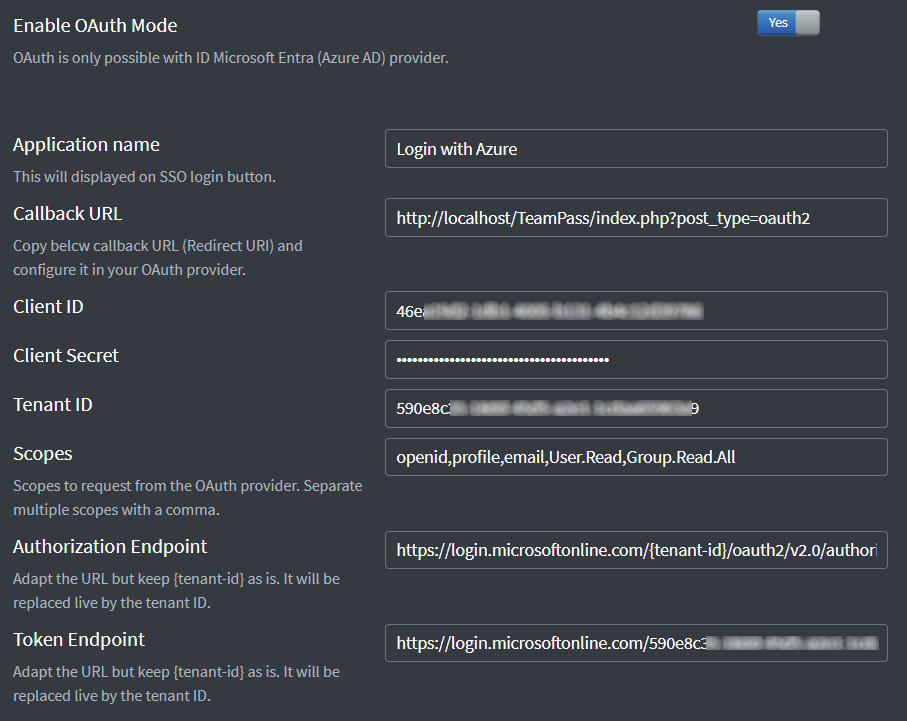
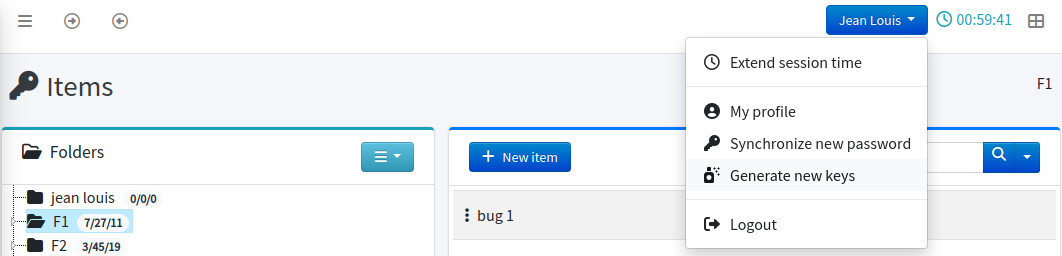
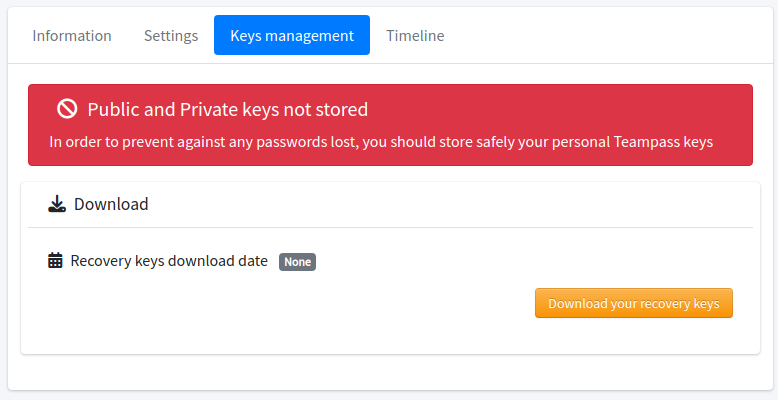
Encryption keys
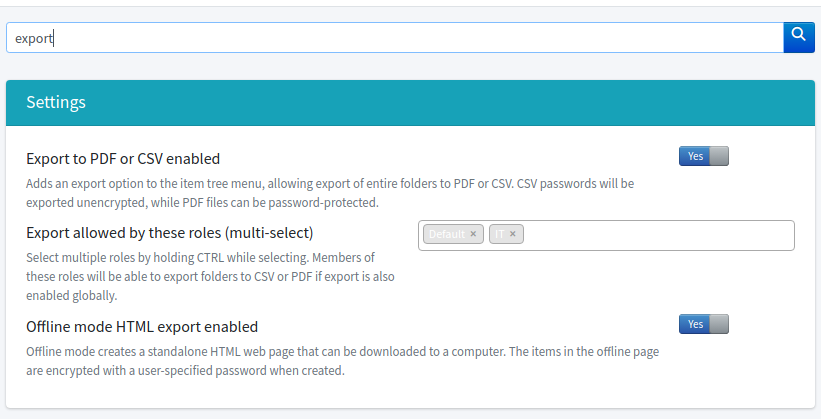
Search, export, one-time view

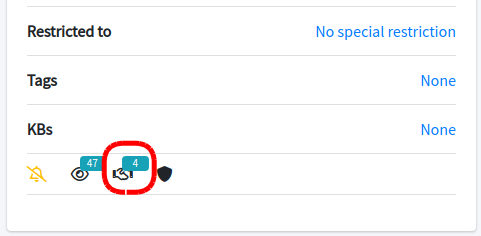
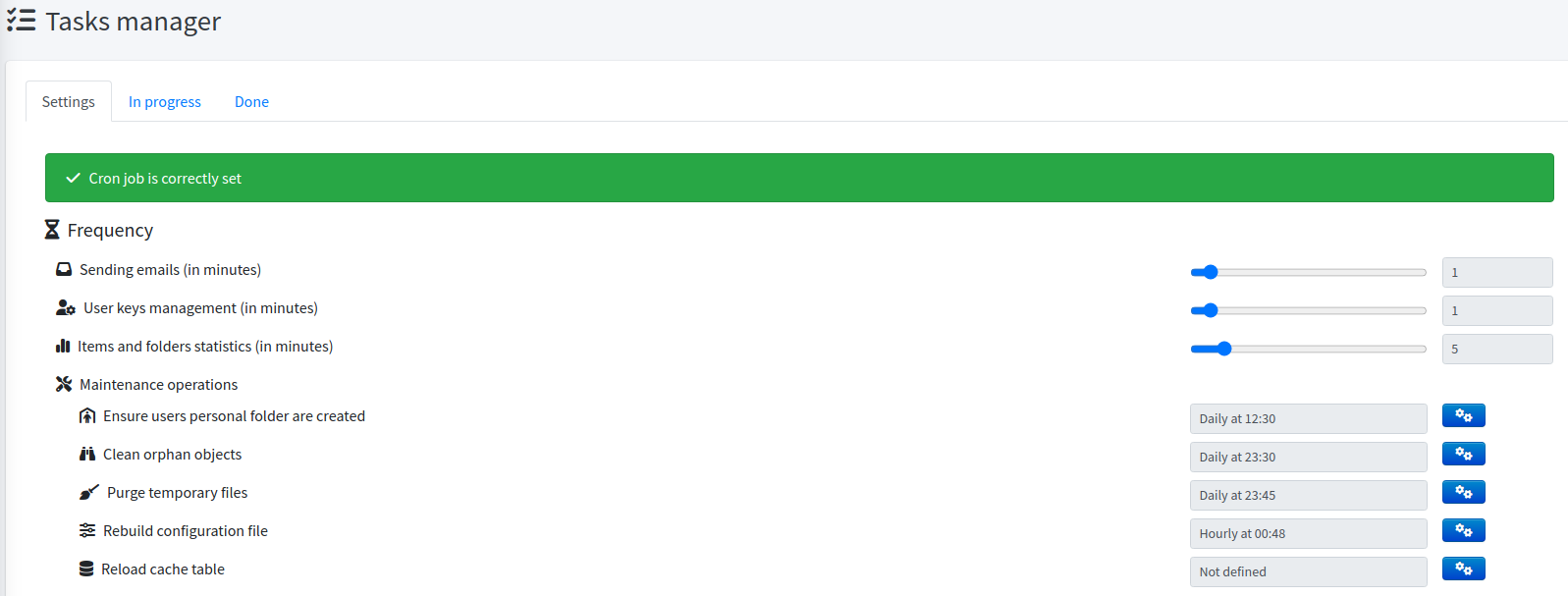
Background tasks

Who it's for
🏠 Individuals & HomelabOwn your vault, literally.
|
👥 Teams & SMBStop sharing passwords in chat.
|
🏛️ Enterprise & RegulatedProve your access controls, don't just claim them.
|
Security
Encryption you can describe to an auditor
Secrets are encrypted with AES-256-GCM using random nonces and per-secret salts, under 256-bit object keys. The private key that unlocks them is derived from your password with PBKDF2-SHA256 at 600 000 iterations.
- Authenticated encryption — tampering is detected, not silently decrypted - Per-user key distribution — every user holds their own RSA-wrapped copy of each object key, so removing an account actually revokes access instead of just hiding a button
- Lazy migration — format upgrades happen on access, with no maintenance window

Transparency over silence
A password manager that reports no vulnerabilities is not a password manager that has none.
Findings are triaged, fixed and published as GitHub Security Advisories with CVE identifiers.
Found a vulnerability? Please report it privately through GitHub Security Advisories — never in a public issue.
Features
🗂️ Folder and role access control
🔐 Authenticated encryption
- Encryption model — how keys are derived, wrapped and distributed
- Encryption improvements — the AES-256-GCM format and its lazy migration
- Key management — regeneration, recovery, per-user key repair
📊 Security posture
- Security posture — a personal score for weak, reused and breached credentials, and Have I Been Pwned checks without sending your passwords
- Password renewal — expiry policies and reminders
- Micro-learning — in-app nudges instead of a yearly slideshow
🏛️ Governance and audit
- Access reviews — recertification campaigns with immutable decisions
- Compliance reports — evidence you can hand to an auditor
- Rotation tracking — what was rotated, when, by whom
- Leaver risk — what a departing user could still know
- Data classification — ownership and sensitivity labels
🪪 Identity integration
- Authentication — local, LDAP/AD with nested groups, OAuth2 / SSO
- Multi-factor: TOTP (Google Authenticator), Duo Security, YubiKey, AGSES
- Network ACL — restrict access by IP range
- Session management — timeouts, concurrent sessions, Redis-backed storage
🤖 Automation
- REST API — JWT-authenticated, OpenAPI 3.1 spec, Bash and PowerShell clients
- Browser extension — autofill, capture, one-click auto-configuration
- Background tasks — key distribution, notifications, maintenance
- Real-time collaboration — WebSocket sync and edition locks
- Backups — scheduled, encrypted database dumps
📦 Migration in and out
⚡ Daily productivity
- Search — across labels, descriptions, tags and custom fields
- Command palette — keyboard-first navigation
- Favourites and quick access to recent items
- Custom fields — individually encryptable, role-restricted
- Knowledge base and notification center
- One-time view links and Secure Send for sharing outside the vault
Get started
Requirements
| Database | MySQL 5.7+ or MariaDB 10.7+ |
| PHP | 8.2 or newer (tested against 8.3) |
| Required extensions | openssl mysqli mbstring bcmath iconv xml gd curl gmp — plus ldap for LDAP/AD |
| Recommended extensions | apcu (config cache) · opcache (performance) · redis (HA sessions) · pcntl + posix (WebSocket daemon) |
Teampass follows active PHP support. Running the latest stable PHP release is strongly recommended for both security and performance.
🐳 Docker
docker run -d --name teampass \
  -p 8080:80 \
  -v teampass_data:/var/www/html \
  teampass/teampass:latest
Images are published to both registries:
- Docker Hub —
teampass/teampass - GitHub Container Registry —
ghcr.io/nilsteampassnet/teampass
📖 Docker guide · Migrating an existing install to Docker
🖥️ Bare metal (recommended for production)
Installing directly on a PHP/MySQL server gives the best performance and the most control over your environment.
Documentation
| 📖 Full documentation | Install, features, administration |
| 🚀 Installation | Step-by-step first setup |
| 🔄 Upgrade | Moving between versions |
| 🛡️ Security hardening | Production checklist |
| ⚙️ Performance | PHP-FPM, caching, tuning |
| 🔌 REST API | Endpoints, JWT auth, clients |
| 🧩 Browser extension | Setup and usage |
| 🩺 Troubleshooting | When something goes wrong |
Languages
Teampass ships in 25 languages, translated by the community.
 English |
 French |
 German |
 Spanish |
 Italian |
 Portuguese |
 Portuguese (BR) |
 Dutch |
 Russian |
 Ukrainian |
 Polish |
 Czech |
 Hungarian |
 Romanian |
 Bulgarian |
 Greek |
 Turkish |
 Swedish |
 Norwegian |
 Estonian |
 Catalan |
 Chinese |
 Japanese |
 Vietnamese |
🇸🇦 Arabic (in progress) |
Translations are managed on POEditor — a few strings from you go a long way.

Community
Contributing
Contributions of any kind are very welcome. Fork the repo, make your changes, then open a pull request — see CONTRIBUTING.md for the development setup, coding standards and branch conventions, and CODE_OF_CONDUCT.md for how we work together.