
Tembr
Your voice, everywhere you can't be. Tembr is a local, private voice cloning studio for outreach that gets heard. It clones your voice on your own GPU, speaks any text with it, renders a personal voice note for every lead on a list, and builds each lead a branded player page you can host from any folder. Recording, cloning and speech generation run locally. Exported voice clips leave your machine only when you choose to share or host them.
Product site: ai.joaoqueiros.com/tembr
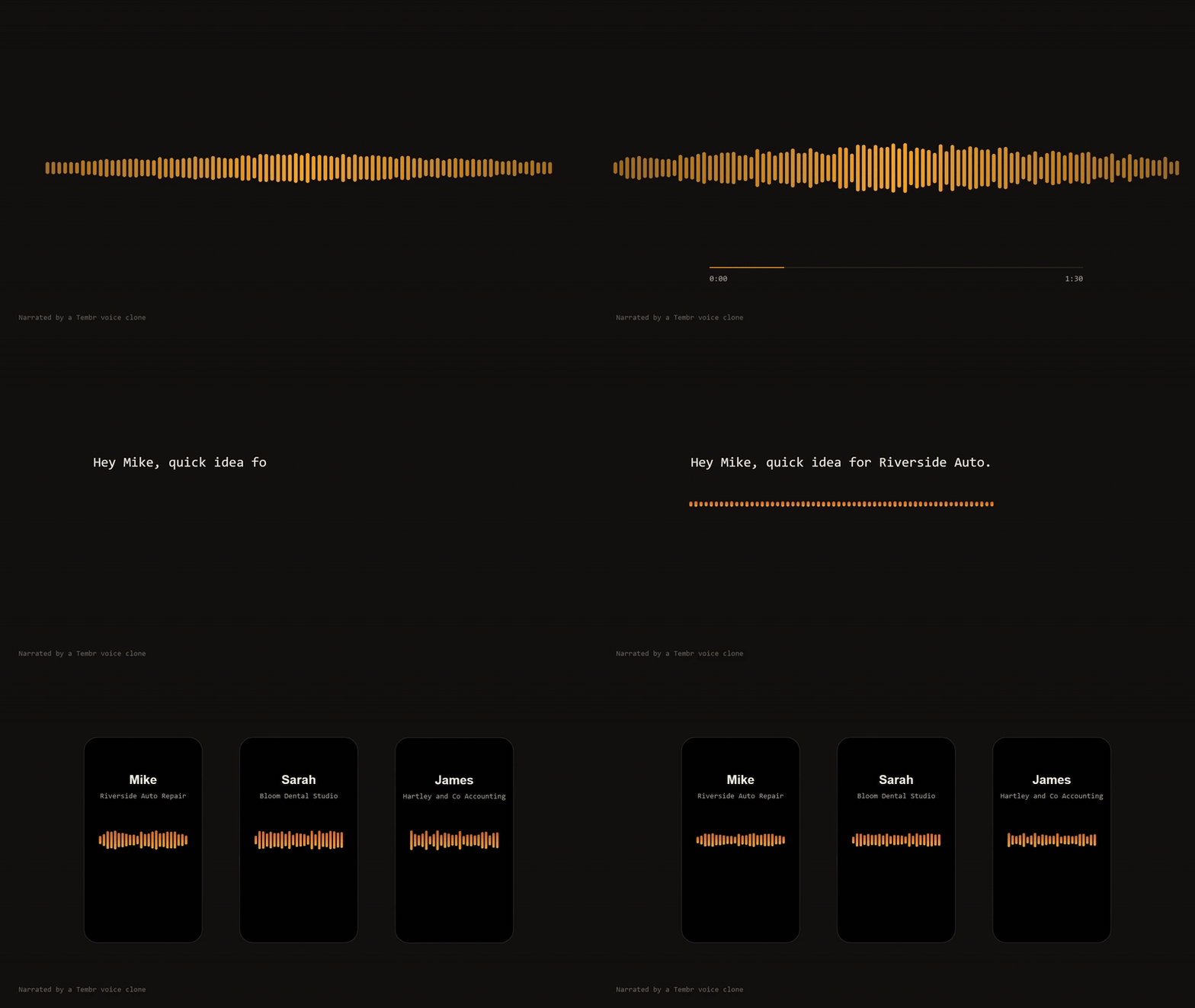
From the 57 second film, narrated by a Tembr voice clone. Watch it with sound.
Static film poster · Requirements · Quick start · Documentation · Support
Requirements
- Windows (developed there; the server is plain FastAPI + PyTorch, other platforms should work with adjusted launch scripts)
- An NVIDIA GPU with about 12 GB VRAM (developed on an RTX 3060 class card)
- Python 3.11 for the documented CUDA/PyTorch environment; a supported Node.js LTS release (22.12+ recommended), and ffmpeg on PATH
- Roughly 10 GB of disk for model weights, downloaded on first run
Quick start
Follow the Windows and GPU setup guide for the separate CUDA-enabled PyTorch install, dependency checks and optional Qwen environment.
Once the setup checks pass, run from the repository root:
.\start-studio.ps1
Open http://localhost:3000. The API runs at http://127.0.0.1:8100. Model weights download on first use into models/; first startup and generation can take several minutes. Use the health checks to distinguish a running API from a ready voice engine.
Documentation
- The case study: the build notes behind the studio, including ranking nine versions of the same voice and the finding that the engine really listens to about ten seconds of your reference.
- Voice reference script: how to record a reference that clones well, with the measurements behind every recommendation.
- The in-app help panels on every screen document the workflow they sit on.
- Roadmap: where this is going.
Support
Use GitHub issues with your operating system, GPU/VRAM, engine and a redacted error. Reproduce with neutral text; do not upload anyone's voice recordings, models or recipient data.
The privacy stance
- Your voice is biometric data. Recording, cloning and rendering all run locally. The voice-processing workflow requires no cloud voice account. Publishing exported clips and player pages is a separate action you control.
- There are no API keys in this system. The optional AI drafting feature
shells out to CLI tools you already have installed and logged in (
codex,claude); their auth stays theirs, and only the drafting text leaves the machine. Reference recordings and voice models remain local; generated clips can be exported and shared by you. - The player pages Tembr builds are plain static files. Host them on your own server or any static host. The recipient needs no Tembr account. Hosted pages and voice clips are available to anyone who can access their URL; access and retention depend on the host you choose.
Studio workflow and screenshots
What it does
Record, clone and generate locally; export clips and player pages when you choose to share them.
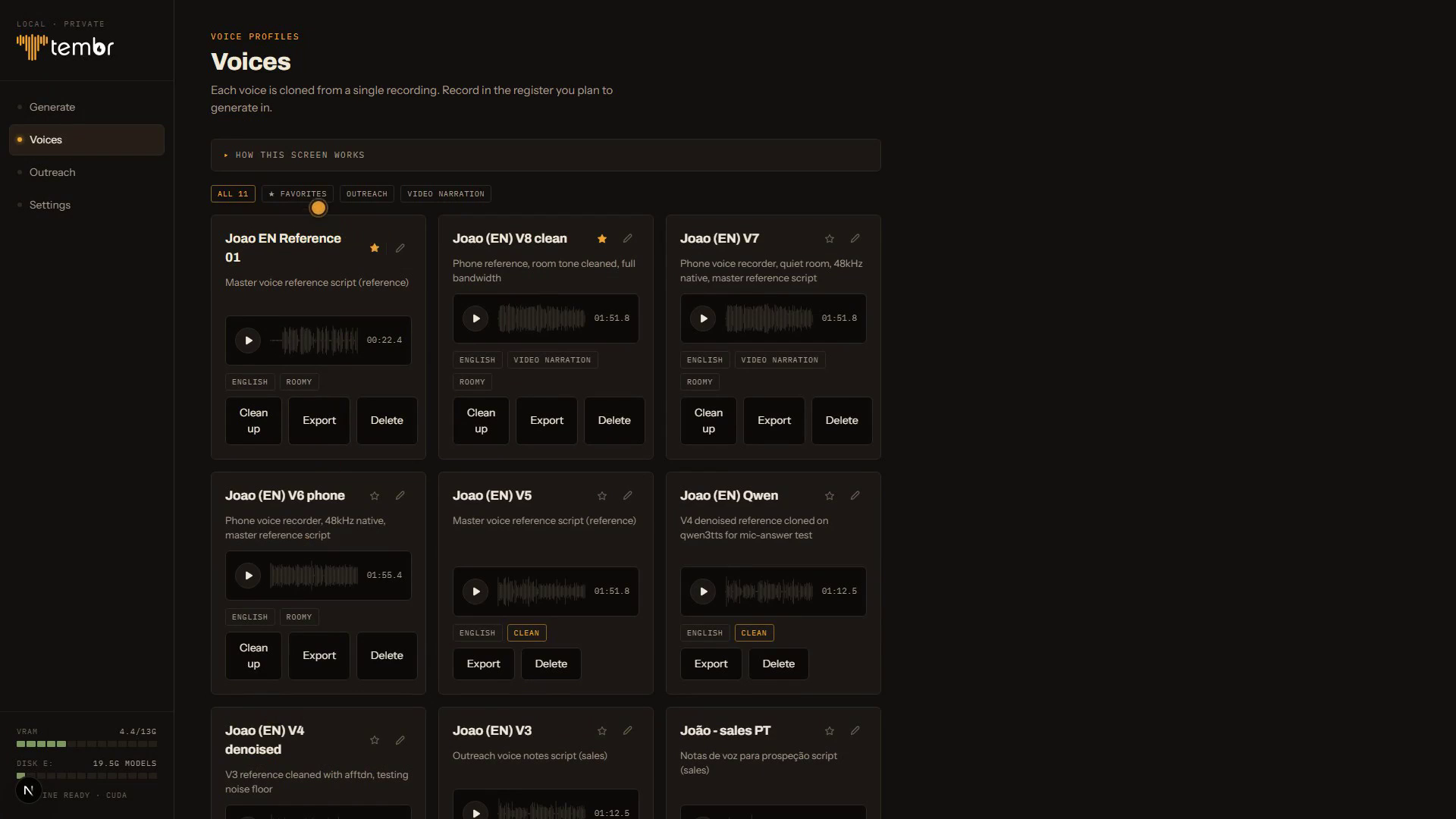
Record a reference (about ninety seconds, guided by a script written to cover the language's full range). The studio measures the take and tells you in plain language if your microphone or your room is holding it back, and offers an optional cleanup that never overwrites the original.
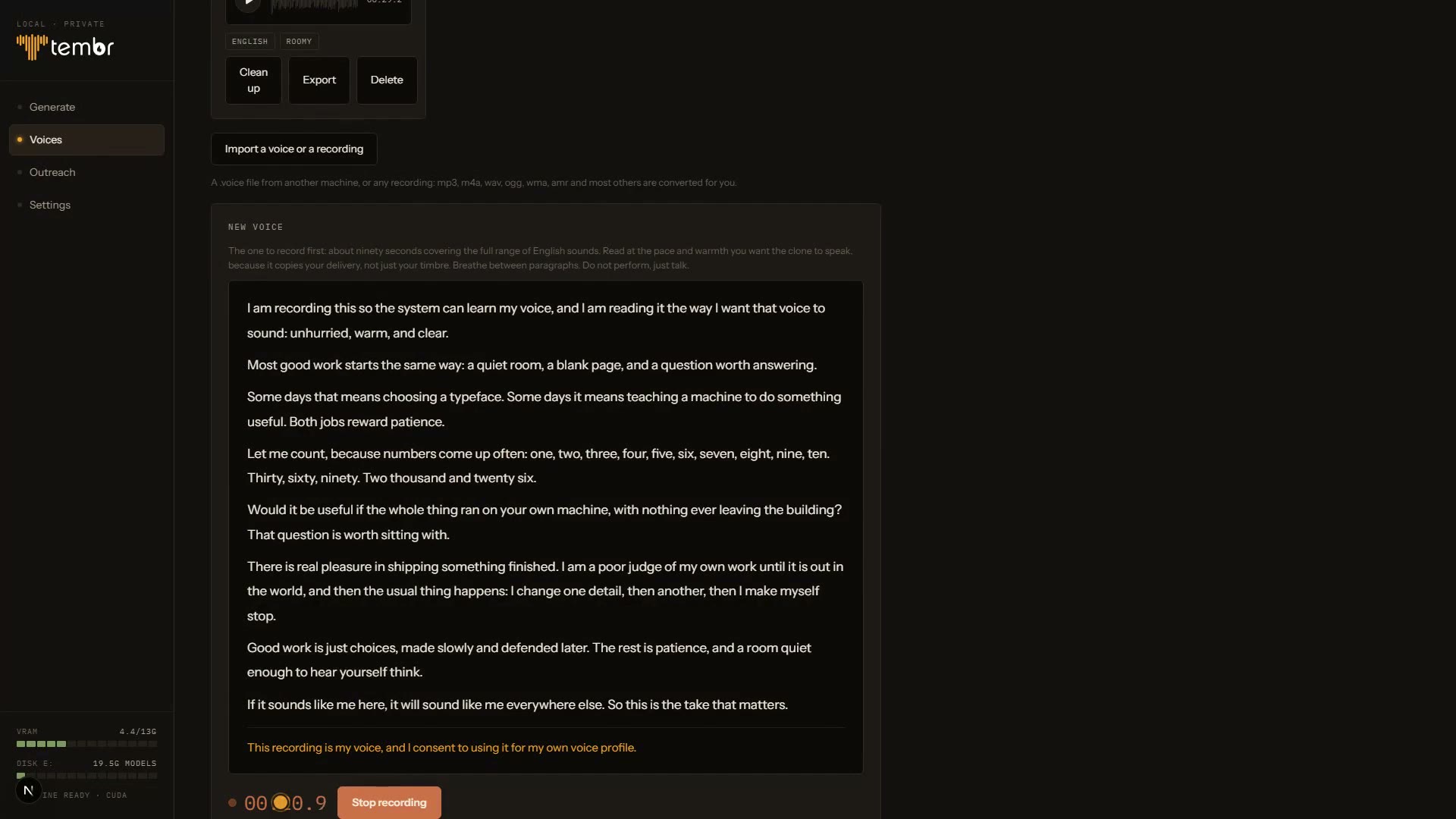
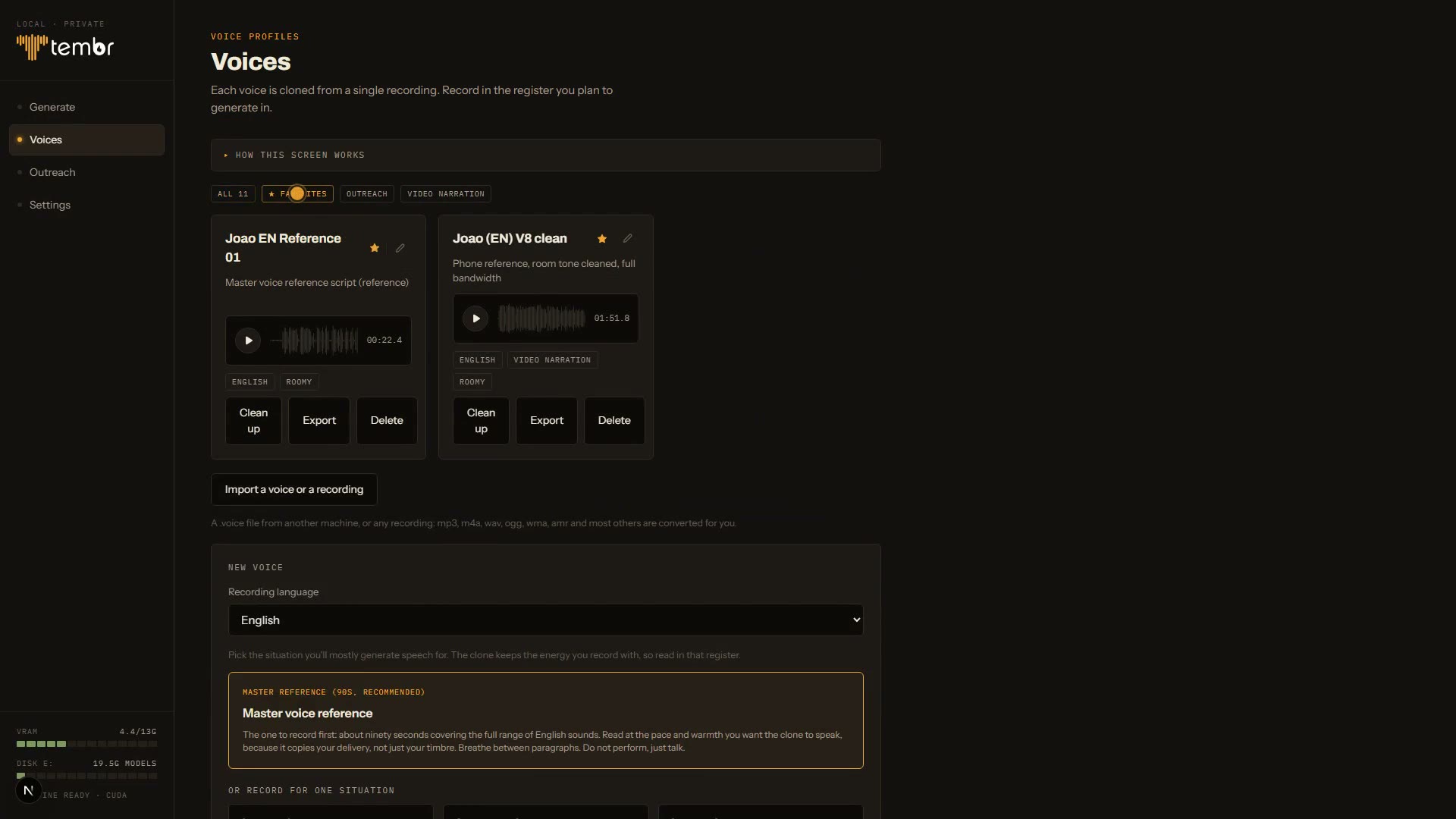
Clone locally. The engine conditions on the strongest ten seconds of
your take, found automatically (see "How cloning works" below). Voices get
quality badges, favorites, collections, and portable .voice export.
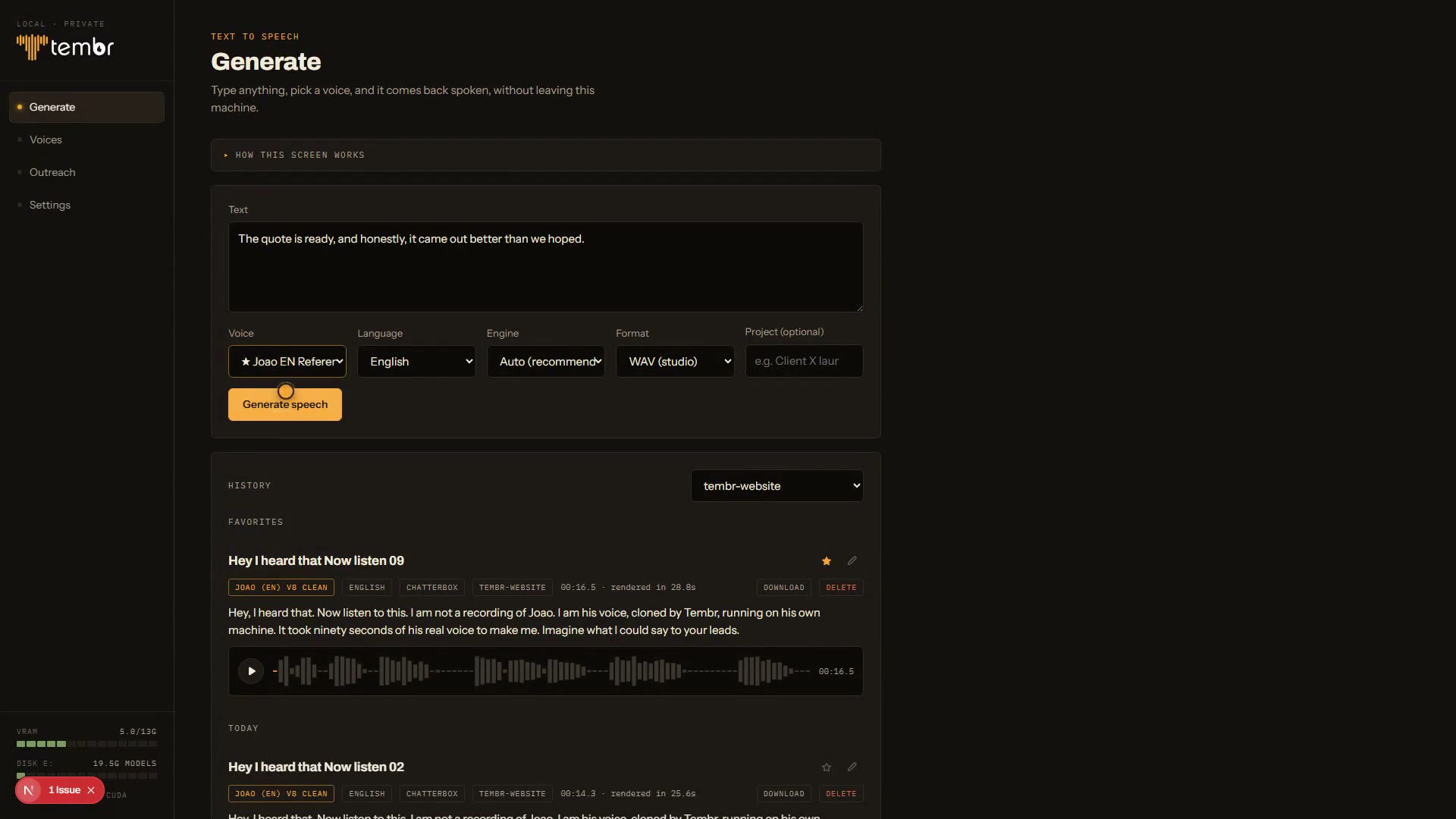
Generate any text in your voice. Takes are named from their own words, starred, filtered by project, and downloads carry readable filenames.
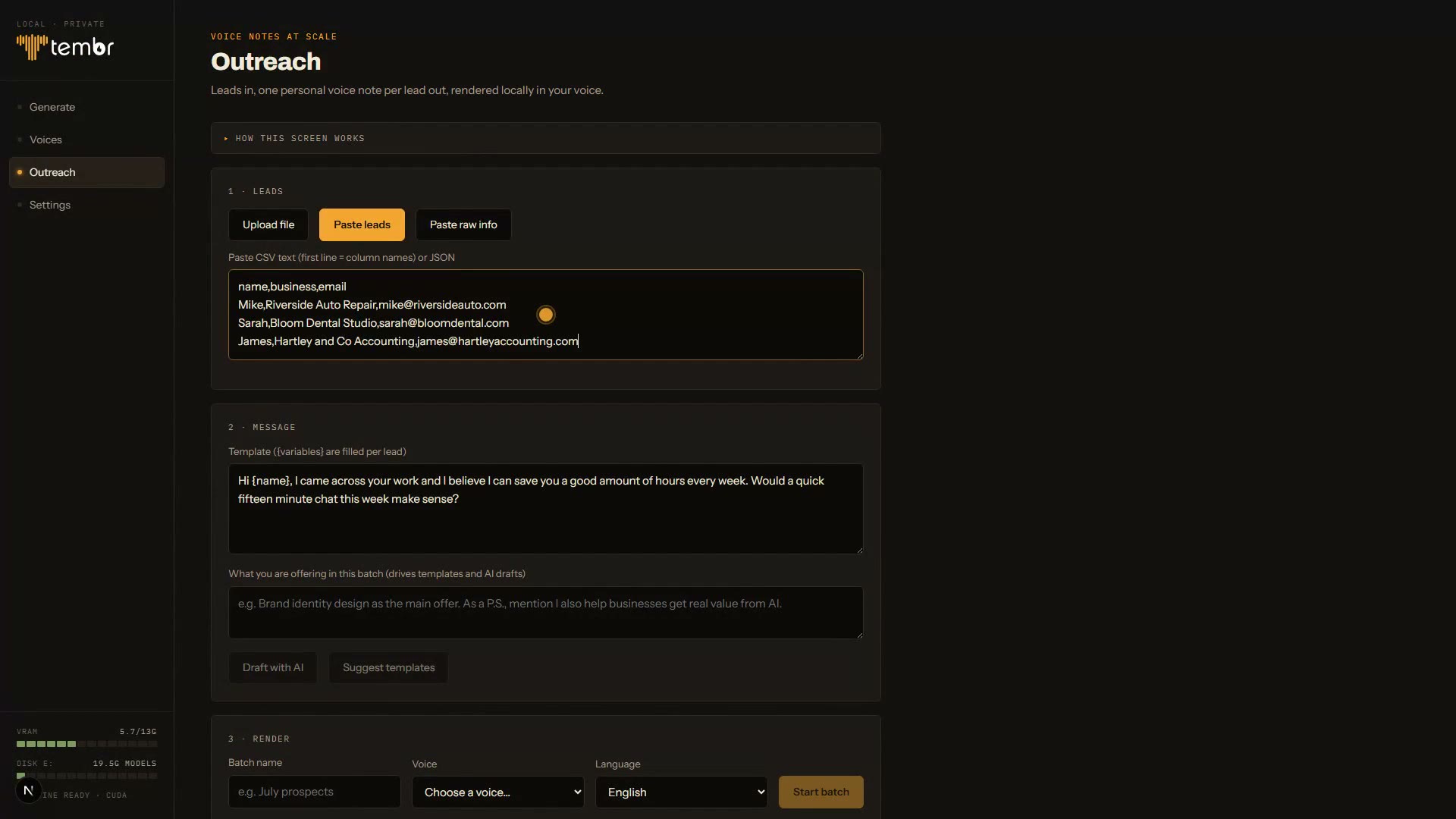
Outreach: paste or upload a lead list (or raw notes an assistant
untangles into rows), write one template with {name} and {business}
variables, and render a personal note per lead. Every note is quality
checked automatically: long pauses, repeated words and mangled endings are
flagged before anything reaches a lead, with one-click re-render.
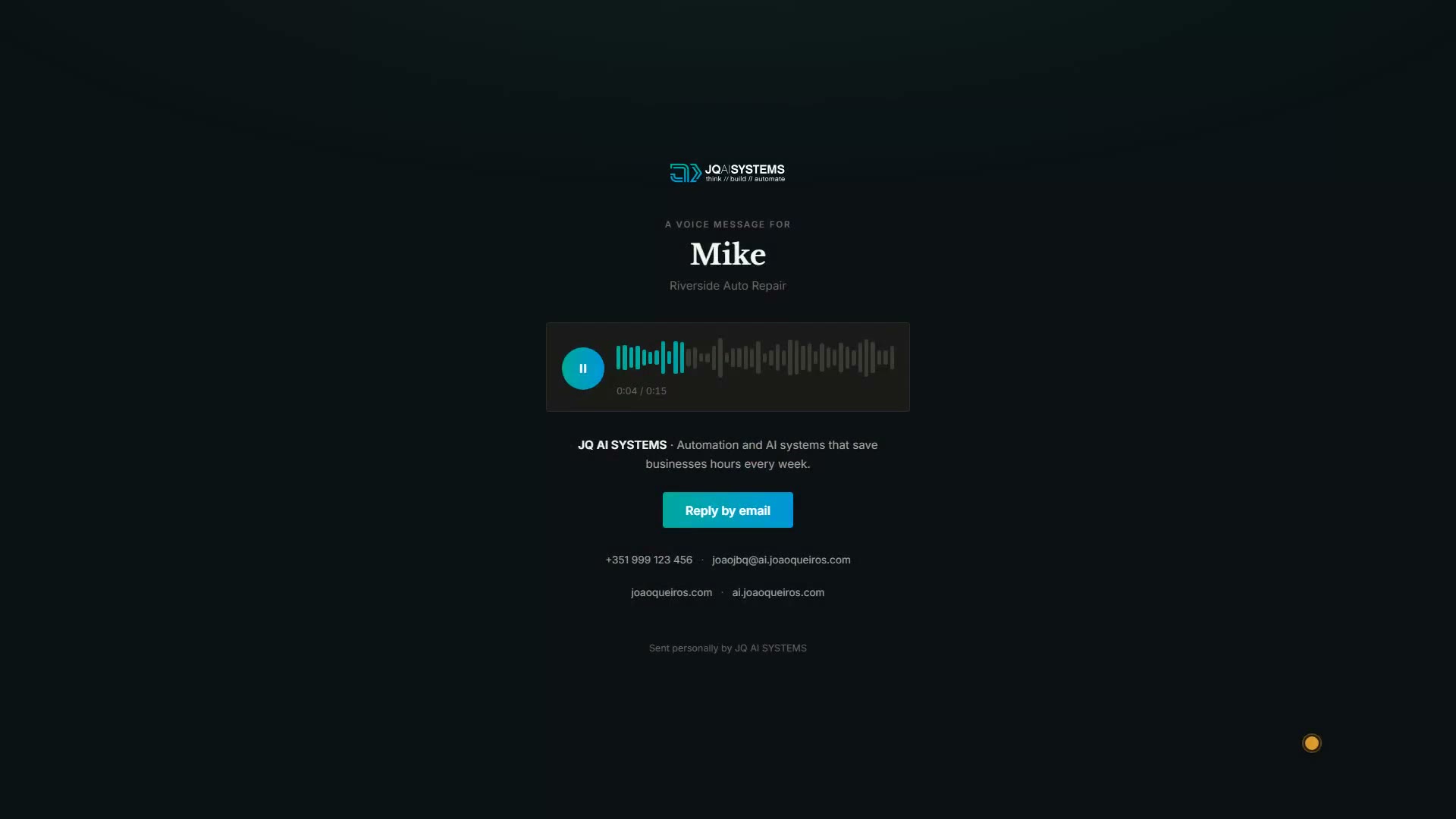
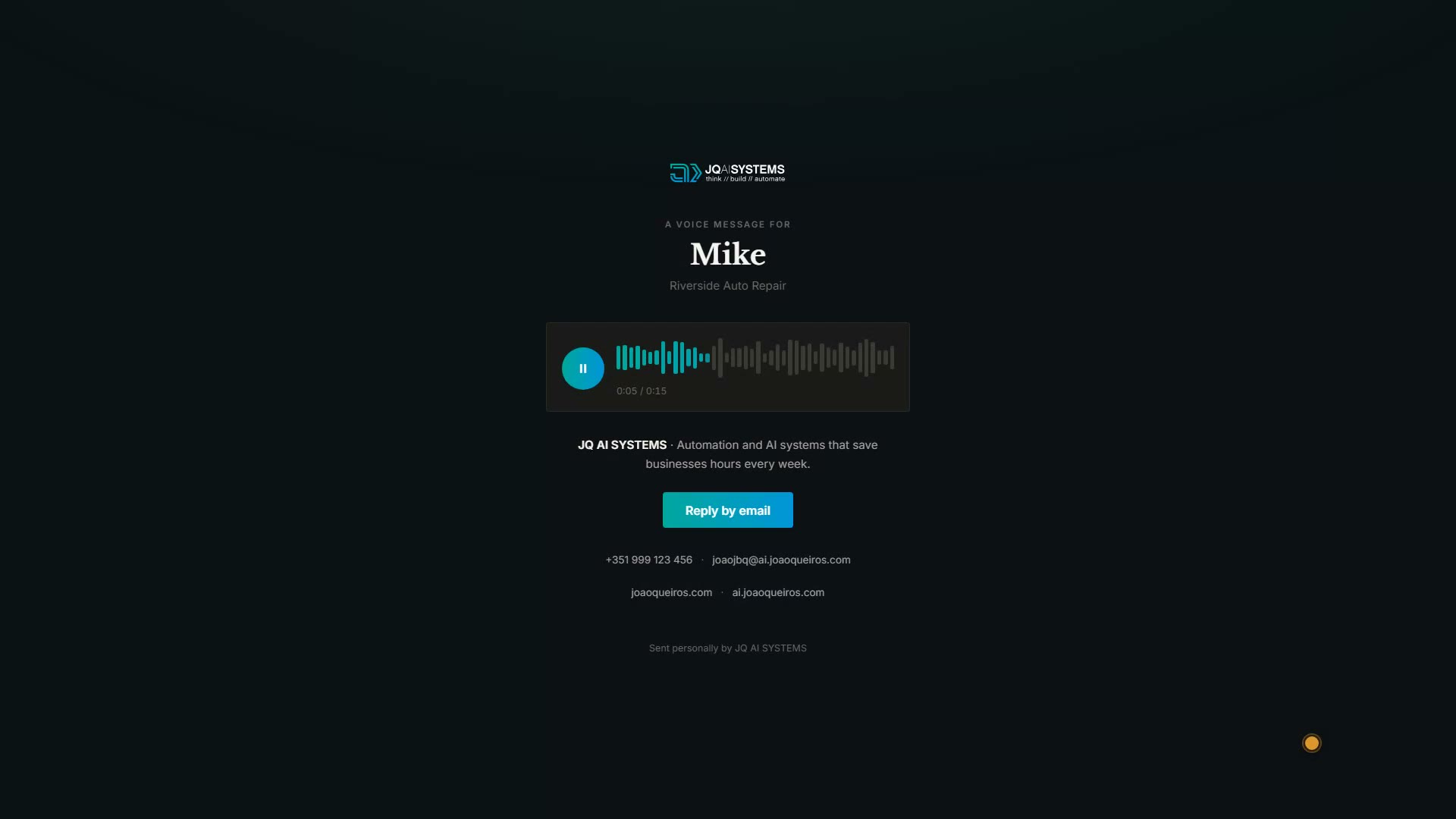
Build pages: a branded player page per lead, their name on it, your voice inside it, a reply one tap away. Download the site as a folder and host it anywhere.
Films and video tutorials
The films
Every film below is narrated by a Tembr voice clone, generated on the same GPU that built it. They stream on the product site, and the MP4 files are attached to the latest release if you want them directly.
 The film · 0:57 |
 Trailer · 0:26 |
 Full demo · 2:14 |
 01 · Record your voice · 1:30 |
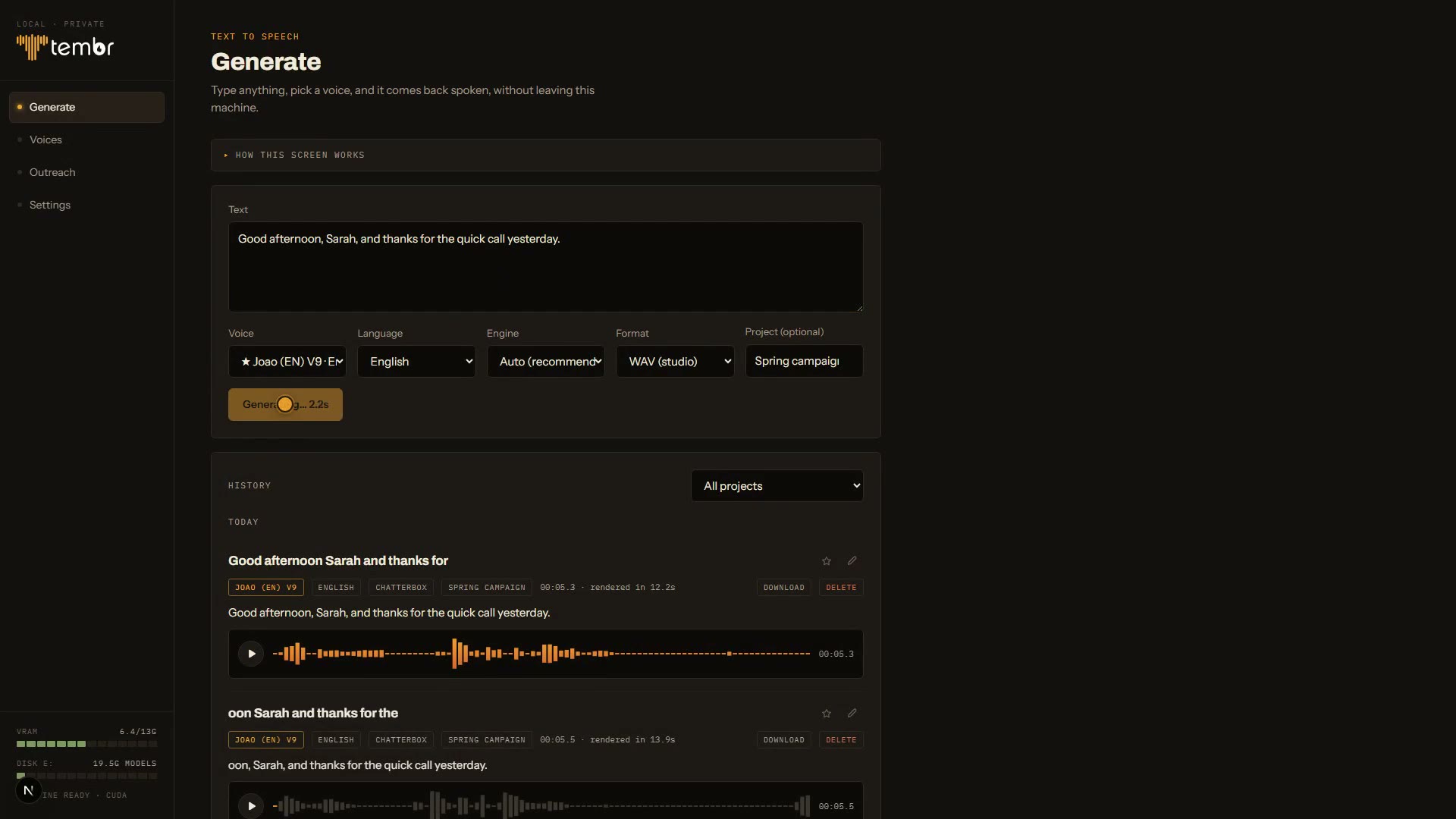 02 · Generate speech · 1:19 |
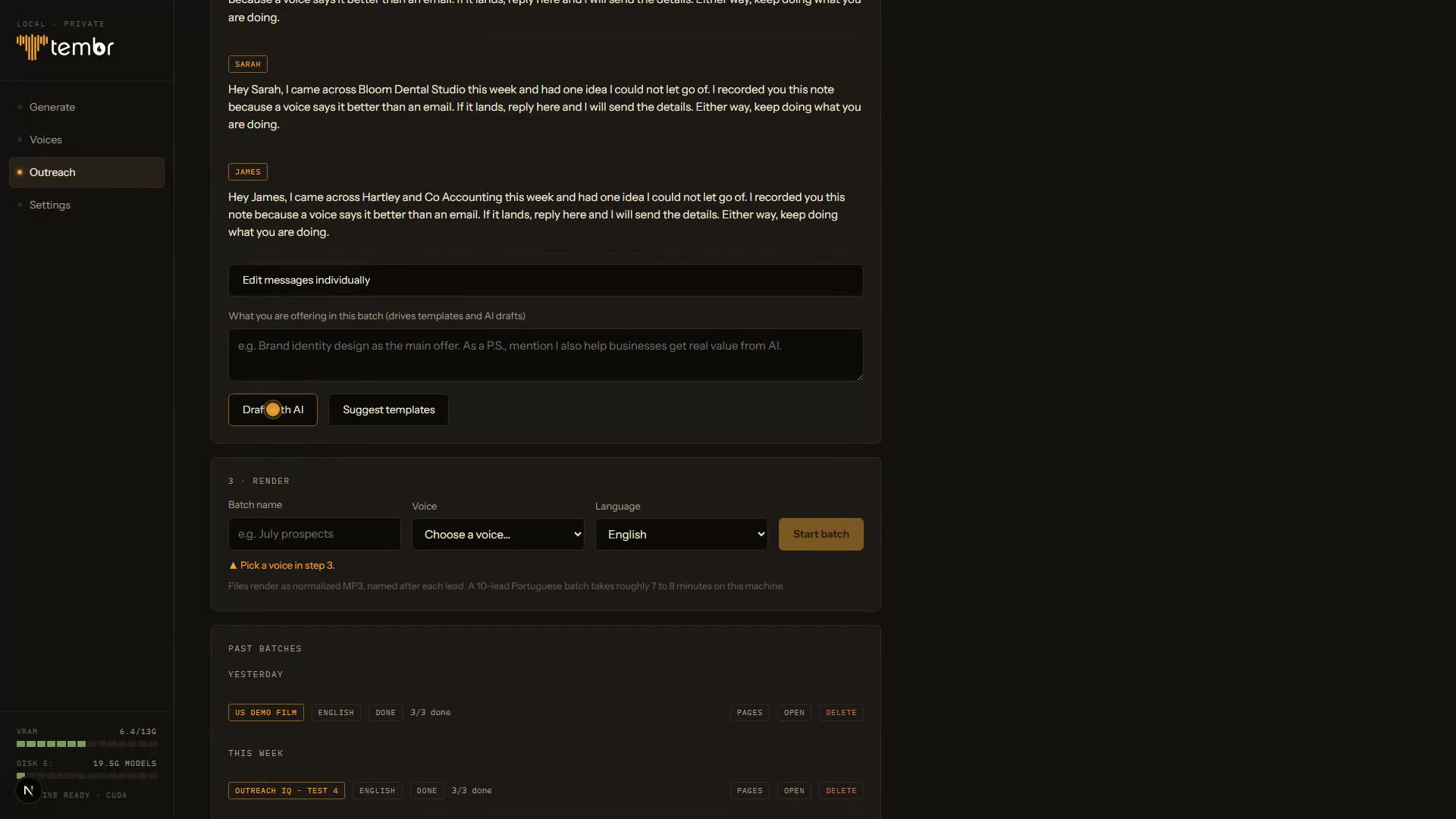 03 · Outreach batch · 1:21 |
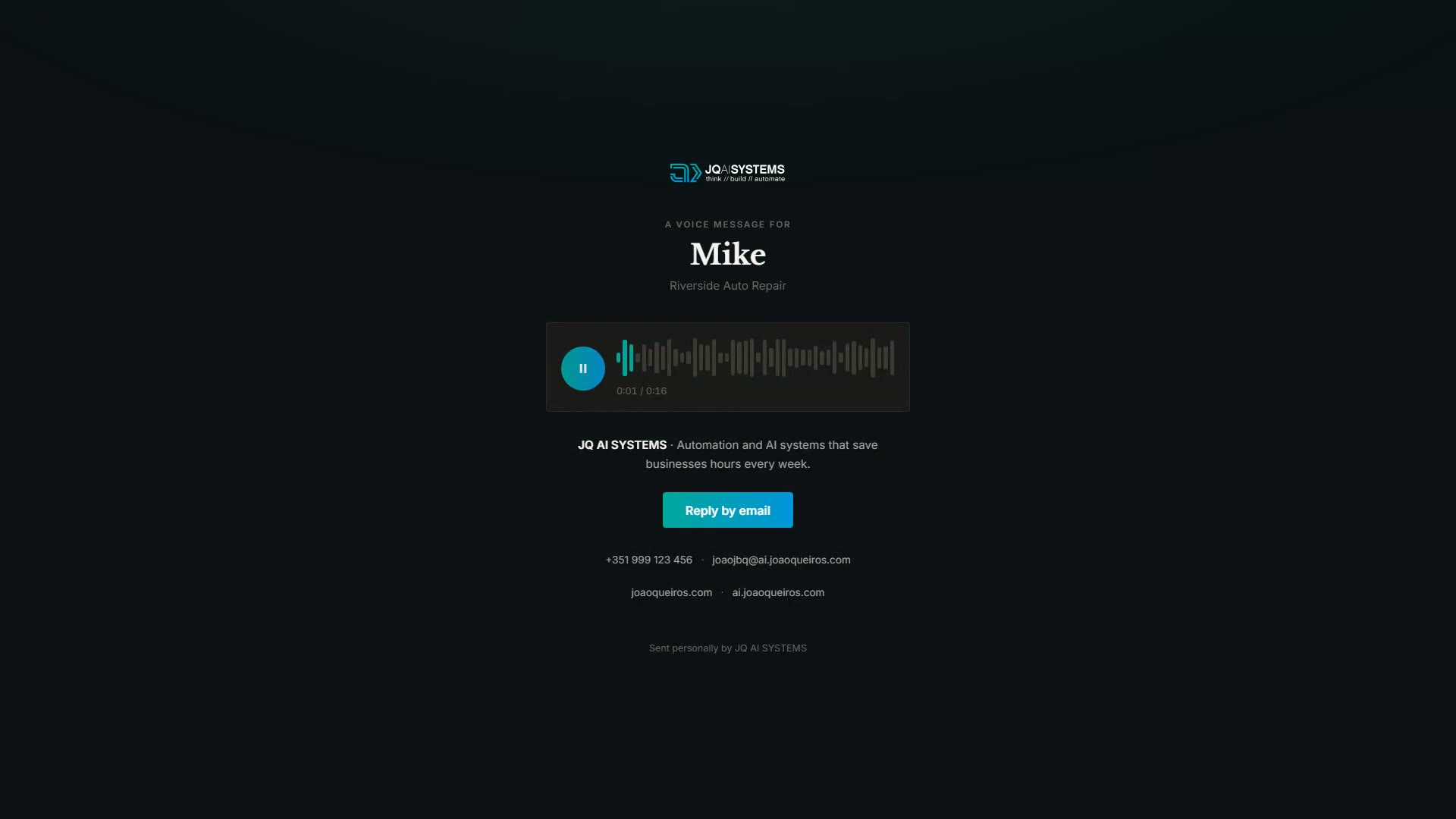 04 · Voice pages · 1:11 |
How cloning works (and why length matters)
The zero-shot engine conditions its decoder on roughly the first ten seconds of whatever reference file it is handed, and its accent-carrying token prompt on the first six; the rest of a recording feeds only a weak averaged embedding. Tembr therefore scans your whole take for its strongest ten seconds (the most voiced, most pitch-alive stretch, snapped to a speech onset) and conditions on that window instead of whatever happened to be the stiff first line of your read. The full recording still earns its length: it is the pool the window is found in, it stays with the voice for playback and quality checks, and it becomes training data if you ever fine-tune. Record as long as you comfortably can in one consistent sitting.
Notes from the build
Two more findings that shaped the studio, both paid for by getting it wrong first:
- Meters lose to a human ear. Nine versions of the same voice were measured, compared and ranked. The winner, chosen by listening, was built from an older and technically worse recording, because it had been made in a quieter room. Every automated gate in the pipeline exists to catch what the ear should not have to: mangled words, debris after the final syllable, energy drifting mid-read.
- Never patch audio to fill a gap. An early narration had its pauses filled with mirrored audio to smooth the timing. It read back as a clear echo of the preceding word, because a mirrored waveform is a perfect palindrome. Takes ship exactly as the model rendered them, trimmed at word boundaries and never spliced.
The full build notes are in the case study.
Engines and credits
- Chatterbox by Resemble AI (MIT) is the default engine and covers most languages.
- Qwen3-TTS by the Qwen team (Apache 2.0) serves European Portuguese, where its accent is truer.
Around them: PyTorch + CUDA, faster-whisper, FastAPI, Next.js, SQLite, ffmpeg, and Playwright.
Tembr's own code is MIT licensed (see LICENSE). Voice cloning requires consent: the studio asks for it at every voice creation, and the reference script includes a spoken consent line. Clone only voices you have the right to clone.