
🖥️ Termul Manager
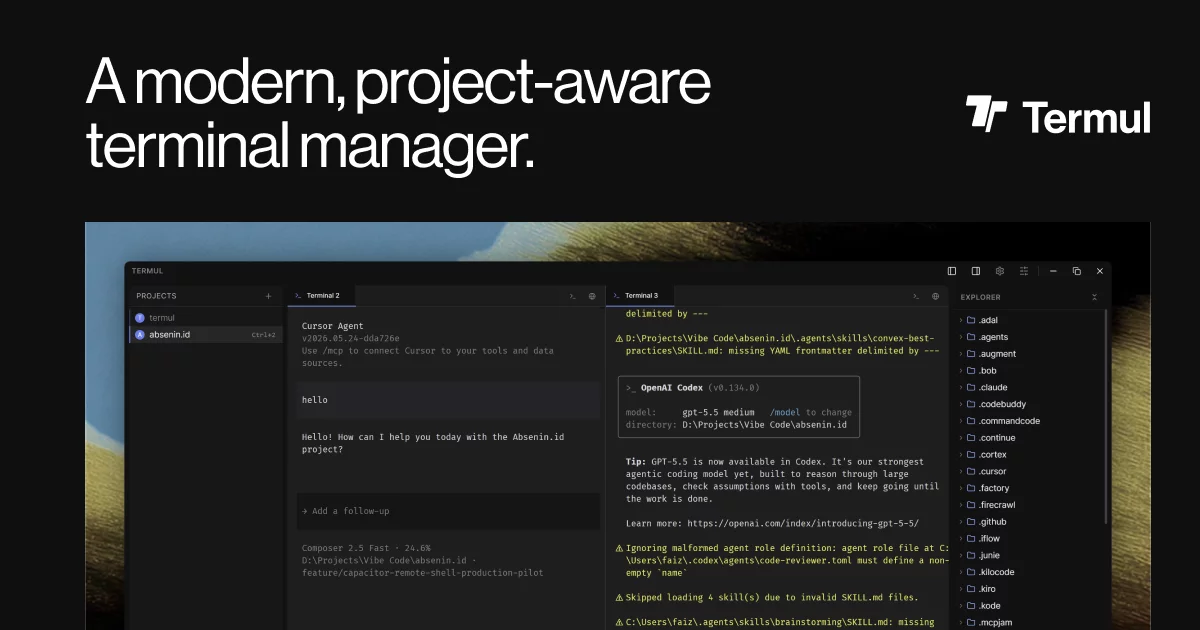
A modern, project-aware terminal manager built with Tauri
Termul treats workspaces as first-class citizens, allowing you to organize terminals by project with persistent sessions, snapshots, and a clean tabbed interface. Each project also gets ACP agent chats and Git and worktree tools, and the app adds SSH sessions and remote access from your phone.


Getting Started · Features · Documentation · Contributing · Report Bug · Request Feature
✨ Features
🪟 Workspace & Terminal Management
| Feature | Description |
|---|---|
| Project-Based Workspaces | Organize terminals by project with dedicated workspace directories, separate state, and per-project configuration |
| Pane-Based Split Layout | Split your workspace into resizable panes and arrange terminals, editors, and browser tabs side by side |
| Tabbed Interface | Windows Terminal-style tab bar with drag-and-drop reordering within and across panes, terminal rename, and a context menu |
| Multiple Shell Support | Detects PowerShell, CMD, Git Bash, and WSL on Windows, and bash, zsh, fish, and sh on macOS and Linux. Pick a shell for each new terminal |
🤖 AI Agents
| Feature | Description |
|---|---|
| Agent Chat | Chat with ACP agents such as Claude Agent, Codex, Gemini CLI, Cursor, and OpenCode in any pane, with a model picker, slash commands, @ file mentions, permission prompts, and a plan view |
| Saved Chats | Termul saves chats per project and lists them in the sidebar. Reopen a chat when its agent can reload a past session |
| Agent Launcher | Start a chat from a prompt in the active pane (Ctrl+T), pick the agent and model, and optionally isolate the chat in a new Git worktree |
| Custom ACP Agents | Add your own ACP agents in Settings, or paste a Zed-style agent_servers config |
| Terminal AI Assist | Right-click selected terminal output and choose Explain with AI or Fix Command with AI. Suggested commands insert at the prompt without running |
🌿 Git & Worktrees
| Feature | Description |
|---|---|
| Changes & Commits | Stage, unstage, and discard files, then commit, amend, push, or publish the branch to origin |
| Partial Staging | Stage or unstage a single hunk or a selection of lines from the diff view |
| Diff Views | Inline and side-by-side diffs with word-level highlighting, opened as tabs |
| History Graph | Commit graph for all branches or the current branch, with search by message, author, or hash |
| Branches & Stash | Search, switch, and create branches, and save, apply, pop, or drop stashes |
| AI Commit Messages | Generate a commit message from the staged diff with the selected ACP agent |
| Worktrees | Create a worktree from any base branch and switch between worktrees from the workspace switcher |
| Status Bar | Shows the current branch, working directory, git status, and the last exit code |
🔐 SSH & SFTP
| Feature | Description |
|---|---|
| Saved Hosts | Save hosts with password, key file, or SSH agent authentication, or import them from ~/.ssh/config. Passwords and passphrases go to the OS keychain |
| SSH Sessions | Each session tab is one connection, and its remote shell runs as a regular Termul terminal. Termul asks you to confirm a new or changed host key by its SHA256 fingerprint |
| SFTP Browser & Editor | Browse, upload, download, rename, and delete remote files, and edit them in place in a built-in editor |
📱 Remote & Mobile
| Feature | Description |
|---|---|
| Remote Access | Turn on remote access from the desktop status bar to open a cloudflared quick tunnel, then scan the QR code to drive your live agent chats from a phone. Requires cloudflared on your PATH |
| termul-server | Standalone Linux server that serves the Termul web client from a headless host, with token auth and opt-in self-update. See Installing termul-server |
| Mobile UI & PWA | Phone-width layout with a chat drawer, a file explorer, and extra terminal keys. Install the web client as a PWA over HTTPS or localhost |
📝 Editor & File Management
| Feature | Description |
|---|---|
| Code Editor | Built-in code editor with syntax highlighting, file buffers, dirty-state tracking, and save/reload |
| Markdown Editor | Rich markdown editing powered by BlockNote with a preview and source toggle and an outline for heading navigation |
| Mermaid Diagrams | Render Mermaid diagrams inline in the markdown preview |
| File Explorer | Full file tree with create, rename, delete, clipboard operations, drag-and-drop, and context menus |
| Project Search | Search file names and file contents from the file explorer with a bundled ripgrep. Results stream in as ripgrep finds them |
| File Watching | Live file watching for real-time updates as files change on disk |
🌐 Browser & Annotation
| Feature | Description |
|---|---|
| Embedded Browser Tabs | Browse the web inside your workspace in child webview tabs, with no app switching |
| Page Annotations | The Agentation toolbar loads into each browser tab. Click elements, text, or areas to attach notes |
⚡ Power User Tools
| Feature | Description |
|---|---|
| Command Palette | Global command launcher (Ctrl+K / Ctrl+Shift+P) for project switching, workspace actions, and more |
| Command History | Per-project and aggregate command history viewer with search (Ctrl+R) |
| Keyboard Shortcuts | Rebind most shortcuts in Settings |
| Custom Title Bar | Frameless window with built-in window controls on Windows and Linux, and native traffic lights on macOS |
🔧 System & Reliability
| Feature | Description |
|---|---|
| Auto-Updater | Built-in update infrastructure with signed artifacts — get notified and update without leaving the app |
| State Management | Zustand-powered reactive stores for projects, terminals, workspace layout, editor buffers, browser sessions, and settings |
| Configurable Settings | Terminal and UI preferences, color picker, theme customization, and shell configuration |
| Cross-Platform | Works on Windows, macOS, and Linux with native platform packaging |
| Error Boundaries | Graceful error handling with runtime error boundaries and user-friendly fallback UI |
🗺️ Feature Map — Component Overview
| Domain | Key Components | Zustand Store |
|---|---|---|
| Workspace | WorkspaceLayout, PaneRenderer, PaneContent, WorkspaceTabBar, NewTabMenu |
workspace-store |
| Terminal | ConnectedTerminal, TerminalAssistPanel |
terminal-store |
| Agents | AgentLauncher, AgentChatPanel, ChatInputBar, CustomAcpAgentDialog |
acp-store |
| Git | ChangesPanel, GitPanel, GitDiffView, GitHistoryPanel, GitBranchPicker |
git-status-store, git-history-store |
| Worktrees | WorkspaceSwitcher, NewWorktreeModal |
— |
| SSH & SFTP | SSHWorkspace, SSHPanel, SSHFileExplorer, SSHFileEditor |
ssh-store |
| Remote & Mobile | RemoteAccessPopover, MobileWorkspaceShell, MobileChatShell |
remote-status-store |
| Editor | EditorPanel, CodeEditor, MarkdownEditor, EditorToolbar, MermaidBlock |
editor-store |
| Browser | BrowserPanel, BrowserControls |
browser-session-store |
| File Explorer | FileExplorer, FileTreeNode, FileTreeContextMenu |
file-explorer-store |
| Snapshots | CreateSnapshotModal, RestoreSnapshotModal, DeleteSnapshotModal |
snapshot-store |
| Projects | ProjectSidebar, NewProjectModal |
project-store |
| Settings | ShortcutRecorder, ColorPickerPopover, ContextBarSettingsPopover |
app-settings-store, context-bar-settings-store, keyboard-shortcuts-store |
| Updates | UpdateAvailableToast |
updater-store |
| Shared | CommandPalette, GlobalContextMenu, ConfirmDialog, ErrorBoundary |
— |
📸 Screenshots
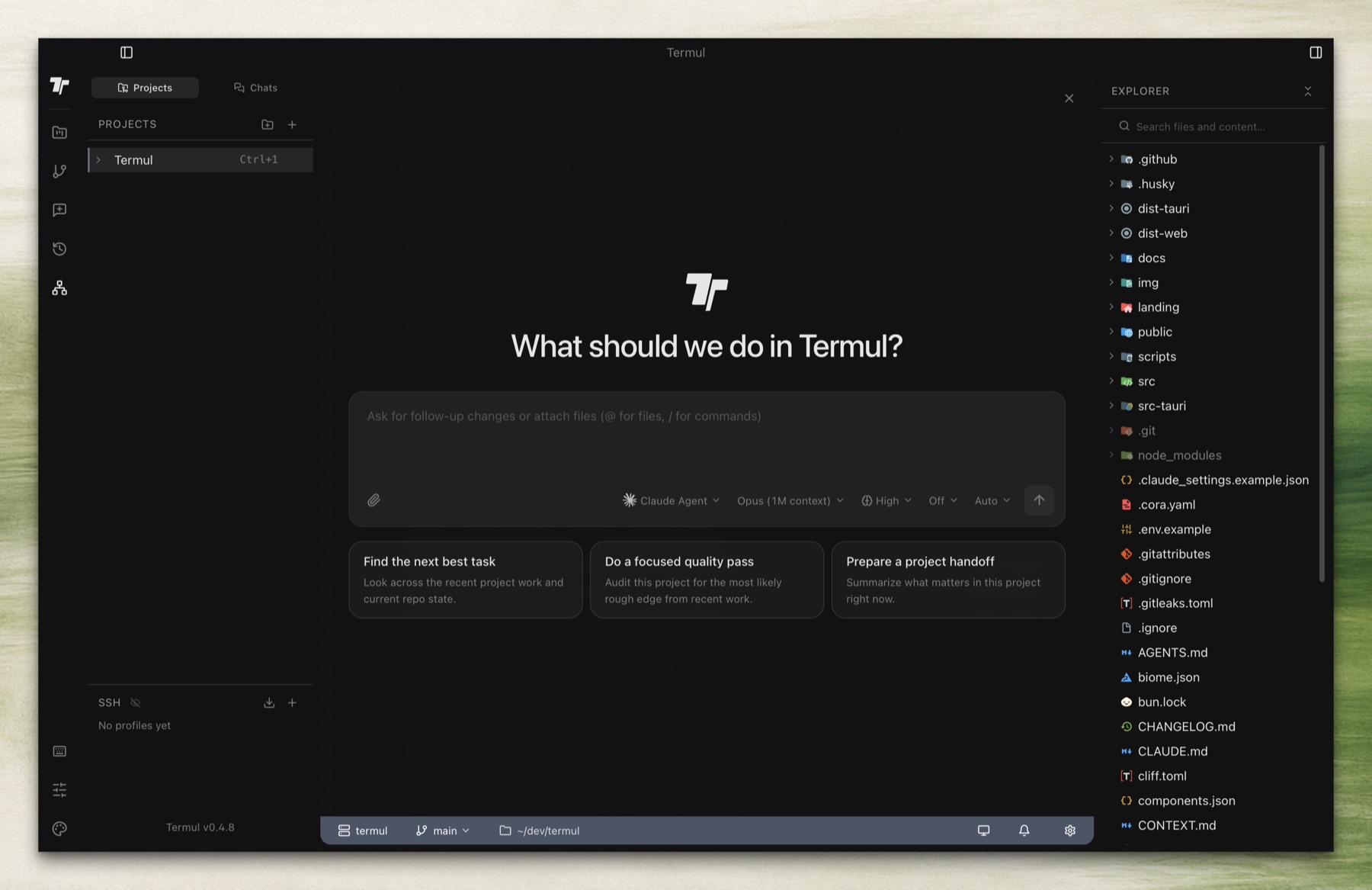
Home
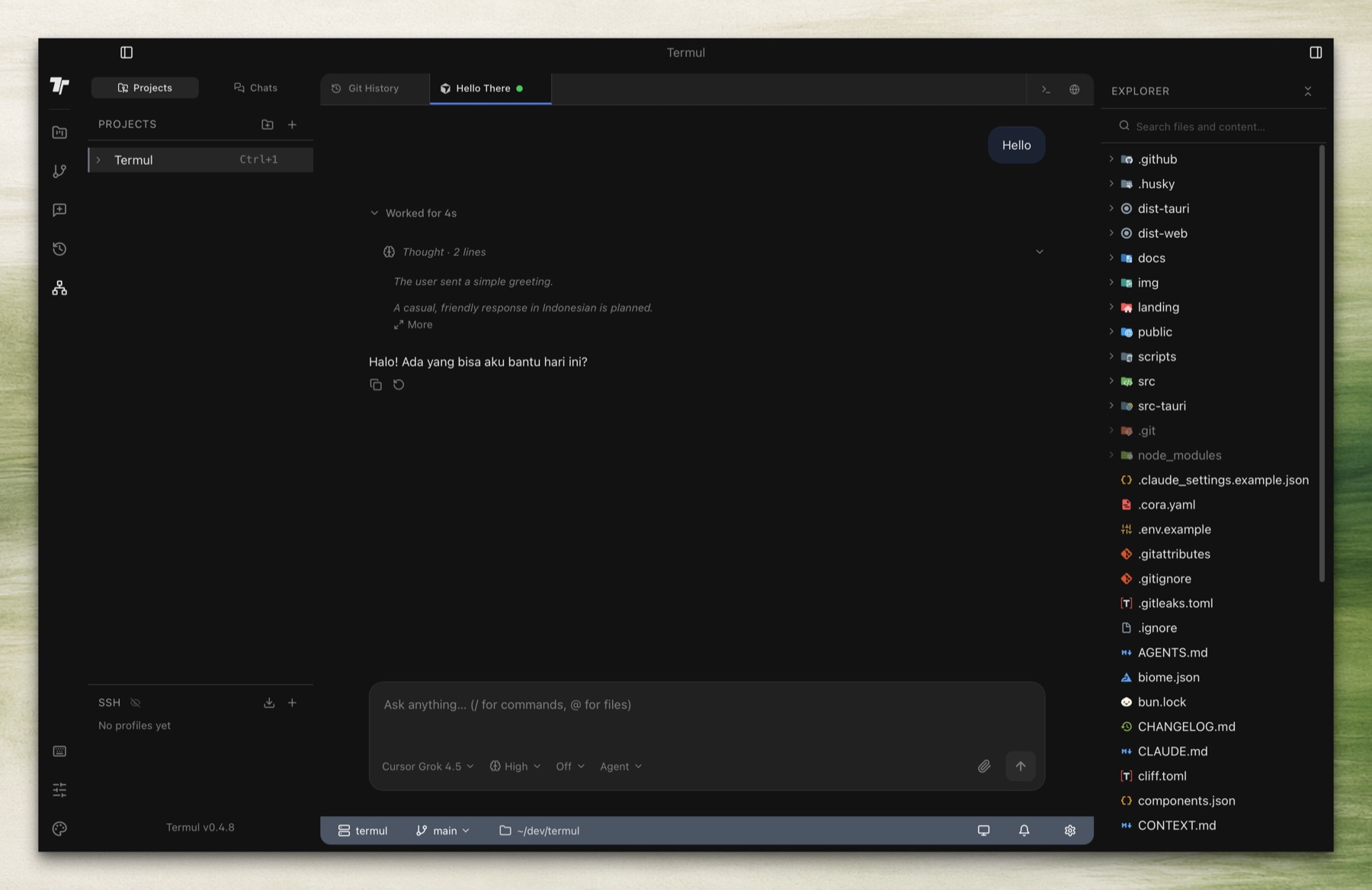
Agent Chat
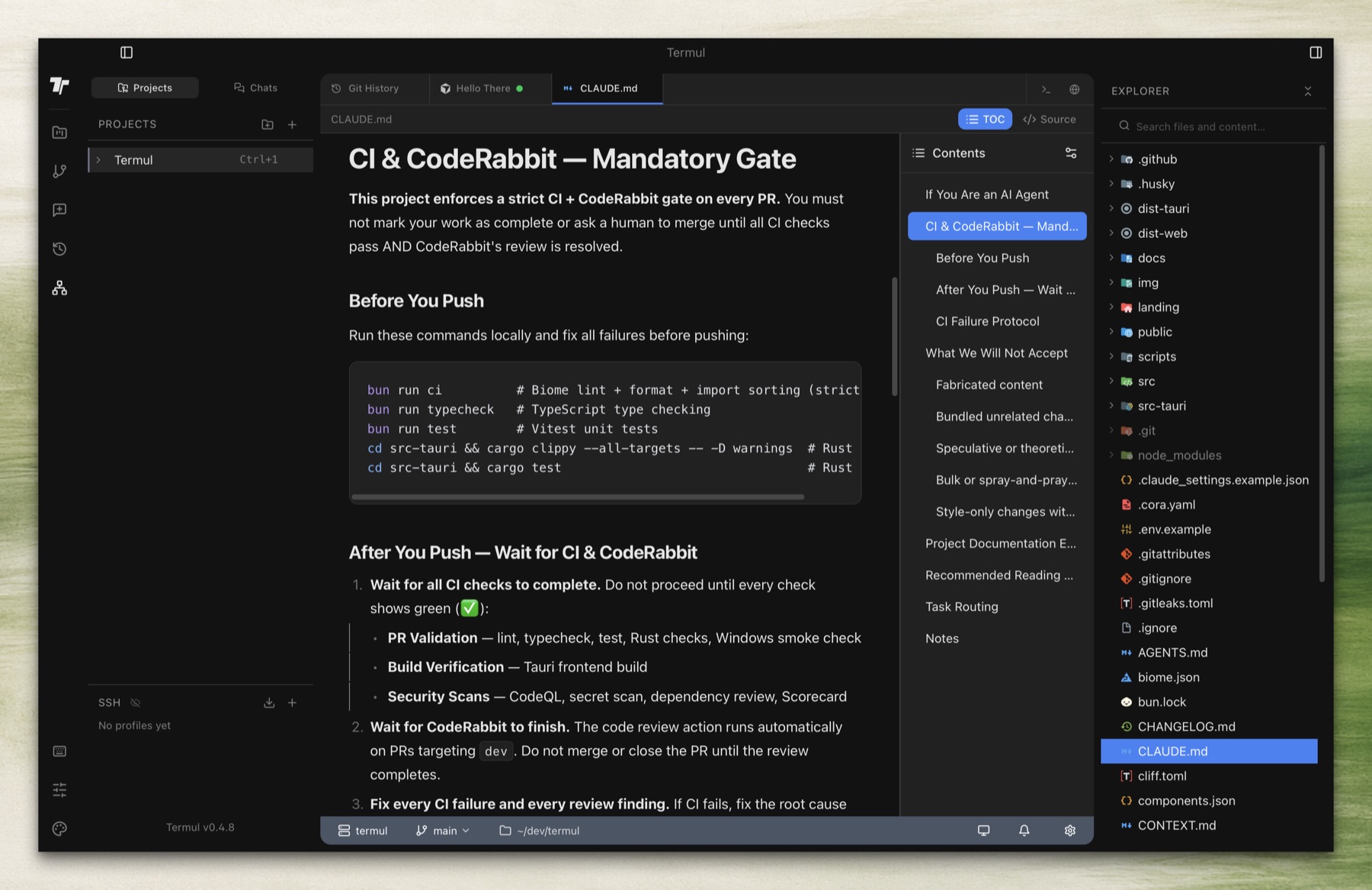
Markdown Editor
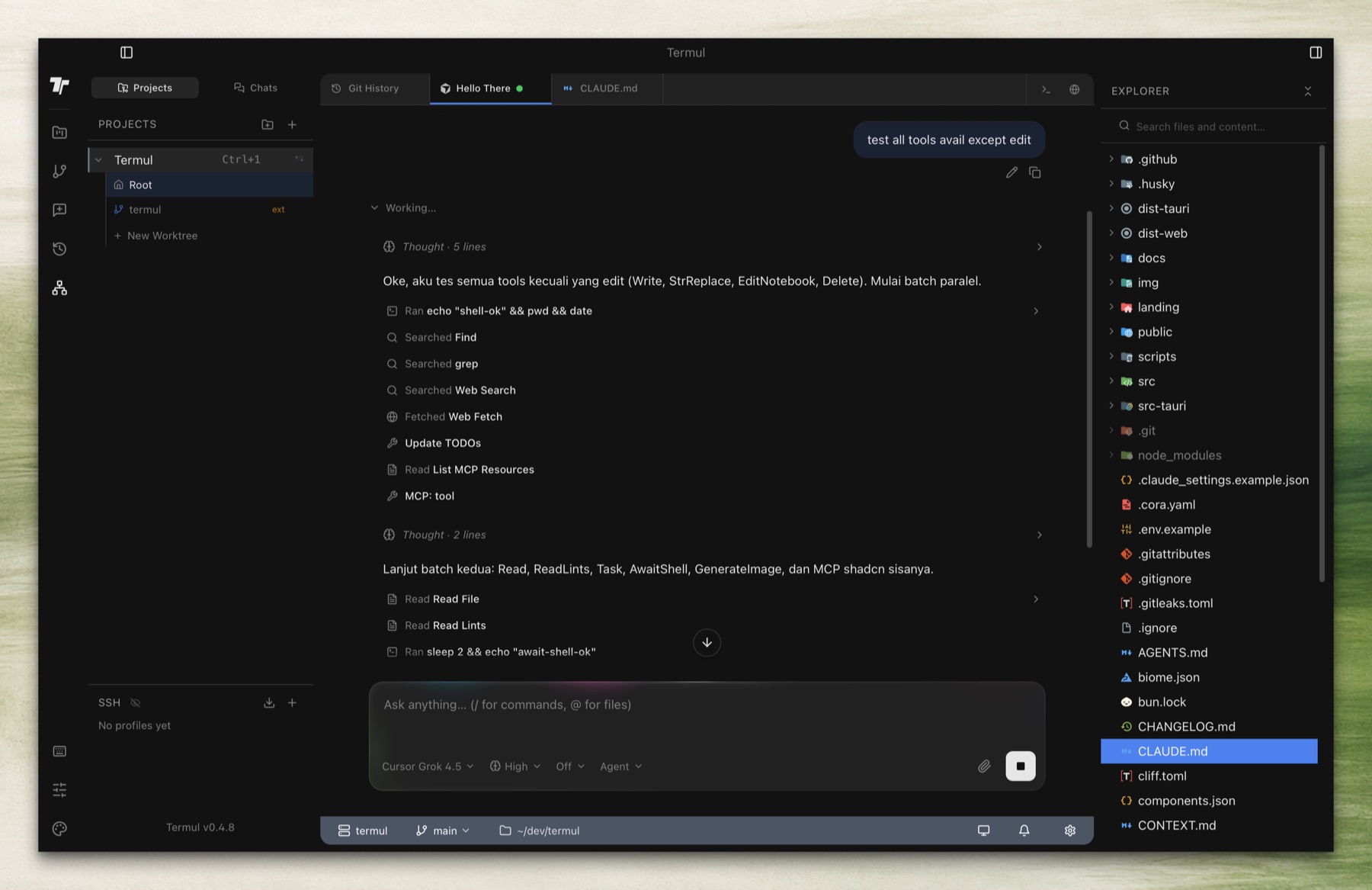
Agent Tools
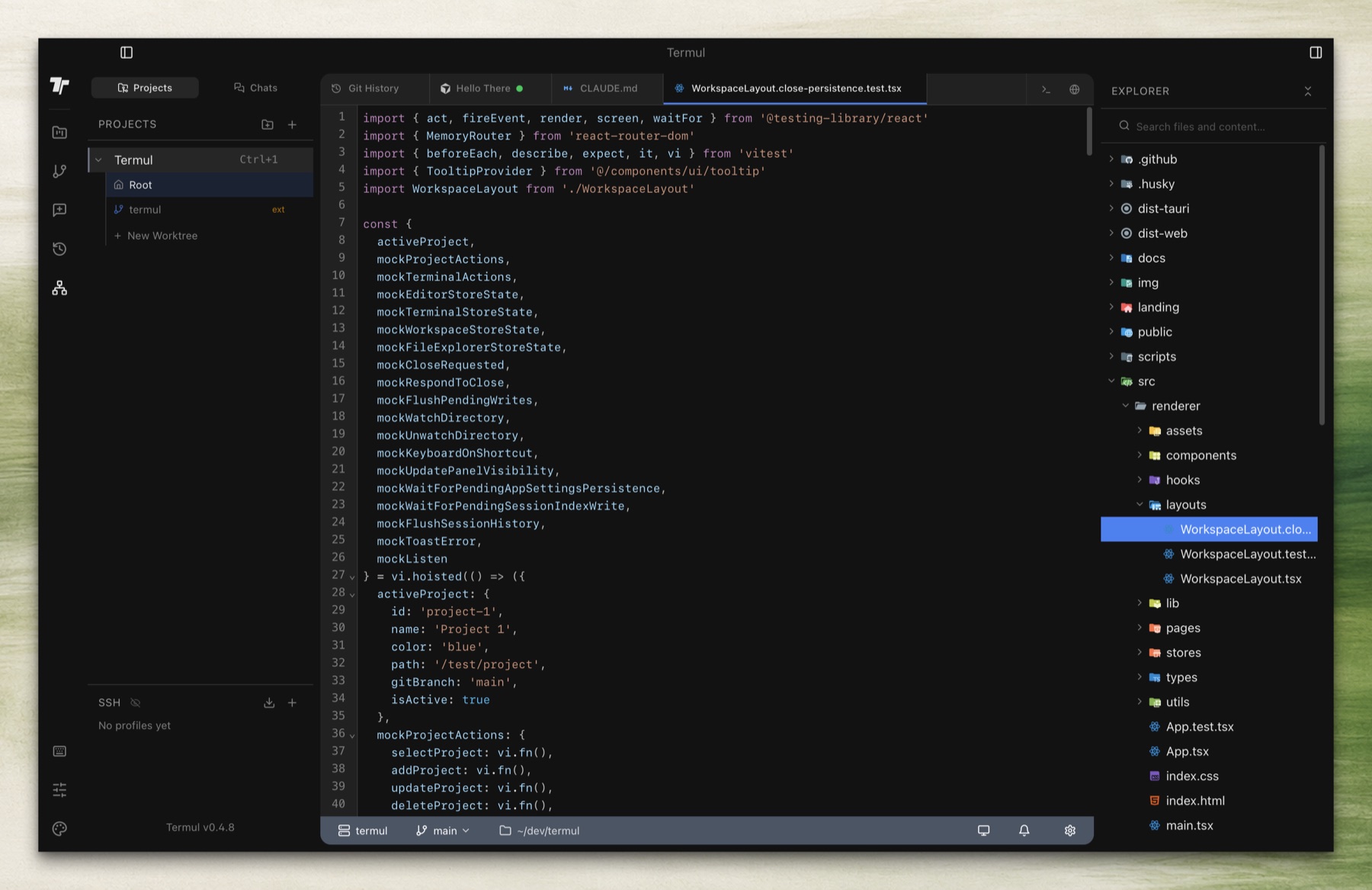
Code Editor
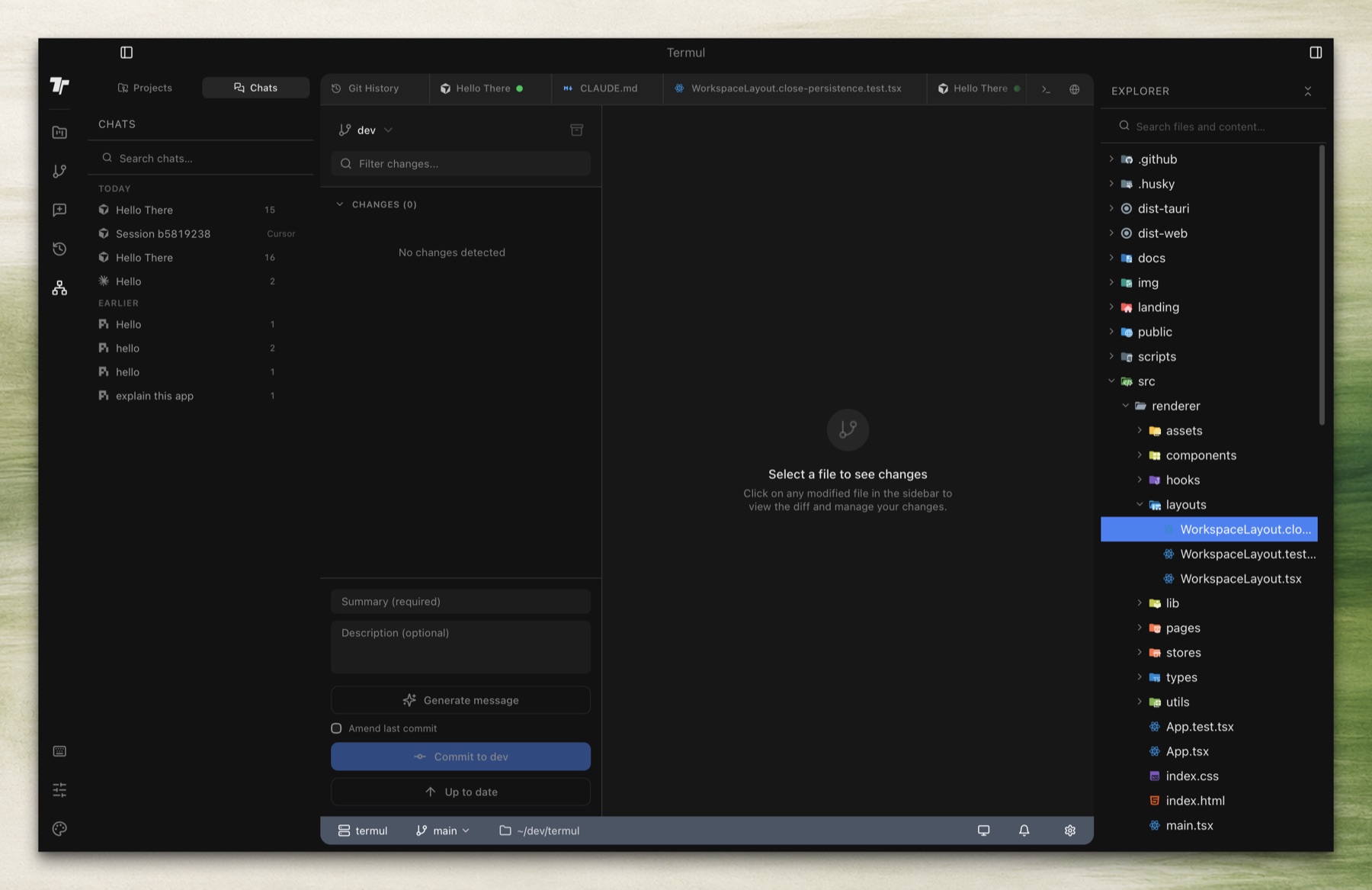
Git Panel
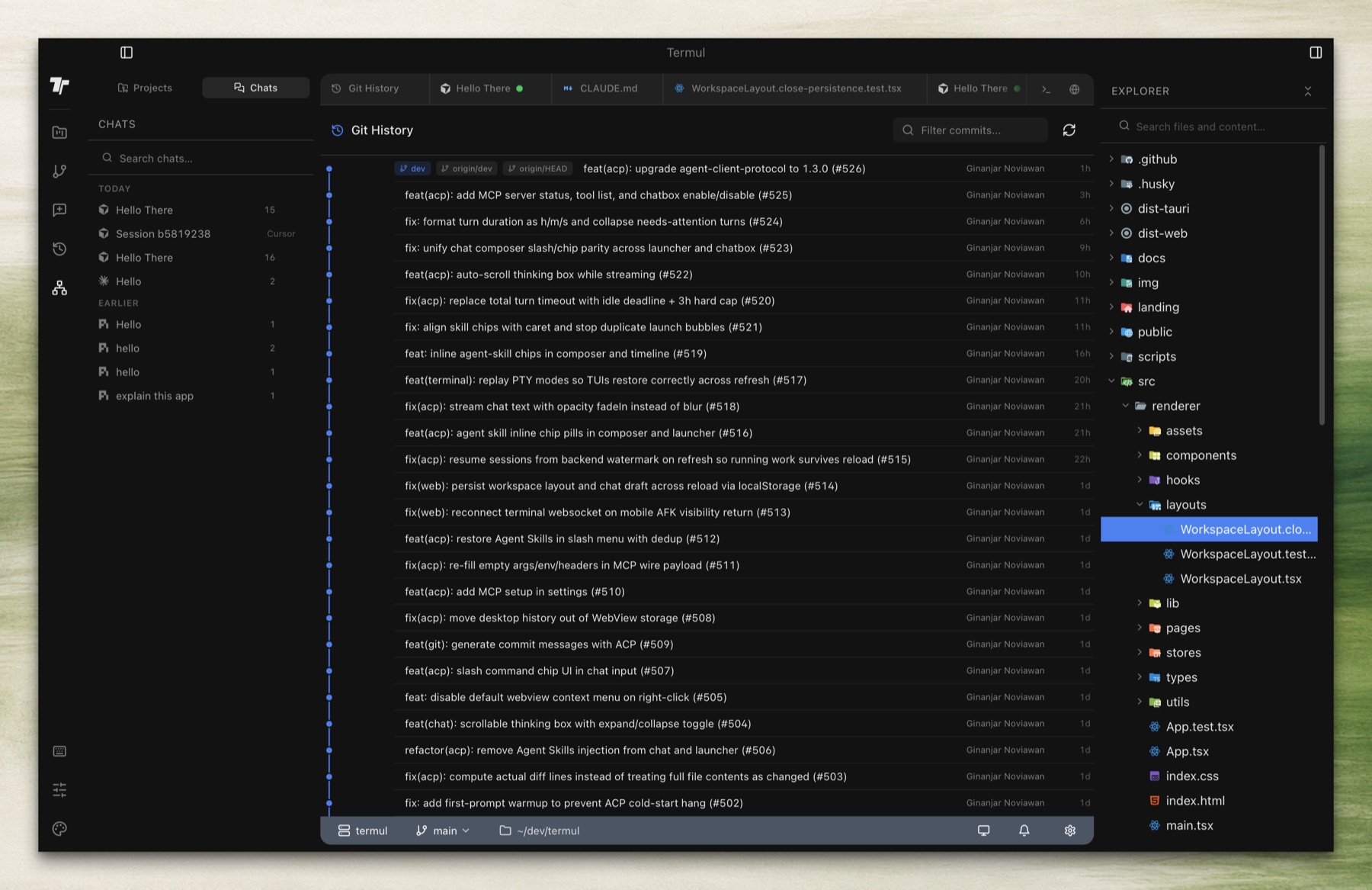
Git History
📦 Install
Homebrew (macOS)
brew tap gnoviawan/termul
brew install --cask termul
curl (macOS/Linux)
curl -fsSL https://raw.githubusercontent.com/gnoviawan/termul/main/scripts/install.sh | bash
Windows users should install the .exe or .msi from GitHub Releases. Manual DMG downloads in a browser may still hit Gatekeeper, so macOS users should prefer Homebrew or curl.
🚀 Getting Started
Prerequisites
| Dependency | Version | Notes |
|---|---|---|
| Bun | 1.3+ | JavaScript runtime and package manager |
| Rust | Latest stable | Required for Tauri builds |
Platform-Specific Requirements
Windows
- Microsoft Visual C++ Build Tools (included in Visual Studio 2022)
- WebView2 Runtime (pre-installed on Windows 10+)
macOS
xcode-select --install
Linux (Debian/Ubuntu)
sudo apt update
sudo apt install libwebkit2gtk-4.1-dev \
    build-essential curl wget file \
    libxdo-dev libssl-dev \
    libayatana-appindicator3-dev \
    librsvg2-dev patchelf
The agent browser needs WebKitGTK 2.40 or later at runtime, because it calls webkit_web_view_call_async_javascript_function. On an older WebKitGTK, such as an Ubuntu 22.04 install without updates, the app can fail to load. Debian 12, Ubuntu 24.04 and an updated Ubuntu 22.04 meet it.
Linux (Fedora)
sudo dnf install webkit2gtk4.1-devel \
    gcc gcc-c++ libopenssl-devel \
    appindicator-devel librsvg2-devel \
    patchelf
The agent browser also needs WebKitGTK 2.40 or later at runtime on Fedora.
Install Rust Toolchain
curl --proto '=https' --tlsv1.2 -sSf https://sh.rustup.rs | sh
rustc --version && cargo --version
Quick Start
# Clone the repository
git clone https://github.com/gnoviawan/termul.git
cd termul

# Install dependencies
bun install

# Launch in development mode
bun run dev
Landing Page
This repository also includes a standalone Vite landing page under landing/.
# Install landing page dependencies (from landing/)
cd landing && bun install

# Start the landing page dev server
bun run landing:dev

# Lint the landing page
bun run landing:lint

# Build the landing page for production
bun run landing:build
Building for Production
# Build for your current platform
bun run build

# Platform-specific builds
bun run build:tauri:win        # Windows (x64)
bun run build:tauri:mac-arm    # macOS (Apple Silicon)
bun run build:tauri:mac-x64    # macOS (Intel)
bun run build:tauri:linux      # Linux (x64)

# Debug build (faster compilation, larger binary)
bun run build:tauri:debug
Build output: src-tauri/target/release/bundle/
📖 Documentation
Usage
Creating a Project
- Click the + button in the sidebar and choose New project, or press
Ctrl+N - Select a workspace directory
- Configure your default shell under Advanced (optional)
Terminal Tabs
| Action | How |
|---|---|
| New terminal | Click + next to the tabs and pick a shell |
| Reorder tabs | Drag and drop, within a pane or to another pane |
| Rename tab | Double-click a terminal tab |
| Context menu | Right-click (rename, close, close others, kill process) |
Keyboard Shortcuts
| Action | Default Shortcut |
|---|---|
| Agent Launcher | Ctrl+T |
| New Project | Ctrl+N |
| Command History | Ctrl+R |
| Next Tab | Ctrl+PageDown |
| Previous Tab | Ctrl+PageUp |
| Command Palette | Ctrl+K / Ctrl+Shift+P |
Shortcuts are customizable in Settings. On macOS, use
Cmdin place ofCtrl. On Tauri/WebView2, browser-reserved shortcuts such asCtrl+Tabare not used as defaults because they are not reliably interceptable.