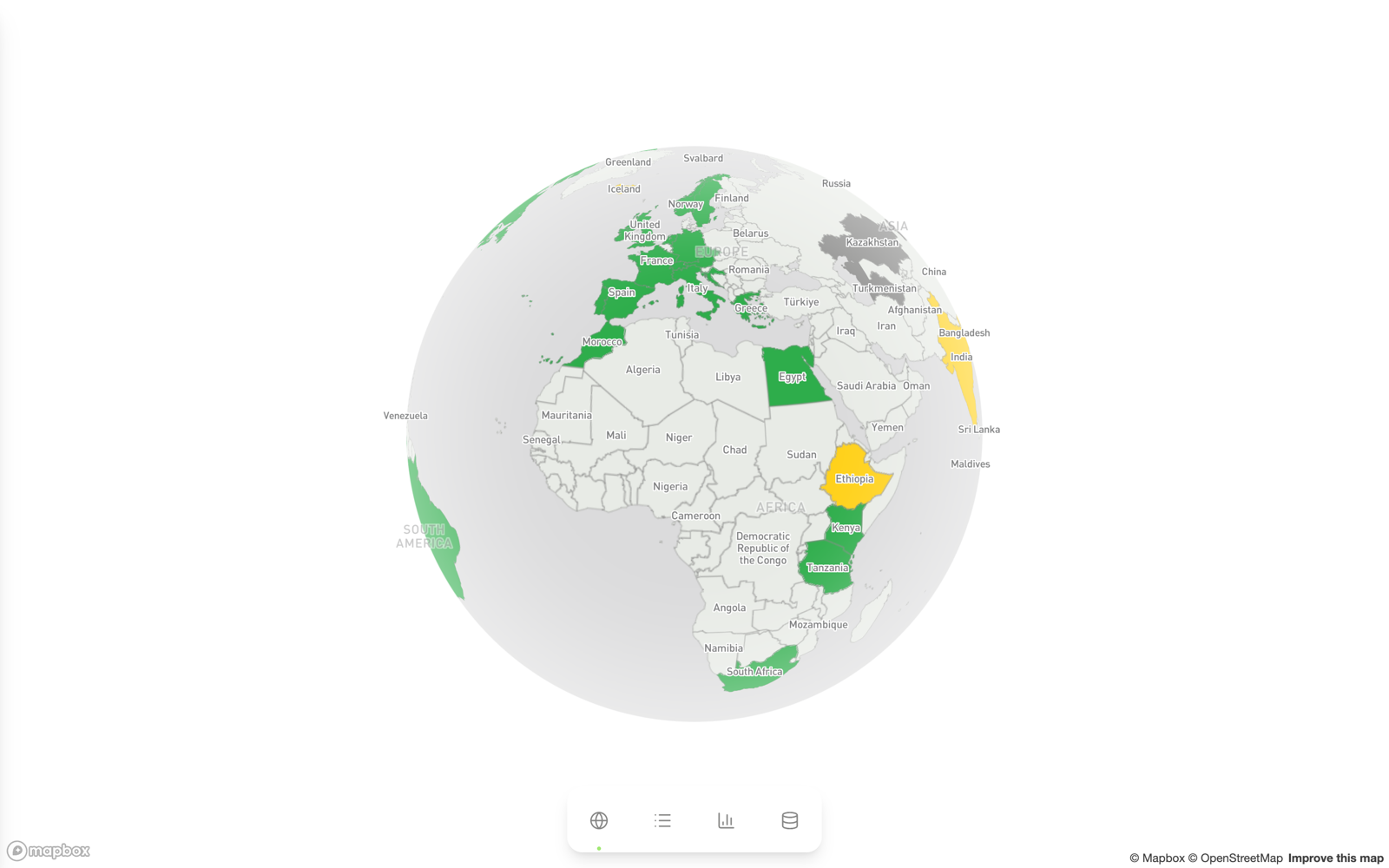
Mark the countries you've visited, want to visit, or aren't interested in, on an interactive globe. Your marks sync to your account, so they follow you across devices.
Features
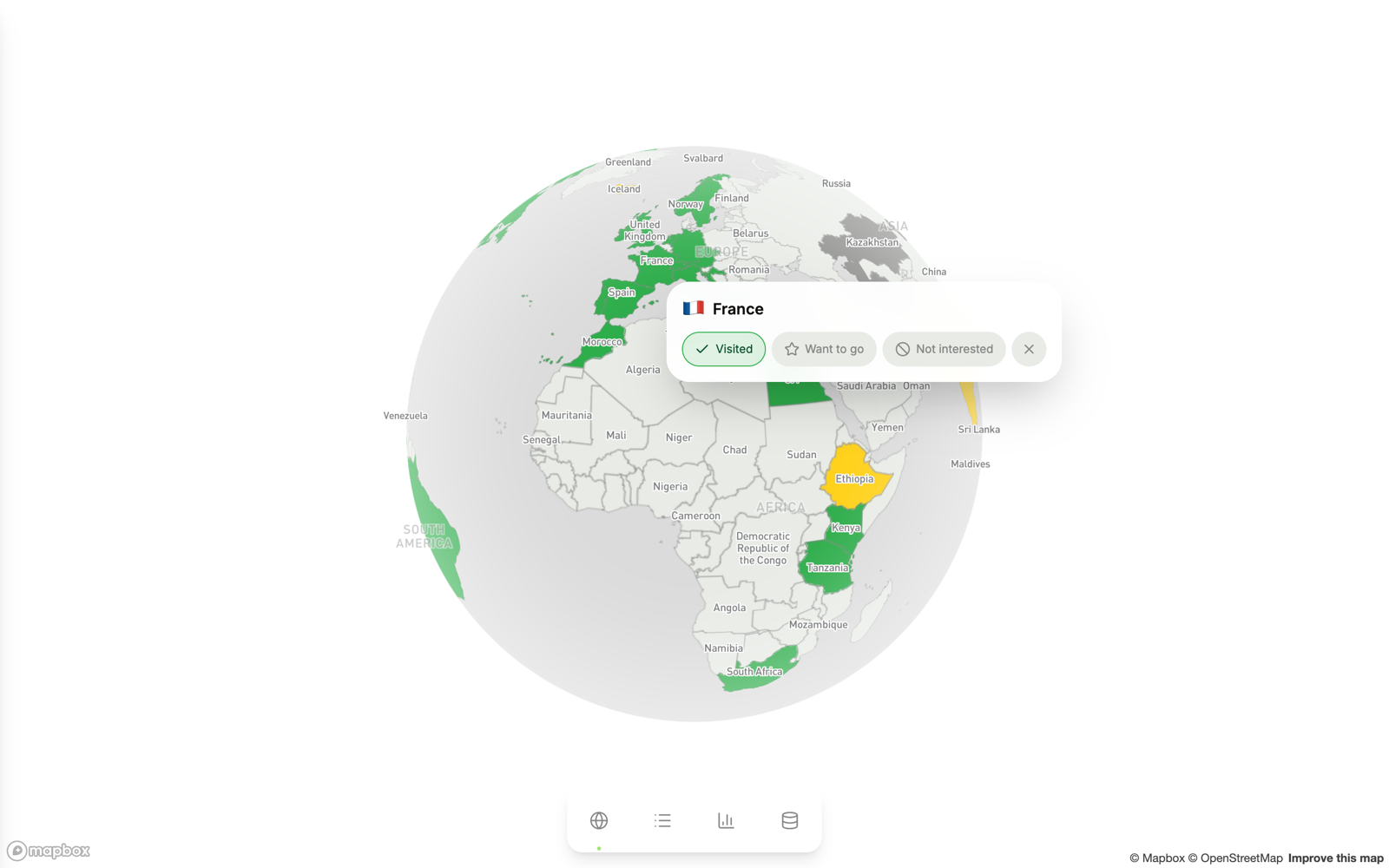
- Interactive globe. Spin and zoom the globe, then click or tap a country to mark it. The globe keeps spinning until you interact with it.
- Three states per country. Visited, Want to go, and Not interested. Select the active state again, or use the clear button, to remove a mark.
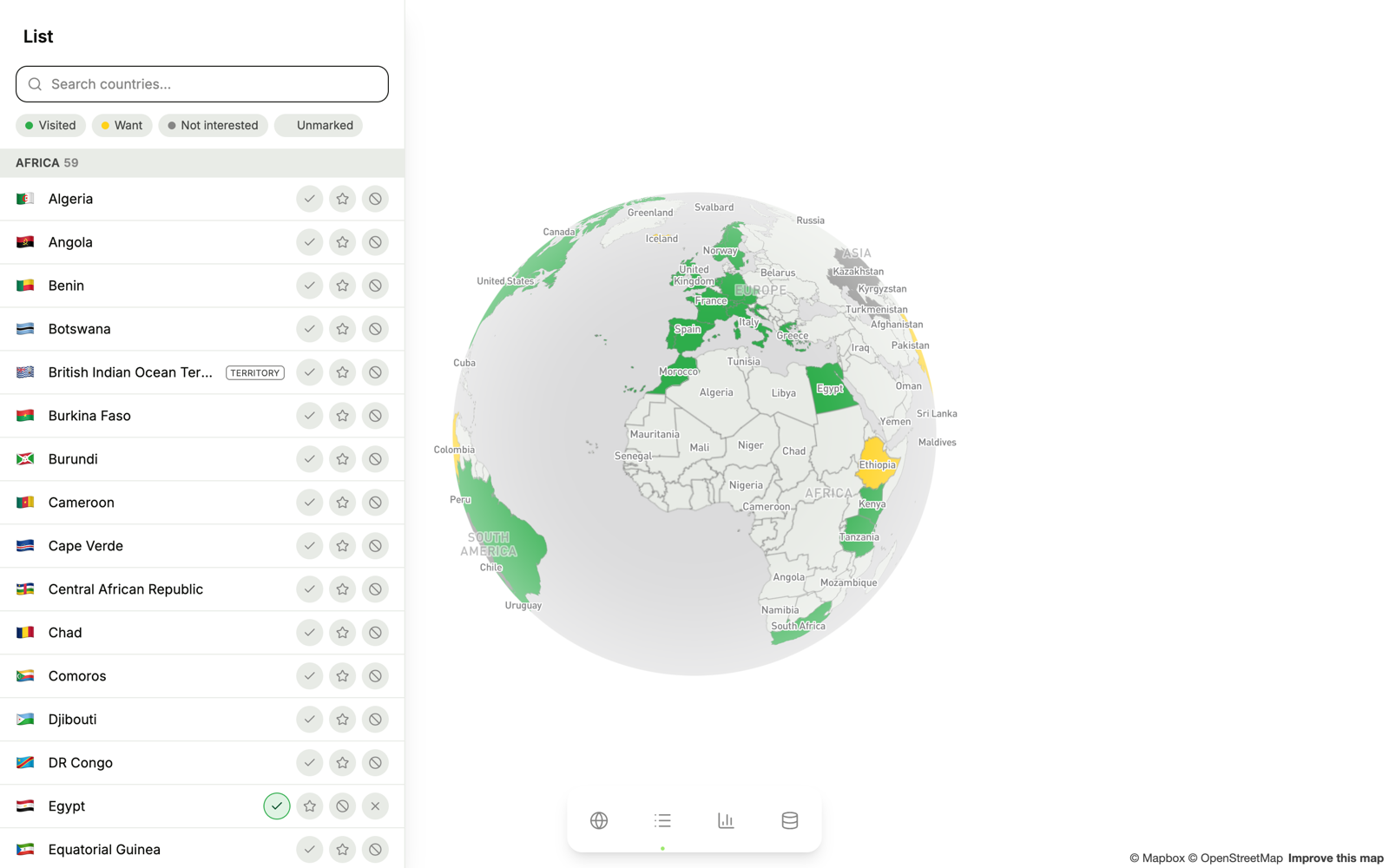
- Searchable list. Every country grouped by continent, with search and filters by state. Territories are labeled.
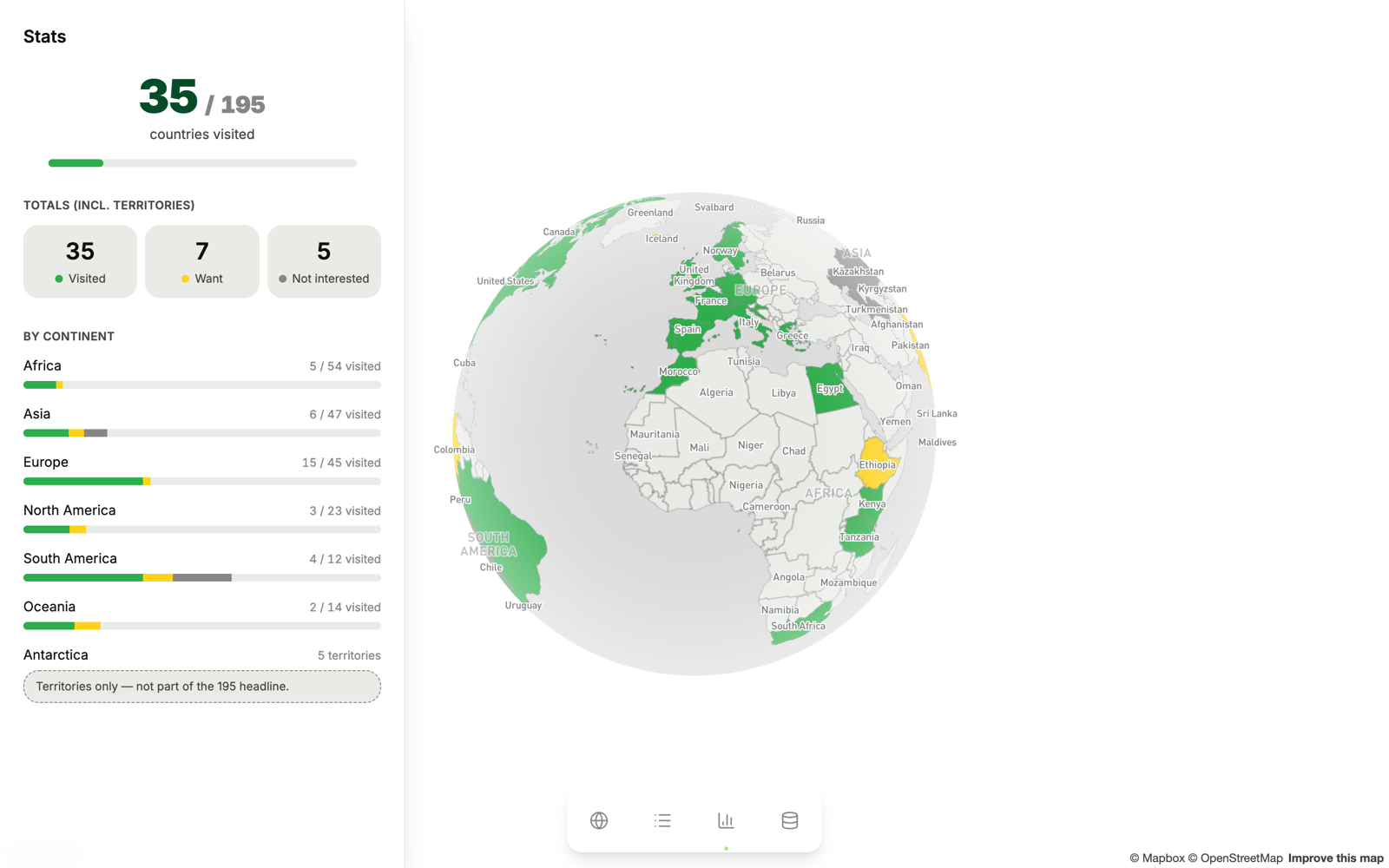
- Stats. Progress toward the 195 countries in the headline count, with totals per state and a breakdown by continent.
- Passwordless sign-in. Enter your email and open the magic link. No passwords.
- Synced to your account. Every change is saved to a Turso (libSQL) database.
- Works on phones. Countries are marked from a bottom sheet, and a tab bar at the bottom holds the navigation.
Screenshots
 |
 |
 |
|
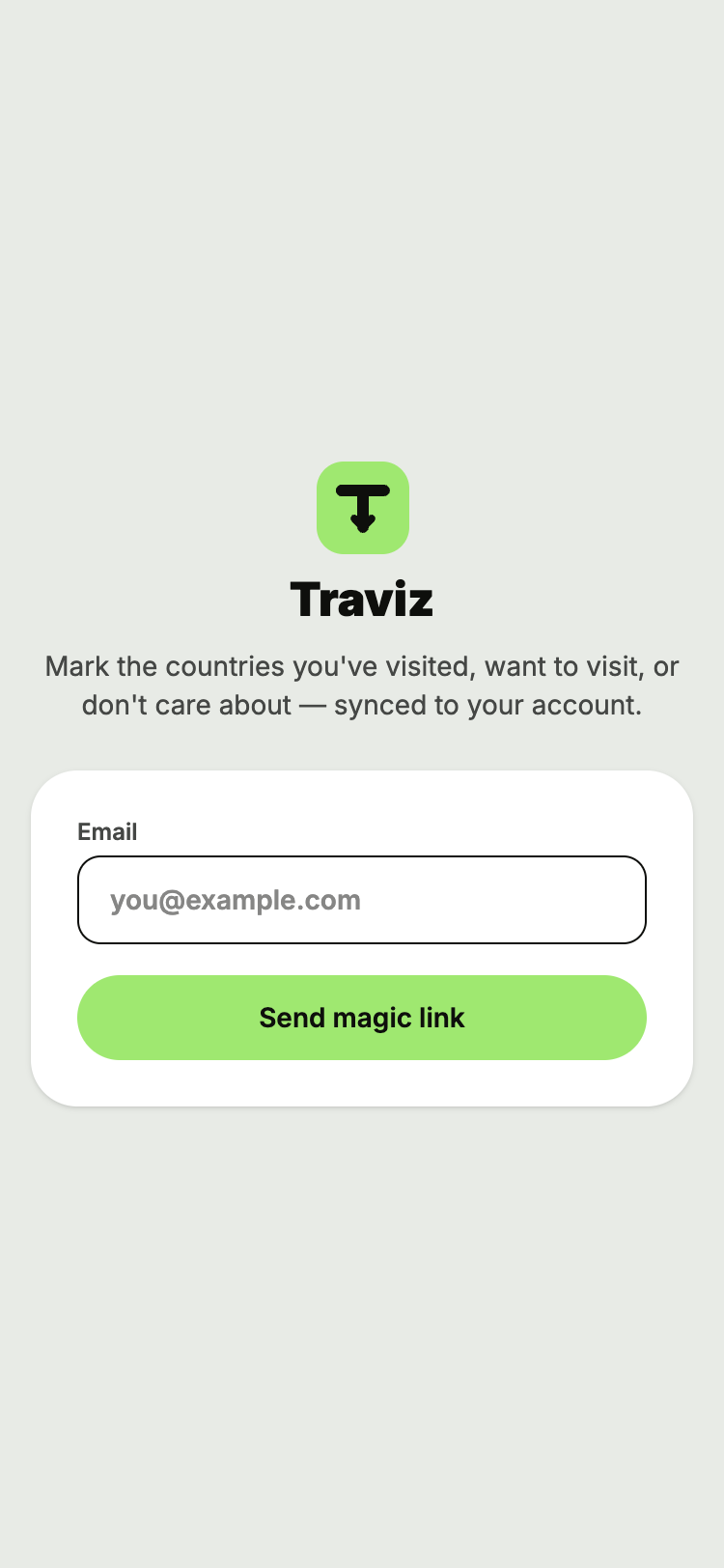
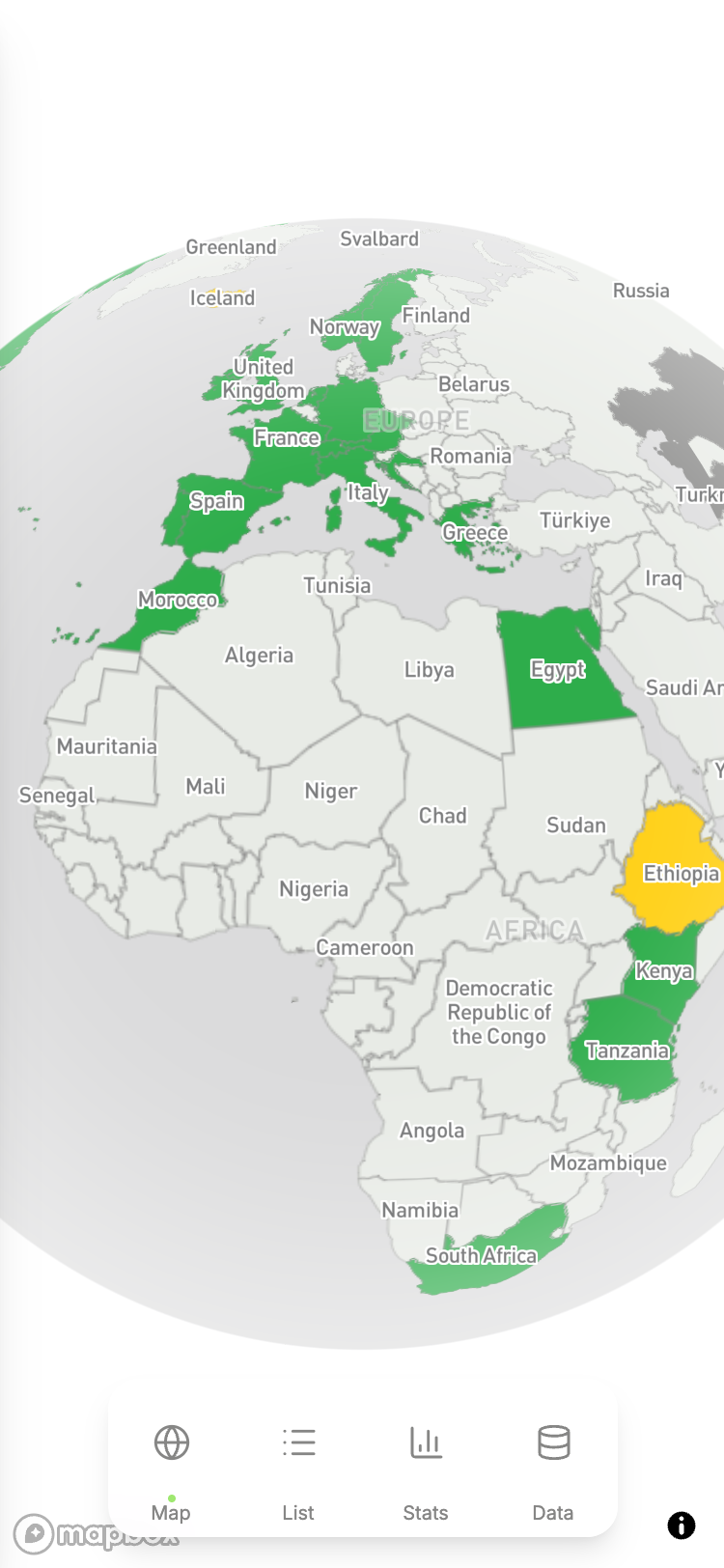
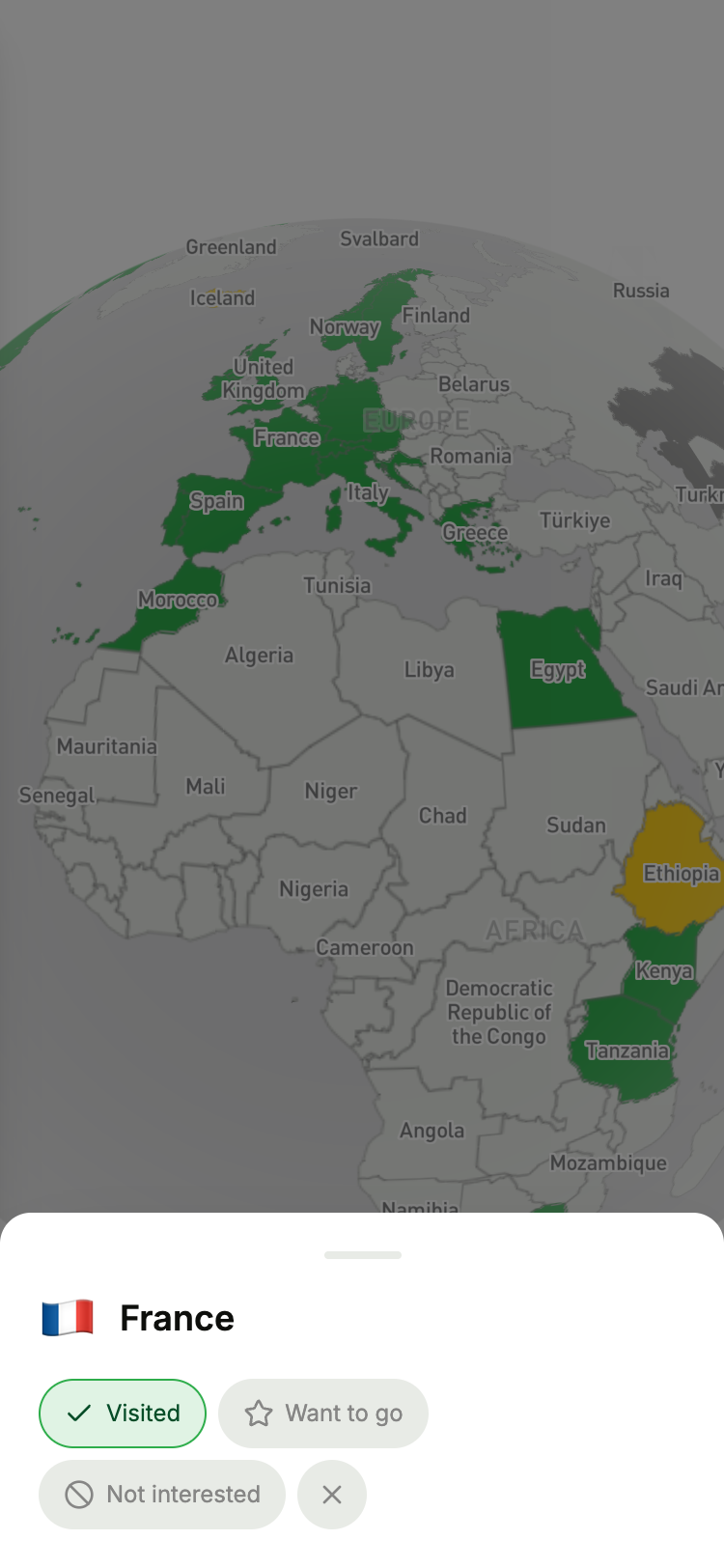
Screenshots show a demo account with sample marks, captured from a local production build.
Getting started
Quick setup for local development
bun install
bun run setup
bun run dev
bun run setup fills in .env.local for this worktree and keeps any value already there. It needs the clerk CLI logged in and linked to this app through the git remote. It does the following:
- Pulls the Clerk development keys with
clerk env pull --instance dev. It refuses to write apk_live_orsk_live_key. - Sets
TURSO_DATABASE_URL=file:.data/dev.dband runsbun run db:migrate. Marks live in.data/dev.dbinside each worktree, so no worktree writes a shared database. Setup refuses to run when.env.localor the process environment (shell or.env) names a remote database, a database file outside this worktree's.data/or a live Clerk key. - Creates the Clerk development user
agent+clerk_test@example.comif it does not exist yet.
.env.example lists the same variables.
To get a signed-in session without opening an email, run bun run sign-in-token. It prints a sign-in token for the development user that lasts 10 minutes. Open /sign-in, then run this in the browser console with the token as ticket, after window.Clerk.loaded is true:
const signIn = await window.Clerk.client.signIn.create({ strategy: "ticket", ticket });
await window.Clerk.setActive({ session: signIn.createdSessionId });
The steps below set up the app by hand, for production or for a remote database.
Prerequisites
- Node.js 20.9 or later (required by Next.js 16)
- Bun 1.4.3, the version CI pins. Bun does not check the
devEnginesversion, so another version installs without a warning - A Turso database
- A Clerk application set up for email link sign-in only
Install
bun install
Configure environment variables
Create a .env.local file in the project root:
NEXT_PUBLIC_CLERK_PUBLISHABLE_KEY=pk_test_your_clerk_publishable_key
CLERK_SECRET_KEY=sk_test_your_clerk_secret_key
TURSO_DATABASE_URL=libsql://your-database.turso.io
TURSO_AUTH_TOKEN=your_turso_auth_token
| Variable | Purpose |
|---|---|
NEXT_PUBLIC_CLERK_PUBLISHABLE_KEY |
Public Clerk key used to render sign-in and load the session in the browser. |
CLERK_SECRET_KEY |
Secret Clerk key used on the server to verify sessions. Never expose it to the client. |
TURSO_DATABASE_URL |
libSQL URL of the database that stores marks. |
TURSO_AUTH_TOKEN |
Auth token for that database. |
Both Clerk keys are on the API Keys page of your Clerk dashboard.
The Clerk instance must use email link (magic link) sign-in only: no password or social providers.
Set up the database
bun run db:migrate
This creates the marks table, which holds one row per user and country.
Run locally
bun run dev
Open http://localhost:3000, enter your email, and open the link in the sign-in email.
Scripts
| Command | What it does |
|---|---|
bun run dev |
Start the Next.js dev server |
bun run build |
Build for production |
bun run start |
Serve the production build |
bun run setup |
Fill in .env.local with development values, migrate .data/dev.db and create the development user |
bun run sign-in-token |
Print a sign-in token for the development user |
bun run perf |
A/B a production build of HEAD against --baseline <ref> (default main) in a throttled, signed-in Chrome |
bun run db:migrate |
Create the marks table |
bun run gen:countries |
Regenerate src/features/countries/countries.generated.ts from the world-countries package. --check fails when it is out of date |
bun run lint |
Lint with Oxlint |
bun run format |
Format with Oxfmt |
bun run typecheck |
Type-check with tsc --noEmit |
bun run check:docs |
Check that the docs name only paths and scripts that exist |
bun run test |
Run the bun tests under src |
bun run test:rules |
Run the lint rule tests in tools/oxlint with Node 24 |
bun run check:bundle |
Check the last build's first-load JS and preloads against bundle-budget.json |
bun run check |
Run CI's checks, except fallow and react-doctor, with a build |
bun run perf refuses a dirty tree, a bun.lock that differs from the baseline (unless --allow-lockfile-diff, for a change that adds or removes dependencies), a bun other than the devEngines pin, a database outside .data/, fewer than 5 runs, and a second run anywhere on the machine (~/.local/state/traviz/perf.lock). AGENTS.md describes the method and how to read the report.
Country data
src/features/countries/countries.generated.ts has 250 entries generated from the world-countries package. Each entry has a kind. The 195 sovereign entries count toward the headline total. The 55 territory entries appear on the map and in the list, but they aren't counted. Each entry also has the center the globe flies to and a hasGlobeLabel flag for its label.
The globe draws the country outlines in src/features/globe/country-topology.generated.ts. They come from the Natural Earth 50m topology in the world-atlas package, keyed by the same codes, simplified and quantized to about 52 KB gzipped. Gibraltar, Tokelau, Tuvalu, Bouvet Island and the US Minor Outlying Islands are too small for that data, so they have no outline, and you mark them from the list or the search.
bun run gen:countries writes both files. They are committed, so only run it after you update world-countries or world-atlas. bun run check runs bun run gen:countries --check, which fails when a committed file differs from a fresh run.
Project structure
.
├── docs/    Screenshots for this README
├── scripts/ Local setup, sign-in tokens, database migration, country generation, and the docs and bundle checks
└── src/
    ├── app/             Routes: / (globe), /list, /stats, and /sign-in
    ├── features/app-shell/ Globe shell, top bar, nav tabs, and the server-only session layer that loads marks
    ├── features/auth/   Email link sign-in, the account button and section, and the server-only session helpers
    ├── features/countries/ Generated country dataset, search, and the country heading
    ├── features/country-list/ Country list page, with its search, status and continent filters
    ├── features/globe/  Canvas globe and its generated outlines, the overlay, country card and sheet, search, and the selected-country store
    ├── features/marks/  Marks store, mark controls, and the Server Actions and services that save and load marks
    ├── features/stats/  Stats page, progress card, and the totals by continent
    ├── shared/          Class name helper, brand mark, server-only database and env code, and test helpers
    └── proxy.ts         Gates each request by its ROUTES row in paths.ts
Deployment
- The project is deployed on Vercel. Any host that runs Next.js works too.
- Set the same environment variables on your host.
- Add your production domain to the Clerk instance in the Clerk dashboard.
Contributing
Read AGENTS.md before contributing. It explains how the app works, lists the project's rules, and names the check that enforces each one.
License
MIT. See LICENSE.