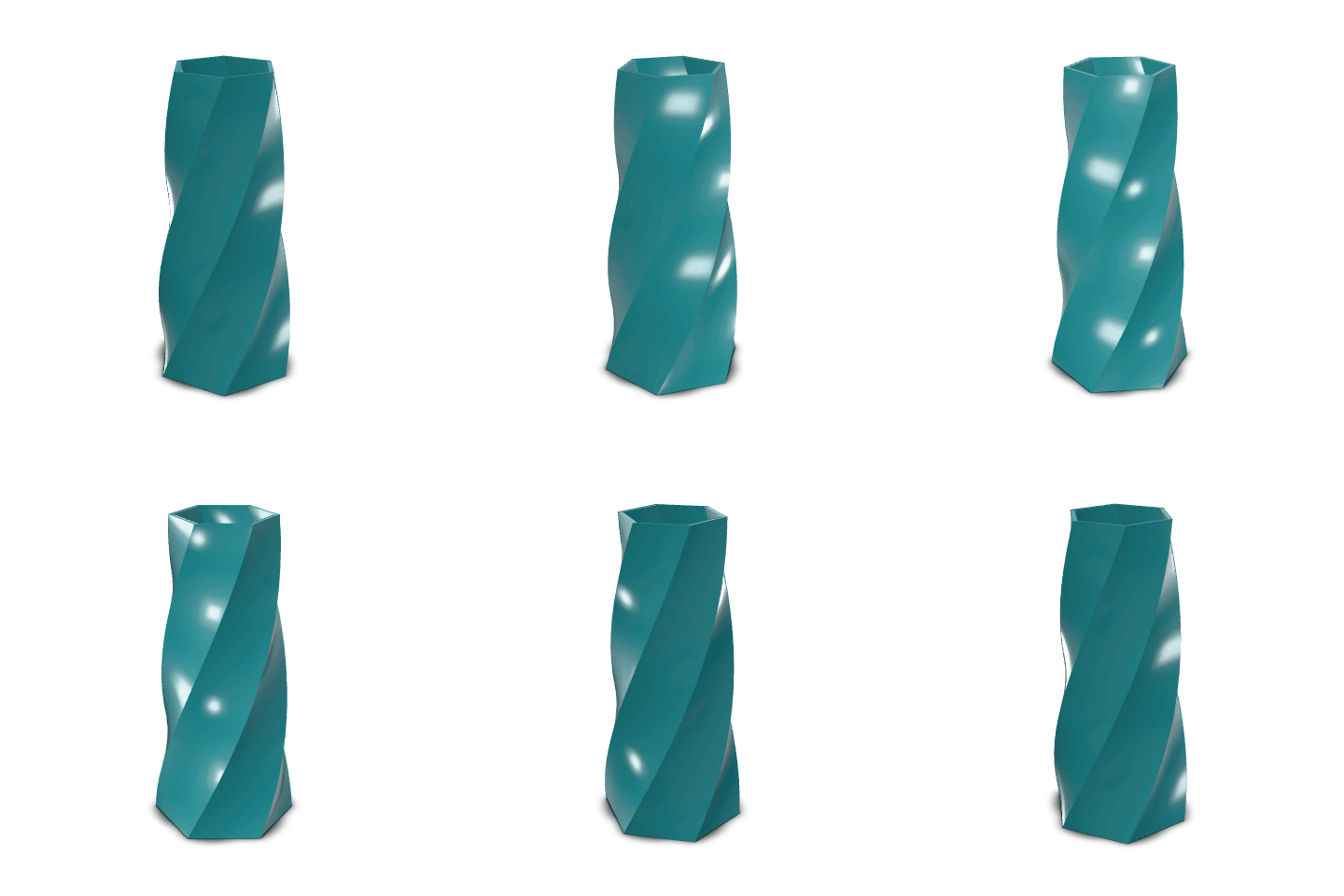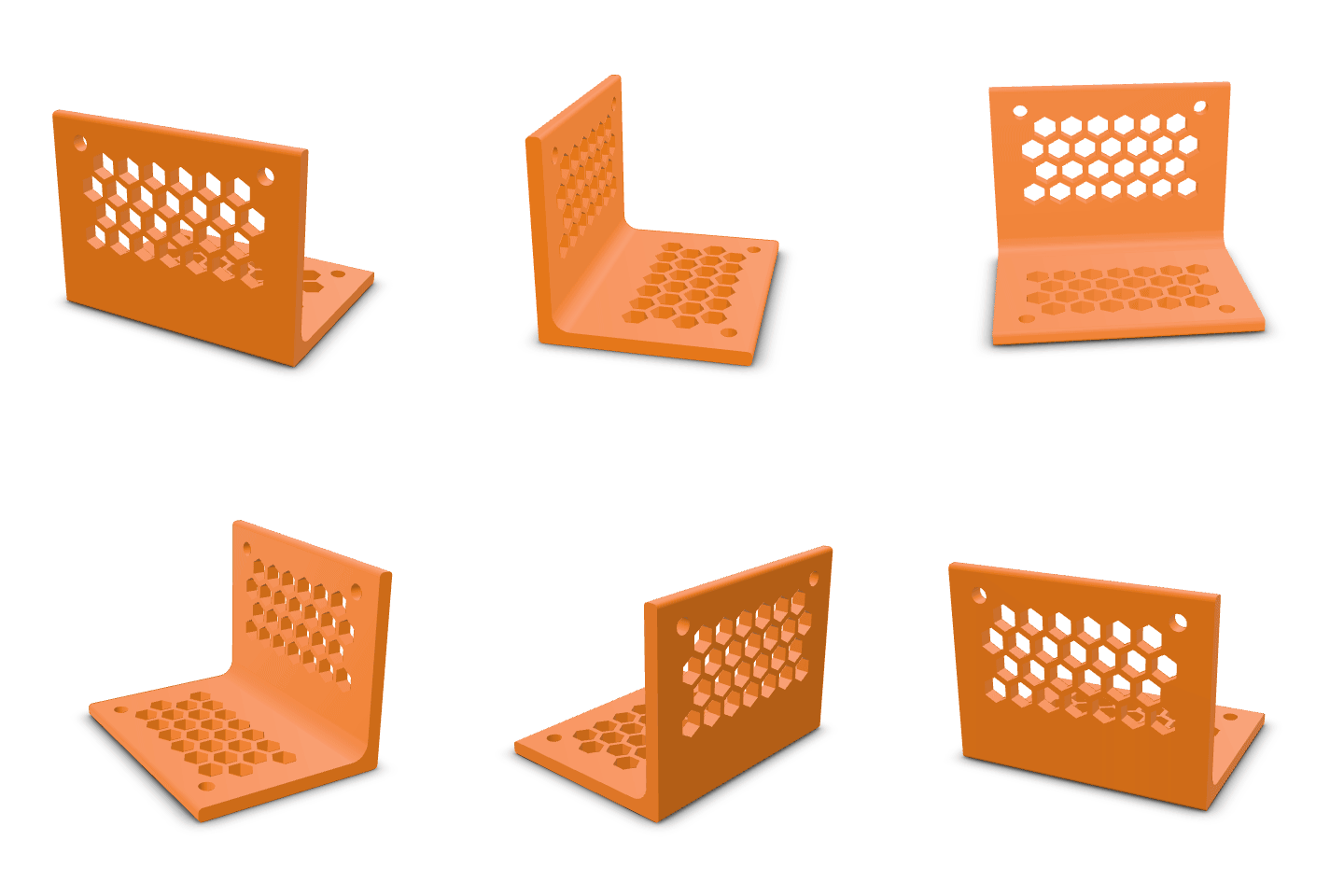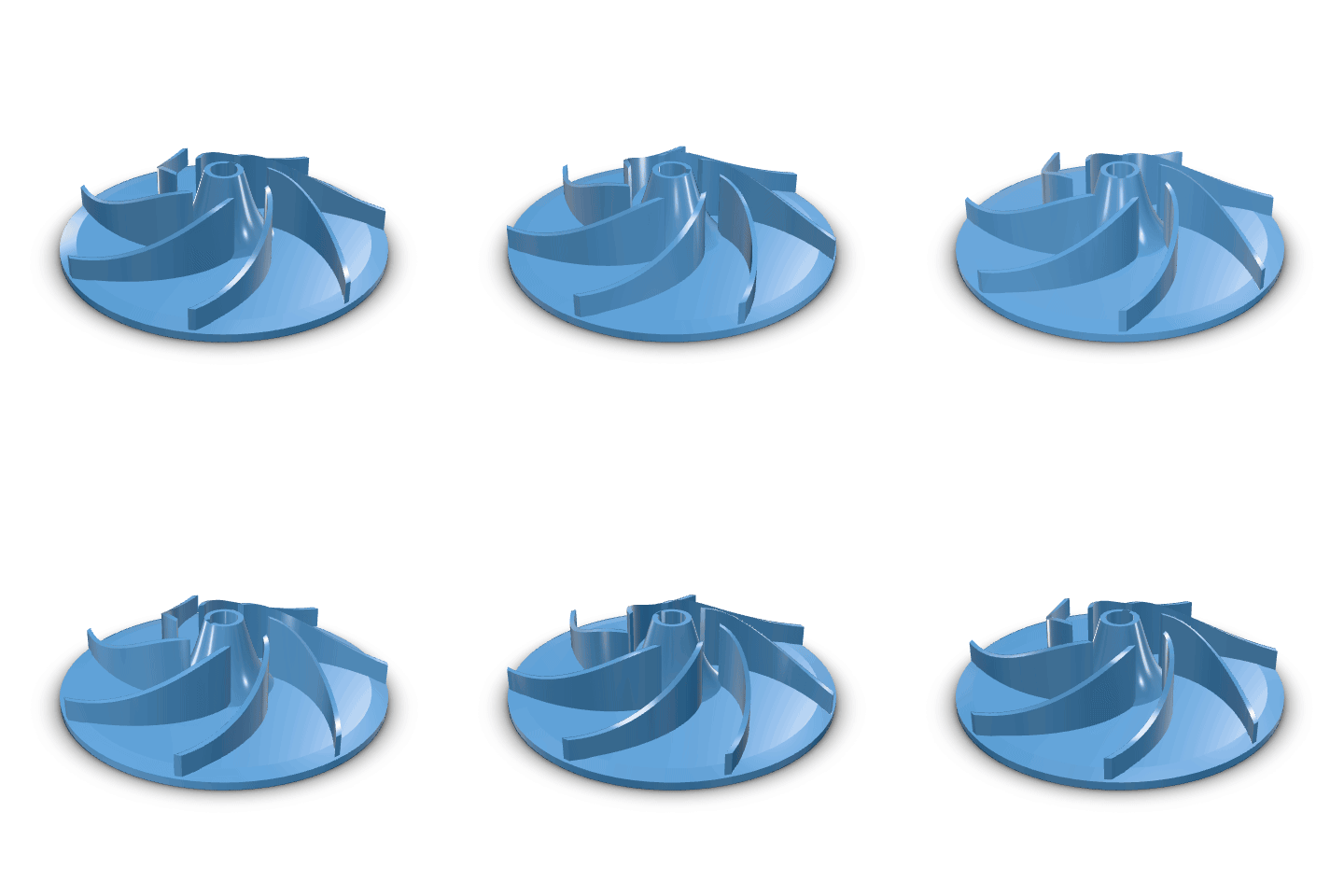

MCP server for VEEWER. It lets an AI assistant read the 3D models in your VEEWER account, hand you the embed code or share link for any of them, upload a new model from a URL, and rename, move or delete them — without you opening the site.
A key or connection only does what you allowed it to: reading is always on, "Change your
models" unlocks rename_model, move_model and upload_model (an upload spends your credits),
and "Delete your models" unlocks delete_model (a separate permission, because a deletion
cannot be undone).
Needs Node.js 18 or newer (20 LTS or newer recommended). On an older Node the server starts but every call fails, so it refuses to start instead and says why.
Setup
1. Create an API key at veewer.com/api-keys. It is shown once, so copy it straight away.
2. Add the server to your MCP client configuration:
{
  "mcpServers": {
    "veewer": {
      "command": "npx",
      "args": ["-y", "@veewer/mcp"],
      "env": {
        "VEEWER_API_KEY": "vwr_your_key_here"
      }
    }
  }
}
Restart the client and ask it something like "list my VEEWER models" or "give me the embed code for the armchair model".
Tools
| Tool | What it does |
|---|---|
list_models |
Models in your storage, newest first, paged |
search_models |
Models whose name contains some text |
get_model |
One model: status, failure reason, format, storage taken, AR availability, view count |
list_folders |
Your folders |
get_embed_code |
A ready-to-paste <iframe> for a model |
get_share_link |
The shareable link (and the AR link when the model has one) |
get_viewer_url |
The viewer URL an iframe would point at |
get_account |
Plan, remaining credits, storage in use and the credit cost of one upload per format |
rename_model |
Change a model's display name (needs the "Change your models" permission) |
move_model |
Move a model into a folder, or to the top level (same permission) |
upload_model |
Upload a new model from a public https URL; spends credits, runs in the background (needs "Change your models") |
get_upload_status |
Follow an upload started with upload_model until the model exists |
delete_model |
Permanently delete a model and its files (needs the "Delete your models" permission) |
Configuration
| Variable | Required | Default | Used by |
|---|---|---|---|
VEEWER_API_KEY |
yes | — | stdio only |
VEEWER_API_URL |
no | https://server.veewer.com/api/v1/public |
both |
PORT |
no | 3000 |
hosted only |
VEEWER_OAUTH_ISSUER |
no | — (OAuth off) | hosted only |
MCP_PUBLIC_URL |
with the issuer | — | hosted only |
VEEWER_API_URL only exists for testing against a non-production VEEWER instance.
Running it as a hosted server
VEEWER hosts this server at https://mcp.veewer.com/mcp. Point an MCP client that supports the
Streamable HTTP transport at that URL; nothing needs to be installed. Two ways to sign in:
- Sign in with your VEEWER account (OAuth). Add the URL as a connector in Claude
(Customize > Connectors > Add custom connector), or in Claude Code with
claude mcp add --transport http veewer https://mcp.veewer.com/mcp, and press Connect: your browser opens the VEEWER sign-in, you tick the permissions you want to give (reading is always on; changing and deleting are separate boxes), and the client keeps a token that it refreshes on its own. Disconnect at any time from veewer.com/api-keys. - API key, for clients that cannot open a browser: send it in the
x-api-keyheader.
https://mcp.veewer.com/health reports the running version.
The package ships a second entry point that speaks MCP over HTTP instead of stdio, for hosting one shared server rather than asking every user to run their own:
npm run build
PORT=3000 npm start        # POST /mcp, plus GET /health
The difference that shapes everything else: the hosted server takes the API key from each
request, in the x-api-key header, so one instance serves every account and each caller only
ever sees their own models. VEEWER_API_KEY is not used here — a key in the environment would be
one account's key for everybody.
The key goes in x-api-key and nowhere else. Authorization: Bearer carries the OAuth access
token, never an API key: the two are different credentials and the VEEWER API tells them apart by
header.
OAuth is switched on by two environment variables: VEEWER_OAUTH_ISSUER (the VEEWER backend
origin that issues tokens, e.g. https://server.veewer.com) and MCP_PUBLIC_URL (this server's
public URL exactly as users type it, e.g. https://mcp.veewer.com/mcp). With them set the server
serves /.well-known/oauth-protected-resource/mcp (and the root form), answers unauthenticated calls with a 401 that
names it, and verifies bearer tokens against the issuer's JWKS. Without them it is API-key only.
It is stateless: every call is a self-contained POST /mcp that answers with a JSON body, with no
session and no long-lived stream, so it can be restarted or scaled without dropping anyone.
GET /health is unauthenticated and returns the version and uptime.
No CORS headers are sent, deliberately: an API key kept in browser JavaScript is readable by anyone who opens the page, so this is a server-to-server endpoint. A browser failing to read the response is the intended behaviour.
Under the hood
This package is a thin client over the VEEWER public API — the same key works there directly,
sent in the x-api-key header. The API reference is at
server.veewer.com/api/v1/public/docs.
Requests are rate limited per key, and the limits belong to the API rather than to this package — they are listed in the reference above, and a request that exceeds one is reported with the message the API itself returned.
Development
npm install
npm run build
VEEWER_API_KEY=vwr_... npm run start:stdio   # speaks MCP over stdio
PORT=3000 npm start                          # speaks MCP over HTTP
Publishing
npm login          # an account in the "veewer" npm organization
npm publish --access public
prepublishOnly runs the build, so the published dist/ always matches src/.
License
MIT