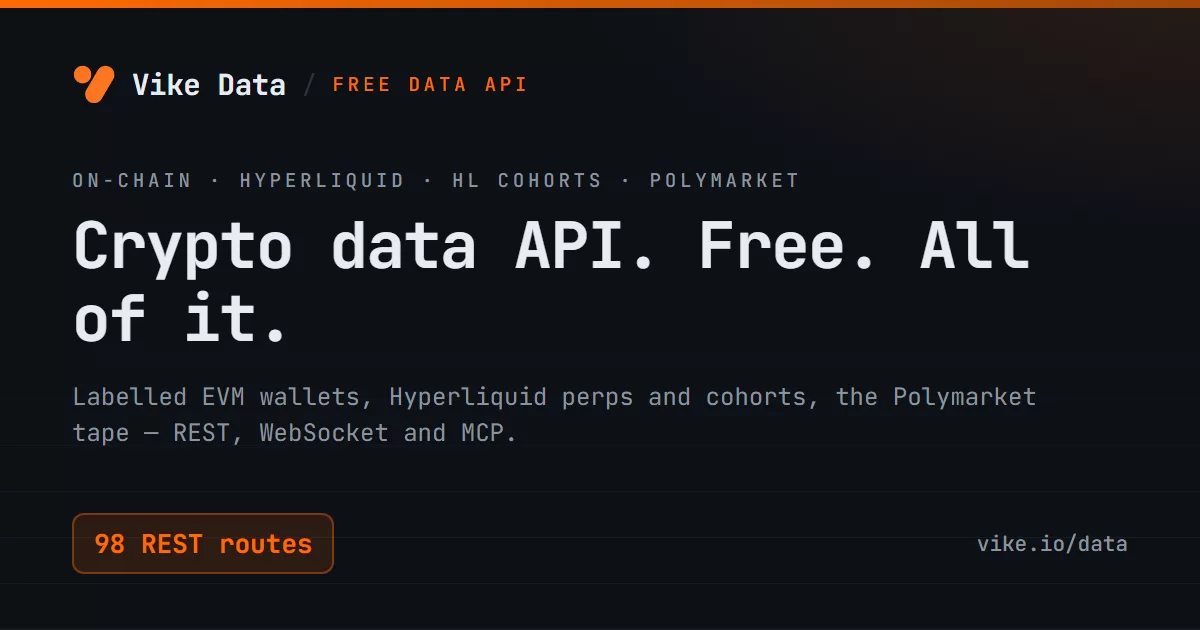

Vike Data API — remote MCP server

Crypto data for AI agents: on-chain wallets and tokens, Hyperliquid, HL Cohorts and Polymarket.
- Endpoint:
https://data.vike.io/mcp(Streamable HTTP) - Auth: OAuth 2.1 sign-in, or a Vike API key in the
X-API-KEYheader (create a key) - Docs: https://vike.io/docs/ai/data/
- MCP Registry:
io.vike/data
The server is hosted by Vike. This repository holds only the connection manifests: a Cursor
plugin, the registry server.json, and install notes for agents. There is nothing to build or run.
What the tools cover
- On-chain wallets and tokens on Ethereum, BNB Chain, Base and HyperEVM: wallet flows and balances, PnL history, counterparties, first funder, exchange usage, entity labels and risk flags, token holders, transfers and a token screener.
- Hyperliquid perps: wallet positions, fills and closed trades, orders and order clusters, TWAPs, deposits and withdrawals, leverage changes, liquidations, leaderboards, builders, vaults, market stats, hourly funding and open interest, HYPE holders, candles and the Parquet archive.
- HL Cohorts: hourly long/short positioning of each Hyperliquid perp split by wallet cohort.
- Polymarket: markets, order books, trade tape, settlements, wallet profiles, leaderboard and smart-money flows.
- Search across all of the above: tokens, wallets, traders, vaults, builders and markets.
- Live streams (
wss://stream.vike.io): list the channels and their filters, check a filter before subscribing, read past stream events, and see your own connections.
Connect
Claude (claude.ai, Claude Desktop): Settings → Connectors → Add custom connector → URL
https://data.vike.io/mcp, then sign in.
Claude Code:
claude mcp add --transport http vike https://data.vike.io/mcp --header "X-API-KEY: $VIKE_API_KEY"
Cursor: install the vike-data plugin from this repository, or add to ~/.cursor/mcp.json:
{
  "mcpServers": {
    "vike-data": {
      "url": "https://data.vike.io/mcp",
      "headers": { "X-API-KEY": "YOUR_KEY" }
    }
  }
}
Without headers, Cursor signs in with OAuth.
VS Code (GitHub Copilot): .vscode/mcp.json:
{
  "servers": {
    "vike-data": {
      "type": "http",
      "url": "https://data.vike.io/mcp",
      "headers": { "X-API-KEY": "YOUR_KEY" }
    }
  }
}
Cline: see llms-install.md.
ChatGPT: add a custom connector with the URL https://data.vike.io/mcp and sign in.
Keep keys out of files you commit: use your client's secret store or an environment variable.
Layout
| Path | What it is |
|---|---|
.cursor-plugin/marketplace.json, plugins/vike-data/ |
Cursor plugin (mcp.json, a skill, the logo) |
server.json |
The official MCP Registry entry (io.vike/data) |
llms-install.md |
Install steps an agent (Cline) can follow |
License
MIT for the files in this repository. Use of the API is governed by https://vike.io/terms.