
Warden
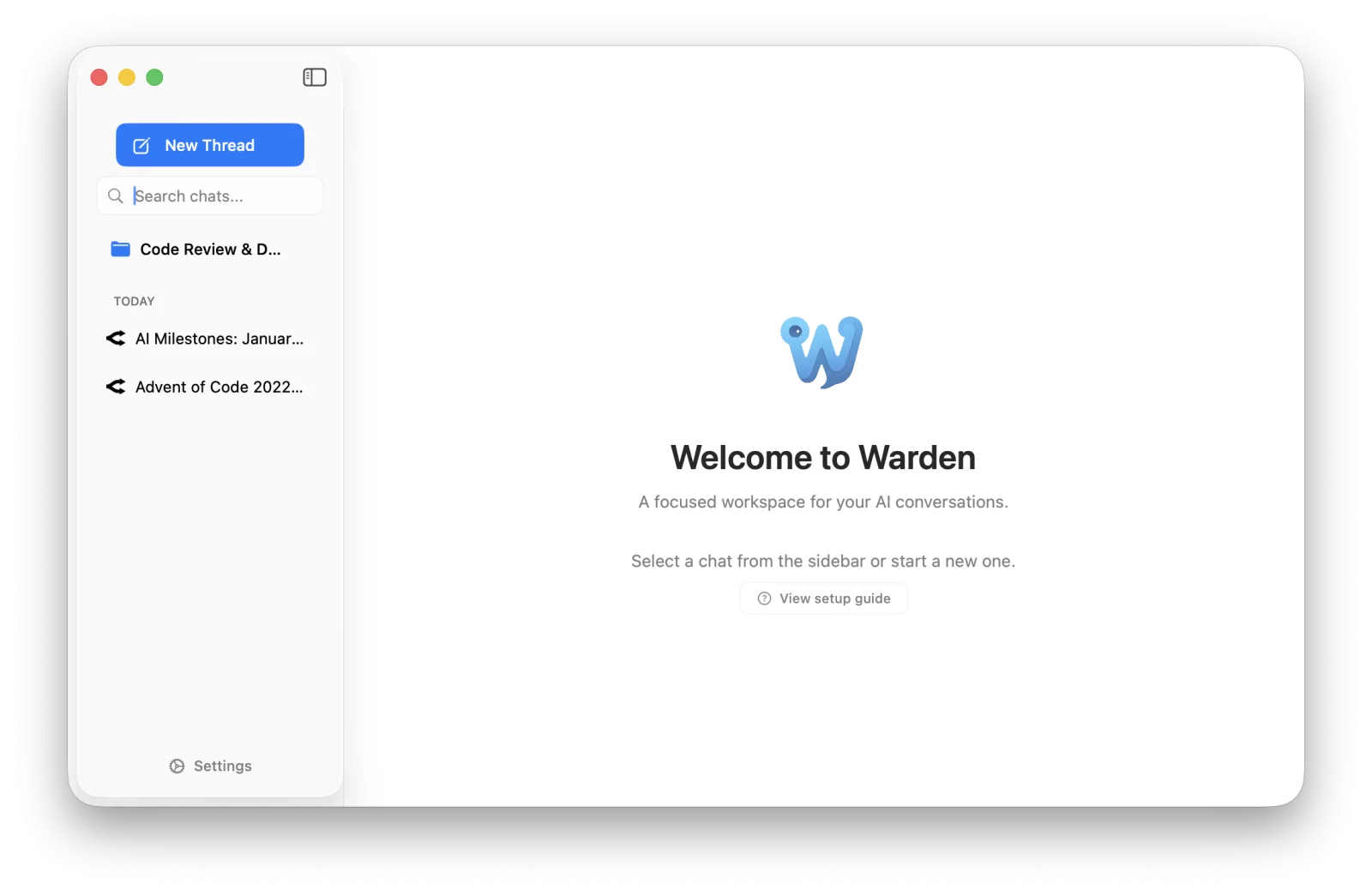
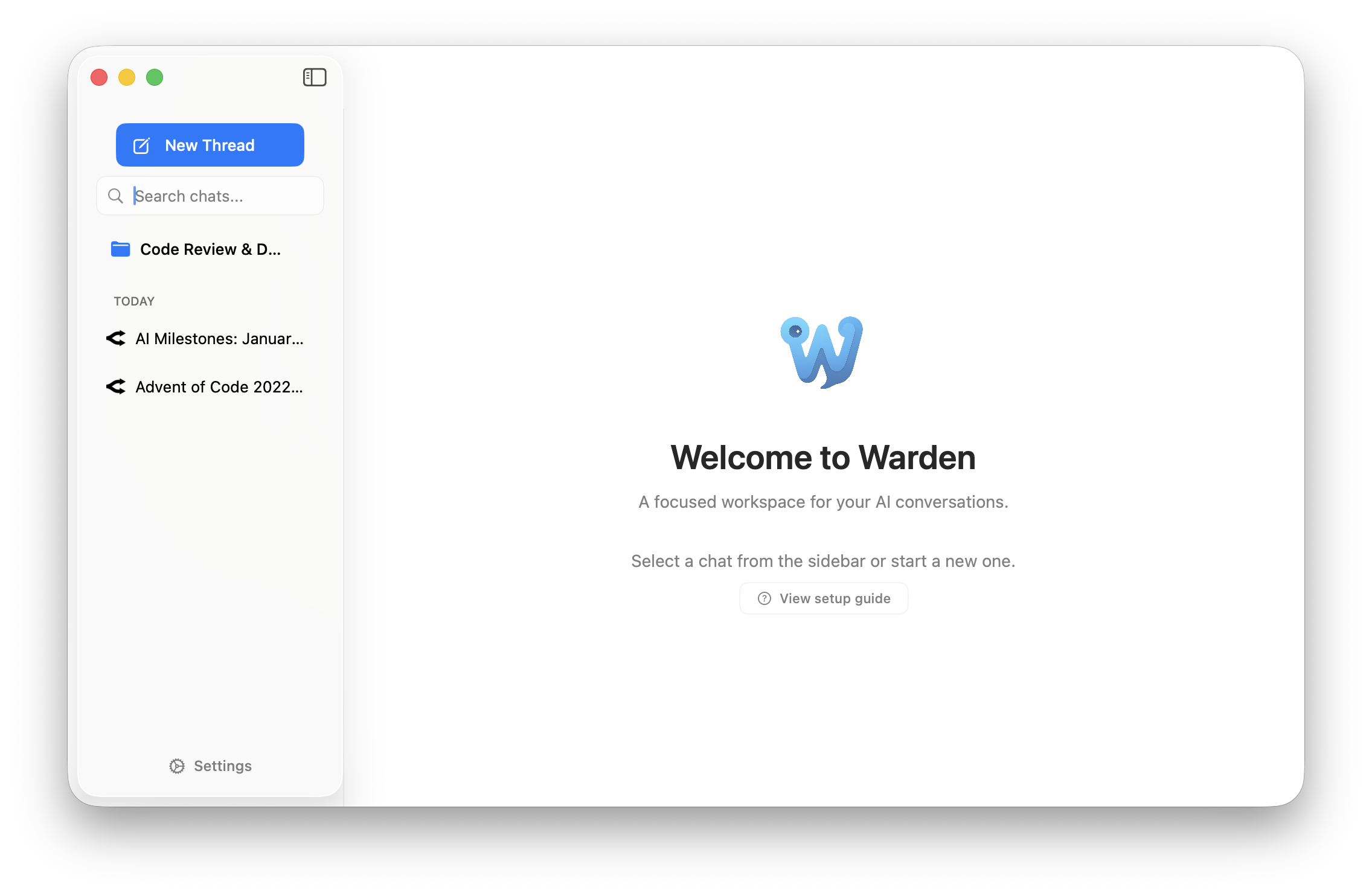
A native, privacy-focused AI chat client for macOS.
Download for macOS · Visit the website


Why Warden?
Warden uses native SwiftUI and macOS frameworks for a responsive, battery-conscious chat experience. Your conversations stay on your device, except for requests sent to the AI provider you choose.
Features
- Multi-model support: OpenAI, Anthropic, Gemini, Perplexity, OpenRouter, and more with your own API key.
- Local AI: Ollama and LM Studio support.
- Projects and workspaces: Organize chats with colors, descriptions, and project-specific instructions.
- AI assistants: Create custom assistants with distinct roles, tones, and default settings.
- File and PDF chat: Drop in PDFs, CSVs, text files, and more to ask questions about their contents.
- Multi-model compare (beta): Ask up to three models, compare their responses, then continue with one.
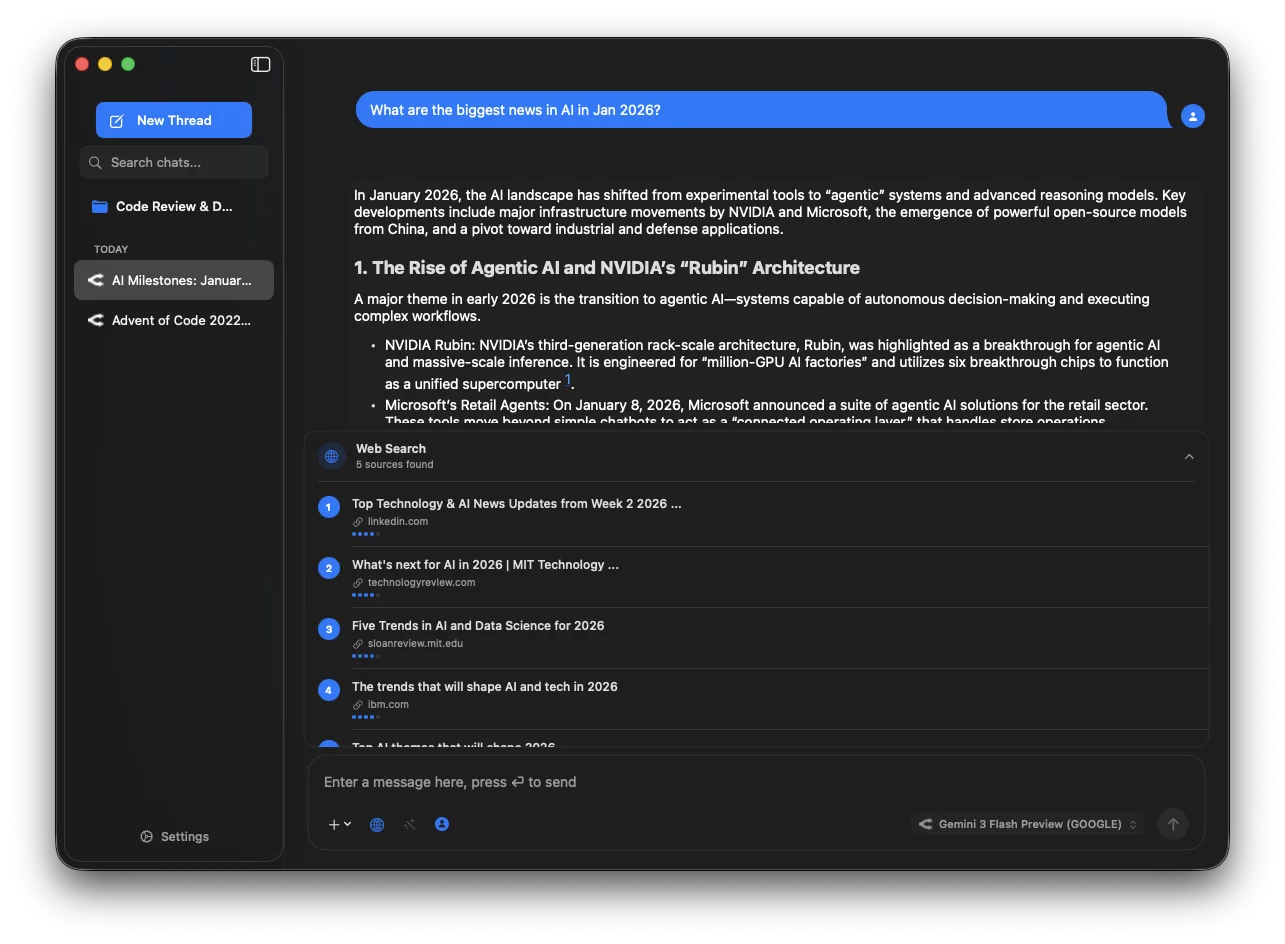
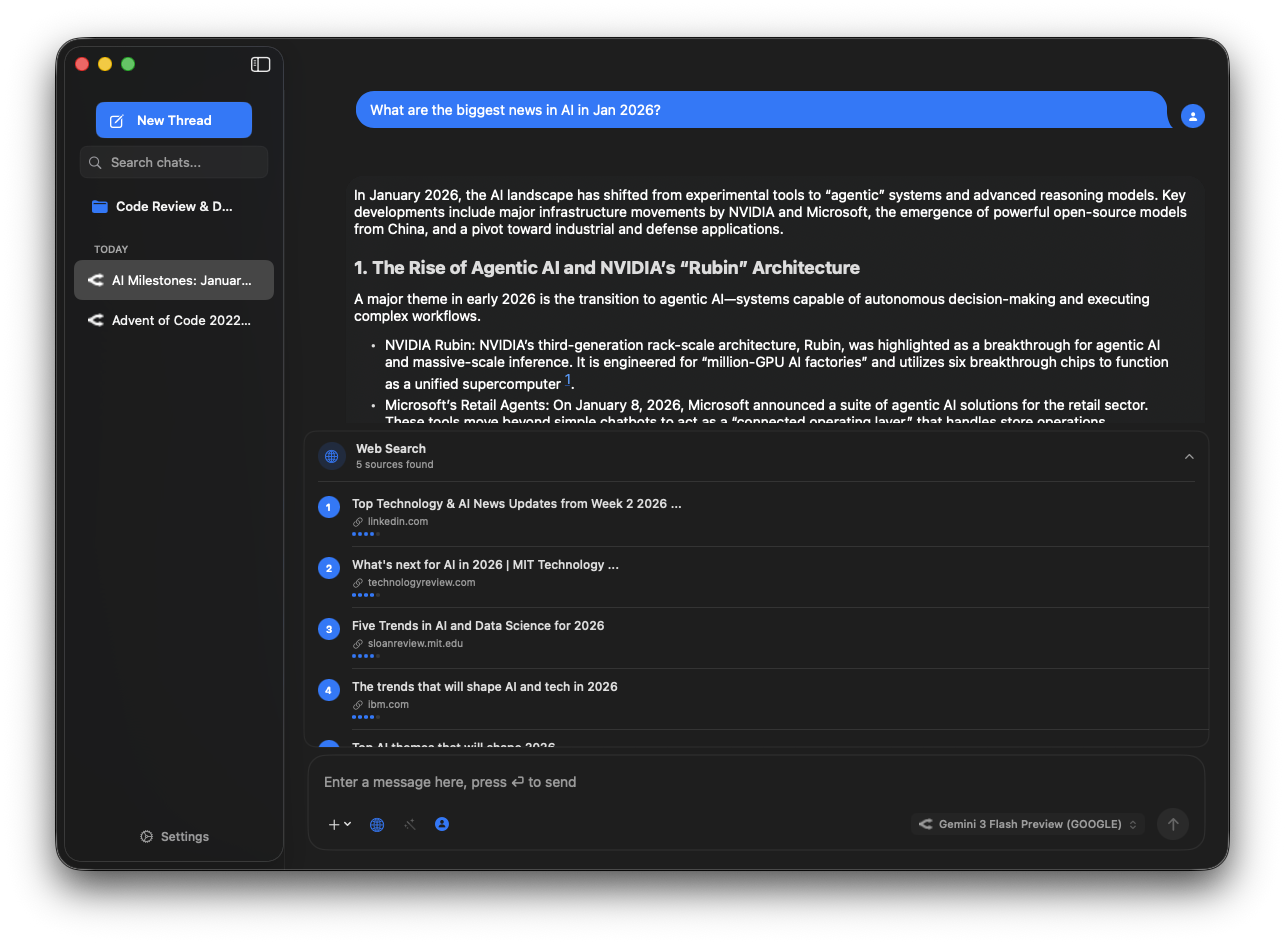
- Web search: Get real-time search results with citations.
- Developer tools: Run code and read syntax-highlighted snippets.
- Tools and agents: Enable tools per message and connect MCP agents.
- Menu bar access: Open Warden quickly from the menu bar.
- Native design: macOS-focused interactions, animations, and Liquid Glass support for macOS 26.
Installation
Homebrew
brew install --cask SidhuK/warden/warden
Download or build
| For most people | For developers |
|---|---|
| Download the installer and drag Warden to Applications. | Build from source in Xcode. |
Build from source
git clone https://github.com/SidhuK/WardenApp.git
cd WardenApp
open Warden.xcodeproj
Press Command-R in Xcode to build and run Warden.
Automatic updates
If you use version 0.9 or earlier, download the current release from the releases page once to enable automatic updates.
Support
Warden is free and open source. You can support its development by starring the repository, contributing through Gumroad, joining Discord, or buying me a coffee.

Get one month of Wispr Flow free · Voice-to-text, 4× faster than typing
Created by Karat Sidhu · Licensed under Apache 2.0