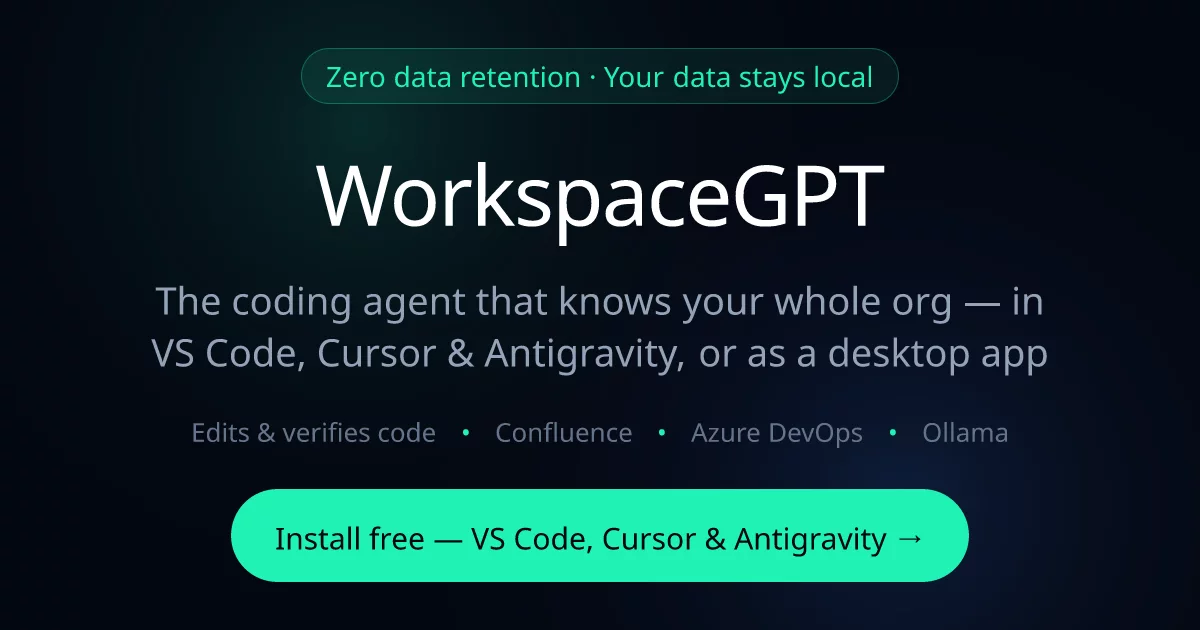

The coding agent that knows your whole org.
Other coding agents start from your repo and a prompt. The knowledge that says why the code should change lives elsewhere: the ticket, the design page, the release process. WorkspaceGPT reads your Confluence pages, Jira issues and Azure DevOps work items directly, mid-task. It searches and reads your code, edits files, runs your checks, and shows every change as a diff for you to approve.
Your connected knowledge and its search index never leave your machine, in either mode.
Website · Docs · VS Code Marketplace · Open VSX · Desktop releases
Install
In your editor (VS Code, Cursor, Antigravity, Windsurf, VSCodium): search for WorkspaceGPT in the Extensions view, or run
ext install Riteshkant.workspacegpt-extension
VS Code installs from the Marketplace; the forks install from Open VSX.
As a desktop app, no editor needed. On macOS:
curl -fsSL https://github.com/ritesh-kant/workspaceGPT/releases/download/desktop-latest/install.sh | sh
- Runs on Apple Silicon and Intel Macs with macOS 12 or later. The installer
checks the download's SHA-256 and installs to
/Applications. - Updates itself: each update's signature is verified, and it installs when you quit.
- DMGs are on the releases page. The app isn't notarized yet, so a DMG copy needs one Open Anyway (System Settings → Privacy & Security) the first time. The Terminal installer doesn't.
On Windows (x64), in PowerShell:
irm https://github.com/ritesh-kant/workspaceGPT/releases/download/desktop-latest/install.ps1 | iex
- Installs for your user only (no admin prompt), after checking the installer's SHA-256. Updates itself the same way the Mac app does.
- The installer isn't code-signed. The PowerShell line above isn't blocked by
SmartScreen. A
-setup.exedownloaded in a browser shows "Windows protected your PC": choose More info → Run anyway. - Linux builds aren't available yet.
What it does
- Agentic coding. It searches code (ripgrep plus language-server symbol, definition and reference lookups), edits across files, and runs your linter, type-checker and tests to verify its own work.
- Review before it writes. Every change arrives as a diff with keep/undo per hunk. A checkpoint is taken before the first write, so a whole turn can be reverted.
- Your org's knowledge. Confluence and Jira connect with one-click Atlassian sign-in; Azure DevOps connects with a PAT. Everything is synced and indexed on-device. Mention a ticket and the agent reads it; ask about a decision and it cites the page. "Your work" lists your assigned tickets.
- Two modes. Local: your own model, either Ollama (fully offline) or any provider key (OpenAI, Claude, Gemini, Groq, OpenRouter, NVIDIA, or an OpenAI-compatible endpoint). Remote: sign in with GitHub and use our managed model on weekly credits. Only your question and the snippets retrieved for it are sent, and nothing is retained. The mode moves inference only; the index is always local.
- MCP server. Exposes your Confluence, Jira, Azure DevOps and workspace search to Claude Desktop, Claude Code, Cursor and Copilot.
- Deployment automation. Config-sync and hotfix releases run as plan → approve → apply.
- Web search for what your own systems can't answer.
Repository
| Path | What it is |
|---|---|
apps/vscode-extensions |
The product: extension host, React webview, agent and sync workers |
apps/desktop |
WorkspaceGPT Desktop: Tauri shell + Node sidecar running the extension unmodified |
apps/workspacegpt-mcp |
MCP server over the local index |
apps/workspacegpt-api |
Cloudflare Worker for Remote mode (GitHub sign-in, credits, inference proxy) |
apps/confluence-auth-proxy |
Vercel functions holding OAuth client secrets (Atlassian, GitHub, Vercel) |
apps/workspacegpt-webapp |
The website and docs |
apps/chrome-extension |
Browser side panel (parked) |
apps/confluence-extractor, apps/confluence-rag |
The original 2025 extractor and Python RAG (legacy) |
packages/agent-evals |
Agent eval harness and unit tests |
packages/release-core, embedding-core, confluence-utils |
Shared libraries |
How the pieces fit: docs/architecture.md. Direction: docs/north-star.md. Everything else is indexed in docs/.
Develop
Requirements: Node 18 or later and pnpm 9. Desktop also needs Rust.
pnpm install
pnpm build            # whole monorepo (Turborepo)
pnpm lint
pnpm check-types
| Task | Command |
|---|---|
| Build the extension | pnpm app:vscode-extension build (then F5 in apps/vscode-extensions for an Extension Development Host) |
| Agent unit tests | pnpm --filter @workspace-gpt/agent-evals units |
| Desktop app (dev) | pnpm --filter desktop dev |
| Desktop release build | pnpm --filter desktop release (see apps/desktop) |
| MCP server | pnpm app:mcp-server build |
| Remote-mode API | pnpm app:api dev |
| Website | pnpm --filter workspacegpt-webapp dev (port 3000) |
Conventions for contributors and coding agents are in AGENTS.md.
Privacy
- Indexing and embeddings run on your machine, and the vector index is written to local files.
- Credentials stay in your editor's secret storage (the macOS Keychain on Desktop).
- In Remote mode, requests are processed in memory and discarded.
- Anonymous feature-usage events are the only telemetry, and they never contain your content.
Details: privacy policy.