Woven Matter
The workspace for all of your harnesses.
WovenMatter brings Pi Durable, Codex, Claude Code, Grok Build, and OpenCode together in one workspace. Work with all of your harnesses in a simple, easy-to-use interface that keeps all of your work organized in one place. Each project folder owns one directory in one execution workspace, so its agents collaborate on the files you choose. WovenMatter ships with a local agent workspace, which runs locally on your Mac. You can also launch remote agent workspaces on Linux machines in your Tailnet and work with those agents from the same interface.
WovenMatter is essentially a user interface built on top of a SQLite database. This database saves all of your conversations, notes, and any other items created within WovenMatter. This gives you control over your data by saving all of your work history in one location, so you can return to earlier conversations and keep related work together. This, along with our user interface and shared workspace design, allows for seamless collaboration between your agents, allowing you the freedom to work across the harnesses and models of your choice.
Download · Getting started · Documentation · Website
The Pi Durable agent is ready in local and remote workspaces. Connect your providers, choose models and fallbacks, and add an Exa search key in Settings. See Pi Durable.
Your agents, working in the same place
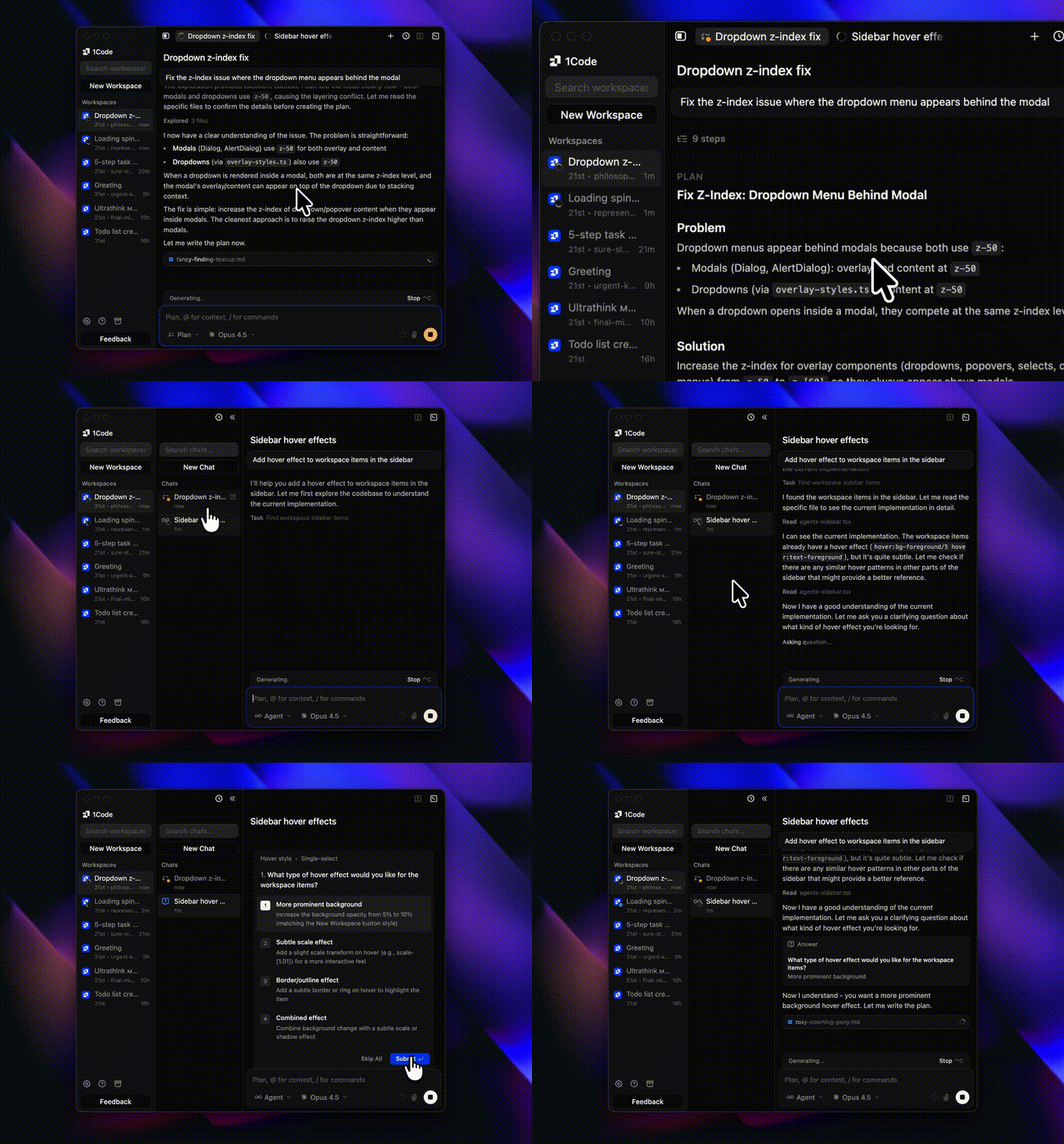
WovenMatter is a lightweight macOS app designed to let you work and collaborate with all of your different harnesses. Each supported harness has a dedicated first-class integration. Use your existing installations or install harnesses in the settings page. Use your existing provider accounts and/or API keys. Models, authentication, and controls depend on the harness you use.
Each project folder has one fixed root directory and one owning execution workspace. Create a blank project on your Mac or in a connected remote workspace, or link an existing directory on your Mac. Agents in that workspace can work on the project's files using their native permissions and project instructions.
Choose the folder before a chat's first message. The folder and working directory are then fixed for that session. Ungrouped chats use one default directory per execution workspace.
Your conversations, saved together
Conversations with different harnesses, on your Mac or in remote agent workspaces, are saved in the same local SQLite database as your notes and other items created while working in WovenMatter. This gives you a central work history alongside the histories each harness already independently maintains.
Return to earlier conversations, review what an agent did, and continue supported sessions when the agent is connected. Organize a project's conversations together even when you use several harnesses to work on it.
Project files stay in their respective workspaces. Saving transcripts centrally does not automatically copy every file an agent creates or synchronize local and remote folders.
Work on your Mac and other machines
Start with the local agent workspace on your Mac. If you have another Linux machine connected to your Tailnet, you can create a remote agent workspace on it from Woven Matter. A rented Linux host is supported after it joins the same Tailnet. Tailscale is required for every remote-workspace connection.
Each remote workspace is a container with a persistent home for its files, harnesses, and credentials. You can create multiple workspaces, run agents in parallel, and work with them from the same Mac interface. Their conversation transcripts are saved in Woven Matter's database alongside your local chats.
Woven Matter inspects the host and asks you to authorize any preparation before creating a workspace. Remote hosts need compatible Docker support. See Remote workspaces for setup and management.
Whether work continues after you close the app depends on the harness, its service, and the machine running it. See Scheduled work for the conditions around background jobs.
Work across sessions in parallel
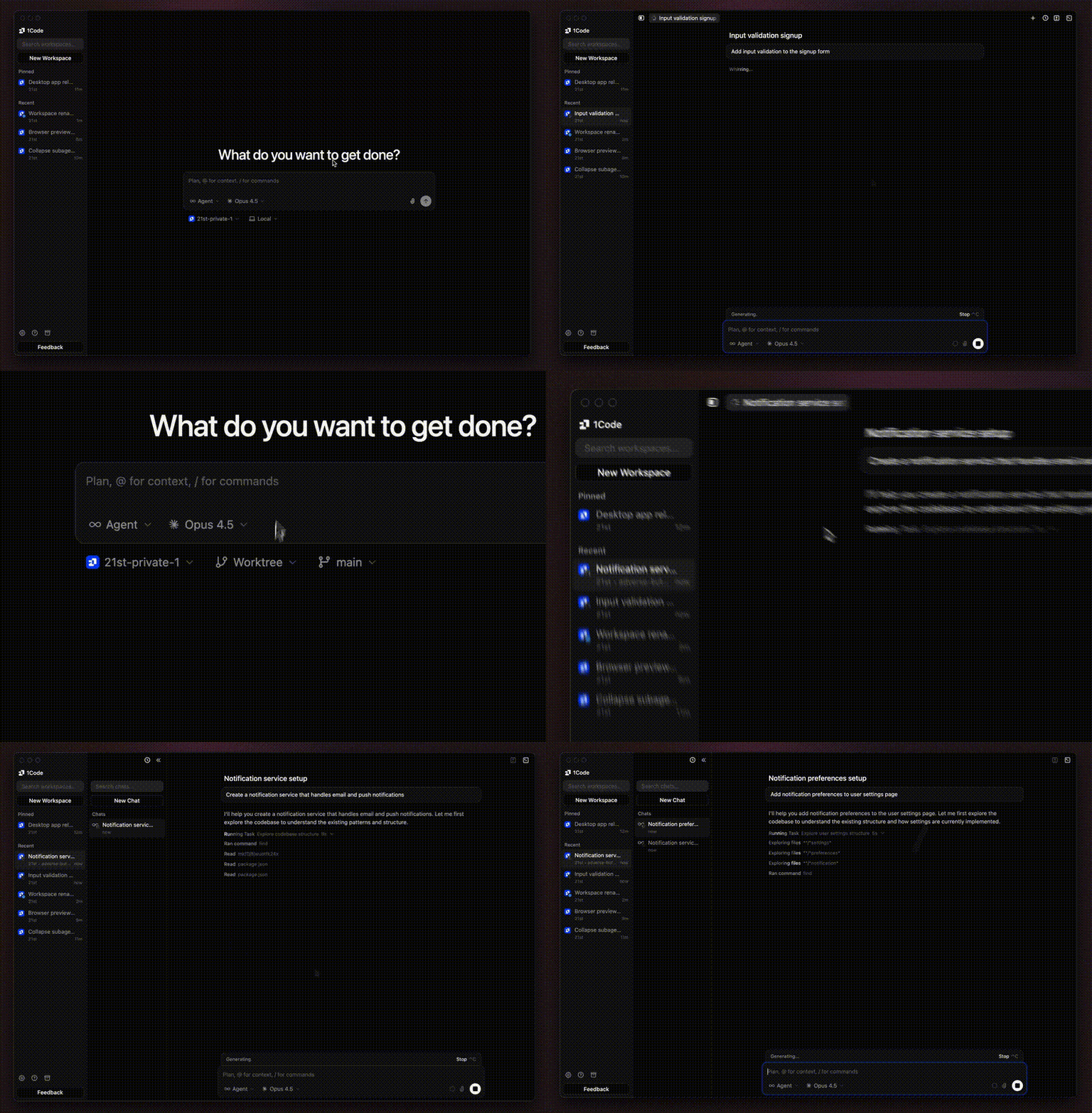
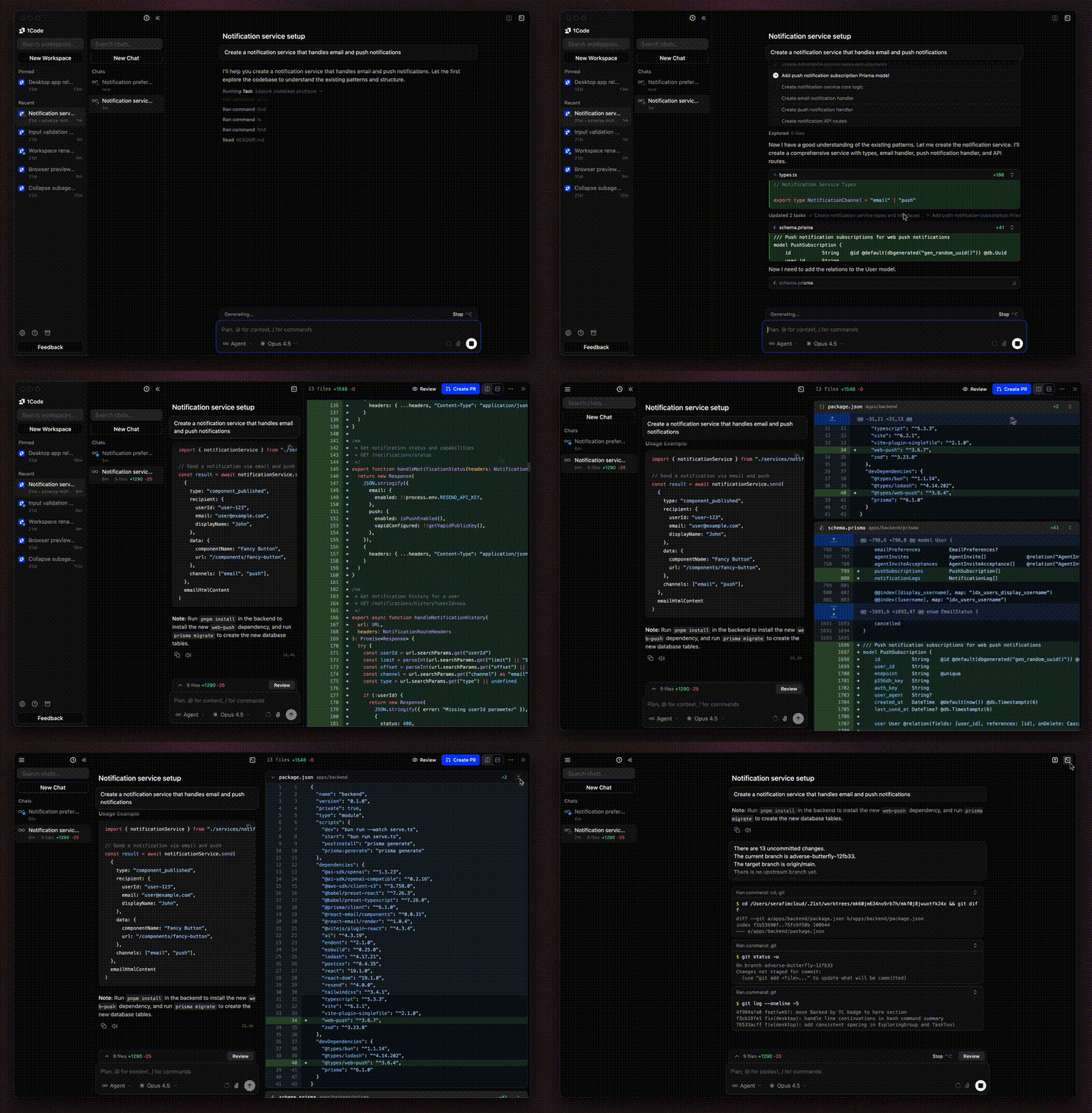
Run multiple sessions in parallel with the same harness or across different harnesses. Use panels to view up to five sessions at once, while additional sessions can continue running in the background. Open a note beside your conversation to work on it with your agent. Organize your notes and conversations in folders to keep related work together.
Agents can also read and edit a note you're working on through Woven Matter's note tools. This gives longer responses and reference material a place beside the chat, where you can keep reading without scrolling back through messages.
Woven MCP exposes focused app tools over authenticated HTTP. Supported harnesses receive session-scoped access automatically. You can also grant an outside agent access to a chosen conversation and tool groups, then revoke that access in Woven. The same permissions govern notes, orchestration, calendar, Executor, and embedded browser tools across local Macs, connected workspaces, and the iPhone app. See agent tools and access.
Managed SQLite databases let agents curate data that you can revisit in live note tables and values, spreadsheets, and HTML artifacts. Each database has one writable workspace owner; the Mac keeps complete readable replicas of remote data. Usage, Calendar, Library, and Scheduled Tasks add other ways to organize and follow your work.
Read more about conversations and panels, notes and data, and schedules and usage.
Get started
You need an Apple silicon Mac running macOS 26 or later for the published app. No Woven Matter account is required. You use your own AI subscriptions or API keys; model availability and costs depend on your providers.
- Download Woven Matter and move it into Applications.
- Open Settings → Local agent workspace to see the harnesses discovered on your Mac, or install one you want to try.
- Enable it and complete its sign-in or connection setup.
- Choose New chat, select your agent, and give it a task.
Start with a harness you already use and have provider access for. If you're looking for an example, the getting-started guide can help you choose and set one up. You don't need a remote machine to begin.
Woven Matter and the harnesses you enable need access to the files and accounts used for your work. Review the credential-access disclosure and any macOS permission prompts during setup. Agent setup explains the installation and connection steps.
Workspace layout
Managed project directories live under ~/.woven-matter on your Mac and
/home/.woven-matter inside each remote container. A newly created project is
blank: Woven does not add preset folders, AGENTS.md, or CLAUDE.md. Existing
linked directories and their instructions remain yours.
Renaming a folder changes its display name only. Removing it can preserve its files; deleting its physical root is offered only for managed project directories. Additional reference locations belong to the same execution workspace. Project files are not synchronized between devices.
Named databases live in Woven's application or service storage, separate from project directories and the internal history/settings database. See Workspaces and storage and Notes and data for folder, replica, and copy behavior.
Help and feedback
Browse the documentation, check troubleshooting, or read the release notes. Report bugs and suggest improvements through GitHub issues. For vulnerabilities, follow the security policy.
Build and contribute
Start with Contributing for development requirements, build commands, and validation. Xcode is needed to build from source, not to use the published app. Integration references and maintainer procedures are listed in the documentation index.
Woven Matter is MIT licensed. See third-party notices and trademarks for redistribution details.