
wxShot
微信截图替代品 · 不登录微信也能用的 macOS 截图工具
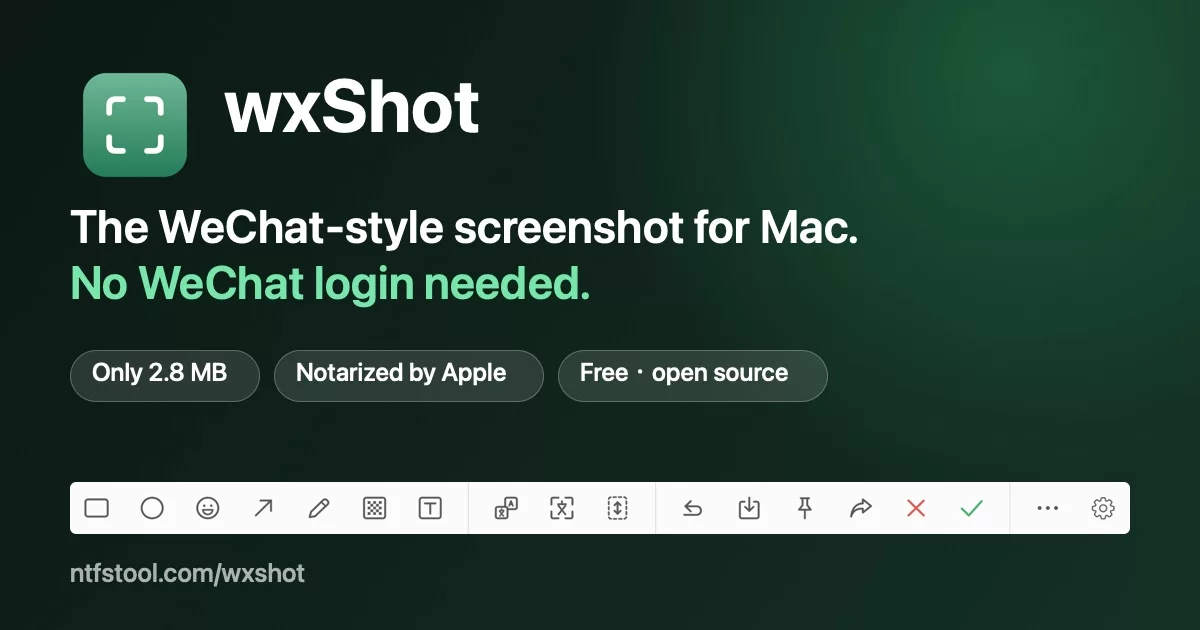
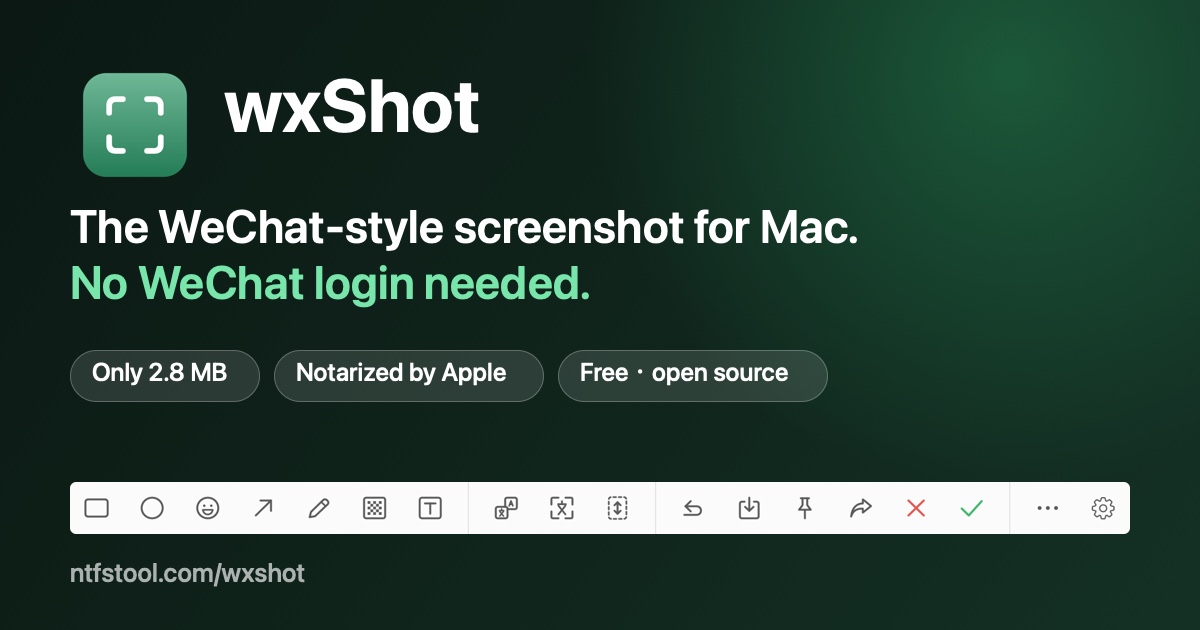
The WeChat-style screenshot for macOS that works when WeChat is not signed in.
Download wxShot.dmg / 下载 · Website & animated demo / 官网与动画演示 · How it works · FAQ · Changelog
Highlights
- Only 2.8 MB, signed and notarized by Apple. Apple silicon and Intel.
- Runs silently in the background: no Dock icon, no menu bar icon by default. Press
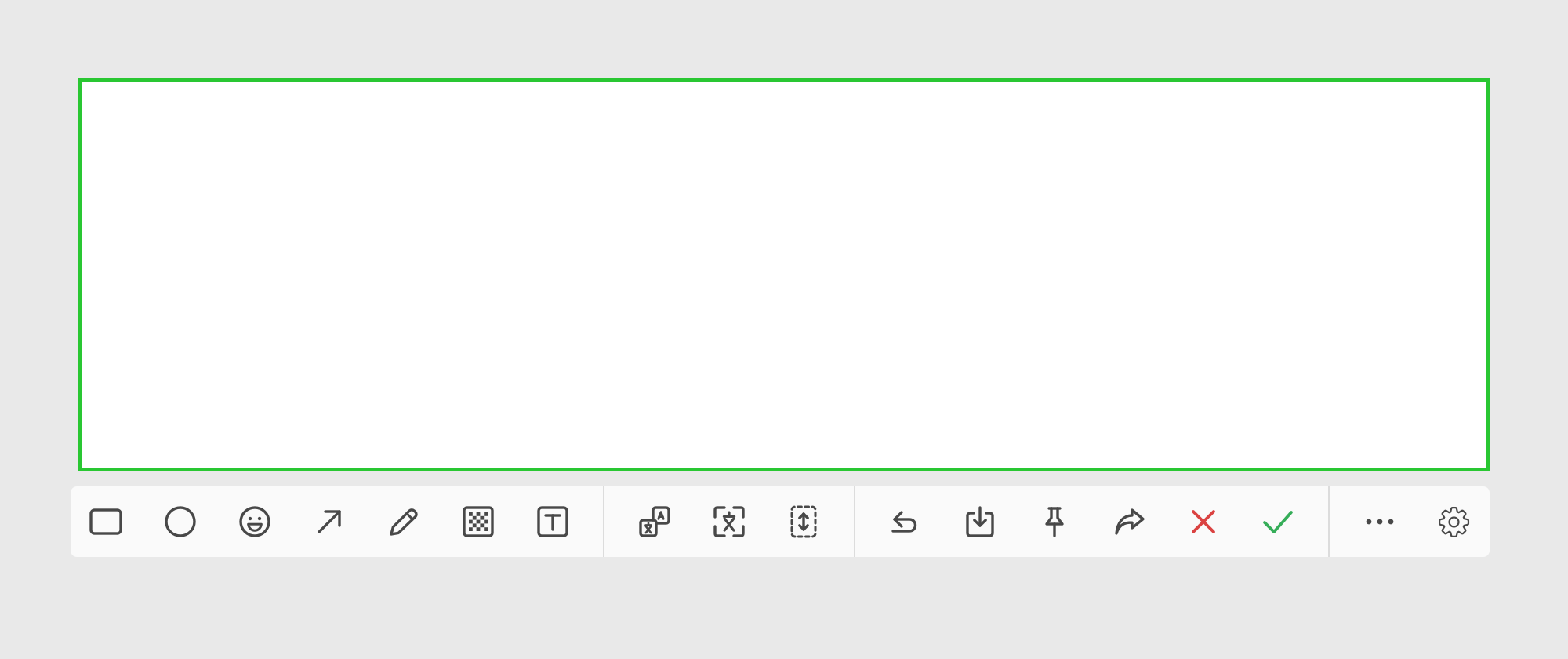
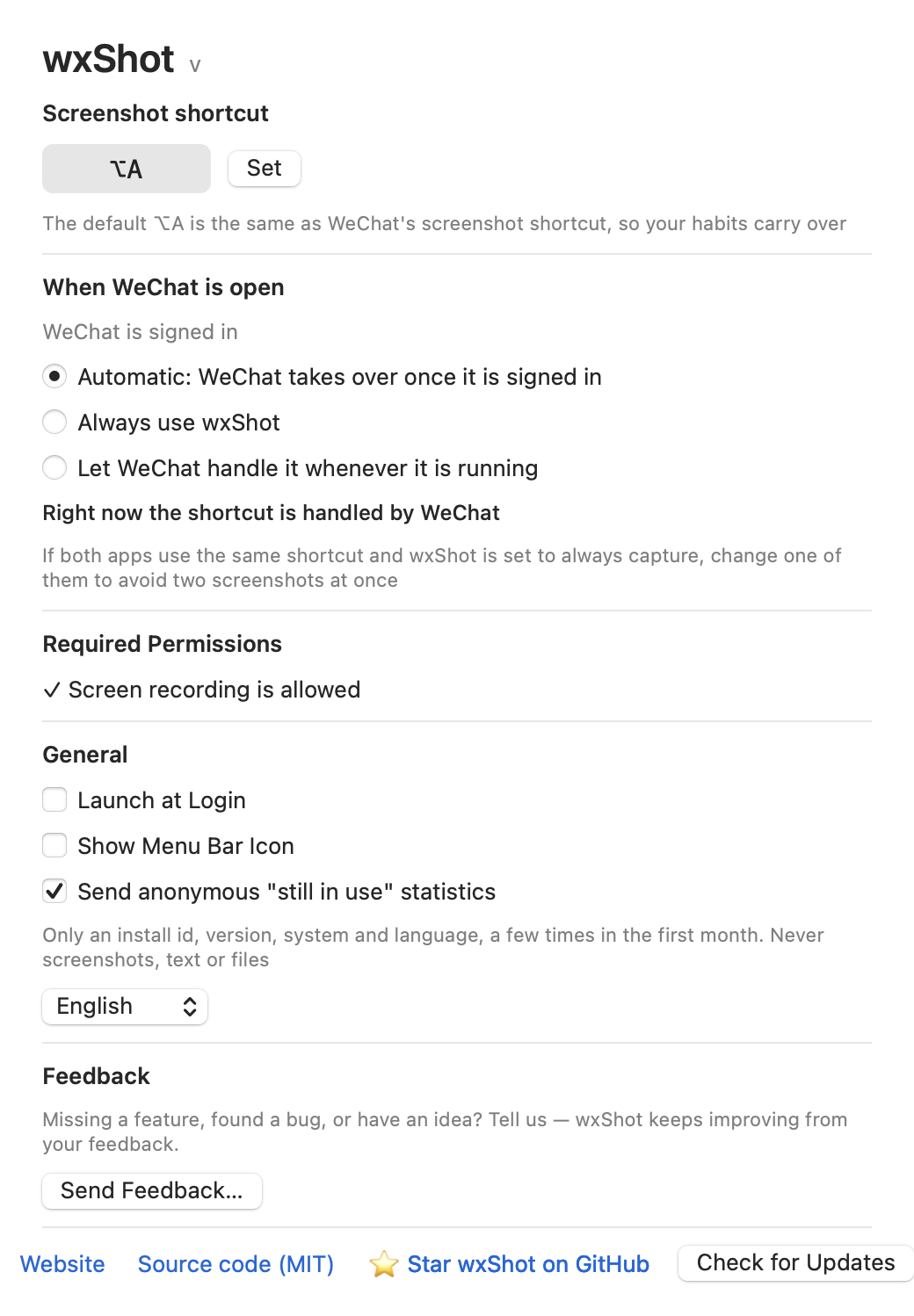
⌥Aand it appears; open the app again for Settings. - WeChat's toolbar, exactly: rectangle, ellipse, emoji, arrow, pen, mosaic, text | translate, extract text, long screenshot | undo, save, pin, share, close, confirm. A
···menu holds numbered markers, redo and more tools. - Works when WeChat is closed or signed out, and steps aside when WeChat is signed in (configurable).
- Color picker lens: coordinates and pixel color,
⌘Ccopies it. - Extract text and translate on your Mac (Apple Vision, Apple Translation). The screenshot sits on the left, the text on the right.
- Long screenshot: click, scroll slowly, done. The result is copied to the clipboard straight away.
- Free, MIT, nothing leaves your Mac. Screenshots, text and files are never uploaded.
中文
微信没登录、没打开,就不能截图?wxShot 是常驻后台的原生 macOS 截图工具,手感和微信截图一样:
- 仅 2.8 MB,已由 Apple 签名并公证,支持 Apple 芯片和 Intel。
- 隐形后台:无 Dock 图标,默认无菜单栏图标;按
⌥A即用,再次打开 App 进入设置。 - 工具栏与微信一致:矩形、圆、表情、箭头、画笔、马赛克、文字 | 翻译、提取文字、长截图 | 撤销、保存、钉住、分享、关闭、确认;「···」里有序号、重做等更多工具。
- 和微信共存:微信没运行或没登录时由 wxShot 截图;微信登录后默认交还给微信。
- 取色放大镜:显示坐标和色值,
⌘C复制。 - 文字提取与翻译在本机完成,左边是截图、右边是文字,方便对照。
- 长截图:点击后慢慢滚动,结束即复制到剪贴板。
- 免费、MIT 开源、不上传任何截图。
Install / 安装
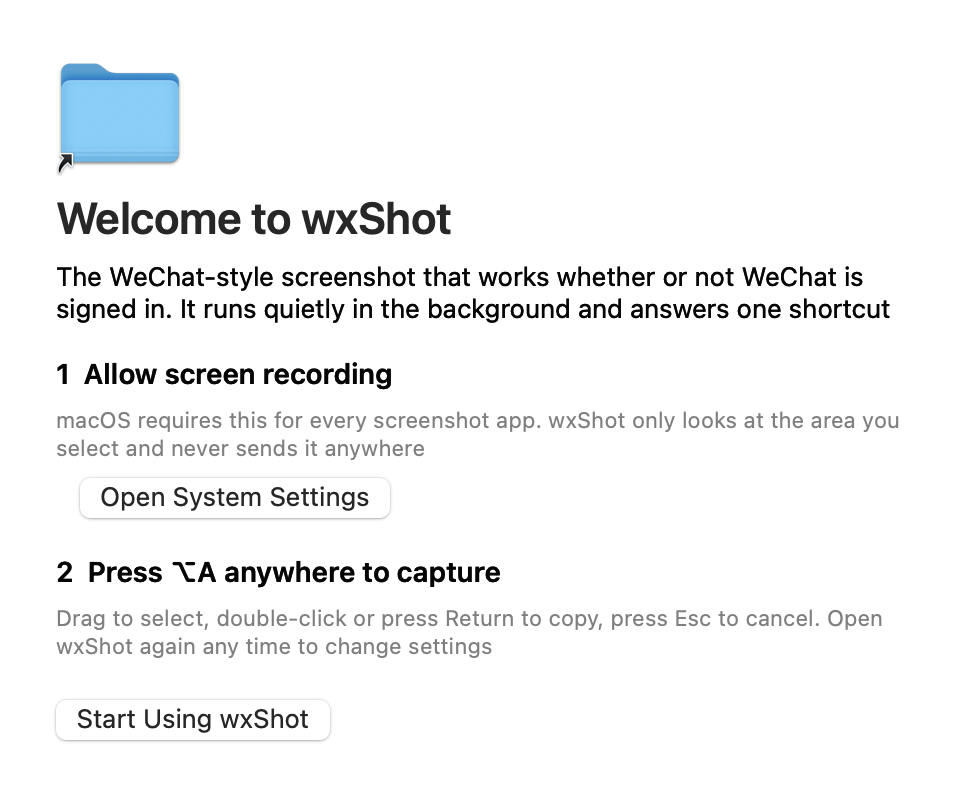
Download wxShot.dmg, drag wxShot to Applications, open it once and allow Screen Recording when macOS asks. Then press ⌥A anywhere.
下载 DMG,拖进「应用程序」,首次打开按提示允许「屏幕录制」,之后在任何界面按 ⌥A 即可。
brew install --cask wxshot # once the cask is accepted / Homebrew 收录后可用
If the shortcut stops working after an update, remove wxShot under System Settings › Privacy & Security › Screen Recording, add it back and reopen the app.
Privacy / 隐私
No screenshot, text or file is uploaded. wxShot asks ntfstool.com once a day whether a new version exists (it sends only its own version) and, optionally, sends a few anonymous “still in use” pings in the first month (random install id, version, system, language, whether WeChat is running); both can be inspected in the source and the pings can be switched off in Settings.
Feedback
Use Settings › Send Feedback, open an issue, or write to service@ntfstool.com.
More languages / 其他语言
English · 简体中文 · 繁體中文 · 日本語 · 한국어 · Deutsch · Français · Español · Português · Italiano · Русский · Türkçe · Tiếng Việt · ไทย · हिन्दी · বাংলা · Kiswahili
Also by NTFSTool: NTFSTool (read and write NTFS drives on Mac) and NTFS2exFAT.
Build
swift build && swift test
scripts/build.sh            # dist/wxShot.app
PermissionFlow is vendored under ThirdParty/. wxShot is an independent project and is not affiliated with Tencent. "WeChat" is a trademark of its owner and is used only to describe compatibility.