
YuTuTui!
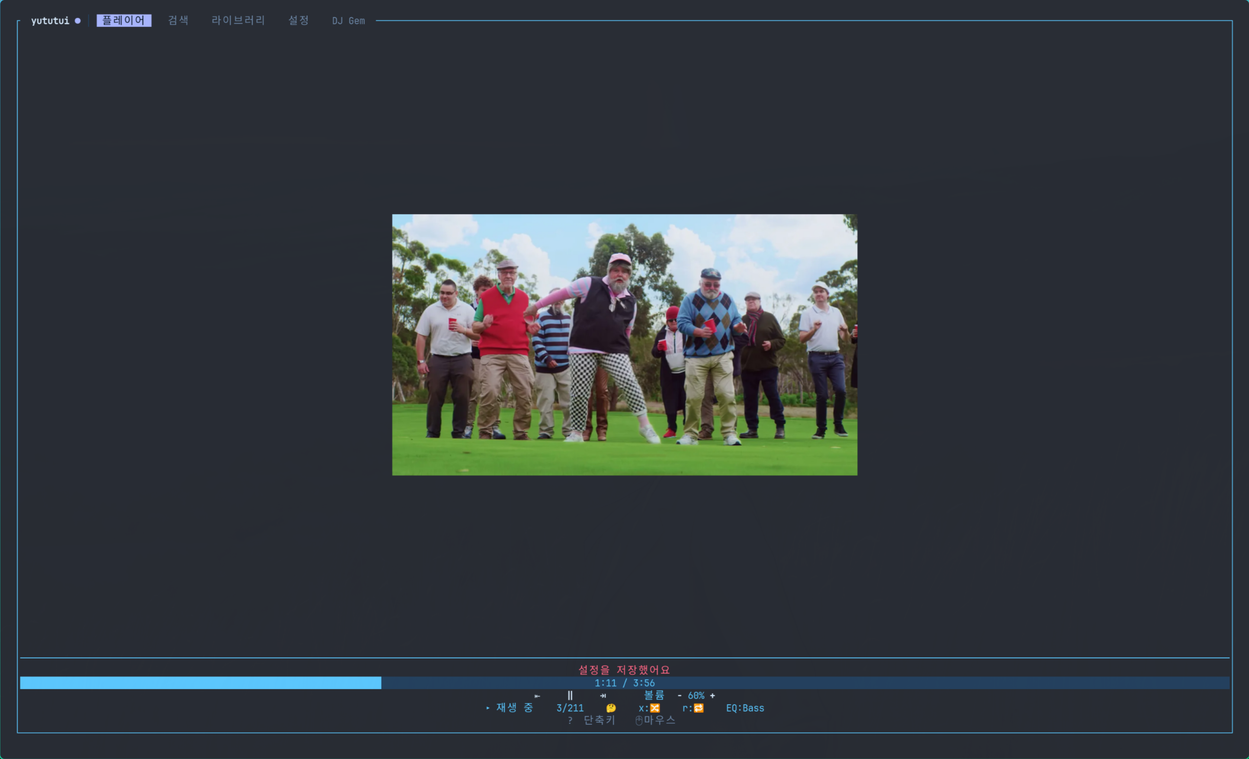
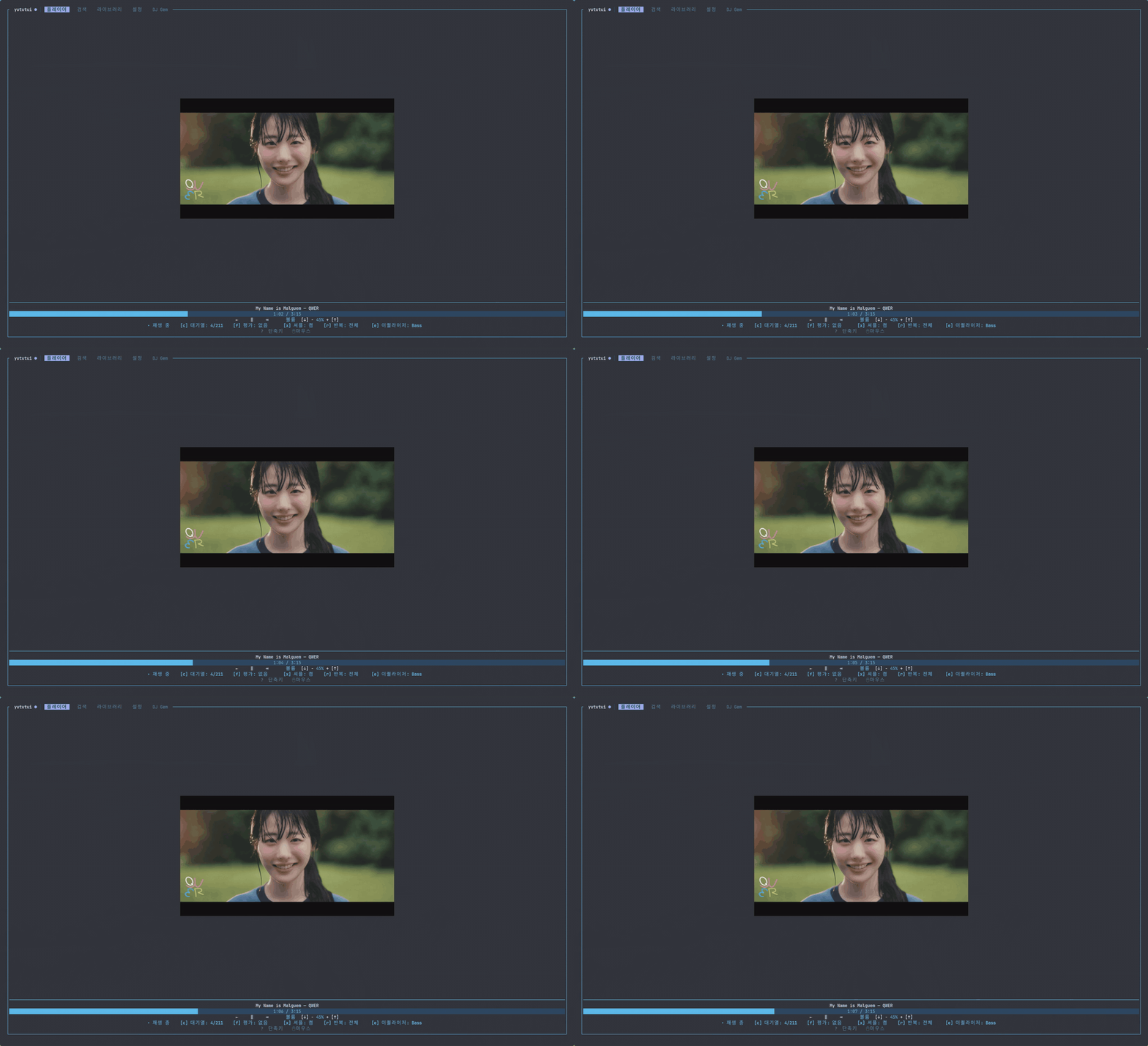
YuTuTui! is a terminal music player for YouTube Music and other catalogs. Search, play, and manage your queue with the keyboard or mouse. Run it with ytt. It uses Rust and ratatui and is licensed under MIT.
Atlas globe · DJ Gem & Momoring · Step-by-step manual
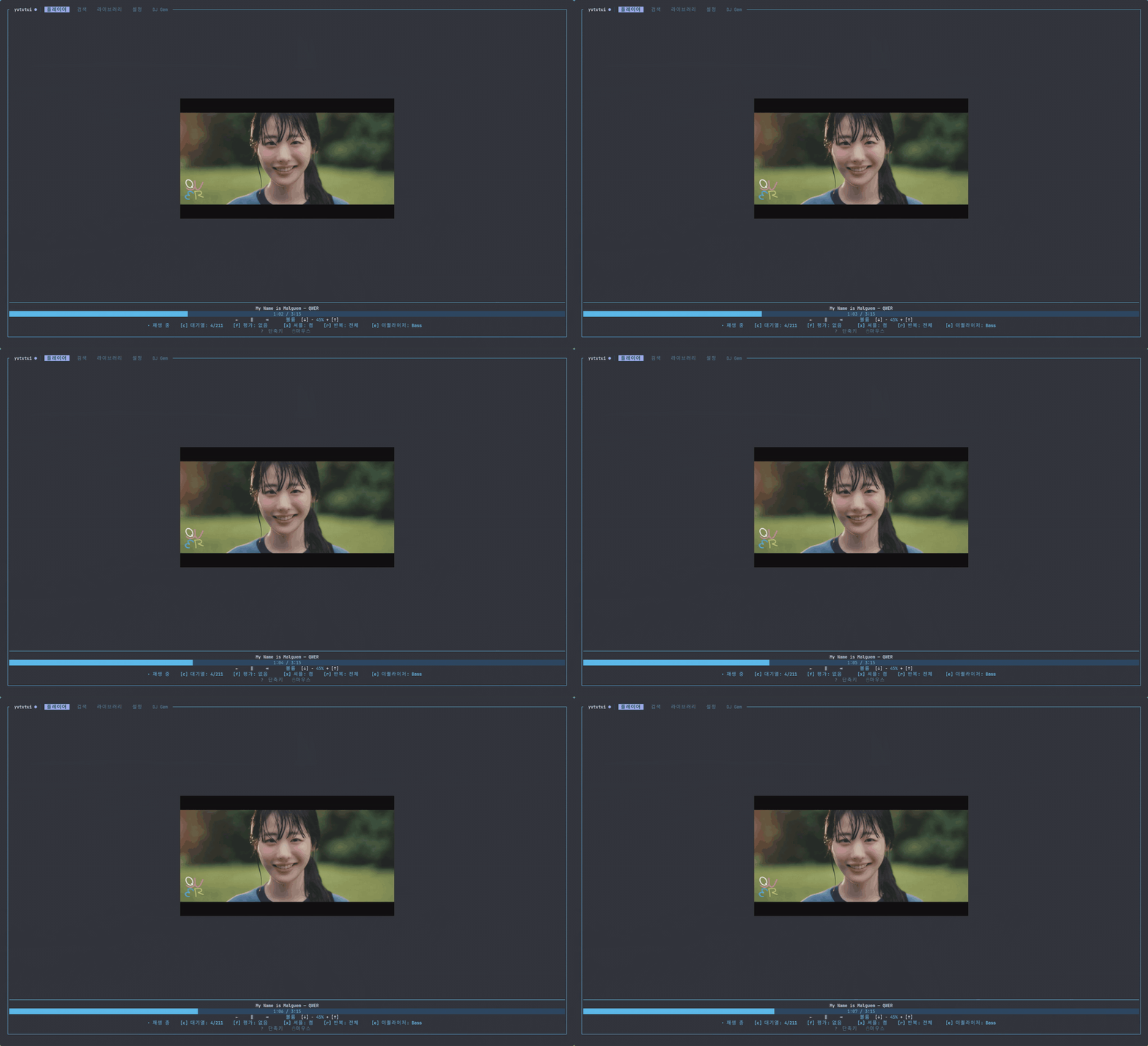
View a static player screenshot
Live demo and feature tour
The manual covers music playback, radio and Atlas, DJ Gem, local files, and Spotify imports. (한국어 · 日本語)
Install
The package-manager commands (brew, scoop, nix, yay) install ytt and its helpers
(mpv, yt-dlp, ffmpeg) in one go. The direct installer and the source build install ytt
only. They check for the helpers and tell you what's missing.
| OS | One command |
|---|---|
| macOS | brew install Ochichan/tap/yututui |
| Windows | scoop bucket add extras; scoop bucket add yututui https://github.com/Ochichan/scoop-bucket; scoop install yututui |
| Linux, any distribution with Nix | nix run github:Ochichan/Yututui |
| Linux, Arch | yay -S yututui-bin |
| Linux, other distributions | Download and run the installer below |
| From source | ./install.sh --build (needs Rust) |
curl -fsSL https://raw.githubusercontent.com/Ochichan/Yututui/main/install.sh | bash
Windows direct installer:
irm https://raw.githubusercontent.com/Ochichan/Yututui/main/install.ps1 | iex
Verify what you download (optional)
Every release ships checksums.txt (SHA-256) and GitHub build-provenance attestations.
To avoid running an installer fetched from a moving branch, pin it to the latest release:
curl -fsSL https://github.com/Ochichan/Yututui/releases/latest/download/install.sh | bash

# Checksums (artifact + checksums.txt in the same directory):
sha256sum -c --ignore-missing checksums.txt        # macOS: shasum -a 256 -c

# Provenance — proves the artifact came from this repo's release workflow (GitHub CLI):
gh attestation verify yututui-linux-x64.tar.gz --repo Ochichan/Yututui
On Windows, launch YuTuTui! from the Start Menu. The tray companion opens Windows Terminal
and starts ytt for you; its right-click menu also has Open Player. Double-clicking
ytt.exe directly is supported too, and the console stays open after exit so an error is not
lost. macOS offers the same Open Player action from its menu-bar companion. Linux keeps the
lightweight native path: run ytt from your terminal or make a desktop launcher for that command.
Run ytt to start the player. Use ytt doctor to check missing tools and configuration problems. See Troubleshooting.
Tray companion (macOS / Windows)
macOS and Windows releases include yututray, the menu-bar / notification-area mini player.
| Channel | What gets installed | How to start the tray |
|---|---|---|
| macOS Homebrew | ytt, yututray, runtime tools |
yututray --background |
| Windows Scoop | ytt.exe, yututray.exe, runtime tools, Start Menu shortcut |
yututray --background or YuTuTray! |
| Direct installers / source build scripts | ytt; macOS/Windows also get yututray |
yututray --background |
| Linux | ytt with MPRIS media integration |
no separate tray app |
Start-at-login is opt-in: yututray --install-startup.
yututray and yututray --background start tray-only, and --mini opens the native mini player.
Launching the bare
command again asks the existing instance to show its mini player instead of creating a second tray
icon. On Windows, left-click
toggles the mini player and right-click opens the menu; macOS keeps the native menu on the status
item and exposes the mini player from Show Mini Player.
The unpinned mini player behaves like a popover and hides after focus moves away. Pinning keeps it visible, always on top, and restores its monitor-relative position. Tray-only and mini-only modes stay out of the taskbar/Dock and app switcher.
Runtime tools
YuTuTui! uses mpv for playback, yt-dlp for search/stream resolution, and ffmpeg for
download post-processing. Packaged installs include them. If a direct or source install is
missing one, the app shows a setup card with a copyable OS command, setup guide, and
Check again button instead of exposing a process error. ytt doctor remains the detailed
diagnostic command. POSIX systems require mpv 0.33 or newer for the inherited lifetime lease.
ytt routes mpv launches through a private guardian. The guardian uses an owner heartbeat; POSIX
adds an inherited mpv fd:// IPC lease, Linux also adds PR_SET_PDEATHSIG, and Windows instead
uses kill-on-close Job Objects. These bind mpv to the ytt owner. The
standalone Unix TUI also fails closed when it loses a recognized direct/conmon PTY or a supported
tmux/screen/Zellij client; an inaccessible or ambiguous multiplexer query must fail twice before
shutdown. Normal Windows console-control events are handled too. A retained ConPTY/tmux-control
broker and repeated same-type tmux/Screen/Zellij nesting cannot be proven detached from inside the client; use ytt daemon
or a host-side lifetime supervisor/lease for those cases. See
terminal compatibility.
Quick start
ytt
On a new profile, a ten-second hint points to Search. Press the displayed search key
(normally s) or click Search; completing the hint once keeps later launches clean.
- Press
s, type a song, hitEnter. - Move with
↑/↓, pressEnterto play. - Press
?anytime for the full, always-current key list.
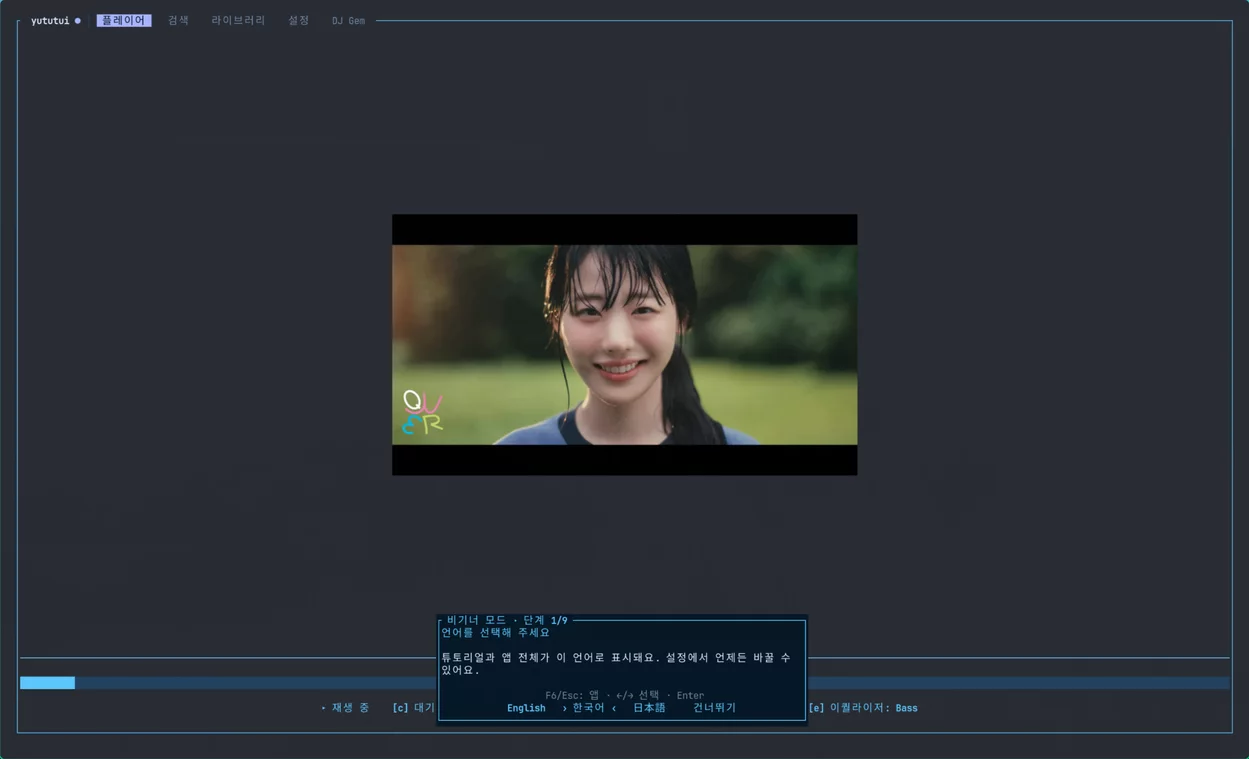
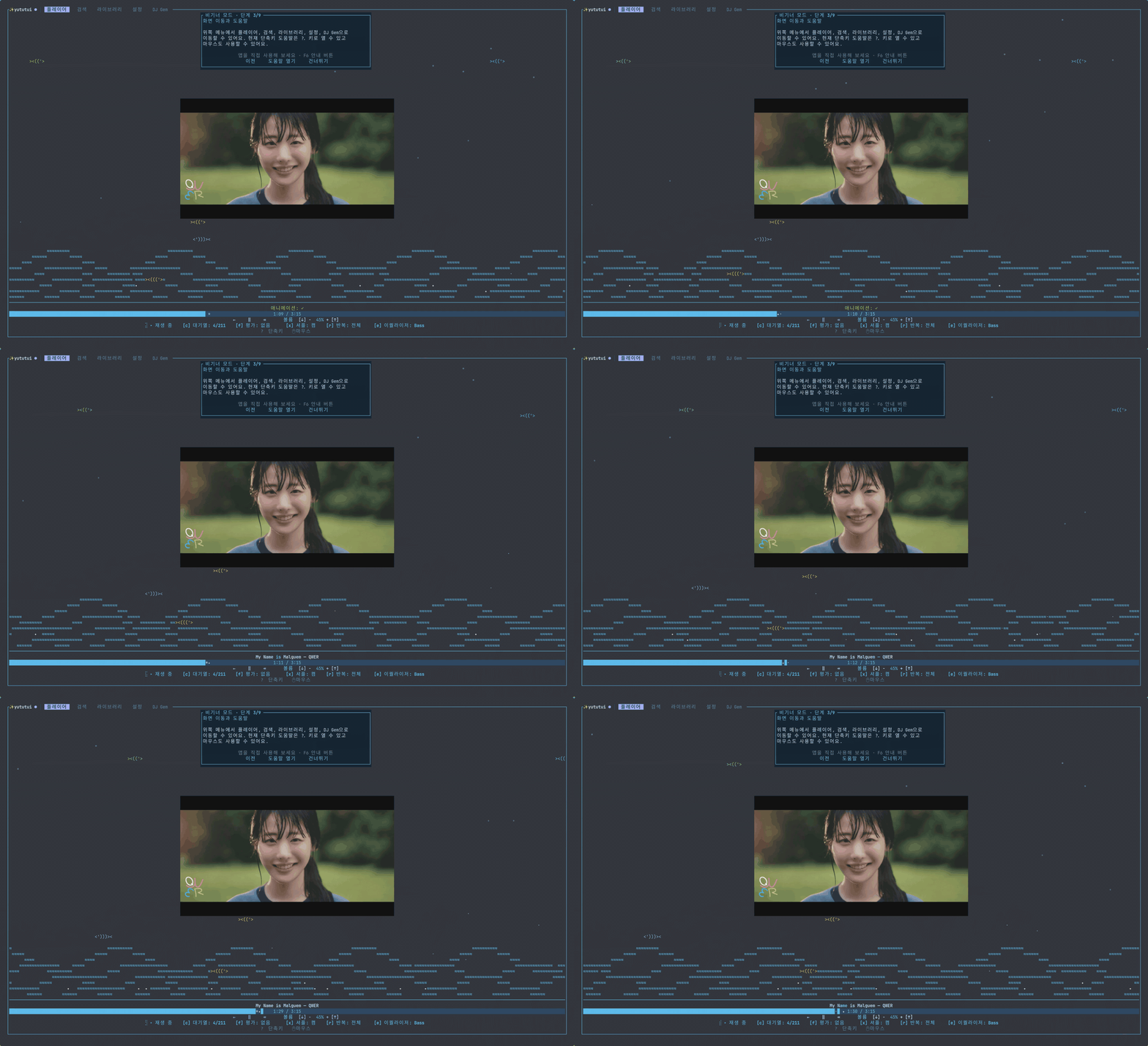
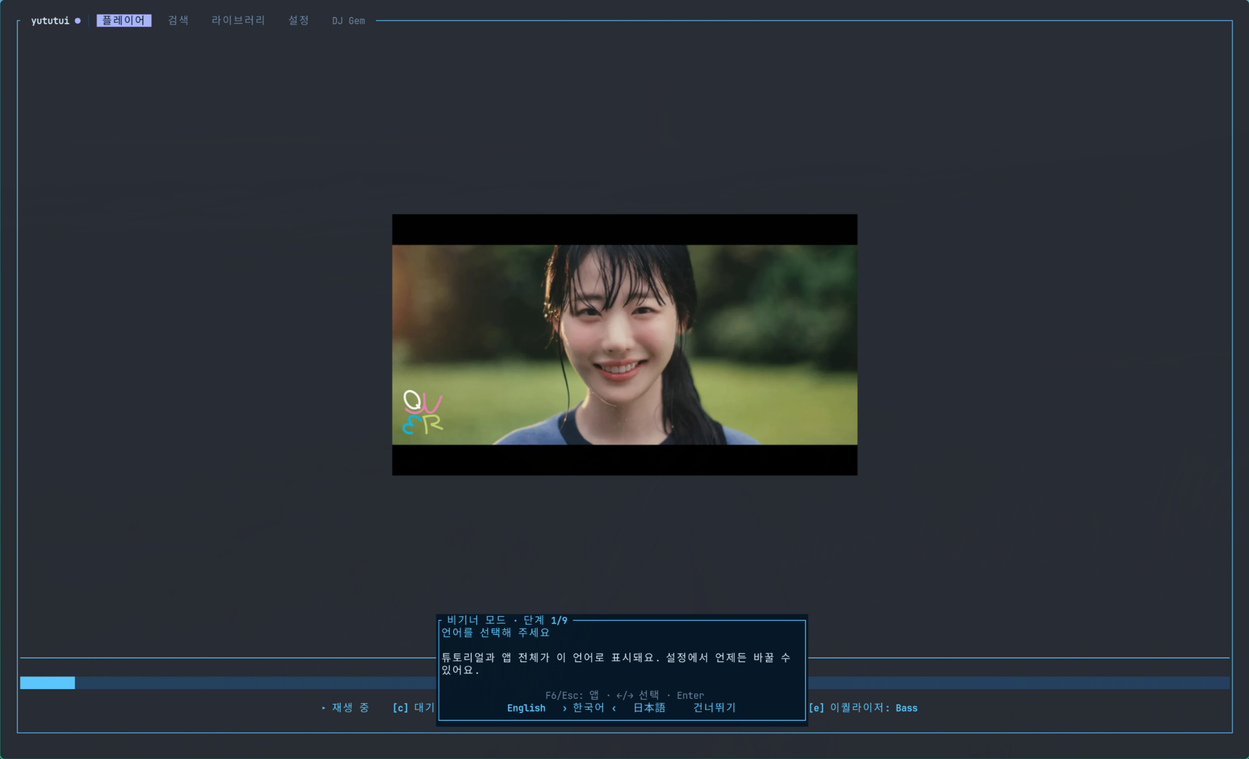
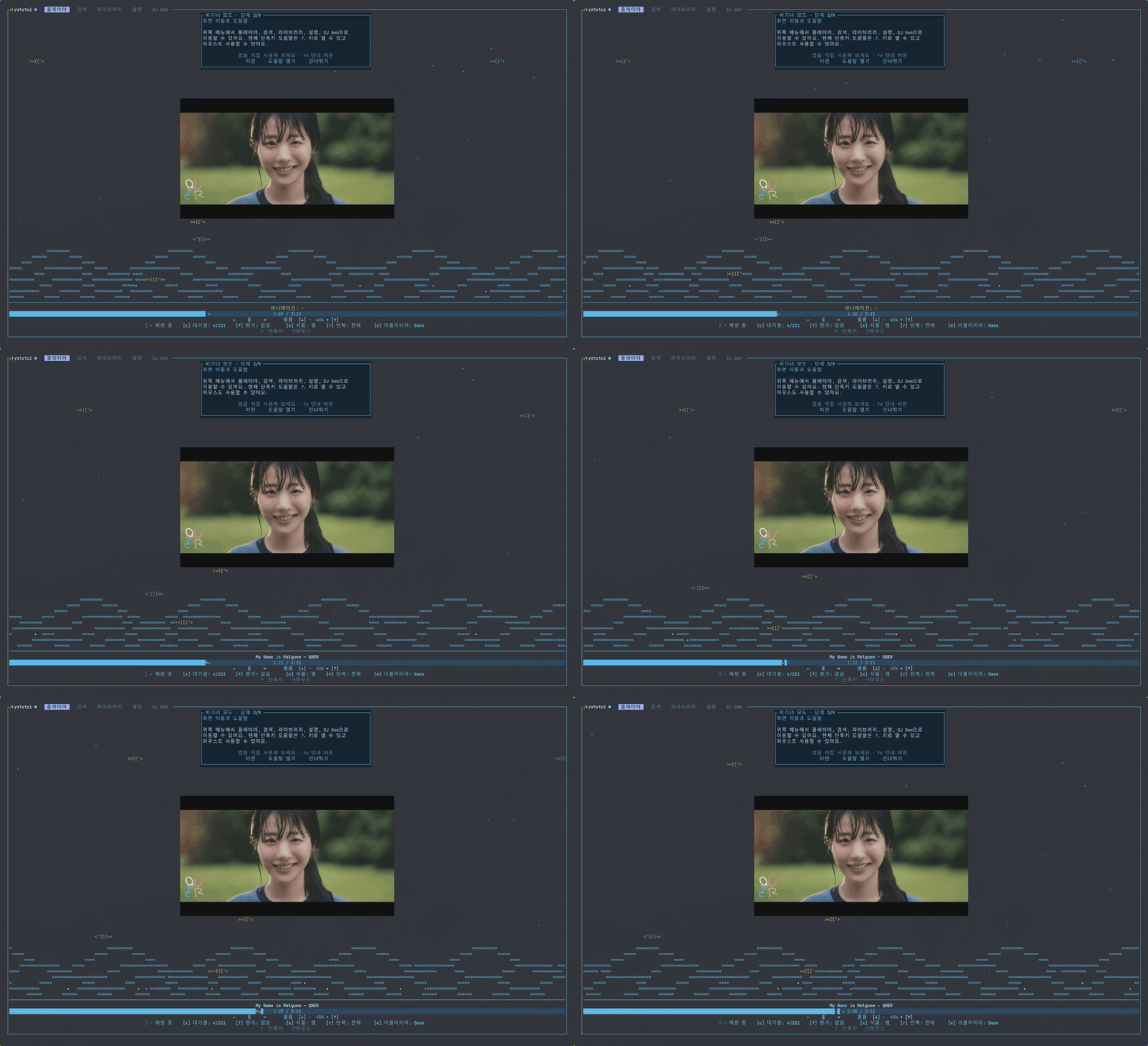
For guided setup, enable Beginner Mode in Settings → General. The next launch opens a nine-step walkthrough, starting with a choice of English, 한국어, or 日本語. The manual explains each mode.
Preview the Beginner Mode walkthrough
Resource use
Measured on 2026-09-30 with official ytt 1.7.7 binaries. Album art and all animations were off. Each state used a separate profile and a 100×30 terminal, with 30 seconds of warmup followed by about 60 seconds of sampling at 1 Hz, repeated three times.
The first table covers the main ytt TUI process. The second includes its guardian and mpv. CPU values are time-weighted means; one fully occupied logical core is 100%. RSS is resident memory, and 1 MiB is 1,048,576 bytes.
| OS | State | CPU % | RSS MiB | DIRTY / private WS MiB |
|---|---|---|---|---|
| macOS | Idle | 0.078 | 23.36 | 6.56 |
| macOS | Playback + Streaming ON | 0.222 | 50.77 | 22.27 |
| Debian | Idle | 0.267 | 30.67 | 10.12 |
| Debian | Playback + Streaming ON | 0.422 | 33.80 | 12.50 |
| Windows | Idle | 0.427 | 20.84 | 4.04 |
| Windows | Playback + Streaming ON | 0.800 | 28.32 | 5.51 |
Including the playback processes
| OS | State | CPU % | RSS MiB | DIRTY / private WS MiB |
|---|---|---|---|---|
| macOS | Idle | 0.100 | 141.06 | 47.39 |
| macOS | Playback + Streaming ON | 1.730 | 312.55 | 192.57 |
| Debian | Idle | 0.372 | 93.74 | 26.96 |
| Debian | Playback + Streaming ON | 2.350 | 133.56 | 54.90 |
| Windows | Idle | 0.514 | 57.36 | 16.86 |
| Windows | Playback + Streaming ON | 3.834 | 91.07 | 37.80 |
Idle had no queued track, playback, or input. Playback used "心臓を捧げよ!" by Linked Horizon, video ID 8QPyFlJNmus, with Streaming ON. mpv fetched and decoded the real YouTube Music stream using null audio output. Audio-device output costs are excluded.
The OS memory column uses different native metrics: macOS vmmap DIRTY, Linux Private_Dirty + Shared_Dirty, and Windows private working set. Windows private working set is not dirty memory. macOS values average six start/end snapshots per state; Linux and Windows values average 180 samples. Summed RSS can count shared pages more than once.
Test machines and tools
| OS | CPU / logical cores / RAM | mpv | yt-dlp |
|---|---|---|---|
| macOS 27.2 | Apple M5 Pro / 18 / 64 GiB | 0.41.0 | 2026.08.19 |
| Debian 13.7 | Ryzen 5 7530U / 12 / 13.58 GiB | 0.40.0 | 2026.09.27.232945 |
| Windows 11 | Intel i5-1340P / 16 / 15.69 GiB | 0.41.0-dev | 2026.08.19 |
These are measurements of three different machines, not an OS efficiency ranking. Hardware, dependency versions, background load, and measurement times differed. Album art display was off, but artwork metadata/cache fetching still occurred. Windows used system yt-dlp after a managed-update warning about missing GnuPG; shutdown also logged a persistence warning. Accepted runs passed rendering, playback-progress, and process-cleanup checks.
Tour
Explore the main modes below, or try the interactive feature tour.
Album art and synced lyrics
The player draws cover images using Kitty, Sixel, or iTerm2 image protocols, detected automatically. Choose Standard, High, or Original quality in Settings.
Press Shift+L to show synced lyrics below the art. Click a visible lyric line to seek to that point. z and Shift+Z shift lyrics 0.1 seconds earlier or later. The [ − 0.0s + ] controls appear for three seconds when lyrics load, then fold into [±]. Click that handle to reopen the adjustment controls for three seconds.
Playback controls dock to the bottom of each screen; Shift+B collapses them. Settings also offers the classic top layout. Album art stays centered in the remaining space. Below about 32×14, the app switches to a miniplayer and restores the full layout when the window grows.
Seven catalogs, one search box
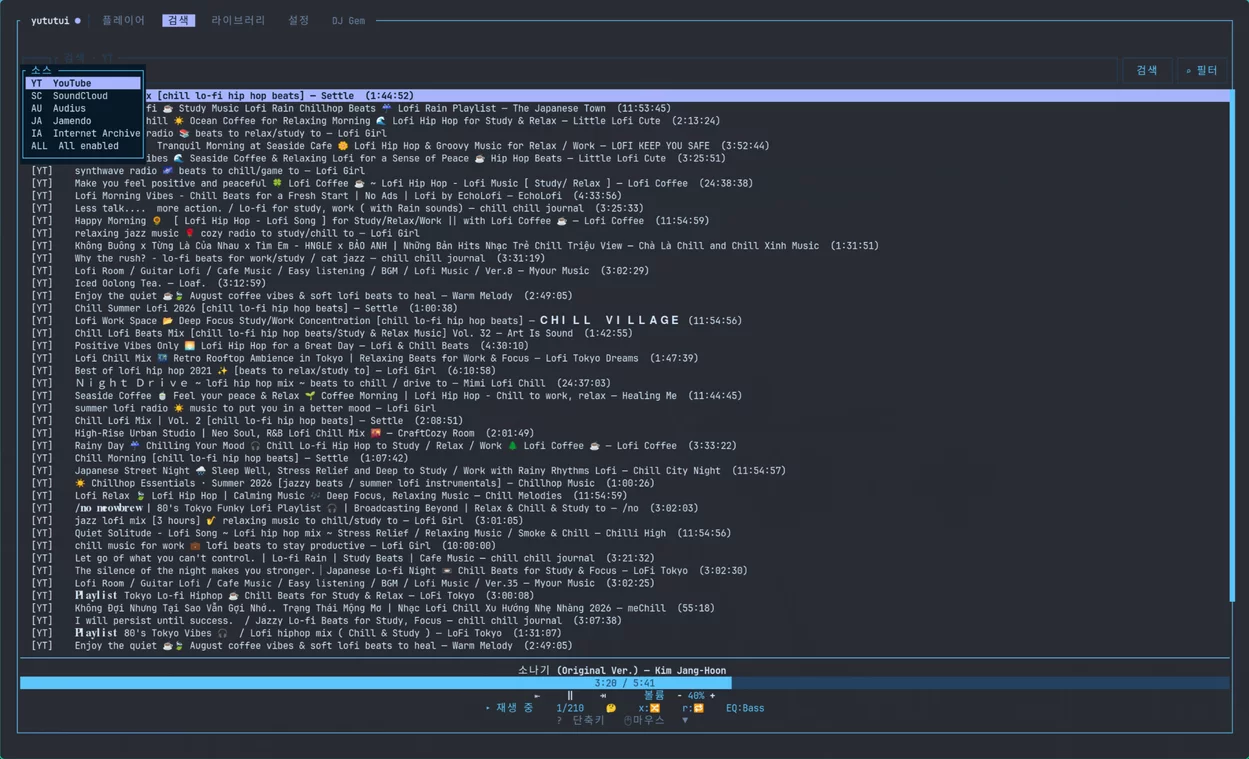
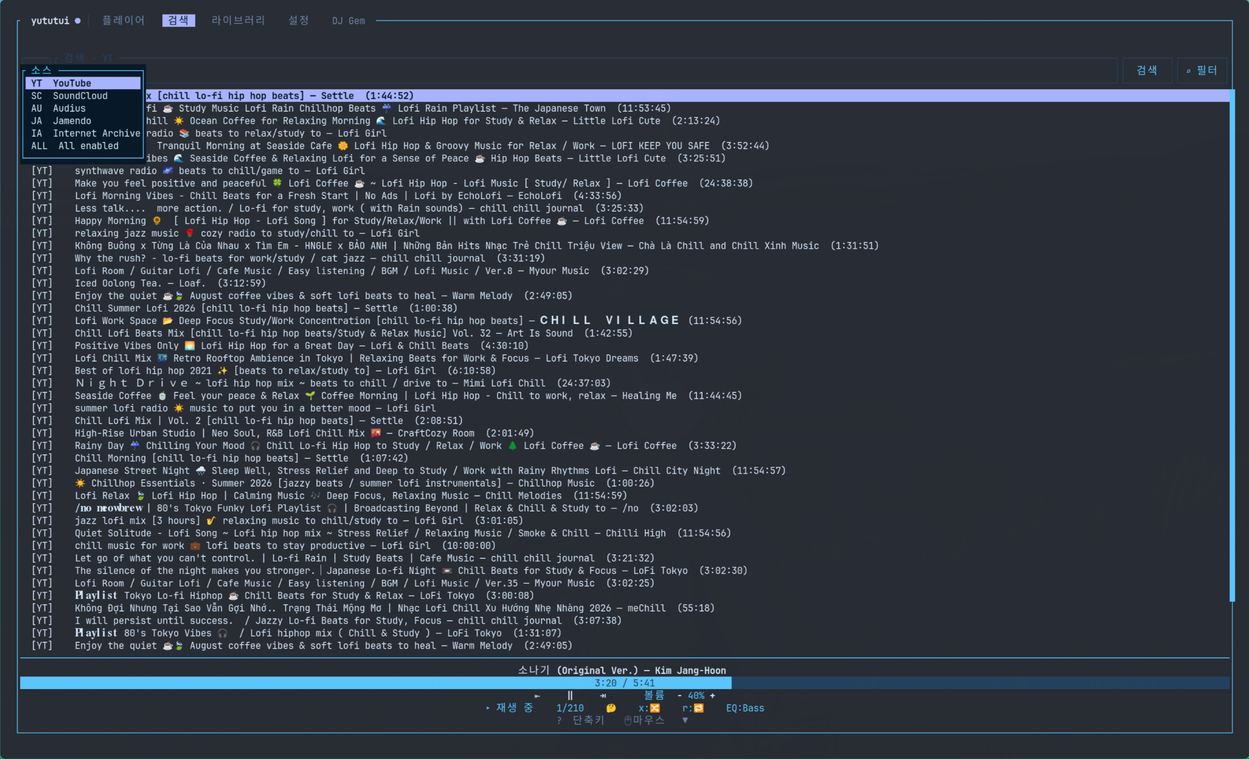
Press Tab in Search to select YouTube Music, SoundCloud, Audius, Jamendo, Internet Archive, Radio Browser, or your OpenSubsonic server. You can also search all catalogs at once. Each result has a [SRC] tag.
Radio mode
Alt+Shift+R turns the app into an internet-radio tuner with separate favorites and listening history. Press i to see the song information supplied by the station; no Gemini key is needed. When a song is identified, f inside the card saves it to your music favorites. Stations that do not send song metadata cannot show a track name here.
Atlas mode
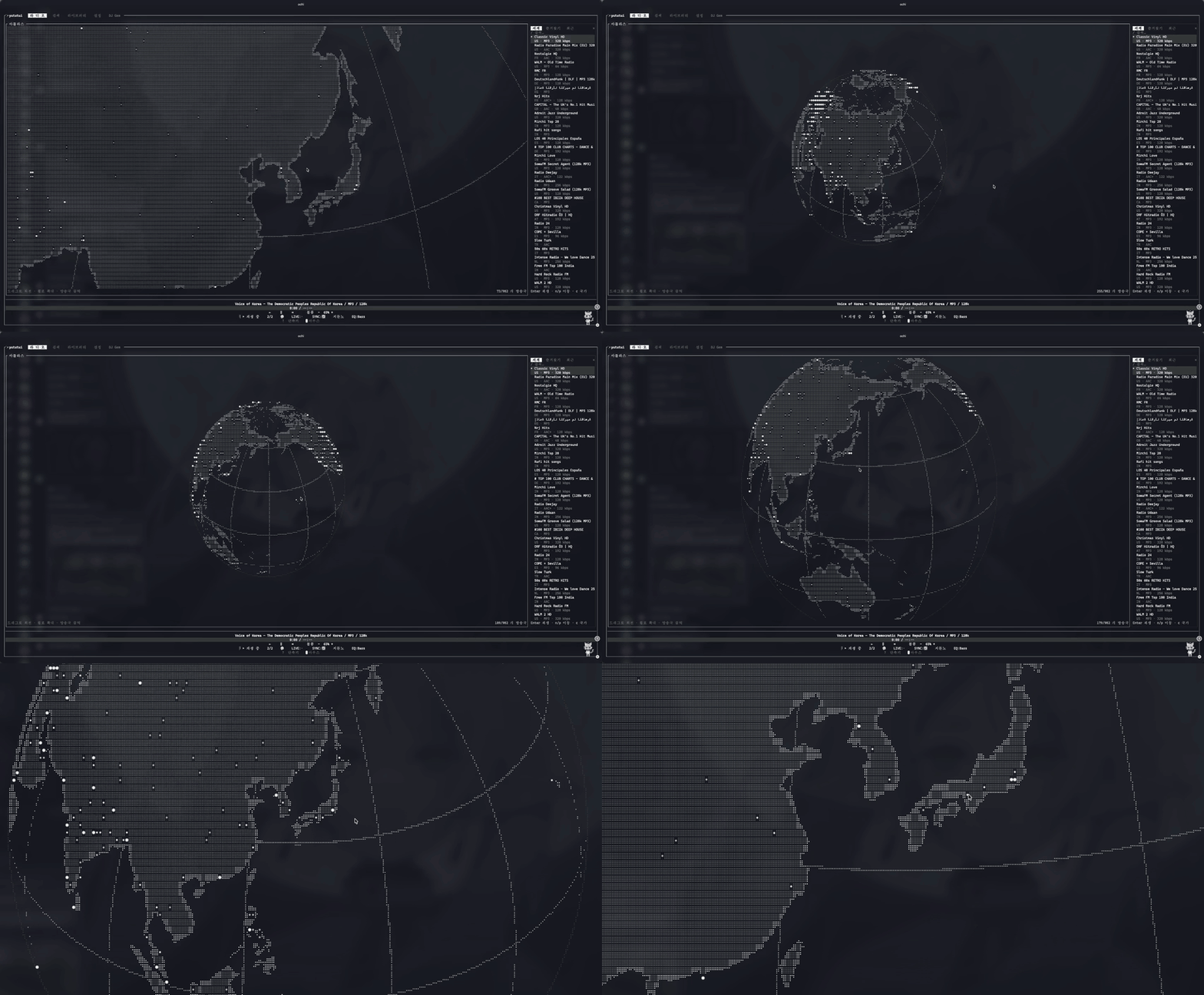
In Radio mode, press a to explore stations on an interactive globe. Drag to rotate, scroll to zoom, click a signal to listen, or pick a country and browse its stations. The side panel brings together world stations, favorites and recent listening.
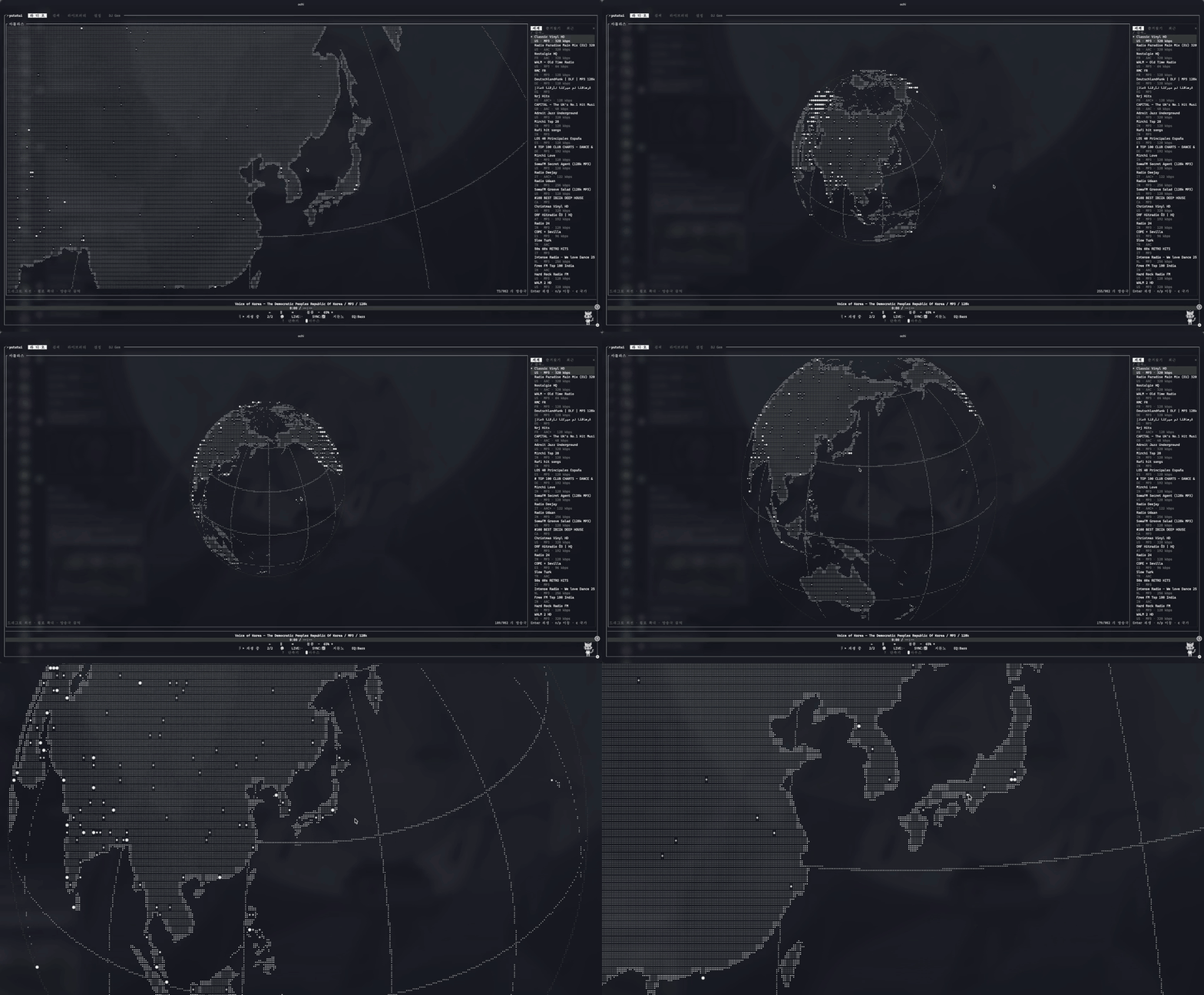
8-second preview from the screen recording. Watch the full 27-second demo (silent) · Atlas controls and settings
Drawn with Braille or ASCII characters, Atlas needs no terminal image protocol. Use / to search, Tab to switch between globe and panel, and q to close. A larger terminal shows more of the globe and station list.
DJ Gem streaming
Ctrl+R builds an endless station around what you're hearing. Recommended tracks carry a clickable ? in the queue and beside Now Playing. Press w with the queue open to explain its selected row; anywhere else, it explains the current track. The card always names the recommendation source and, when DJ Gem supplied them, adds its role, plain-language reasons and confidence. Picks made without model detail show the source alone.
DJ Gem assistant (optional)
g, then ask in plain words: "play some lo-fi", "make me a rainy-day playlist". Set a Gemini API key in Settings → DJ Gem and turn DJ Gem chat on. Music search, playback, radio and Atlas work without a Gemini key.
Momoring is an animated Braille mascot on the empty DJ Gem chat screen. She animates during music playback and uses your theme colors.
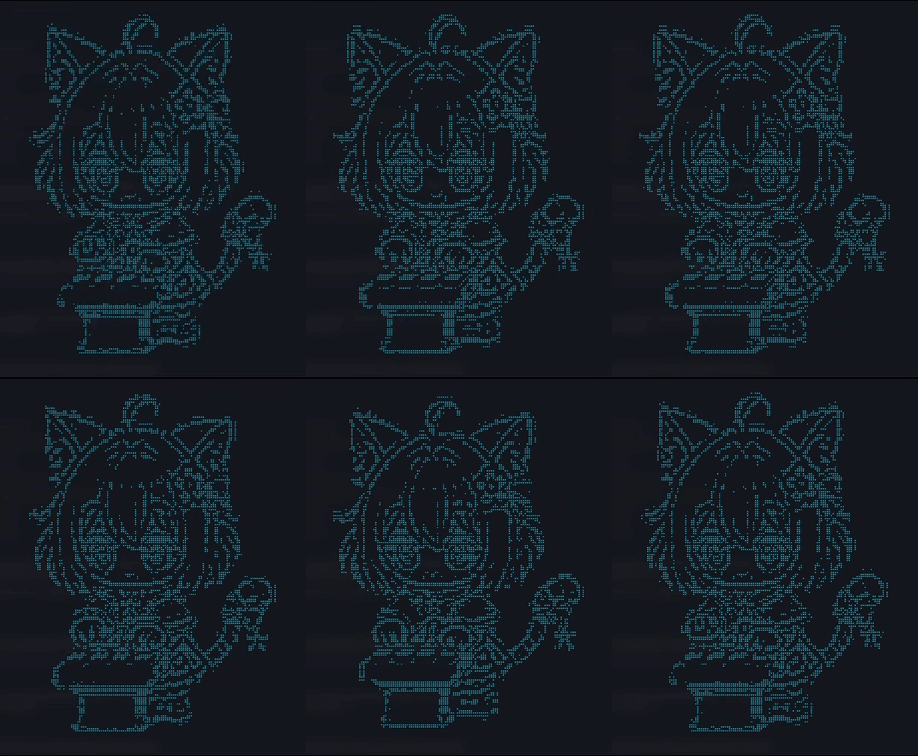
3-second mascot close-up. Setup, chat and animation controls.
Music videos
v opens it in a small mpv window; Auto-continue videos hands each video off to the next track's, and the mpv window answers Space, ., ,, q, f, m.
Library, queue & downloads
Build playlists in the Library (or let DJ Gem build them), pop the queue with c, and d saves a tagged m4a with cover art. Shift+D grabs the whole list.
Local Deck
Alt+Shift+L in the Library opens a player for your downloads and local files, organized by album, artist, genre, and smart lists. Choose Find or press Ctrl+F to search tracks, albums, artists, genres, folders and locally playable playlist entries without an online fallback; / still filters only the section you're viewing. Refine the scope or sort, open a collection, or play/enqueue one result or the whole result mix.
Local playback and Find use only files already on your computer. Other opt-in integrations may still use the network, and the manual online-candidate search in Import Sessions explicitly asks before leaving the Local Deck. The Local Deck also remembers its own theme separately from normal and Radio modes: a fresh or older installation starts it with Local Launch, then restores whichever Local theme you save there. The manual has the full tour.
Control from anywhere
Control playback with media keys, macOS Control Center, Windows SMTC and the tray mini player, Linux MPRIS, or ytt -r. Use the headless daemon for playback without a terminal.
Appearance and audio
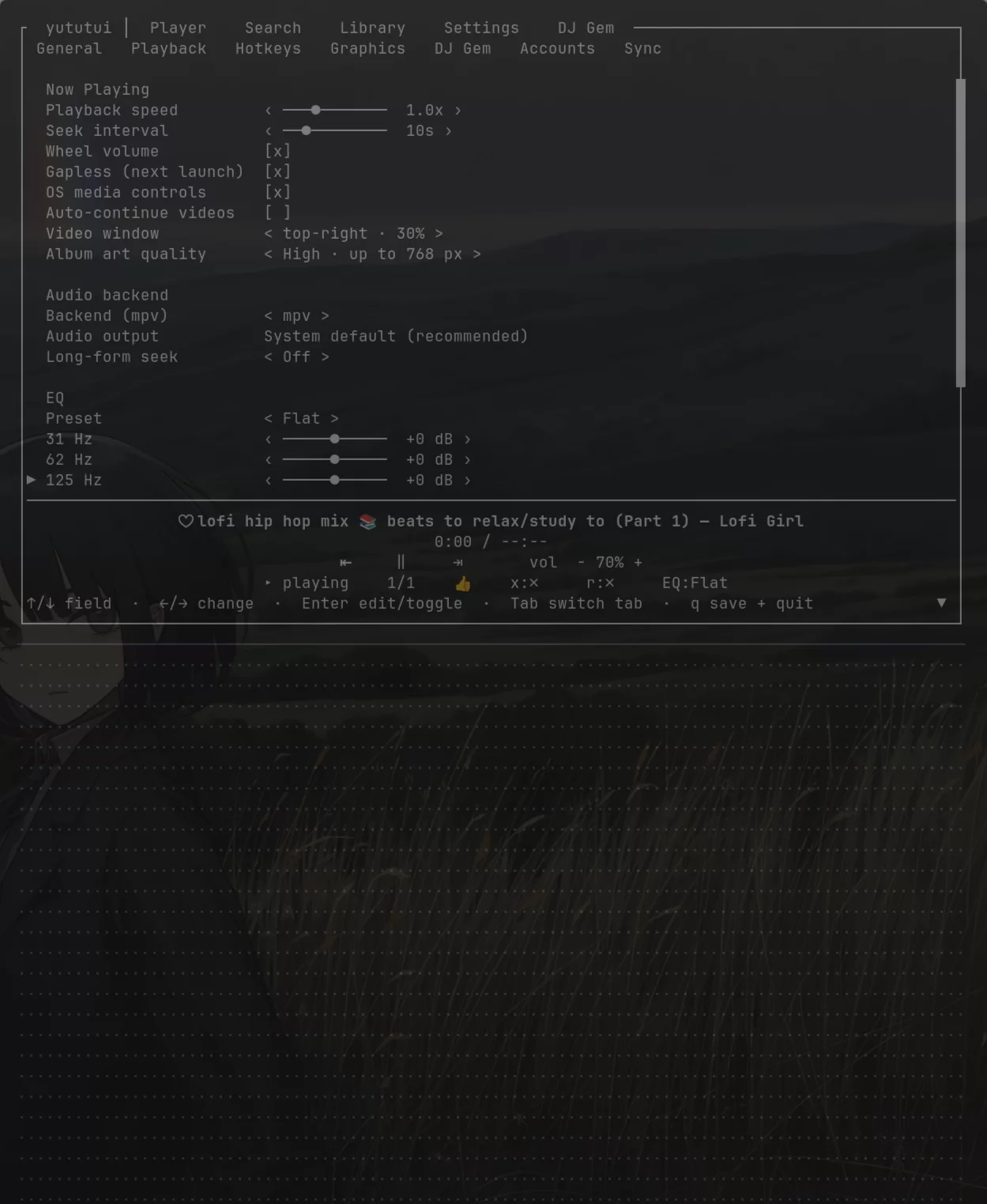
Choose from 14 theme presets or edit all 34 color roles in Custom. The app has 40 animations, including shooting stars, an ASCII donut, fireworks, Game of Life, pipes, and plasma. Audio settings include a 10-band EQ with presets, output-device selection, and loudness normalization. Change the UI language in Settings → General → Language: English, 한국어, or 日本語.
View playback, audio output and EQ settings

Retro mode
Retro mode uses CP437-compatible characters for Linux consoles and older SSH terminals. It renders album art as ASCII and sets the UI language to English because CP437 has no CJK glyphs.
Spotify imports
Use ytt transfer import <url> to import a Spotify playlist. Imports save checkpoints, support resume, and report ambiguous matches. See the reference for setup or the manual for a walkthrough.
Keybindings and mouse controls
Press ? to see your current keybindings. Rebind app actions in Settings → Hotkeys. Mouse controls are supported throughout the UI; safety and modal keys remain fixed.
View the track context menu

Essential keys
These are the default Player keys outside text fields; Atlas has its own controls.
Press ? for all current bindings. Change app actions in Settings → Hotkeys; safety and modal keys remain fixed.
| Key | Does |
|---|---|
Space |
Play / pause |
, / . |
Previous / next (also inside the mpv video window) |
← / → · ↑ / ↓ |
Seek · volume |
s |
Search (Tab picks the catalog) |
l / c |
Library / queue |
x / r |
Shuffle / cycle repeat |
hold ↑/↓ · Shift+↑/↓ |
Fast-scroll a list (accelerates) · extend the selection |
f / d |
Rate like/dislike (or favorite a selected Library row) / download |
Shift+D |
Download the whole list / playlist |
Shift+L |
Synced lyrics; click a visible line to seek there |
z / Shift+Z |
Show lyrics 0.1s earlier / later ([±] reopens −/+ for 3s) |
v |
Music-video overlay |
! / @ |
Jump to the previous / next chapter (mpv-style) |
Shift+S |
Sleep timer. Set minutes (or off), fade-out, then pause |
Shift+B |
Collapse / expand the docked control box |
← / → · Ctrl+← / Ctrl+→ |
Move by one character · one word in a text field |
Backspace / Ctrl+Backspace |
Delete a character / previous word in a text field |
Ctrl+H |
Return to the Player (on legacy ambiguous terminals, the safe text-edit fallback takes priority) |
Alt+Shift+R |
Enter / leave Radio mode |
a |
Open / close Atlas from the Radio Player |
Ctrl+R |
DJ Gem streaming |
w |
Explain the selected queue recommendation, or the current track |
g |
DJ Gem assistant |
o |
Settings |
Ctrl+Q |
Quit |
Shortcuts accept Korean 두벌식 jamo, so
ㅂworks likeqwithout switching input. Use the mouse wheel to adjust volume, drag rows to select a range in Search or the Library, andCtrl+click to toggle individual rows. On macOS, use⌘+click. Right-click a row for its context menu. Remap gestures undermouse_bindingsinconfig.json; the footer mouse button lists mouse controls.
Troubleshooting
ytt doctor checks mpv, yt-dlp, and ffmpeg. Use ytt doctor --verbose for detailed diagnostics or ytt doctor terminal --json to check terminal capabilities.
Playback
| Symptom | Fix |
|---|---|
| Nothing plays, or it errors on play | mpv or yt-dlp missing. Run ytt doctor. |
| Sound goes to the wrong device | Settings → Playback → Audio output picks from the detected local outputs; Audio backend exposes the mpv options. |
| Worked yesterday, not today | YouTube changed so |