xaq
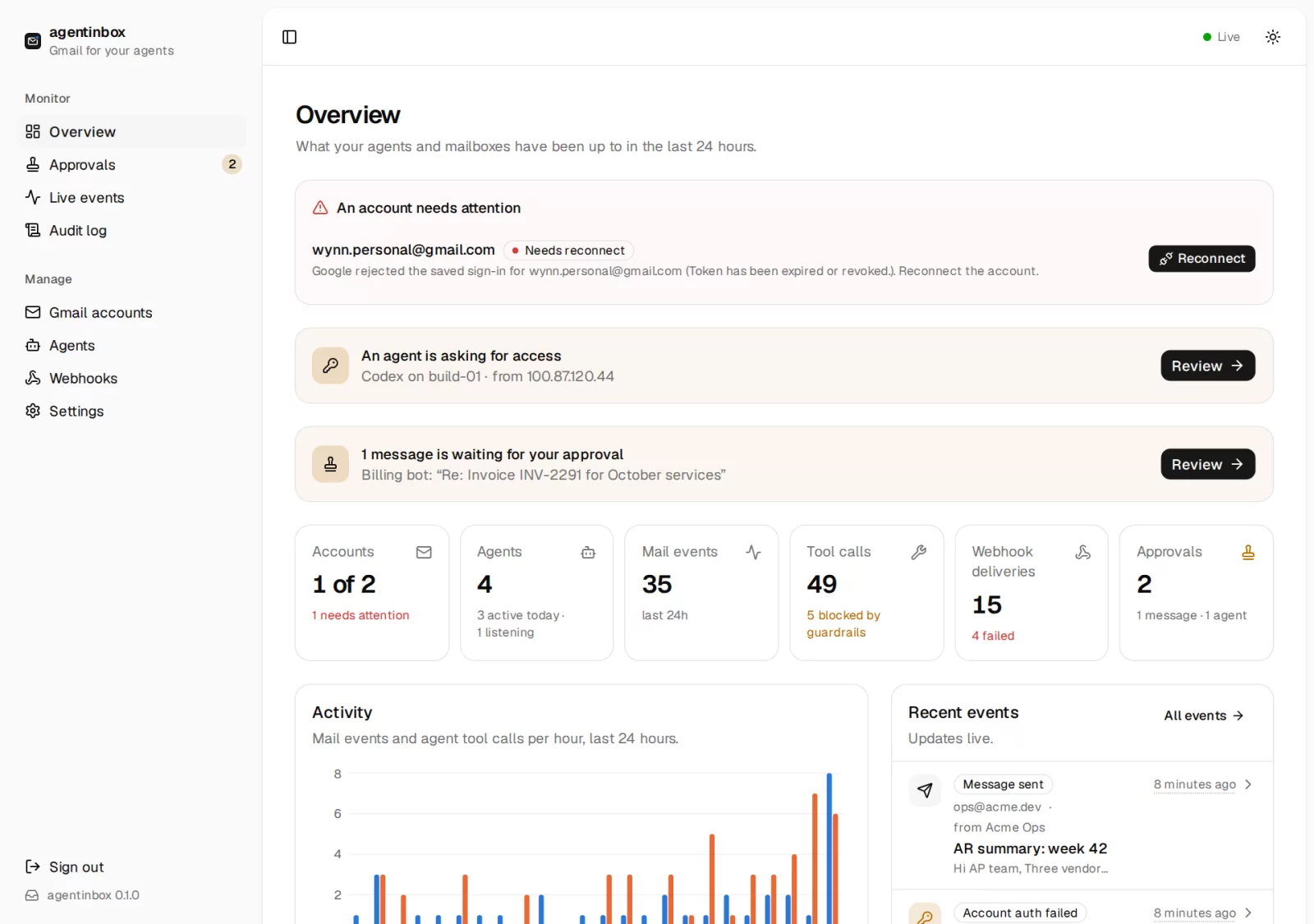
A self-hosted MCP broker for AI agents. One small server holds your credentials (Notion, WHOOP, T3 Code, any MCP server, Gmail and Google Calendar) and gives each agent one MCP endpoint with only the tools it's allowed. Every call is audited.
Install and first run
Needs Node.js 22.13 or newer.
npx xaq-cli
Open the link it prints, set the admin password, and pick what to connect first: Notion, another MCP server, or Gmail and Calendar (which need your own Google Cloud project; the console walks you through it). The console then connects your first agent. To keep xaq running in the background, also after a reboot:
npx xaq-cli service install
A short tour
- Connections. Add an MCP server by URL, or pick a pre-made one (Notion, T3 Code, WHOOP, Brightspace). Pre-made connections are extensions from the official xaq-extensions registry, pinned to a commit and an integrity hash.
- Gmail and Google Calendar. Search, read, draft, send and organize mail; read calendars, find free time and schedule. PDFs and Office files come back as text and tables.
- Agents. Each agent gets one key and one endpoint,
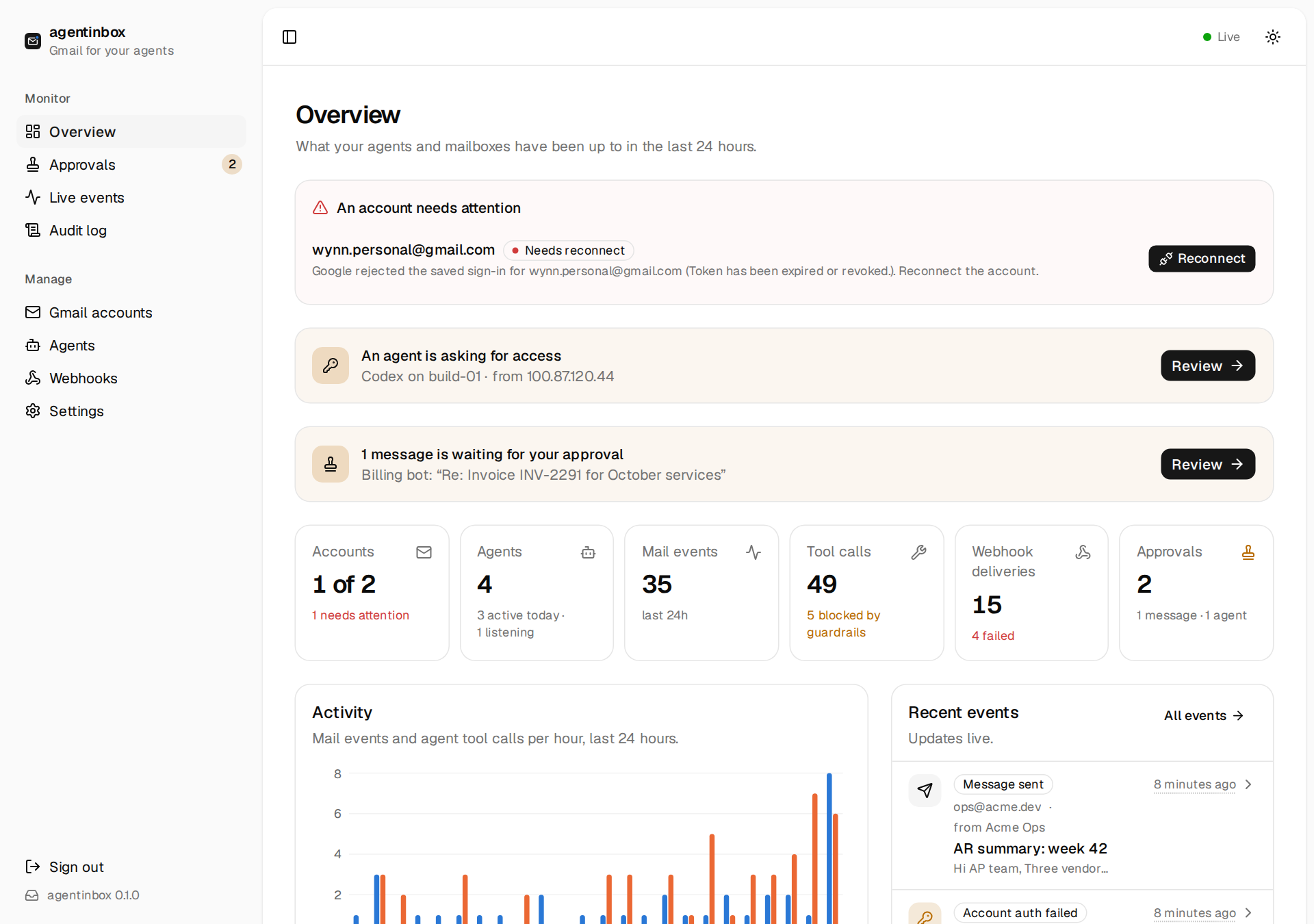
<your server>/mcp, and sees only what you granted it: read only or full access per mailbox and connection, sends limited to the recipients you allow. Pair one from its own machine withnpx xaq-cli connect <url>; you approve it in the console. - Events. New mail and calendar changes reach agents through
wait_for_events, or wake an agent on a laptop withxaq listen. - The console. Settings, connections, extensions, agents, live events and the audit trail.
More
- Reference: commands, connections and extensions, Google setup, access, events, attachments, running in production, security model, data and backups, development
- Waking local agents with
xaq listen