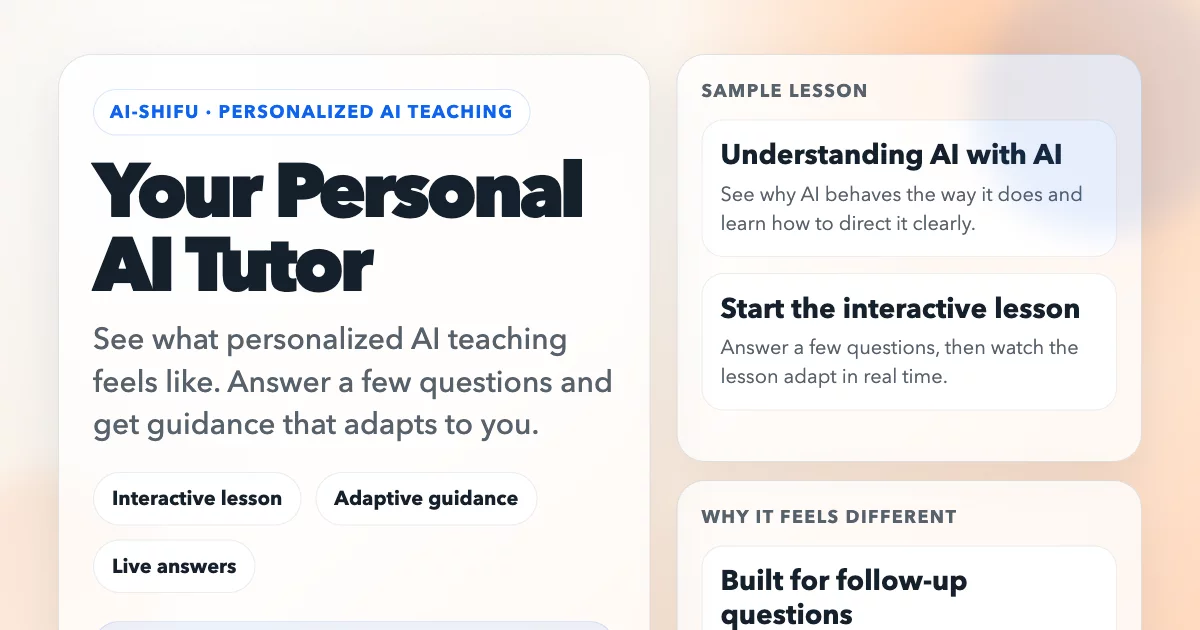


Developed by the AI-Shifu Team and the Research Center of Intelligent Software Engineering at Harbin Institute of Technology.
Core Capabilities
- Personalized explanation engine — Generates learning paths and tone based on learner background, goals, and level.
- Interactive Q&A & probing — Decomposes questions, asks clarifiers, and suggests next actions during sessions.
- Rapid course assembly — Author with high-level frameworks and intent; AI-Shifu elaborates into lessons, activities, and assessments.
- Reduced production & delivery overhead — Minimizes repetitive prep and support; every learner gets a dedicated “AI tutor.”
- Multi-channel integration — Embeddable in websites, course platforms, and enterprise training portals.
Use Cases
- Course creators — Hand a single lesson framework to AI-Shifu; learners receive personalized explanations and real-time interaction.
- Enterprise training — Input training content once; employees get role- and background-specific learning paths.
- Educators — Provide a syllabus to generate personalized coaching content plus a Q&A assistant.
Roadmap
- Writing AI agent for rapid script generation and maintenance
- Knowledge base
- Speech input and output
Using AI-Shifu
Platform
AI-Shifu.com is an education platform powered by AI-Shifu. You can try it and learn the AI-guided courses developed by human experts.
Self-hosting
For source code installation, please refer to the Installation Manual
Make sure your machine has installed Docker and Docker Compose. The configuration installer also requires Python 3.10+ on Linux, macOS, or WSL.
Quick Start (Docker)
git clone https://github.com/ai-shifu/ai-shifu.git
cd ai-shifu/docker

# Use Docker-ready defaults (matches bundled MySQL service; Redis is optional)
python3 ../scripts/prepare_env.py

# Edit .env: configure an LLM provider API key and set LLM_MODEL_1_ID
# to a text model ID served by that provider (required; no default).
# LLM_MODEL_1_NAME is optional; an empty name displays the model ID.

# Start all services
docker compose -f docker-compose.latest.yml up -d
Notes
LLM_MODEL_1_IDis required and has no default. Configure optional model IDs for numbers 2-9; gaps are supported. AllLLM_MODEL_<number>_NAMEvalues are optional: omitted or blank names display the configured model ID. A name without a model ID does not enable an option. Historical selections automatically use model 1 when they do not reference a configured number; no data cleanup is needed.- For an existing installation, follow Upgrading to numbered models before starting the new images. This applies to latest, pinned-release and development Compose modes.
- First verified user is automatically promoted to Admin and Creator; the bundled demo course is assigned to this user.
- Default universal verification code for demos is 1024 (change via
UNIVERSAL_VERIFICATION_CODE). docker-compose.latest.ymlpulls the freshest:latestimages (or your own locally builtlatesttags). For a fresh pinned-release installation, use bothdocker-compose.ymlanddocker-compose.secret-key.ymlas described below.- The installer creates
.envwith a private randomSECRET_KEYonce. Keep and securely back up this file across restarts and upgrades; all backend containers and workers reuse it. Existing files are validated and never overwritten. See key preservation and recovery before changing existing configuration.
Using Docker Hub image (customize)
git clone https://github.com/ai-shifu/ai-shifu.git
cd ai-shifu/docker

# Create private configuration and generate SECRET_KEY automatically (Python 3 required)
python3 ../scripts/prepare_env.py

# Edit .env: a provider key and the model 1 binding are required:
# - OPENAI_API_KEY / ERNIE_API_KEY / BIGMODEL_API_KEY / ...
# - LLM_MODEL_1_NAME: optional display name; blank uses the configured model ID
# - LLM_MODEL_1_ID: a configured text model ID (no default)
# - SQLALCHEMY_DATABASE_URI: Defaults to docker MySQL service
# - REDIS_HOST: Optional; set to enable Redis caching/locks (leave empty to disable)
# - SECRET_KEY: Already generated and saved by the installer; preserve this value
# - UNIVERSAL_VERIFICATION_CODE: Test verification code (remove/empty in production)
# - Any other optional integrations

docker compose -f docker-compose.latest.yml up -d

# Alternative for a FRESH installation using pinned images (Compose 2.24.4+):
docker compose -f docker-compose.yml -f docker-compose.secret-key.yml up -d
Development mode (dev_in_docker.sh)
git clone https://github.com/ai-shifu/ai-shifu.git
cd ai-shifu/docker

python3 ../scripts/prepare_env.py
# Edit .env: set your LLM API key(s) and map LLM_MODEL_1_ID
# to a text model ID available through the configured provider.
# Optionally set LLM_MODEL_1_NAME; blank uses the configured model ID.

./dev_in_docker.sh
dev_in_docker.sh builds the backend and frontend images from your local source tree and then launches docker-compose.dev.yml (hot reload + bind mounts). Use it whenever you need to iterate on code without managing Python/Node runtimes locally.
It stops before building when .env is absent. For a new installation, run
the configuration installer above; for an existing installation, restore the
original file from backup. Existing configuration continues through the usual
runtime validation. Configure the provider and model before starting services.
The script records the checkout's current commit before building the Web image, so the user menu can show its source revision. Source archives without Git metadata show only the package version.
To start the dev stack directly with Compose, run these commands from docker/:
git rev-parse HEAD > ../src/web/.app-build-sha 2>/dev/null || rm -f ../src/web/.app-build-sha
docker compose -f docker-compose.dev.yml up --build -d
Prepare the marker and rebuild each time you start from a different commit so an existing dev image does not keep an older revision.
Compose files
docker-compose.latest.yml: tracks the:latesttags foraishifu/ai-shifu-apiandaishifu/ai-shifu-web. Use this when you want the freshest container build (either from Docker Hub or after running your owndocker build ... -t aishifu/...:latest).docker-compose.yml: pins each image to a specific release tag. Fresh installations must add-f docker-compose.secret-key.ymlon every Compose command to use their generated key. Existing deployments keep their original command and effective key until a deliberate migration; see the installation manual.
GitHub Actions also publishes the API and Web images to
ghcr.io/ai-shifu/ai-shifu-api and ghcr.io/ai-shifu/ai-shifu-web.
See image publication and GHCR usage
for automatic triggers, manual backfills and use with the existing Compose bundles.
Access
After Docker starts:
- Open
http://localhost:8080in your browser to access Cook Web (learner interface and authoring console) - Use any phone number for login; the default universal verification code is 1024 (for demo/testing only — change or disable in production)
- The first verified user becomes Admin and Creator
Internationalization (i18n)
- Shared translations live in
src/i18n/<locale>/**/*.jsonand are consumed by both Backend and Cook Web. - See the consolidated i18n guide for the product-locale checklist, conventions, scripts, and CI checks.
- Supported frontend languages are declared in
src/i18n/locales.json.
Text-to-Speech (TTS)
AI-Shifu supports multiple TTS providers. To enable Volcengine HTTP v1/tts, set:
VOLCENGINE_TTS_APP_KEY(AppID)VOLCENGINE_TTS_ACCESS_KEY(Token used byAuthorization: Bearer;{token})VOLCENGINE_TTS_CLUSTER_ID(Cluster, default:volcano_tts)
In Shifu settings, select the provider name volcengine_http and choose a voice/model.