Cattr
Self-hosted time tracking and project management platform with activity tracking, screenshots, reports, and a public API.
Website · Demo · Documentation · Discussions
Screenshots
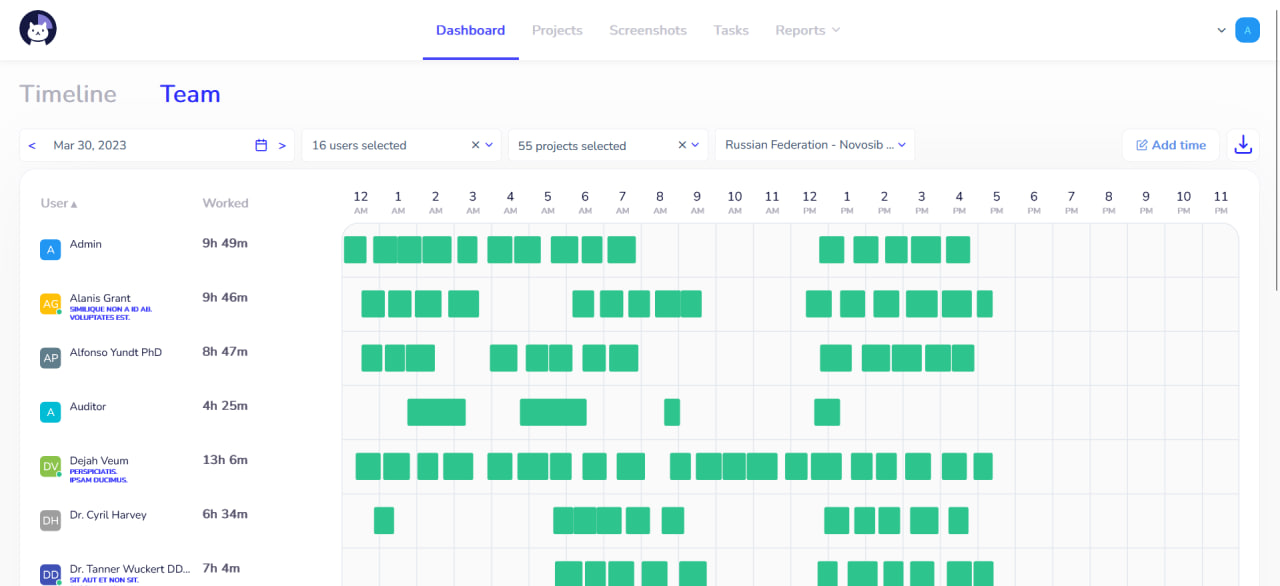
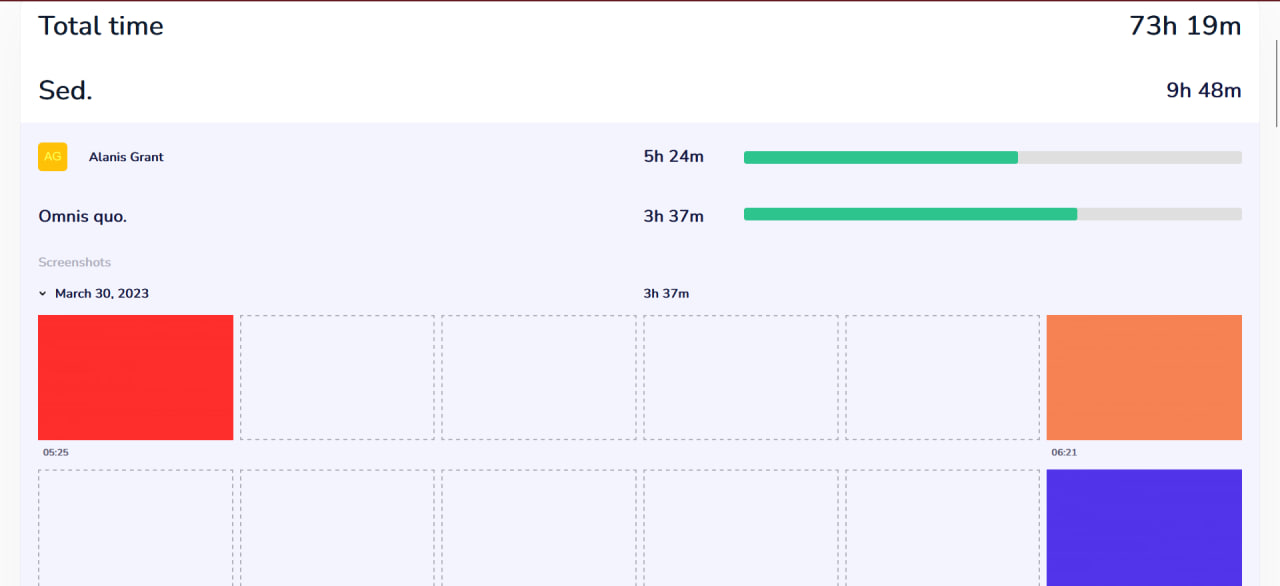
| Dashboard | Project report |
|---|---|
 |
 |
Features
- Time tracking across projects and tasks
- Project and task management
- Screenshot and activity tracking
- Dashboard and configurable reports
- Offline synchronization
- Team, user, and role management
- Task comments and attachments
- Public API
- Extensible module system
Try Cattr
A public demo is available at demo.cattr.app.
Installation
Cattr is designed to run on your own infrastructure.
See the installation guide for requirements, deployment, and configuration.
Container images are published to:
ghcr.io/cattr-app/server
API
Cattr provides an HTTP API for projects, tasks, users, time intervals, screenshots, reports, company settings, attachments, and offline synchronization.
See the API documentation.
Desktop application
The Cattr desktop client provides native time tracking and activity collection.
Development
Interested in contributing or building Cattr locally?
See CONTRIBUTING.md and the developer guides.
Build the published API reference from the repository root:
pnpm install --frozen-lockfile
pnpm build:pages
Modules
External backend and frontend modules are installed independently and are disabled by default. Each one is switched on with its own environment variable:
MODULE_BACKEND_<FLAG_NAME>_ENABLED=true     # backend module, <FLAG_NAME> from module.json "name"
MODULE_FRONTEND_<FLAG_NAME>_ENABLED=true    # frontend module, <FLAG_NAME> from ModuleConfig.moduleName
<FLAG_NAME> is the module identifier in upper snake case: a _ is inserted before an
uppercase letter that follows a lowercase letter or a digit, any other separator becomes
_, and the result is uppercased (CattrRedmineIntegration -> CATTR_REDMINE_INTEGRATION,
AmazingCat_RedmineIntegration -> AMAZING_CAT_REDMINE_INTEGRATION, Module2 -> MODULE2).
Only the exact value true enables a module. The full rules and examples are in
docs/dev/module-activation-flags.md; installing
modules for development is described in CONTRIBUTING.md.
Documentation
Community
For questions and general discussion, use GitHub Discussions.
For bugs and feature requests, use GitHub Issues.
License
Cattr Server is distributed under the Server Side Public License 1.0.