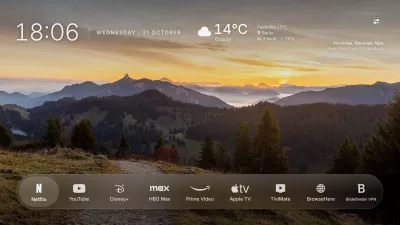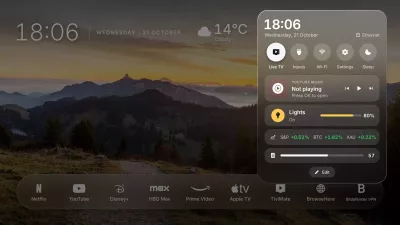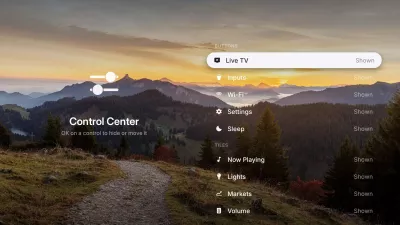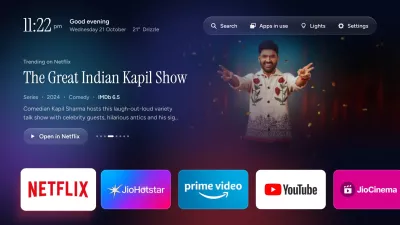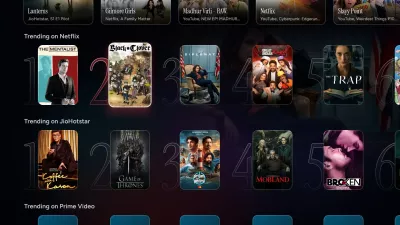

illumera is based on Lumera.
A feature-rich Android TV streaming application built with Kotlin and Jetpack Compose for TV.
Browse, discover, and stream content from Stremio-compatible addons. Connect your Stremio account — with email/password, phone handoff, Facebook, or Apple — to instantly import your existing addon collection and sync Continue Watching progress.

Screenshots
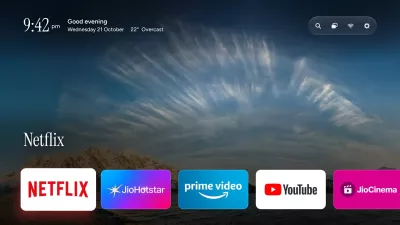
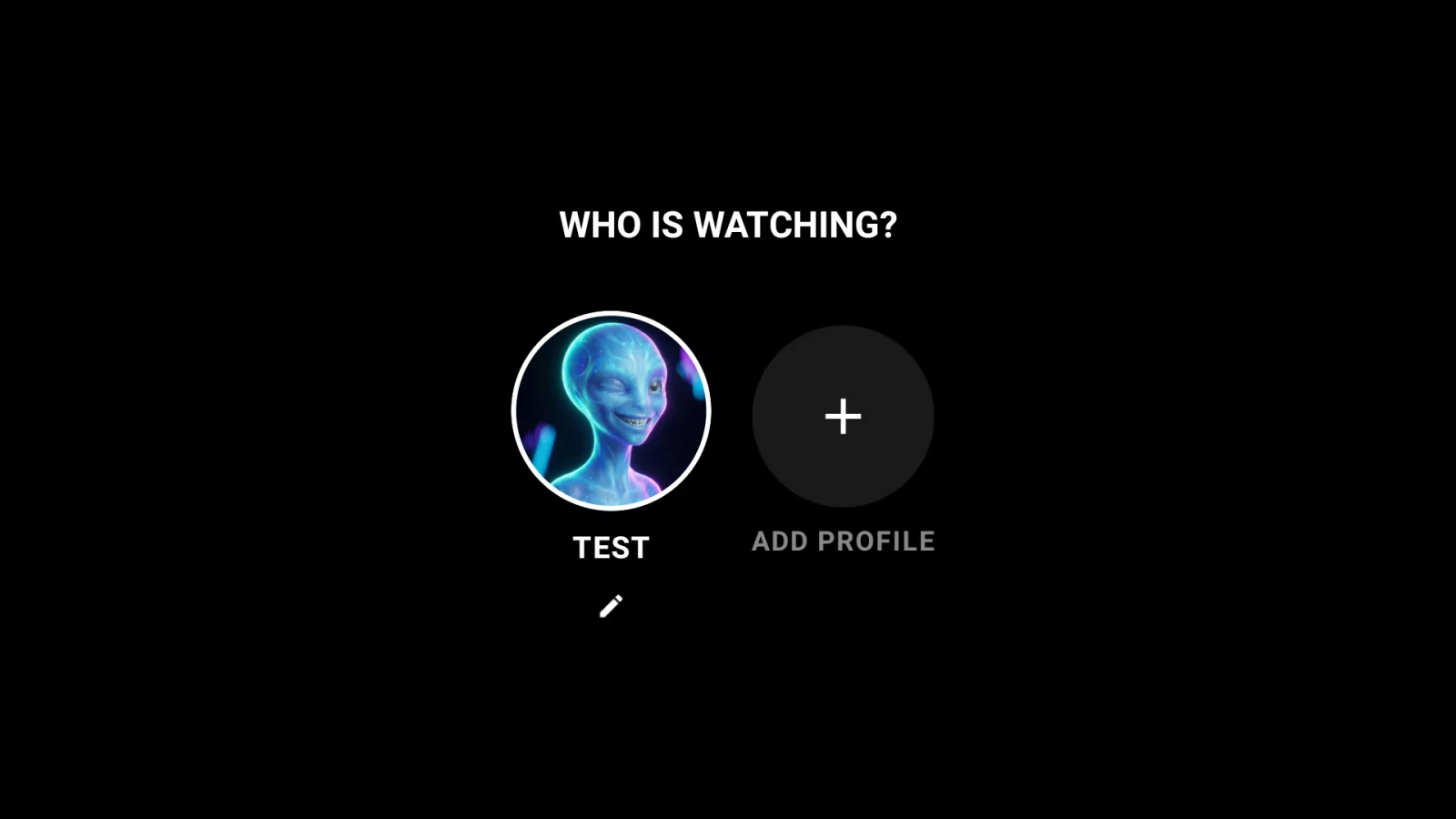
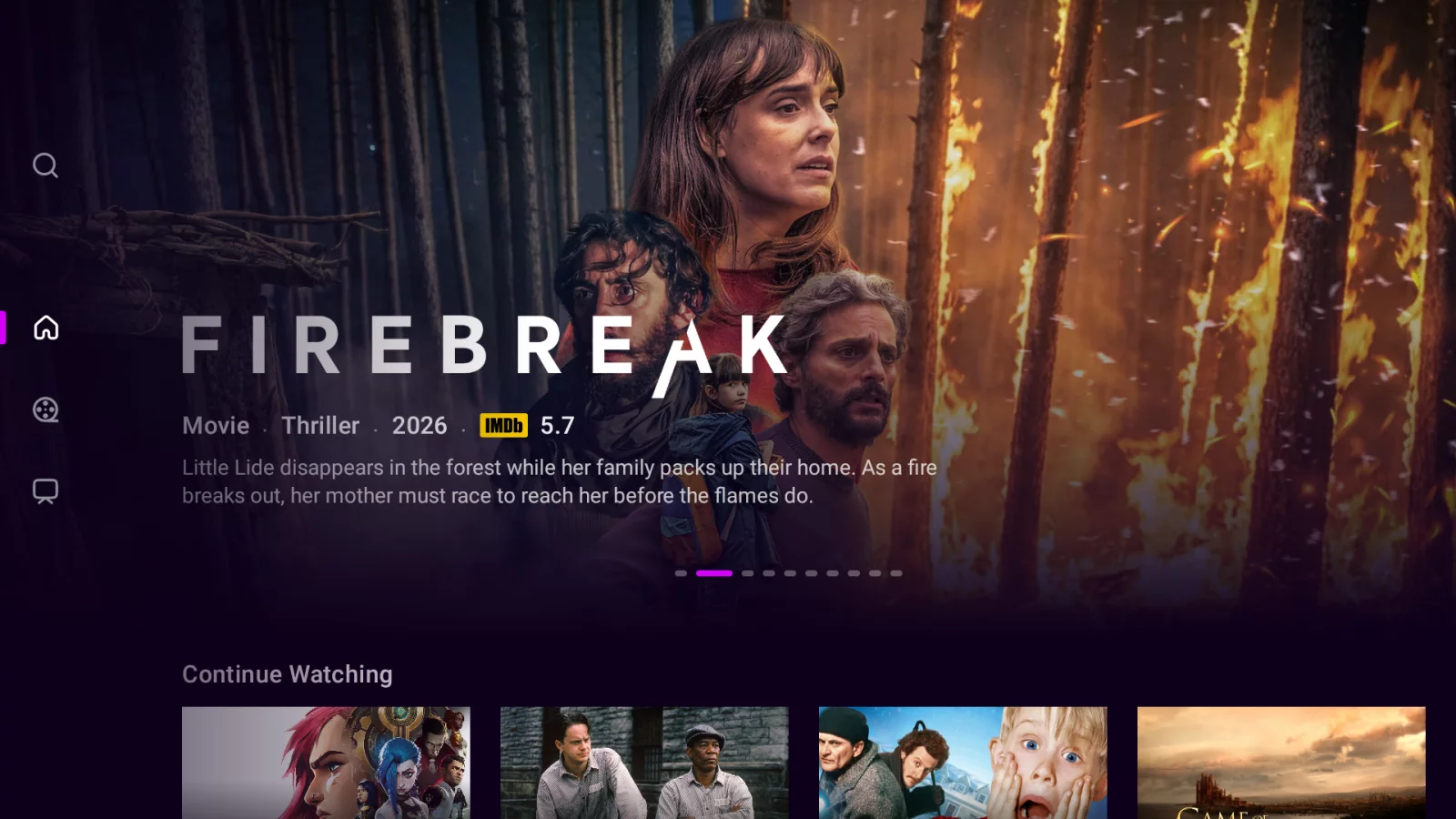
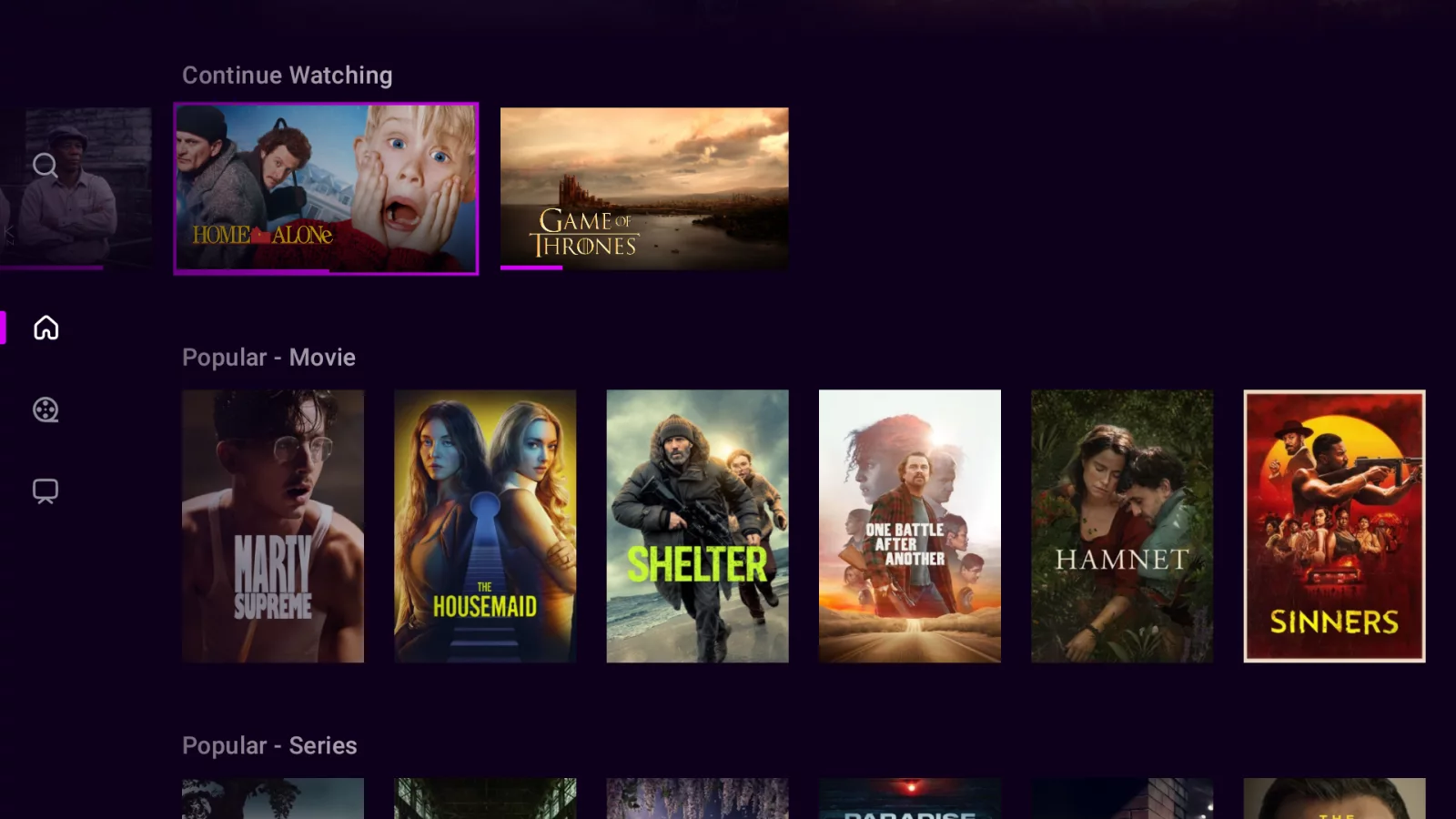
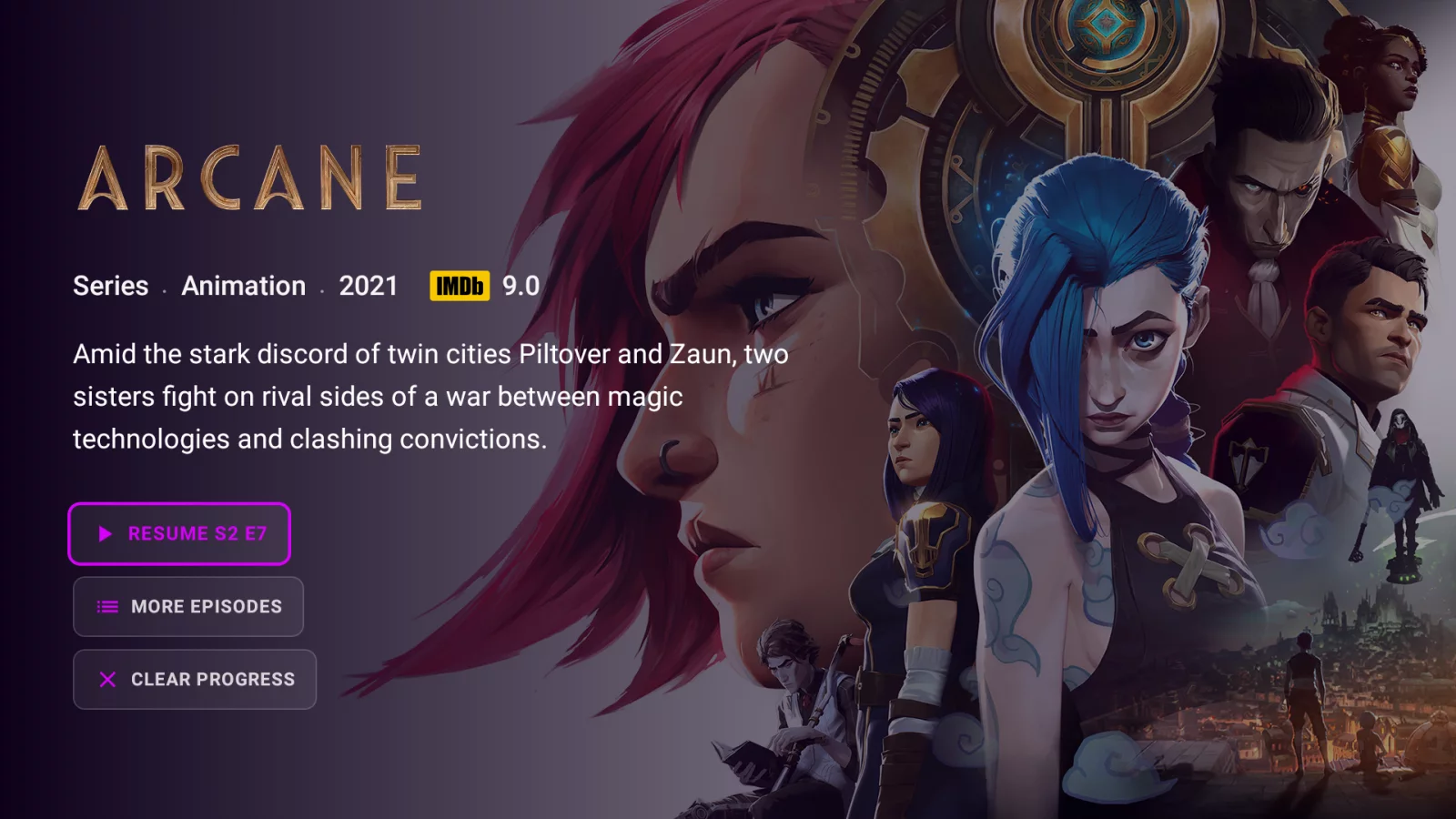
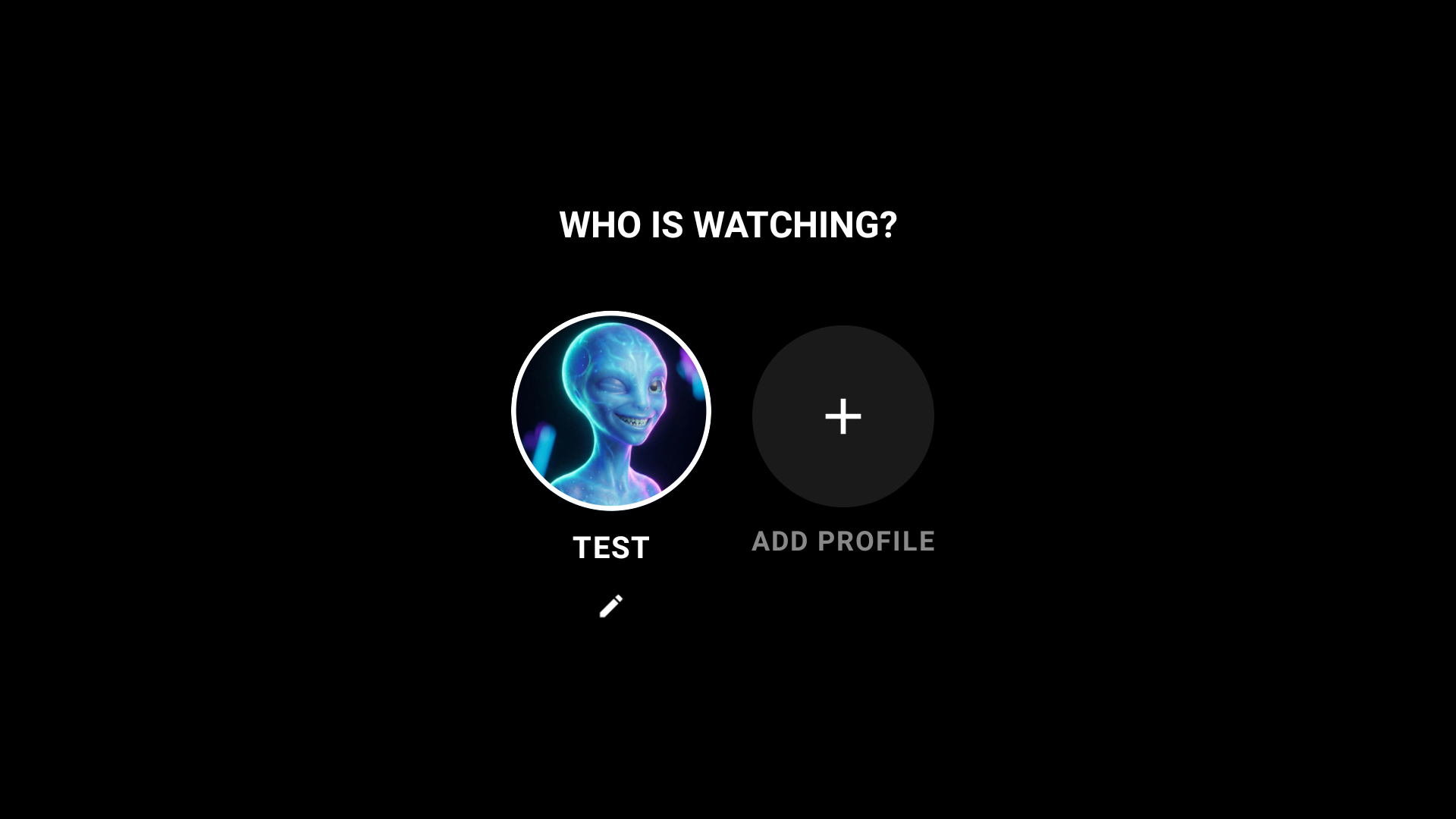
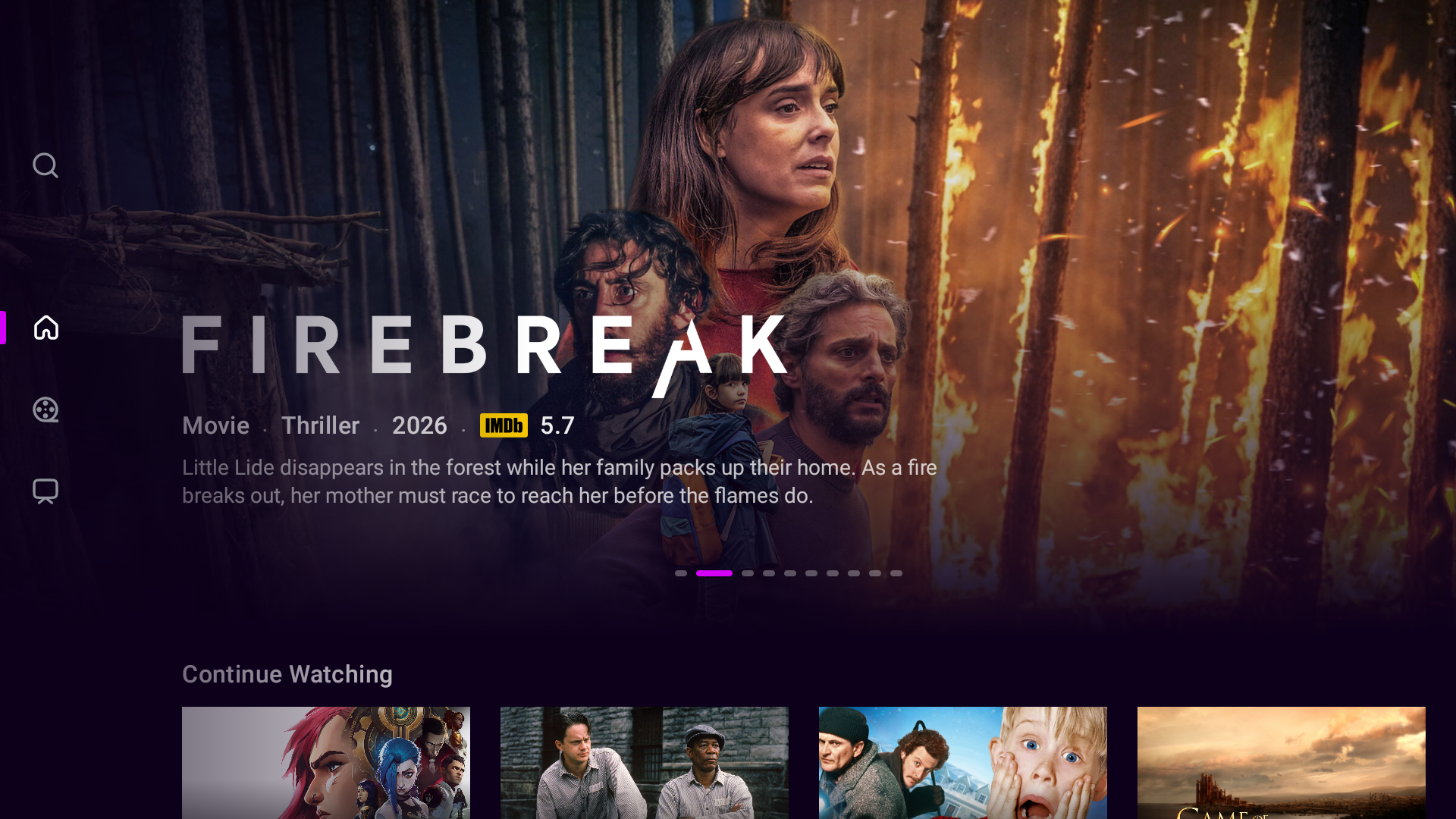
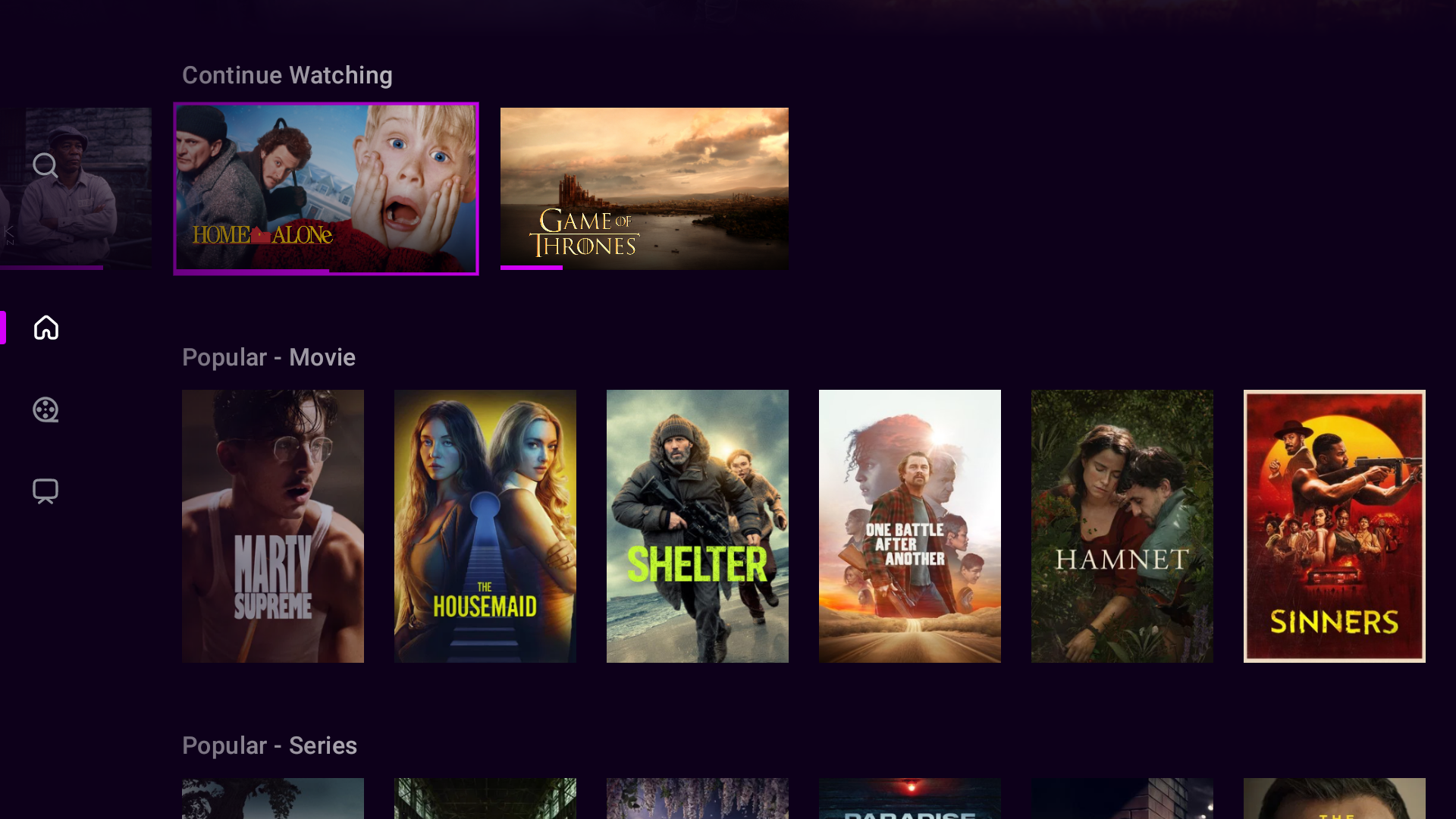
| Profiles | Hero Carousel | Home Screen |
|---|---|---|
 |
 |
 |
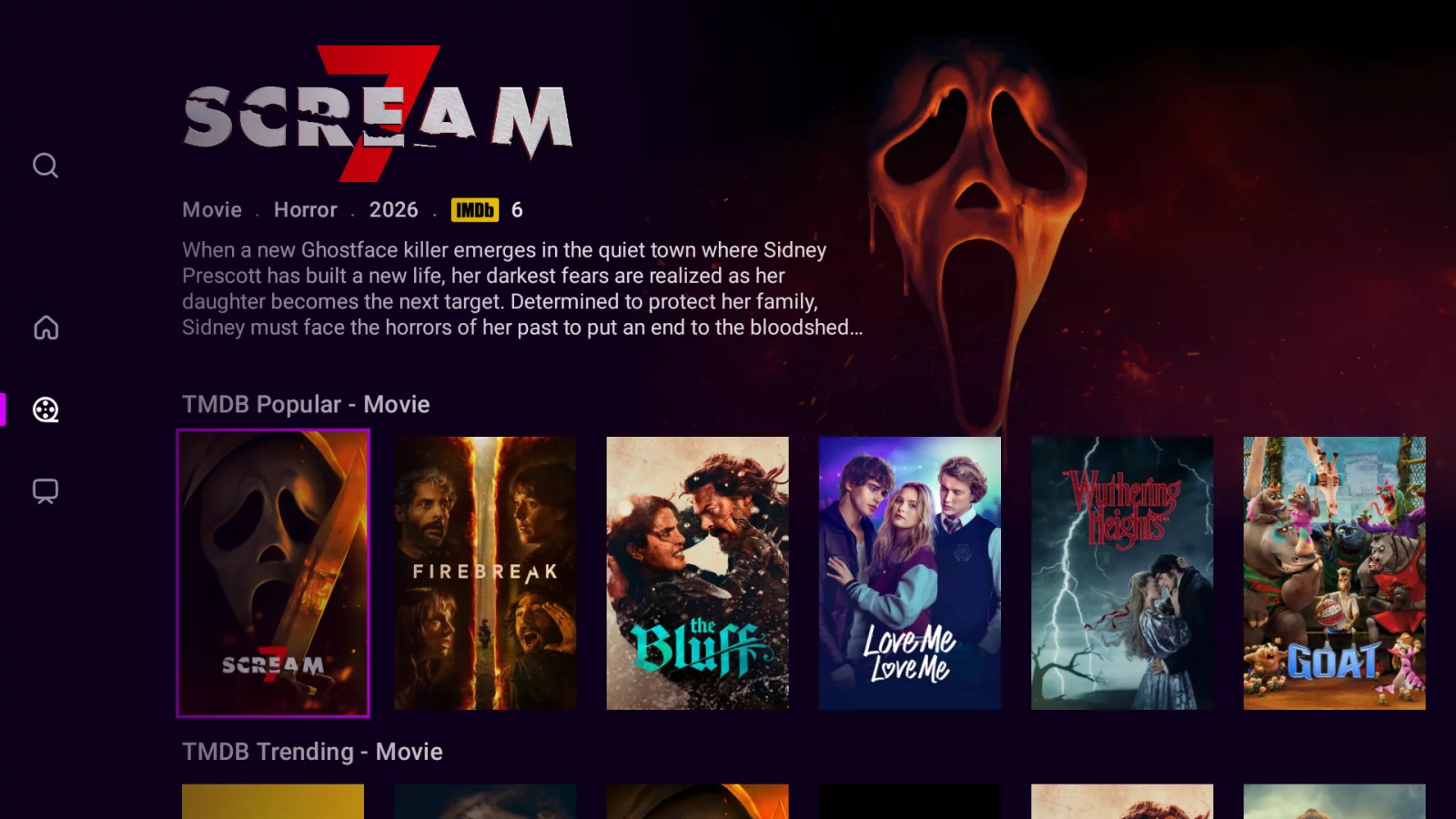
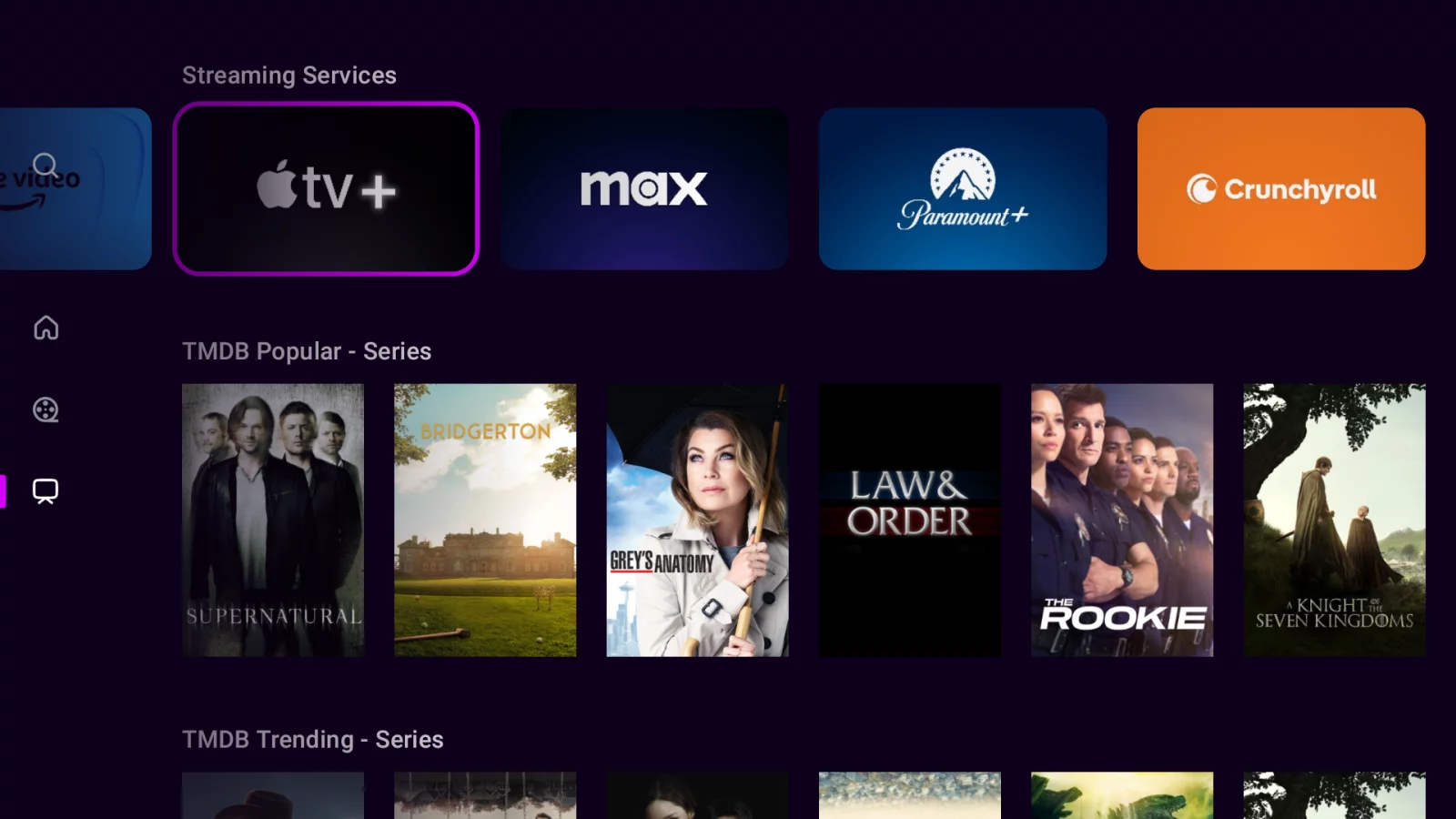
| Movies | Series (Hub Row) | Details |
|---|---|---|
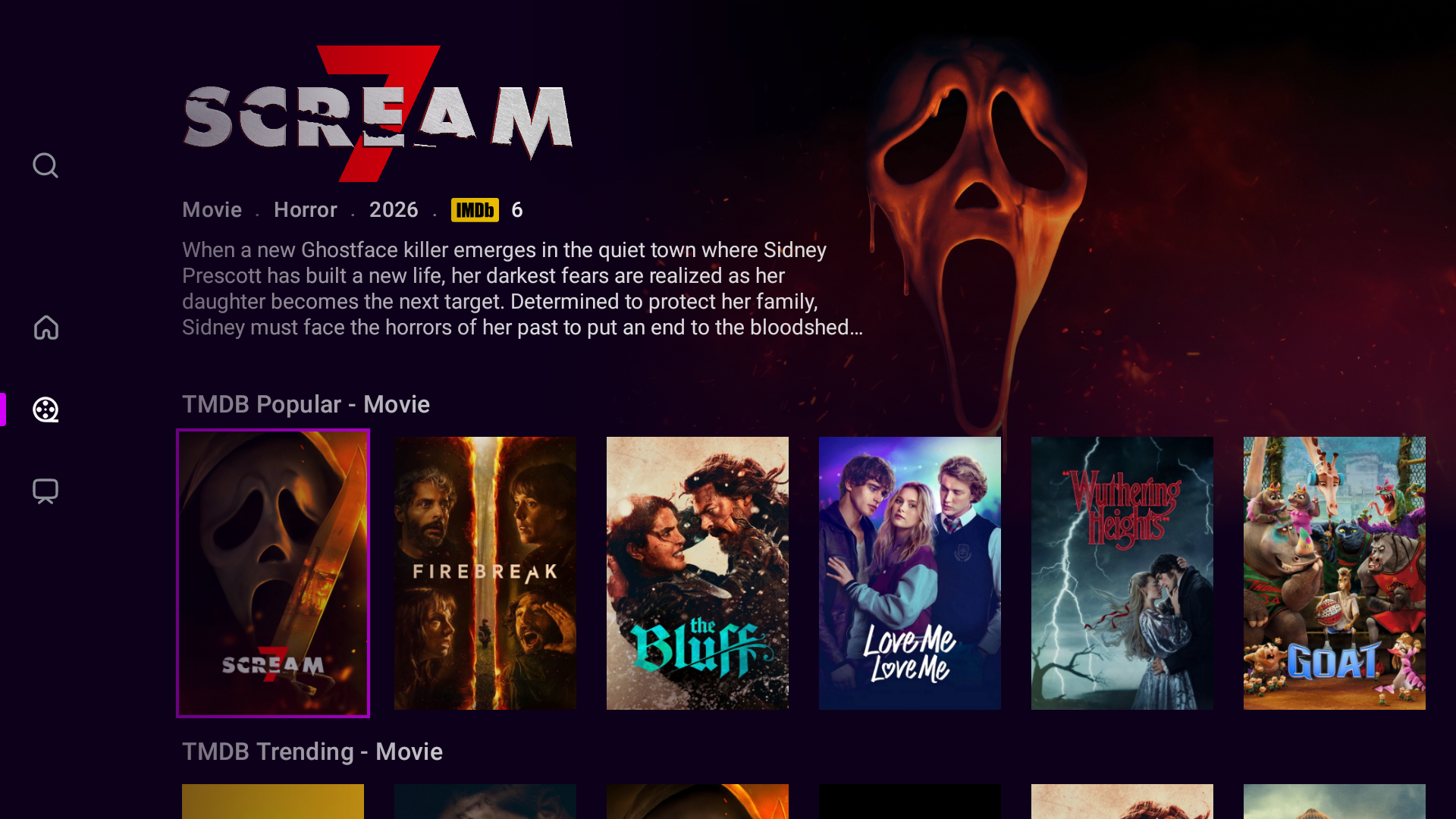 |
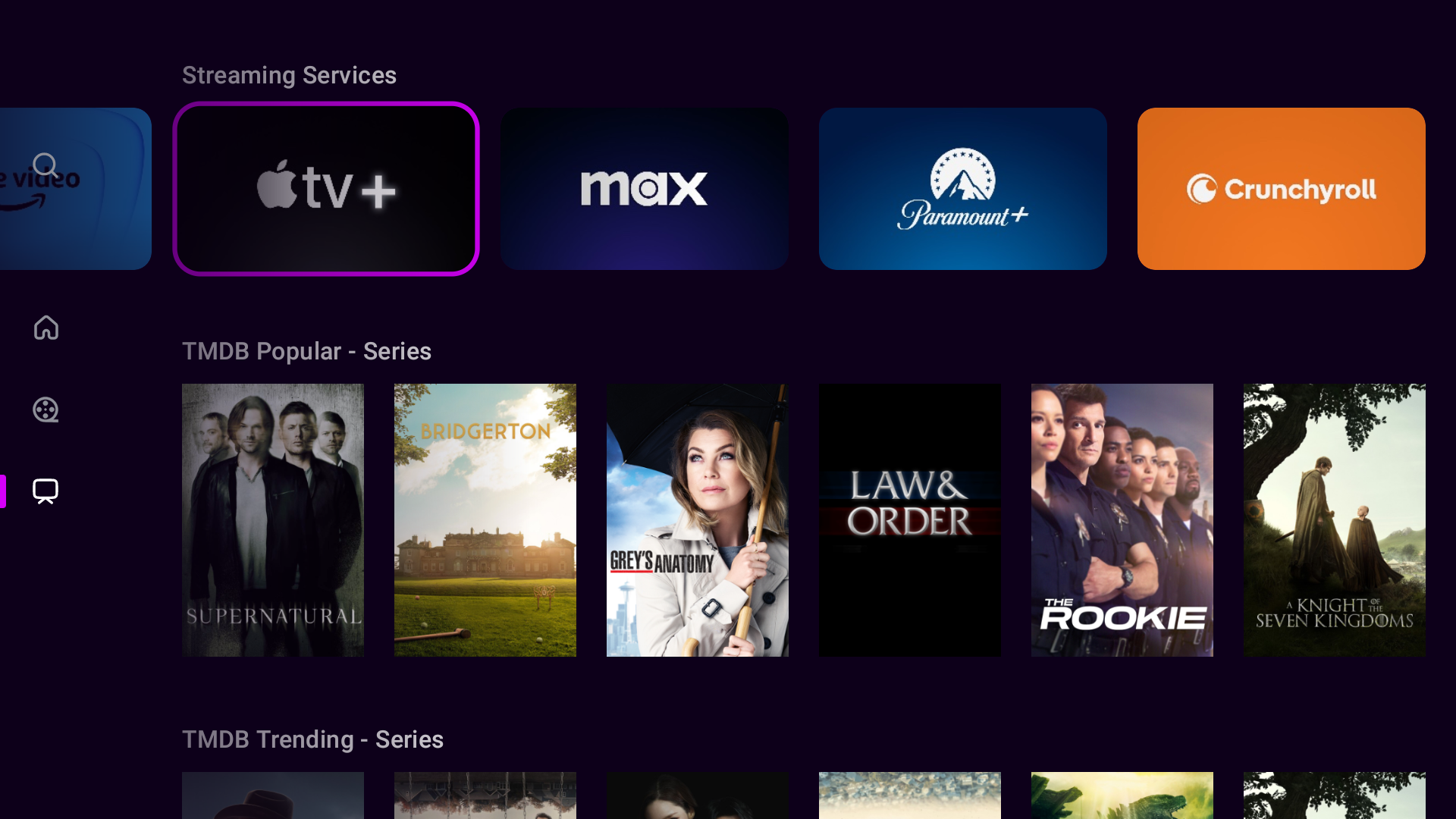 |
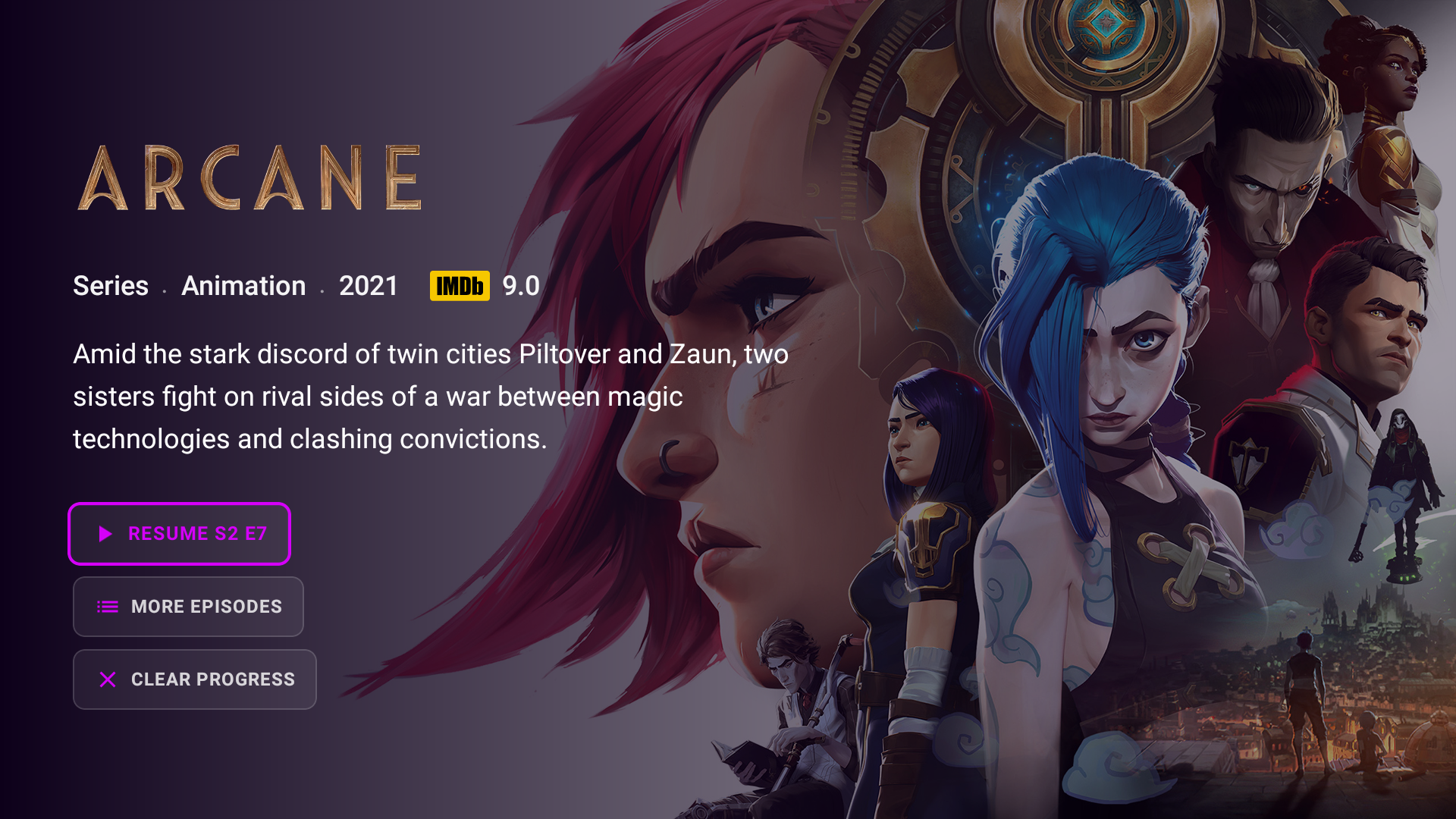 |
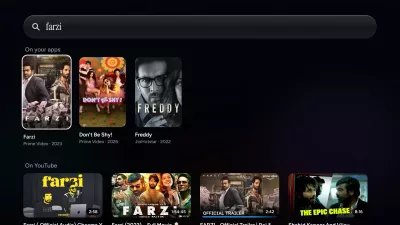
| Search | Grid View |
|---|---|
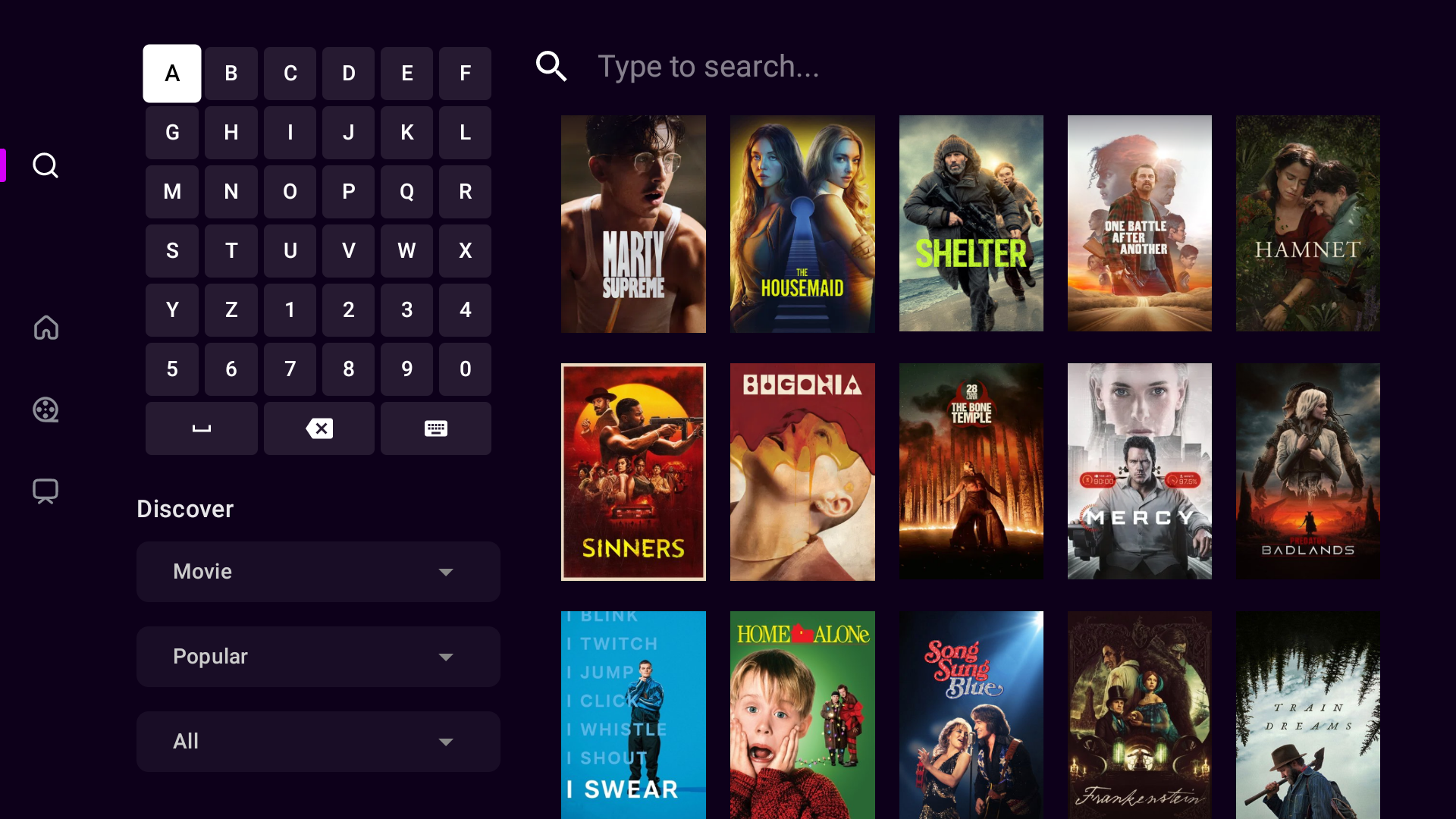 |
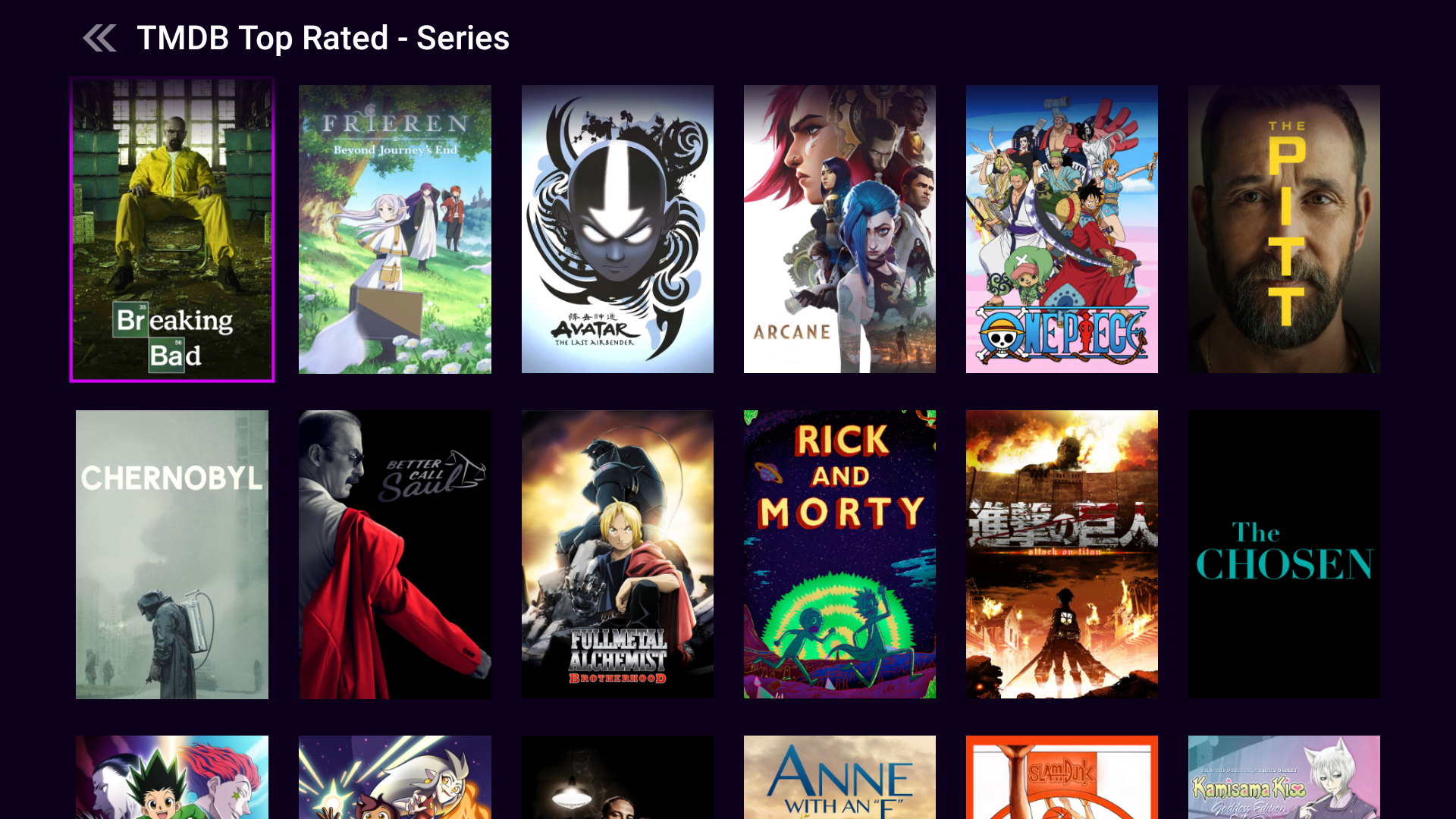 |
Features
Stremio Addon Ecosystem
- Install addons via URL, QR code, or remote paste from your phone
- Import, export, reorder, and manage your addon collection
- Connect a Stremio account with email/password or Facebook login (QR handoff — no typing a password on the remote)
- Two-way sync with your Stremio account: pull your addon collection, push it back, and sync Continue Watching progress
- Automatic catalog loading from all enabled addons
- Cinemeta, Streaming Catalogs and Torrentio are baked into the app (bundled manifests): their catalogs appear even when the providers are unreachable, and Stremio account sync never removes them. Any addon can be switched off in Add-ons → Installed without uninstalling it.
- Torrin debrid service: connect a Torrin API key under Settings → Integrations → Debrid Service. Uses Torrin's documented RealDebrid-compatible endpoints for account validation, cloud torrents, link unrestriction and deletion. Torrin keys stay in Illumera's existing encrypted per-profile credential store. Torrin is not auto-injected into Torrentio, which has no Torrin config field.
- TorrentClaw integration: Settings → Integrations → TorrentClaw enables independent movie/series title discovery in Search. Anonymous search works without a key; an optional higher-rate-limit API key is encrypted and sent in the Authorization header. Only canonical IMDb-linked items are opened as ordinary Illumera Details; Torrin and installed addons remain responsible for playback. Disabling it makes no TorrentClaw requests.
- Native Torrentio setup: Configure opens an in-app screen (debrid service and key pre-filled from your primary connected account, sorting, quality exclusions, providers, languages) — no web page or phone needed.
- Fresh and existing profiles receive Cinemeta, YouTube Trailers, Streaming Catalogs, TMDB, SeedSphere, and Stremio Stats as stock addon entries. Configured Stremio Stats data requires personal account authorization; unavailable manifest endpoints are retained without invented capabilities.
- Add-ons is a top-level side-menu (and top-navigation) destination, not a Settings section. Browse All, Installed, enabled Official/Community/3rd Party catalogs, and individually named enabled custom repositories. No Collections management button remains in Add-ons; the existing catalog search, installed-addon actions, and manual URL installation (typed, pasted, or sent from a phone) remain.
- Third-party Add-on Repositories in Settings → Integrations: the entry follows Debrid Service in its original order; the Settings page scrolls to reach it. Enable/disable built-in catalogs (Official, Community, 3rd Party / stremio-addons.net); add a custom repository URL, enable/disable it independently, reorder it, or remove it. URLs are validated before saving. Previously saved repositories remain enabled by default. Only enabled sources appear in Add-ons and contribute to All. Built-in discovery also includes AIOMetadata (ElfHosted) and GitHub stremio-addon projects; these offer setup/project links, never invented installable manifests.
- Addon developers: see
docs/ADDONS.mdfor what illumera reads beyond the Stremio protocol
Custom Hub Rows
- Create your own hub rows: themed collections of category cards displayed on the home screen
- Pick a card shape per row: horizontal (16:9), vertical (2:3), or square (1:1)
- Fill each hub with categories from any installed addon (e.g. "Netflix Trending", "IMDB Top 250", "Action Movies")
- Upload custom card images directly from your phone via QR code
- Show or hide each hub independently on the Home, Movies, or Series screens
- Reorder hubs and the categories within them however you like
- Click any card to jump straight into that category's content grid
Content Discovery
- Movies and Series show a unified content catalog assembled from every enabled addon's matching catalogs, deduplicated by canonical IMDb ID or title and release year; catalog providers are traversed lazily rather than selected through nested dropdowns.
- Movies and Series are genre-first: one independently browsable row for every populated official Stremio genre, plus recognized genuine genres offered by enabled addons (not languages, countries, resolution tiers or release-date filters). Empty rows stay hidden while the app probes later genres in the background, so they cannot trap TV navigation. Titles occupy only one genre row, using independent Cinemeta lead-genre metadata whenever available (falling back deterministically when offline). There is no combined All Movies / All Series poster row. All genre rows are enabled by default. Disable individual rows (or use Enable All / Disable All) separately under Settings → Screen Editor → Movies/Series → Manage Genres; preferences are profile-specific.
- Home keeps distinct categories (Latest, Popular, Trending, Netflix, HBO Max and others), merging movies and series within each category into one independently paginated, deduplicated horizontal row. The Hero Carousel scrolls away normally; all inactive content rows are compact 16:9 landscape rails, while only the focused row becomes portrait posters and expands its focused card into an inline cinematic preview. The previous inactive rail stays largely visible above the focused row; row headings never overlap. Movies and Series retain their genre-first screens.
- Home keeps separate rows for categories such as Latest, Popular, Trending, Netflix and HBO Max. Each matching movie + series pair from the same addon is displayed as a single mixed row with duplicate titles removed. This does not create one global catch-all row. Watchlist Library, by contrast, deliberately uses one combined sortable Movies & Series row, with Queue above it.
- Hero carousel trailers and the focused inline preview crop video to fill their entire frames (no letterboxing), with a responsive 16:9 inline card that can widen to approximately 373dp on TV while remaining screen-bounded. The Hero scrolls off-screen and never continues playing behind a focused row.
- Persistent preview layout (Settings → Personalization, per profile, off by default): replaces the Hero with a fixed Hero-sized preview (420dp where the screen allows, otherwise sized to leave two full rows visible). Rows stay compact 16:9 rails; as focus moves card to card and row to row, the focused title's art, logo/title, details and trailer populate the preview. The inline cinematic card layout remains the default.
- Voice search: a Voice key under the on-screen TV keyboard (and a mic button on touch devices) opens the system speech recognizer and searches what you say. Hidden when the device has no recognizer; no microphone permission is requested by the app. The system keyboard's own voice typing still works via the Keyboard key.
- Settings → Personalization: per-profile Autoplay previews, Preview sound, and Navigation sounds toggles. Autoplay defaults on, preview sound off, and D-pad navigation sounds on; Navigation sounds are Android's own focus-move sounds (no bundled audio); the toggle applies at once to the main screen and to every dialog and menu. Playback sound is independent of navigation feedback.
- Personal rows on Home: up to two rows — More like ‹last watched› and Because you watched ‹another title› — built from TMDB recommendations, TMDB similar titles and Trakt related titles, matched on genre and rating and steered by what you Love and Like. Rows too thin to be worth showing are left out.
- Love / Like / Don't like in every card's long-press menu. Love weighs heaviest on suggestions and adds the title to your Trakt library; Don't like removes it from every row, More like this and Queue suggestions (not Search). The same choices are buttons on every Details page.
- Rows with nothing to show are hidden and never block scrolling past them.
- Hero carousel with auto-scrolling featured content
- Global search across all addons, with live title suggestions from the first character typed and per-profile recent search history
- Continue watching with progress tracking and auto-resume. Only actual playback (at least five seconds) or an explicit completed/watched action counts as watch history: unplayed Stremio bookmarks remain in Library but cannot enter Continue Watching, Queue history suggestions, or Home's More Like This / Because You Watched recommendations. Legacy zero-progress history is cleaned from the active profile and from restored snapshots.
- Dashboard row/category reordering (D-pad up/down or tap ▲▼ in reorder mode)
- Row display modes: infinite scroll, finite with a "View More" card that opens a grid, or linear
Watchlist and Stremio Library
- Watchlist opens with Suggested Next and an adjacent refresh action, followed by Queue, then one mixed Movies & Series Library poster grid, deduplicated across providers and watch history. Queue enabled, automatic lineup and suggestion-source controls live in Settings → Watchlist, not above the suggestions.
- Library combines manually bookmarked titles with locally synchronized Stremio Library entries, including unplayed Stremio bookmarks; saved-only titles now also participate in outbound synchronization and snapshot baselines.
- Library sorting choices (Recent, Recently added, A–Z, Z–A, Last watched, Watched, Not watched, Most watched) remain immediately above the grid, with smaller focusable chips and no dropdowns.
- The default Library sort is saved separately for each profile under Settings → Watchlist. Connected cloud-storage item management is located there as well.
- Stremio-sourced bookmarks are tracked so removing a remote item does not inadvertently delete a bookmark the user created locally. Watch counts reported by Stremio are used for Most watched when available.
Advanced Video Player
- Adaptive streaming (HLS, DASH, HTTP progressive)
- Multiple audio track and subtitle selection, defaulting to English when a source tags one (overridable per-profile in Settings)
- Subtitle customization (size, position, timing offset)
- Playback speed control
- 3D on a 2D TV: a frame-packed 3D source (SBS/HSBS, OU/HOU/TAB) offers to play in 2D — one eye, at its true aspect. Blu-ray 3D (MVC), which jitters between the two viewpoints on some TV boxes, is played as its left-eye view automatically on a 2D TV. Android can't detect 3D TVs, so 3D-capable TVs are marked in Settings → Playback → Disable 3D (on by default; turn it off on a 3D TV); the player's 3D button cycles 2D side-by-side / 2D top-bottom / 3D.
- Source switching mid-playback
- Skip intro/outro segments via IntroDb integration
Series Support
- Episode browser with metadata
- Auto-play next episode (configurable threshold)
- Per-episode source selection and progress tracking
Profiles & Theming
- Multiple user profiles with separate settings and addons
- Custom profile avatars (upload via phone), or automatically pulled from a connected Stremio account's Facebook photo, same as stremio-web
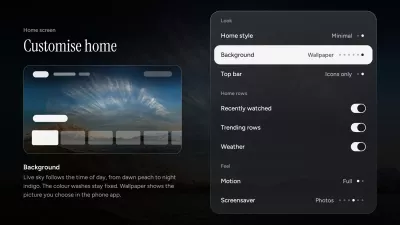
- Built-in themes and a full custom theme editor
- Per-profile theme, layout, and playback preferences
Android TV Optimized
- Full D-pad navigation with smart focus management
- On-screen keyboard for TV remote input
- TV Material Design 3 components
- Video splash screen on launch
Auto-Updates
- Automatic update checking via GitHub Releases
- One-click APK download and installation
- Changelog display before updating
Tech Stack
- Language: Kotlin
- UI: Jetpack Compose for TV (Material 3)
- Architecture: MVVM with Hilt dependency injection
- Database: Room with encrypted preferences
- Networking: Retrofit + OkHttp
- Image Loading: Coil
- Video Playback: Media3 ExoPlayer
Building
Prerequisites
- Android Studio (latest stable)
- JDK 21
- Android SDK with platform 37 (compileSdk 37)
Steps
-
Clone this repository (the
assrendersubtitle-rendering module is vendored directly atassrender/— no separate checkout needed):git clone https://github.com/HereLiesAz/illumera.git cd illumera -
Open the project in Android Studio
-
Sync Gradle and build:
./gradlew assembleDebugassembleRelease,bundleRelease,assemblePlayandbundlePlayneed the real release/upload keystore and fail without it; seeci/README.md.
Releases
Releases are built centrally in
HereLiesAz/workflows. The
workflows in this repo
(android-github-release.yml,
android-play-release.yml,
desktop-release.yml and
web-deploy.yml) are hand-off stubs:
a push to main that touches the module's paths (or a manual run) starts the
central build, and the result is reported on the commit as a status with the
stub's workflow path as its name. The GitHub release is what the in-app
updater (AppUpdateManager) checks against. Release versions come from the
central run as -PversionCode / -PversionName; local builds use the last
published pair in version.properties. See
ci/README.md for how release signing is configured.
Project Structure
illumera/
├── app/                    # Main application module
│   └── src/main/java/com/hereliesaz/illumera/
│       ├── data/           # Room database, repositories, API services
│       ├── di/             # Hilt dependency injection modules
│       ├── domain/         # Domain models
│       ├── remote_input/   # QR pairing & remote paste server
│       └── ui/             # Compose UI screens & components
│           ├── addons/     # Addon management
│           ├── components/ # Reusable UI components
│           ├── details/    # Content detail screen
│           ├── home/       # Home screen & carousel
│           ├── player/     # Video player
│           ├── profiles/   # User profiles & avatars
│           ├── settings/   # Settings & dashboard editor
│           └── theme/      # Theming system
├── playbackcore/           # Media3/ExoPlayer wrapper library
├── assrender/              # Vendored ASS/SSA subtitle renderer
├── web/                    # Web app (Preact/TypeScript)
├── addon/                  # Open Archive Stremio addon (Cloudflare Worker)
├── desktop/                # Tauri desktop shell
├── roku/                   # Roku channel
├── gradle/                 # Gradle wrapper
└── build.gradle.kts        # Root build configuration
Documentation
A web version (also the future Samsung/LG TV and desktop app) is in
web/; the platform plan is docs/PLATFORMS.md.
Deeper reference docs — architecture, the release pipeline (including the
custom Media3/ExoPlayer build), theming, and branding — live in
docs/.
Disclaimer
illumera is a media client that connects to third-party addons. It does not host, distribute, or provide any copyrighted content. Users are solely responsible for the addons they install and the content they access. This software is intended for streaming media you legally own or have the right to view. The developers do not condone piracy in any form.
License
This project is licensed under the GNU General Public License v3.0 - see the LICENSE file for details.