
English · Deutsch · 🌐 magicframe.dev · 📖 Documentation
Runs entirely on your home network — no cloud account, no domain needed.
Drag & drop editor · Real live updates · Smart-home · Calendar · Weather · Picture-frame mode

What it is
Magic Frame turns any browser-capable screen — tablets, kitchen monitors, old TVs, picture frames — into a self-hosted display for your home:
- Family board — shopping list, todos, calendar, weather
- Smart-home hub — live Home Assistant entities, scene buttons, camera pop-ups, notification tiles
- Digital picture frame — wallpaper rotation from Immich or WebDAV, subtle clock on top
- Status display / signage — power usage, timers, quick posts, rotating notices (non-commercial — see license)
One view per display, each with its own URL, layout and wallpaper. Change a widget on your laptop and every display follows within a second, no refresh. It runs on a Raspberry Pi 4/5, a NAS, an old laptop, a Mac mini, a VPS, or inside Home Assistant OS as an add-on.
An AI agent can run it too: Magic Frame has an MCP server built in, so Claude Code and other agents can rebuild views, put notes on the wall and keep the shopping list.
Quick start
Two commands on a fresh Linux box. Skip step 1 if you already have Docker:
# 0. Only if `curl --version` says it is missing — a minimal Debian,
#    a Proxmox template or a stripped VM image has no curl.
sudo apt update && sudo apt install -y curl git

# 1. Install Docker (with Compose plugin) — official one-liner
curl -fsSL https://get.docker.com | sh

# 2. Install Magic Frame
curl -fsSL https://raw.githubusercontent.com/jeremiaa/magic-frame/main/deploy/install.sh | bash
The installer pulls the pre-built multi-arch images and starts the stack, so there is no 20-minute compile on a Pi. Then open http://<your-ip>, create the first admin, and you are in. Every integration is added later through the UI.
Running Home Assistant? Install Magic Frame from the add-on store instead — it brings its own database and needs no access token. One click adds the repository to your own instance:
Then find Magic Frame in the store and hit install. Manually: add
https://github.com/jeremiaa/magic-frameunder Settings → Add-ons → Add-on store → ⋮ → Repositories. Full walkthrough: The Home Assistant add-on.macOS / Windows? Install Docker Desktop instead of step 1, then run step 2 in a terminal.

The same command updates an existing install, and never touches your data, login or uploaded modules. Every install path in detail: Installation. Updating, backups and rolling back: Updating and backups.
What it looks like
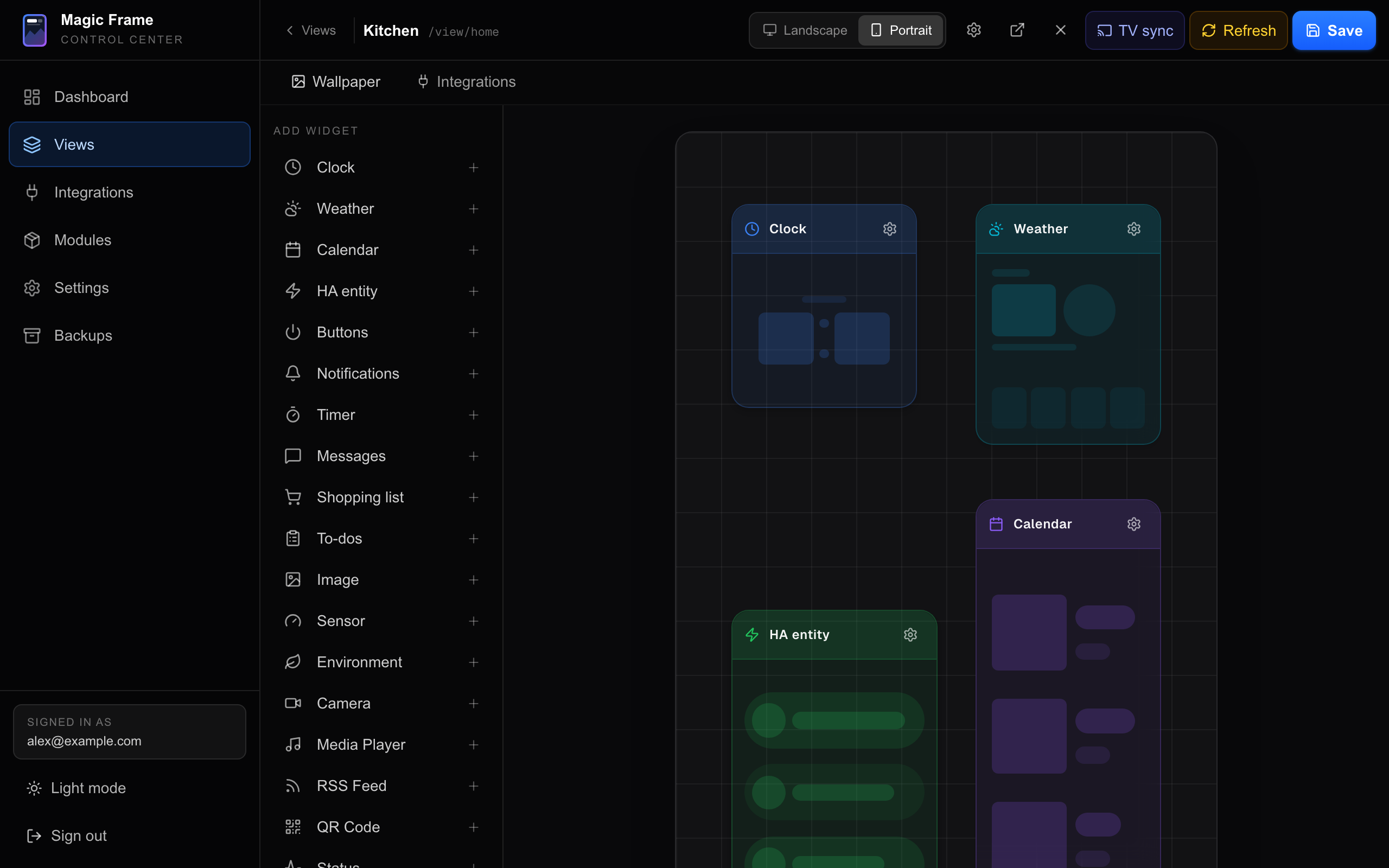
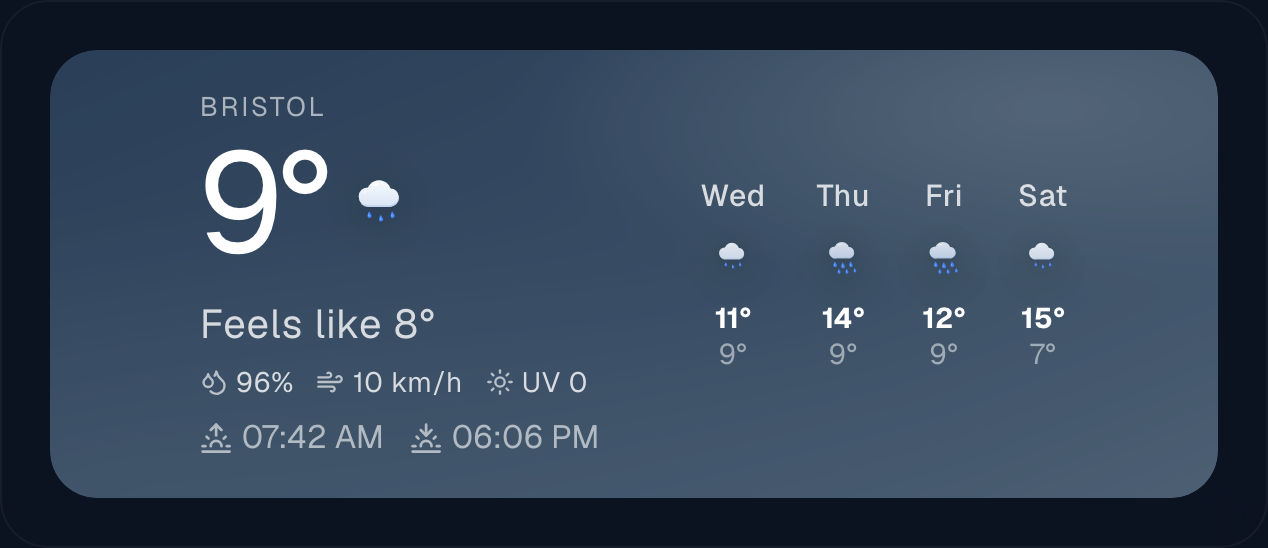
Drag widgets onto a 24-column grid, configure them in the inspector, save. Every display follows within a second.
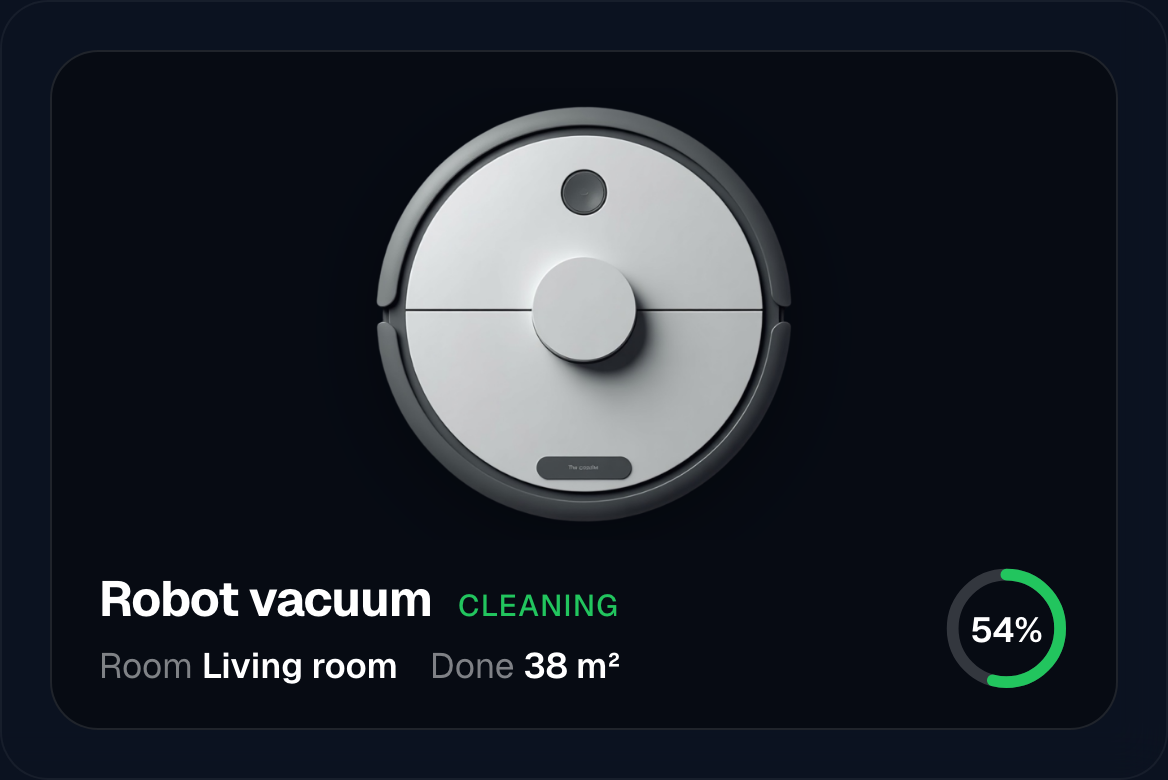
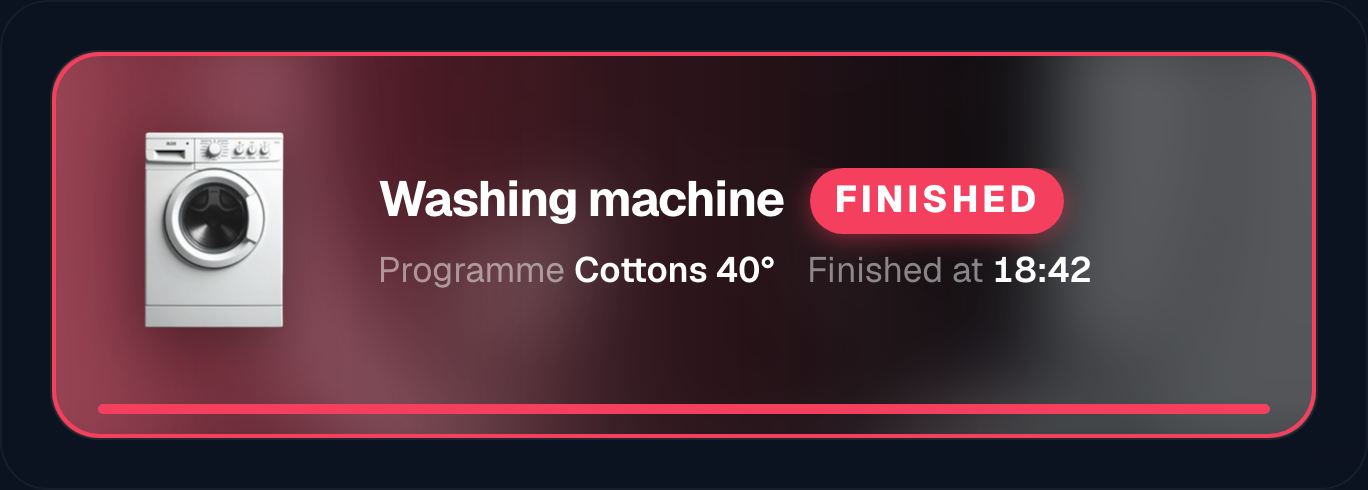
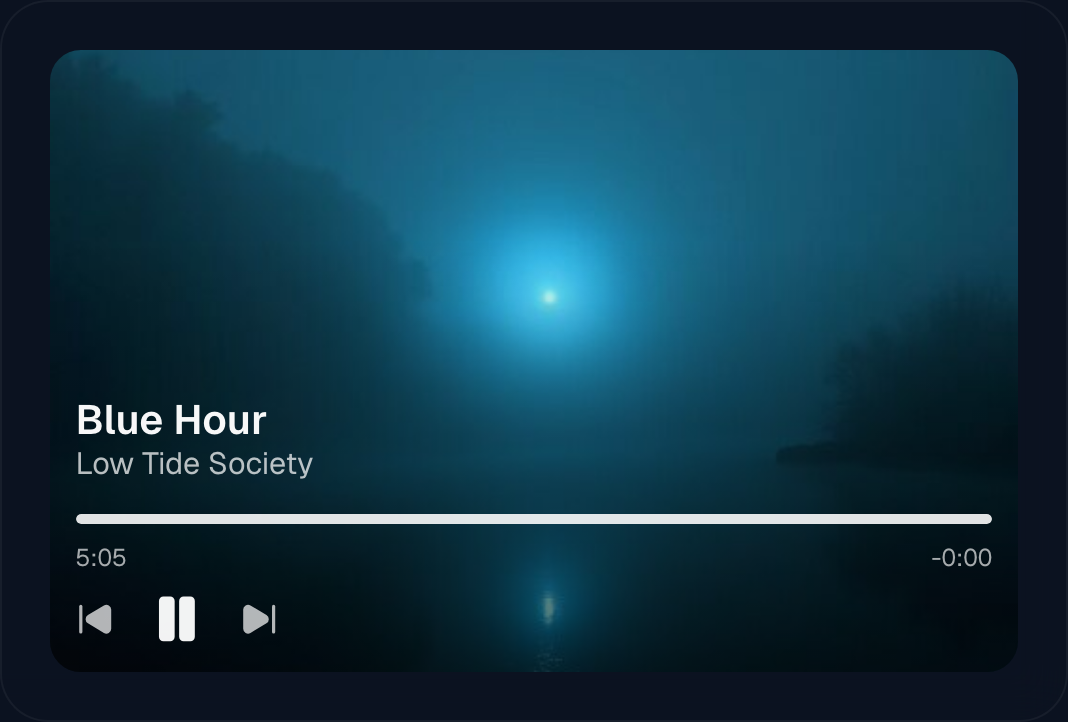
Status cards show your devices with a picture and live details. The media card turns whatever is playing into a now-playing tile:
|
|
|
|
Widgets
20 ship with every install: Clock, Weather, Environment, Calendar, Home Assistant entity, HA Notifications, Camera, Sensor, Image, Buttons, Timer, Messages, Shopping, Todos, Media Player, RSS, QR Code, Status, Text and School Rotation — plus your own as custom modules.
Every option of every one: Time and weather · Calendar · Home Assistant · Media and photos · Family
Documentation
The full manual lives at magicframe.dev/docs and in this repo under wiki/ — 29 pages, written from the code and checked against it in CI.
| Starting | Getting started · Concepts · Installation · The Home Assistant add-on · Updating and backups |
| Using it | The editor · Views and displays · Wallpapers · Widgets · Stacking and visibility · Themes and styling |
| Connecting things | Home Assistant · Immich · Calendars · Weather providers · Other sources |
| Running it | Settings · Users and security · Hosting and your domain · Troubleshooting |
| Extending it | The companion API · Agents and MCP · Custom modules · Writing a module |
Reading this with an agent? llms.txt is the map, llms-full.txt is every page in one request. What's next: ROADMAP.md.
Contributing
Issues with a clear reproduction are especially welcome — they directly drive releases (most of v1.1 came straight from community requests). PRs are happily reviewed; for larger changes please open an issue first so we can sort out what fits.
❤️ Support
Magic Frame is free for home use and built in my spare time. If it hangs on your wall and you want to say thanks:


License
Polyform Noncommercial 1.0.0 — open-source-style, allows free use, modification, distribution, and contribution. Commercial use (selling, SaaS offering, embedding in your own products) is not permitted without a separate license.
For commercial inquiries: magicframeapp@gmail.com
Vibe-coded with Claude.