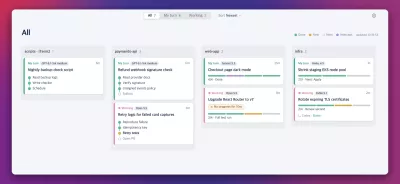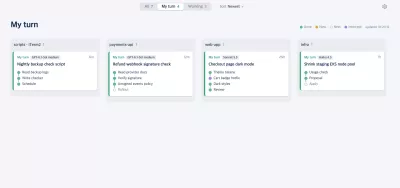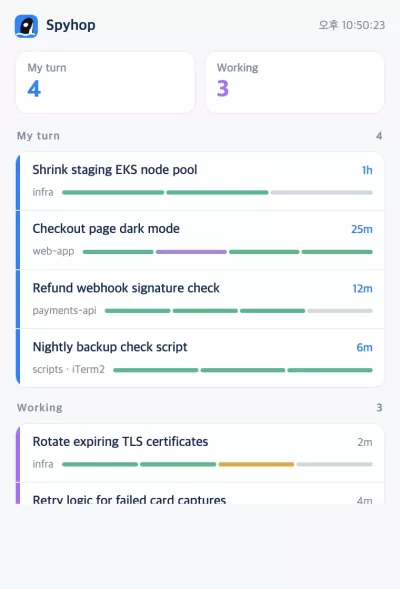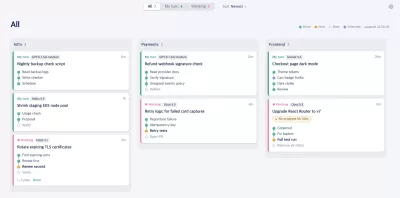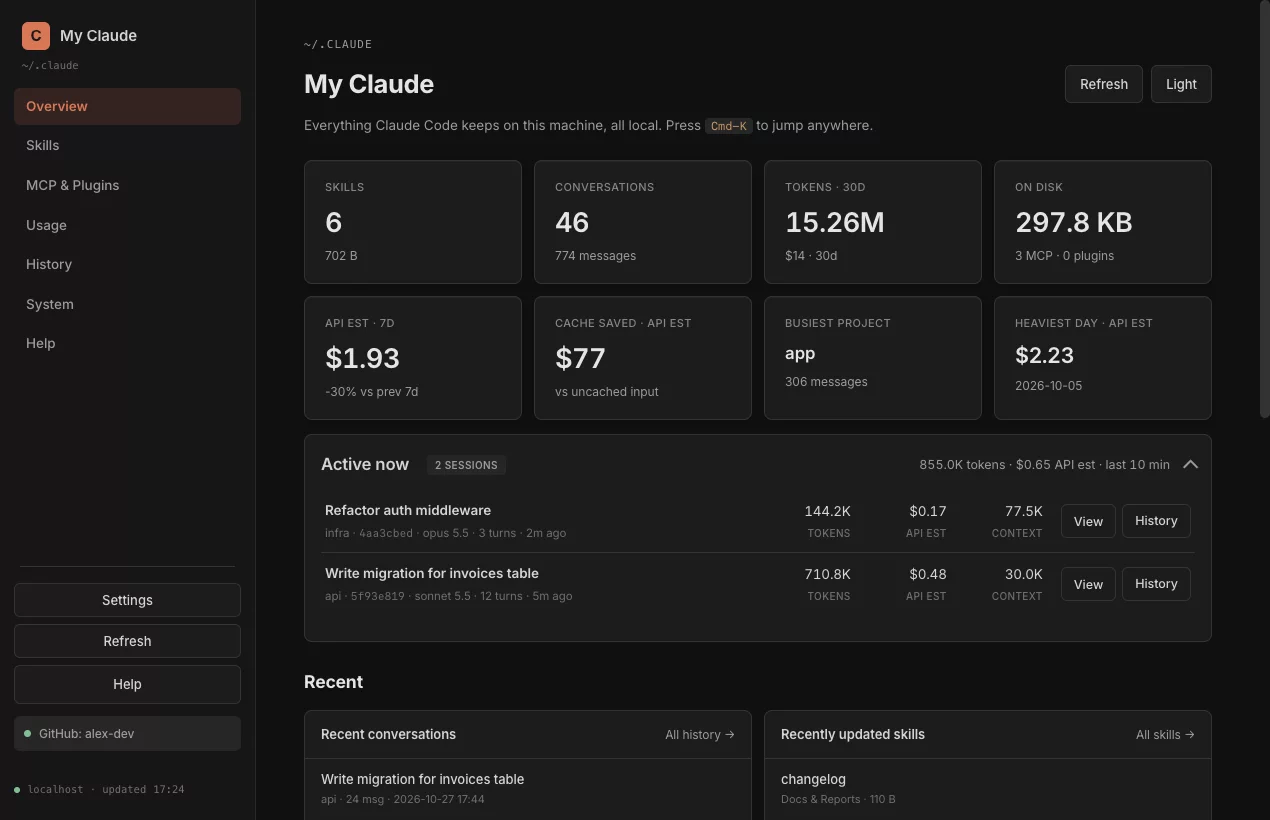

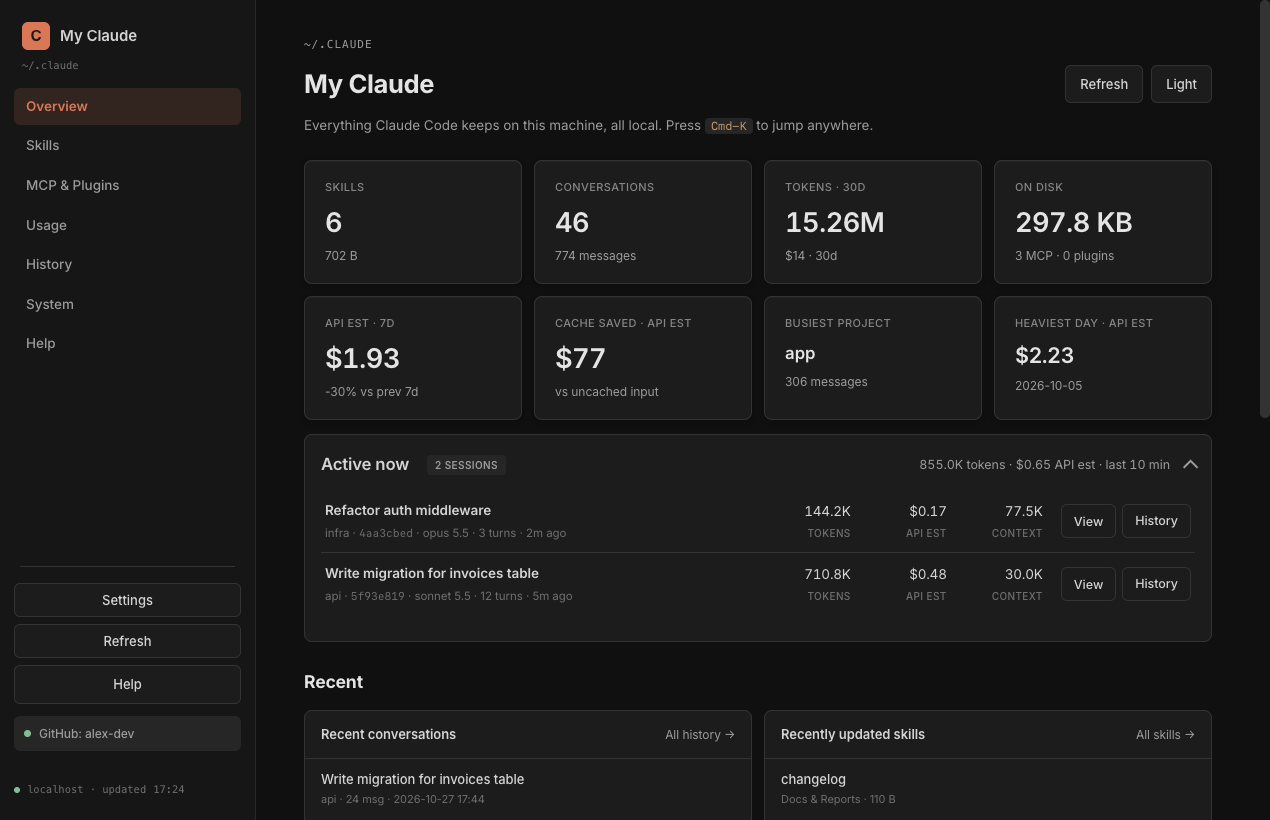
A local dashboard for everything Claude Code keeps in ~/.claude: your conversations, token usage, skills, MCP servers, settings and memory. It runs on your Mac and reads your files there.
Website: https://my-claude.pages.dev · Demo with sample data: https://my-claude.pages.dev/demo.html
Install
Paste this into Terminal:
curl -fsSL --retry 5 --retry-all-errors https://my-claude.pages.dev/install.sh | bash
It opens the dashboard at http://127.0.0.1:8766 (or the next free port).
- Needs: macOS and Python 3.
- First run takes about 20 seconds while it sets up. If the browser says "This site can't be reached", wait a few seconds and refresh.
- Read the script first if you like:
install.sh.
What you can do
| Page | What it shows |
|---|---|
| Overview | Key numbers, conversations running now, recent conversations and skills, disk use |
| Usage | Your live plan limits, what used the current window, a pace forecast, tokens by day and model, cache cost after pauses, sub-agent use, a year-in-review card, export to CSV/JSON, totals from your other Macs |
| History | Every conversation with its real title, full-text search, a custom date range, rename and tag, compaction points, a sub-agent timeline, resume in your terminal, export to Markdown, and how long Claude Code keeps conversations |
| Skills | Every skill with use counts, most used, largest, never used, a reader for SKILL.md, push to GitHub or share as a zip |
| MCP & Plugins | Each server's health, its tools and how often you call them, and an on/off switch per project |
| System | The settings Claude Code actually uses (each key explained), hooks and whether they fail, disk use per folder, CLAUDE.md with its edit history, and memory |
Hide names (under Settings in the sidebar) blurs titles, paths and messages so you can share a screenshot.
Privacy
Your transcripts never leave your Mac. The server only listens on 127.0.0.1.
These are the only network requests, and what each one sends:
| Request | When | What it sends |
|---|---|---|
Your plan limits from api.anthropic.com |
While the Usage page is open, or every 10 minutes if you turn on alerts | Your Claude Code login token from the macOS keychain, nothing else |
| A health check to each MCP server's URL | When you open MCP & Plugins | A plain request, no data |
| Pushing a skill to your GitHub | Only when you click Push | That skill's files, through your own gh login |
| Chart, font and image libraries from public CDNs | When a page loads | Nothing of yours |
Secrets in MCP configs are hidden before they're shown.
Where it keeps its own data
| Folder | What's in it |
|---|---|
~/.my-claude |
The app. Reinstalling replaces it. |
~/.config/my-claude |
Your names and tags, transcript backups, memory history, imported machines. Reinstalling keeps it. |
It only changes Claude Code's own files when you ask it to: how long conversations are kept and CLAUDE.md (in ~/.claude), an MCP server's on/off switch (in ~/.claude.json), and cleaning debug logs (moved to the Trash). It backs up a file before changing it.
If something goes wrong
| Problem | Fix |
|---|---|
| The install command fails to download | Use the GitHub copy: curl -fsSL https://chethanbhatbs.github.io/my-claude/install.sh | MY_CLAUDE_BASE=https://chethanbhatbs.github.io/my-claude bash |
| The page doesn't load right after install | Wait a few seconds and refresh. The first run is still setting up. |
| Port 8766 is busy | It picks the next free port and opens that one. |
Install by hand: download my-claude-dashboard.zip, unzip it, run ./run.sh.
Remove it: rm -rf ~/.my-claude ~/.config/my-claude
For developers
The app's code is in app/. Run the tests with cd app && python3 -m pytest tests -q after pip install -r requirements-dev.txt. build-bundle.sh builds the zip that the installer downloads.
License
MIT. Built with Claude Code.