
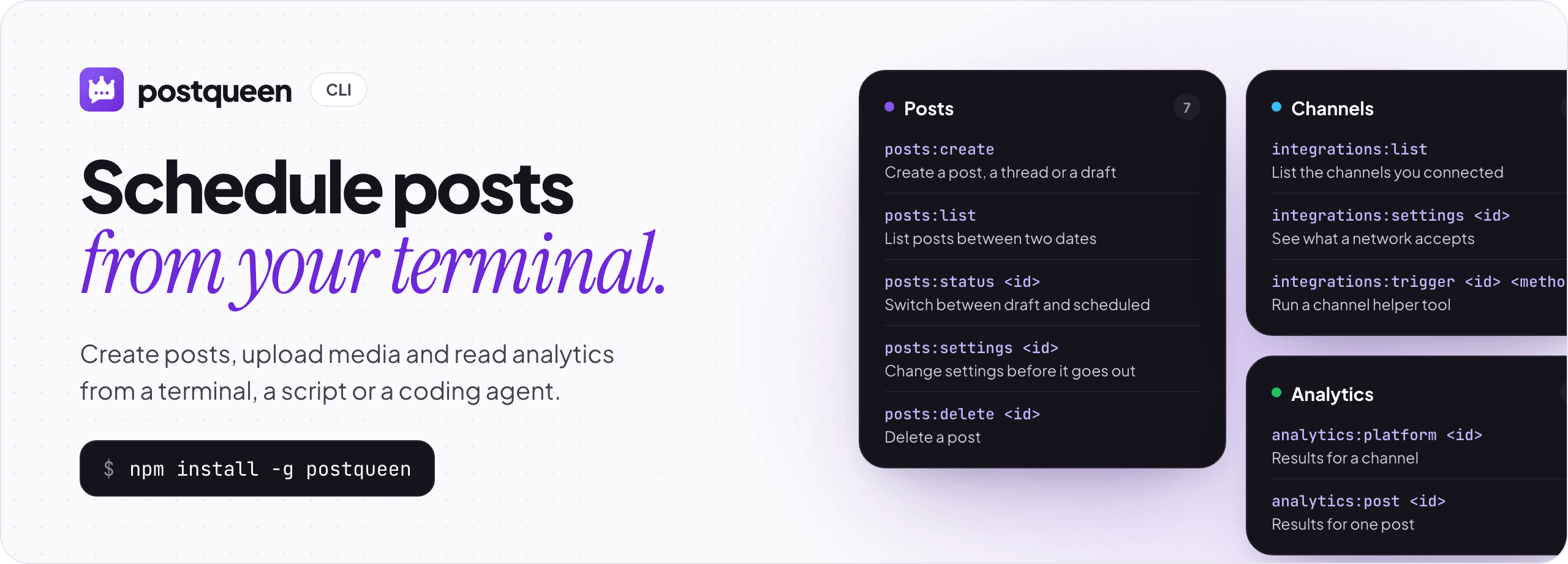
postqueen is the command line for PostQueen: schedule posts, upload media and read analytics from a terminal, a script or a coding agent.
Website · Docs · Pricing · npm




$0 due today. A card is required, and you pay nothing if you cancel within 7 days.

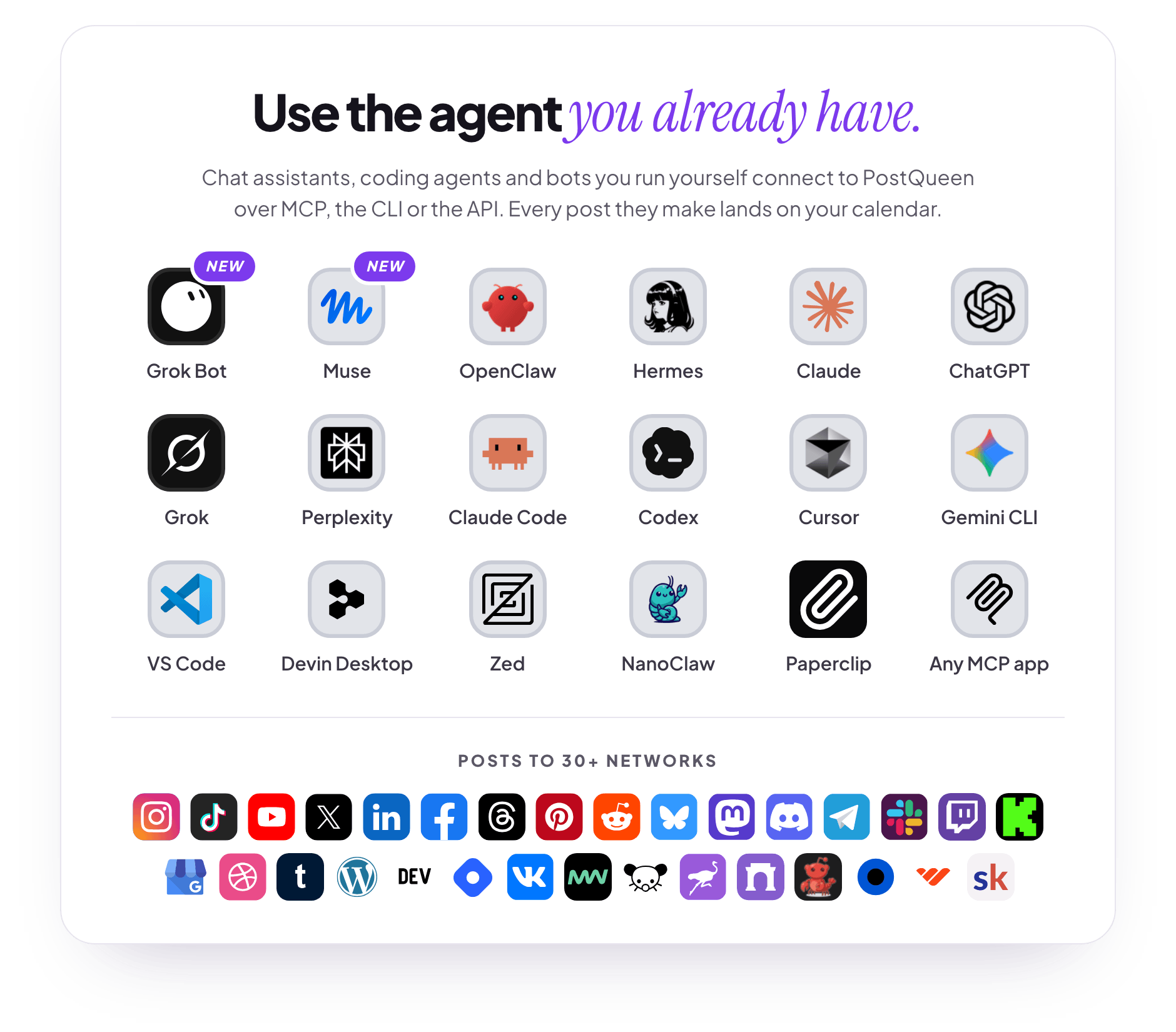
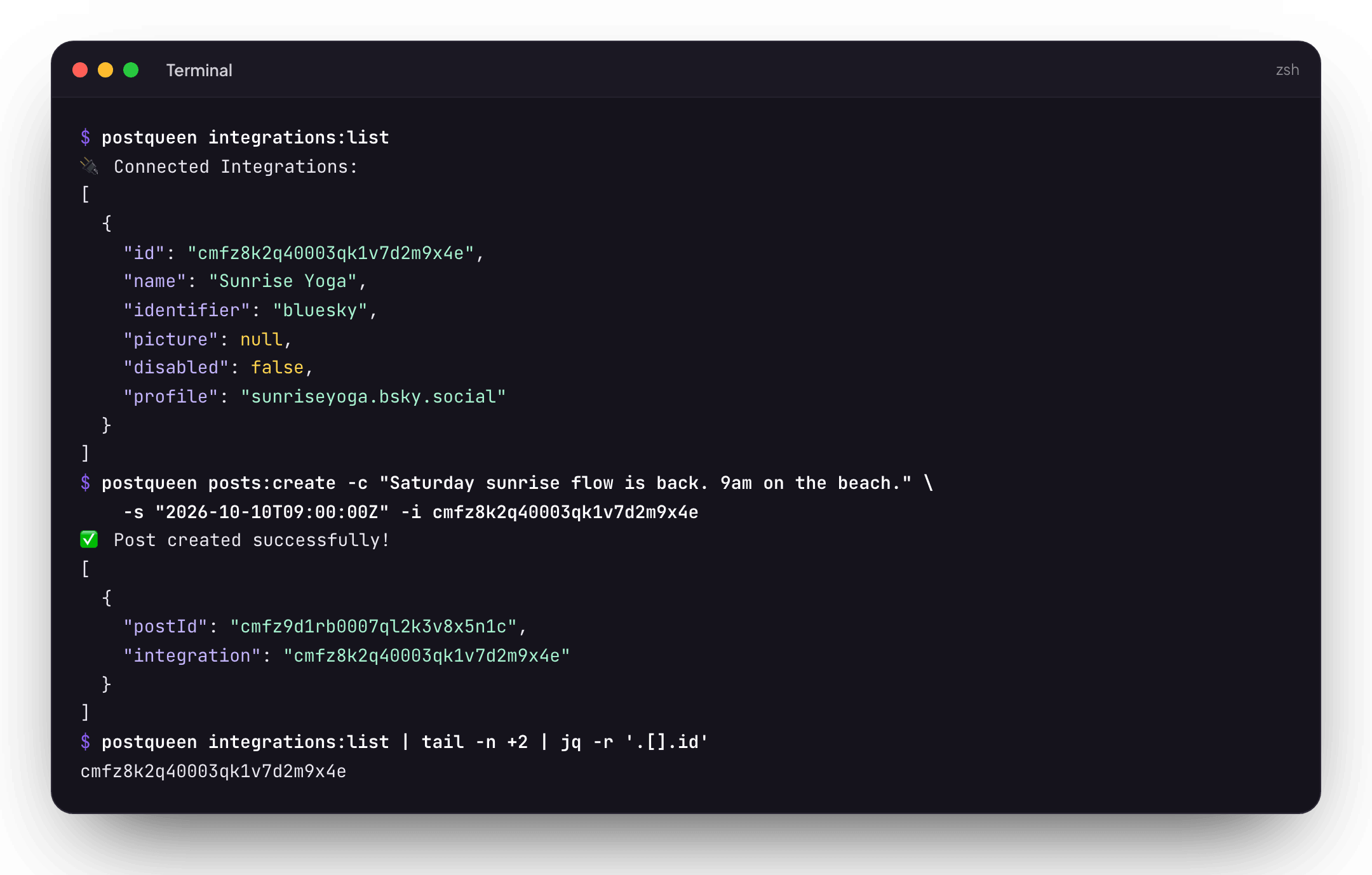
Posts you create with the CLI land on the same calendar you see in the PostQueen app.
What it does
- Creates, lists, deletes and reschedules posts on the channels connected to your PostQueen workspace.
- Uploads images and videos and returns the path to use in a post.
- Reads channel analytics and post analytics.
- Shows each channel's settings schema and runs its helper tools, such as Lemmy community search or Pinterest boards.
- Ships a skill and plugins, so coding agents such as Claude Code, Cursor and Grok Build can run it for you.
Quick start
You need Node.js 20.19 or newer (22.12 or newer on Node 22) and a PostQueen account. postqueen auth:login opens PostQueen in your browser, a workspace admin approves the CLI, and it stores its own token. On a machine with no browser, set POSTQUEEN_API_KEY to the key from Connections > API key instead. Only workspace admins can see the key, and each workspace has one.
npm install -g postqueen
postqueen auth:login

postqueen integrations:list
postqueen posts:create -c "Hello from the terminal" -s "2026-12-31T12:00:00Z" -i "<integration-id>"
Some networks need settings of their own before they accept a post. X, for example, needs who_can_reply_post. Run postqueen integrations:settings <integration-id> to see what a channel needs, and pass it with --settings '<json>'.
No PostQueen account yet? Start a 7-day trial, $0 due today.
Commands
| Command | What it does |
|---|---|
posts:create |
Create a post: -c content (repeat it for a thread or comments), -s date, -i channel IDs, -m media paths, -t draft or schedule, --settings, or --json <file> for a full request body |
posts:list |
List posts between two dates (30 days back to 30 days ahead by default) |
posts:delete <id> |
Delete a post |
posts:status <id> |
Move a post between draft and scheduled |
posts:settings <id> |
Change the settings of a post that has not been published |
posts:missing <id> |
List recent content on the network for a post that has no release ID |
posts:connect <id> |
Connect a post to that content with --release-id |
integrations:list |
List the connected channels |
integrations:groups |
List customer groups |
integrations:settings <id> |
Show a channel's settings schema and helper tools |
integrations:trigger <id> <method> |
Run one of those helper tools, with -d '<json>' for its input |
analytics:platform <id> |
Channel analytics for the last 7 days, or -d <days> |
analytics:post <id> |
Analytics for one post |
upload <file> |
Upload an image or video and get its path |
auth:status |
Check which credentials the CLI uses and whether they work |
auth:login |
Sign in through your browser and store a token. --no-browser prints the link instead of opening it. With --auth-server or POSTQUEEN_AUTH_SERVER, log in through a device-flow auth server you run yourself |
auth:logout |
Remove the credentials auth:login stored |
Media goes in two steps: upload returns a path, and that path goes into posts:create -m. The command reference has every flag.
Output
Most commands print one human-readable status line and then the JSON result. Drop the first line before you parse it:
postqueen integrations:list | tail -n +2 | jq -r '.[].id'
posts:missing prints JSON only, and posts:delete prints only a confirmation line. When a command fails, the error goes to stderr and the command exits with code 1. auth:status prints its messages to stdout.
Agent skill and plugins
The skill in skills/postqueen teaches an agent to run the CLI. Every route except DeepSeek Harness runs the CLI, so install it and sign it in once with postqueen auth:login, or set POSTQUEEN_API_KEY where the agent runs. DeepSeek Harness connects over MCP and needs POSTQUEEN_API_KEY.
| Agent | Install |
|---|---|
Any agent that reads the skills registry |
npx skills add GkhanKINAY/postqueen-agent |
 OpenClaw OpenClaw |
npm install -g postqueen, npx skills add GkhanKINAY/postqueen-agent, then postqueen auth:login on that machine, or give OpenClaw the key as POSTQUEEN_API_KEY in its secret settings |
 Claude Code Claude Code |
/plugin marketplace add GkhanKINAY/postqueen-agent, then /plugin install postqueen@postqueen-agent |
 Cursor Cursor |
Clone this repository and link it into ~/.cursor/plugins/local/postqueen (manifest in .cursor-plugin) |
 Gemini CLI Gemini CLI |
gemini extensions install https://github.com/GkhanKINAY/postqueen-agent |
 Grok Build Grok Build |
grok plugin marketplace add GkhanKINAY/postqueen-agent, then grok plugin install postqueen --trust |
| Qwen Code | qwen extensions install GkhanKINAY/postqueen-agent:postqueen |
| DeepSeek Harness | dsh plugin --profile web add "github:GkhanKINAY/postqueen-agent#path:/plugins/dsh-postqueen". This one connects over MCP instead of the CLI; see its README |
Prefer tool calls to shell commands? Many agents connect to PostQueen over MCP instead, by signing in or with the API key. See the MCP guide and the agents overview.
Configuration
| Variable | What it does |
|---|---|
POSTQUEEN_API_KEY |
Your workspace API key, for machines where auth:login cannot open a browser. Not needed once auth:login has signed in. |
POSTQUEEN_API_URL |
The API the CLI calls. It defaults to https://api.postqueen.ai; set it to your own backend if you self-host. |
POSTQUEEN_AUTH_SERVER |
Not set by default. Set it, or pass --auth-server, to make auth:login use a device-flow auth server you run, such as the one in server/, instead of the browser sign-in. |
Stored auth:login credentials live in ~/.postqueen/credentials.json and take priority over POSTQUEEN_API_KEY.
Development
The CLI source is in src/, in this repository.
pnpm install
pnpm run build     # bundles dist/index.js with tsup
pnpm run dev       # rebuilds on change
Publishing to npm uses npm run publish:npm, which swaps in NPM_README.md as the package page. See PUBLISHING.md.
Privacy and security
- Channels connect through each network's official OAuth sign-in where the network offers one.
- Some networks, such as Bluesky, Lemmy, WordPress and Nostr, need an app password, an account password or a key that you paste in.
- PostQueen stores these credentials so it can post for you, and replaces them when you remove the channel.
- Your API key and the
auth:logintoken give full access to the workspace. Keep the key in an environment variable, not in your code, and never paste either into an agent's chat. - Read the privacy policy, or delete your account.
No PostQueen account yet? The CLI posts through PostQueen Cloud: start a trial, run postqueen auth:login, and your terminal or coding agent can post.
Links
| CLI docs | docs.postqueen.ai/cli/introduction |
| npm | postqueen · changelog |
| API reference | api.postqueen.ai/docs |
| Repositories | app · CLI and skill · n8n node · docs · Docker Compose · Helm chart |
| Help | support@postqueen.ai · GitHub issues |
License
The PostQueen CLI is open source under the AGPL-3.0 license. PostQueen started as a fork of Postiz by Nevo David, and this repository started from postiz-agent.