
Speakhold
Two things, one small Mac app.
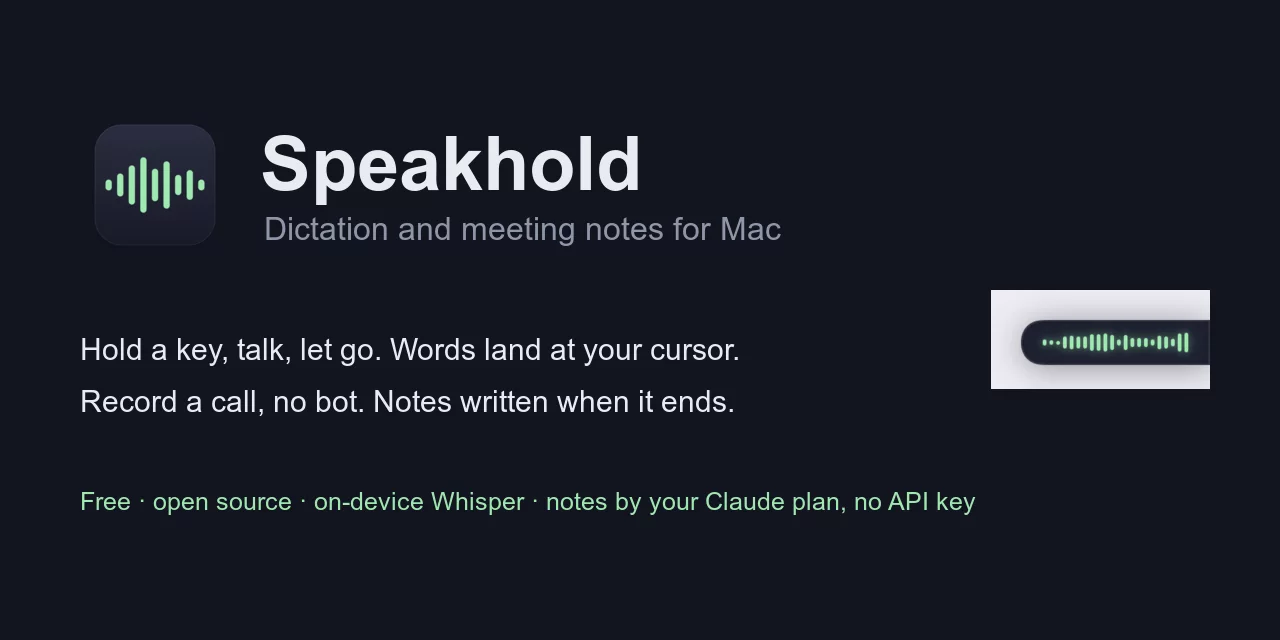
Dictation: hold a key, talk, let go, and the words land wherever your cursor is.
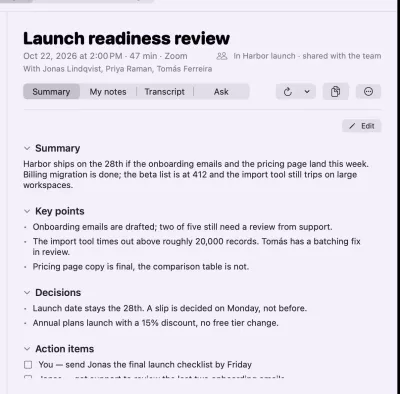
Meeting notes: press record on a call, and the notes are written when it ends.
Free, open source, native Swift. Whisper runs on your Mac and the audio never leaves it.




What it does
| Dictation | Meeting notes | |
|---|---|---|
| You | Hold a chord (default left ⌃ + left ⌥), speak, let go | Choose Record meeting, or tap Record when the pill notices a call, then have the call |
| It | Pastes the sentence into whatever app is in front, cleaned up | Records your mic and the Mac's audio, stops itself when the call ends, writes Summary / Decisions / Action items / Open questions plus the full transcript to one markdown file |
| Where it runs | Whisper on the Neural Engine, on-device | Whisper (or Parakeet) on-device; the notes by Claude Code on your Mac, your own Claude key, or Apple Intelligence |
| Replaces | Willow Voice, Wispr Flow, Superwhisper, MacWhisper | Fireflies, Otter and the other meeting bots |
One native Swift binary, a 12 MB download, no Electron, no account, no subscription. MIT.
Dictation
- 100 % on-device. Speech-to-text runs with WhisperKit on the Apple Neural Engine. Works offline. Your audio never touches a server.
- Any hotkey chord, left and right aware. Hold left ⌃ + left ⌥ (default), right ⌥ alone, fn, or add an F-key. Hold-to-talk or press-to-toggle.
- Pastes anywhere. Slack, Gmail, Xcode, Terminal, Notes, your browser: wherever the cursor is.
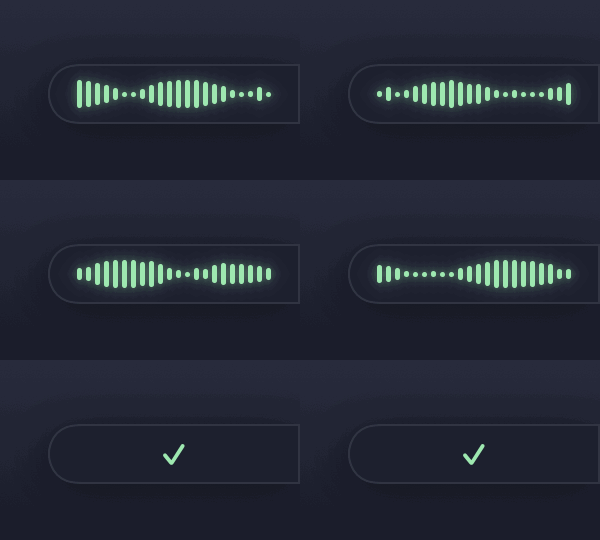
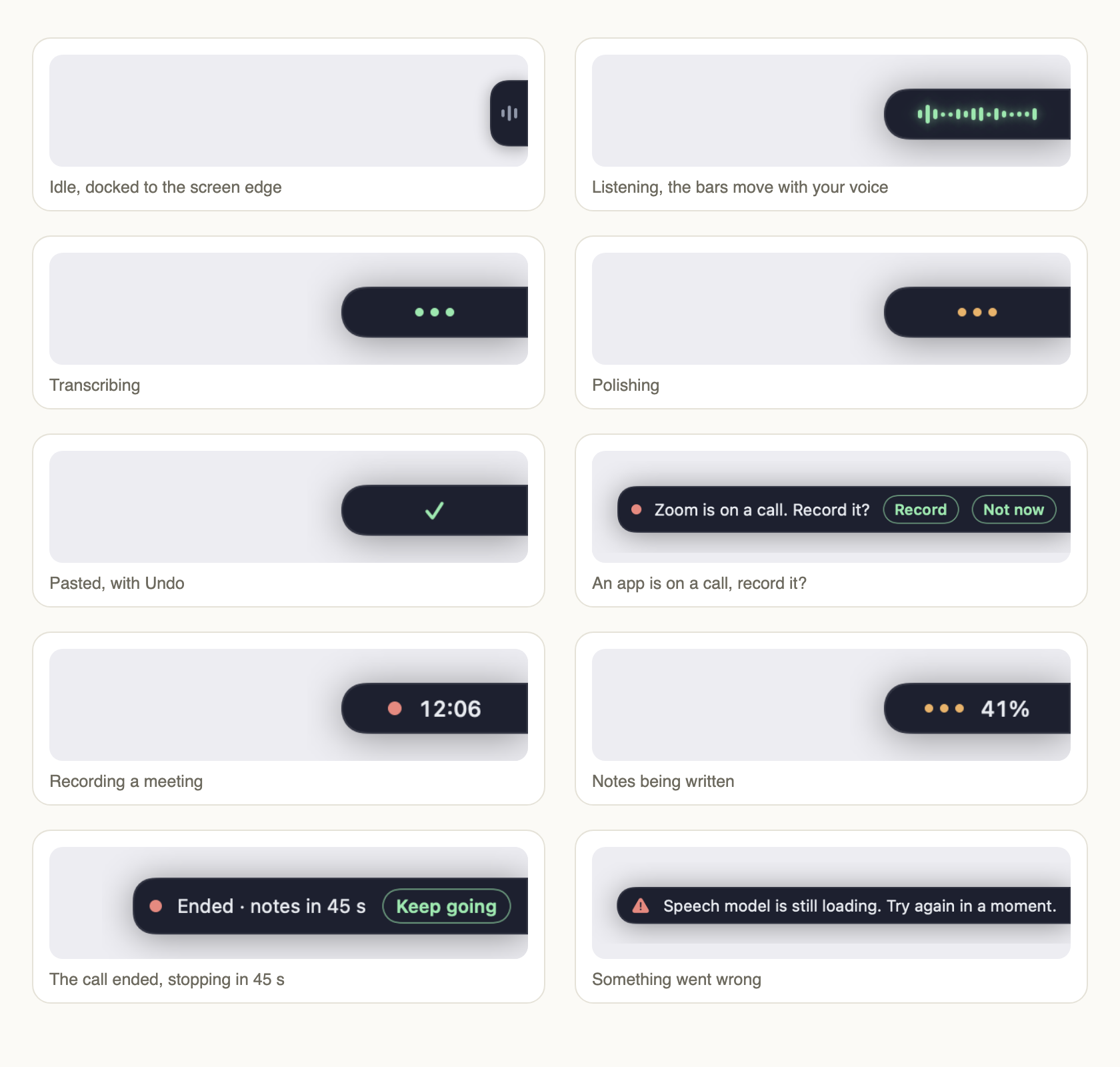
- A bar that moves with your voice. A small tab docked to the right edge of the screen opens into a short bar of glowing waveform while you hold the key, then dots while it finishes and a tick when it has pasted. Esc cancels. Undo sits on the bar for a moment after a paste; Try again re-runs a failed recording.
- Hands-free when you need it. Tap Space while holding the chord and let go; Speakhold keeps listening until you press the chord again.
- Polish on your Mac. On macOS 26 with Apple Intelligence, Speakhold strips "um"s, fixes punctuation and spells the names in your personal dictionary correctly, on-device, no key, nothing sent anywhere. Prefer Claude? Add your API key and pick it under Cleanup. Either way, spoken commands ("new paragraph", "full stop", "comma", "question mark") always work, text replacements (
my email -> you@…) run last, and the raw transcript is pasted if a model fails or wanders.
Meetings
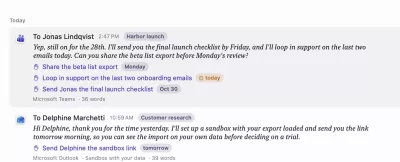
- Takes the minutes. "Record meeting" captures both sides of a Zoom, Meet or Teams call on your Mac, no virtual audio driver and no bot. It transcribes on the Neural Engine with you and each far-side voice labelled, folds in the notes you typed during the call and the moments you marked, names the meeting from your calendar, writes Summary / Decisions / Action items / Open questions (and a follow-up email if you want one) and saves one markdown file. "Catch me up" shows the last two minutes when you drifted. Speakhold offers to record when it notices an app on a call. The notes are written in the background after you stop (menu bar shows progress, a notification opens the file), so dictation never waits. Files go to
~/Documents/Speakhold Meetingsor a folder you choose. Add a Claude key for the notes: it reads the whole transcript. Without one, Apple Intelligence writes them on-device in parts, which is fine for a short call and weak on a long one. Audio never leaves the Mac either way. It stops itself when the call app lets go of the microphone. - Notes by Claude without an API key. Have Claude Code installed and the meeting notes go through it under your own Claude plan. Otherwise add an API key, or let Apple Intelligence write them on-device.
- While it records. Type your own notes in the meeting window and the transcript expands them; tap the chord once to mark a moment; Catch me up shows the last two minutes as text; dictation keeps working.
- Afterwards. The pill shows Notes 41% while the job runs in the background, a notification opens the file, and the audio is deleted. How it compares: Fireflies.
The app
- Scriptable.
Speakhold --toggle(oropen speakhold://toggle) talks to the running app:--start,--stop,--cancel,--settings,--history. Wire it to SketchyBar, Raycast or a Shortcut. - Native and tiny. Swift + SwiftUI + AppKit. Menu-bar only. Launch at login. History window with one-click copy.
If it replaces a subscription for you, a star on the repo helps the next person find it.
Install
Download: Speakhold.dmg (12 MB), open it, drag Speakhold to Applications, open the app. Not notarized yet, so if macOS says it cannot check the app: macOS 15 and later, System Settings → Privacy & Security → Open Anyway; macOS 14, right-click → Open. Pictures on the install page.
One line, no dialog (the script is docs/install.sh; it downloads the zip, installs to Applications, opens the app):
curl -fsSL https://speakhold.wildinteractive.app/install.sh | sh
Homebrew:
brew install --cask sturzael/tap/speakhold
Build from source (Xcode 16+ / Swift 5.10+, Apple Silicon):
git clone https://github.com/sturzael/speakhold.git
cd speakhold
./build.sh          # → ~/Applications/Speakhold.app
open ~/Applications/Speakhold.app
First run
- Click the waveform icon in the menu bar → Settings → Permissions.
- Grant Microphone and Accessibility (Accessibility is what lets a menu-bar app see the hotkey and paste for you).
- The speech model (~630 MB) downloads once in the background. Status shows Ready when it is loaded.
- Click into any text field, hold left ⌃ + left ⌥, speak, release.
- For meetings, the first recording asks for Screen & System Audio Recording, which is how the other side of the call is heard. No bot joins.
Settings
| Tab | What you can change |
|---|---|
| General | Hotkey: click Record and press the keys you want (any mix of left/right ⌃ ⌥ ⇧ ⌘, fn, plus an optional F-key), hold vs toggle, microphone picker with a 3 s test, Whisper model (Large v3 Turbo, Large v3, Distil, Base), language, bar position (right edge / bottom right / bottom centre), idle tab on/off, sounds, launch at login |
| Cleanup | Polish engine: Apple Intelligence (on-device, default on macOS 26) / Claude / off; the Claude key and model (polish, and meeting notes when Claude Code is not installed; or ANTHROPIC_API_KEY); personal dictionary; text replacements; style notes |
| Meetings | Offer to record when an app starts a call (Record / Not now on the pill; stops itself when the call app lets go of the mic), title and invitees from Calendar, transcription engine (Whisper / Parakeet), tell the far-side voices apart, which engine writes the notes (Claude with a key, otherwise on-device), follow-up email draft, where the files save |
| Permissions | Microphone and Accessibility status with one-click prompts |
How it compares
| Speakhold | Willow Voice | Wispr Flow | Superwhisper | Handy | |
|---|---|---|---|---|---|
| Price | Free, MIT | US$12–15/mo | US$12–15/mo | US$8.49/mo or lifetime | Free, MIT |
| Audio stays on device | Yes | Cloud by default | Cloud | Yes | Yes |
| Native Swift (no Electron/Tauri) | Yes | — | — | Yes | No (Tauri) |
| Left/right-specific modifier chords | Yes | No | No | Partial | No |
| AI cleanup with personal dictionary | Yes, on-device (or your key) | Yes | Yes | Yes | No |
| Open source | Yes | No | No | No | Yes |
Prices and features as of October 2026; corrections welcome via PR.
Privacy
Audio is captured with AVAudioEngine, converted to 16 kHz mono, transcribed in-process and discarded. Polish runs on-device through Apple Intelligence. Network use is limited to two things: the speech models download once from Hugging Face (Whisper ~630 MB, Parakeet ~600 MB if you pick it), and the Claude engines, only if you choose them, which send transcript text and never audio (through Claude Code under your own plan, or the API with your key). There is no telemetry, no analytics, no update check.
Contributing
Issues and PRs are welcome. See CONTRIBUTING.md for the layout, how to run the headless checks (--transcribe, --test-hotkey, --render-overlay) and the roadmap.
Credits
Built on WhisperKit by Argmax. Made in Wellington, New Zealand by Wild Interactive.