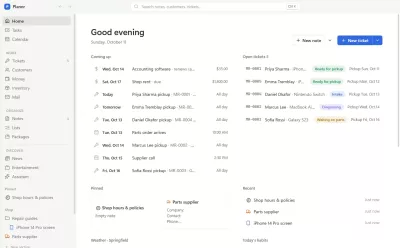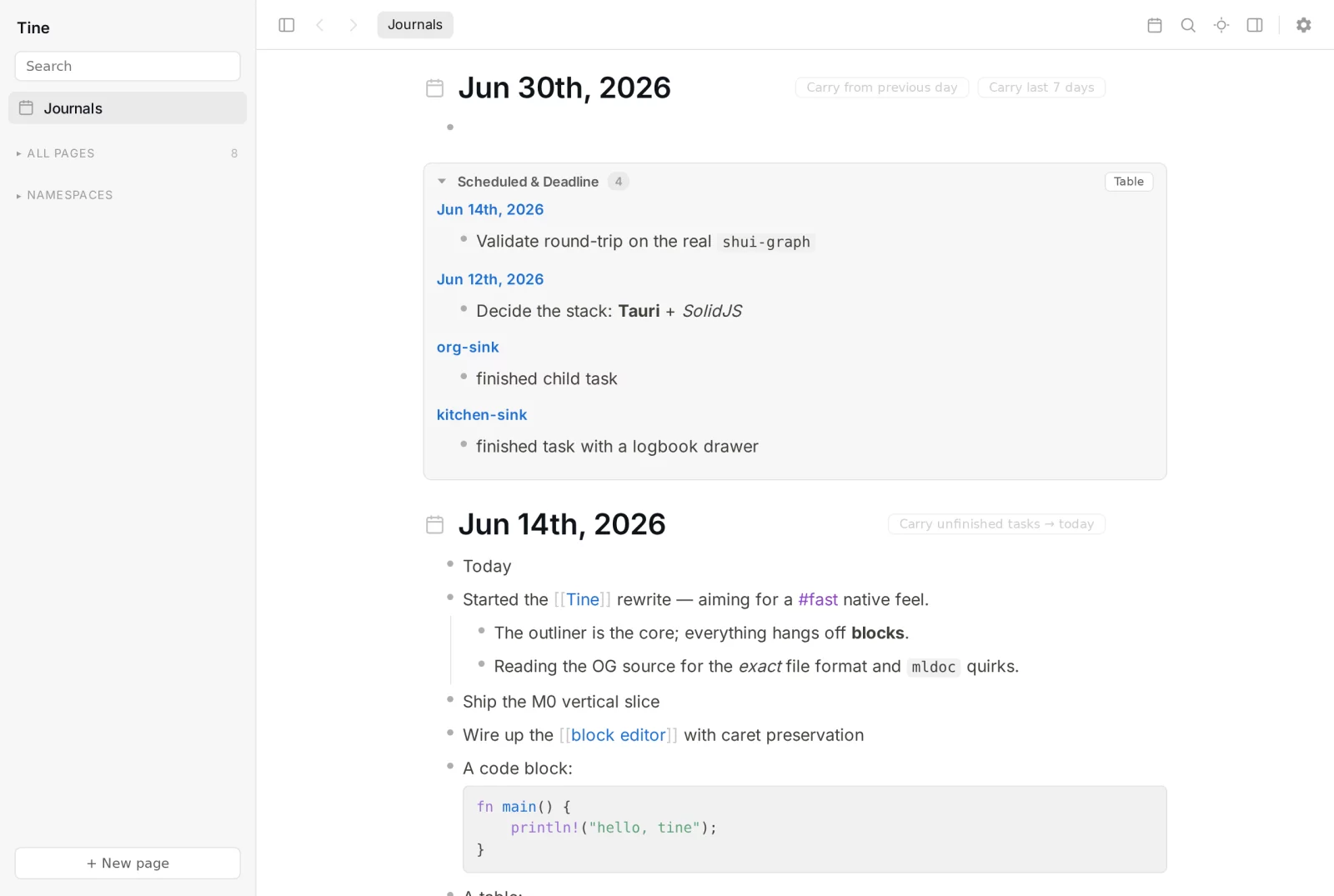

A fast, local, Logseq-compatible outliner.
Reads and writes the same markdown graph as Logseq — swap between the two on the same files.
English | 简体中文
The English README is authoritative if the versions differ.



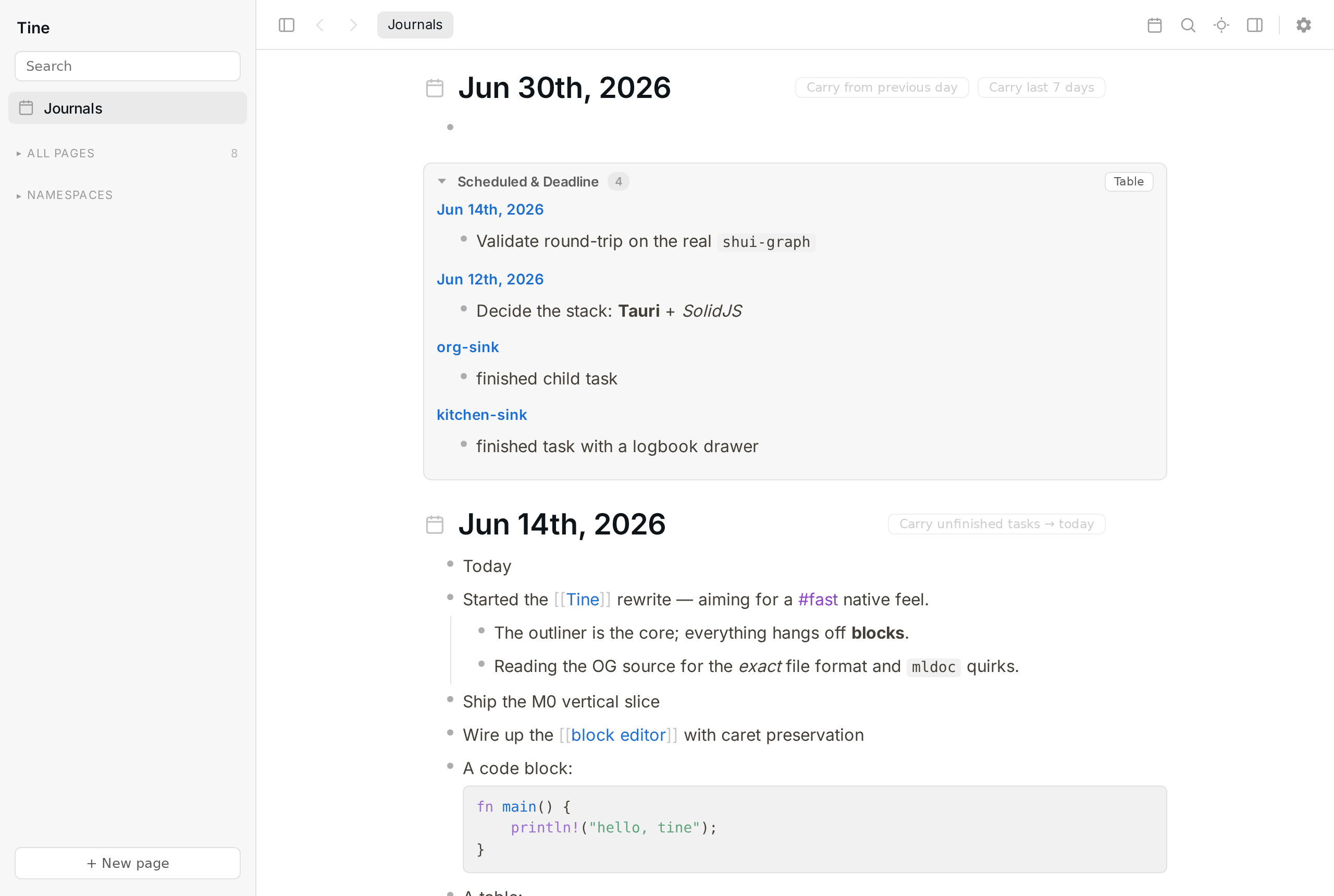
▶ Browse a demo graph — the onboarding graph, published with Tine's own HTML export.
What is Tine?
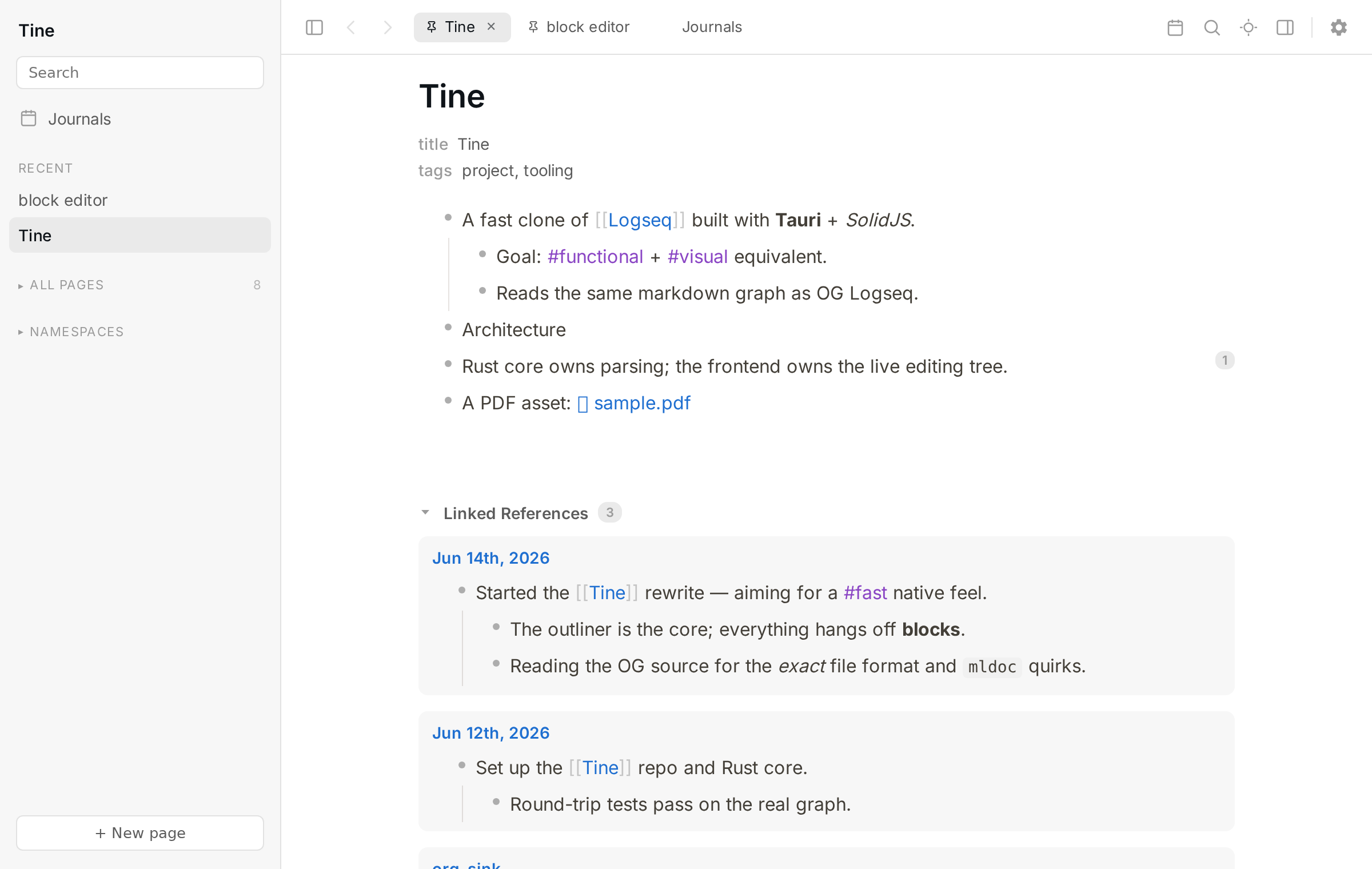
Tine is a desktop outliner built to look and feel like Logseq while being
much faster. It operates directly on the standard Logseq graph layout —
journals/, pages/, assets/, and logseq/config.edn — so you can point it at the graph you
already use and keep editing in either app (one at a time). Files are written back in
Logseq-compatible markdown, so there's no import/export step and no lock-in.
Why build it? Logseq's UI is Electron + DataScript with heavy re-rendering, and it gets sluggish on large graphs. Tine is a ground-up rewrite: a small native shell (Tauri/WebKitGTK), a pure-Rust core for parsing and indexing, and a fine-grained reactive frontend (SolidJS) that never diffs a virtual DOM. The editor keeps the live block tree in the frontend, so keystrokes never round-trip to Rust, and whole-graph reads (search, backlinks, queries) hit an in-memory cache instead of re-parsing.
Status: a usable daily-driver for outlining, linking, tasks, journals, search, queries, and PDF annotation. Linux is the primary, best-tested platform; macOS and Windows builds are produced too but are newer. Not yet 1.0 — see Roadmap.
Install
Grab a prebuilt installer from the Releases page. macOS builds are signed and notarized; Windows builds aren't code-signed yet, so Windows may warn the first time — here's how to get past it:
- Linux — the AppImage runs on any distro with no install:
chmod +x Tine_*.AppImage, then run it. Or use the.deb(Debian/Ubuntu) or.rpm(Fedora/openSUSE). Prefer Flatpak? The community repository FlatPark packages the official.deb(unofficial, but approved by us; packaging issues go to FlatPark's tracker):flatpak --user remote-add --if-not-exists flatpark https://dl.flatpark.org/flatpark.flatpakrepo, thenflatpak --user install flatpark page.tine.Tine. - macOS —
brew install --cask tinewith Homebrew, or open the.dmgand drag Tine into Applications. If Tine keeps asking to access your Documents folder on every launch, see the workaround below. - Windows — run the
.exeinstaller; if SmartScreen appears, click More info → Run anyway. Prefer no installer? Grab the portableTine_*_x64-portable.zip, unzip, and runTine.exe— it needs the WebView2 runtime, which is preinstalled on Windows 10/11. The portable Tine keeps its settings and WebView2 data in thetine-datafolder next toTine.exe, not in AppData, so it runs from a USB drive; to update it, quit Tine and unzip the new version into the same folder. - Android — install from F-Droid for automatic
updates, or take the signed
Tine_*_android-arm64.apkfrom Releases. - iPhone and iPad — Tine is in public beta on TestFlight: install Apple's TestFlight app, open the link, and install Tine (it appears as TineOutline). Graphs live in On My iPhone → TineOutline or iCloud Drive → TineOutline.
Updates. On desktop, Tine tells you when a new version is out and installs it in place when
you click Install update: this covers the AppImage, .deb, .rpm, macOS app and Windows
installer. The raw Linux binary and Flatpak builds update through their own channel instead
(flatpak update for FlatPark).
(Want to hack on Tine instead? Build from source — see Build & run.)
Command line
The desktop binary also supports terminal workflows. Run tine --help for the full reference.
tine --version
tine open ~/notes
tine capture
tine doctor ~/notes
tine export static ~/notes --output ~/Sites
tine export live ~/notes --output ~/Sites --name "My notes" --all-pages
--output is an existing absolute folder outside the graph; the export creates one new child
there and never replaces an existing one. Linux .deb and .rpm packages install the generated
man tine page.
macOS: repeated "Documents" permission prompt
If your Logseq graph lives in ~/Documents (the common default), macOS gates access to that
folder behind a permission prompt. Because the build isn't notarized yet and is run with the
download "quarantine" flag, macOS launches it from a randomized temporary location each time
(Gatekeeper App Translocation),
so it can't remember your answer — and re-asks on every launch. To make the grant stick:
- Move
Tine.appinto/Applications(drag it out of the disk image / Downloads). - Clear the quarantine flag in Terminal:
xattr -dr com.apple.quarantine /Applications/Tine.app - Launch Tine from
/Applicationsand Allow the Documents prompt once — it won't ask again.
(Both this and the "unidentified developer" warning disappear once Tine ships notarized macOS builds.)
What Tine adds on top of Logseq
These are the things that started as "I wish Logseq did this" — Tine's reasons to exist beyond raw speed. (Comparisons are against current Logseq desktop core, no plugins.)
- ⚡ Native speed. Pure-Rust core + SolidJS fine-grained reactivity + a tiny Tauri/WebKitGTK runtime instead of Electron — typing stays in the frontend tree, reads hit an in-memory index.
- 🗂️ Built-in tabs. Middle-click anything to open it in a background tab; pin, drag-reorder,
Mod+Wto close, and use the overflow overview when titles no longer fit. (Logseq core has none.) - 🔎 Search that grows into a query. Open all Ctrl+K results in a persistent tab, switch the same result set between search/list/table/board, refine it with friendly filters or the visual builder, and name it only when it deserves to become an ordinary query page.
- 🪟 Split view. Panes have their own tabs/history, keyboard pane/seam navigation,
Ctrl+clickopen-to-side, and tab drag to pane or seam. - ⏯️ Browser-style back/forward —
Alt+Left/Alt+Right, per-tab history, works mid-edit. - 🎯 Focus mode + dim-inactive-blocks (
t f/t b) — fade everything but the block you're on. - ⚡ Global quick-capture — bind
tine --captureto a desktop hotkey and a small always-on-top box pops from any app with the full editor, filing a bullet to today's journal. - 🔁 Carry unfinished tasks forward to today (last 7 / 30 / 365 days, or a configurable N).
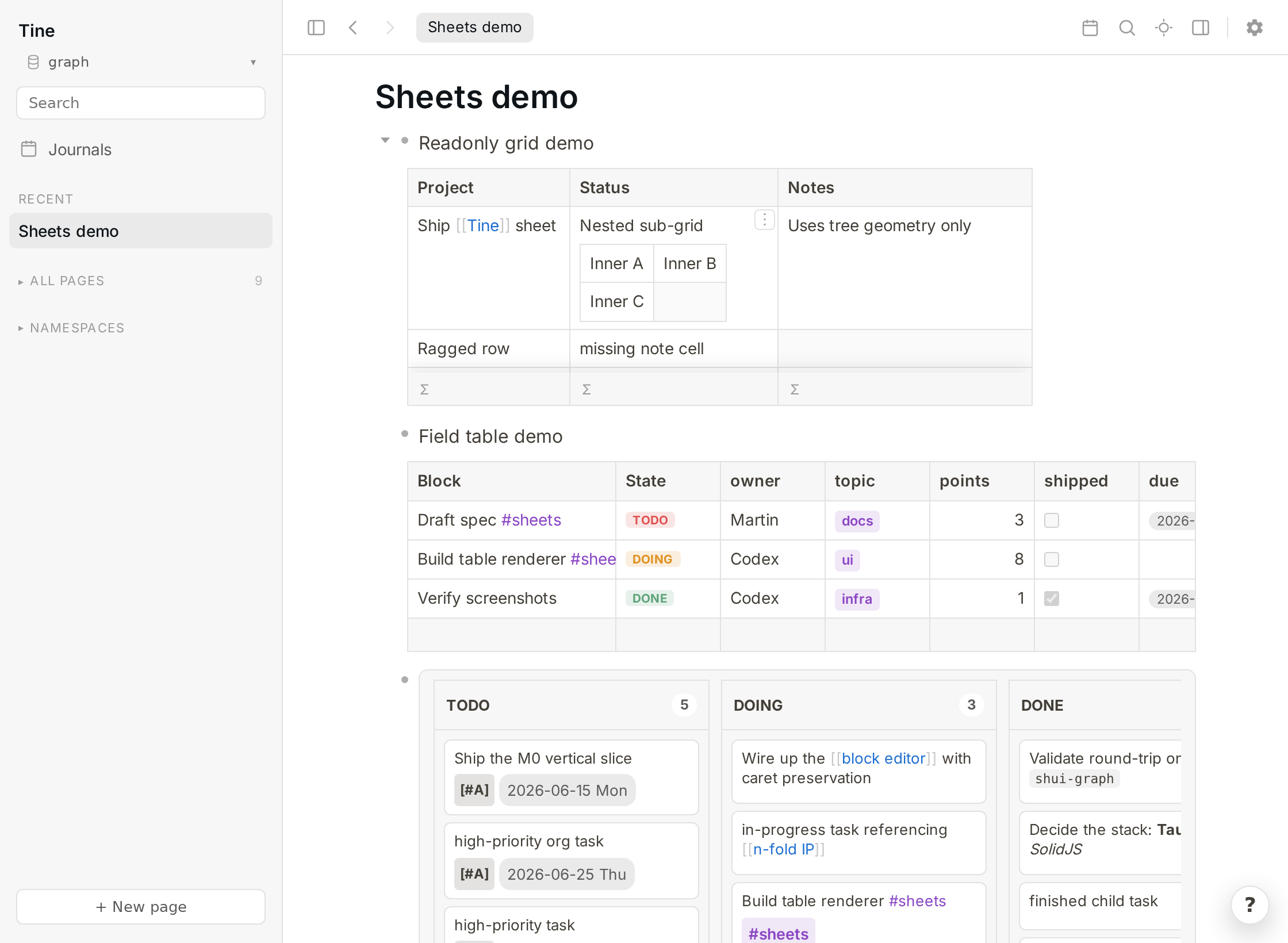
- ▦ Sheets — recursive grids, markdown databases, typed field tables, formula columns + filters with a visual builder, task/tag boards, aggregates, colors, and CSV import over plain bullets.
- 📖 In-app Guide — Help → Guide opens bundled, read-only how-to pages beside your own
graph, and Copy the guide into your graph creates an editable, interlinked
tine-guide/…sandbox without touching the originals. - 🛟 A real data-safety story — conflict detection instead of silent overwrites, launch snapshots with one-click restore, and delete-to-trash; built to live safely on a graph you also edit from Logseq mobile over Syncthing.
- 👋 First-run onboarding — a Welcome screen that opens an existing graph or creates a new one pre-loaded with a short, narrated demo graph (which opens in Logseq too).

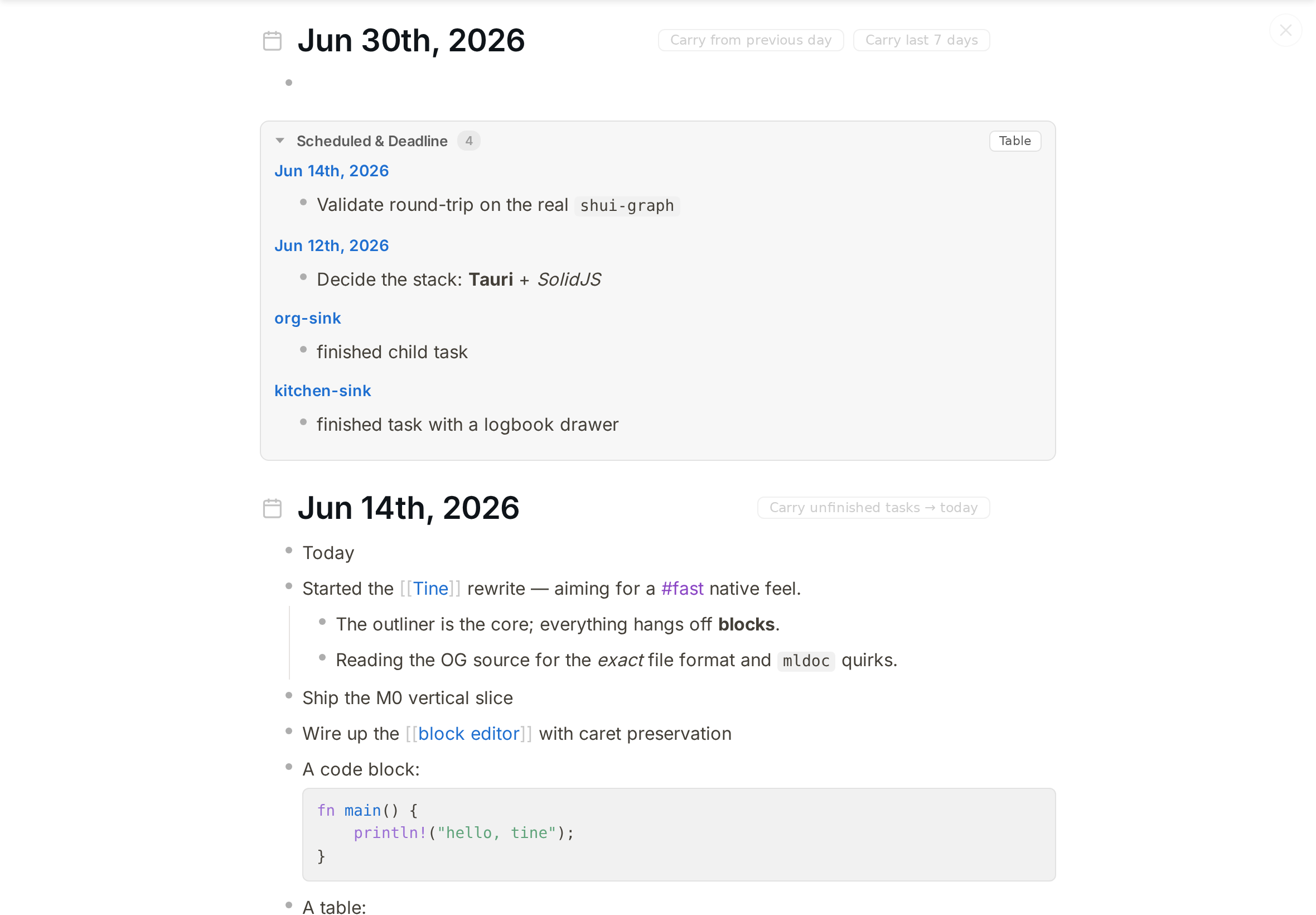
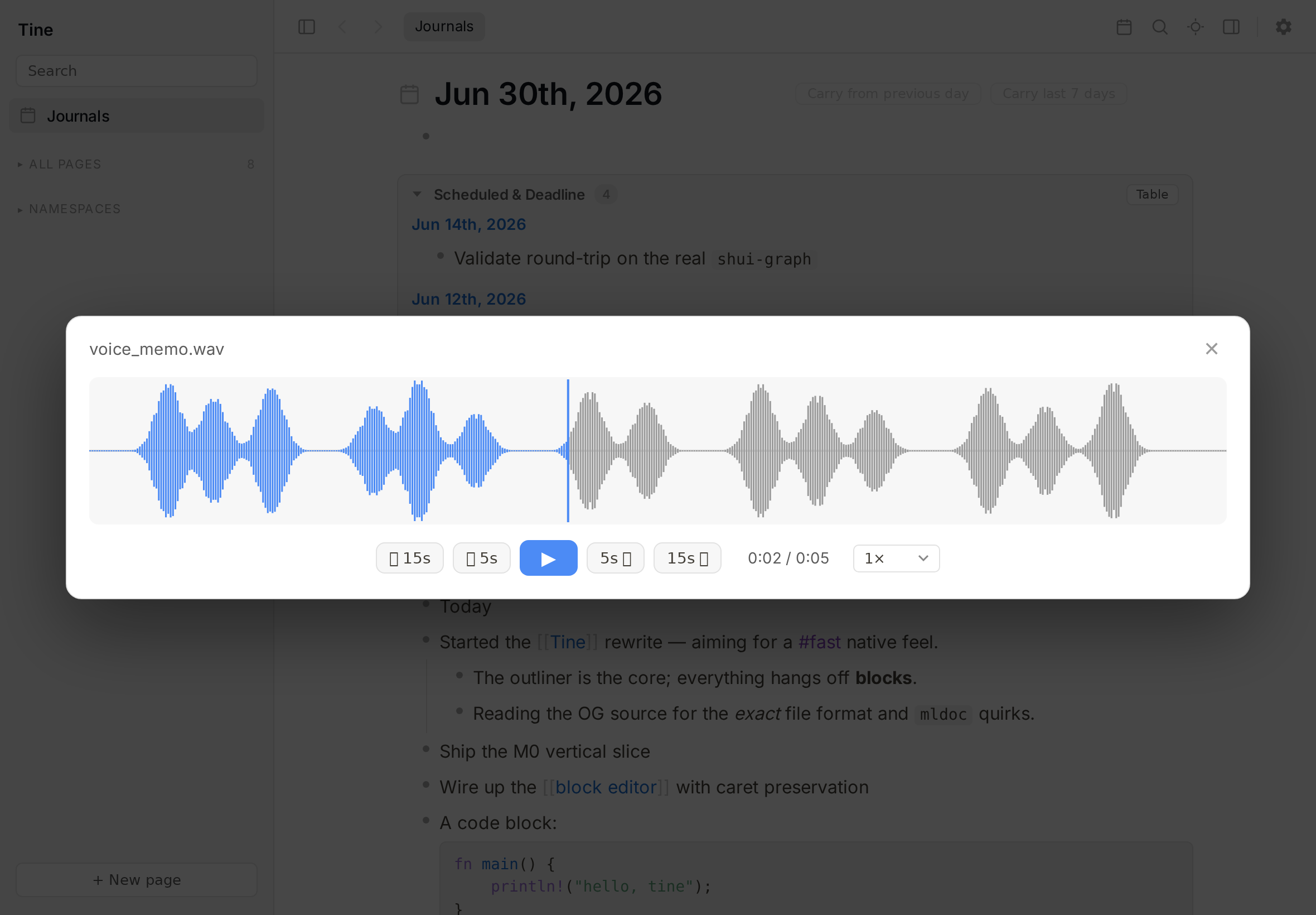
Paste audio, then ⤢ Expand to a waveform scrubber (±5s / ±15s skip, speed, time read-out) — no Logseq-core equivalent.
Features
A quick map of what's in the box — the full feature list lives in docs/FEATURES.md, and the demo shows the rendered-content side of it in your browser.
| Area | Highlights |
|---|---|
| Outliner | Click-to-edit with exact caret landing, Logseq keyboard semantics, zoom, drag-reorder, multi-block select; in-block lists & checklists; callouts; a live /calc block. |
| Media | Paste/import images, video & audio; configurable asset names; drag-resize images and video; an audio waveform overlay player; image lightbox; orphaned-media cleanup. |
| Links, refs & queries | [[page]] · #tag · ((block ref)) · {{embed}} with autocomplete; live linked/unlinked references; per-block ref counts; one query engine behind friendly filters, a visual builder, raw DSL and search/list/table/board views; a scoped Datalog path. |
| Tasks, journals & dates | Task workflows + priorities, scheduled/deadline with a date picker, recurring tasks, carry-forward, a multi-day journal feed, agenda, and a calendar. |
| Zoomable virtualized viewer, in-PDF find, text + area (image) highlights stored Logseq-compatibly, each a bullet you can annotate. | |
| Search & nav | Ctrl+K switcher (titles + full text) with persistent result tabs, bounded match evidence and query-page promotion; command palette, in-app Guide, namespace tree, tabs, split view, back/forward, focus mode, global quick-capture, page icons. |
| Your files | Safe to run alongside Logseq mobile over Syncthing — conflict detection, format-preserving atomic saves, transactional rename, org-mode (byte-faithful or read-only), snapshots + trash. |
| Customize & export | Remappable shortcuts with ? help, built-in theme gallery + custom CSS, multi-language spell check, static HTML export with offline search, copy/export as Markdown, export a page to PDF. |
→ See every feature, with the details, in docs/FEATURES.md. → Tine vs Logseq, feature by feature — an honest, dated comparison: parity, scoped, not-yet, and what Tine deliberately doesn't do.
Built with
| Layer | Tech | Notes |
|---|---|---|
| Shell | Tauri 2 (Rust) | OS webview (WebKitGTK on Linux) — tiny runtime vs Electron |
| Frontend | SolidJS + TypeScript + Vite | fine-grained reactivity, no virtual-DOM churn |
| Core | crates/tine-core (pure Rust) |
parse/serialize, model, indexing, queries, refs, dates, PDF/EDN, HTML publish |
| Rendering | pdf.js, KaTeX, highlight.js | PDF, math, code |
The Rust core is GUI-free and unit-tested in isolation; the Tauri layer is a thin set of ~41 IPC
commands over it. The frontend owns the live editing tree (normalized store) and pushes debounced,
format-preserving saves; whole-graph reads hit an in-memory page cache (RwLock<Arc<Graph>> — read
commands clone the Arc and release the lock immediately) keyed by a graph generation counter.
The bigger architectural choices — Tauri/WebKitGTK over Electron, the pure-Rust core, in-browser
WASM parsing, the data-safety invariants — are written up as short decision records in
docs/adr/.
Project layout
crates/tine-core/    Rust core: parse/serialize, model, config, dates, refs, query, pdf, edn, publish
src-tauri/           Tauri app — IPC commands + windows (main + quick-capture)
src/                 SolidJS frontend (components, store, render pipeline, keybindings)
scripts/             env.sh (toolchain paths), screenshot generators
docs/                Logo, images, FEATURES.md, ADRs, feature notes
samples/             Demo graph used by tests/screenshots
Build & run
source scripts/env.sh        # toolchain env (CARGO_HOME/RUSTUP_HOME, lib paths)
npm install                  # first time

# Build the release binary (NOT plain `cargo build` — that produces a dev-mode
# binary that can't connect to the bundled frontend):
npx tauri build --no-bundle

# Run it against your graph:
TINE_GRAPH=/path/to/your/graph ./target/release/tine
Release checklist
Before tagging a release, run npm run e2e:caret against the release binary to
guard the ADR 0013 duplicate-instance caret/focus invariant.
- Point
TINE_GRAPHat the samejournals/+pages/+logseq/config.edntree you use with Logseq. Run one app at a time on a given graph. - GPU compositing (smooth scrolling) is on by default. On the rare GPU/compositor combo where
WebKitGTK's DMABUF renderer aborts (the window fails to appear, or you see
EGL_BAD_PARAMETERon the console), setTINE_GPU=0to fall back to software rendering — slower, but it always starts. If Tine detects it's painting on the CPU it now says so with a banner. - Prefer the raw binary over an AppImage on Linux — an AppImage's bundled graphics libraries can
clash with the host GPU and silently drop you to (slow) software rendering. The
.deb/.rpmpackages use your system's drivers and don't have this problem.
Troubleshooting a bad startup (debug mode)
If Tine won't start cleanly (e.g. the window never appears), run it with debug logging on. It writes a timestamped trace to a file — the environment (renderer, session type, AppImage, graph), every startup milestone, any panic (with backtrace), and the frontend's own boot/errors — so one file is usually enough to diagnose it:
TINE_DEBUG=1 tine                 # or:  tine --debug
TINE_DEBUG=1 ./Tine-*.AppImage    # AppImage
Tine prints the log path on startup; it defaults to /tmp/tine-debug.log (%TEMP%\tine-debug.log
on Windows; tine-data\<app id>\local\logs\tine-debug.log for the portable Windows Tine; override
with TINE_DEBUG_LOG=/path). Reproduce the problem, then send that file. The log records no note content
— only startup diagnostics.
Quick capture — at the top of the journal feed, a page-title field + a body composer: fill the
title to capture a new page, leave it empty to append to today, then Ctrl-Shift-Enter.
Global quick-capture: bind your desktop environment's keyboard settings to run
tine --capture (a second launch is routed to the running instance via single-instance).
Develop
npm run dev                  # frontend only, in a browser, against an in-memory mock backend
npm run app                  # full Tauri dev window  (alias for: tauri dev)
node scripts/screenshot.mjs  # regenerate screenshots from the mock backend
Testing
source scripts/env.sh
cargo test -p tine-core      # Rust: parse/serialize round-trip, model, queries, search cache
npm test                     # Frontend: Vitest (editor ops, outline, autocomplete, markers, …)
Round-trip parsing is validated against a real Logseq graph (0 structural diffs beyond accepted
canonicalization); tine-check is a privacy-safe profiler that proves byte-faithful serialization
without reading note content.
Community
Ask questions in GitHub Discussions → Questions. Ideas, screenshots, and bug reports are also welcome on the subreddit: r/TineOutline — the best place to follow what's shipping and help shape what's next. For concrete bugs or feature requests you can also open an issue.
Contributing
Tine is a single-maintainer project with an unusual contribution model: the most valuable thing you can send is testing and bug reports, and code changes come in as proposals/specs the maintainer implements rather than merged patches (docs/typo PRs excepted). The why, and how to file a good report, are in CONTRIBUTING.md.
Roadmap & non-goals
New — Sheets (2-D grids + databases): render a block's children as a recursive, editable TreeSheets-style grid, field table, or board — while everything stays plain Logseq markdown/org (see FEATURES.md). It includes typed schemas, query-driven tables, task/tag boards, grouping, aggregates, markdown table conversion, computed columns with a visual formula builder, filters, and CSV/TSV import.
New — Split view: panes with their own tabs/history, TreeSheets-style pane and seam
navigation, Ctrl+click open-to-side, and tab drag to panes/seams (see
FEATURES.md).
New — capability-limited plugins: Tine 0.6 adds an experimental native plugin API for bounded WebAssembly guests and inert token themes. Packages install disabled, declare exact capabilities, and use host-owned commands, decorations, settings, and write guards rather than unrestricted DOM/filesystem/network access. This is not Logseq or Obsidian plugin API compatibility; see the user overview and developer guide.
Planned / under evaluation: graph view.
Mobile: Tine has a native Android build (Tauri v2) as of 0.4.0 — it opens and edits your real Logseq graph on the phone over your own sync, alongside the Logseq mobile app. iOS (iPhone and iPad) is in public beta on TestFlight.
Under discussion, not promised: built-in git integration.
Out of scope (by design): whiteboards, flashcards, and unrestricted in-process plugins. Tine's experimental plugin API instead uses capability-limited WebAssembly guests and inert token themes; see [the developer guide](https://g