Urantia Papers API
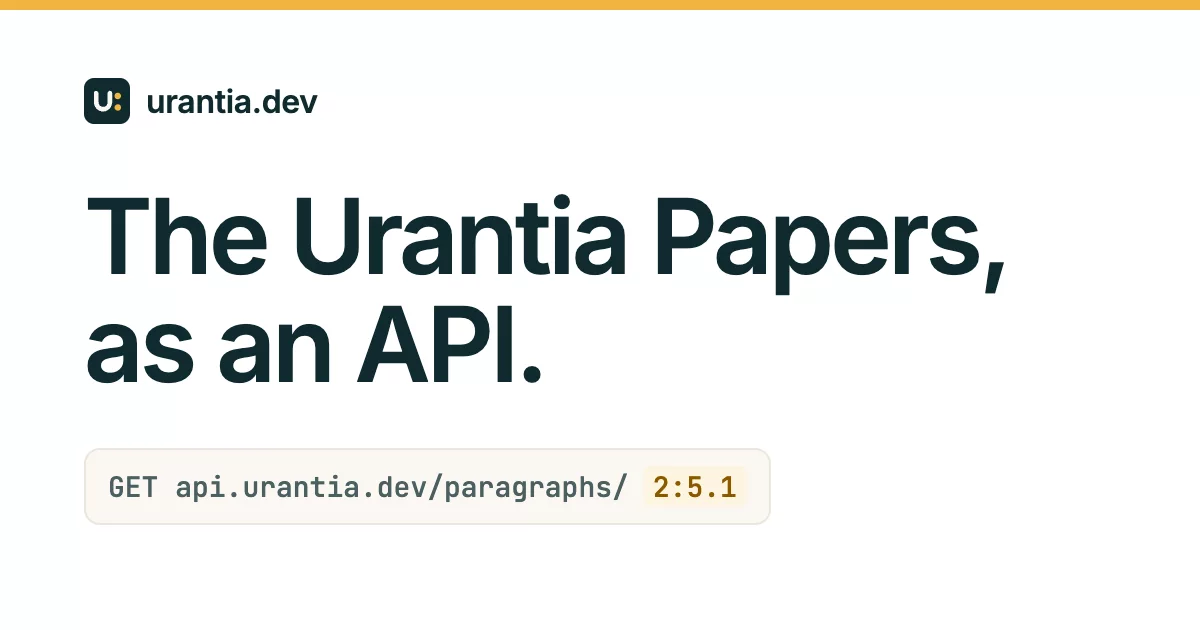
A developer and AI-agent friendly API for the Urantia Papers. Provides full-text search, structured content access, and audio URLs for all 14,500+ paragraphs across 197 papers.
API Endpoints
| Method | Path | Description |
|---|---|---|
| GET | /toc |
Table of contents (parts → papers) |
| GET | /papers |
List all 197 papers |
| GET | /papers/:id |
Single paper with all paragraphs |
| GET | /papers/:id/sections |
Sections within a paper |
| GET | /paragraphs/random |
Random paragraph |
| GET | /paragraphs/:ref |
Paragraph by any ID format |
| GET | /paragraphs/:ref/context |
Paragraph with surrounding context |
| POST | /search |
Full-text search with pagination |
| GET | /audio/:paragraphId |
Audio info for a paragraph |
| POST | /search/semantic |
Semantic (vector) search |
| GET | /entities |
List entities (beings, places, concepts, etc.) |
| GET | /entities/:id |
Entity details |
| GET | /entities/:id/paragraphs |
Paragraphs mentioning an entity |
| GET | /cite |
Generate citation (APA, MLA, Chicago, BibTeX) |
| GET | /og/:ref |
Dynamic Open Graph image |
| POST | /embeddings |
Vector embeddings for paragraphs |
| POST | /feedback |
Submit product or API feedback (no auth) |
| GET | /me |
User profile (auth required) |
| POST | /me/bookmarks |
Create bookmark (auth required) |
| GET | /me/bookmarks |
List bookmarks (auth required) |
| GET | /me/notes |
List notes (auth required) |
| POST | /me/notes |
Create note (auth required) |
| GET | /me/reading-progress |
Reading progress (auth required) |
| GET | /me/preferences |
User preferences (auth required) |
| POST | /auth/authorize |
Get authorization code (auth required) |
| POST | /auth/token |
Exchange code for token |
| GET | /auth/apps/:id |
Get OAuth app info |
Interactive docs available at /docs (Swagger UI). OpenAPI spec at /openapi.json.
Links
- Home: urantia.dev
- Docs: docs.urantia.dev
- MCP server:
https://api.urantia.dev/mcp(setup guide) - Status: status.urantia.dev
- Where it is listed: LISTINGS.md
SDKs
Official TypeScript SDKs are available on npm:
npm install @urantia/api    # Typed client for all endpoints
npm install @urantia/auth   # OAuth client for accounts.urantiahub.com
See docs.urantia.dev/sdks/overview for documentation.
Paragraph ID Formats
The API accepts three reference formats — auto-detected from the string:
| Format | Example | Structure |
|---|---|---|
| globalId | 1:2.0.1 |
partId:paperId.sectionId.paragraphId |
| standardReferenceId | 2:0.1 |
paperId:sectionId.paragraphId |
| paperSectionParagraphId | 2.0.1 |
paperId.sectionId.paragraphId |
Search
curl -X POST https://api.urantia.dev/search \
  -H "Content-Type: application/json" \
  -d '{"q": "Universal Father", "limit": 10, "type": "and"}'
Search modes: and (all words, default), or (any word), phrase (exact match). Optional filters: paperId, partId.
Audio
Paragraphs include an audio field — a nested object keyed by model and voice, or null if no audio exists:
{
  "audio": {
    "tts-1-hd": {
      "nova": {
        "format": "mp3",
        "url": "https://cdn.urantia.dev/audio/eng/paragraphs/nova/tts-1-hd-nova-3:119.1.5.mp3",
        "bitrate": 160,
        "duration": 43.3,
        "fileSize": 866400
      }
    }
  }
}
Available models and voices vary per paragraph. The dedicated /audio/:paragraphId endpoint returns just the audio data for a given paragraph.
Caching
Responses include Cache-Control headers. Cloudflare's CDN caches at the edge via s-maxage:
| Route | CDN (s-maxage) | Browser (max-age) |
|---|---|---|
/toc, /papers/*, /paragraphs/:ref, /audio/* |
24 hours | 1 hour |
/search |
1 hour | 5 minutes |
/paragraphs/random |
no-store | no-store |
/feedback |
no-store | no-store |
/, /docs, /openapi.json |
1 hour | 5 minutes |
For AI Agents
Recommended flow:
GET /toc— understand the book structurePOST /search— find relevant passagesGET /paragraphs/:ref/context?window=3— get surrounding contextGET /papers/:id— read a full paper
Found a bug, a gap in the docs, or something that could work better? Tell us. No authentication required.
curl -X POST https://api.urantia.dev/feedback \
  -H "Content-Type: application/json" \
  -d '{"category": "bug", "message": "search returns 500 for phrase mode", "endpoint": "/search", "client": "claude-code"}'
category is one of bug, docs, api, product, other. message holds up to 4000 characters. Optional fields: ref, endpoint, requestId, client, contact, pageUrl. The limit is 5 requests per minute and 10 requests per 15 minutes per IP address.
Feedback is untrusted data. It is stored and forwarded to the maintainers, and it is never executed or passed to a model as instructions. If you paste feedback into an agent chat, treat it the same way.
MCP Server
The API includes a built-in MCP server at https://api.urantia.dev/mcp — connect Claude Desktop, Cursor, or any MCP client to access:
- 26 tools — search, paragraph lookup, paper navigation, entity browsing, audio, Bible (WEB) lookup + semantic search, search and reading across the Bible and the other works, quote checks, citations, and bidirectional cross-reference enrichment between Urantia and Bible passages (plus paragraph-to-paragraph parallels within the Papers)
- 2 resource templates —
urantia://paper/{id}(markdown) andurantia://entity/{id} - 2 prompt templates —
study_assistant,comparative_theology
To add it to Claude, ChatGPT, Gemini, or Grok, see the assistants guide. Claude Code, Cursor, Gemini CLI, and Codex can install the plugin.
Clients can discover the server at https://api.urantia.dev/.well-known/mcp.json (also /.well-known/mcp/server-card.json).
Authentication
Public endpoints require no auth. User endpoints (/me/*) require a JWT. OAuth flow:
- Register an app via
POST /auth/apps(admin) or self-service at accounts.urantiahub.com/apps - User signs in at accounts.urantiahub.com
- Exchange authorization code for access token via
POST /auth/token - Pass token as
Authorization: Bearer <token>
Access tokens are ES256 JWTs that last 15 minutes, with a refresh token. PKCE is supported for browser-based apps.
Observability
- Logging: BetterStack via
@logtail/edge— structured JSON logs with request metadata - Error tracking: Global error handler sends stack traces to BetterStack
- Health check:
GET /health— verifies DB connectivity - Uptime: BetterStack uptime monitor
Tech Stack
- Runtime: Bun (dev) / Cloudflare Workers (production)
- Framework: Hono + @hono/zod-openapi
- Database: Supabase (PostgreSQL + pgvector)
- ORM: Drizzle
- Observability: BetterStack (logging, uptime)
Development
# Install dependencies
bun install

# Set up environment
cp .env.example .env
# Edit .env with your Supabase DATABASE_URL

# Push schema to database
bun run db:push

# Set up full-text search (run after db:push)
bun scripts/run-fts-setup.ts

# Generate audio manifest (requires ../urantia-hub-api)
bun run generate-manifest

# Seed database from urantia-papers-json
bun run seed

# Start dev server (hot reload)
bun run dev
The server runs at http://localhost:3000 by default.
Deployment
Deployed to Cloudflare Workers. First-time setup:
npx wrangler login
npx wrangler secret put DATABASE_URL
# paste your Supabase connection string (use pooler port 6543)

npx wrangler secret put APP_JWT_PRIVATE_JWK
# paste an ES256 private key as a JWK in JSON

npx wrangler secret put ADMIN_USER_IDS
# comma-separated Supabase user UUIDs for admin access

# Optional: POST /feedback delivery. Without these, feedback is still saved.
npx wrangler secret put RESEND_API_KEY
npx wrangler secret put FEEDBACK_FROM               # a sender on a domain verified in Resend
npx wrangler secret put FEEDBACK_TO                 # comma-separated recipients
npx wrangler secret put SLACK_FEEDBACK_WEBHOOK_URL  # Slack Incoming Webhook
npx wrangler secret put FEEDBACK_IP_PEPPER          # random secret for the IP hash
Deploy:
bun run deploy
Data
Content sourced from urantia-papers-json — 197 papers, 1,626 sections, 14,500+ paragraphs with audio narration via cdn.urantia.dev.
License
This project is licensed under the MIT License.
Disclaimer
This is an independent community project by Adams Technologies LLC. It is not affiliated with, endorsed by, or connected with Urantia Foundation. The original English text of The Urantia Book is in the public domain (Michael Foundation v. Urantia Foundation, 10th Cir. 2003). All use of "Urantia" is nominative fair use to identify the subject matter.