

Xalgorix — Open-source AI pentester that proves vulnerabilities
Most scanners detect. Xalgorix proves. An autonomous LLM agent works a full pentest methodology, then an independent verifier re-exploits every finding before it's reported — so you get proof, not a pile of maybes to triage. Self-hosted, private, and bring-your-own-LLM. Built in Go + TypeScript.
🚀 Quick Start · 💡 Why Xalgorix · ✨ Features · 🎯 Use Cases · ☁️ Self-host or Cloud · 📖 Docs · 💬 Discussions
| 🖥️ Self-host — this repo | ☁️ Xalgorix Cloud — nothing to install |
|---|---|
| Free and Apache-2.0. Runs on your machine with your own LLM key, or fully local with Ollama. Findings and reports stay on your infrastructure. | The same exploit-verified engine in your browser. Model, out-of-band callbacks and scheduling are managed for you. Packs from $10; credits never expire. |
| Install in two commands ↓ | Compare self-hosted vs Cloud → |
🤖 Only need PR reviews? The free Xalgorix GitHub App comments a security review on every pull request — no account, no API key.
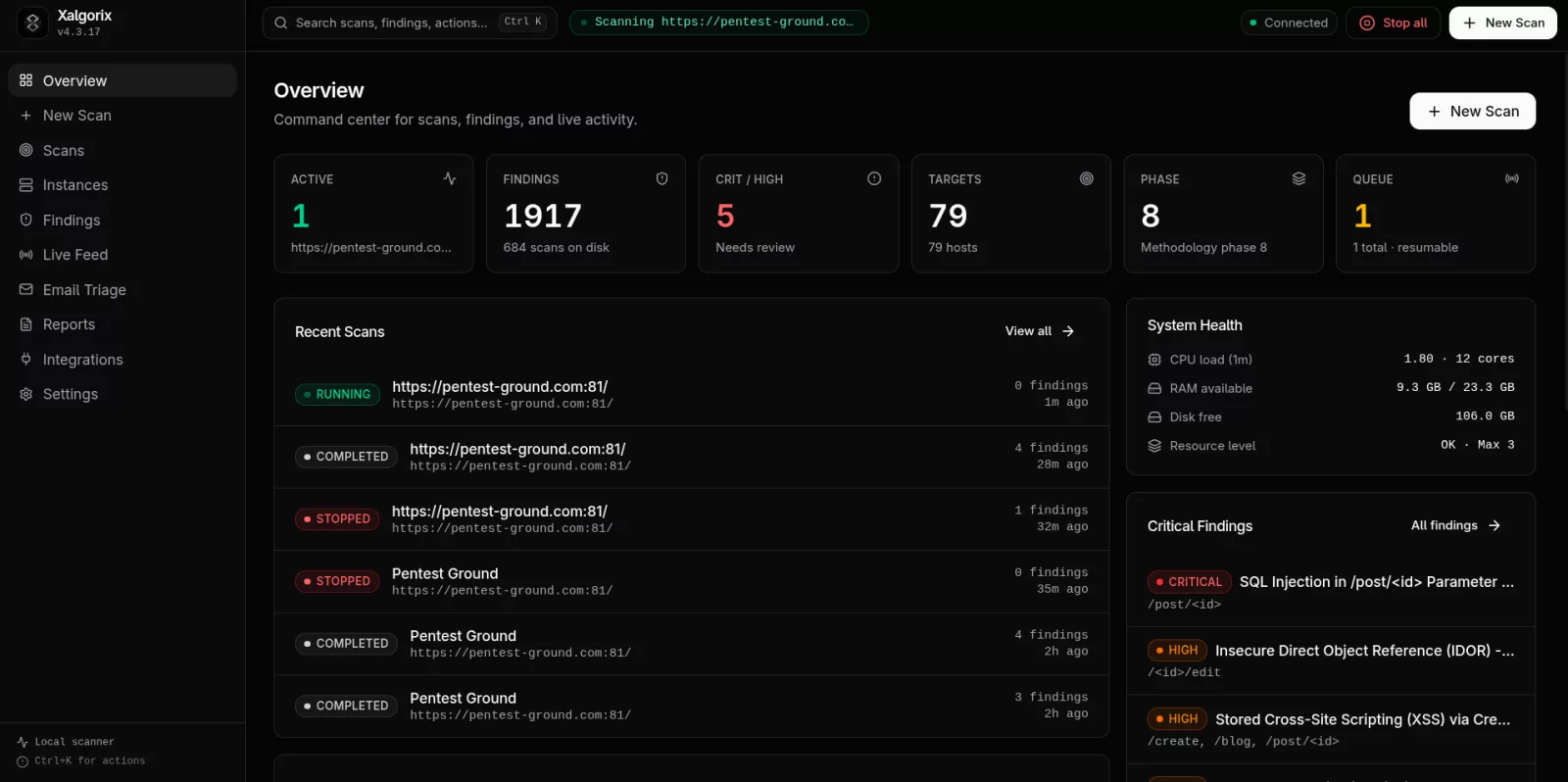
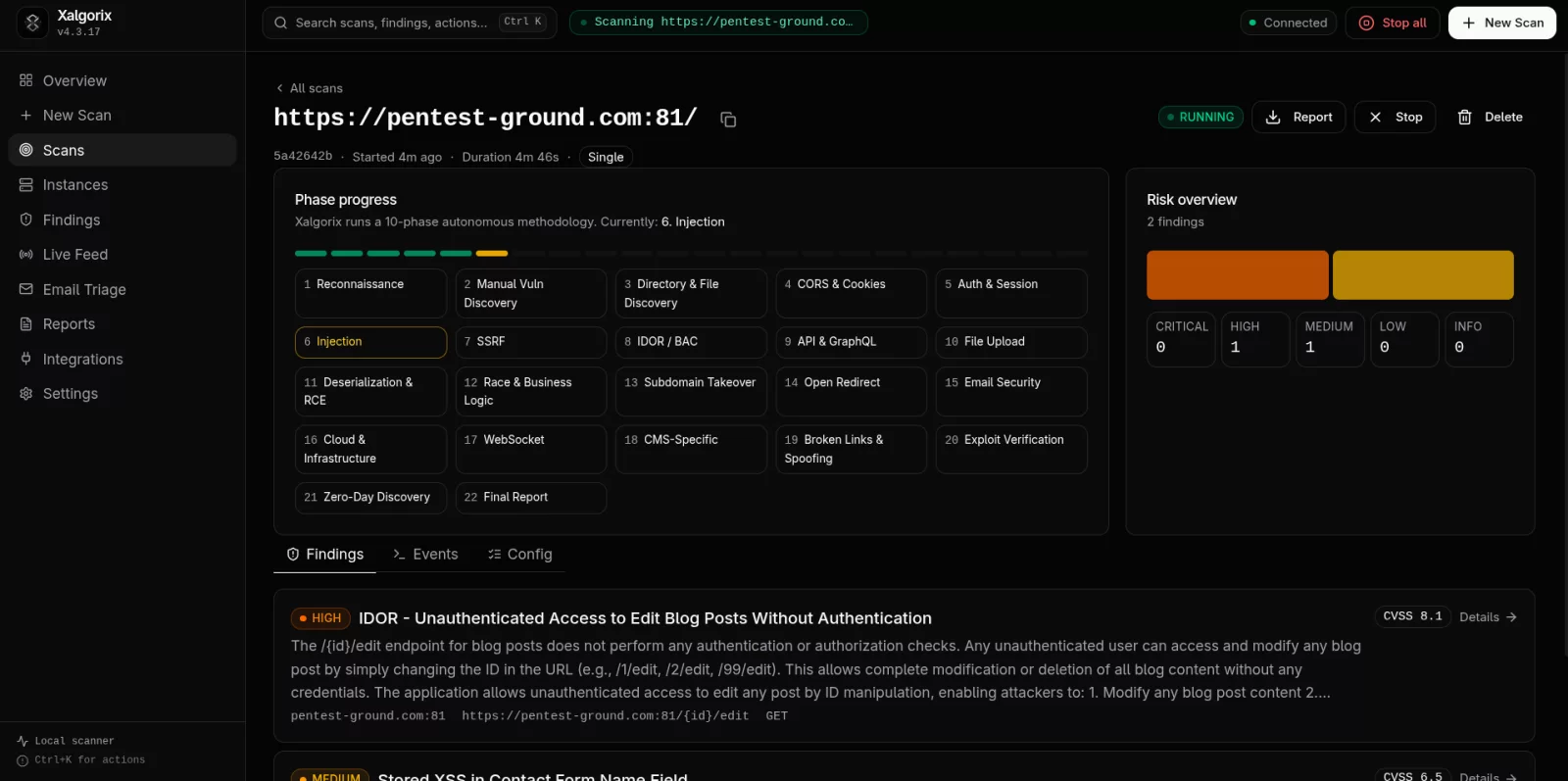
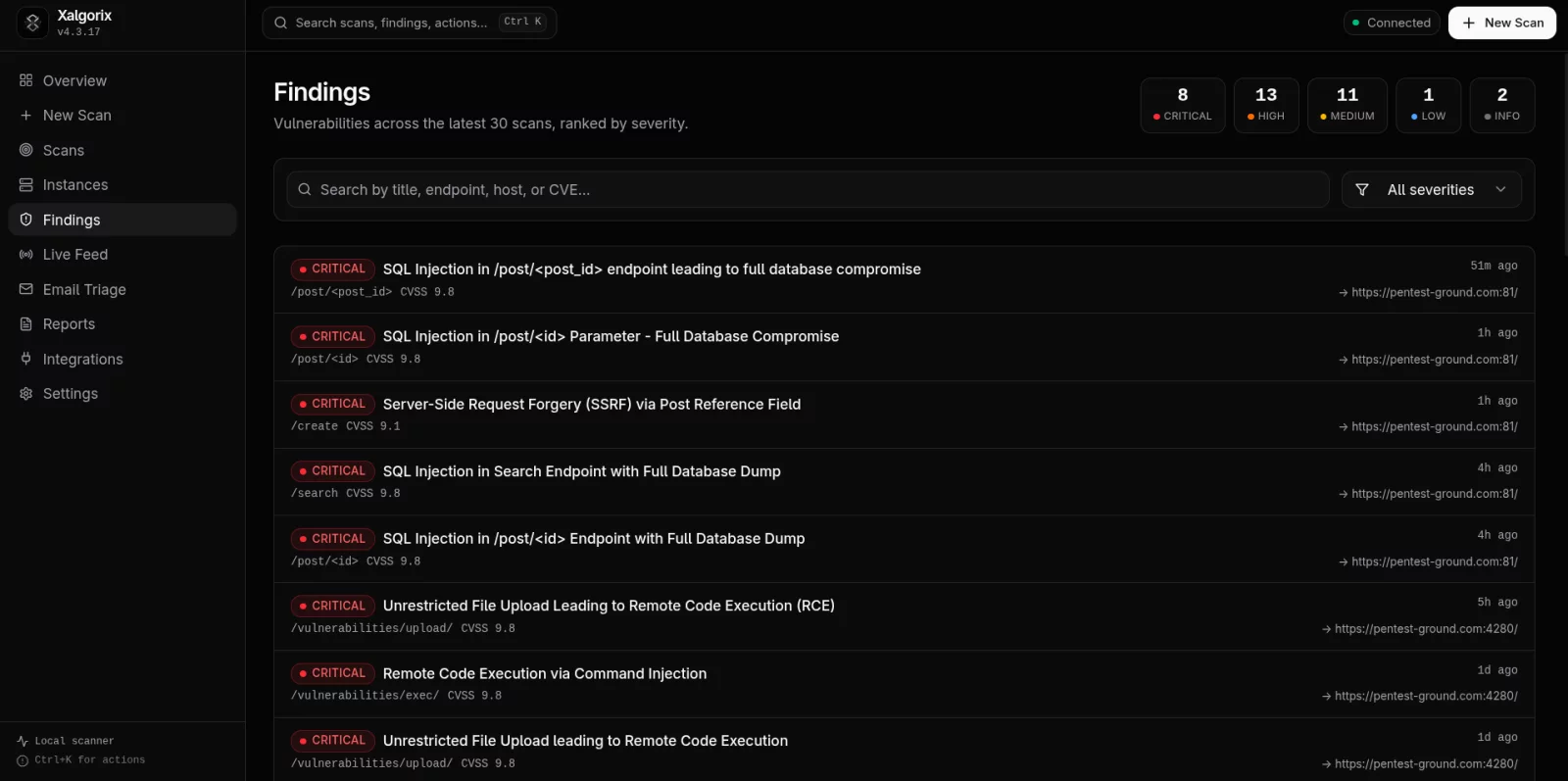
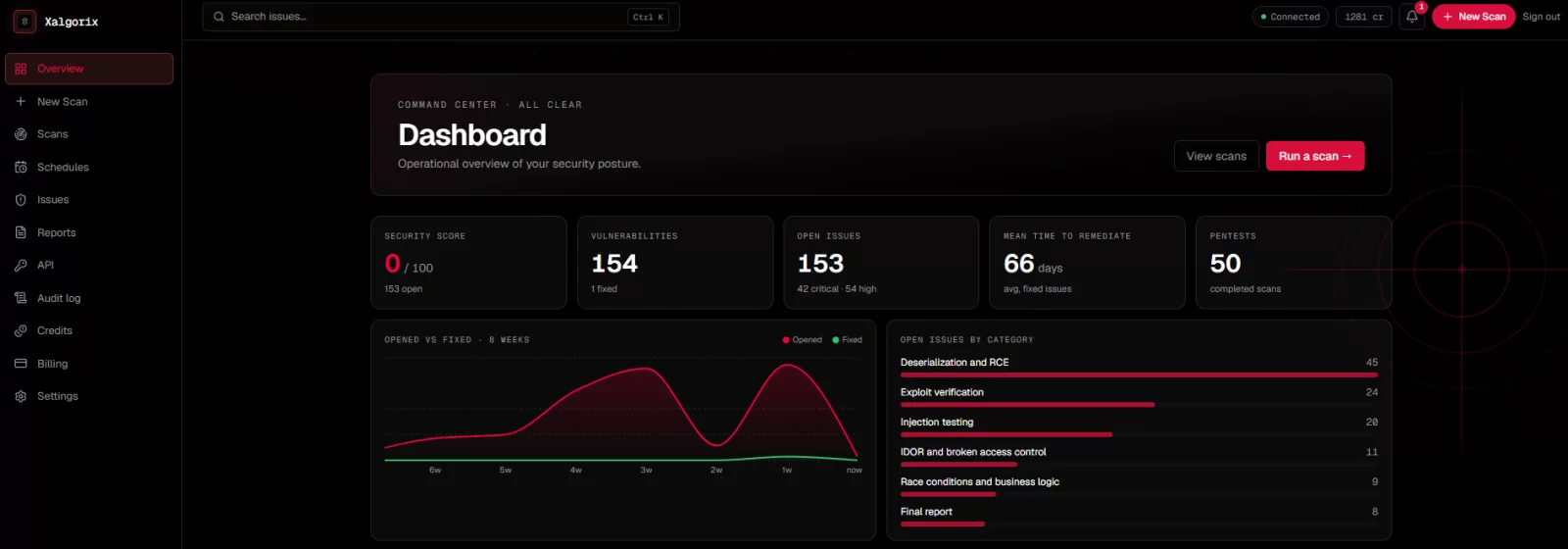
📸 Screenshots
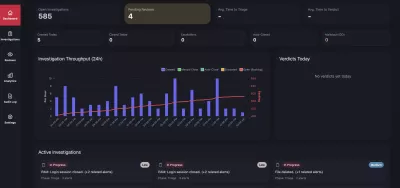
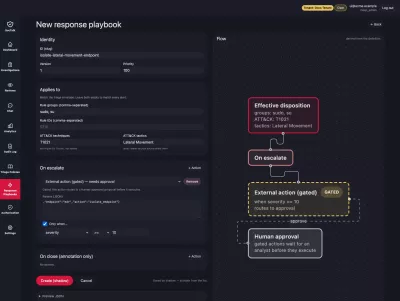
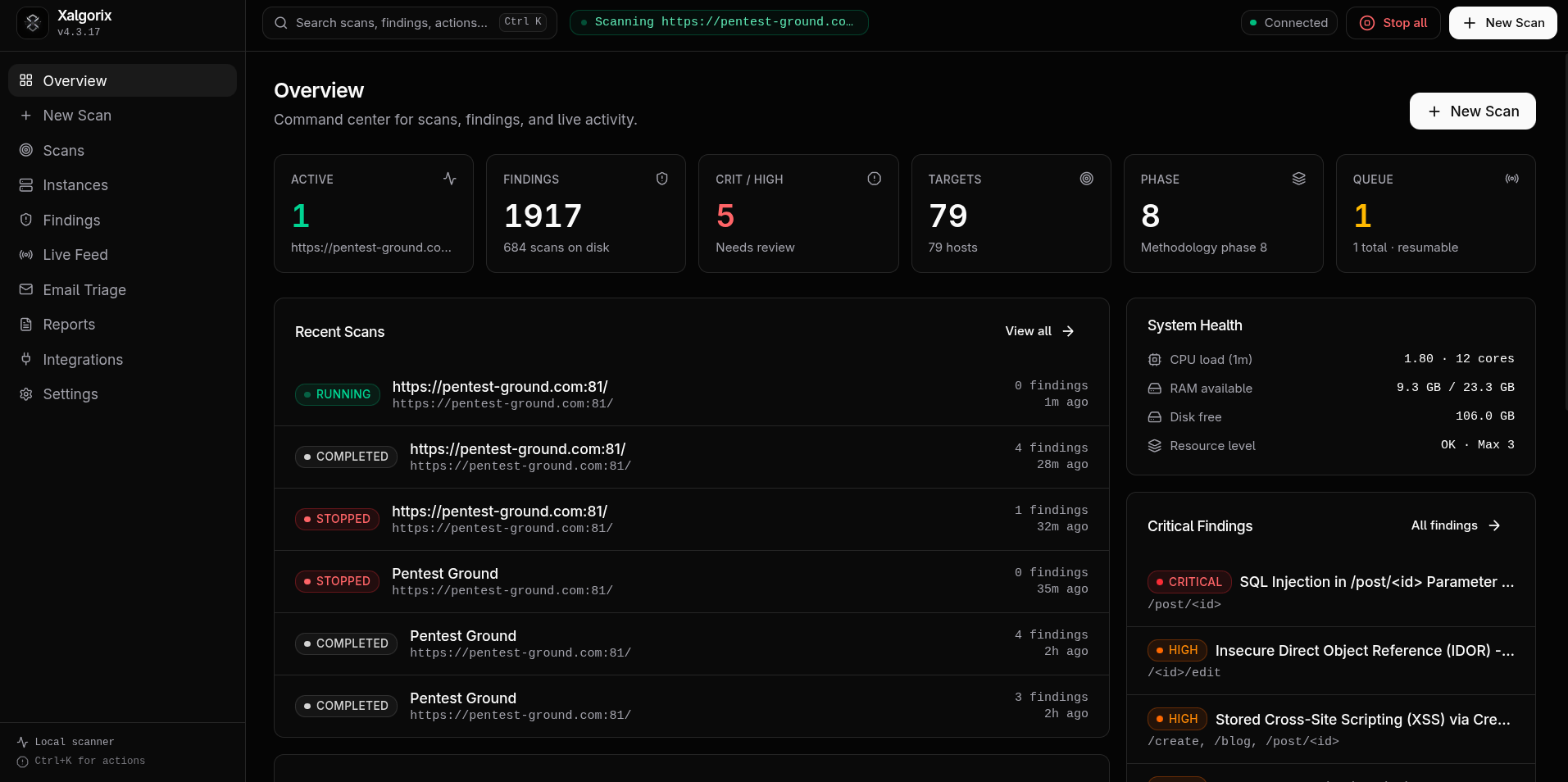
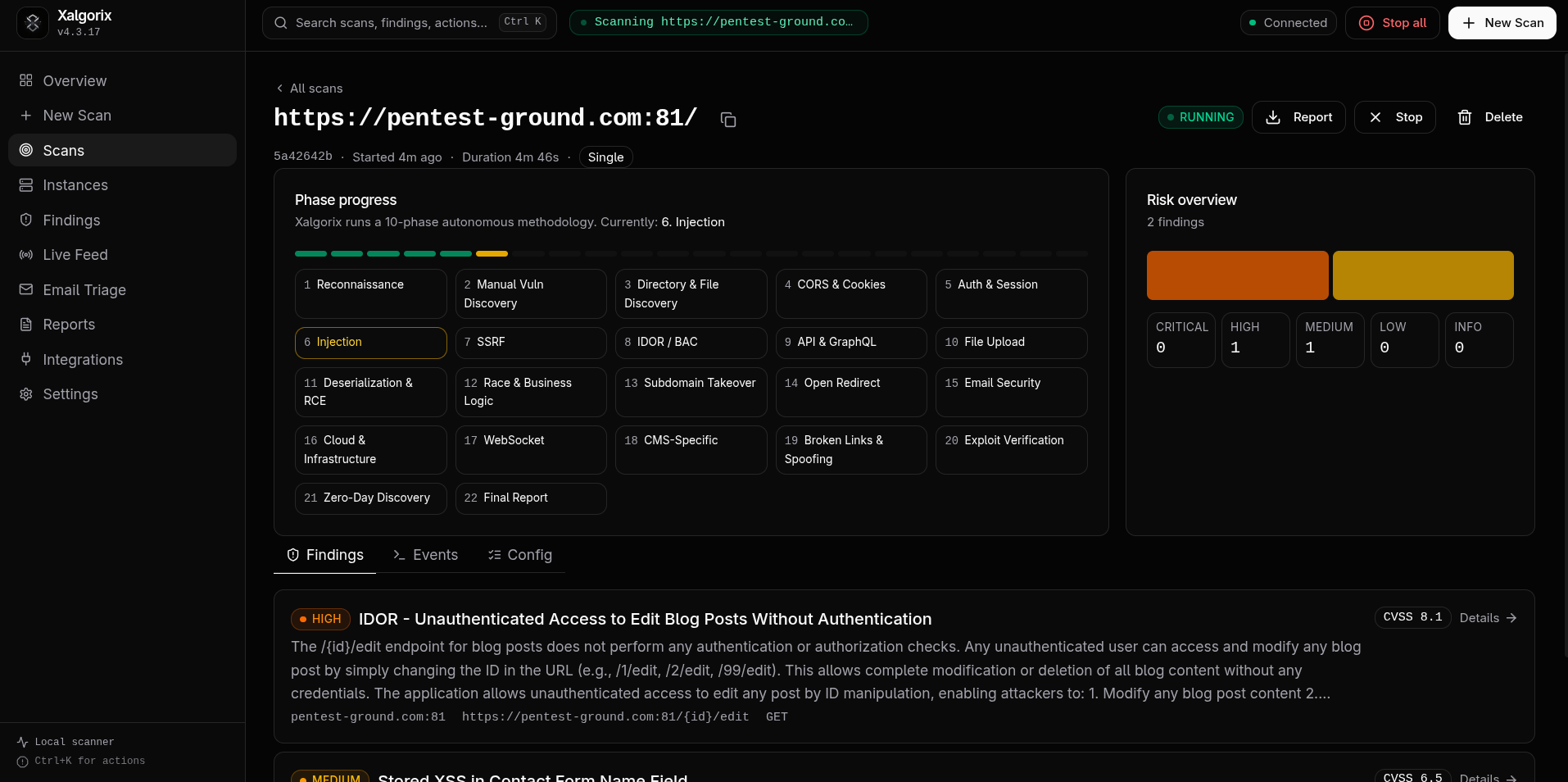
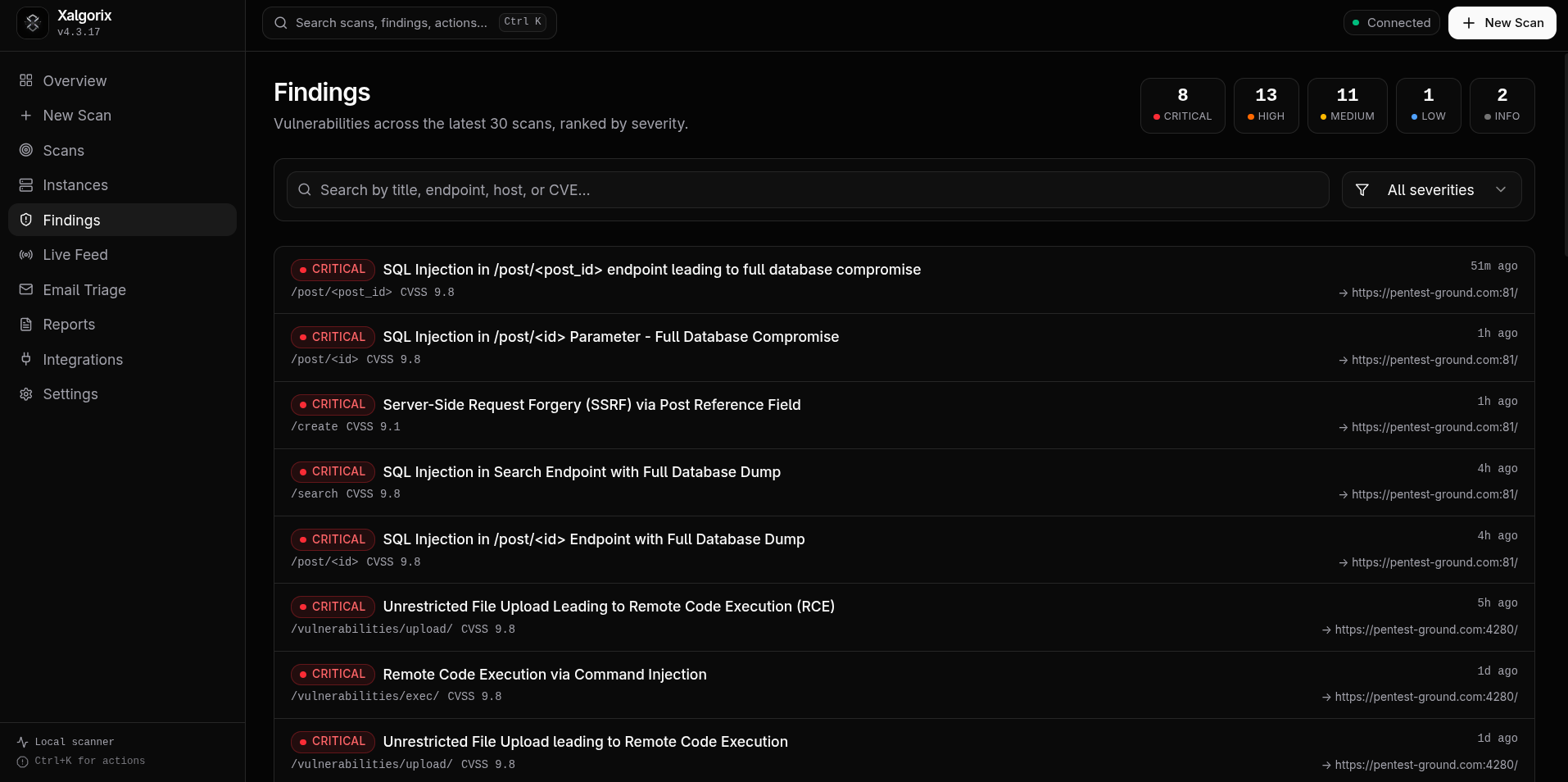
🖥️ Self-hosted dashboard — runs locally on 127.0.0.1:9137
| Overview dashboard | Scan detail | Findings |
|---|---|---|
 |
 |
 |
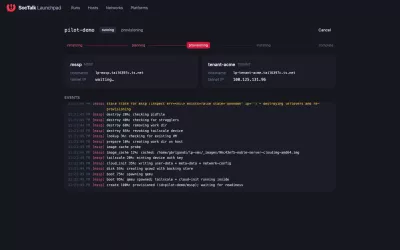
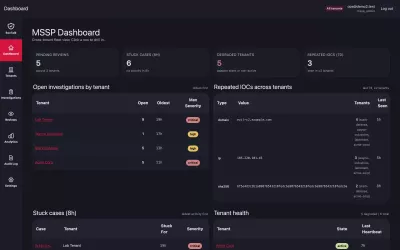
☁️ Xalgorix Cloud dashboard — the managed version at www.xalgorix.com

🤝 Sponsors
Xalgorix is supported by these proxy-infrastructure partners — handy for checking how your own apps behave across regions. Both speak HTTP(S) and SOCKS5, the protocols Xalgorix uses.

|

|
|
Swiftproxy Residential proxies from $0.70/GB · location targeting · sticky sessions Xalgorix users get 10% off with PROXY90
|
Proxy-Seller 47M+ residential IPs · 220+ locations · residential, mobile, ISP & datacenter Xalgorix users get 15% off with XALGORIX
|
🚀 Quick Start
Install (one line):
curl -sSL https://www.xalgorix.com/install | bash
This downloads the prebuilt binary for your platform (Linux or macOS, amd64/arm64) from the latest release.
Or install with Go 1.26 or newer:
go install github.com/xalgord/xalgorix/v4/cmd/xalgorix@latest
Ensure $(go env GOPATH)/bin (or your GOBIN) is on your PATH before running xalgorix.
Then run the interactive setup wizard:
xalgorix --setup
Choose your provider, confirm a model, and enter the API key when prompted. For best results, use a current frontier model with strong reasoning, long-context performance, and reliable tool calling—such as the latest capable GPT, Claude, or Gemini model available to you. Smaller or local models remain supported, but may require more supervision during long autonomous scans. Xalgorix stores the key privately in ~/.xalgorix.env (mode 0600) and can launch the dashboard for you. Local Ollama needs no API key.
If you choose not to launch immediately, start later with xalgorix --web and open http://127.0.0.1:9137. You can change providers or advanced options at any time under Settings → LLM, or rerun xalgorix --setup.
Or run with Docker — batteries included, no toolchain needed:
docker run --rm -p 9137:9137 \
  --privileged \
  -v xalgorix-data:/data \
  xalgord/xalgorix:latest
--privileged gives the toolset the same host-like access it has when run natively as root. Docker's default sandbox drops capabilities (like NET_ADMIN) and applies a seccomp filter, which breaks low-level tools (iptables/route changes, ARP-spoof/MITM, tun/tap VPNs, ptrace-based debuggers, masscan interface tuning). Since an image can't grant itself these, they must be set at run time. The container is a disposable, network-isolated scanning sandbox running as root — privileged is the intended posture; never expose the dashboard publicly without auth. Prefer least-privilege? Swap --privileged for --cap-add=NET_ADMIN --cap-add=NET_RAW --cap-add=SYS_PTRACE --security-opt seccomp=unconfined.
Open http://localhost:9137. You don't need an LLM key to start — the dashboard launches without one; set the model + API key under Settings → LLM (it persists to the /data volume). If you don't pass XALGORIX_USERNAME/XALGORIX_PASSWORD, a random admin password is generated and printed to the container logs on first run.
Machine-to-machine API access — give automation (your own backend, CI, scripts) a dedicated Authorization: Bearer token instead of dashboard credentials: set XALGORIX_API_TOKEN (or XALGORIX_API_TOKENS for a comma-separated rotation set). Machine tokens authorize /api/* routes and the scan-event WebSocket only — never the dashboard UI or operator-only settings routes — never create browser sessions, never interact with the dashboard login rate limiter, and are matched against stored SHA-256 digests with constant-time comparison. The human dashboard login (XALGORIX_USERNAME + XALGORIX_PASSWORD_HASH) keeps working unchanged alongside them.
Easiest — Docker Compose (maps the port + a persistent volume for you):
curl -sSLO https://raw.githubusercontent.com/xalgorix/xalgorix/main/docker-compose.yml
docker compose up -d
docker compose logs -f   # shows the generated admin password on first start
The image ships an extensive offensive-security toolset preinstalled (nmap, nuclei, httpx, subfinder, katana, ffuf, gobuster, sqlmap, masscan, dalfox, feroxbuster, and more) and keeps every package manager (apt, go, cargo, pipx, npm) available so the agent can still auto-install anything missing at runtime. It runs as root inside the container by design — treat the container as a disposable, network-isolated scanning sandbox and never expose the dashboard without auth. Images are published for both amd64 and arm64.
Or build from source (needs Go 1.26+ and Node.js):
git clone https://github.com/xalgorix/xalgorix.git
cd xalgorix
make build
sudo install -m 755 build/xalgorix /usr/local/bin/xalgorix
Tip
Rather skip the setup? Xalgorix Cloud runs the same exploit-verified engine in your browser — no install, no LLM key, no token bill. Packs from $10, no subscription; credits never expire.
🤖 Review pull requests automatically — free GitHub App
Want a security review on every pull request with zero setup? Install the Xalgorix GitHub App. It reads each PR's diff and comments a security review — injection, broken auth/IDOR, SSRF, secrets, unsafe patterns — right on the pull request. Updates in place on new commits, and you can comment @xalgorix review to re-run on demand. No workflow file, no API key, no account — and it's free.
Need merge gating or a full exploit-verified pentest of the running app? Start a Cloud scan from your CI with the REST API and gate on verified findings at the severity you choose.
Important
Use Xalgorix only on systems you own or have explicit permission to test.
📚 Contents
| 📸 Screenshots | 🔩 Configuration | 🧾 Environment Variables |
| 🚀 Quick Start | 🆙 Upgrading | 🔤 Provider Prefixes |
| 🔎 Overview | 🏃 Running | 💻 CLI Reference |
| 💡 Why Xalgorix | 🧰 Service Mode | 📡 API Summary |
| 🎯 Use Cases | 🔁 Web UI Workflow | 💾 Data Storage |
| ✨ Features | 🔀 Scan Modes | 🧪 Development |
| 📥 Installation | 📂 Scan Your Code | 🚨 Safety Notes |
| 🧭 Methodology | 📄 Reports | 📜 License |
| 🔧 Settings | 🔗 Links | 🤝 Sponsors |
🔎 Overview
Xalgorix is a self-hosted AI penetration testing platform for authorized security testing, vulnerability assessment, and bug bounty workflows. It combines an LLM-driven autonomous agent, browser automation, terminal tooling, a comprehensive 22-phase testing methodology, live WebSocket telemetry, finding management with CVSS scoring, branded PDF report generation, and integrations for AgentMail, Discord, and Telegram.
Unlike cloud-only DAST scanners, Xalgorix runs entirely on your machine. You bring your own LLM provider (OpenAI, Anthropic, DeepSeek, Gemini, Groq, Ollama, MiniMax) and control the model, reasoning effort, rate limits, and proxy configuration. Nothing is sent to Xalgorix: scan context goes only to the LLM provider you configure (or stays local with Ollama), and blind-vulnerability callbacks use public Interactsh servers unless you set XALGORIX_INTERACTSH_SERVER to your own.
The default experience is the Web UI. From one local dashboard you can start scans, monitor active runs, inspect findings, configure model/provider settings, manage environment variables, generate branded PDF reports, and delete or resume historical scans.
💡 Why Xalgorix
Most scanners detect. Xalgorix proves. An autonomous agent works through a 22-phase methodology, then an independent verifier re-tests every candidate finding before it is reported — so you get exploit-verified results with evidence, not a wall of "maybes" to triage.
- 🧠 An AI agent, not a template engine — reasons about auth flows, business logic, IDOR/BOLA, and chained exploits that signature scanners miss.
- ✅ Exploit-verified findings — a separate verifier independently reproduces each finding; inconclusive ones are flagged for review, never dressed up as confirmed.
- 🔒 Self-hosted and private — runs on your machine with your own LLM key; nothing is sent to Xalgorix, and with a local model plus your own OOB server, nothing leaves your network except traffic to the target.
- 🧩 Bring your own LLM — OpenAI, Anthropic, DeepSeek, Gemini, Groq, Ollama, or MiniMax — or any OpenAI-compatible gateway like LiteLLM (GitHub Copilot, Codex, OpenRouter, Azure). You control model, reasoning effort, and cost.
- 📄 Audit-ready reports — branded PDFs with CVSS scores, proof-of-concept, and remediation.
📊 How it compares
| Xalgorix | Template scanners (e.g. Nuclei) | Crawling scanners (e.g. OWASP ZAP) | Commercial DAST | |
|---|---|---|---|---|
| Approach | Autonomous AI agent | Signatures / templates | Spider + active rules | Signatures + heuristics |
| Business logic / IDOR / auth-bypass coverage | ✅ | Limited | Limited | Partial |
| Exploit-verified (proves impact) | ✅ independent verifier | ❌ | ❌ | Partial |
| False-positive load | Low — re-exploited first | Template-dependent | High | Medium |
| Self-hosted / data stays local | ✅ | ✅ | ✅ | Usually cloud |
| Bring-your-own LLM | ✅ | — | — | ❌ |
| Branded PDF reports | ✅ | ❌ | Basic | ✅ |
| Cost | Open source + your LLM | Free | Free | $$$ |
Directional comparison — Nuclei and ZAP are excellent at what they do. Xalgorix adds the reasoning-heavy discovery and exploit-verification layer on top.
☁️ Self-hosted or Xalgorix Cloud?
Xalgorix is free and open source — self-host it forever, no strings attached. Xalgorix Cloud runs the same exploit-verified engine for people who would rather not manage LLM keys and token bills, a ~6–8 GB privileged toolbox container, or their own callback infrastructure. Both are first-class — pick what fits.
| Self-hosted (this repo) | Xalgorix Cloud | |
|---|---|---|
| Price to start | Free engine, Apache-2.0 | Packs from $10 (no subscription) or plans from $49/mo — pricing |
| LLM | Bring your own key — or run fully local with Ollama | Included — no key, no token bill |
| Cost per scan | Your LLM tokens — varies with target size and model | 1 credit per target or live host (very long scans: up to 3) — how credits work |
| Setup & ops | One-line installer, or Docker (~6–8 GB image, --privileged) |
Nothing to run — start from the browser |
| Blind-vuln callbacks (OOB) | Public Interactsh by default, or your own OOB server | Managed DNS/HTTP/SMTP listeners |
| Scheduling & alerts | Built-in scheduler + Discord/Telegram, on your host | Managed daily schedules + Slack/Discord/webhooks (Pro/Max) |
| Sharing | Single-operator dashboard, PDF reports | Share links (password-protected on Pro/Max); private deployments via sales |
| Updates | Binary auto-updates from GitHub Releases; Docker: pull a new tag | Engine updates managed for you |
| Data residency / offline | ✅ stays on your infra · air-gap OK with local models | Runs on our infra (DPA available) |
Self-host if data must stay on your network, you want full control, or you'll run offline/air-gapped — that's exactly what it's for. Use Cloud if you'd rather skip the API keys, infrastructure and surprise token bills, and pay per target instead of per token.
If Xalgorix saves you a triage cycle, please ⭐ star the repo — it genuinely helps others find it.
🎯 Use Cases
| Use Case | How Xalgorix helps |
|---|---|
| Penetration testing | Run a full 22-phase methodology against authorized targets. The AI agent handles reconnaissance, vulnerability discovery, injection testing, SSRF, IDOR, auth bypass, race conditions, and more — then verifies findings before reporting. |
| Bug bounty hunting | Point Xalgorix at an in-scope target and let the agent enumerate the attack surface, test for common vulnerability classes, and surface verified findings with CVSS scores and proof-of-concept evidence. |
| Red team operations | Use wildcard and multi-target scan modes to map an organization's external attack surface. Browser-assisted DAST handles auth flows, forms, and runtime behavior that static scanners miss. |
| Security research | The novel-vu |