SmartPause
The play/pause key finally pauses what is actually playing.
A macOS menu bar utility that routes the media key to the app making sound. YouTube, Spotify, VLC: whoever is playing is what pauses. Apple Music stops barging in.
smartpause.yasinozmeen.me · Türkçe
 |
 |
 |
 |
Screenshots and GIF: v0.2.0 (English UI). Sources in docs/marketing/src.
The problem
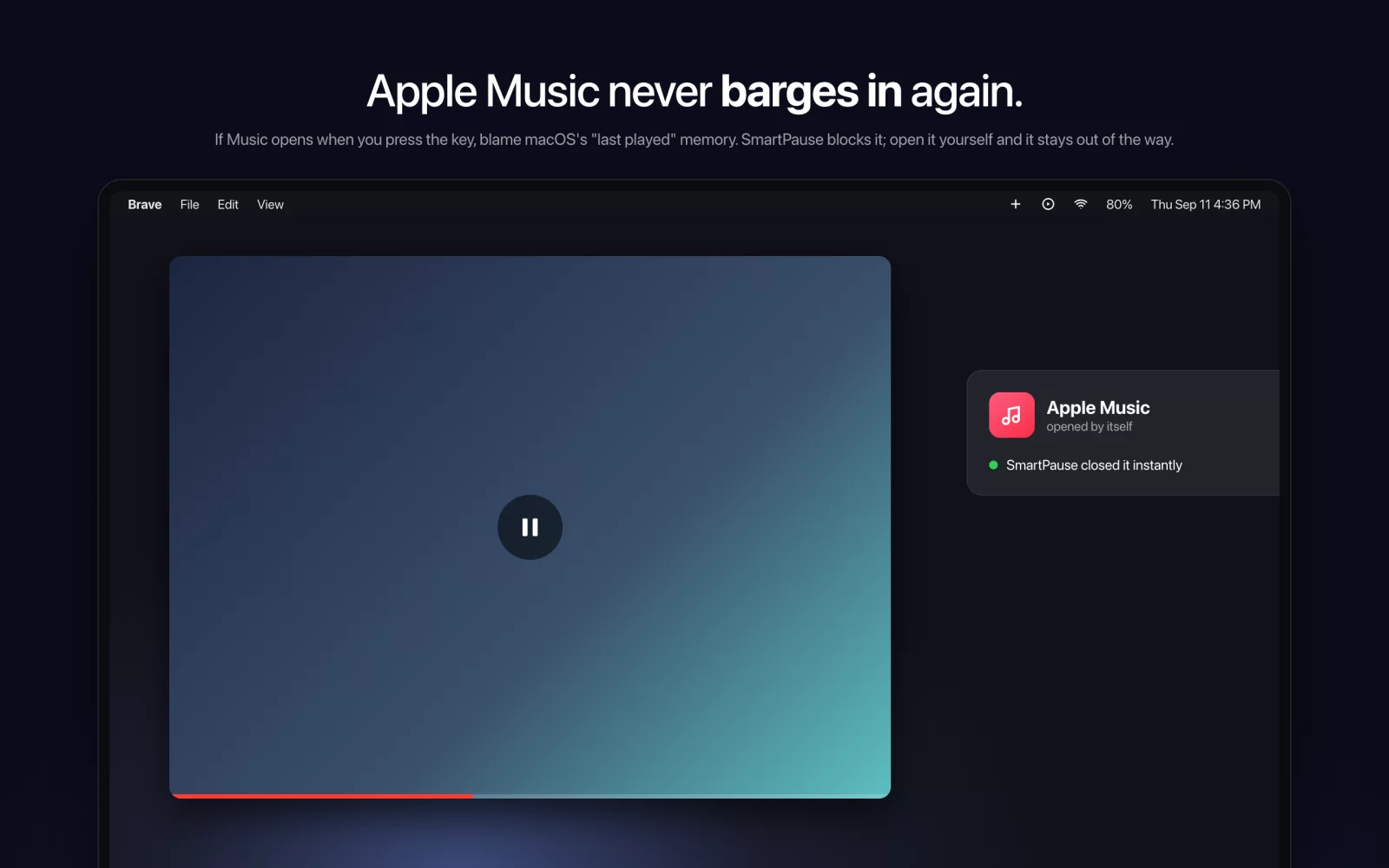
On macOS the play/pause key doesn't go to the app that is making sound. It goes to whatever the system last remembers, and often to nothing at all. You want to pause YouTube; Apple Music opens. SmartPause catches the key, finds the app that is actually playing, and sends the command there.
What it does
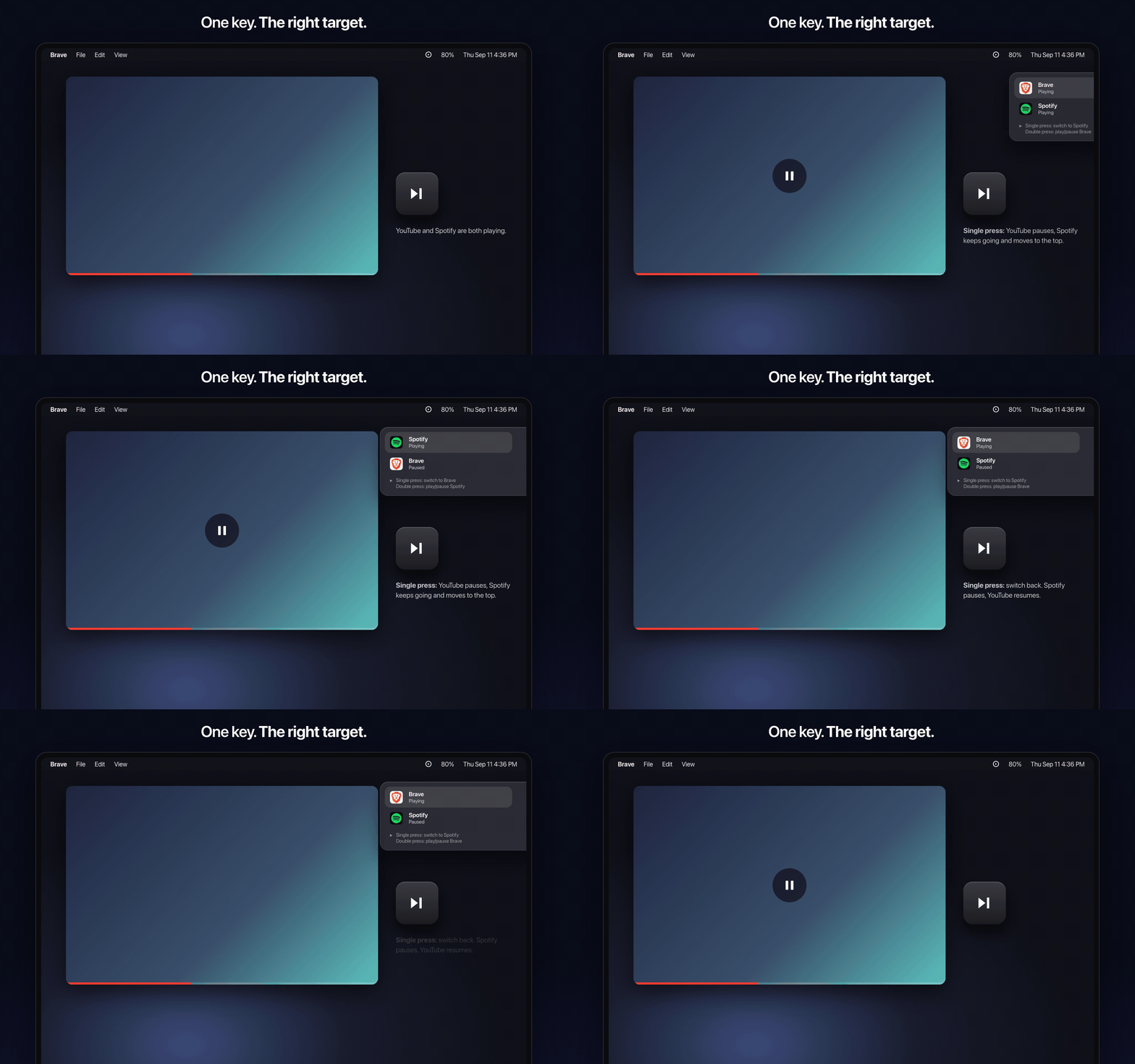
- One key, the right target. Whoever is making sound pauses. If nothing is playing, the last thing you paused resumes.
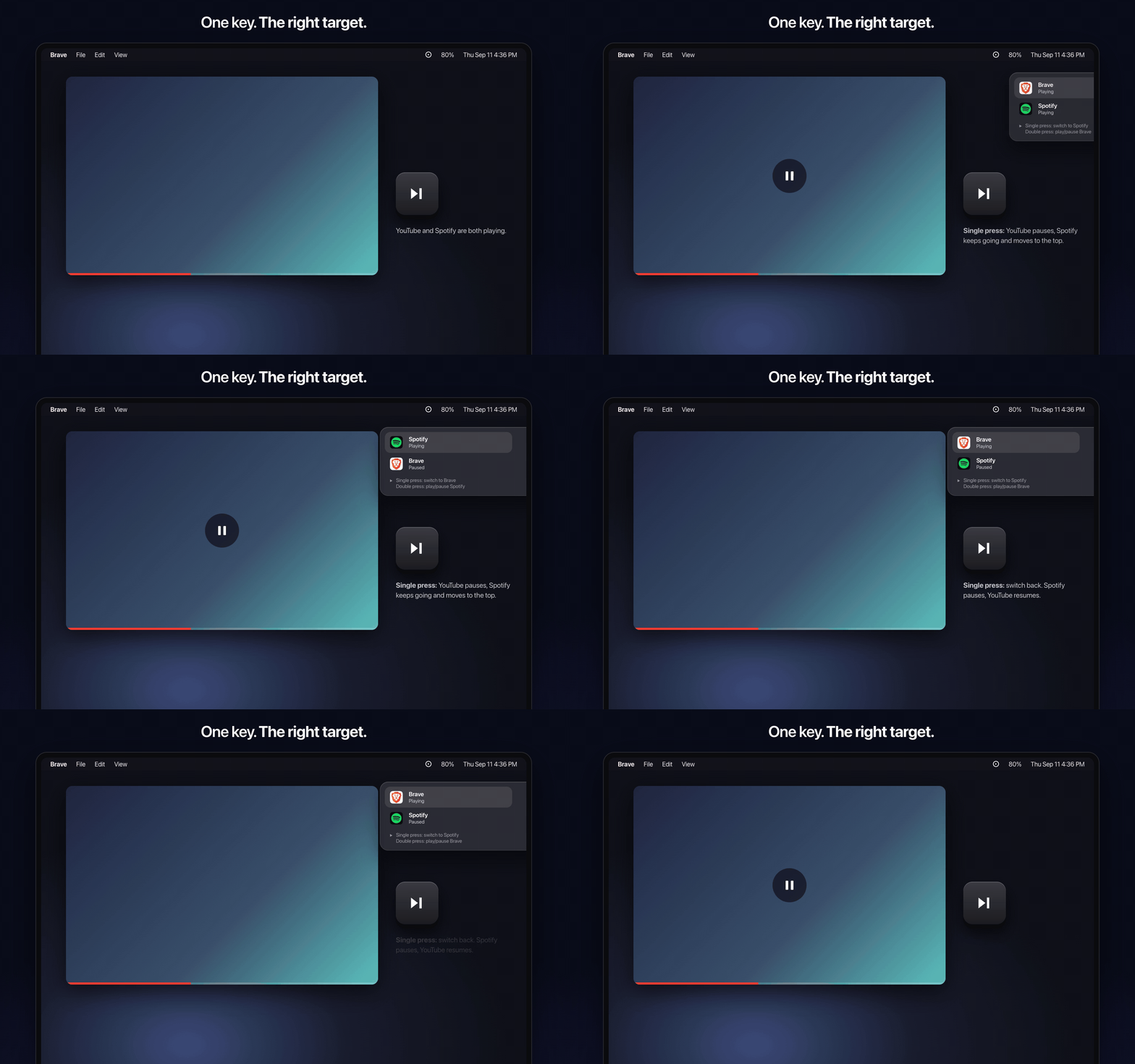
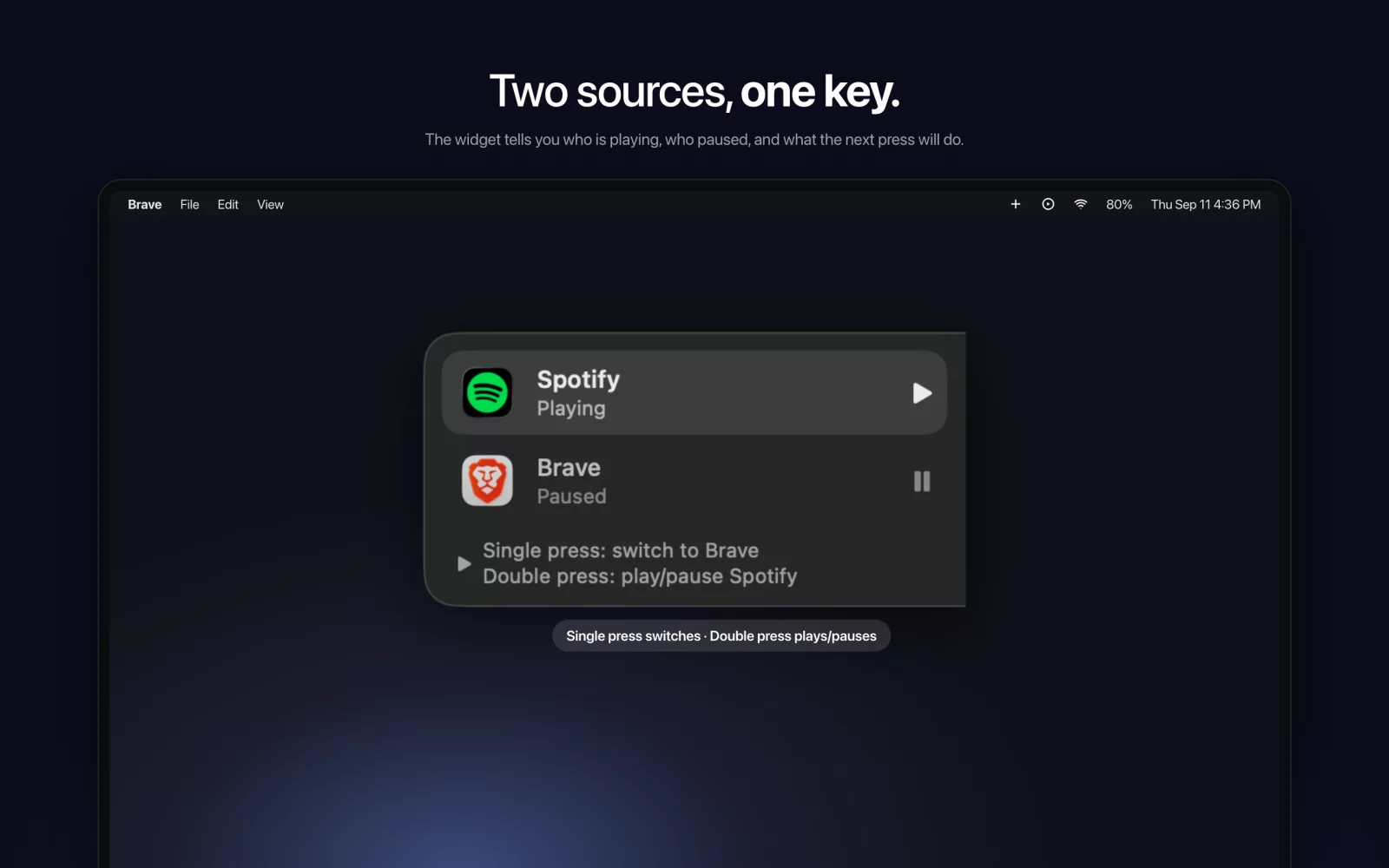
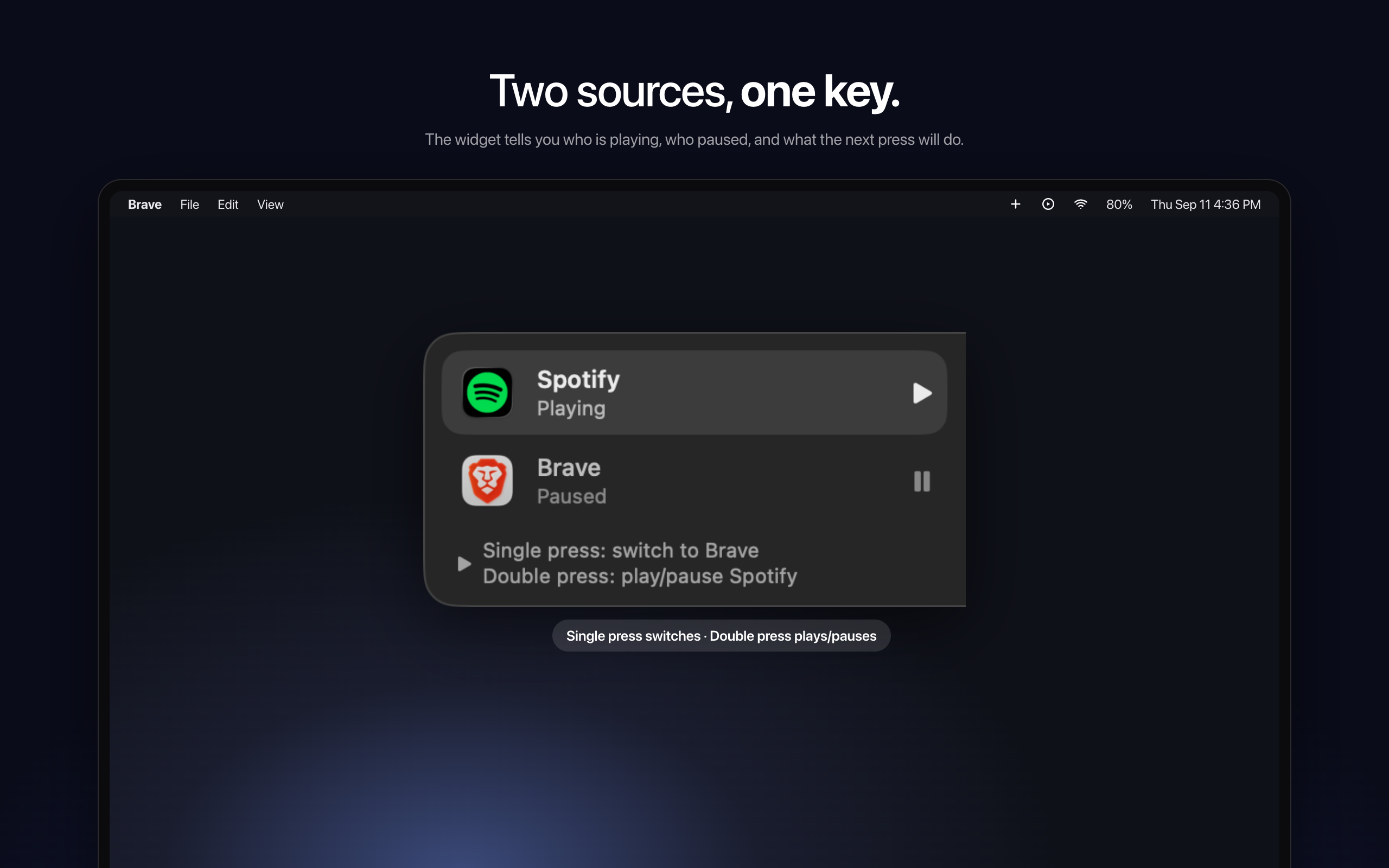
- Two sources, one key. YouTube and Spotify playing at once? A single press switches to the other one (the playing app pauses, the other starts). A double press plays/pauses the selected app. Two classic modes are available too.
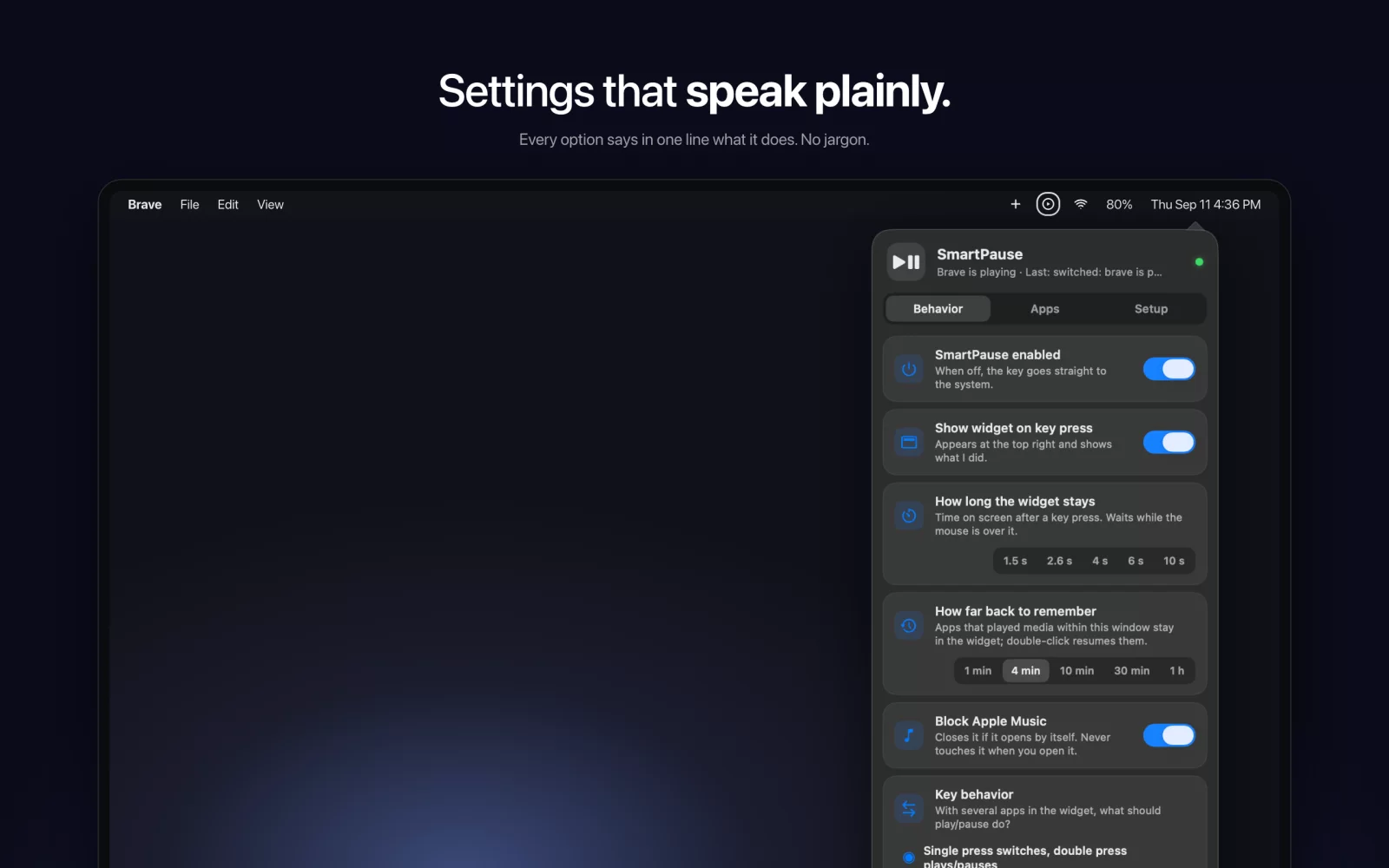
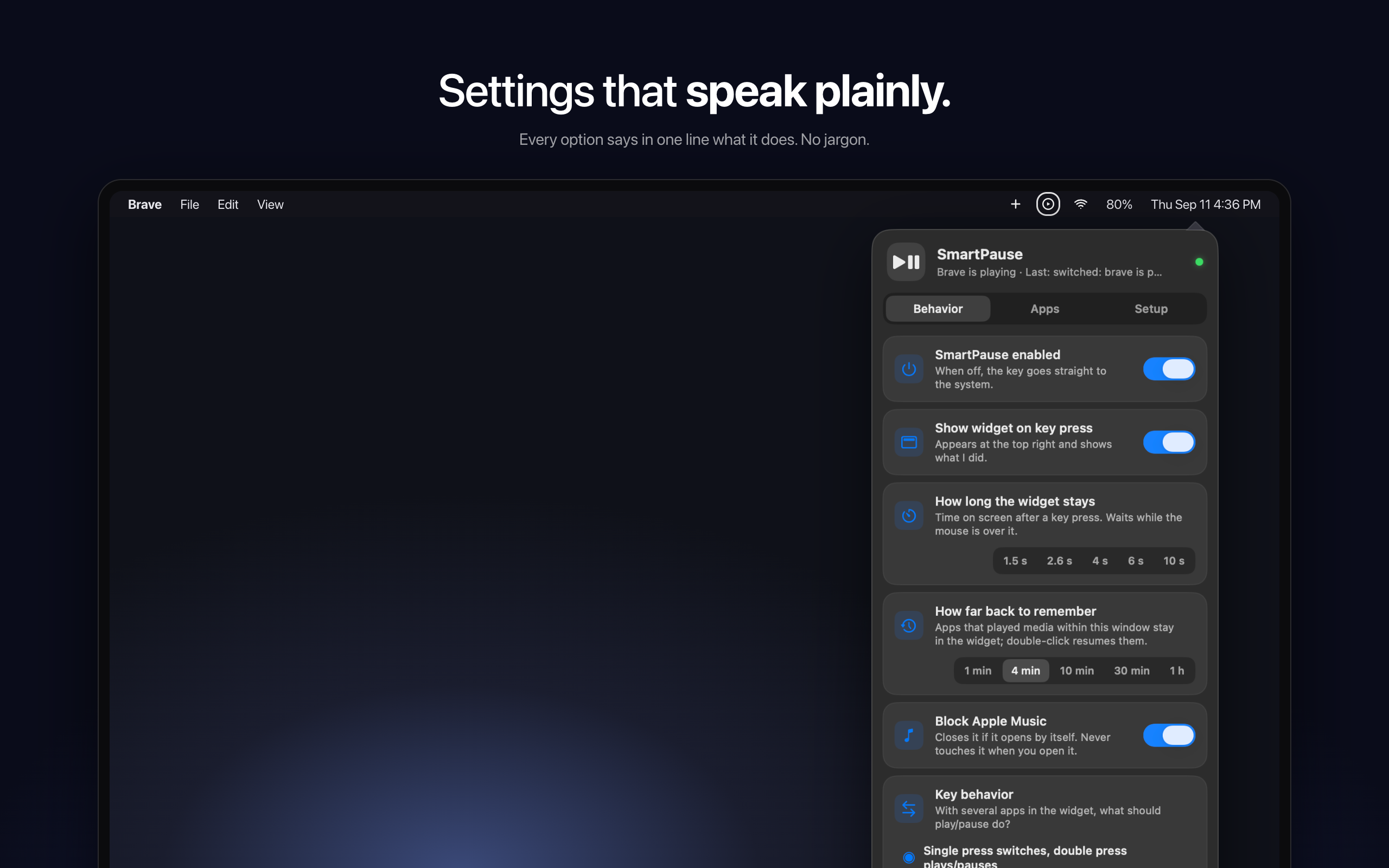
- Widget. Appears at the top right on every press: who is playing, who is paused, what the next press will do. Slides in from the screen edge, steps below macOS notifications, remembers apps that played in the last few minutes so you can resume them.
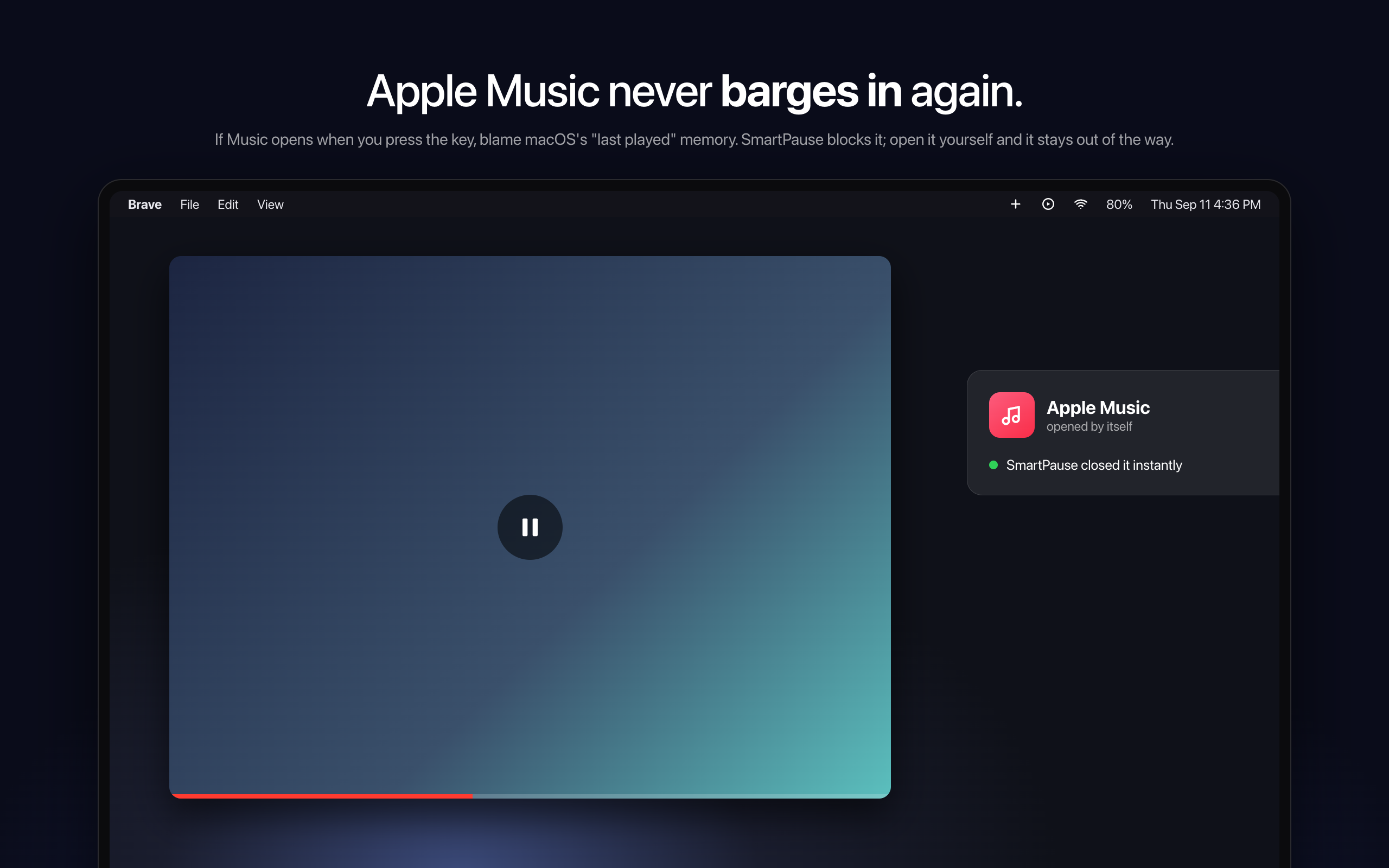
- Apple Music blocker. Closes Music if it opens by itself. Never touches it when you open it.
- Next / previous keys work in Spotify, Apple Music and VLC.
- English and Turkish interface.
How it works
- Key capture. A
CGEventTapcatches play/pause/next/previous (needs the Accessibility permission). The tap runs on its own thread so it never stalls. - Audio detection. Core Audio's public process API (macOS 14.2+) reports which process is outputting sound right now. No microphone or screen-recording permission; zero CPU when idle.
- Command to the target. An adapter per app: Spotify, Apple Music, VLC and the browsers (Chrome, Brave, Arc, Safari) are driven with AppleScript, each call capped at 4 seconds. If an app has no adapter, the key is handed back to the system untouched. There is never a dead key.
- Music blocker. If Apple Music launches by itself it is closed immediately (optional).
No private APIs, with one isolated exception: responsibility_get_pid_responsible_for_pid maps helper processes to their parent app and degrades safely if unavailable.
Install
Homebrew:
brew install --cask yasinozmeen/smartpause/smartpause
Or grab the zip from the latest release, unzip, open. The app offers to move itself to the Applications folder.
From source:
git clone https://github.com/yasinozmeen/smartpause && cd smartpause
./scripts/bundle.sh && open build/SmartPause.app
On first launch:
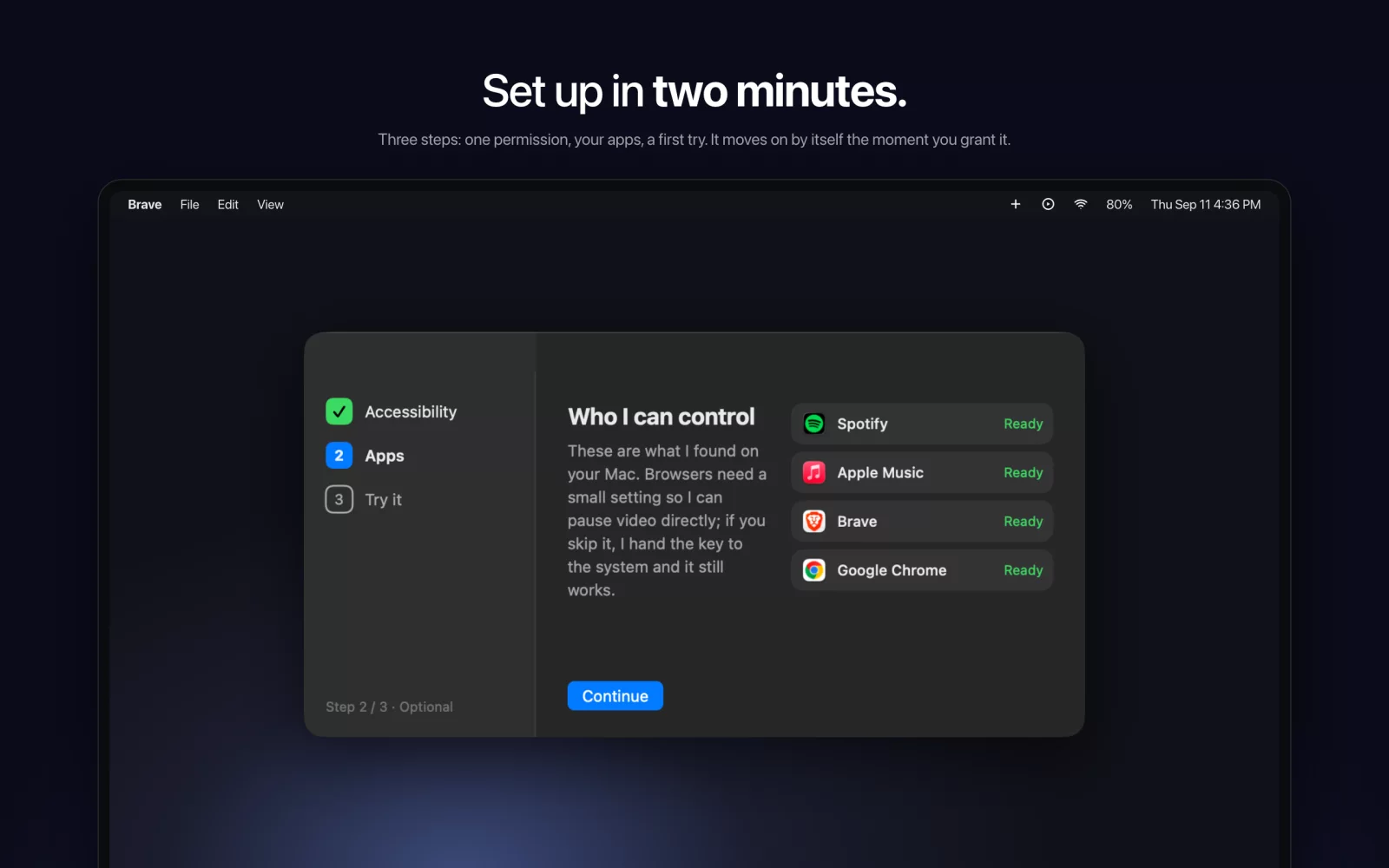
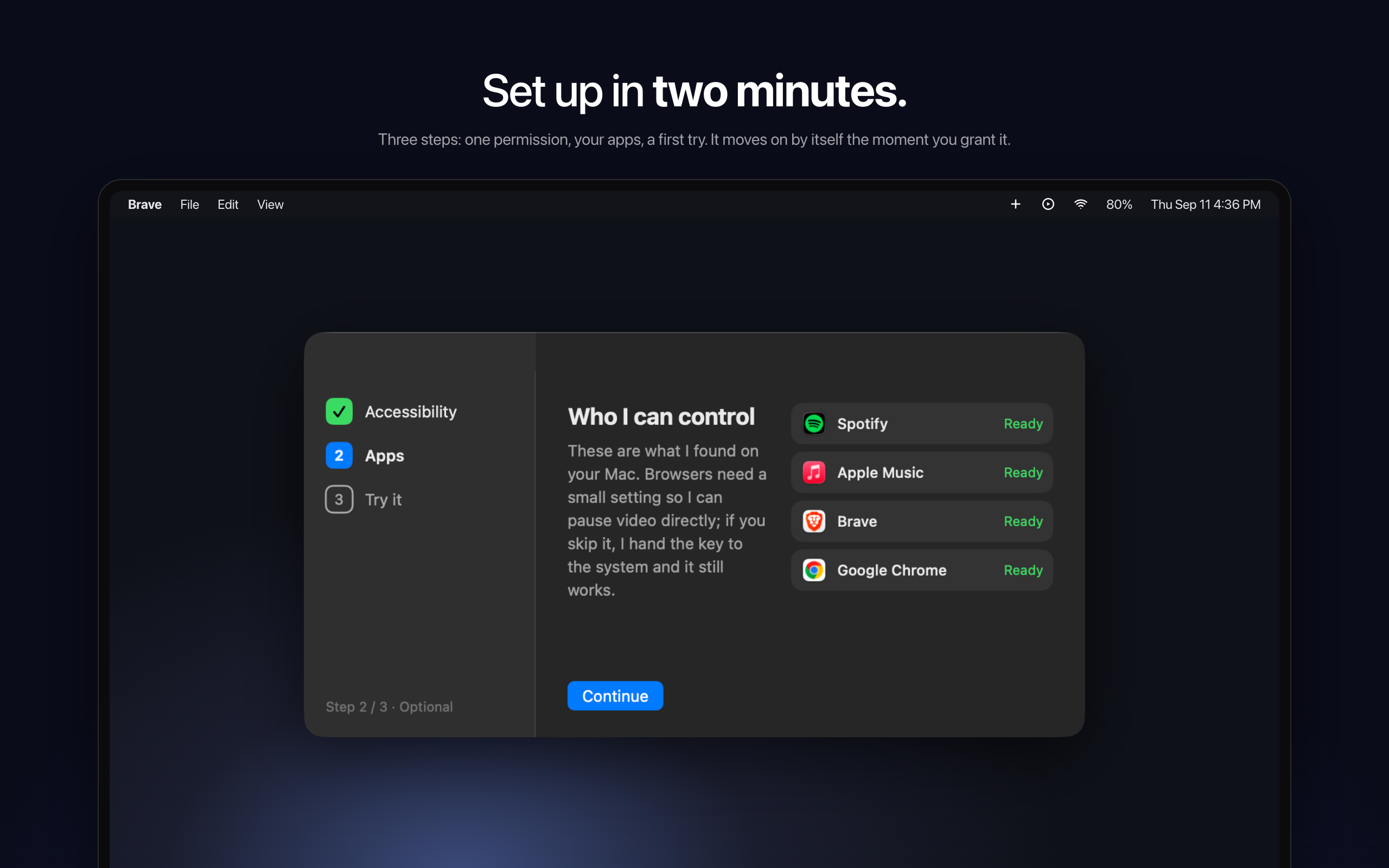
- Accessibility permission is required. System Settings › Privacy & Security › Accessibility.
- On the first key press macOS asks once per app for Automation.
- To pause video inside a browser directly, enable "Allow JavaScript from Apple Events" (Chrome/Brave: View › Developer; Safari: Develop menu). Optional: without it the key is handed to the system, which already works while the browser is the active player.
Status
v0.2 — Spotify, Brave, Chrome and Safari verified on real machines. Arc and VLC adapters exist but are untested by the maintainer; a log from a real machine is all it takes (issue or PR). Technical notes and decisions: docs/NOTES.md (Turkish).
Requires macOS 14.2+ (Sonoma), Apple Silicon or Intel.
Contributing
Every change comes in through a pull request; CI (build + swift test) must pass and the maintainer must approve before it lands on main. Attach ~/Library/Logs/SmartPause.log to bug reports. Details: CONTRIBUTING.md.
Support
SmartPause is free and will stay free. If it fixed a daily annoyance, buy me a coffee; it goes toward the Apple Developer ID so releases can be notarized.
License
MIT